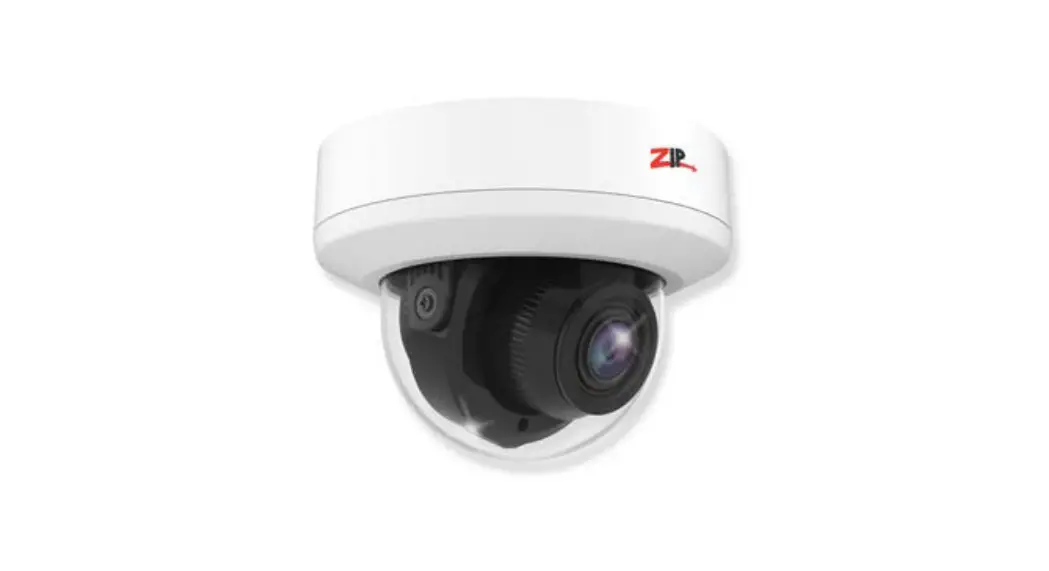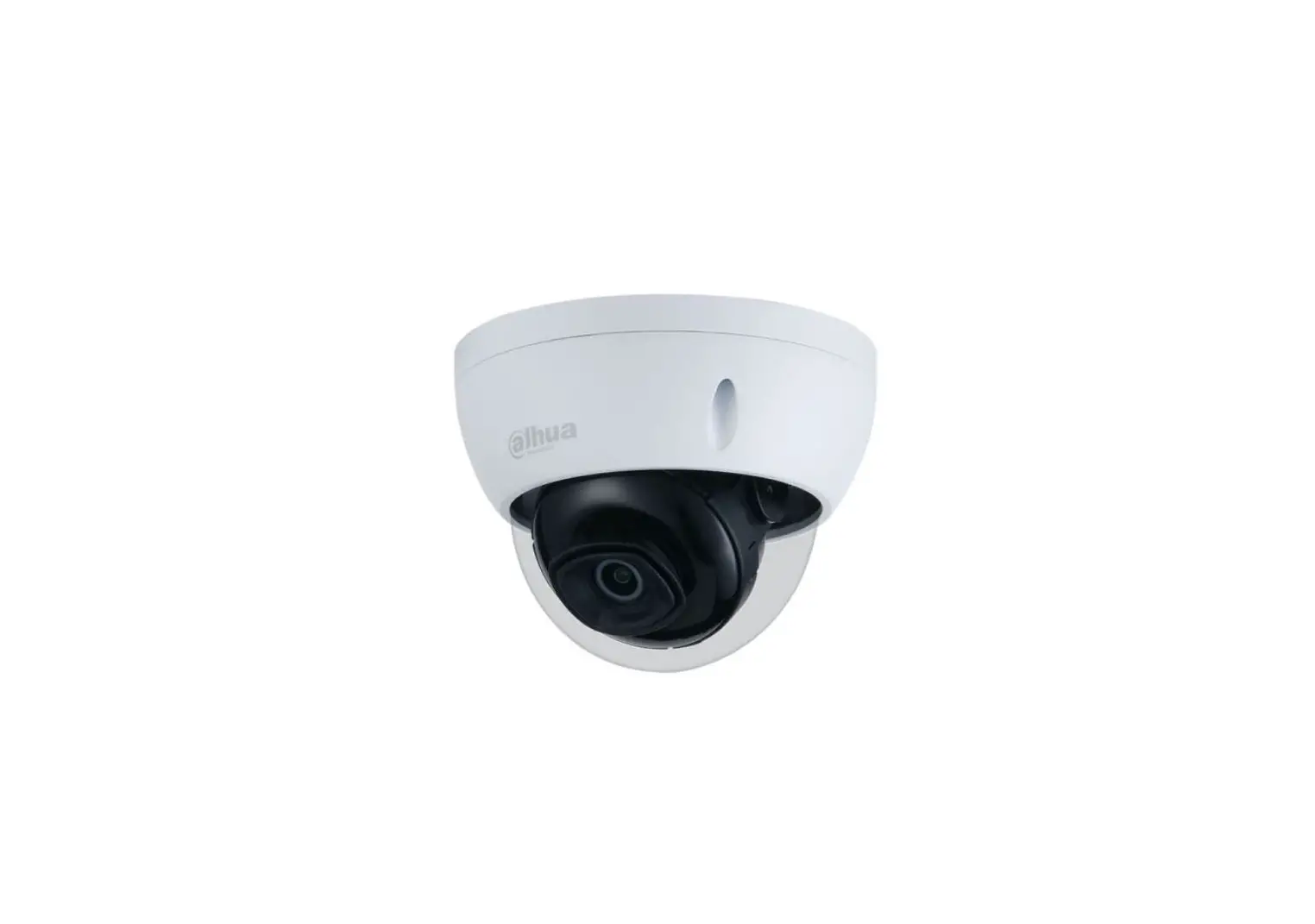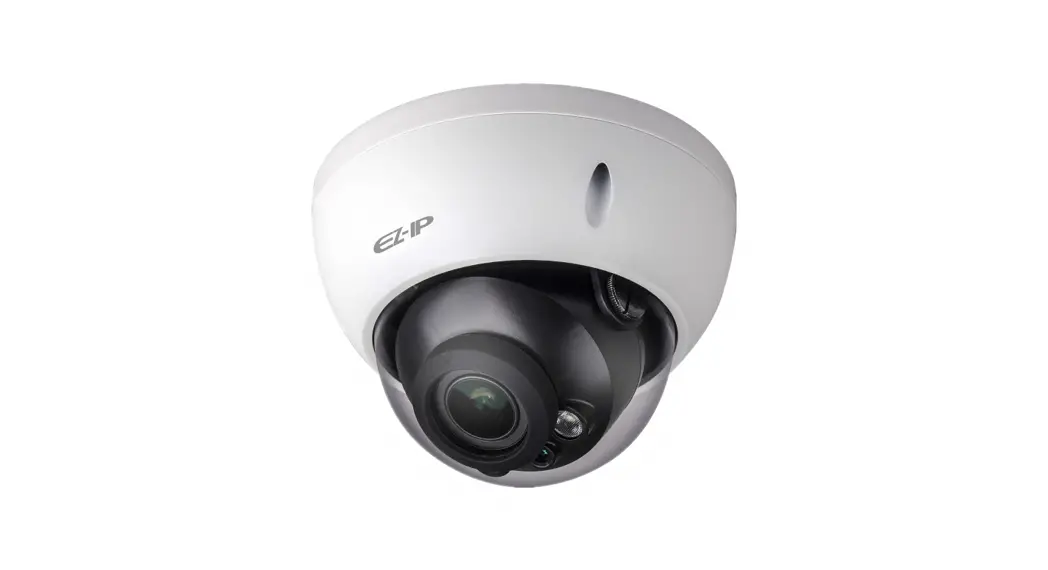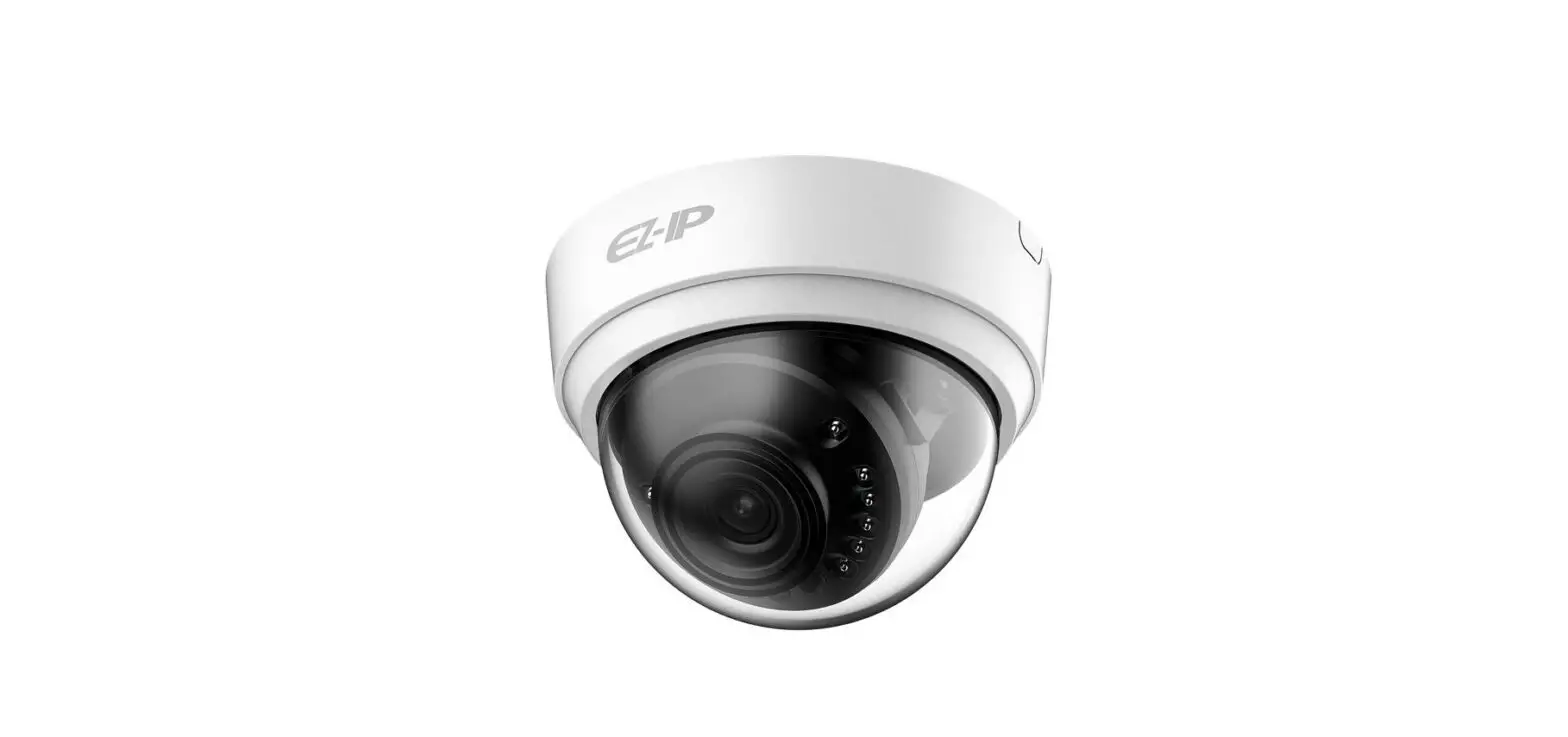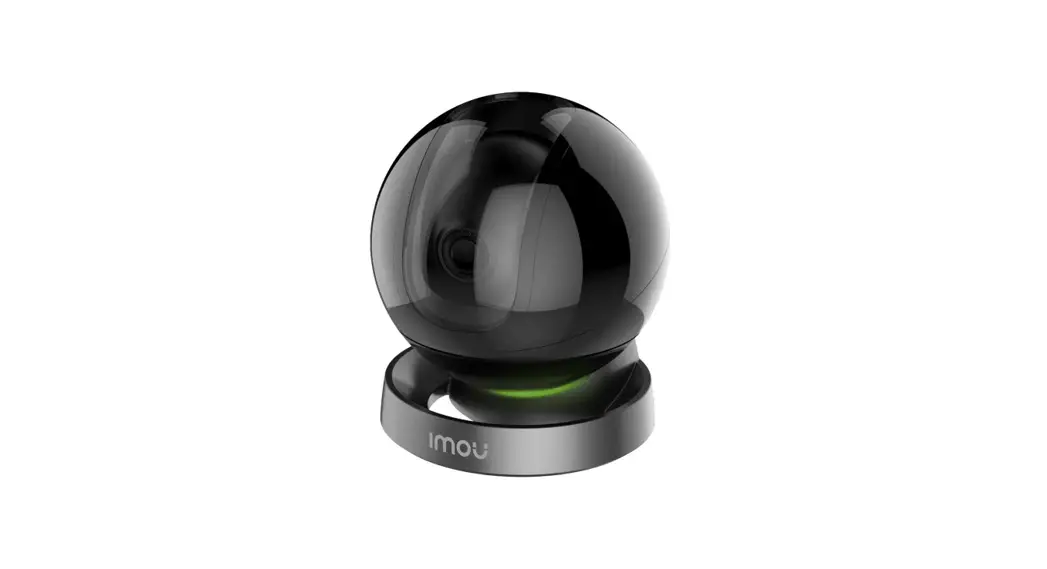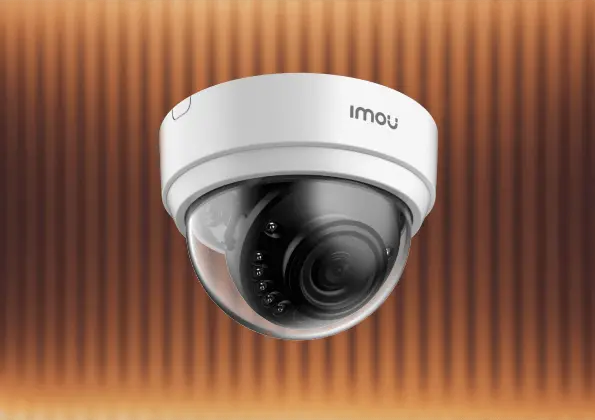

IMOU IPC-D22P Dome Lite 4MP
Thank you for choosing IMOU.
We are devoted to providing you easy smart home products. If you have problems using the product, please contact our service team before returning your product.
Our service mail: [email protected]
Frequently asked questions can be found at imoulife.com/support/help
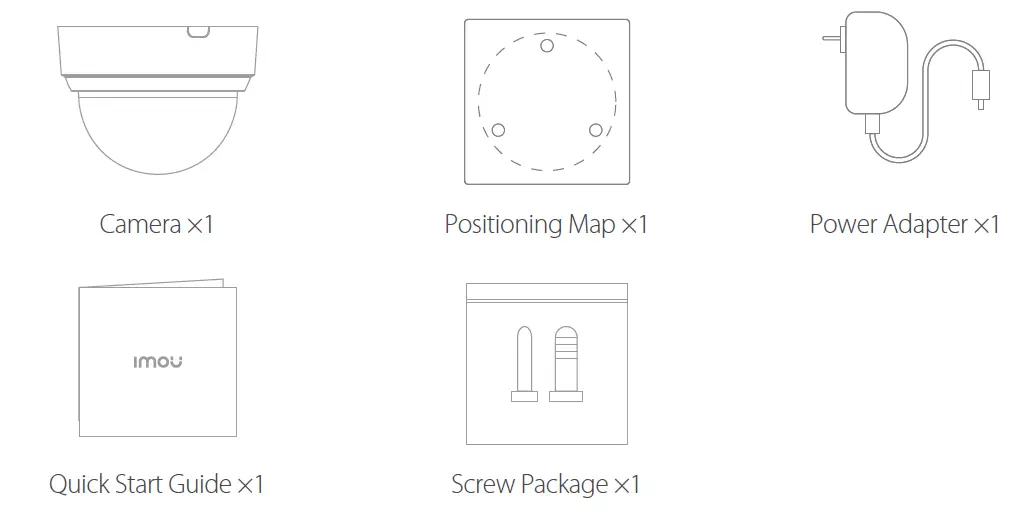
Packing content
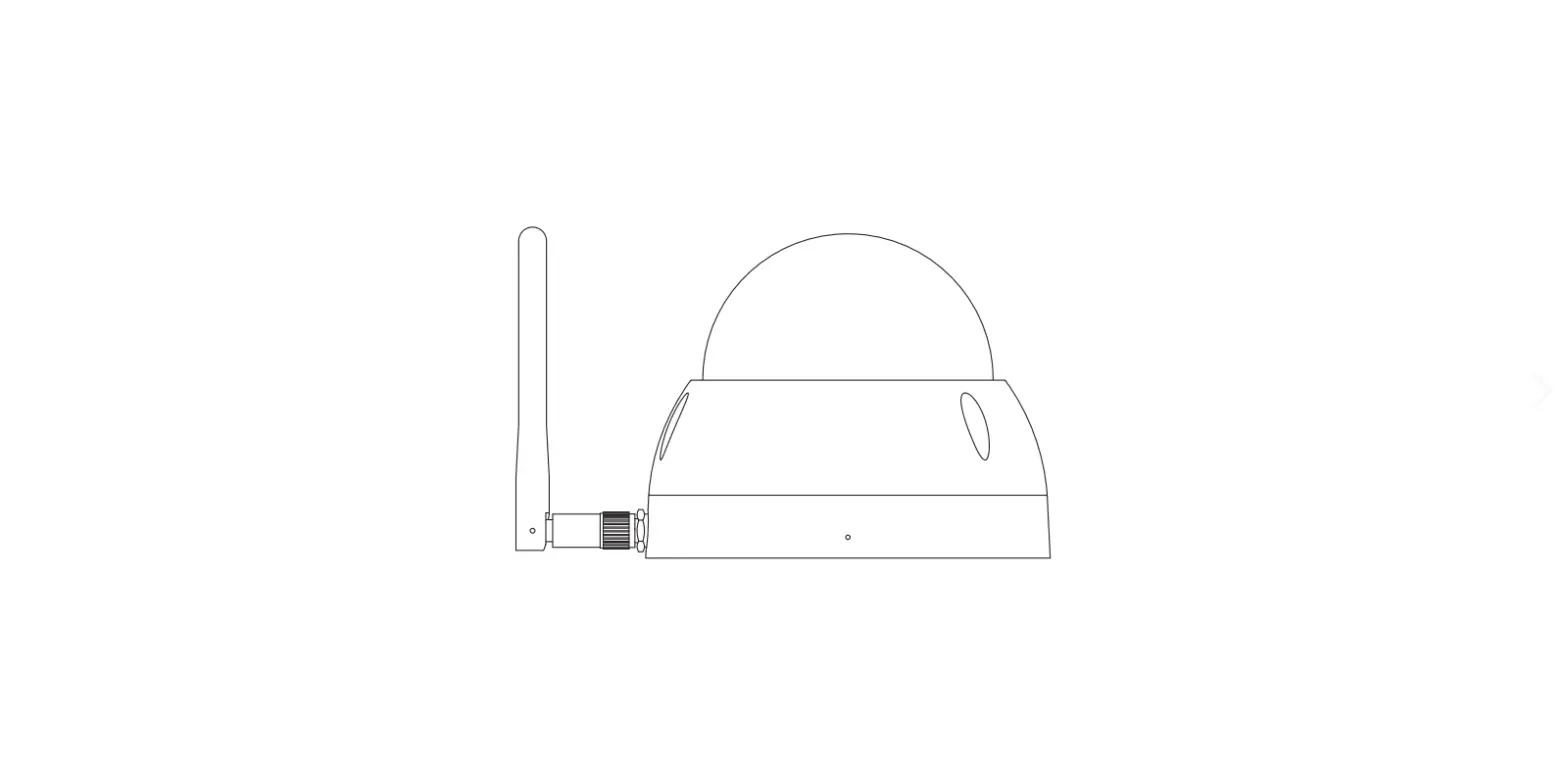
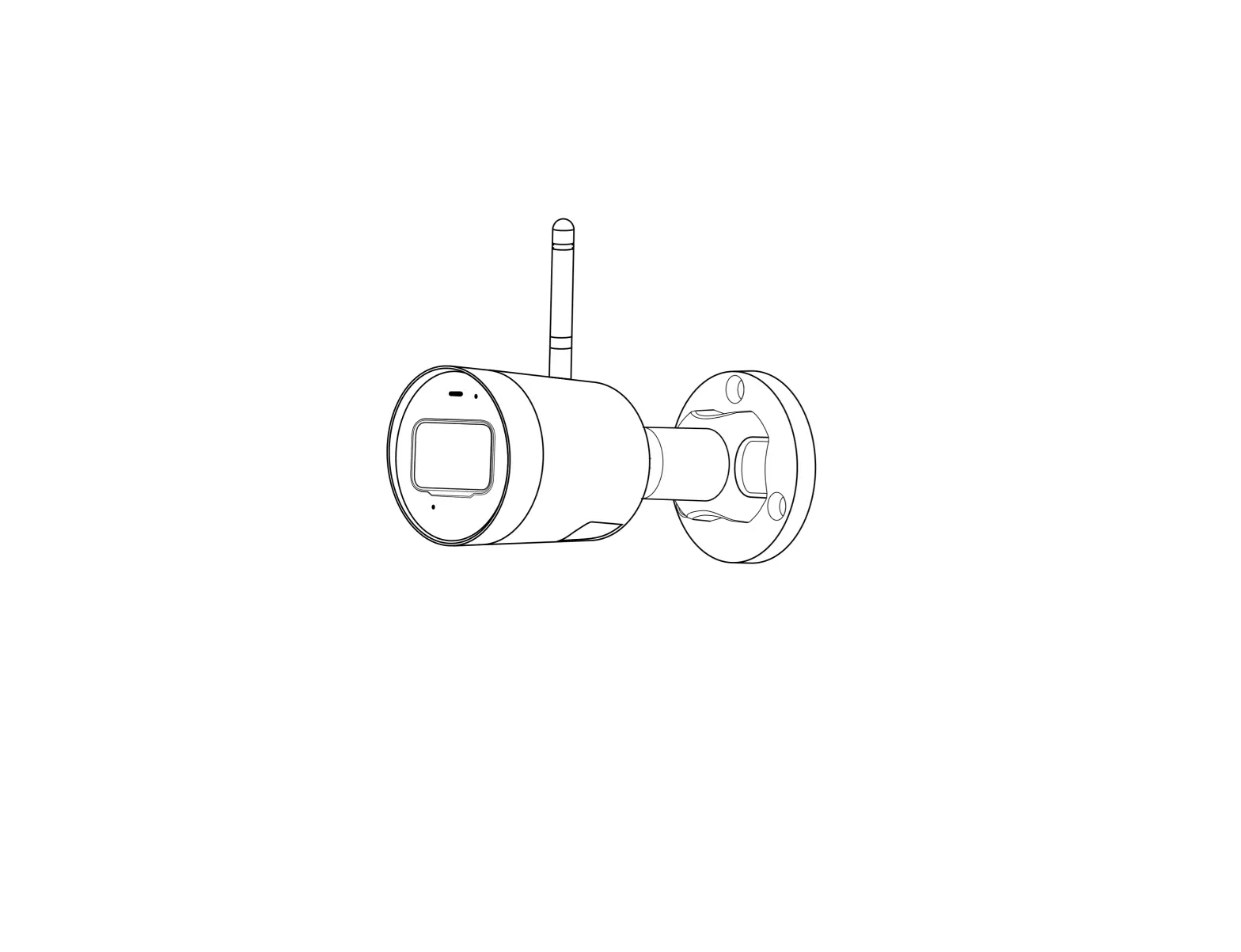
Camera introduction

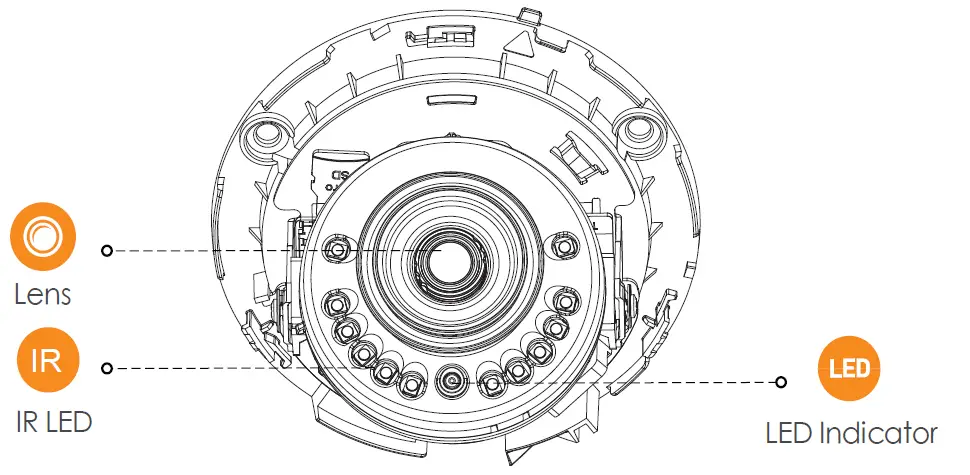
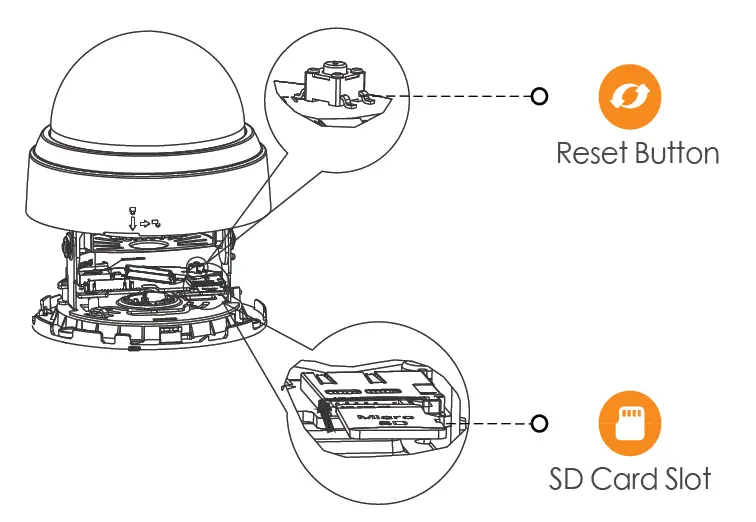
Note: Press and hold the reset button for 10 s to reset the camera.
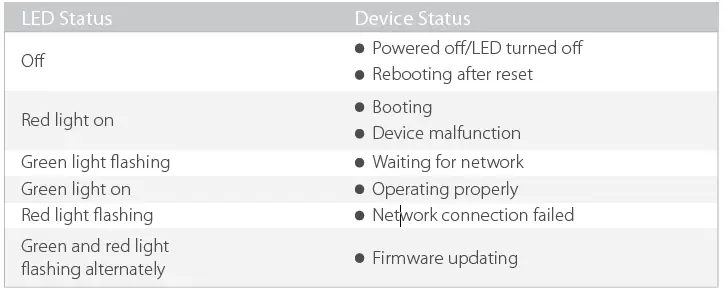
The pattern of the LED indicator is included in the following table.
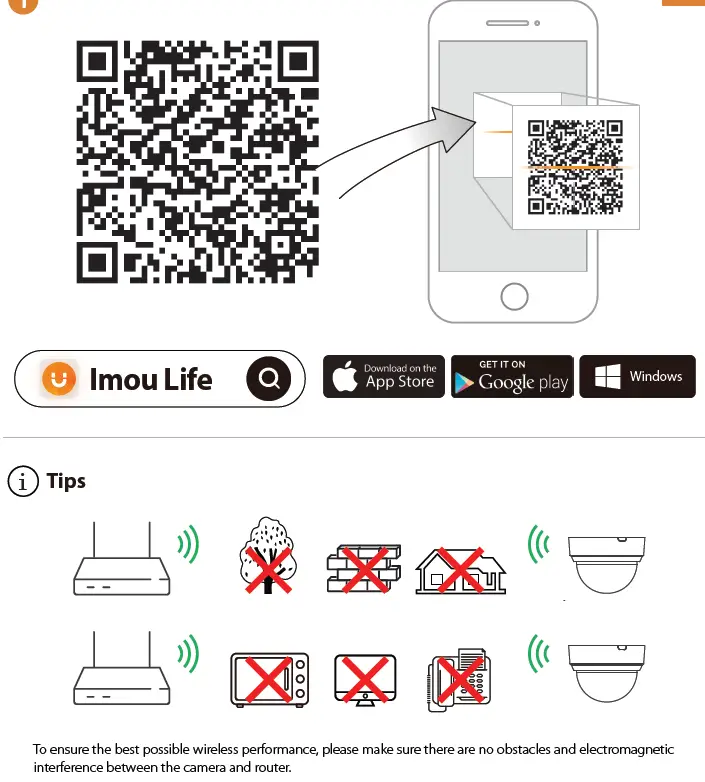
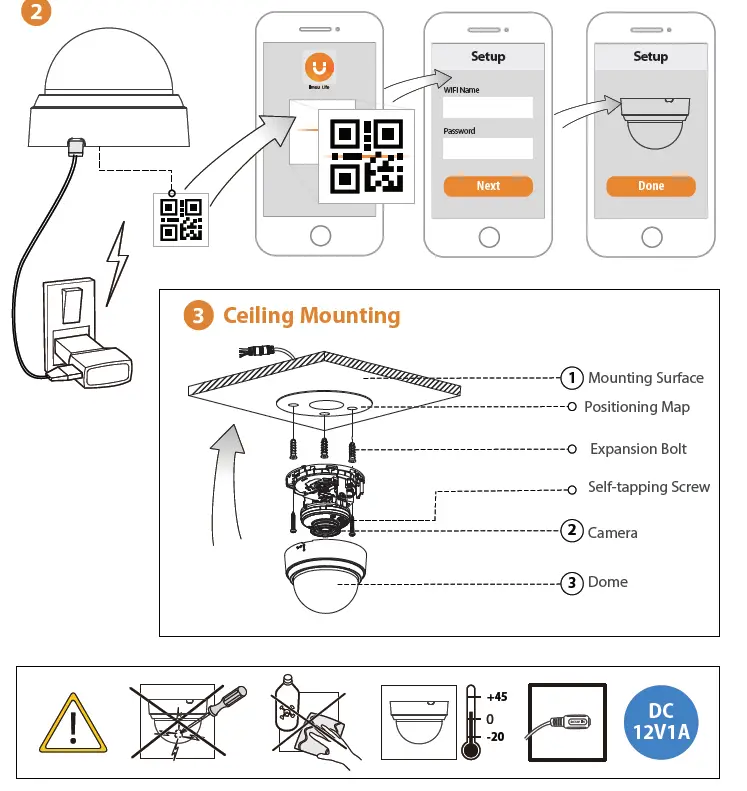
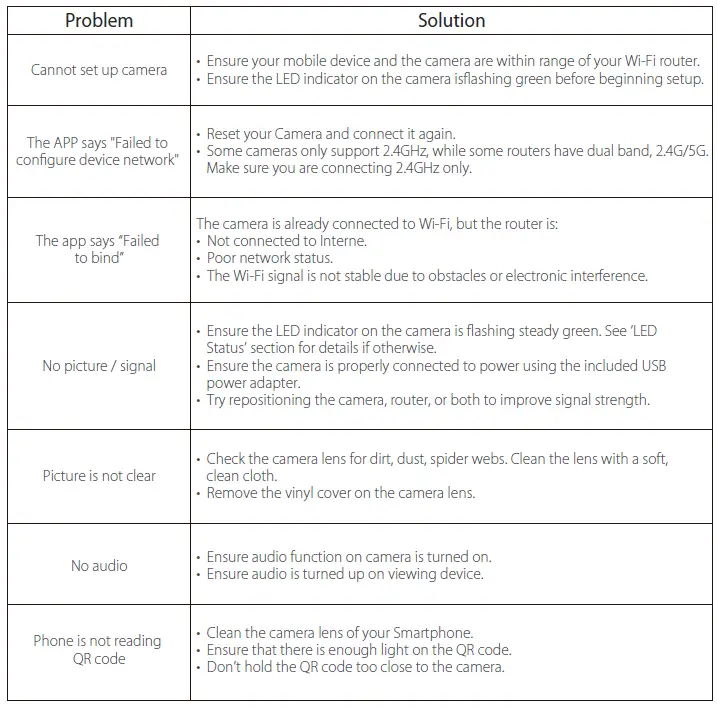
Troubleshooting
 Imou | Enjoy Smart Life