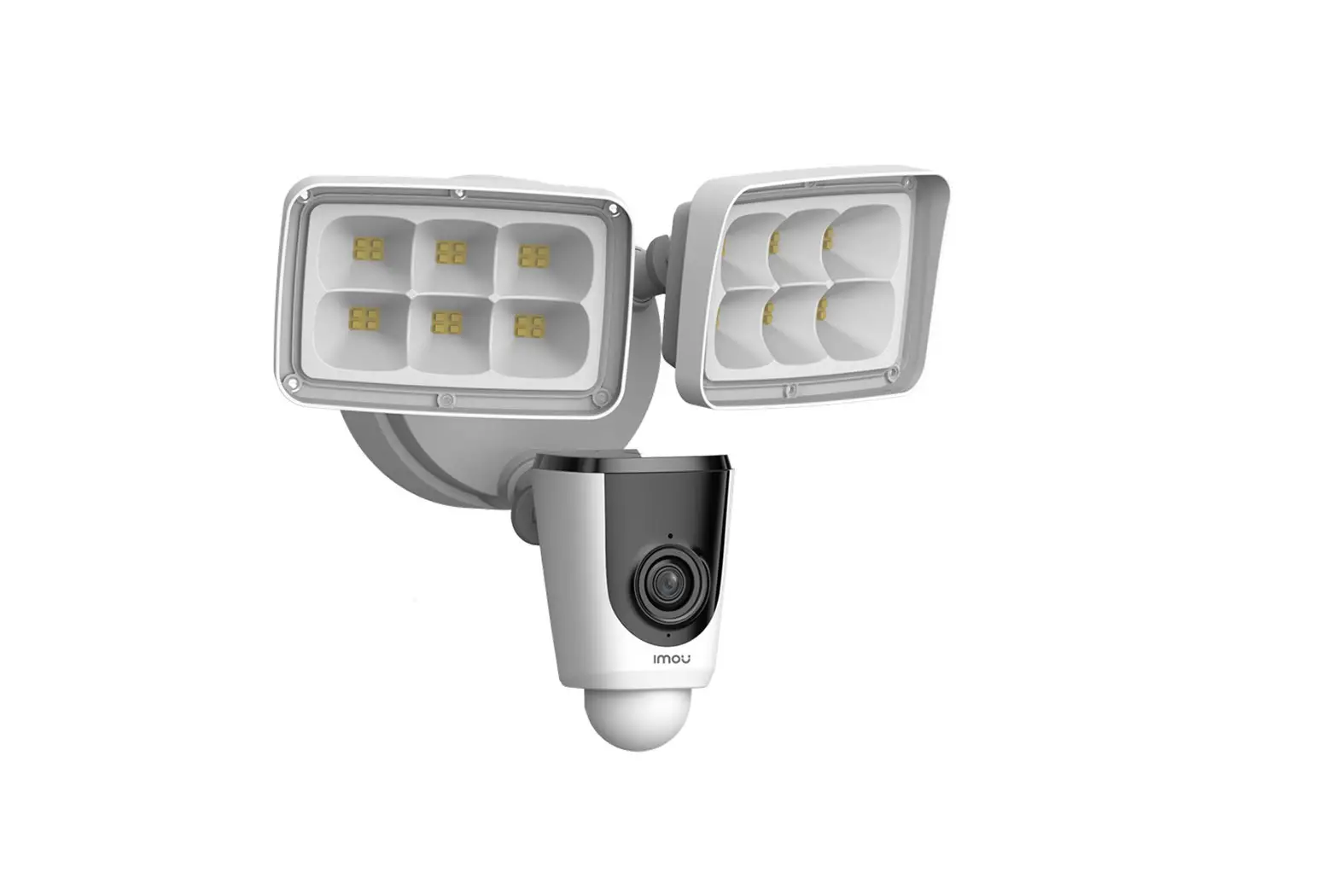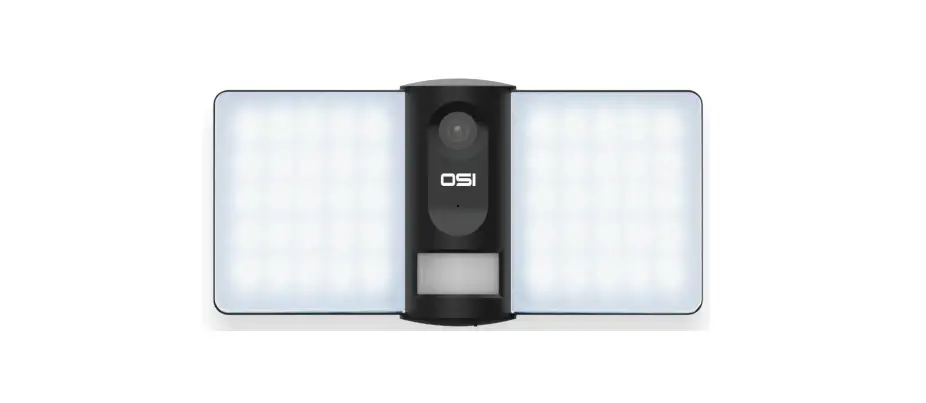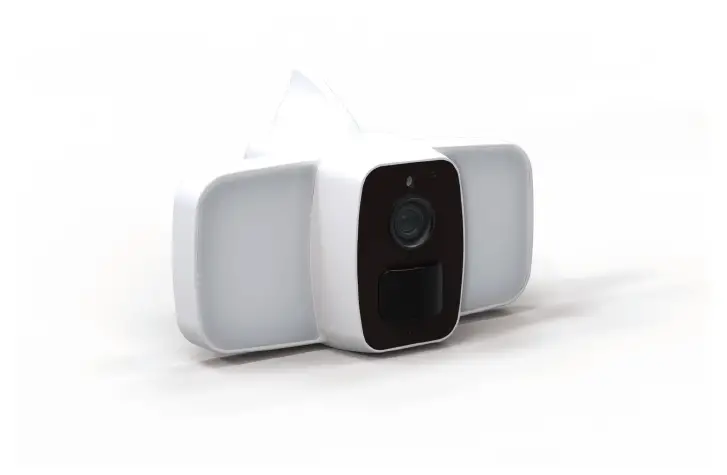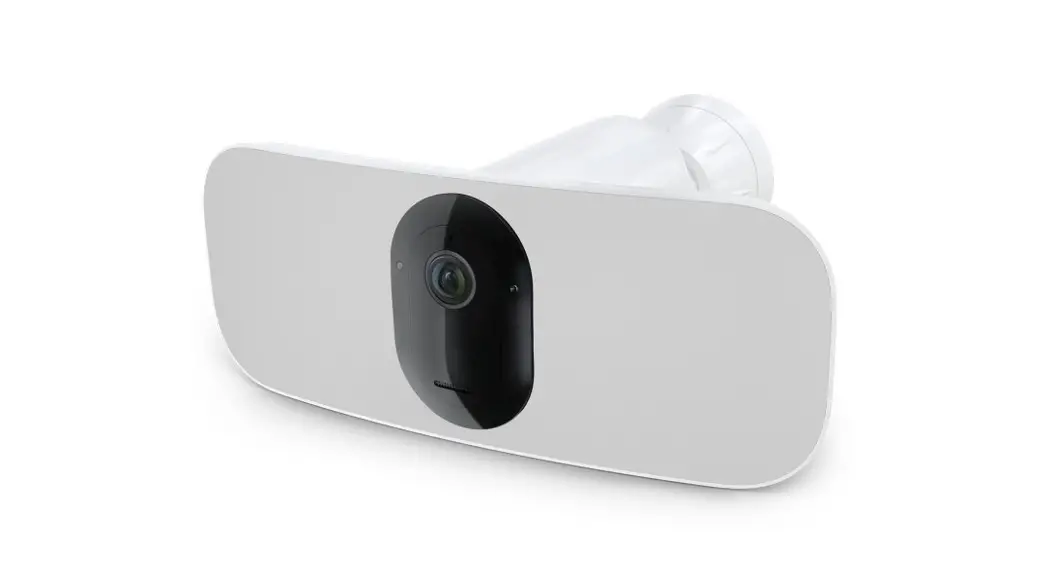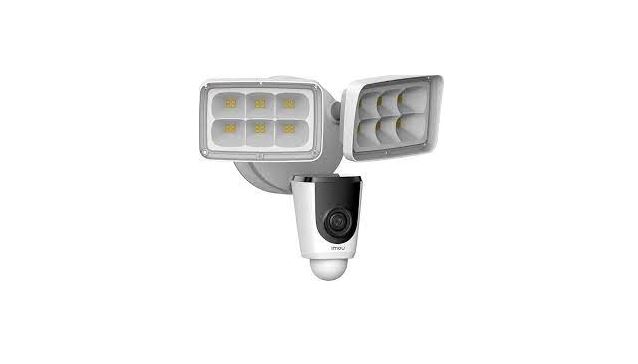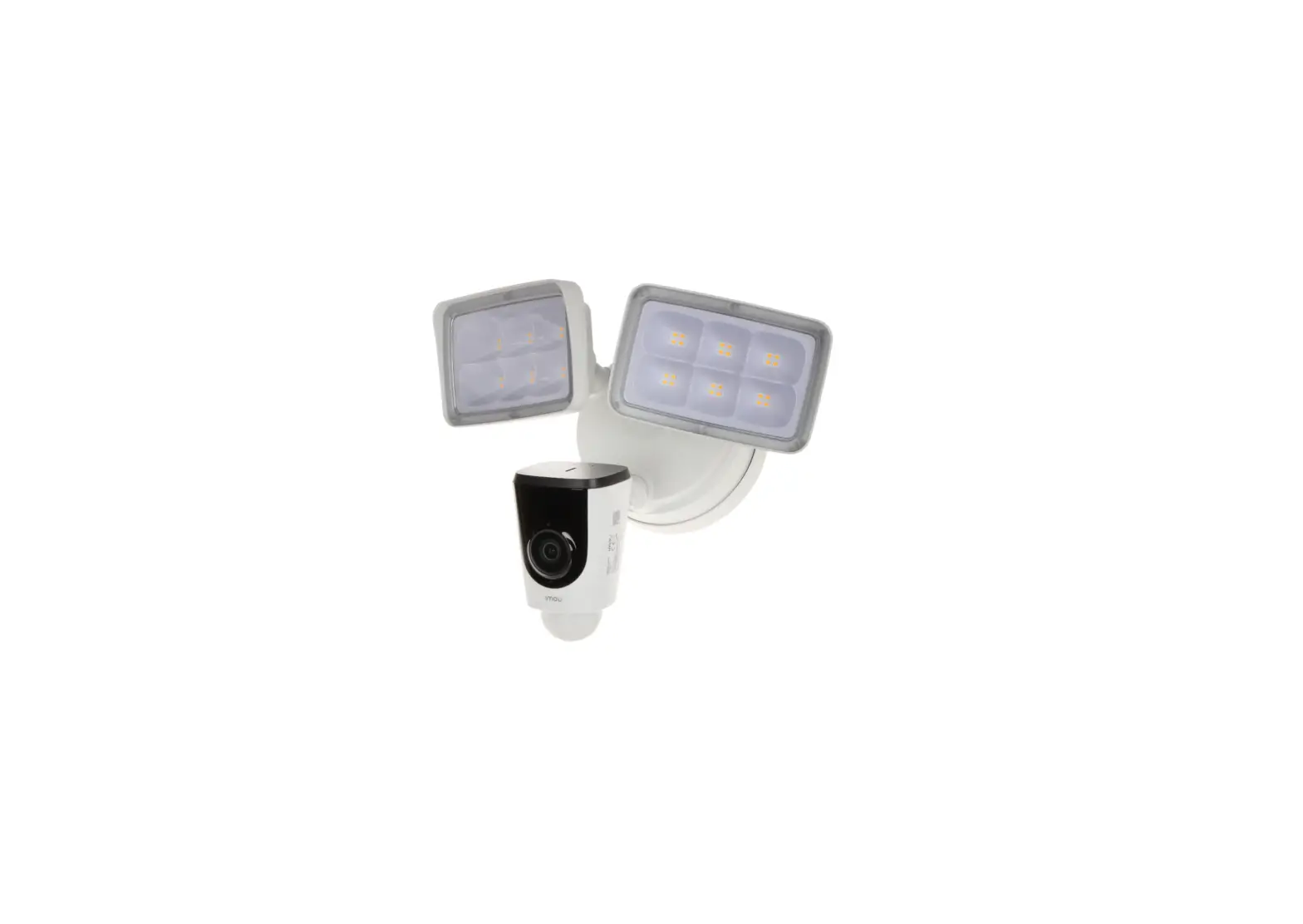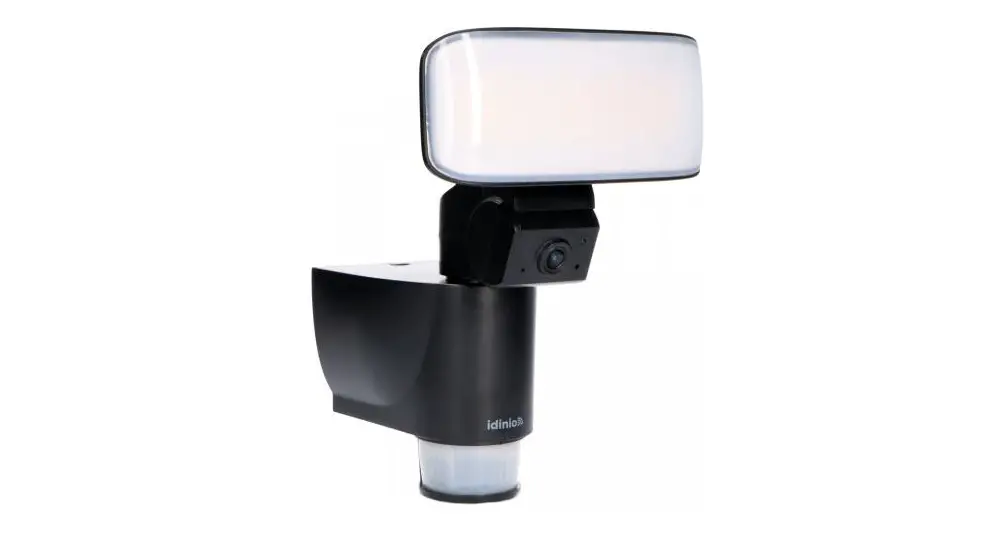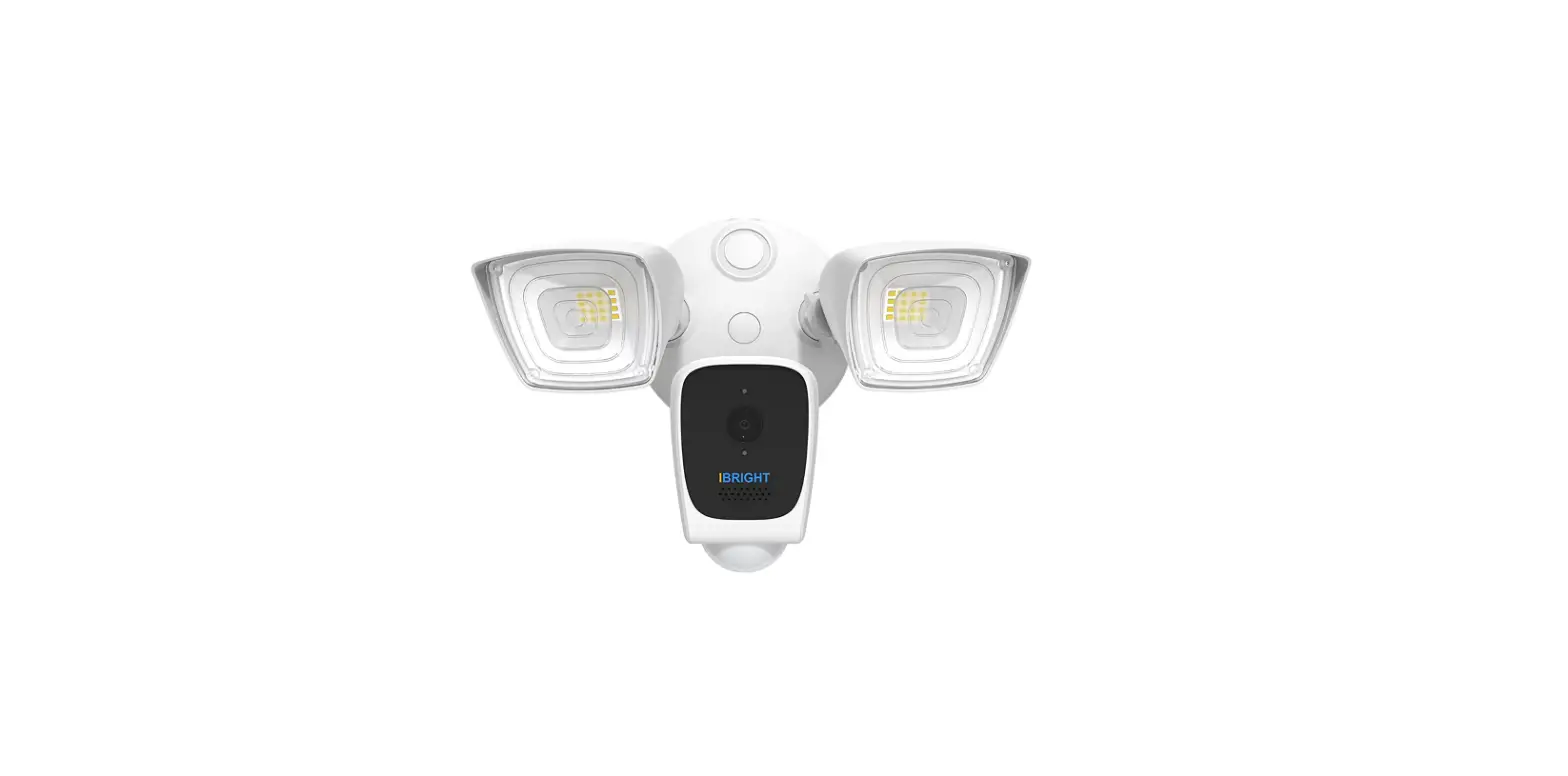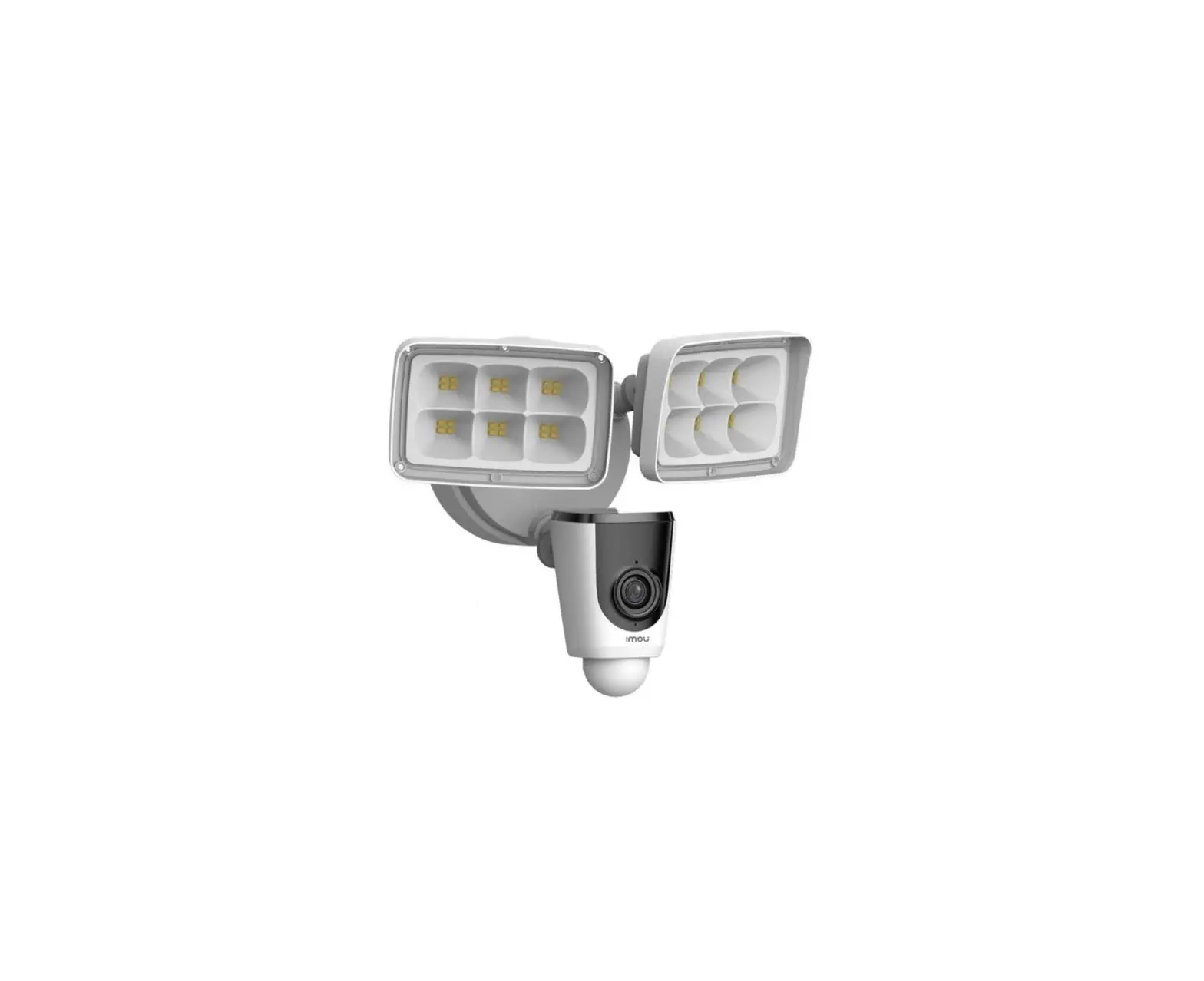
Imou Ipc-l26p Floodlight Cam User Guide

Imou Ipc-l26p Floodlight Cam User Guide

IMOU IPC-L26P Floodlight Cam User Guide
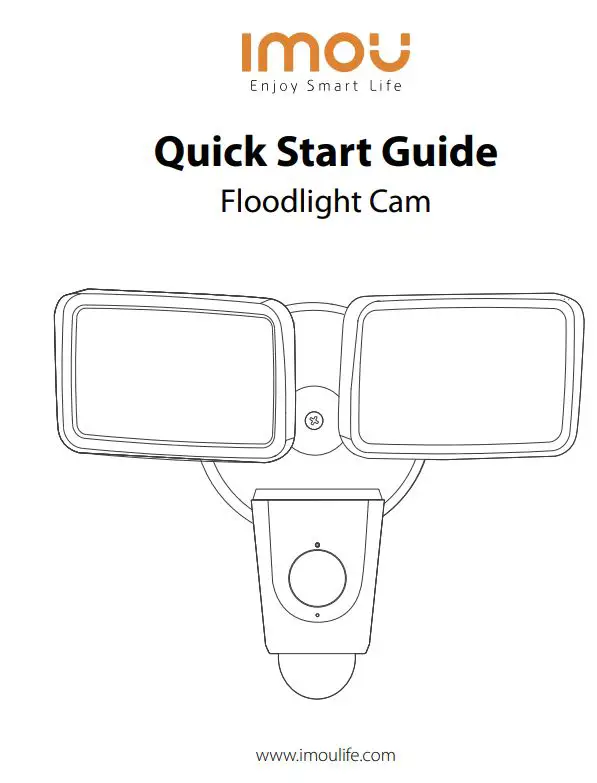
IMOU IPC-L26P Floodlight Cam User Guide

www.imoulife.com

Welcome
Thank you for choosing IMOU. We are devoted to providing you easy smart home products. If you have problems using the product, please contact our service team before returning your product.

Our service mail: [email protected]

Frequently asked questions can be found at imoulife.com/support/help

IMOU IPC-L26P Floodlight Cam User Guide - QR Code

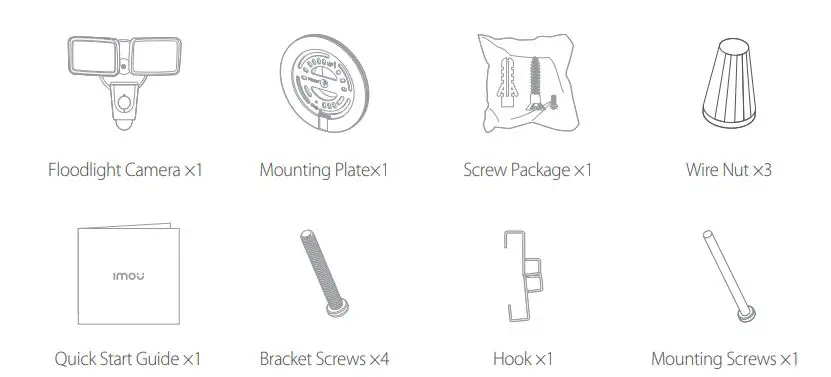
Package content

IMOU IPC-L26P Floodlight Cam User Guide - Package content

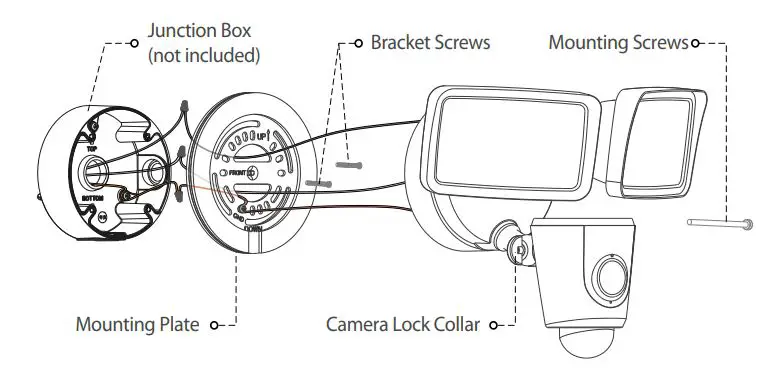
Assembly

IMOU IPC-L26P Floodlight Cam User Guide - Assembly

Application

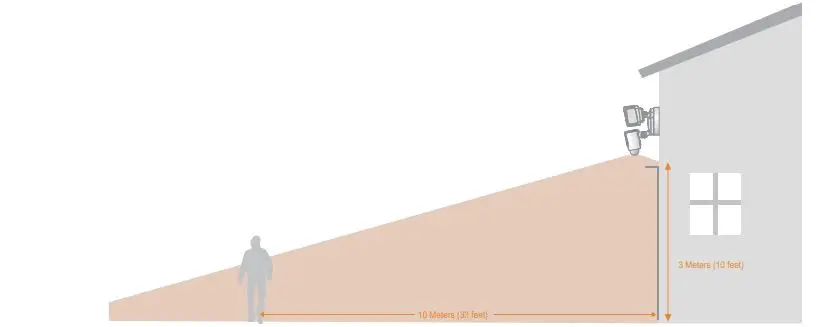
When mounted at 3 m (10 feet) off the ground, with the PIR lens parallel to the ground, the motion detector is optimized to detect human-sized objects at up to 10 m (33 feet).

IMOU IPC-L26P Floodlight Cam User Guide - Application
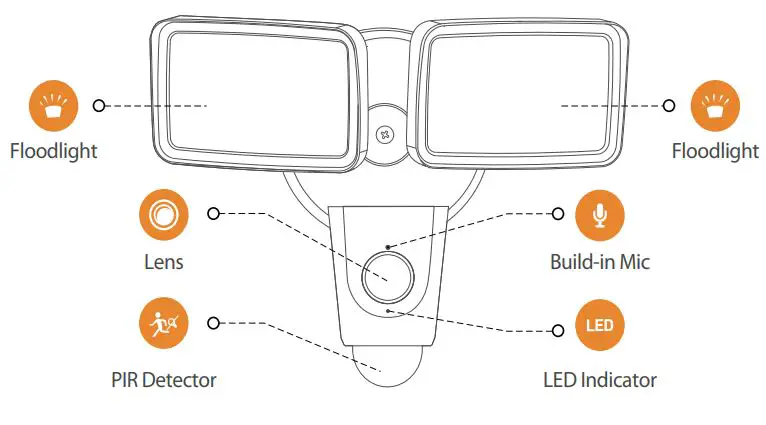
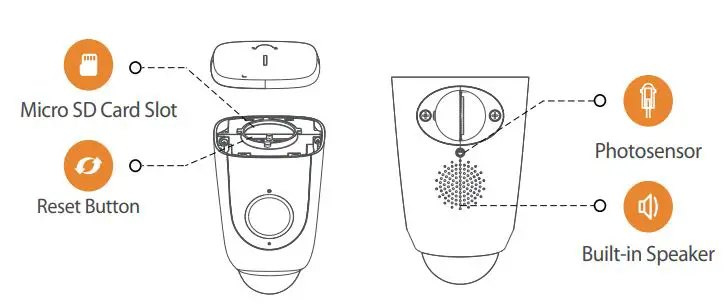
Camera Introduction

IMOU IPC-L26P Floodlight Cam User Guide - Camera IntroductionIMOU IPC-L26P Floodlight Cam User Guide - Camera Introduction

Note: Press and hold the reset button for 10 s to reset the camera.

The pattern of the LED indicator is included in the following table.
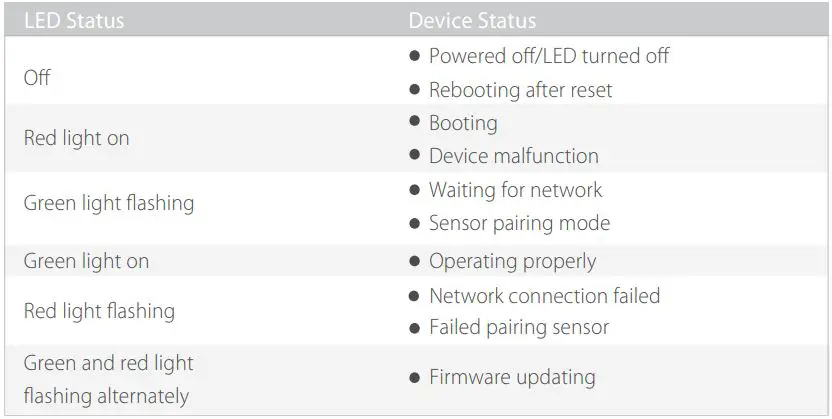
IMOU IPC-L26P Floodlight Cam User Guide - The pattern of the LED indicator is included in the following table


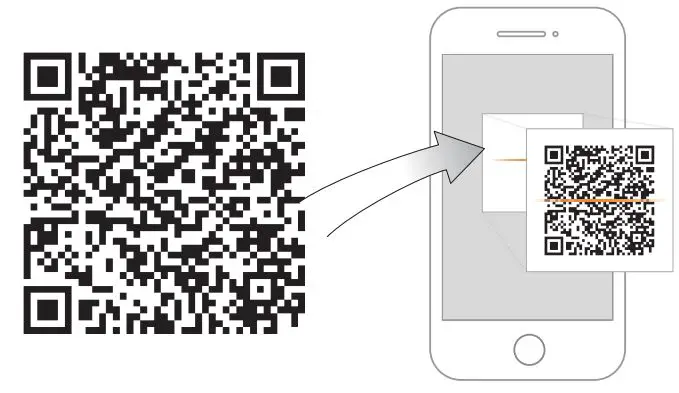
IMOU IPC-L26P Floodlight Cam User Guide - qr Code
http://mobile.easy4ipcloud.com/imou/detect.html

IMOU IPC-L26P Floodlight Cam User Guide - Search barIMOU IPC-L26P Floodlight Cam User Guide - App Store Logo IMOU IPC-L26P Floodlight Cam User Guide - Google Play Store Logo IMOU IPC-L26P Floodlight Cam User Guide - Windows Logo

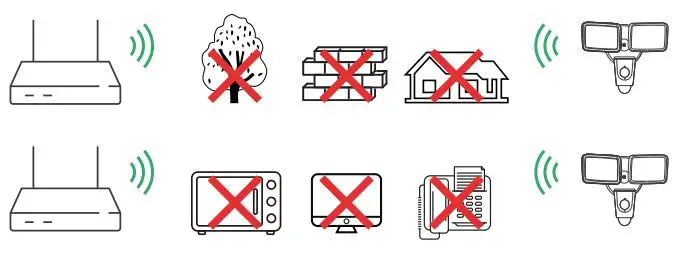
Tips

IMOU IPC-L26P Floodlight Cam User Guide - How to connect

To ensure the best possible wireless performance, please make sure there are no obstacles and electromagnetic interference between the camera and router.
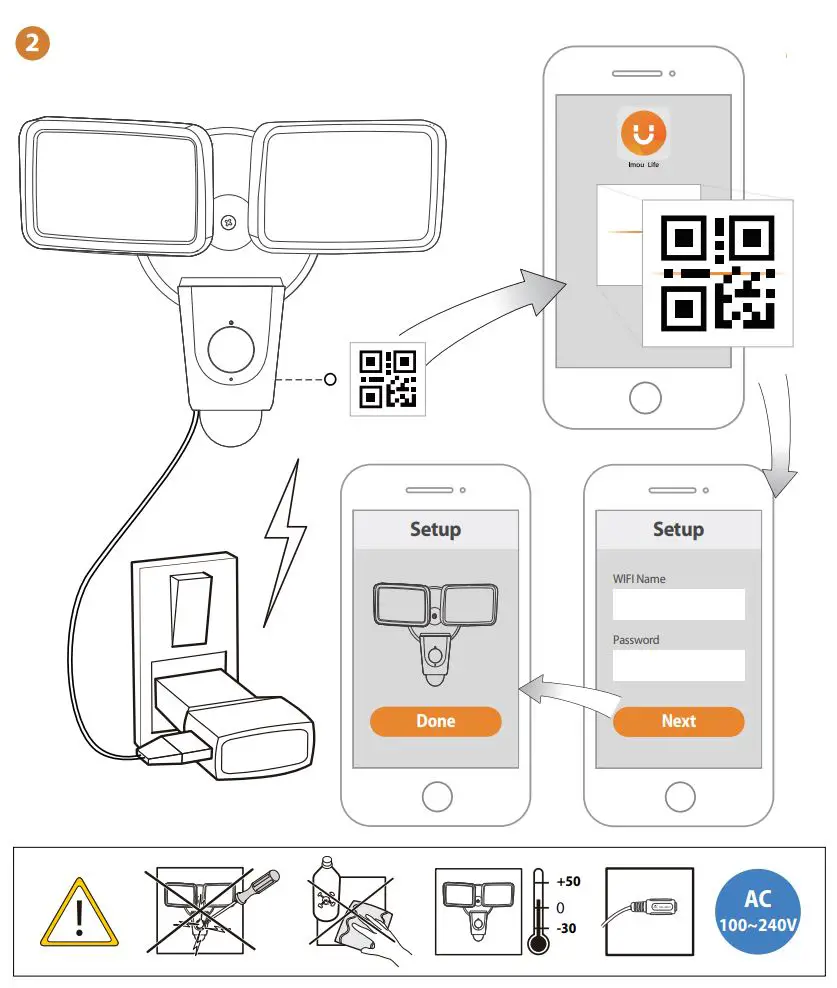
IMOU IPC-L26P Floodlight Cam User Guide - Setup

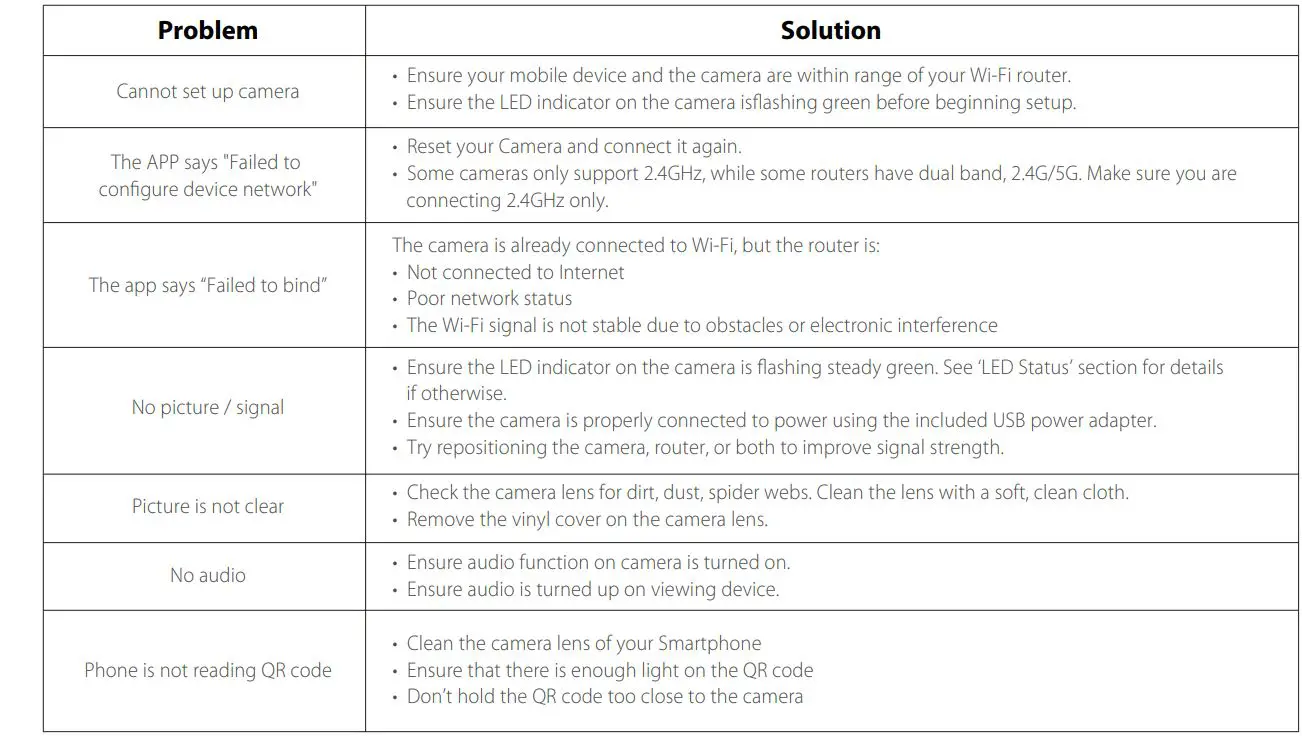
Troubleshooting

IMOU IPC-L26P Floodlight Cam User Guide - Troubleshooting

IMOU Logo

IMOU IPC-L26P Floodlight Cam User Guide - License icon

@imouglobal

[email protected] 
www.imoulife.com

References

Documents / Resouces

Download manual
Here you can download full pdf version of manual, it may contain additional safety instructions, warranty information, FCC rules, etc.


Related Manuals