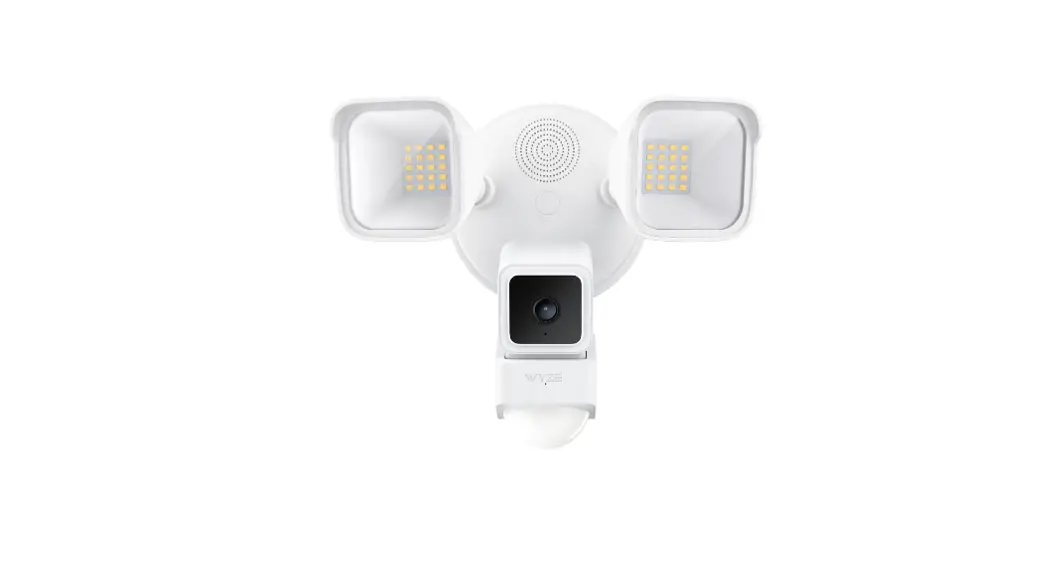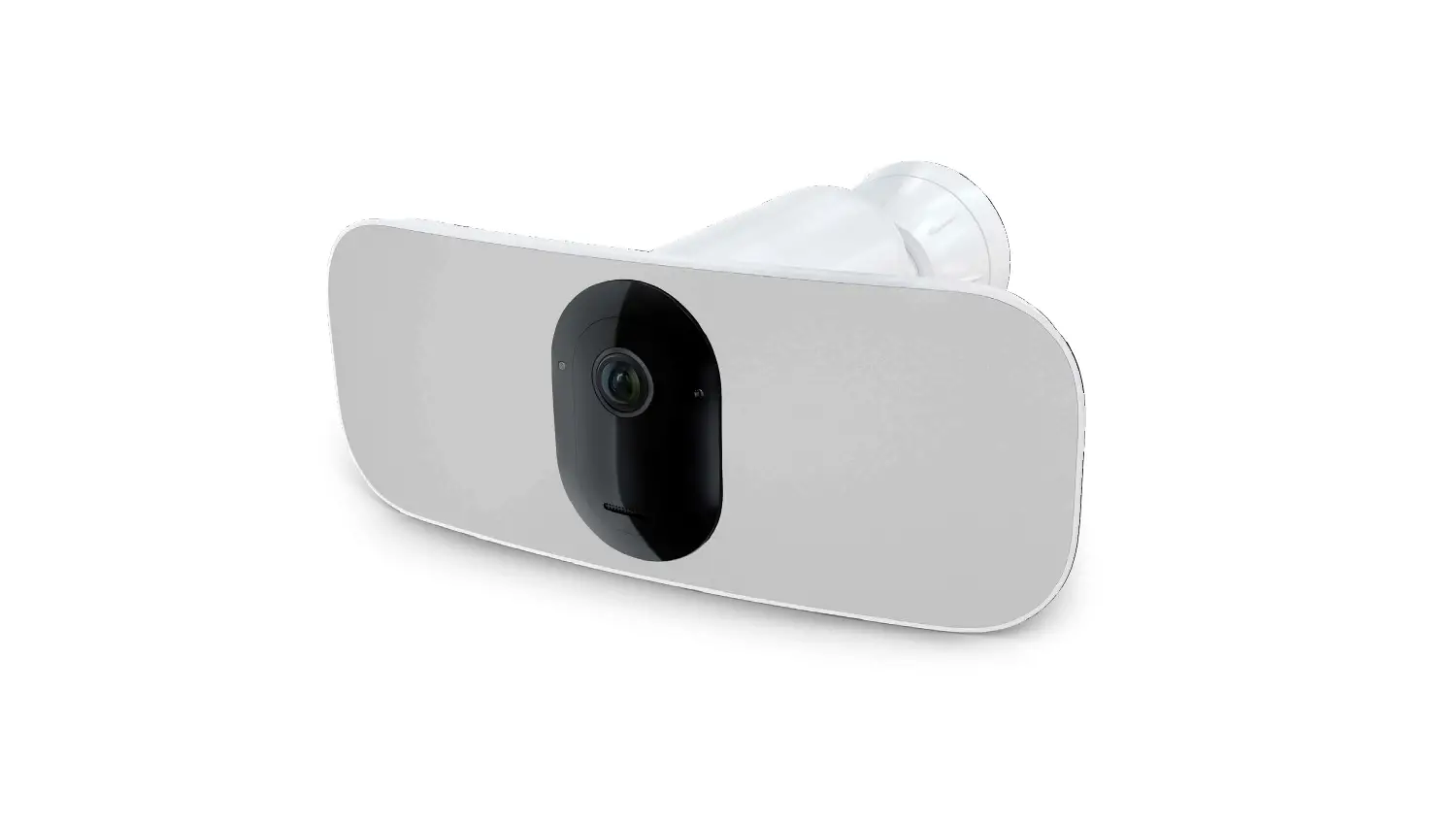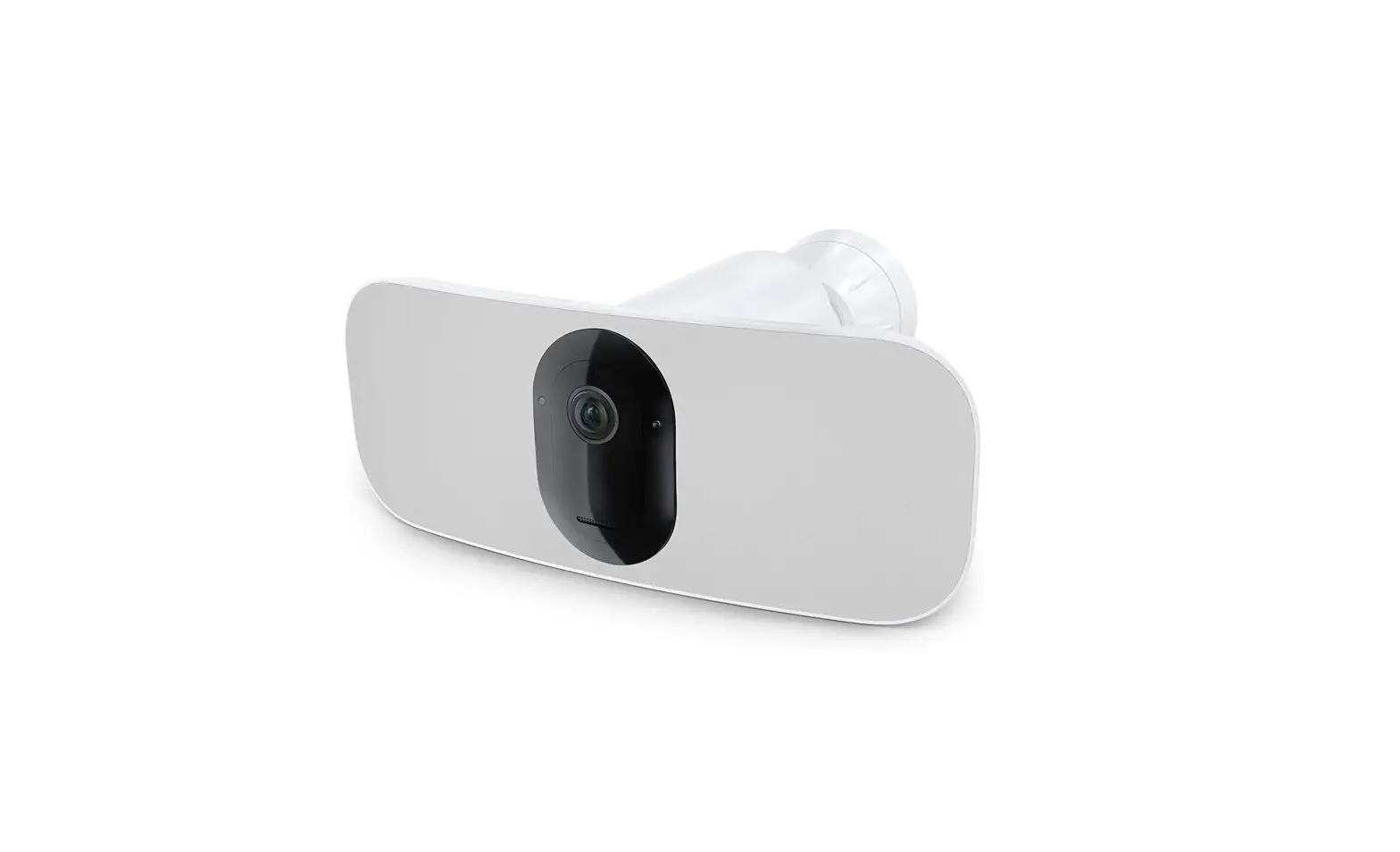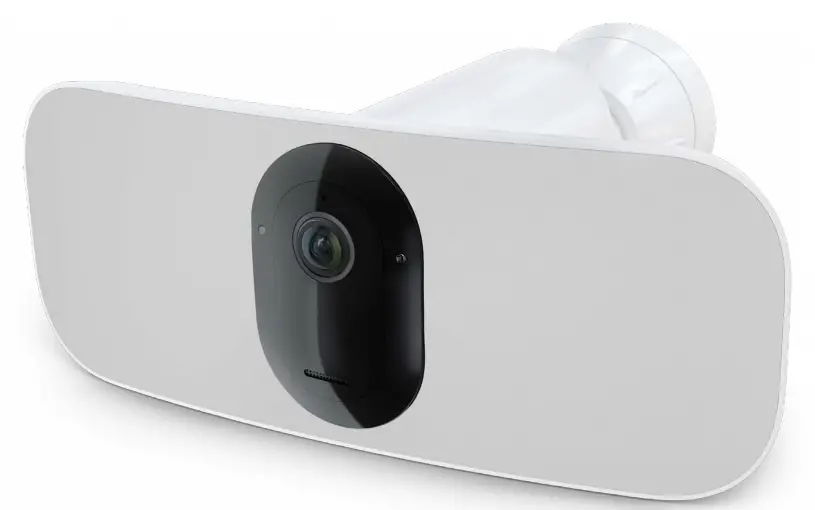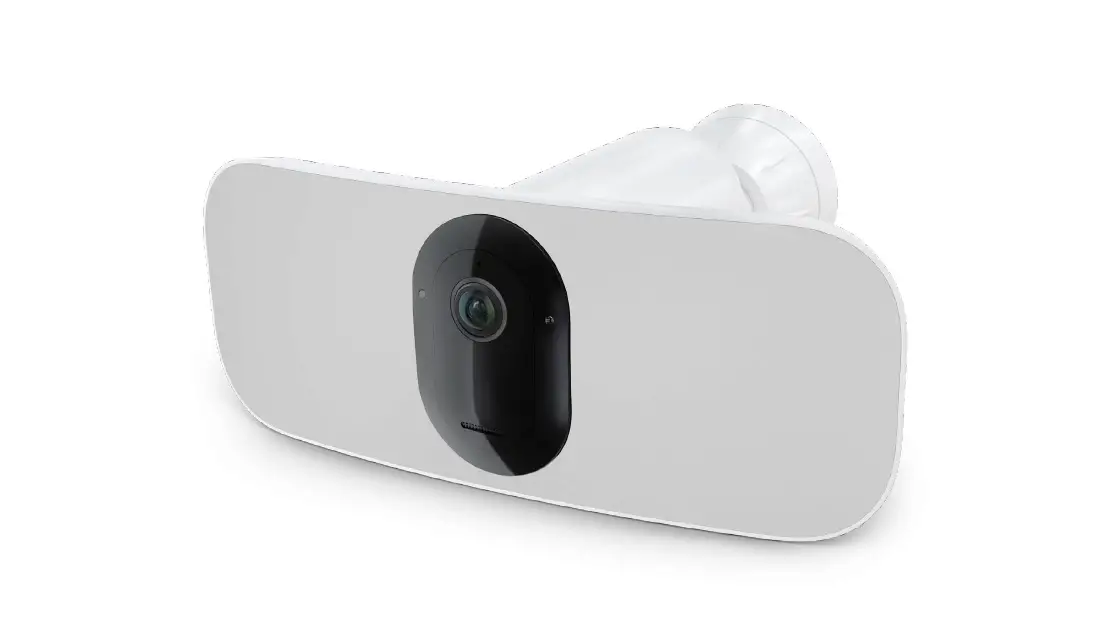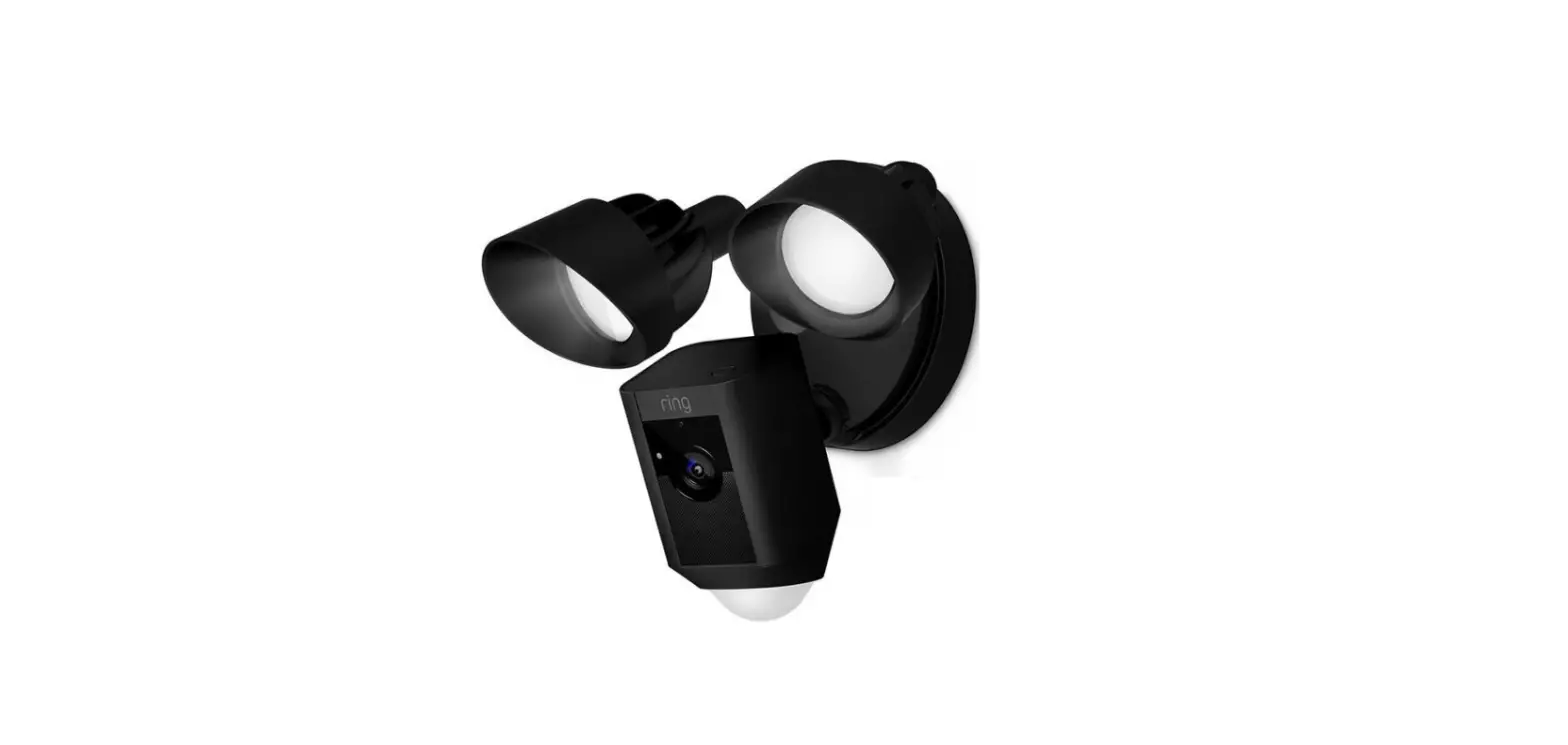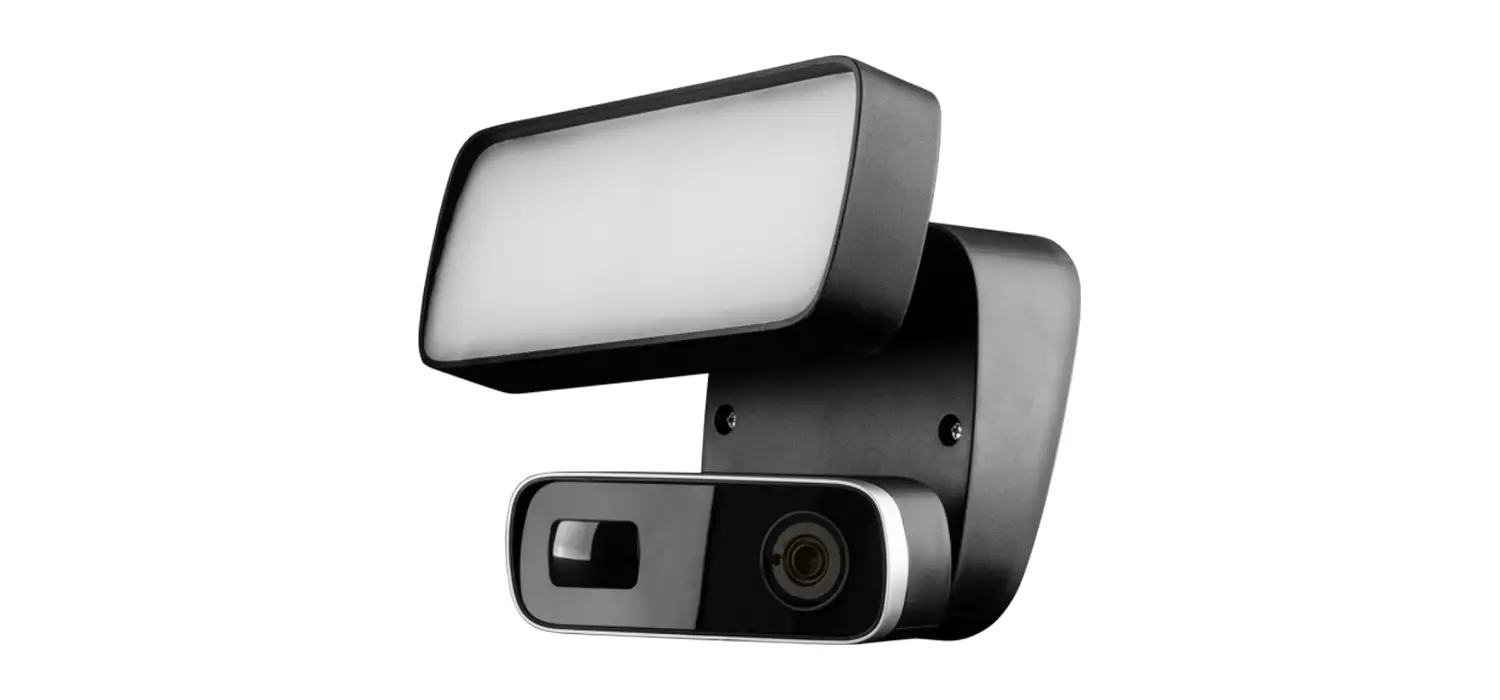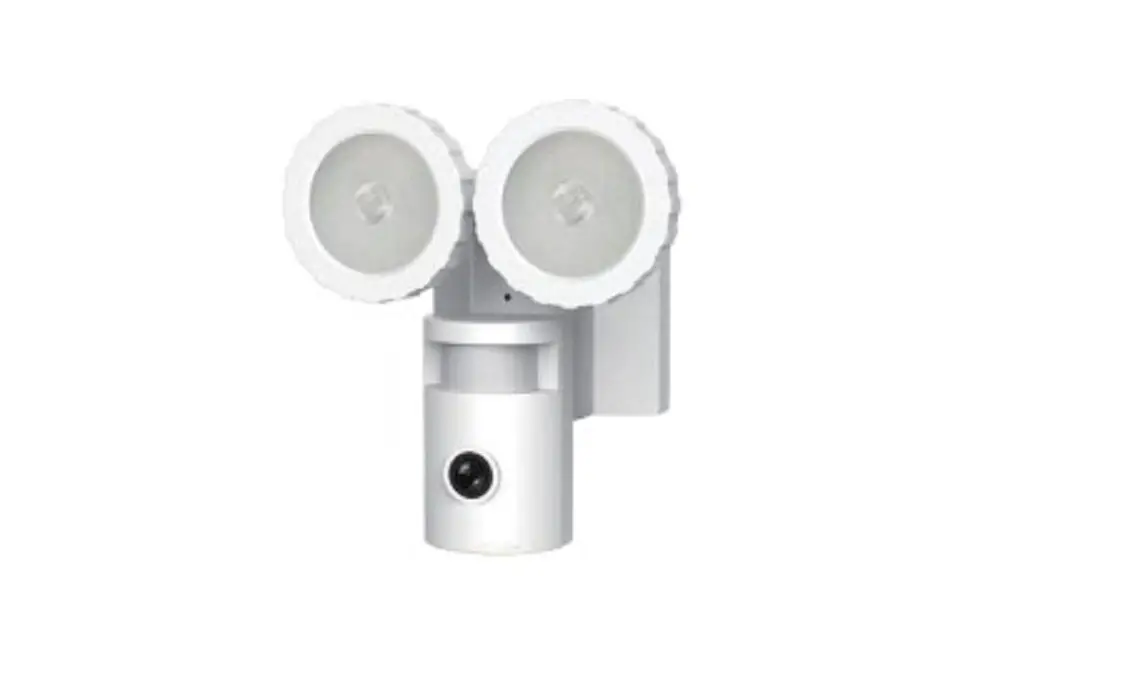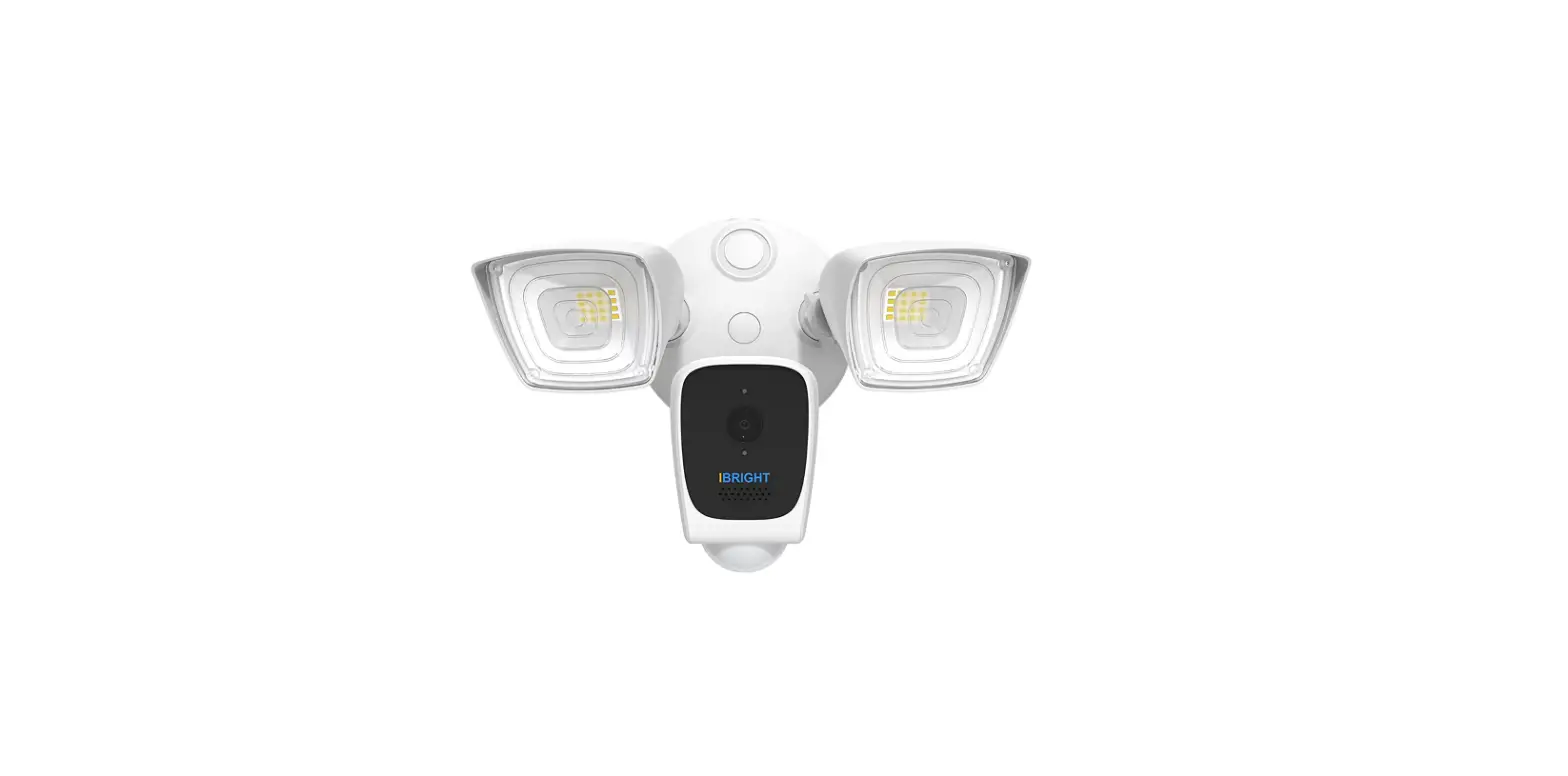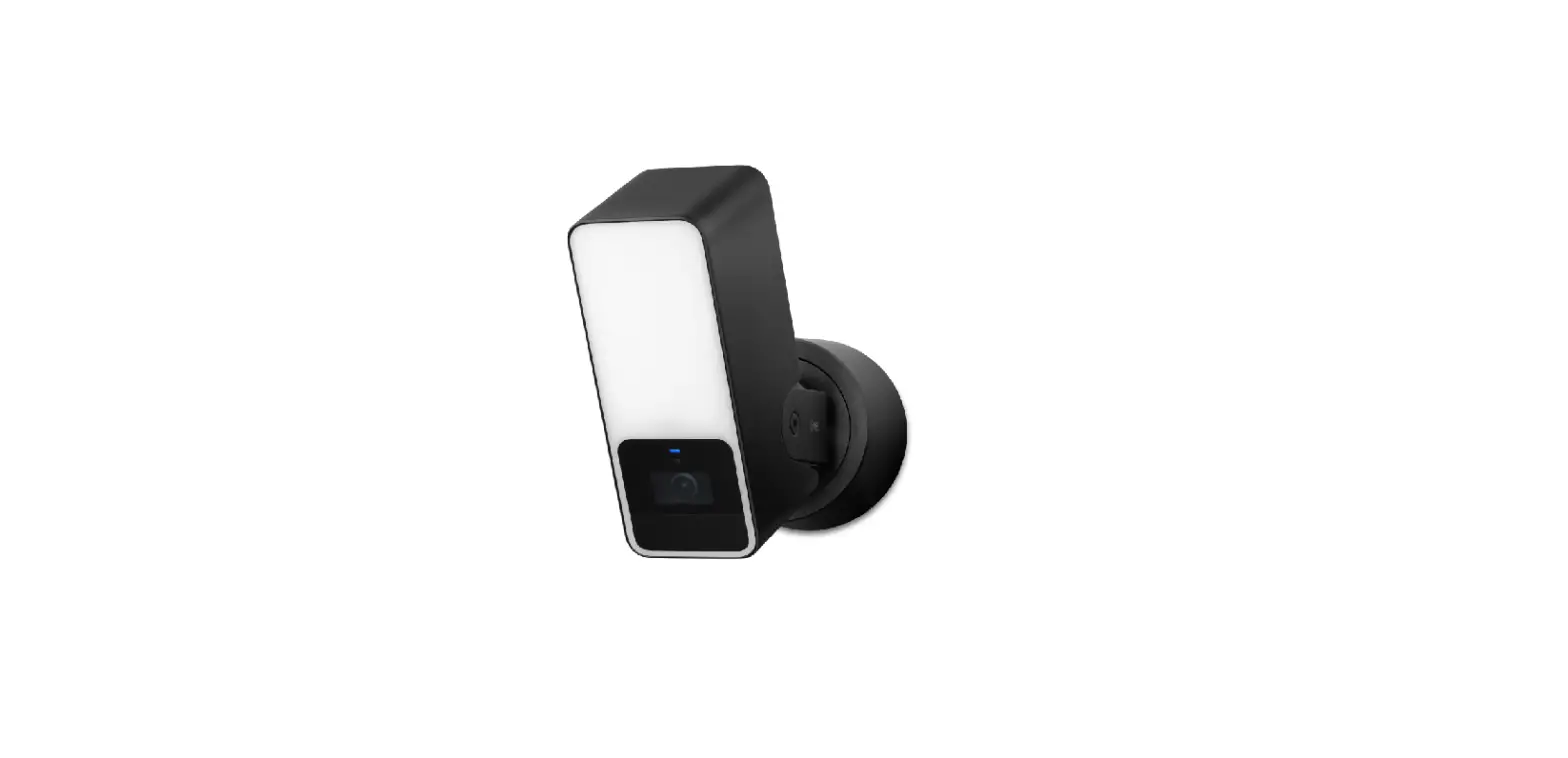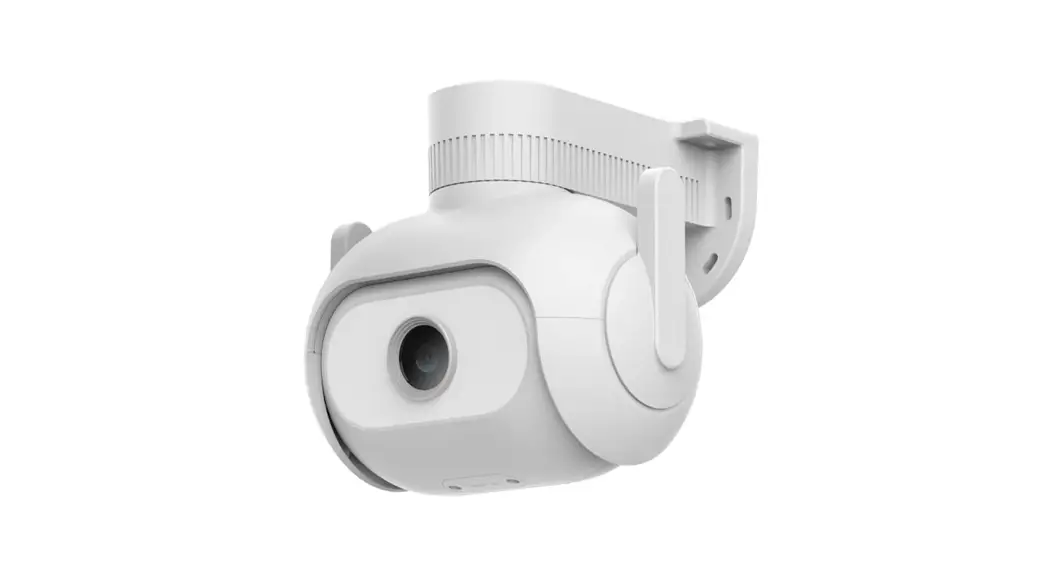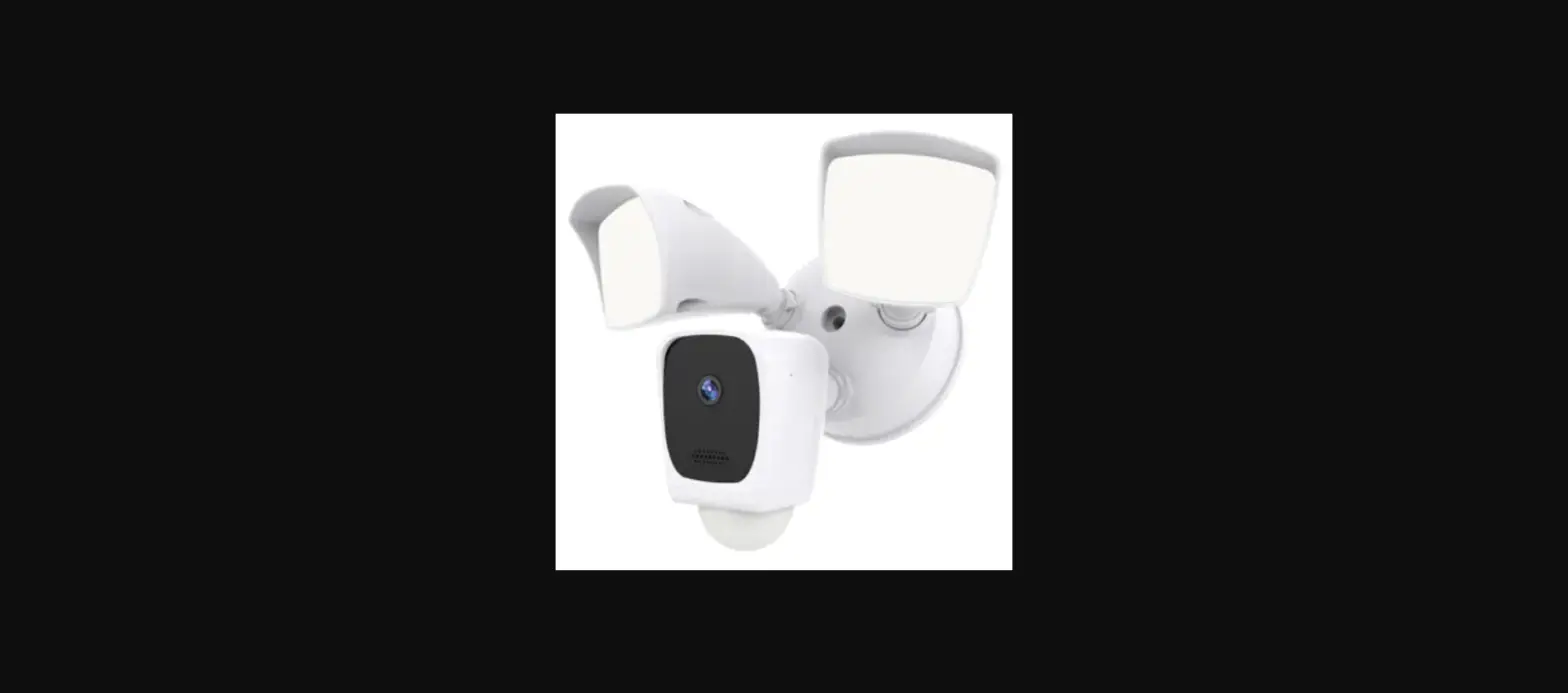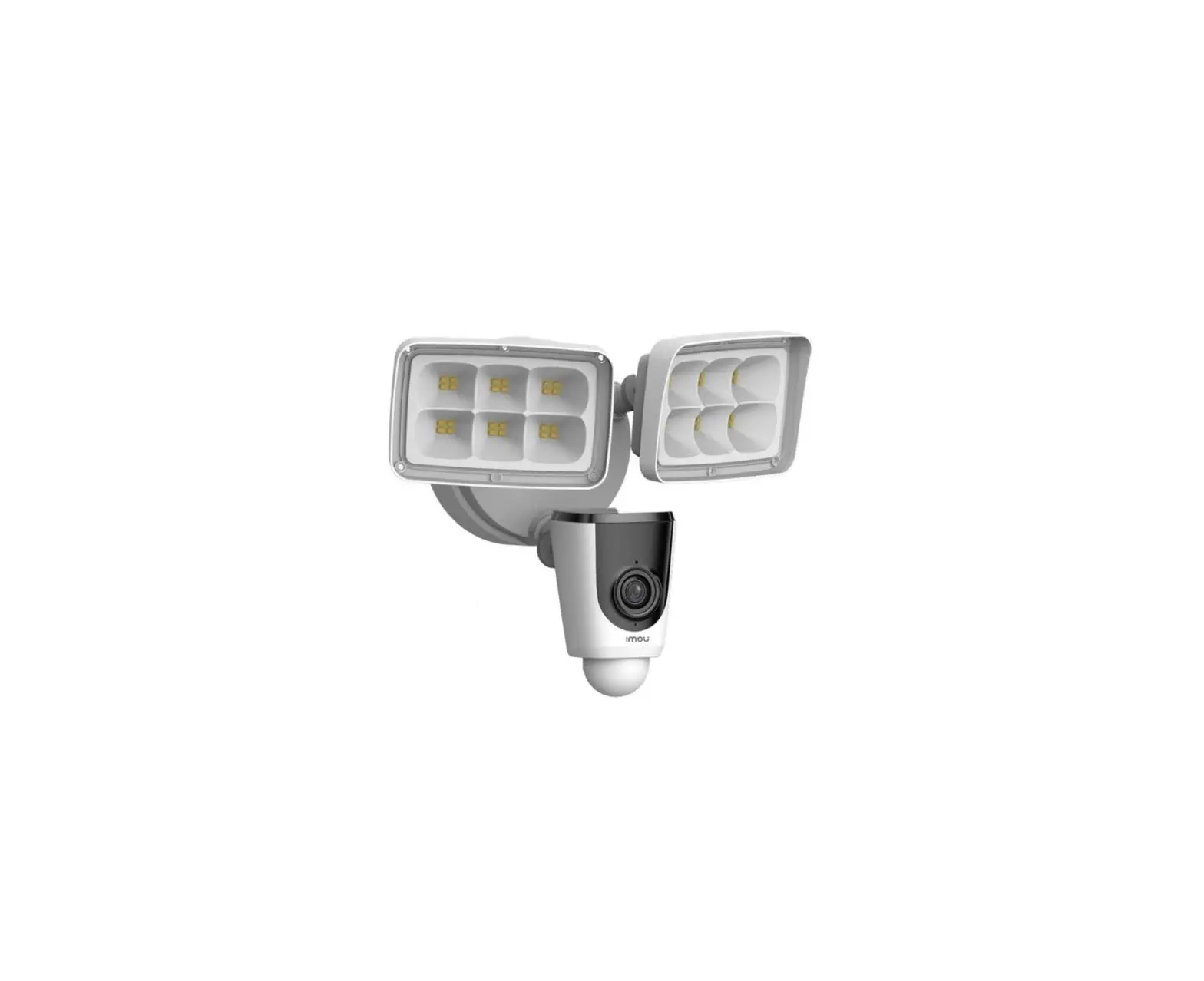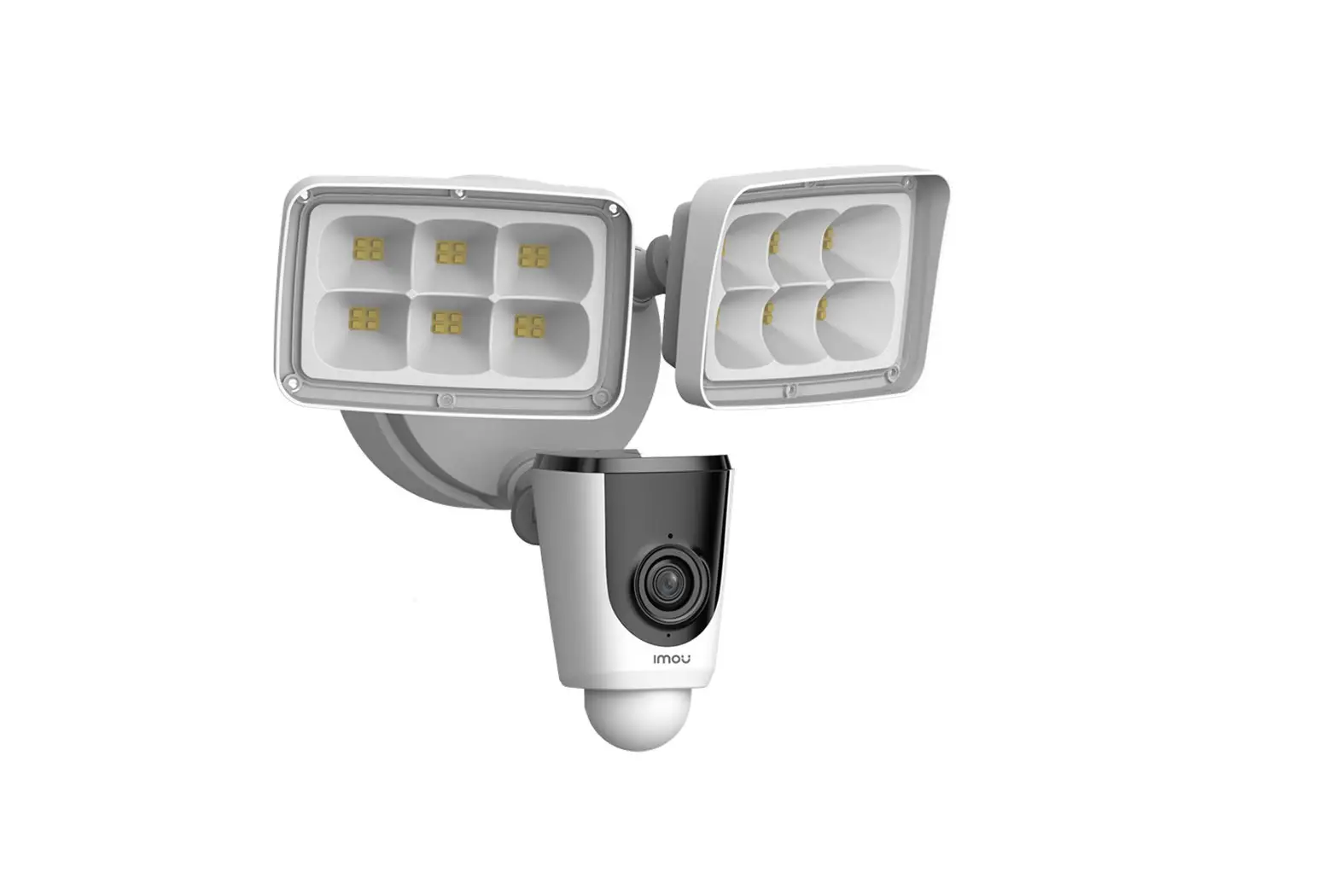
IMOU Floodlight Cam User Manual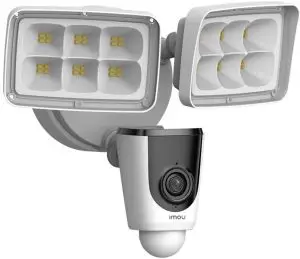
Welcome
Thank you for choosing IMOU.
We are devoted to providing you easy smart home products.
If you have problems using the product, please contact our service team before returning your product.
Our service mail: [email protected] Frequently asked questions can be found at imoulife.com/support/help

Package content
- Floodlight Camera ×1

- Mounting Plate×1

- Screw Package ×1

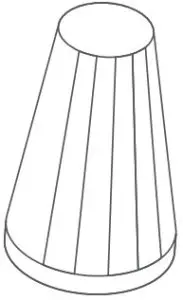
- Wire Nut ×3

- Quick Start Guide ×1

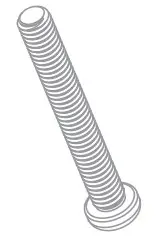
- Bracket Screws ×4

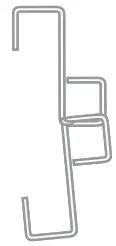
- Hook ×1

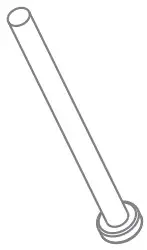
- Mounting Screws ×1

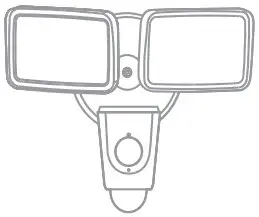
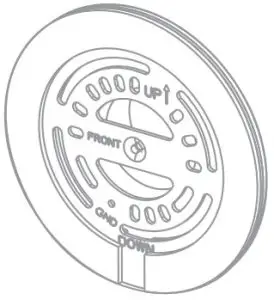
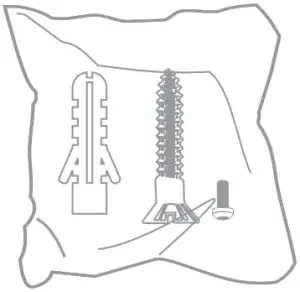

Assembly
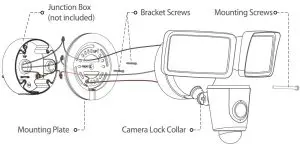
Application
When mounted at 3 m (10 feet) off the ground, with the PIR lens parallel to the ground, the motion detector is optimized to detect human-sized objects at up to 10 m (33 feet).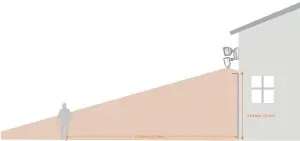
Camera Introduction
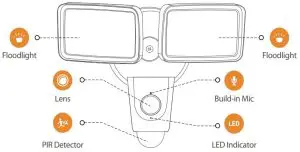
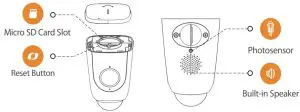
Note: Press and hold the reset button for 10 s to reset the camera.
The pattern of the LED indicator is included in the following table.
LED Status | Device Status |
Of |
|
Red light on |
|
Green light flashing |
|
Green light on |
|
Red light flashing |
|
| Green and red light flashing alternately |
|


 Tips
Tips


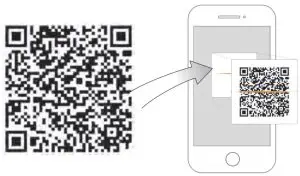




 Tips
Tips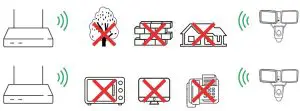
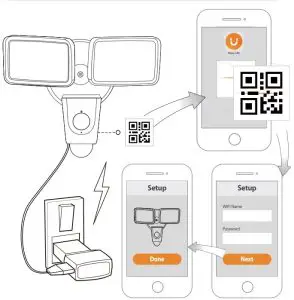

Troubleshooting
| Problem | Solution |
| Cannot set up camera |
|
| The APP says ‘Failed to configure device network’ |
|
| The app says ‘Failed to bind’ | The camera is already connected to VVi-Fi, but the router is:
|
| No picture / signal |
|
| Picture is not clear |
|
| No audio |
|
| Phone is not reading QR code |
|


 @imouglobal
 [email protected]
 http://www.imoulife.com/