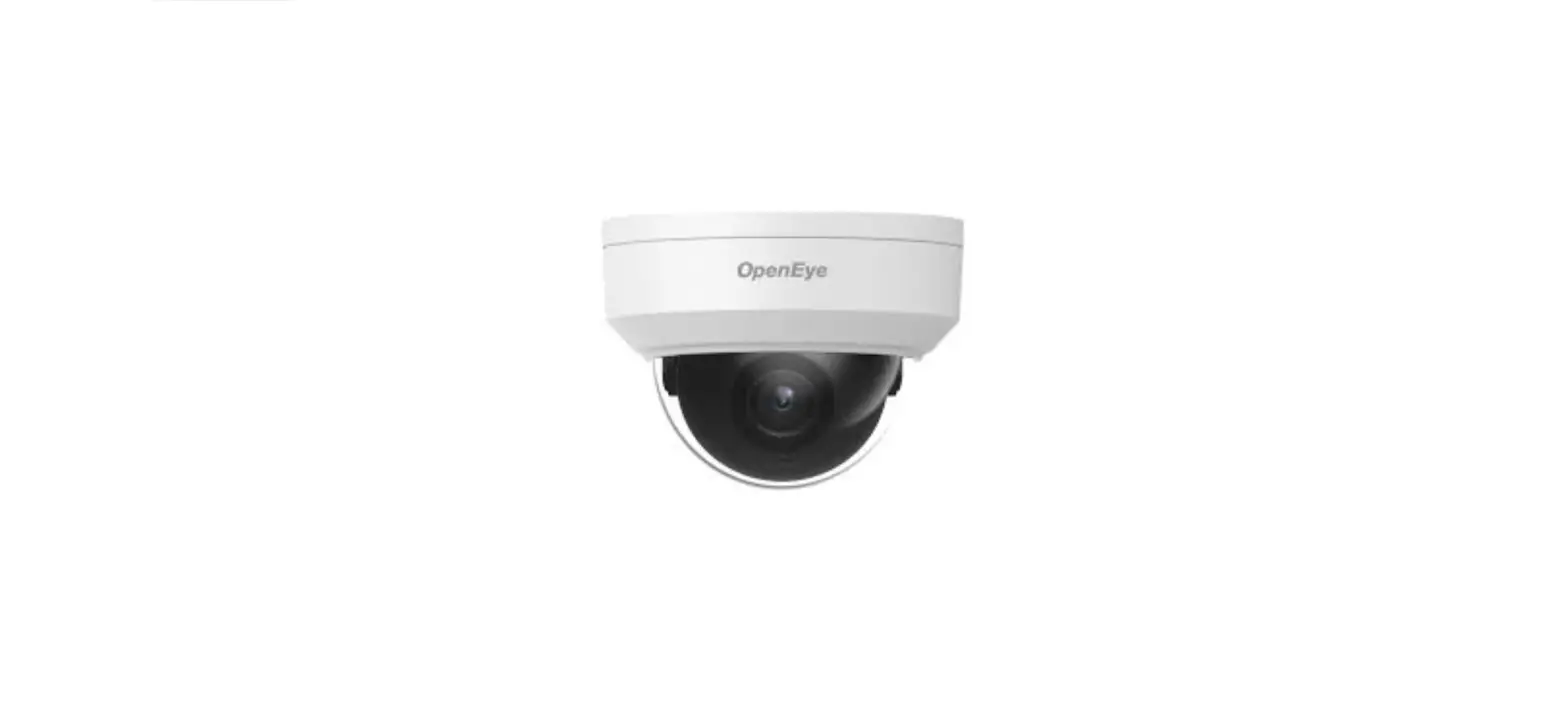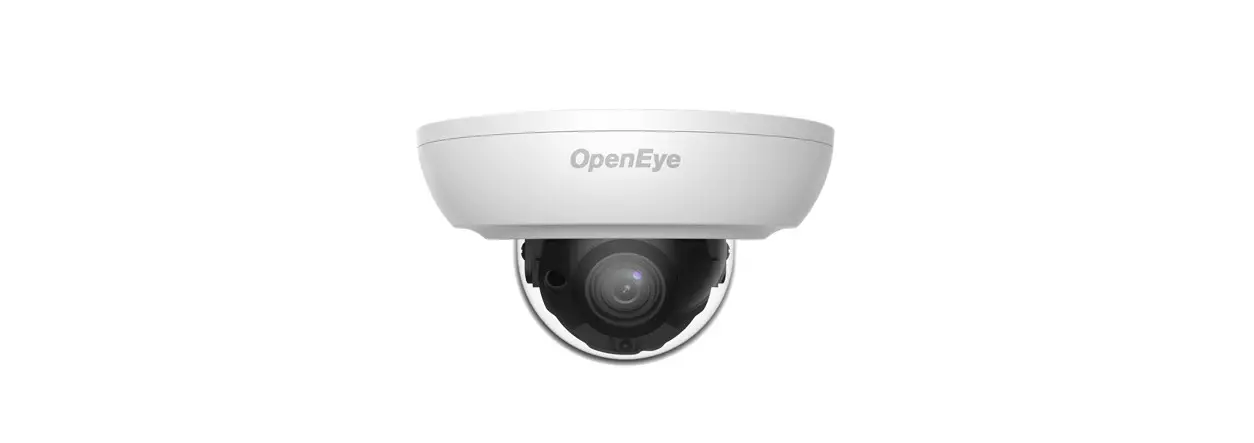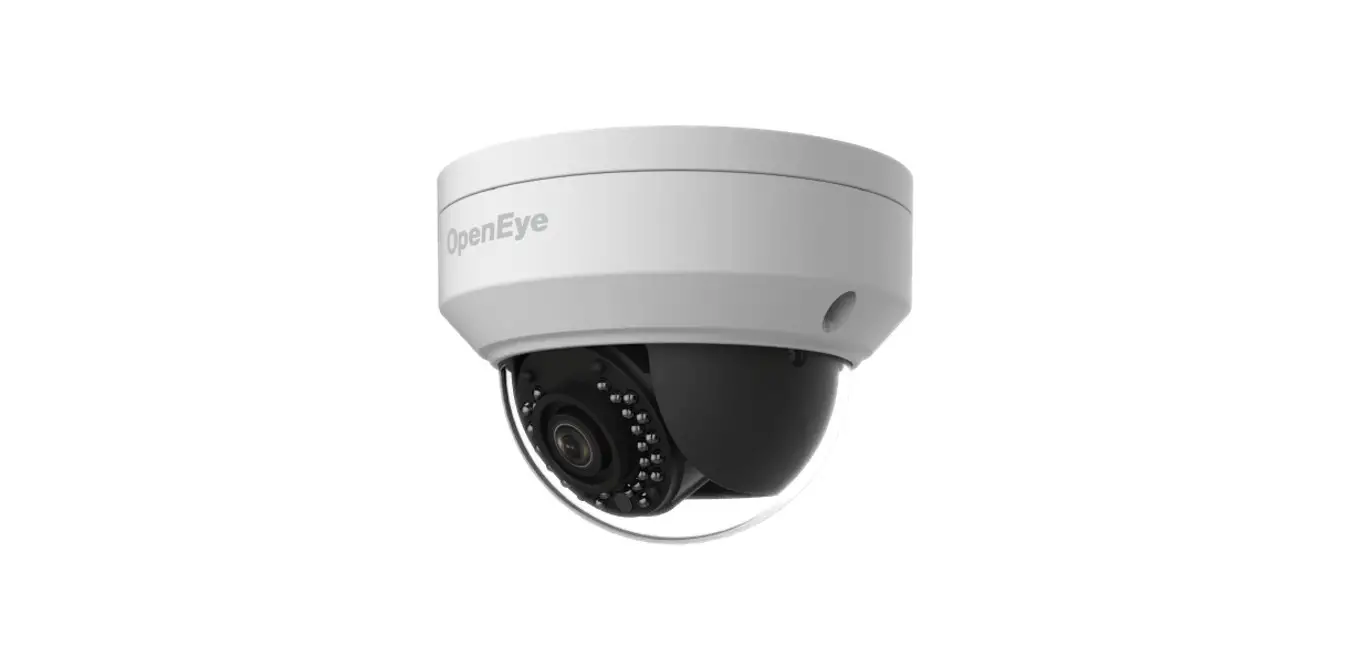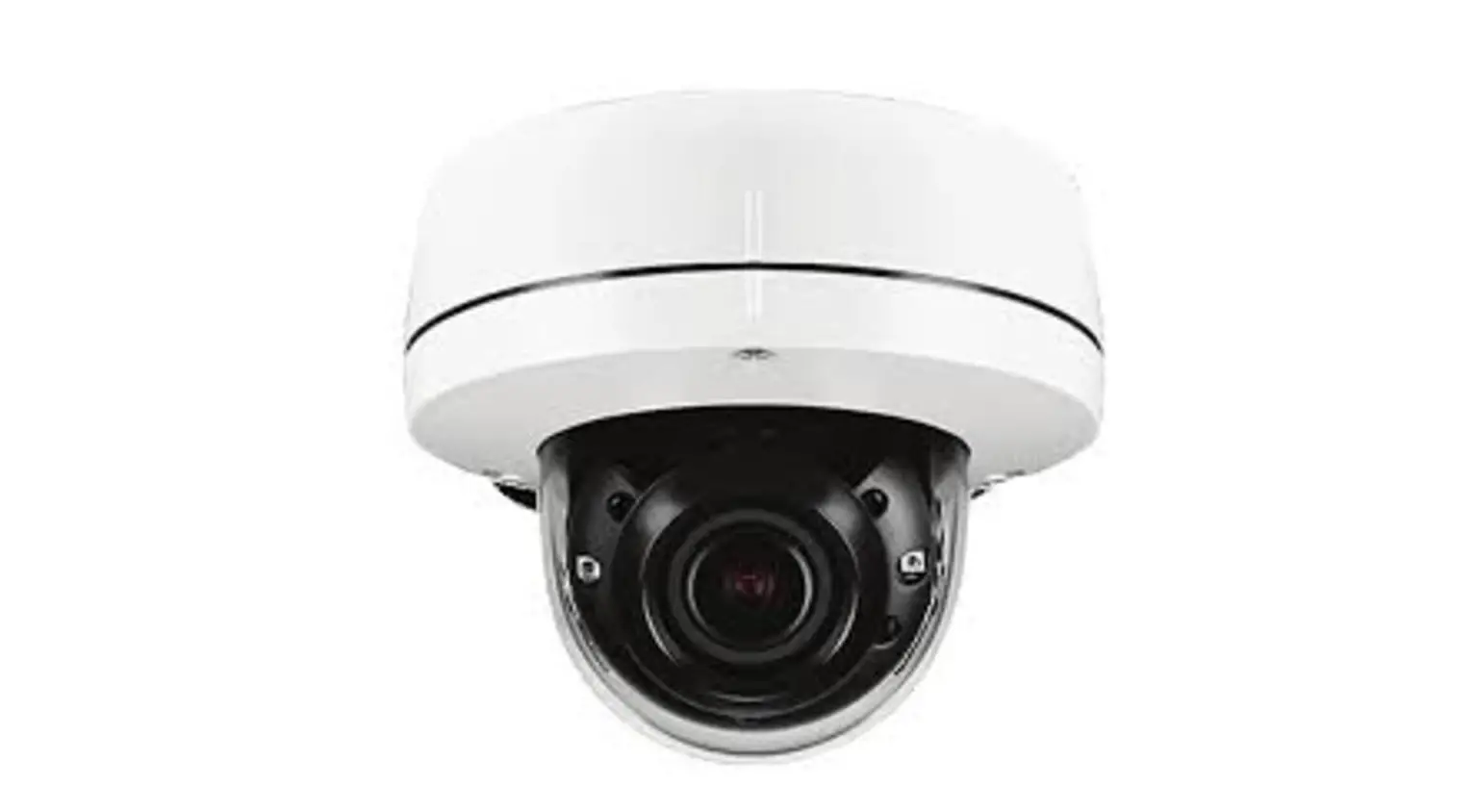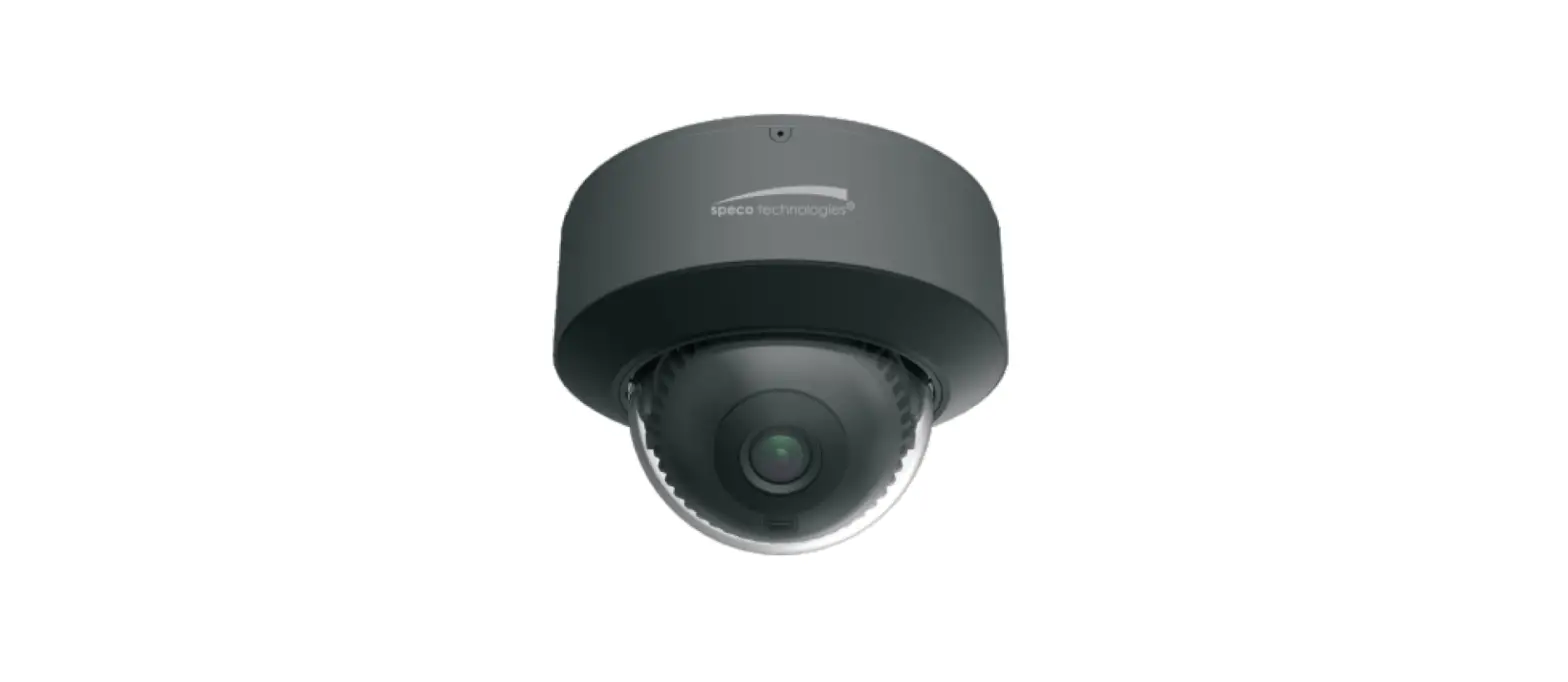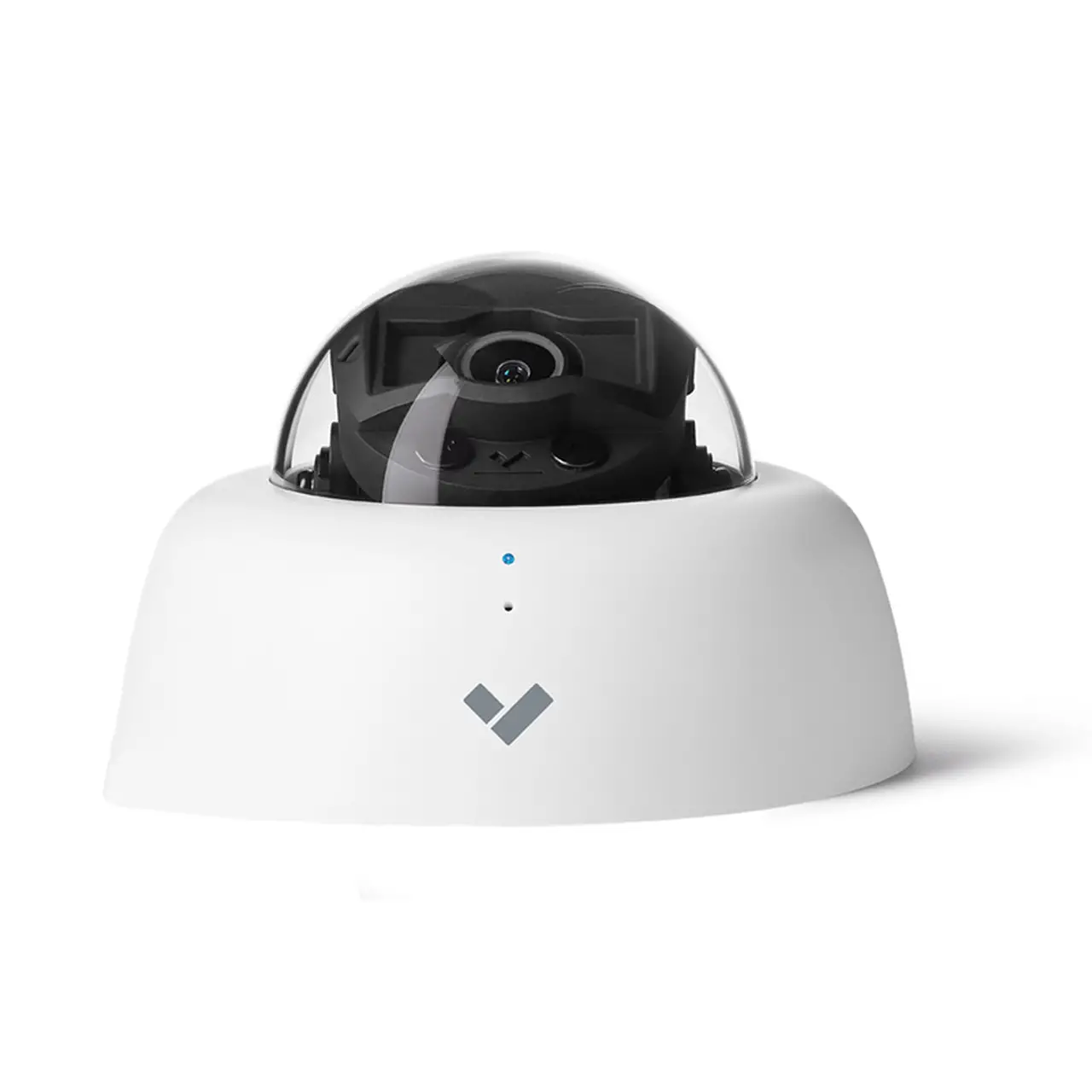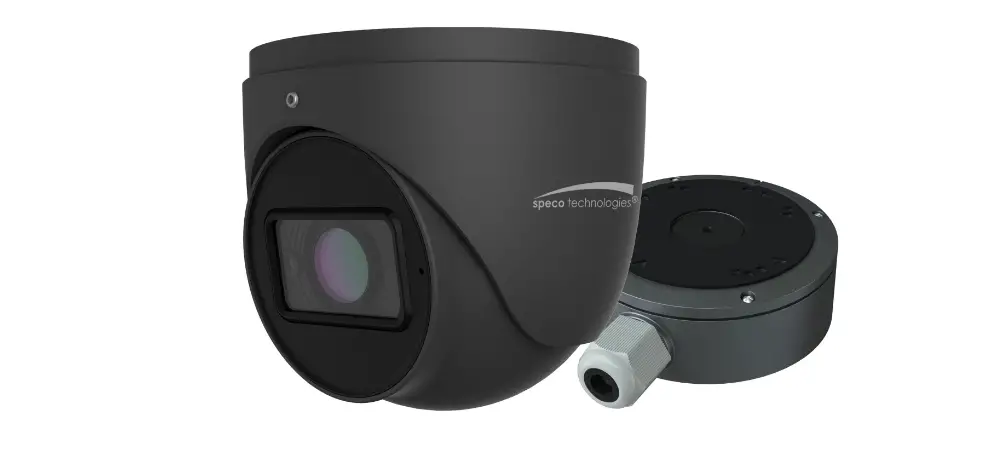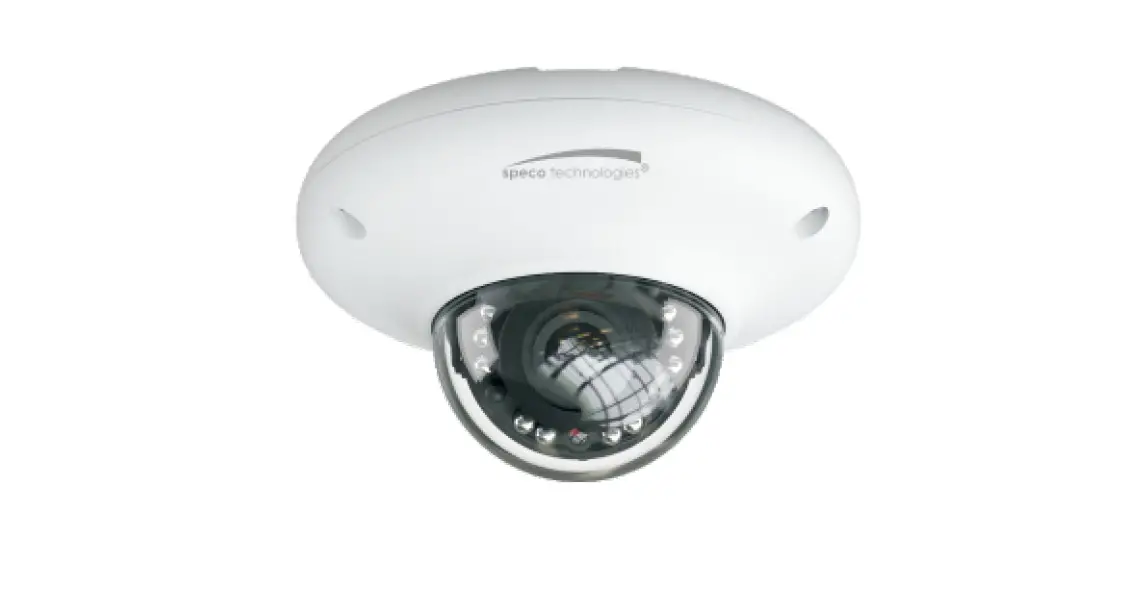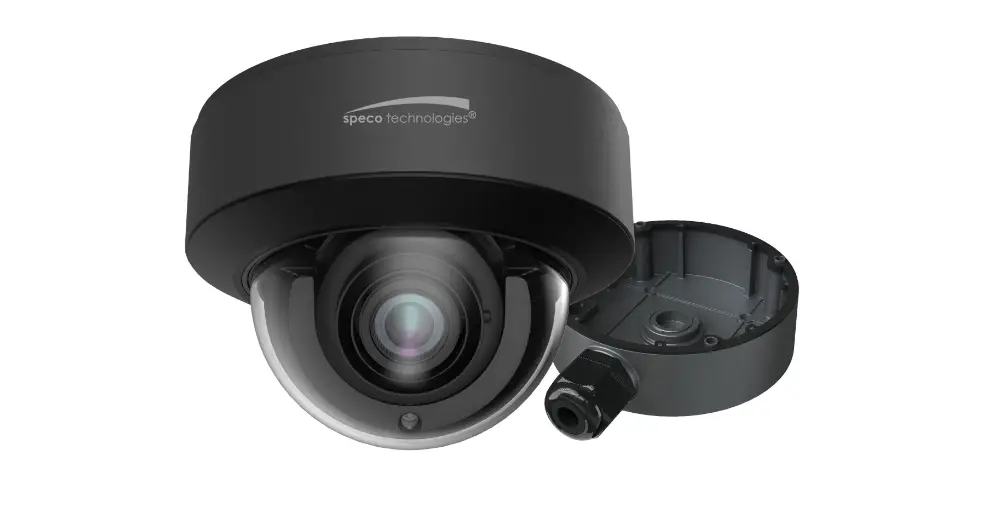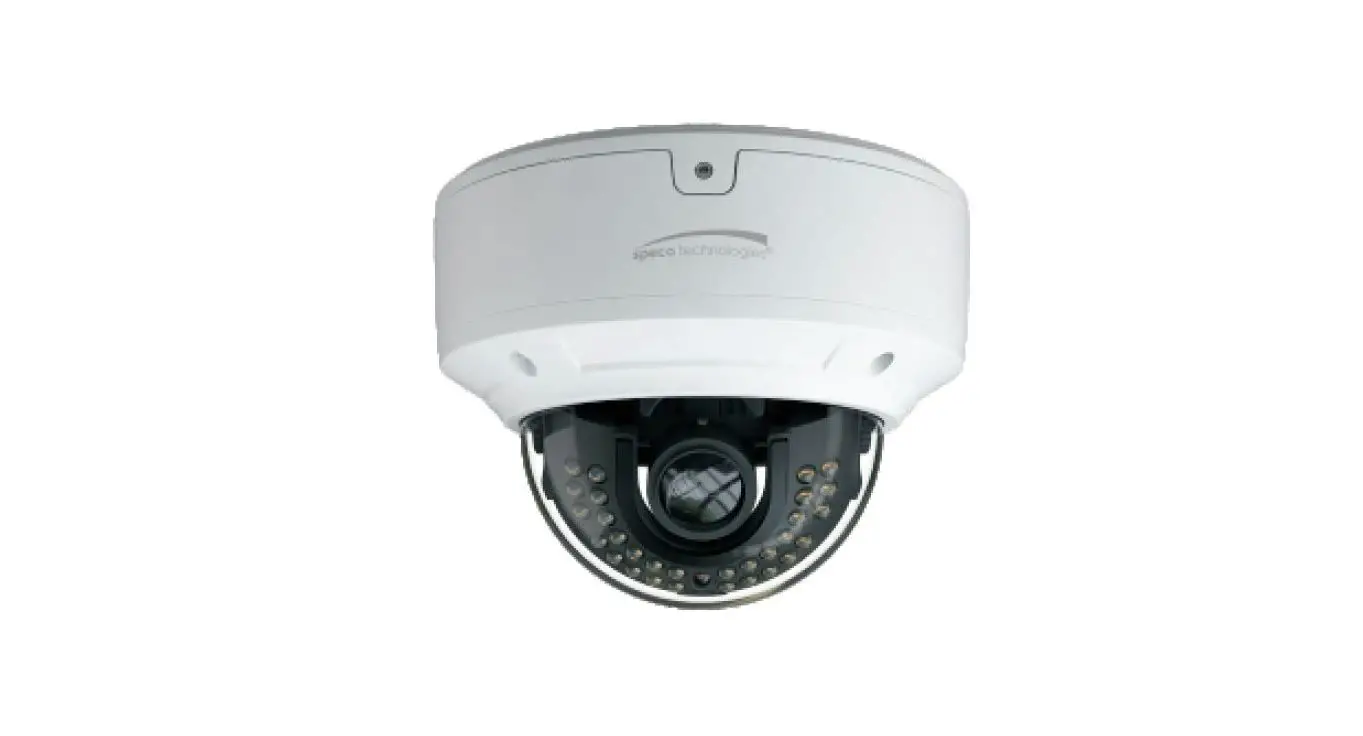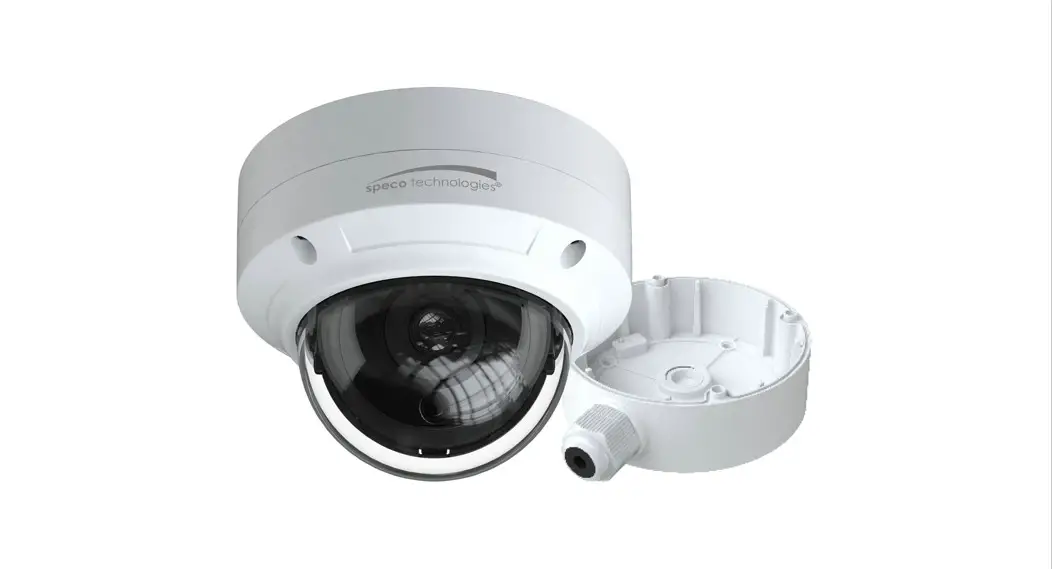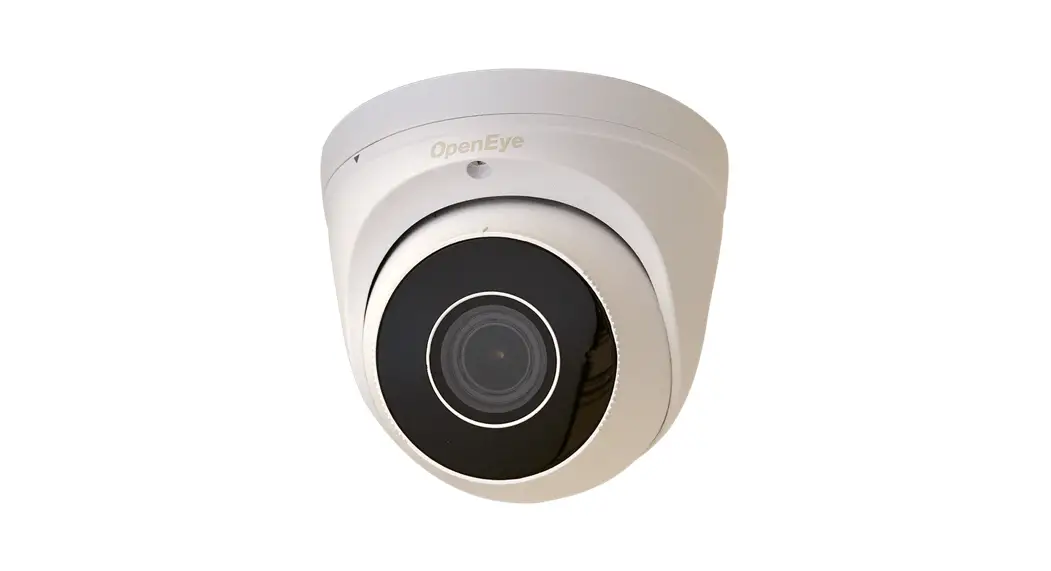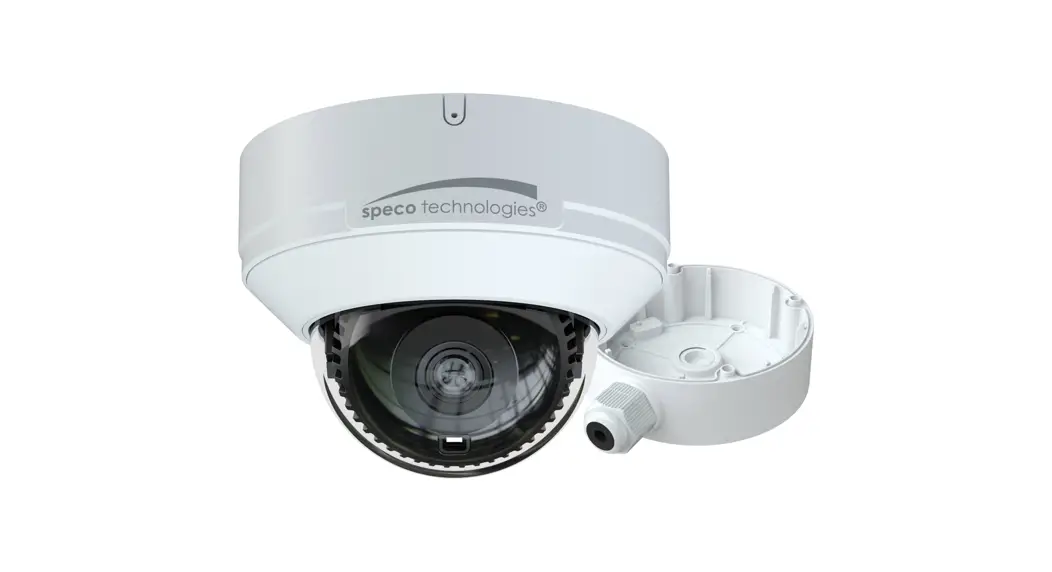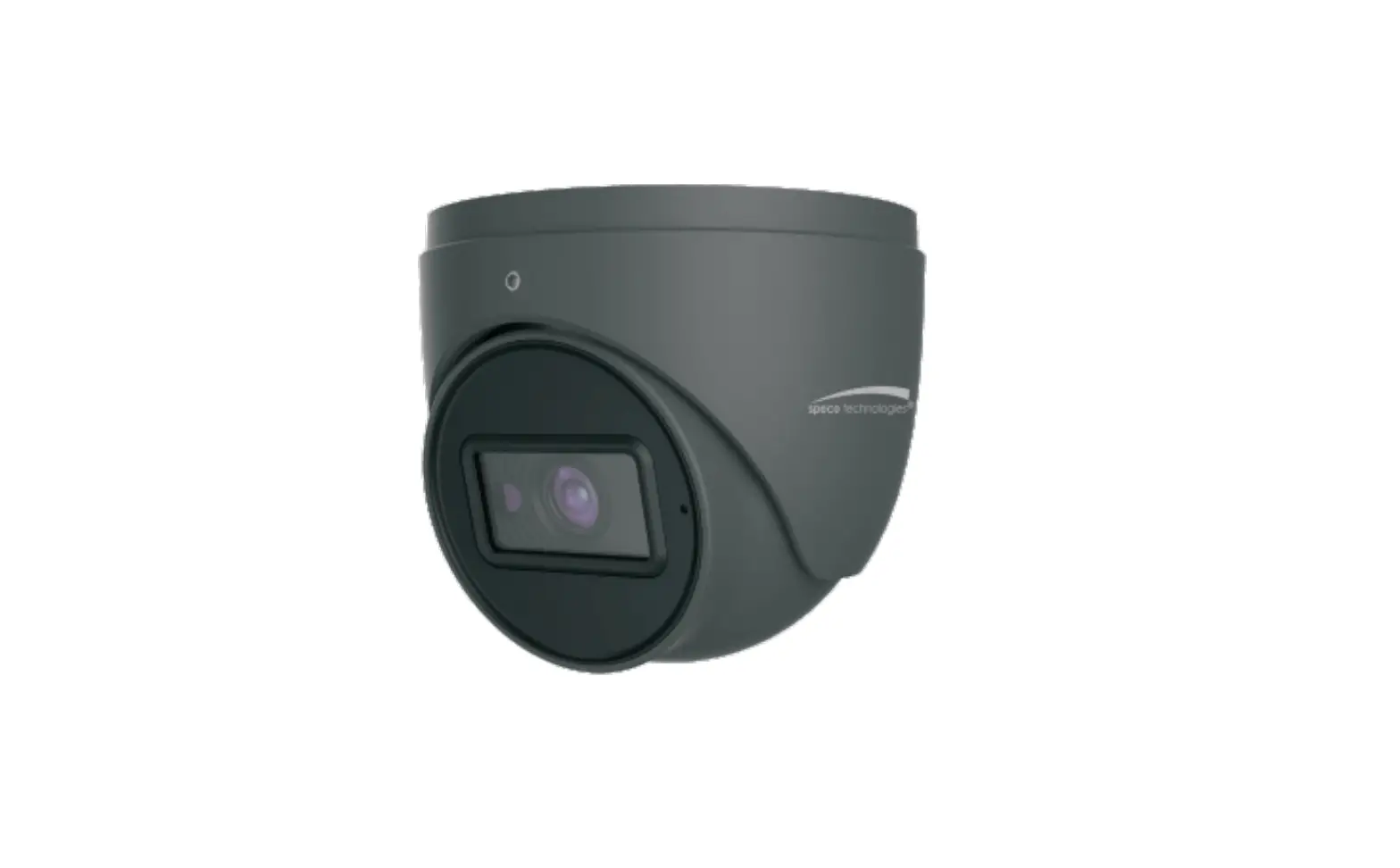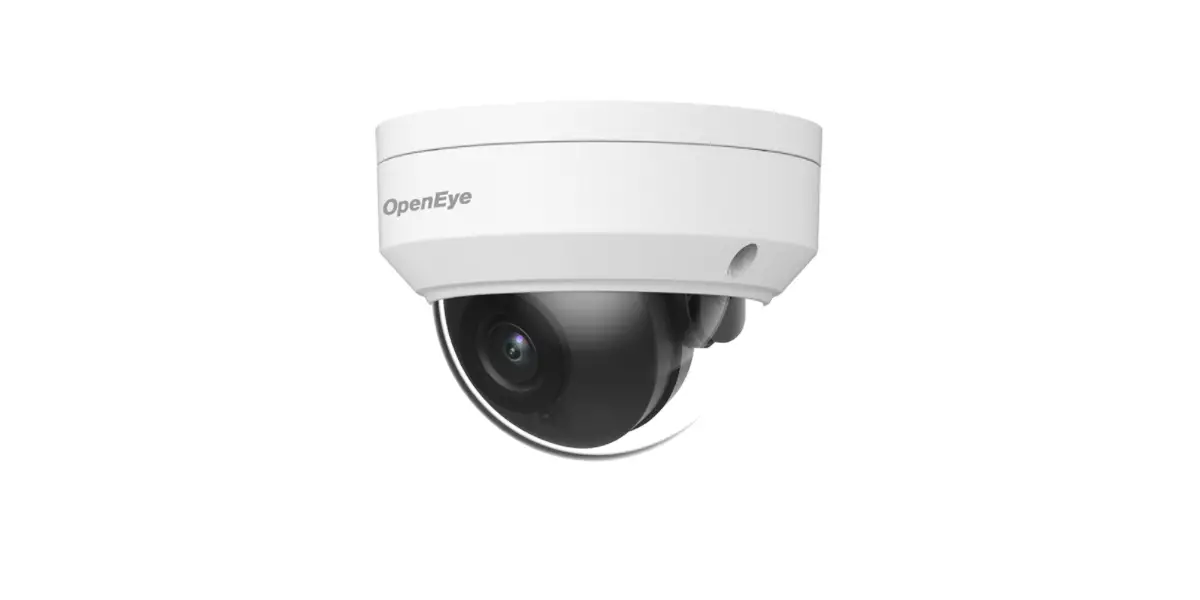
OpenEye OE-C1014D4 4MP Outdoor Mini Dome User Guide
This quick start guide provides only basic information on the camera’s settings and operation for initial installation. Please read the user manual for optimal camera configurations.

37488AC
openeye.net
CONTENTS
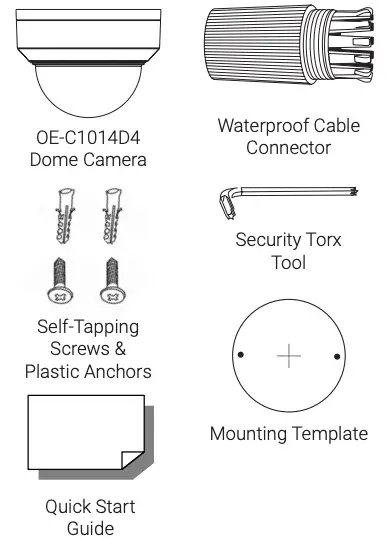
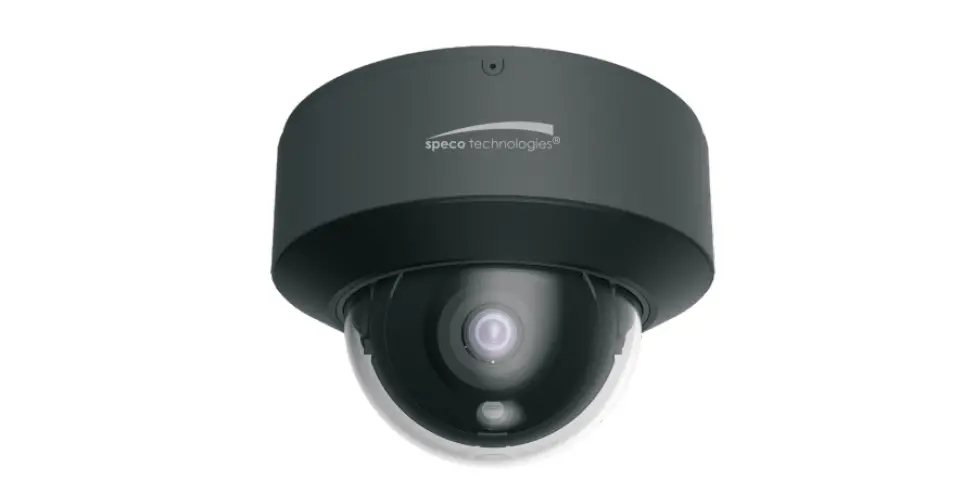
Optional Free Paintable Dome Cover
This camera has an available paintable dome cover allowing it to be quickly converted to a black housing or the allow custom painting to match its installation environment. To reduce waste it is not included in every package but may be requested free of charge at time of purchase.
POWER
This camera is compatible with 12vDC and Power over Ethernet (PoE). If you are connecting 12vDC power, verify the polarity of the power connection.

NOTE: If the camera will be exposed to inclement weather, OpenEye recommends sealing around the camera base, or connection to mounting surface with outdoor waterproof caulking.
INSTALLATION
- Apply template sticker to desired camera location.
- Drill anchor holes using included mounting template.
- Remove mounting template.
- Insert anchors.
- Mount camera.
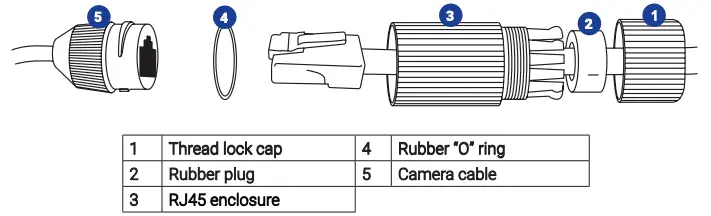
- Connect network cable with included waterproof cable connector.
- Adjust camera view.
- Secure Lid / dome
DEFAULT USERNAME AND PASSWORD
NOTE: OpenEye IP cameras ship without a default password.
The admin user password can be set using the following methods:
- OpenEye recorders running Apex 2.1 or newer will automatically set a new unique password if:
- Connected to an M-Series recorder with a built in PoE switch.
- Connected to a network switch through the camera network port and selected then added in setup, if a new password has not already been set.
- Connect to the camera directly through a Web Browser and follow the onscreen prompts.
- Use the Network Camera Manager (NCM) Utility.
Username: admin
NOTE: The NCM software manual can be found at https://www.openeye.net/ncm-manual
NOTE: Refer to your Apex recorder manual or quick start guide for instruction on adding cameras. Passwords must be 9-32 characters including at least two elements of the following three: digits, letters, and special characters.
ASSIGNING AN IP ADDRESS
OpenEye IP cameras are set to DHCP by default. If a DHCP server is not detected after 4 minutes, the camera will default to IP address 192.168.51.2. If you are not using a DHCP server, NCM will allow you to batch confi gure a static IP address.
The IP address for the camera network on your Apex recorder is 192.168.51.1.
NOTE: To change this IP address please refer to your Apex recorder manual.
Selecting multiple cameras and entering IP address 192.168.51.2 will set an IP address on all selected cameras, starting at 192.168.51.2 and increase per camera.
- Open Network Camera Manager.
- Select applicable camera(s).
- Input starting IP address, Subnet Mask, Gateway, DNS.
- Apply changes.
- Wait 60 seconds before refreshing NCM.
CONNECTING TO THE IP CAMERA
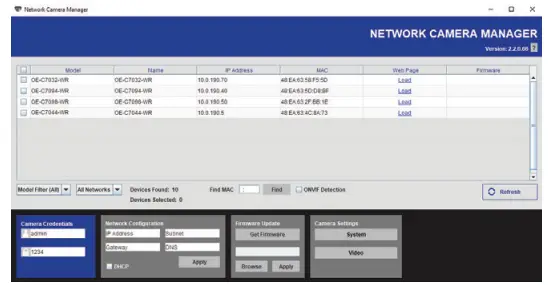
To access the camera setup menu, you need to open Network Camera Manager (NCM) utility. NCM is preinstalled on all OpenEye Recorders, and is also available for download on the OpenEye website for installation on your personal computer or laptop.
- Open Network Camera Manager.
- Locate your camera on the Network Camera Manager list.
- To open the web browser, select the camera and click LOAD.
PRODUCT FEATURES
| Camera | |
| Maximum Resolution | 2688×1520 |
| Frame Rate at Maximum Resolution | 30FPS @ 4MP H.264/H.265 |
| Total Streams | Dual Streaming |
| ONVIF | Profi le S / G / T Compliant |
| Day/Night | True Day / Night |
| Wide Dynamic Range | True WDR |
| Environmental and Power | |
| Power Consumption | 5.5W Max |
| Input Voltage | 12vDC / PoE |
| Pan / Tilt / Rotate | Pan: 3° ~ 360° Tilt: 0° ~ 68° Rotate: 3° ~ 360° |
| IP Rating | IP67 |
| Impact Rating | IK10 |
CONNECTIONS
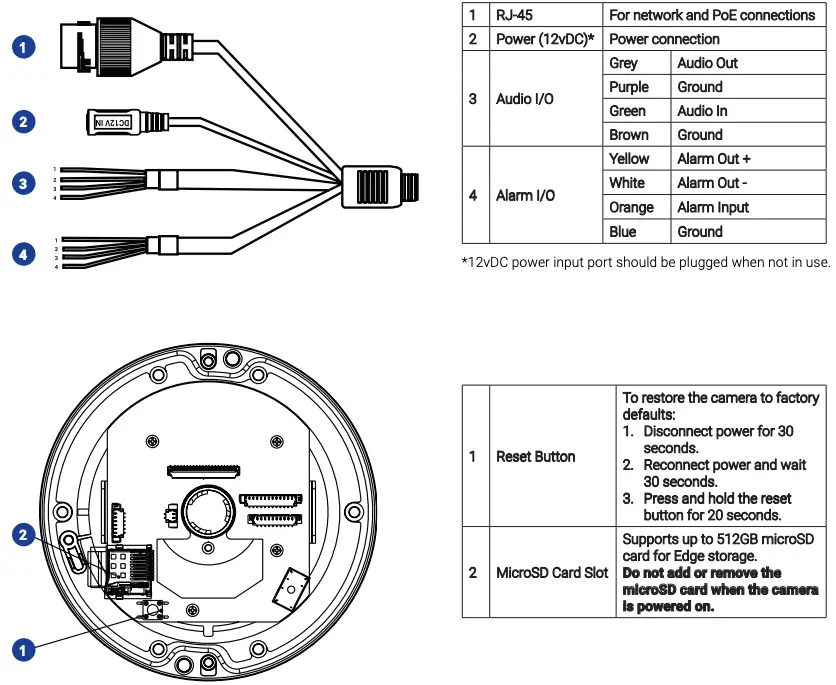
Waterproof Cable

Liberty Lake, WA, USA
509-232-5261
openeye.net
Copyright ©2021 OpenEye.
All Rights Reserved. Information contained in this document is subject to change without prior notice. OpenEye does its best to provide accurate information but cannot be held responsible for typos or mistakes.
 OpenEye - Cloud Managed Video Surveillance OpenEye Logo
 OpenEye - Cloud Managed Video Surveillance OpenEye Logo