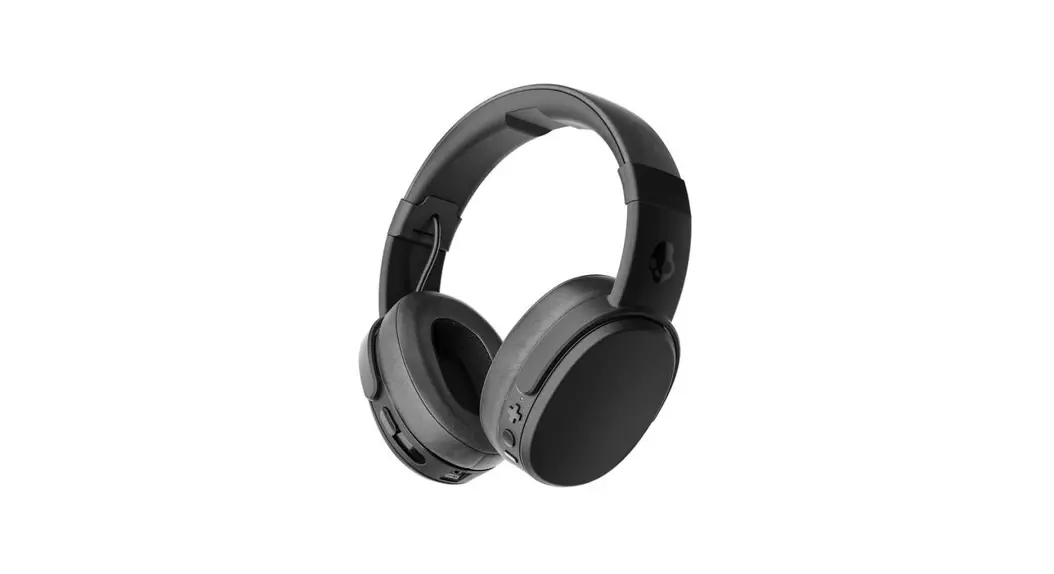
 S6CPW-M448
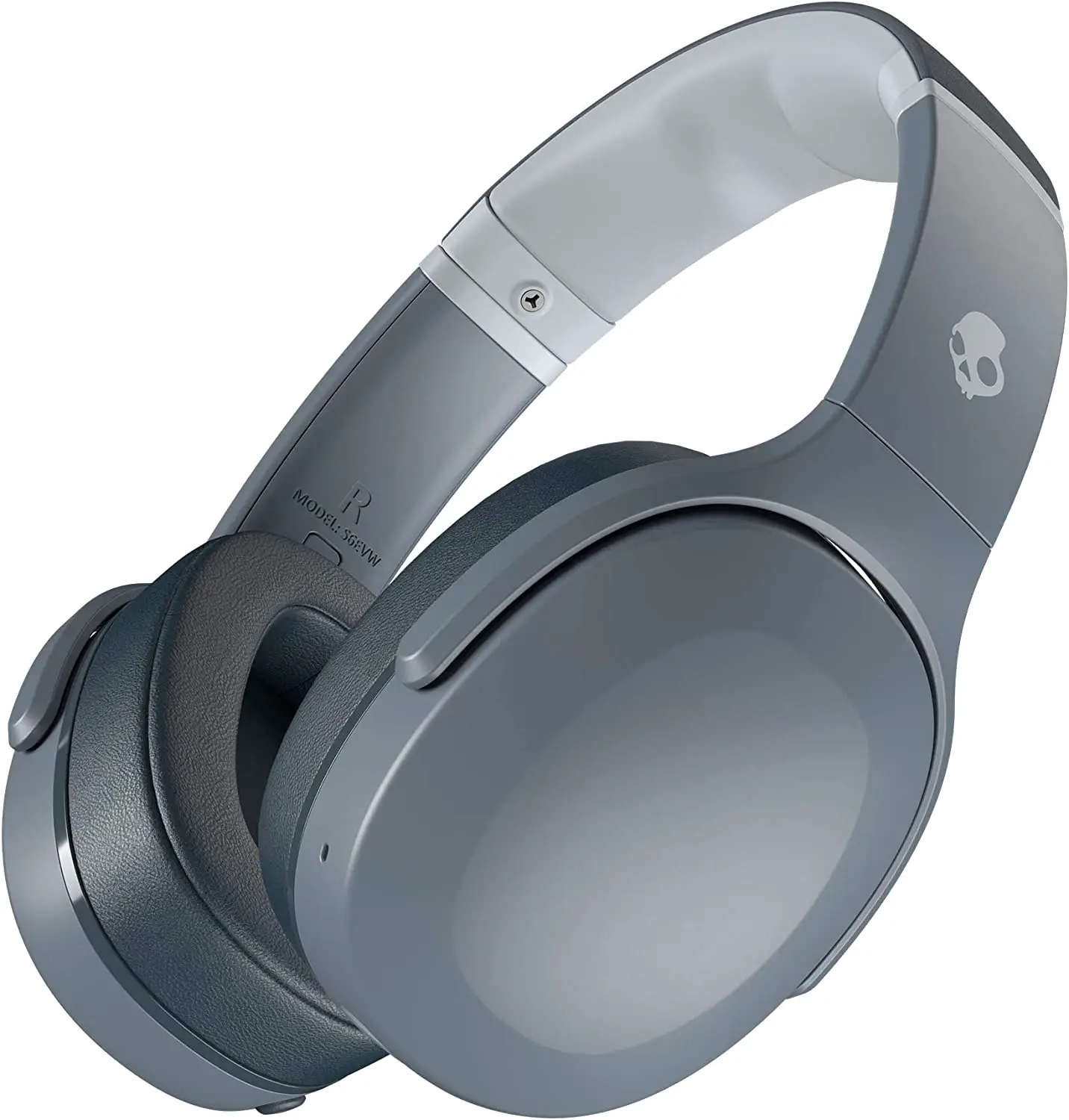
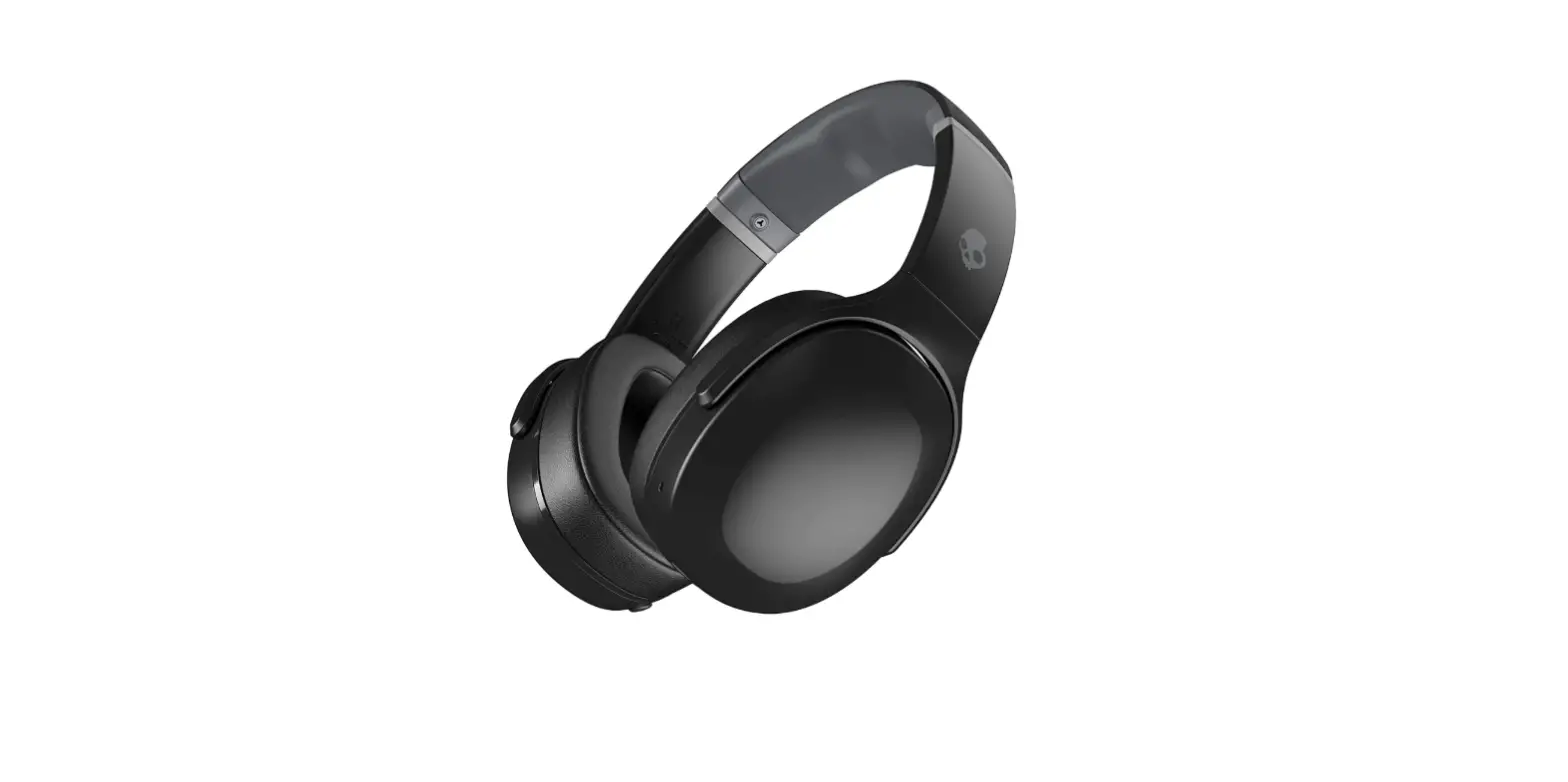
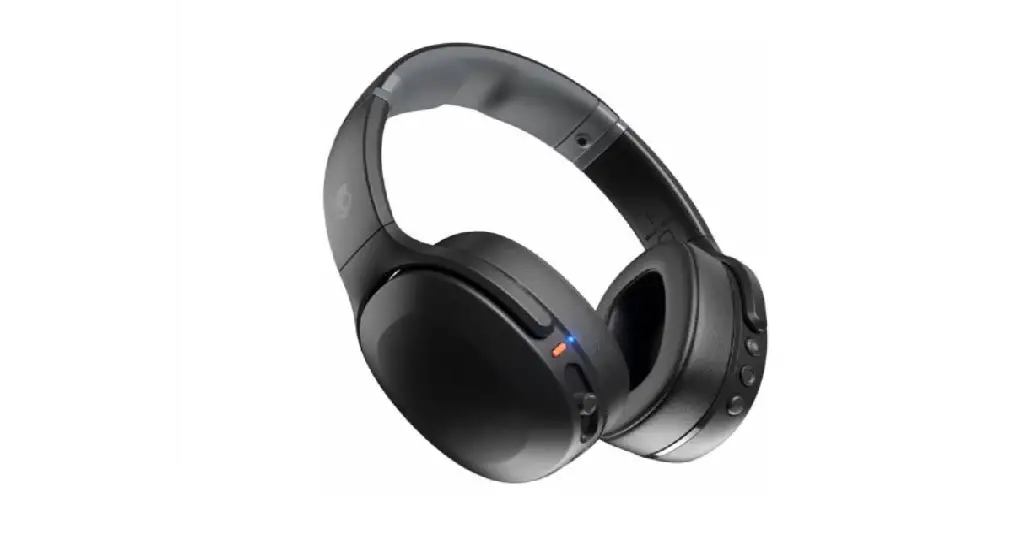
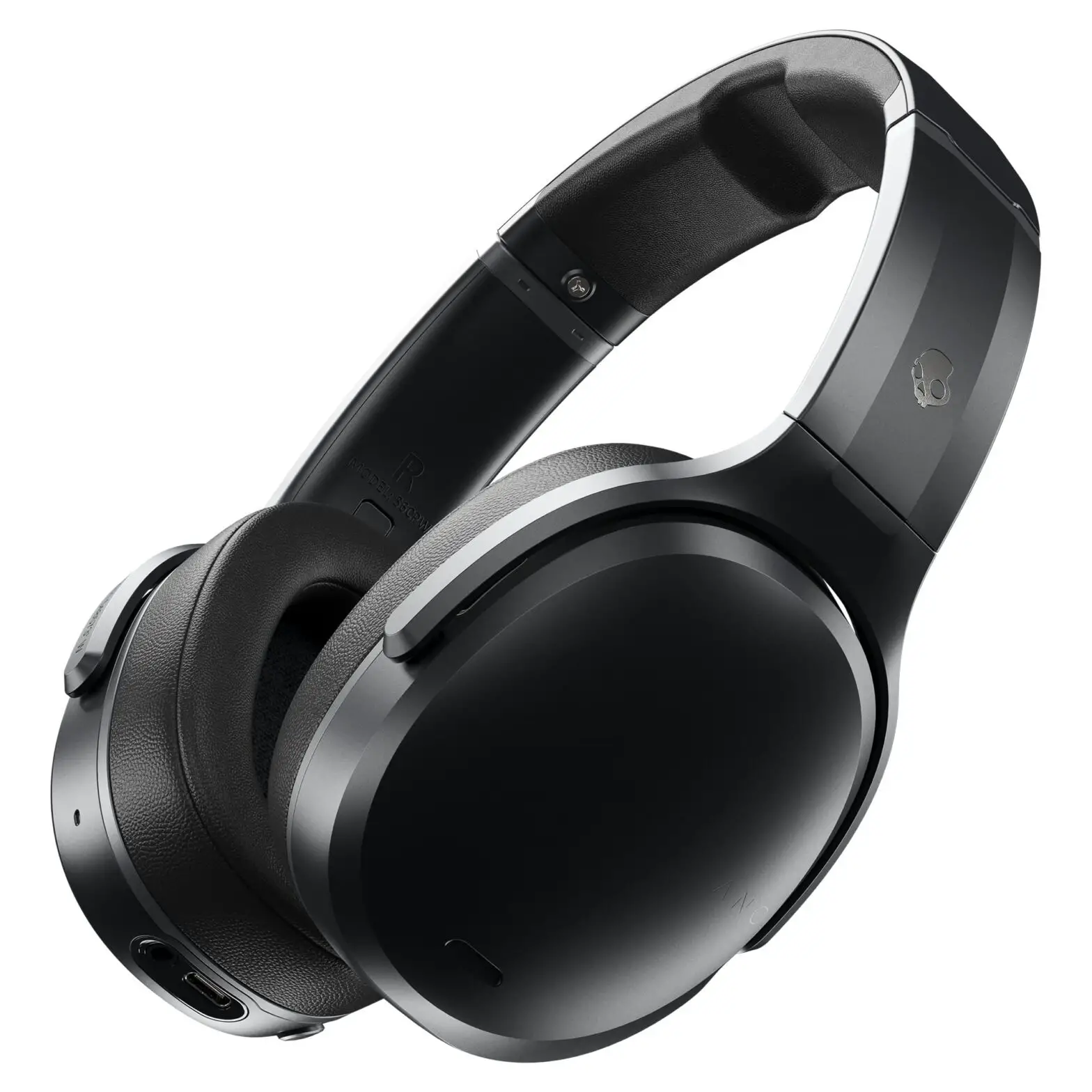
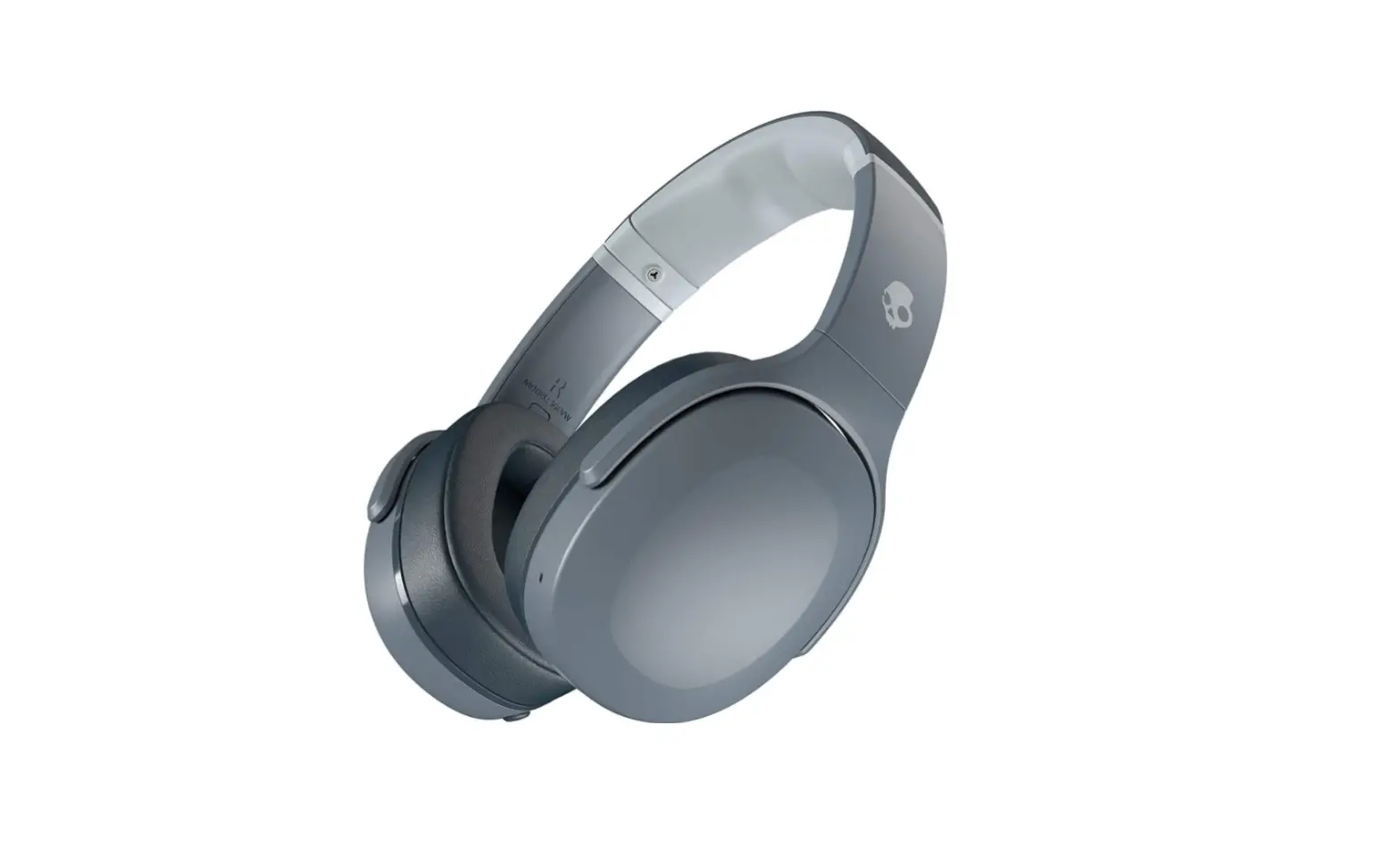
Crusher ANC Canceling Wireless Headphone
Instructions Manual
TROUBLESHOOTING
PAIRING ISSUES?
Issue: You’re having trouble pairing your Crusher ANC™ with your mobile device, or your Crusher ANC™ are malfunctioning in any other way.
Solution: A full reset may help. Here’s the simple way to do it.
- Hold both the upper and lower buttons on the right earcup for ten seconds and watch the colored LED’s. The top and bottom ones will turn yellow for three seconds.
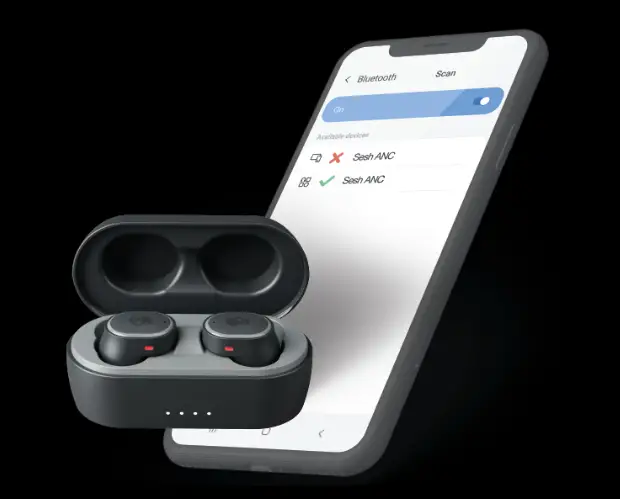
- Remove Crusher ANC™ from your paired devices list.
- Pair it again with any Bluetooth enabled device.
If you have recently purchased the iPhone 11 or 11 Pro running iOS 13.0 there is a known issue with Bluetooth connectivity; Skullcandy and Apple suggest updating to iOS 13.1.

![Skullcandy Crusher Wireless User Manual [pairing, Reset Instructions For S6crw]](https://static-data1.manualsee.com/1/img/111/602/2018/05/Skullcandy-Crusher-Wireless-User-Manual-Pairing-Reset-Instructions-for-S6CRW-featured.jpg "Skullcandy Crusher Wireless User Manual [pairing, Reset Instructions For S6crw]")