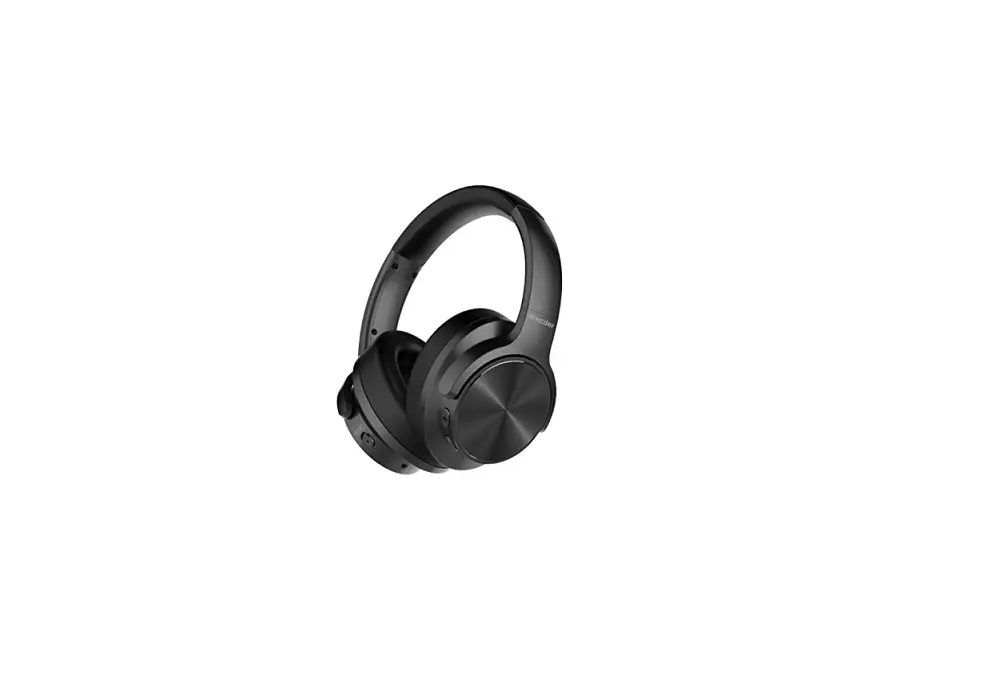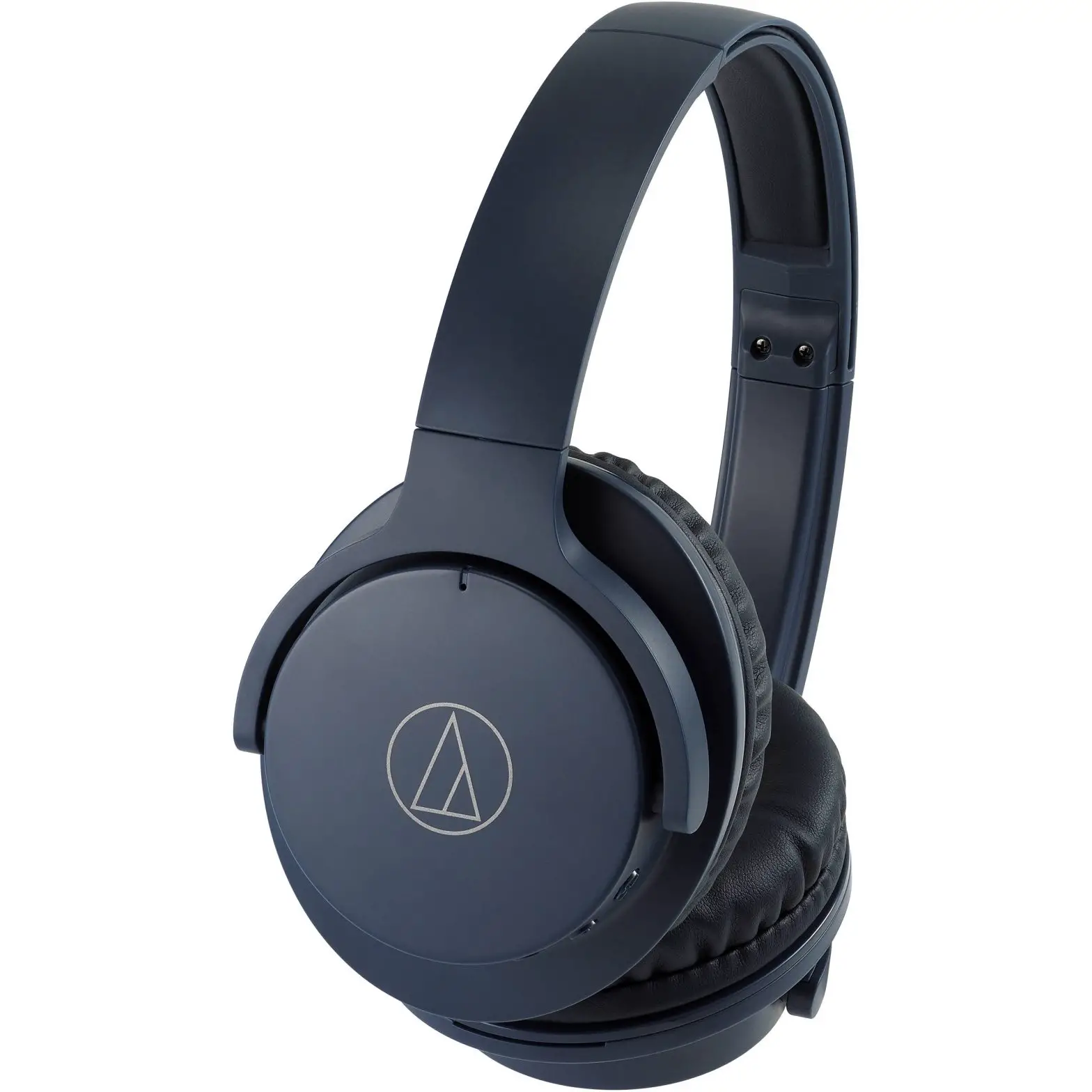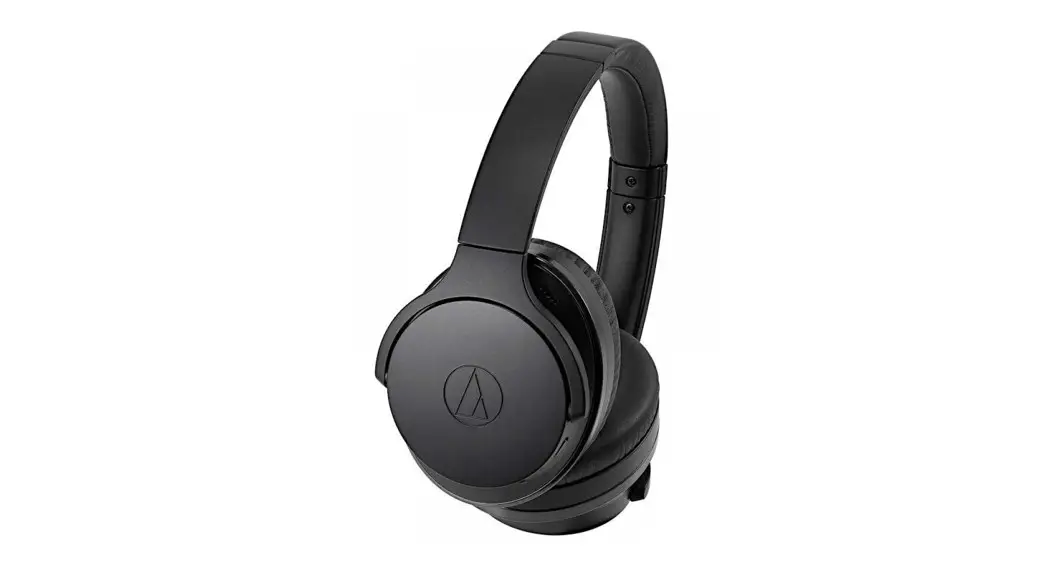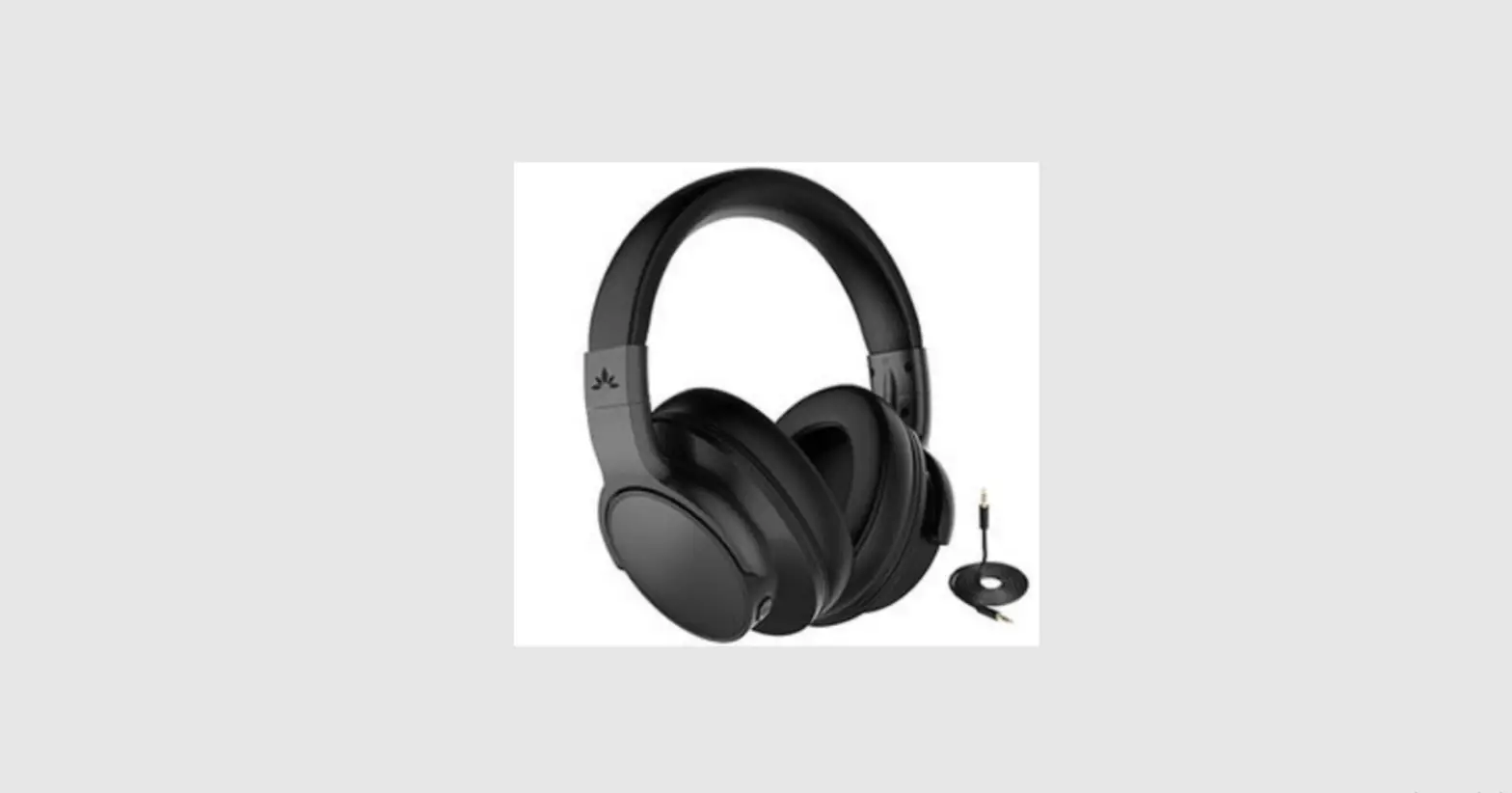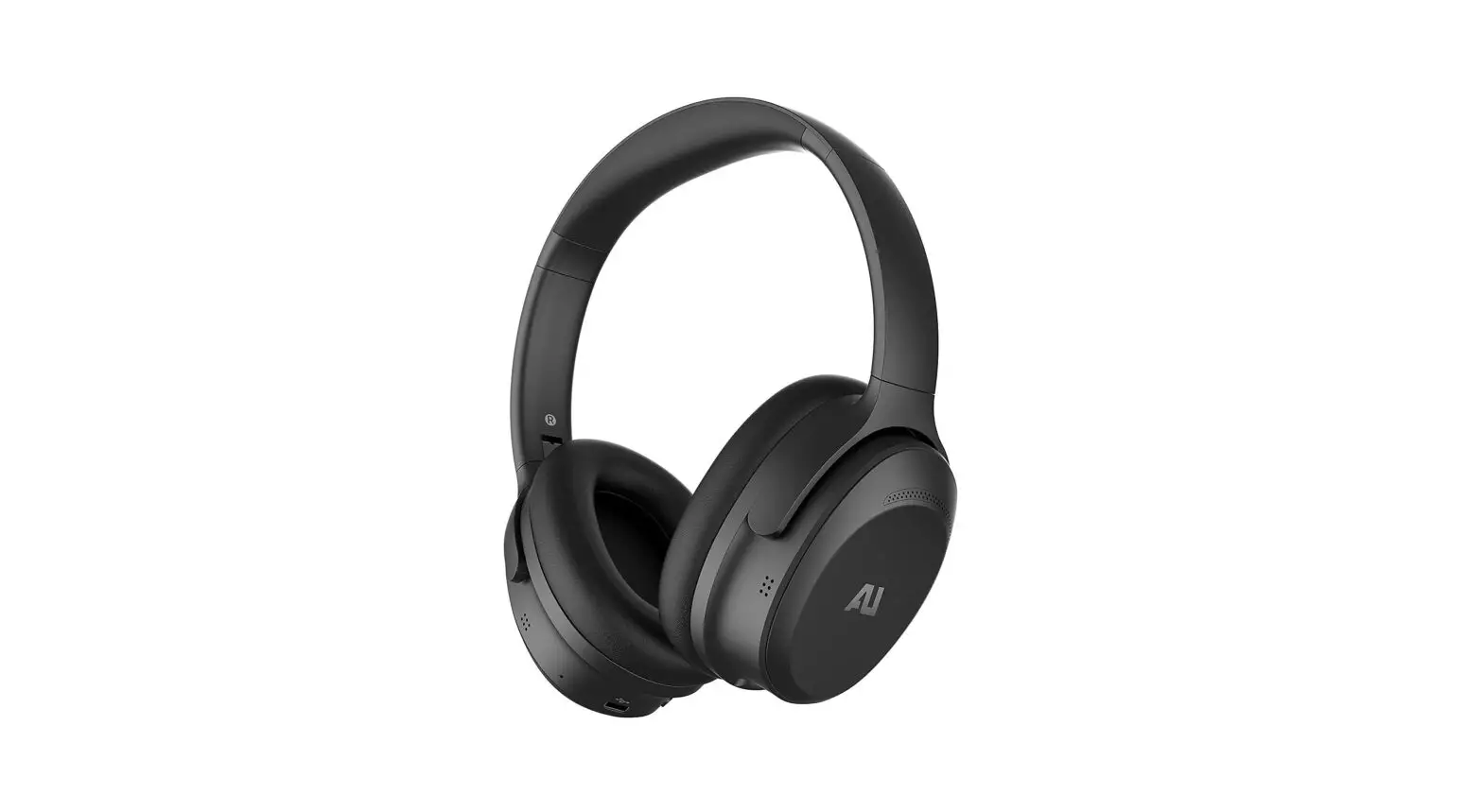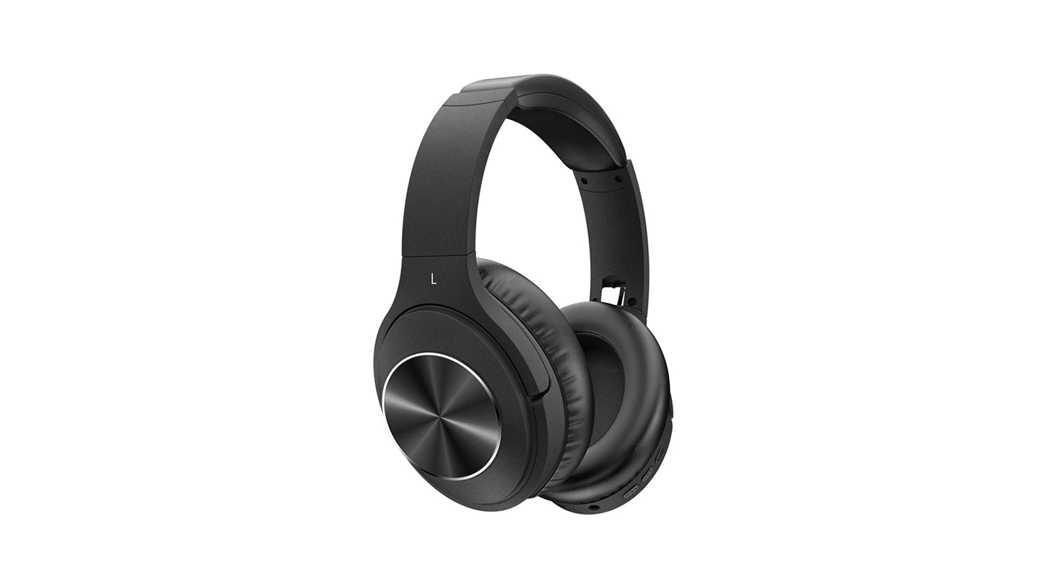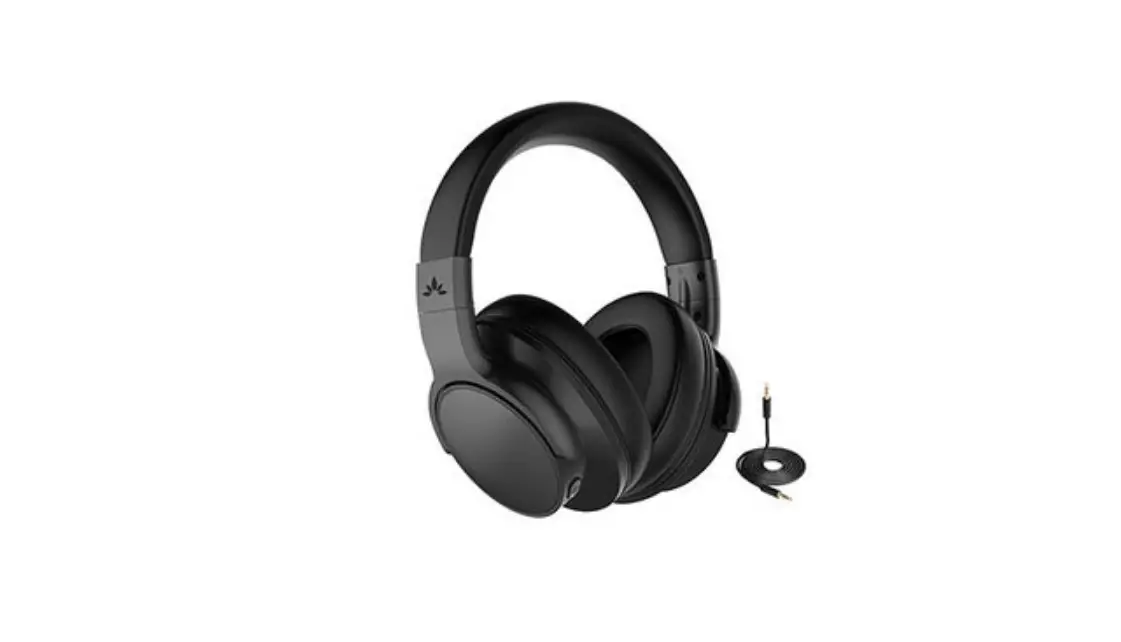
 AUSDOM ANC8 Noise Cancelling Wireless Headphones User Manual
 AUSDOM ANC8 Noise Cancelling Wireless Headphones User Manual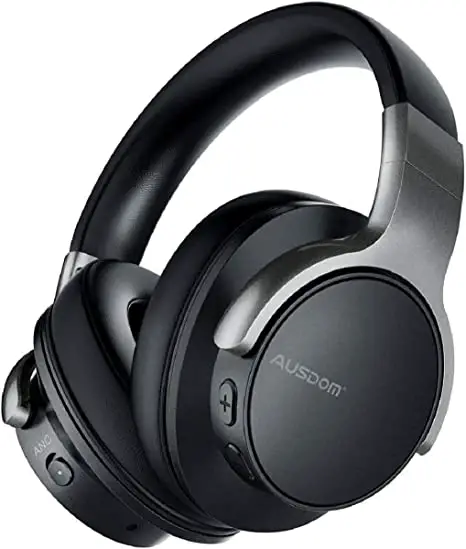
Introduction
Thank you for purchasing the AUSDOM ANC8 Wireless
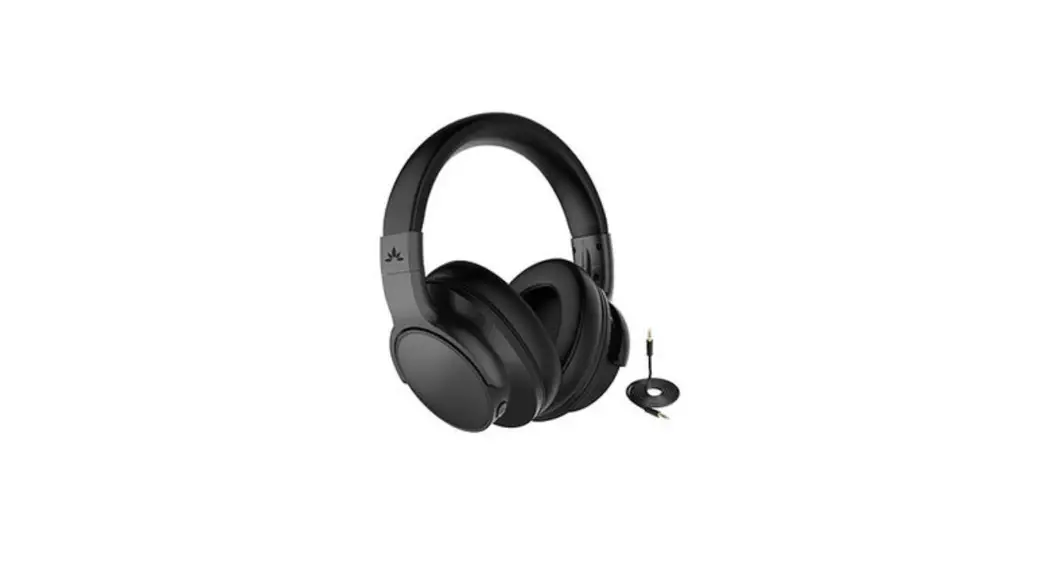
Active Noise Cancelling Headphones. AUSDOM ANC8 active noise canceling technology detects the noise around you and cancels it out while traveling, working or going anywhere, helping you focus on what you want to hear. The look of ANC8 is fashionable and its package is eco-friendly. The built-in rechargeable battery provides sufficient music playtime and standby time (Fast Charging: 5-minute charging for 2-hour playtime). It’s designed to sound better, filter out noise, and be more comfortable and easier to carry. ANC8 can be used in both wired and wireless modes via 3.5mm audio cable and Wireless V5.0 to communicate with your Wireless-enabled device within 33 ft. /10 m. Its powerful and rich bass speaker brings you amazing and unprecedented audio enjoyment.
Note: Please read the user manual carefully before using it, and keep it properly for future reference.
Package Contents
- 1 x Wireless Headphone
- 1 x Micro USB Charging Cable
- 1 x 3.5mm Audio Cable
- 1 x User Manual
- 1 x Compact Carrying Case
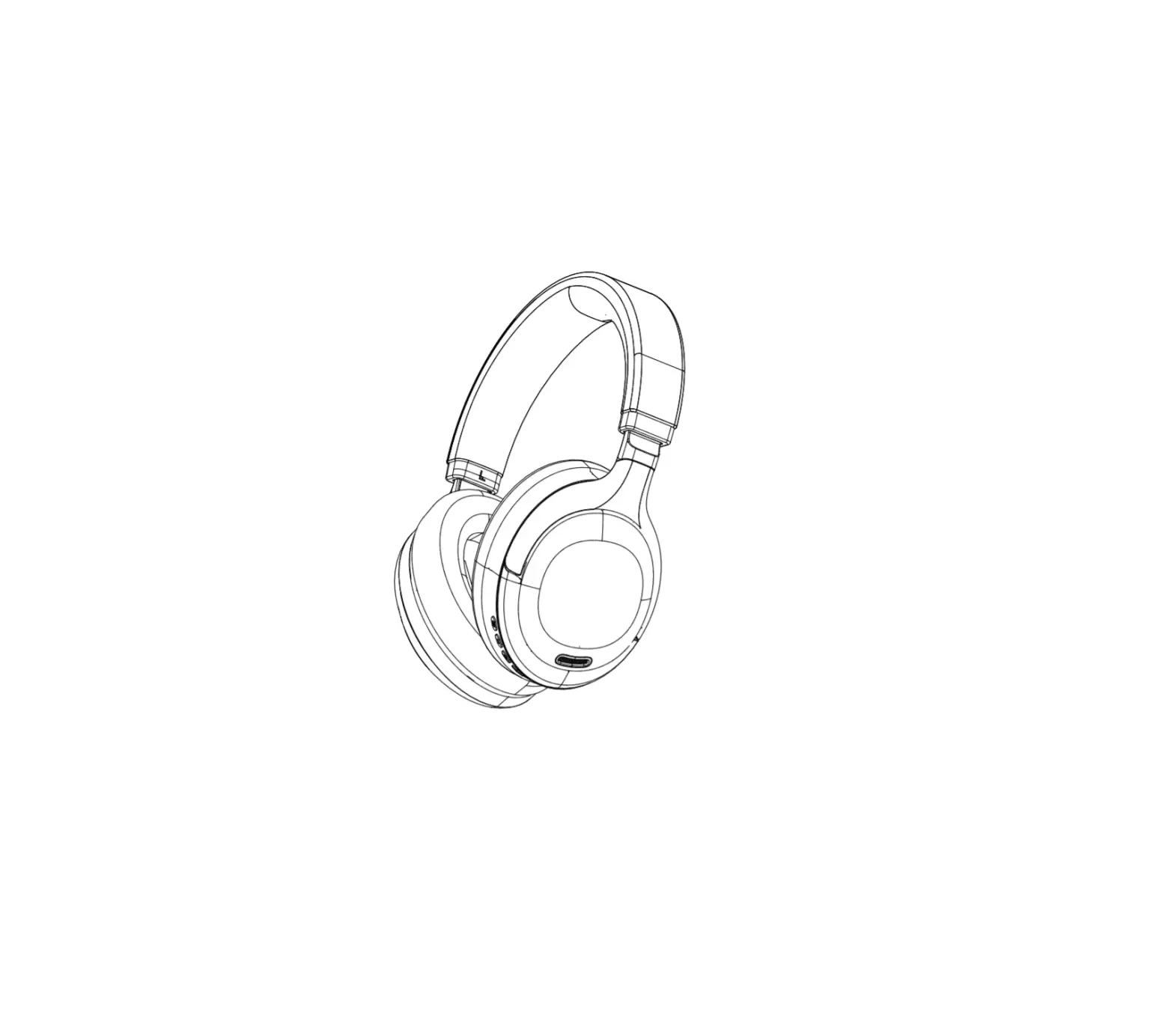
Product Overview

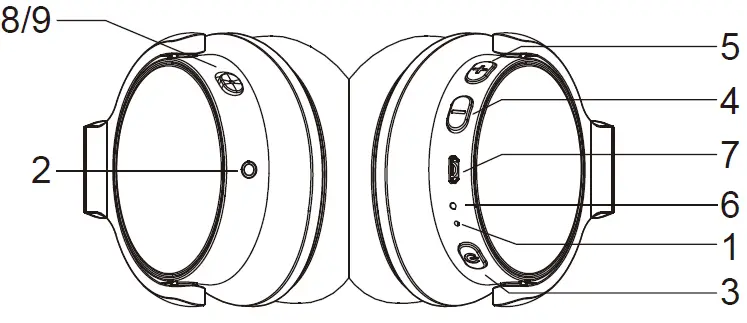
- Microphone
- 5mm Line-in Port
- Power Button
- Previous Track/V-
- Next Track/V+
- LED Indicator/Charging LED
- Micro USB Interface for charging
- ANC LED Indicator
- ANC Switch
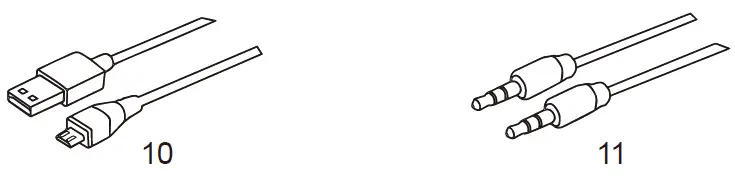
- Micro USB Charging Cable
- 5mm Audio Cable
Charging the Headphone
Use the supplied micro USB charging cable to recharge the battery. It takes about 1.5 hours for the first charge and after charging for as long as 1 hour. The headphone LED turns to solid red during charging. When the battery is fully charged, the LED turns off. In order not to affect the charging time, please turn off the wireless function during charging, but you still can use the audio cable. When the battery is low, the LED indicator light blinks red. At the same time, the headphones also provide a low battery warning tone.
Note: It is strongly recommended fully charge for the first use. Playtime varies according to volume level and audio content.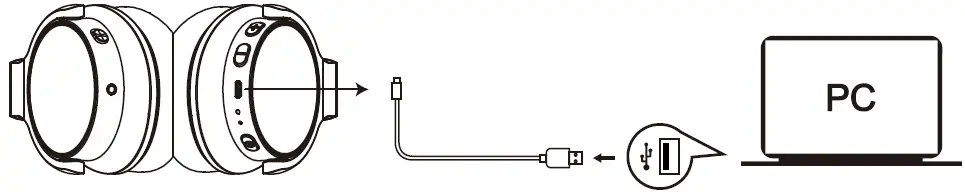
Pairing with Wireless Devices
- Make sure the headphones are off.
- Do not place both devices more than 3ft/1m away from each other.
- Turn on the Wireless function of your devices.
- Press and hold the power button on the headphones until it powers on but don’t let go just yet. Continue holding down on the power button until you see the LED indicator flashes blue and red alternately, which means your headphones is in “pairing mode” waiting to be paired with your device. You will hear a prompt.
- Select the ‘‘AUSDOM ANC8’’ to pair. Once successfully paired, the LED turns to solid blue. You will hear a prompt.
Note: Before pairing the headphones with a computer, please make sure your computer or laptop has the built-in Wireless feature. If not, you must purchase a Wireless dongle, preferably version 2.1 or above. AUSDOM ANC8 will pair with the last paired device automatically when turned on. Because of different systems, some computers or laptops may need to be manually paired every time.
Active Noise Canceling
AUSDOM ANC8 contains a noise canceling circuit, Noise mainly in an airplane, buses or trains is effectively reduced.
- The noise canceling effect may not be pronounced in a very quiet environment, or some noise may be heard.
- The noise canceling effect may vary depending on how you wear the headphones.
- The noise canceling function works for noise in the low-frequency band primarily. Although noise is reduced, it is not canceled out completely.
Making and Answering a Call
Making a call
- Make sure the headphones are paired with the mobile phone. Dial through the mobile phone and press the call button on the phone.
- To end a call, press the power button once again or also end the call directly by phone.
Answering a call
Make sure the headphones are paired with your phone. Please refer to chapter 5. Pairing with wireless devices.
- Press the power button on your headphones to answer the call through headphones. If there is a music playback, it will pause.
- To end a call, press the power button once again or also end the call directly by phone.
- As soon as the call is ended, the music will continue to play automatically.
Used as a Wired Headphone
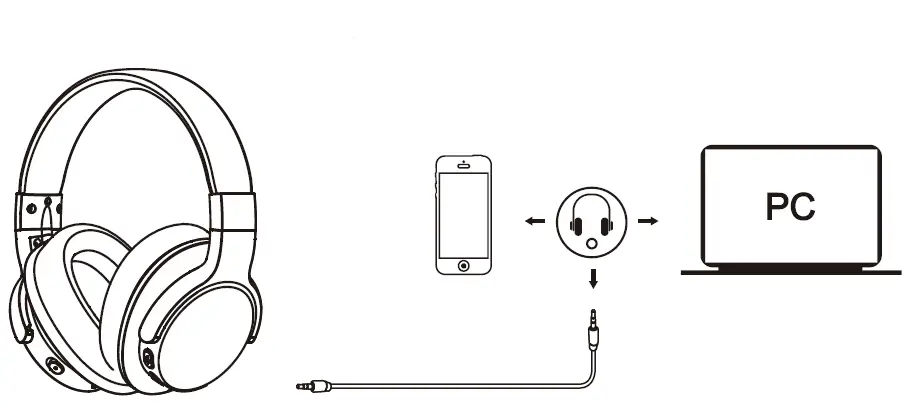
There is a 3.5mm audio port on the left side of the ear cup in which you can plug the included audio cable. It enables you to connect ANC8 to other devices via a 3.5mm audio cable. When the headphone’s battery is low, you can still enjoy the music without worrying about battery drain.
Note: The microphone can’t work when used as wired headphones.
Using as a wired headphone with a 3.5mm audio cable
Taking Care of Your Headphones
- Store the headphones in the carrying case and in a dry place when it powers off.
- If you don’t use the headphones for a long period, charge the battery every 2 months for 1-2 hours.
- Use a dry cloth for cleaning if needed.
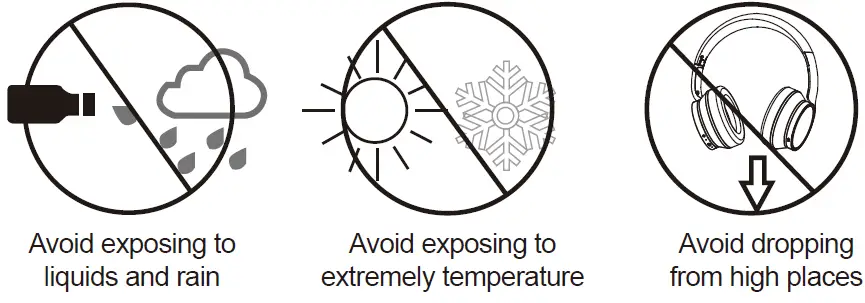
- Avoid dropping the headphones from high places or on hard surfaces
- Avoid exposing the headphones to extreme temperatures. (Recommended Storage temperature is -40˚C-80˚C.)
- The headphones are NOT waterproof. Avoid exposing the headphones to rain or getting liquids into any button port or other openings.
- Please don’t twist or bend the headphones. This may cause permanent deformation.
- The built-in battery can’t be disposed of in the fire to avoid an explosion.

Protecting your Hearing
The headphones are held close to your ears, so loud sounds pose a potential hearing risk. It is highly recommended that set a low volume level before putting on the headphones are and avoid exposing yourself continuously to high volumes. If you need to use the headphones for a long period, rest for ten minutes for a half hour using.
Control Instructions
| Function | Operation |
| Power on | Press and hold the power button for 3 seconds, and you will see the blue light flash and hear “power on”. |
| Power off | Press and hold the power button for 3 seconds, and you will hear “power off”. |
| Pairing | Press and hold the power button for about 5 seconds till the red and blue light flash alternatively, and you will hear “paring”. |
| Increase volume | Press the Volume Up V+ button |
| Decrease volume | Press the Volume Down V- button |
| Play media | Press the power button |
| Pause/restart media playback | Press the power button |
| Skip to the next track | Press and hold the V+ button for 1-2s |
| Skip to the previous track | Press and hold the V- button for 1-2s |
| Answer a call | When a call rings, press the power button |
| End a call | To end a call, press the power button |
| ANC On | Push the ANC switch to ON, blue light is on. |
| ANC Off | Push the ANC switch to OFF, the blue light is off. |
Note: There will be an alert tone when the volume reaches the maximum level.
Troubleshooting
The headphones cannot be turned on.
The battery may be flat. Please recharge the battery and try again. Refer to chapter 4. Charging the Battery.
Why don’t the headphones pair with the mobile phone?
Please check the followings.
- Check that the headphones are on a full charge.
- Make sure that the mobile phone’s Wireless function is on. You can clear all connection history on your phone.
- Make sure the other paired device’s wireless function is turned off.
- Make sure the two devices are in the effective pairing range. (33 feet/10 meters).
- Make sure that there is no obstacle between the headphones and the mobile phone, such as electronic equipment and a wall.
- Furthermore, make sure that the headphones are in pairing mode, and pair it with the phone again.
There is some noise.
Wireless is a radio technology, so it is sensitive to obstacles between the headphones and the pairing device. Please make sure that there is no obstacle between the two devices and is within 33 feet/10 meters.
I can’t hear a sound.
Please check the followings.
- Try to increase the volume.
- Make sure that the Wireless function is on and that the two devices are connected and within 33 feet/10 meters.
My mobile phone or computer cannot find the headphones.
Please check that the headphones are in pairing mode. Refer to chapter 5. Pairing with Wireless devices. Sometimes when the headphones are connected to too many Wireless devices, they cannot search and pair effectively. Or your mobile phone and computer are already connected to many other devices. Try removing some connections before searching for the headphones.
Warranty
The ANC8 is covered by a 1-year manufacturer warranty. For more information, https://www.ausdom.com
Specifications
| Microphone Unit | 4*1.5mm | |
| Directivity | Omni-directional | |
| Microphone | S.P.L | -42dB |
| Spec. | Impedance | ≤2.2KΩ |
| Operating Voltage | 2V | |
| Speaker Diamete | Φ40mm | |
| Impedance | 32Ω | |
| Speaker | S.P.L | 95dB |
| Spec. | THD | <3% |
| Frequency Response | 20Hz-20KHz | |
| Wireless Version | V5.0 | |
| Wireless Distance | 33ft/10m | |
| Wireless Tech. | Transmission Frequency | 2.402GHz-2.48GHz |
| Support Profile | HSP/HFP/A2DP/AVRCP | |
| Pairing Name | AUSDOM ANC8 | |
| Battery Type | Built-in 500mah rechargeable lithium battery (support fast charging) | |
| Charging Port | Micro USB 5V/1A | |
|
Battery Spec. |
Playtime | About 35-hour talk/music time (ANC OFF) About 30-hour talk/music time (ANC ON) |
| Standby Time | More than 2500 hours | |
| Charging Time | About 1 hour | |
| Operating temperature | -10˚C-45˚C |
Note: Features and technical specifications are subject to change without notice, we apologize for any inconvenience.
FAQS
Do both sides of noise-canceling headphones work?
The over-ear headphones are typically the most effective noise-canceling headphones. That’s because they have numerous methods for noise cancellation, including completely enclosing your ears and filtering out external noise.
How noise cancellation works in developing headphones?
Noise-canceling headphones keep an eye on the ambient noise and block it from ever reaching your ears. In order to properly “cancel out” both sets of sounds when the sound waves meet, tiny microphones in the ear cups or earbuds listen to the outside noise frequencies and emit the exact opposite signal.
Why don’t my noise-canceling headphones function?
Ensure that the headphone apertures are spotless and debris-free.
Examine the headphone aperture and mesh grille for obstructions. Low audio, poor sound quality, or missing audio channels can all be caused by too much junk.
Does the item have a case or fold-up? Does it include an aux wire and charging cord?
The Ausdom ANC8 only swivels; it cannot be folded. However, a charge wire and an AUX cable are included for connecting devices and charging them. Taking into account that some devices don’t support Bluetooth.
Does it work for humpy bus and airplane engines?
Hello, I’ve never taken them on a bus or flight. Despite the fact that I notice my surroundings becoming quieter when the ANC button is pressed. at my work with the window open, as if from noises outside. They operate for me in this manner. Hope this was helpful. Patrick.
Can hearing be protected by noise cancellation?
None; they aren’t intended to safeguard your hearing. Modern noise-canceling earbuds and headphones use soundproofing for higher frequency sounds and active noise control for low-frequency sounds to block out undesired background noise.
Is all noise eliminated by noise cancellation?
It’s not flawless. These headphones are unable to “create” silence or cancel out sounds. The peaks and valleys are not entirely canceled out. The finest noise-canceling headphones only minimize background noise and perform best when exposed to low-frequency droning sounds.
Do noise-canceling headphones make it easier to study?
Because they can cancel out background noise and isolate students from the outside world, really excellent noise-canceling headphones are a terrific way to help students concentrate while they’re studying or writing a term paper.
Can noise cancel give you a headache?
Active noise cancellation headphones can cause your eardrum to become compressed by repeated sound waves, giving you a headache or possibly making you feel nauseous or confused. Your ears are under strain, which is not particularly comfortable.
Why do noise-canceling headphones irritate my ears?
When you initially put on noise-canceling headphones, you can get a pressure-like sensation in your ears, as if you wanted to “burst” them. This happens because, similar to when you rise in an airplane, your brain interprets the absence of low-frequency sound as a pressure difference between your inner and outer ears.
Does noise cancellation make sense?
Should you invest in noise-canceling headphones? Yes. This technology will wow you with its powerful effects if you want to safeguard your hearing, lessen ambient distractions, and have a superior audio experience.
Why is noise necessary for pupils’ Bluetooth headphones?
It can be challenging to study in a noisy setting. In many cases, it even causes tension that is in addition to the stress of studying. Unfortunately, not all of us have access to the constant luxury of silence that libraries provide. Because of this, noise-canceling headphones may be your only hope.
What are the finest headphones for students?
The 10 Best Wireless Headphones for Students for Back to School
- the Sennheiser HD1 Free.
- SoundSport FreeTM by Bose
- AirPods by Apple.
Bose QuietComfort 35 Series II headphones.
JBL JR300BT for Kids; Sony WH-1000XM2.
AUSDOM HEADPHONES Are baby-safe noise-canceling headphones available?
A set of noise-canceling headphones is useful for babies of all ages. Every newborn will eventually be exposed to noise that is between 80 and 90 dB, which is the level at which hearing damage can be prevented. Every caretaker ought to think about buying a pair to shield their developing ears.
Can use noise-canceling headphones make you queasy?
If the noise-canceling headphones alter the natural air pressure in your ear canals, motion sickness may result. In turn, motion nausea results. After using noise-canceling headphones poorly, you may get pressure in your ears. You can feel it regardless of whether you purchase Bose or Apple AirPods.