
Saramonic Blink500 2.4GHz Dual-Channel
User Manual

Statement
Please read this manual carefully before using and strictly operate and store it in accordance with the instructions. Please save the manual for your future reference. If you need further assistance than the user manual, please consult your retailer for help or email us:
[email protected]
Cautions
- The non-professional teardown is strictly prohibited.
- Please keep it away from heat sources such as heaters or ovens.
- Do not remove the battery without professionals help.
- Please clean the device with only a soft, dry cloth.
- When using and storing, please keep away from dust and moisture.
- Do not hold your hand against the microphone capsule cover for the best pick-up pattern.
General Introduction
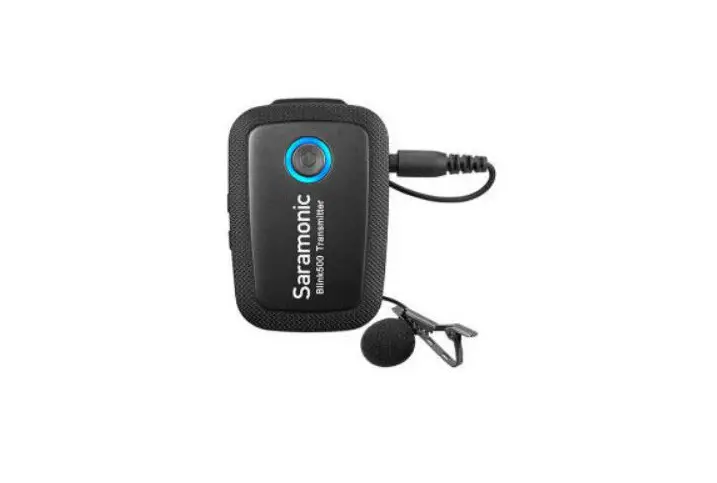
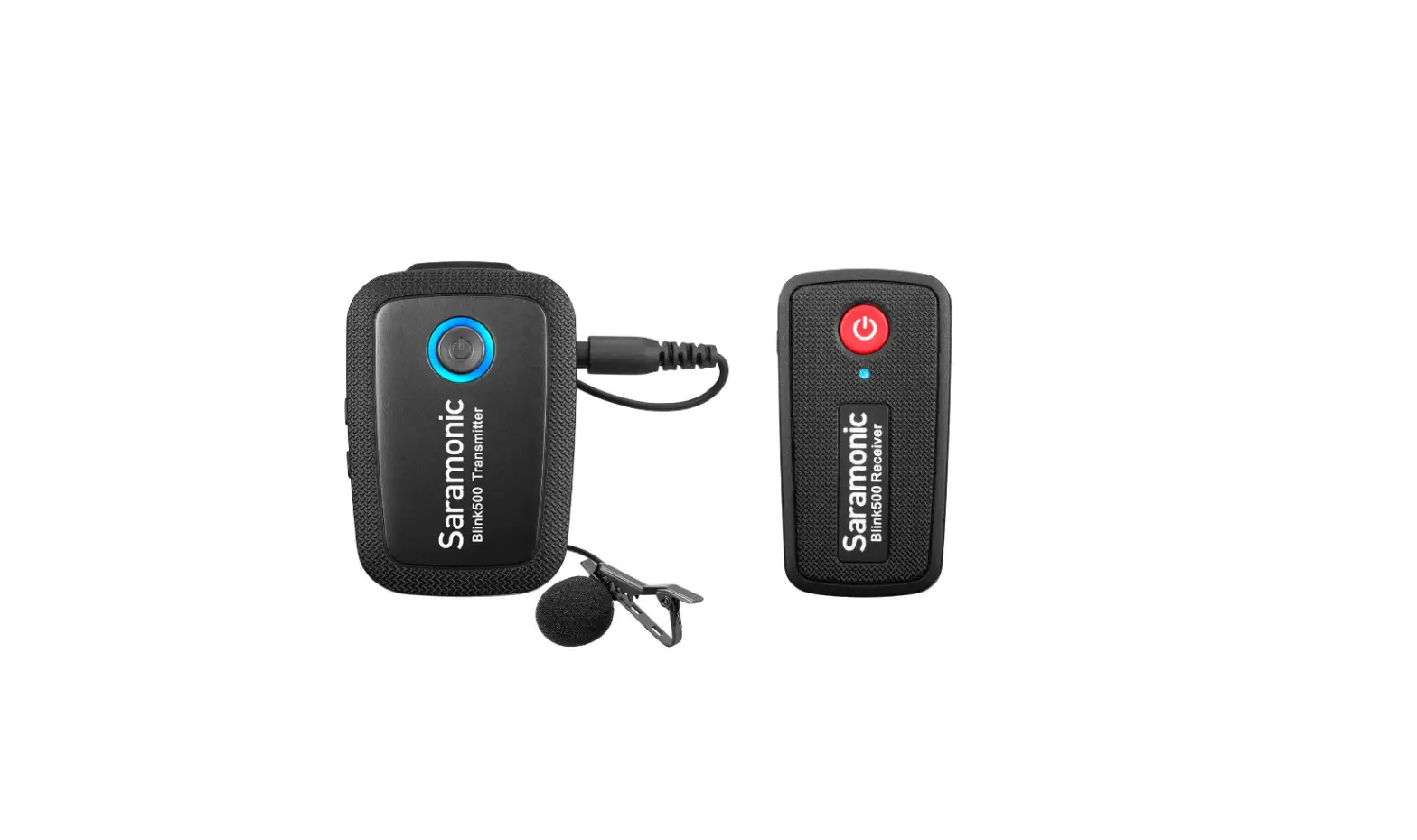
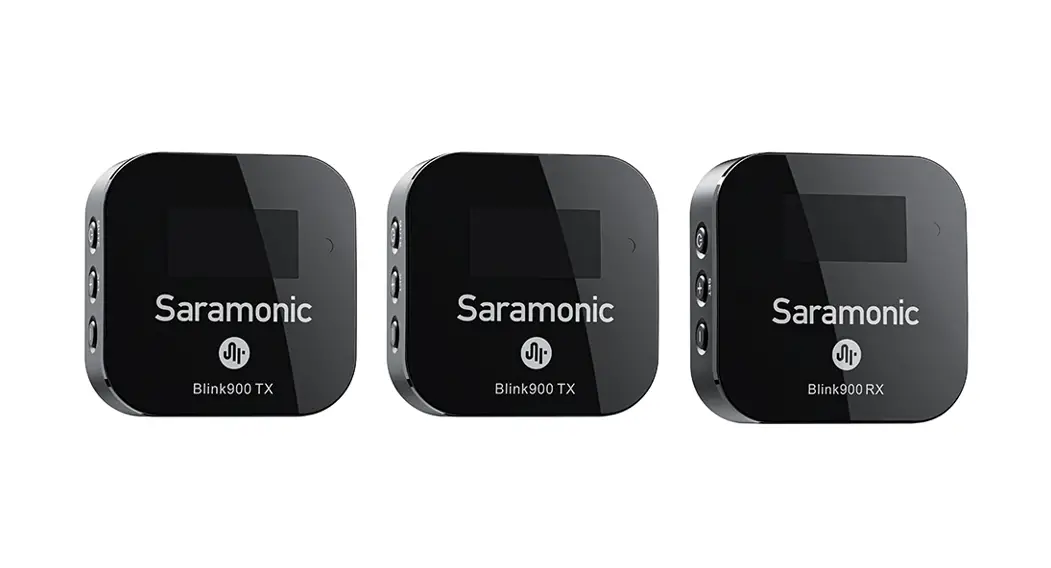
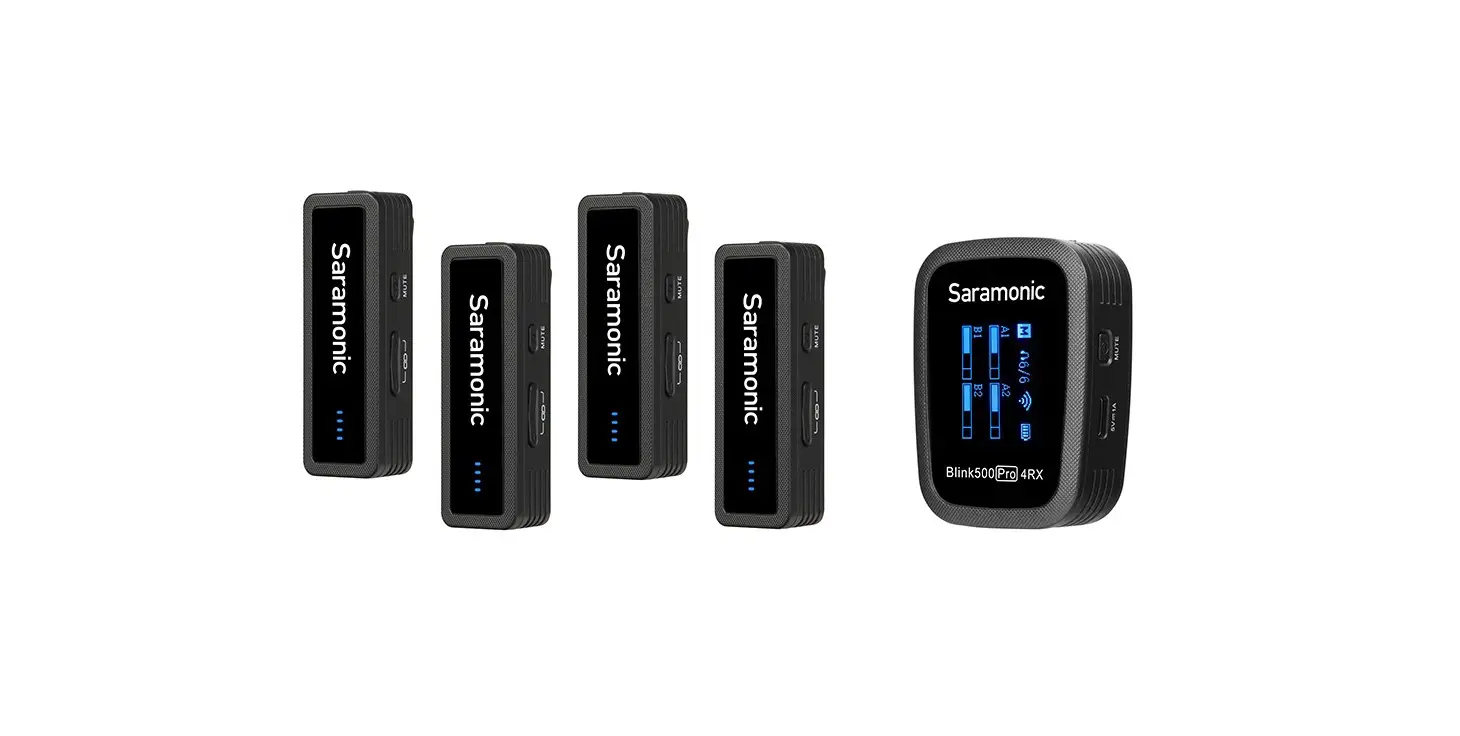
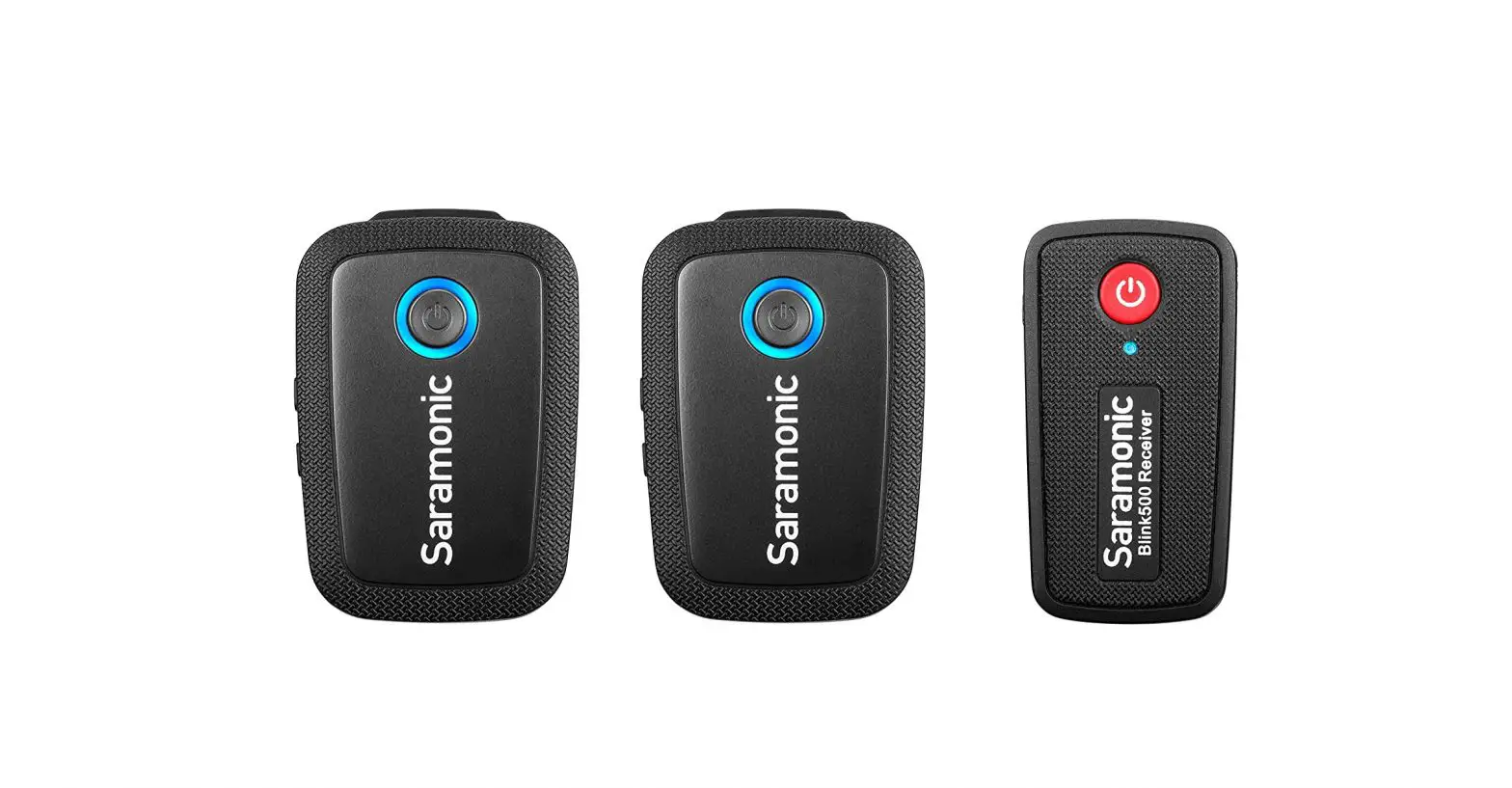
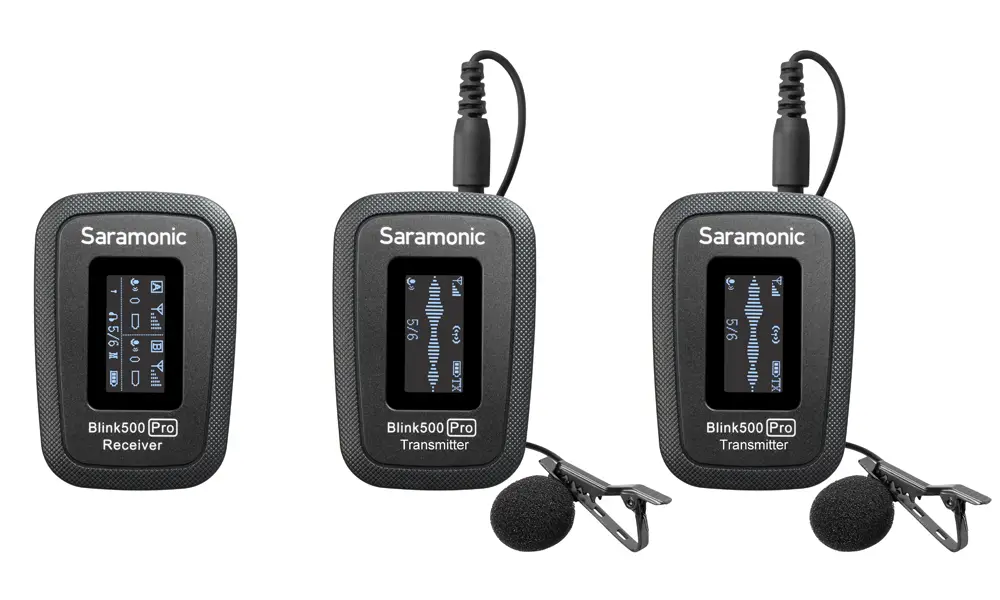
The Saramonic Blink500 ProX Q series is a lightweight, ultra-compact, easy-to-use wireless microphone system for up to 2 people. The microphone delivers exceptional, broadcast-quality sound for live streaming, vlogging, mobile journalism, and more. It features up-to-100 meters operating range, real-time audio monitoring, and a selectable Mono/ Stereo output setting.
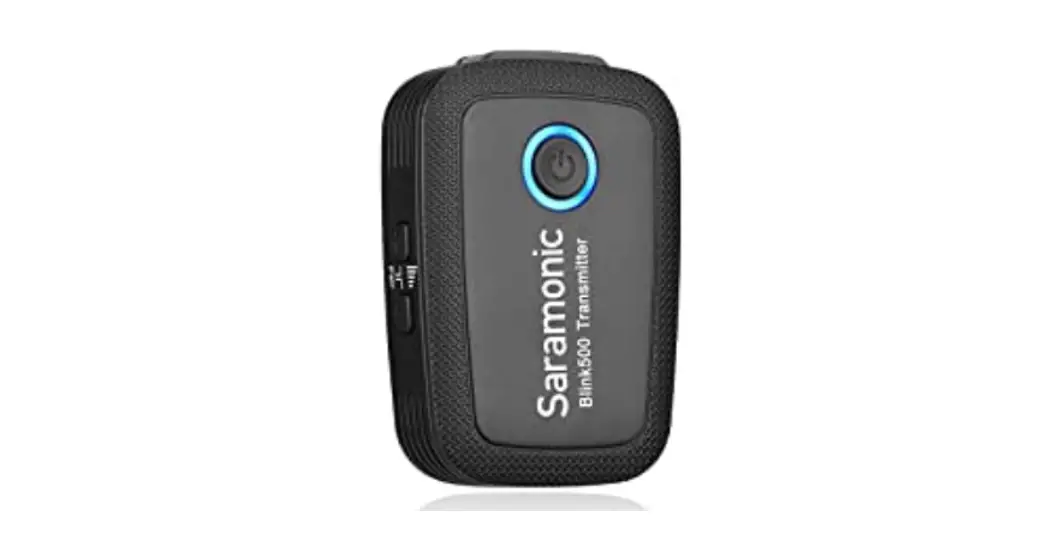
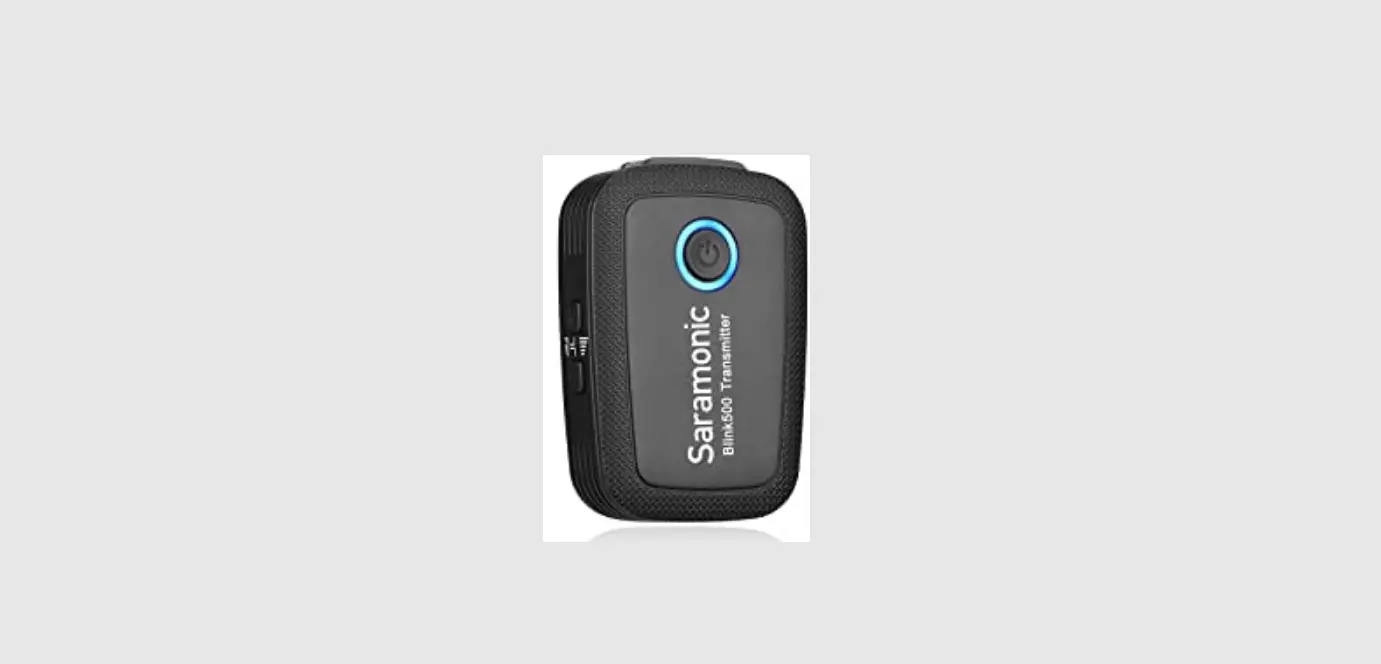
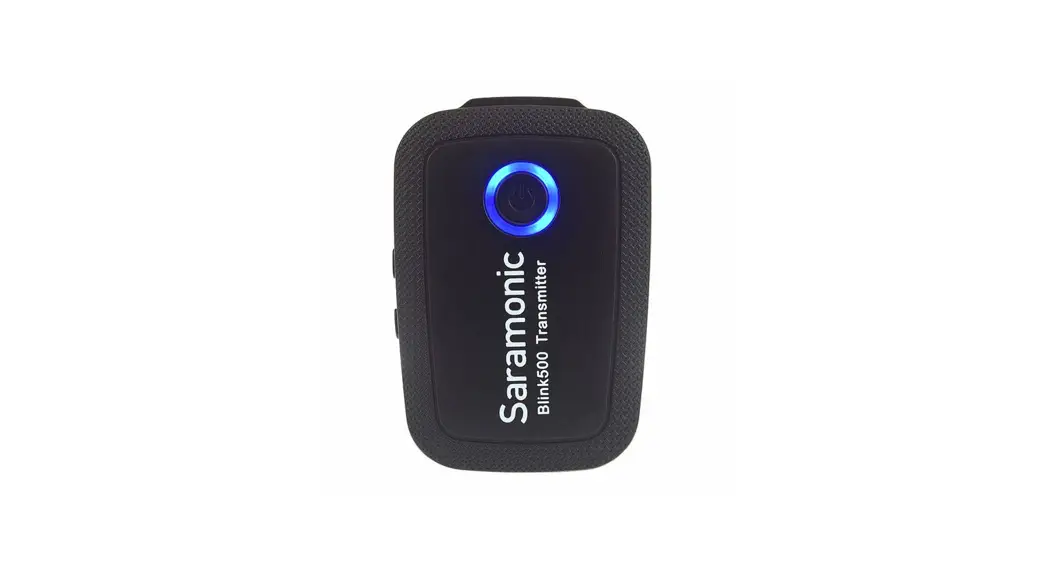
The Blink500 ProX TXQ clip-on transmitter has a great-sounding built-in omnidirectional microphone and is small and light enough to clip to shirts and clothing. The transmitter delivers a 6-hour run time on a single charge. Blink500 ProX RXDi receiver features an MFi Certified Lightning output, designed for iOS devices with a Lightning port, while the Blink500 ProX RXUC receiver features a USB-C output, designed for mobile devices with a USB-C port.
Product Structure
BlinkS00 ProX TXQ:
Body-Pack Transmitter with Built-in Microphone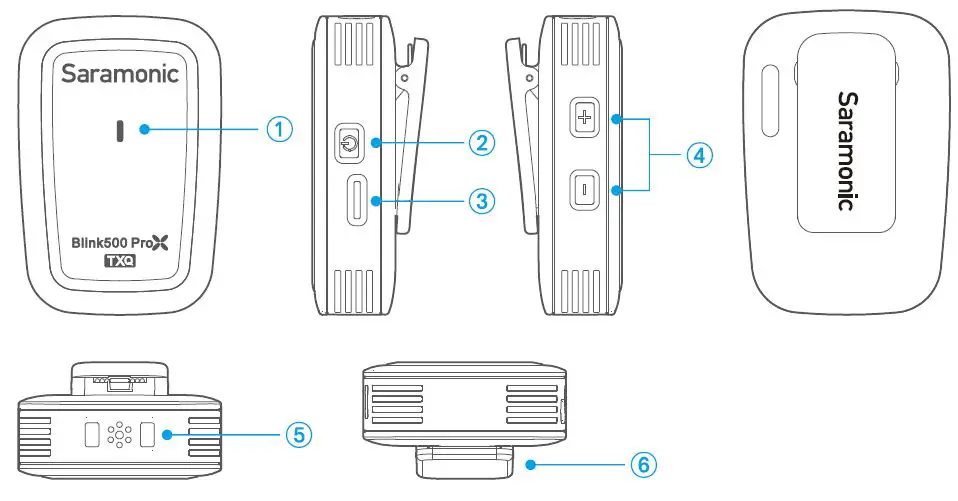
- Status Indicator
Status Indicator Unpaired Blinks blue slowly Pairing Blinks blue quickly Paired Successfully Static blue Mute ON Blinks red slowly Maximum/ Minimum Gain Blinks blue twice Low Battery Blinks red quickly Charging Static red Fully Charged Red light off - Power Button
Function Operation Power ON/ OFF Press and hold for 2 seconds Mute ON/ OFF Press Enter the pairing mode Press and hold for 5 seconds in shutdown mode - USB-C Charging Port (DC SV)
- +/- Button
Press the”+” or”-” button to increase or decrease mic gain. The setting is retained even after the power is turned OFF. - Built-in Microphone
- Belt Clip
BlinkS00 ProX RXDi: Compact Receiver with Lightning Connector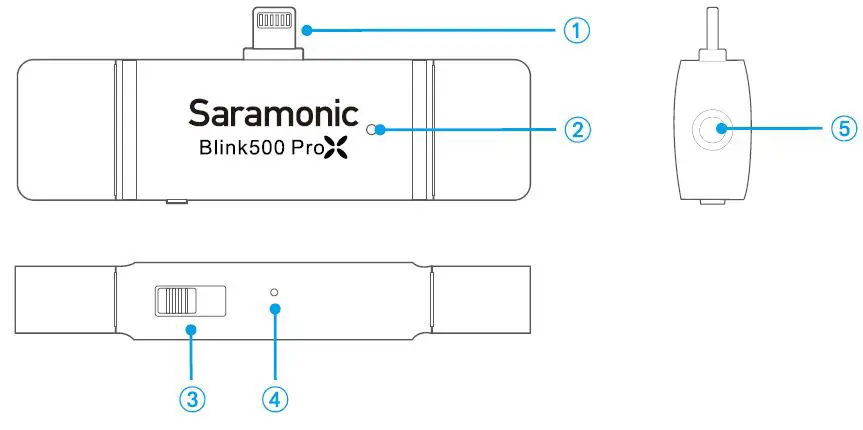
- MFi Certified Lightning Connector
It can be connected to an iOS Lightning device. - Status Indicator
Status Indicator Unpaired Blinking blue slowly Pairing Blinking blue quickly Paired Successfully Static blue - Mono/Stereo Toggle
The output mode can be set to Mono or Stereo. When under Mono output mode, the audio recorded by the two transmitters will be in one channel. When under Stereo output mode, the two transmitter’s audio will be separated into left and right channels. - Pairing Pinhole
Use the included pairing pin to insert and hold for 3 seconds to enter pairing mode. - 3.5mm (TRS/TRRS) Headphones Output
Connect your headphones or earphones for audio monitoring.
BlinkS00 ProX RXUC: Compact Receiver with USB-C Connector 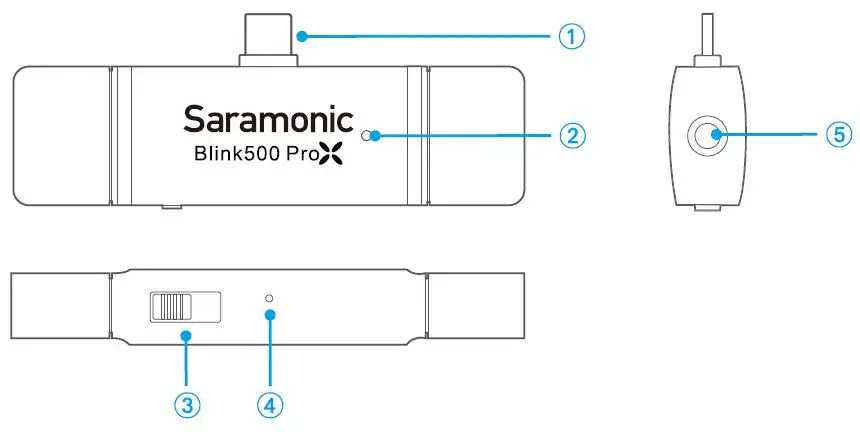
- USB-C Connector
It can be connected to an Android Smartphone, Tablet, Computer and other USB-C devices. - Status Indicator
Status Indicator Unpaired Blinking blue slowly Pairing Blinking blue quickly Paired Successfully Static blue - Mono/Stereo Toggle
The output mode can be set to Mono or Stereo. When under Mono output mode, the audio recorded by the two transmitters will be in one channel. When under Stereo output mode, the two transmitters’ audio will be separated into left and right channels. - Pairing Pinhole
Use the included pairing pin to insert and hold for 3 seconds to enter pairing mode. - 3.5mm (TRS/TRRS) Headphones Output
Connect your headphones or earphones for audio monitoring.
Operation Guide
- Press and hold the power button for 2 seconds to turn on the transmitter(s).
- Plug the BlinkS00 ProX RXDi into an iOS Lightning device or the BlinkS00 ProX RXUC into a USB-C device.
- Pairing
Before leaving factory, the system is pre-paired. Therefore, the connection will be established once they are powered on. If they are disconnected, please follow the steps below:- Long press the power button of transmitter(s) for 5 seconds in shutdown mode to enter the pairing mode. Its indicator will blink blue quickly.
- Then, insert the included pairing pin into the small pinhole on the receiver and hold for 3 seconds. The receiver enters the pairing mode and its indicator will blink blue quickly.
- Transmitter(s) and receiver will be successfully paired within 10 seconds. The indicator of the transmitter(s) and receiver will turn static blue.
- Launch a video or audio recording app.
- Select external microphone, if applicable (app dependent).
- You are ready to record.
Note:
Due to the 2.4GHz wireless frequency is widely used, the signal may be easily attenuated or interfered. Please try to avoid obstacles while using, such as walls and buildings. And keep away from the devices with 2.4GHz frequency, such as high-power Wi-Fi antennas, radios, etc.
Specifications
BlinkS00 ProX TXQ
| Transmission Type | 2.4GHz Digital Frequency |
| Modulation | Digital Modulation |
| Polar Pattern | Omnidirectional |
| Operating Range (without obstacles) | Upto100m |
| RF Output Power | <10mW |
| Distortion | 0.1% |
| Frequency Response | 20Hz-20KHz |
| Reference Audio Input Level | -20–42dBu(MIC input,0dB gain) |
| Signal-to-Noise Ratio | >84dB |
| Audio Input | Built-in Microphone |
| Battery Specifications | 3.7V/ 150mAh |
| Power Requirements | Built-in Li-ion Battery/ USB-C DC 5V |
| Built-in Battery Life | Approx. 6 hours |
| Antenna | FPC Antenna |
| Weight | Approx. 16.5g (0.58oz) |
| Dimensions | 44.5×30.5x12mm (1.75x 1.20×0.47″) |
| Operating Temperature | 0°C to 50°C |
| Storage Temperature | -10°C to 50°C |
BlinkS00 ProX RXDi
| Transmission Type | 2.4GHz Digital Frequency |
| Modulation | Digital Modulation |
| Operating Range (without obstacles) | Upto100m |
| Audio Output | MFi Certified Lightning Connector |
| Monitor Output | 3.5mm (TRS/ TRRS) Headphones Output |
| Power Requirement | Supplied by iOS Devices |
| Antenna | Built-in Antenna |
| Weight | Approx. 16.Sg |
| Dimensions | 82x22x12mm |
| Operating Temperature | 0°C to S0’C |
| Storage Temperature | -10°C to S0’C |
BlinkS00 ProX RXUC
| Transmission Type | 2.4GHz Digital Frequency |
| Modulation | Digital Modulation |
| Operating Range (without obstacles) | Up to 100m |
| Audio Output | USB-C Connector |
| Monitor Output | 3.5mm (TRS/TRRS) Headphones Output |
| Power Requirement | Supplied by USB-C Devices |
| Antenna | Built-in Antenna |
| Weight | Approx. 15.Sg |
| Dimensions | 82x22x12mm |
| Operating Temperature | 0’C to S0’C |
| Storage Temperature | -10’C to S0’C |
Packing Contents
BlinkS00 ProX 03
- 1 x Blink500 ProX TXQ Transmitter
- 1 x Blink500 ProX RXDi Receiver
- 1 x Fur Windscreen
- 1 x Type-C Charging Cable
- 1 x Pairing Pin
- 1 x Carring Case
BlinkS00 ProX 04
- 2x Blink500 ProX TXO Transmitter
- 1 x Blink500 ProX RXDi Receiver
- 2 x Fur Windscreen
- 2x Type-C Charging Cable
- 1 x Pairing Pin
- 1 x Carring Case
BlinkS00 ProX OS
- 1 x Blink500 ProX TXO Transmitter
- 1 x Blink500 ProX RXUC Receiver
- 1 x Fur Windscreen
- 1 x Type-C Charging Cable
- 1 x Pairing Pin
- 1 x earring Case
BlinkS00 ProX 06
- 2x Blink500 ProX TXO Transmitter
- 1 x Blink500 ProX RXUC Receiver
- 2 x Fur Windscreen
- 2x Type-C Charging Cable
- 1 x Pairing Pin
- 1 x Carrying Case
For a better recording experience, the application SmartRecorder is recommended.
Scan the OR code and follow us! 
Shenzhen Jiayz Photo Industrial., Ltd
- A16 Building, Intelligent Terminal Industrial Park of Silicon Valley Power, Guanlan, Longhua District, Shenzhen, China.
- 400-613-1096
- www.saramonic.com
- [email protected]