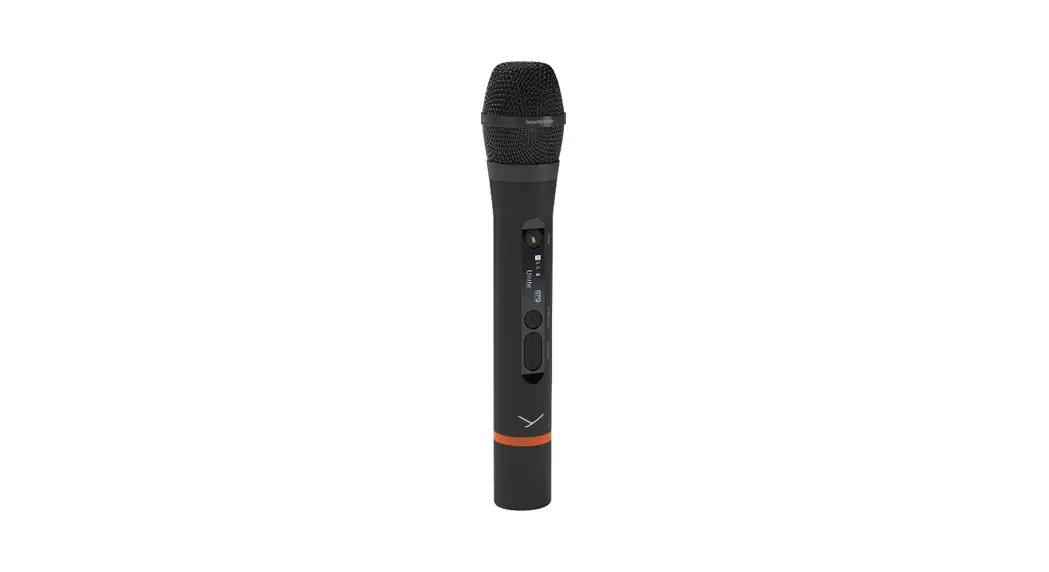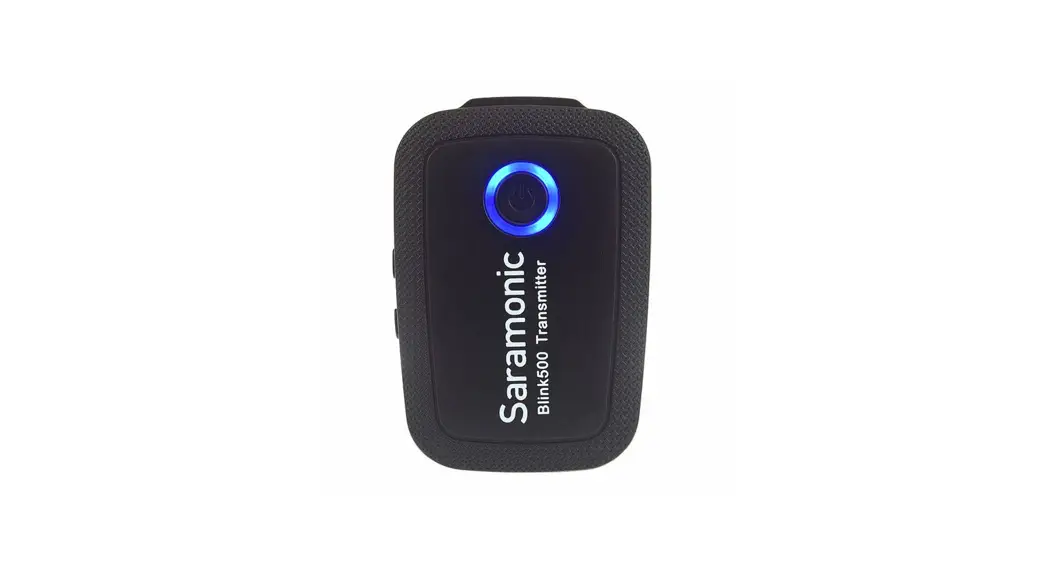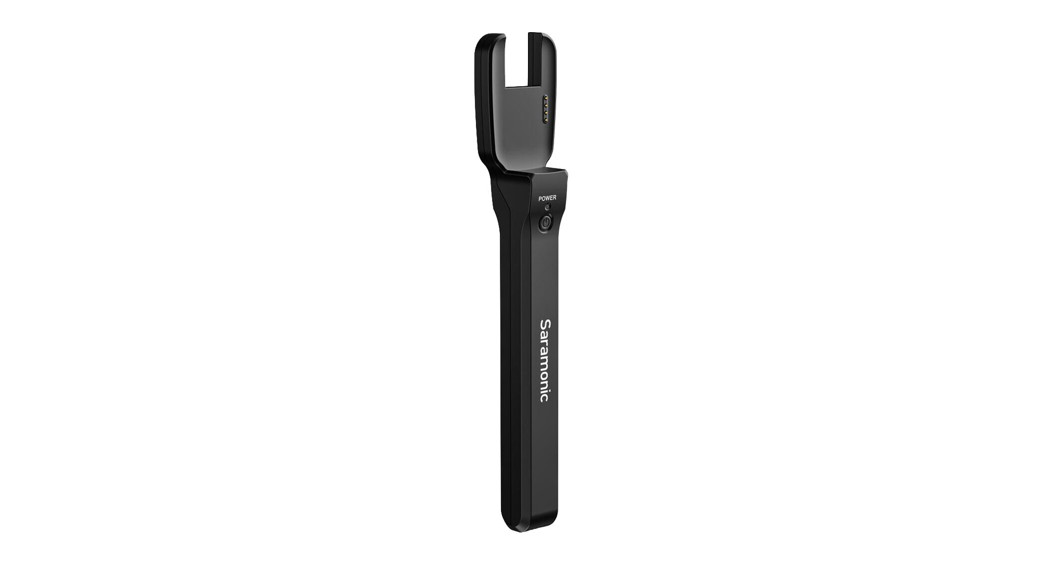

Blink500 Pro HM
Product Structure
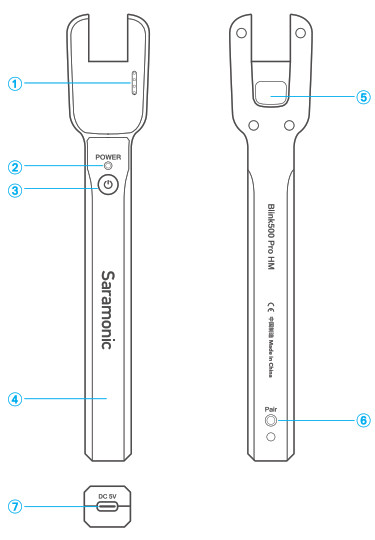
- Charging Contacts
- Power Indicator
Solid Red Light = Blink500 Pro HM is being charged
Solid Blue light = Blink500 Pro HM is charging the TX - Power Button
- Handheld Holder
- Belt-clip Slot
- Pair Button
- USBC Charging Port
Specifications
| Power Capacity | Built-in Li-ion Battery 3.7W1100mAh |
| Charging Port | USB-C |
| Dimensions | 206.7×38.1×25.2mm (8.1×1.5×1″ ) |
| Weight | Approx. 68.5g (2.4 oz.) |
| Operating Temperature | 0ºC to 50ºC |
| Storage Temperature | -20ºC to +55ºC |
Quick Setup Guide
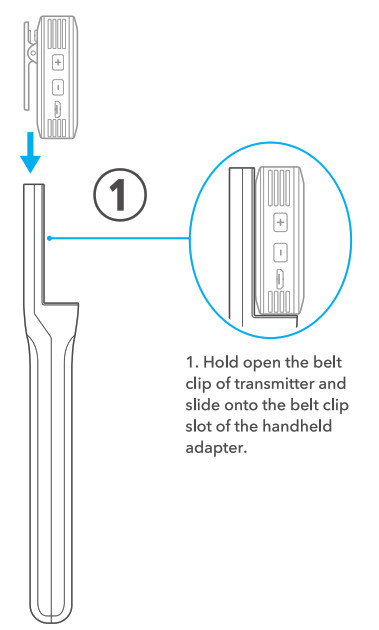
- The transmitter will be charged automatically when it is attached in place.
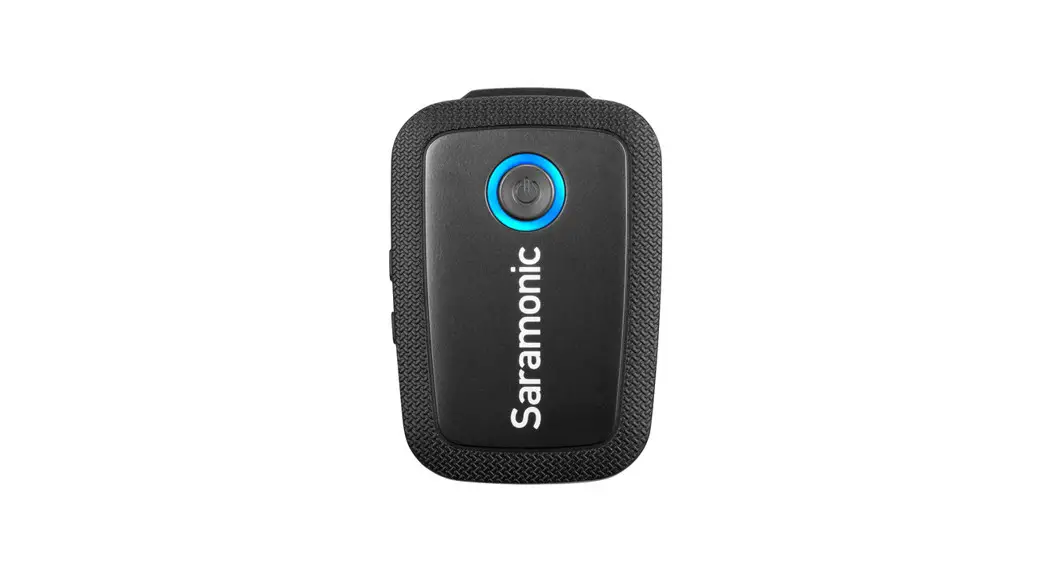
Note: the Blink500 Pro TX transmitter is not included.
How to Pair?
-It is unnecessary to pair the Blink 500 Pro in the HM if the TX and RX are already paired.
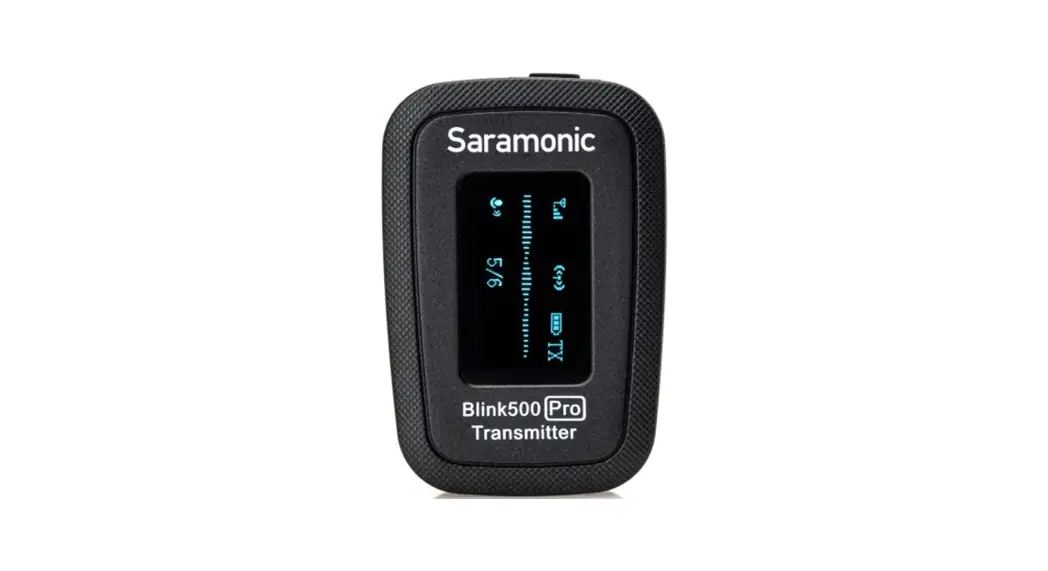
- Hold open the belt clip of the transmitter and slide it onto the belt clip slot of the handheld adapter.
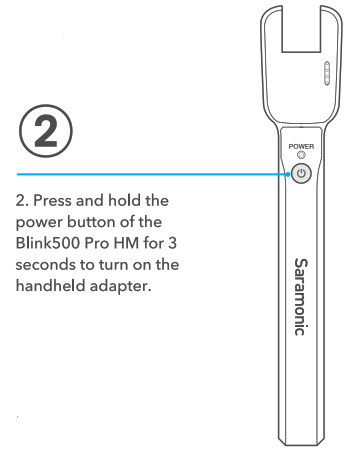
- Hold down the power button of the Blink500 Pro HM for 3 seconds to turn on the handheld adapter.
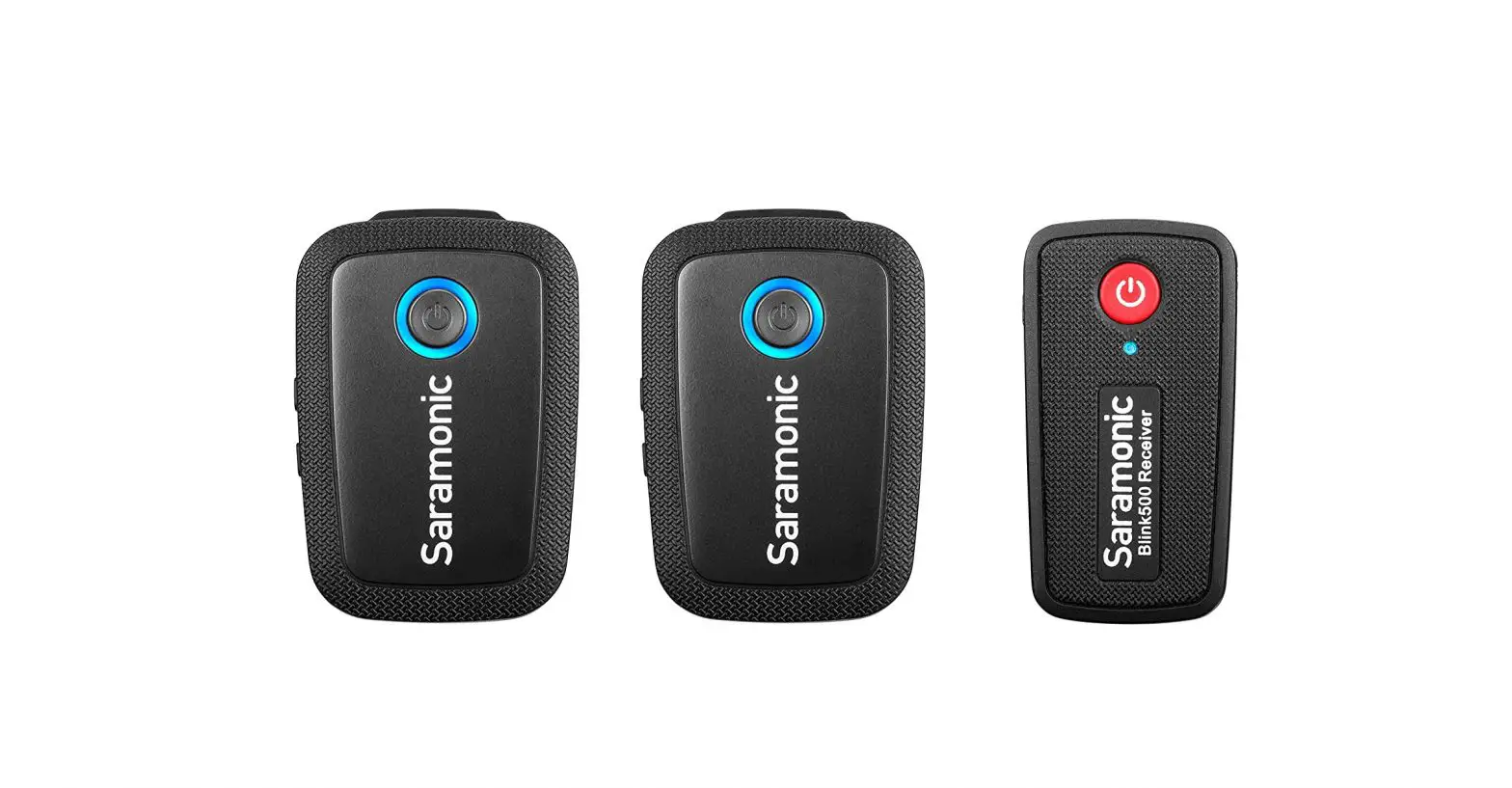
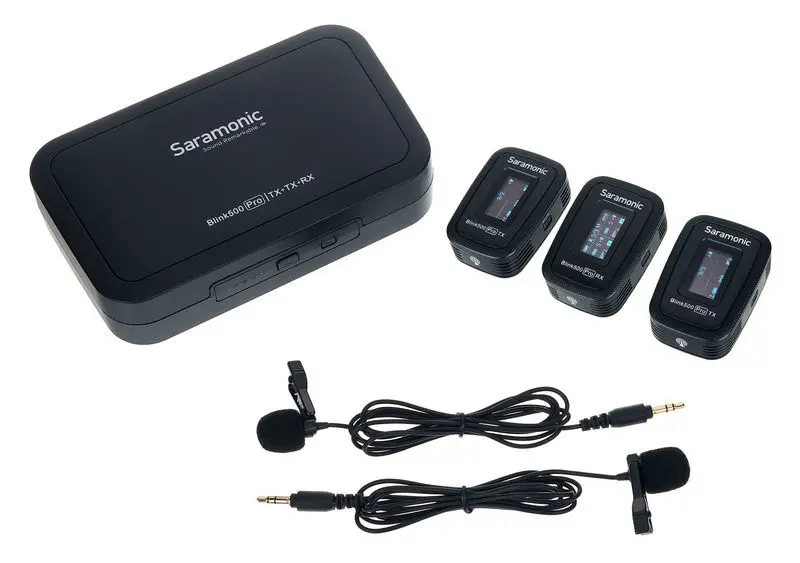
- Hold down the power buttons of the Blink500 Pro TX and RX to turn on the transmitter and receiver. Then put the receiver back in the charging case.
- While the TX & RX are both on and with the receiver in the charging case and the transmitter is inserted into the handheld adapter, simultaneously press both the pairing button on the charging case and the pairing button on the handheld adapter.
- The system is successfully paired when pairing the indicators of the RX’s and the TX’s OLED displays both display “
 “.
“. - You are ready to record.
 “.
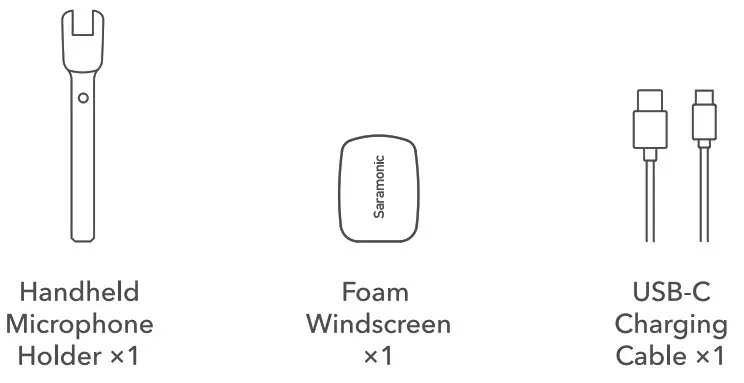
“.Packing Lists 


Scan the QRcode and follow us.
http://weixin.qq.com/r/ikk1LQXEelgFrUFO9xyY
 400-613-1096
 www.saramonic.com
 [email protected]