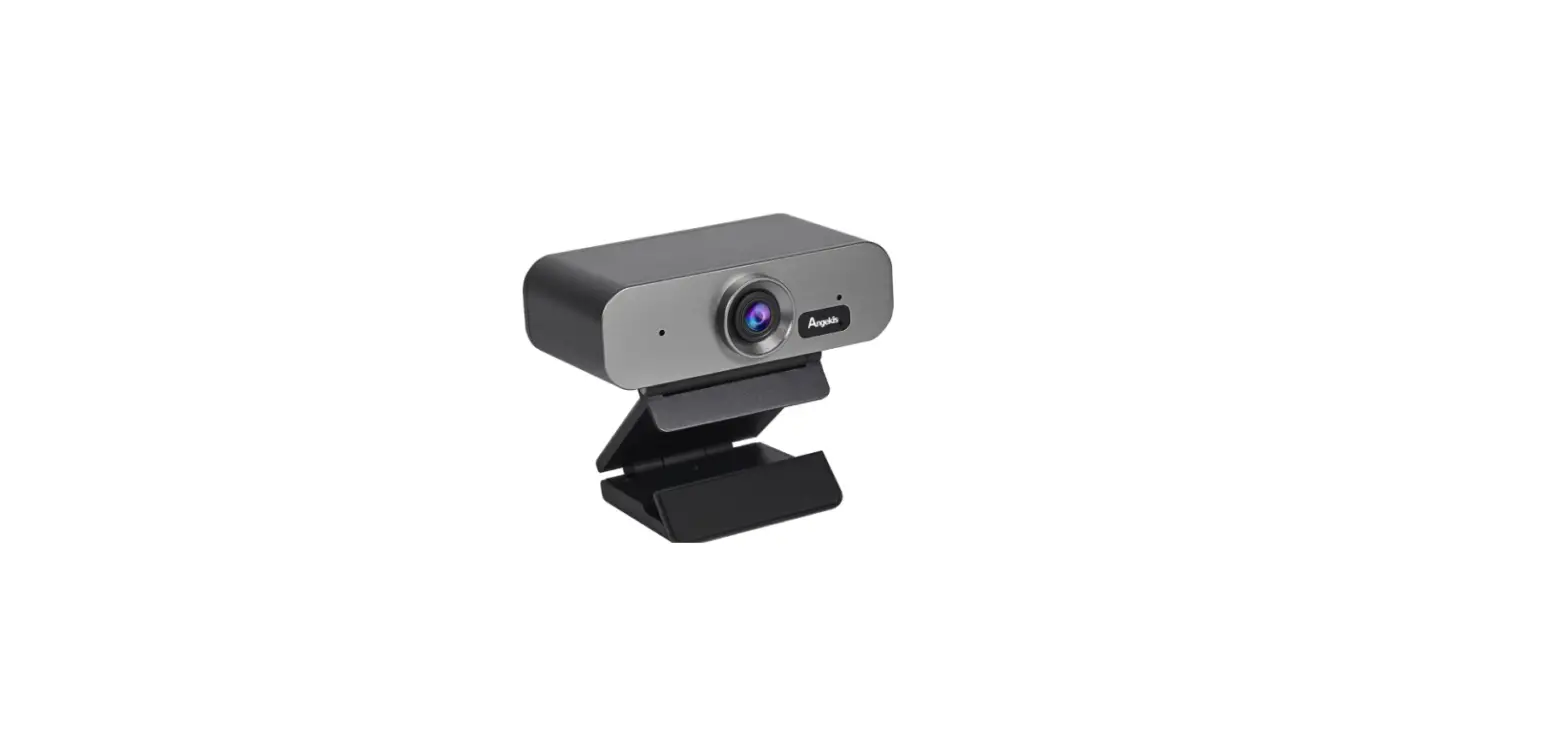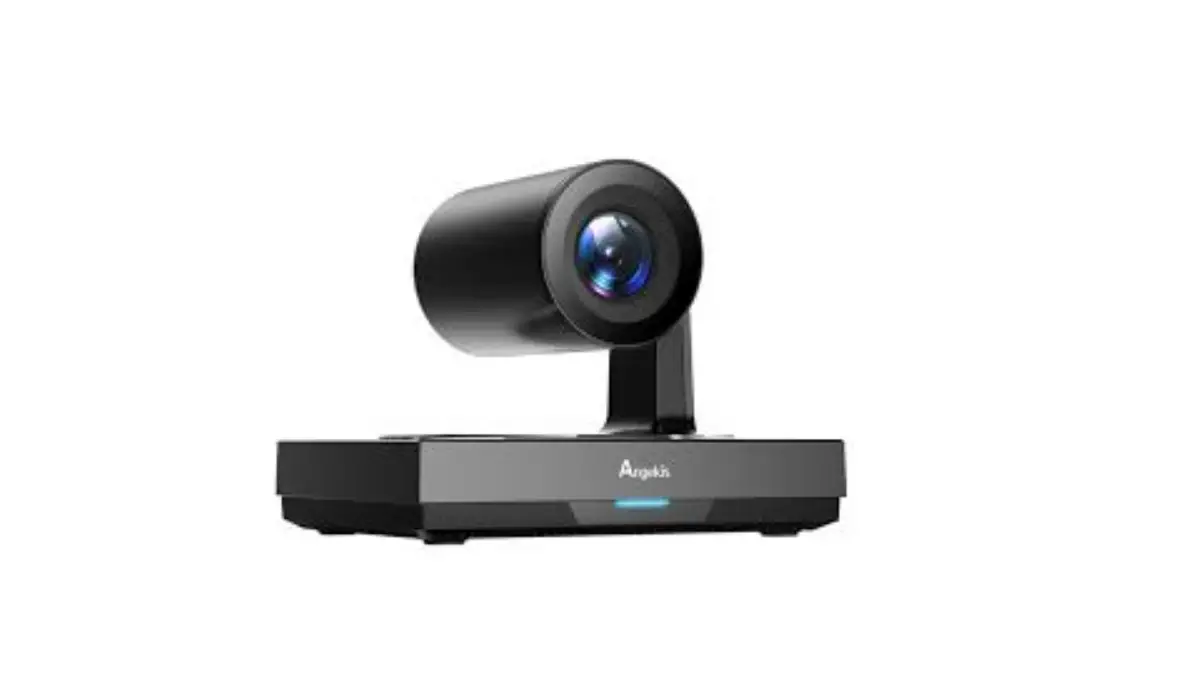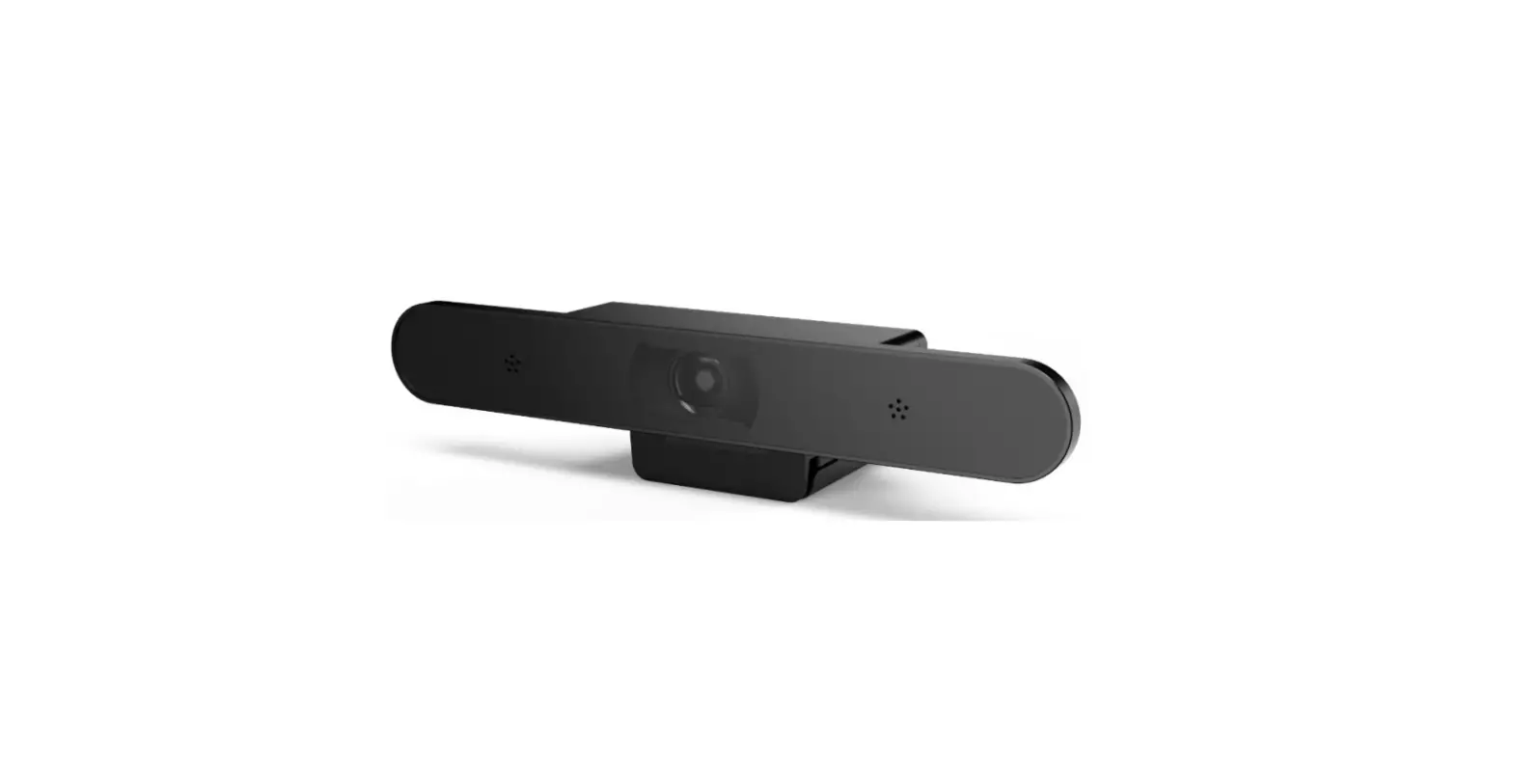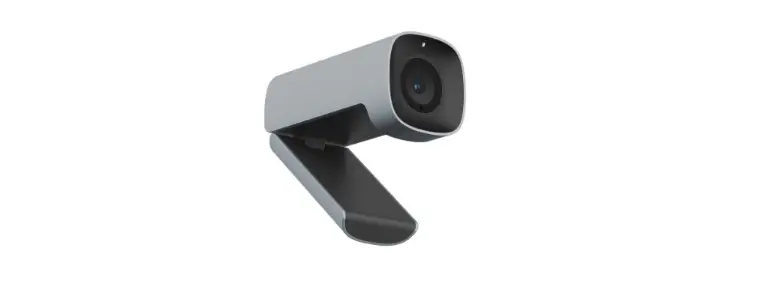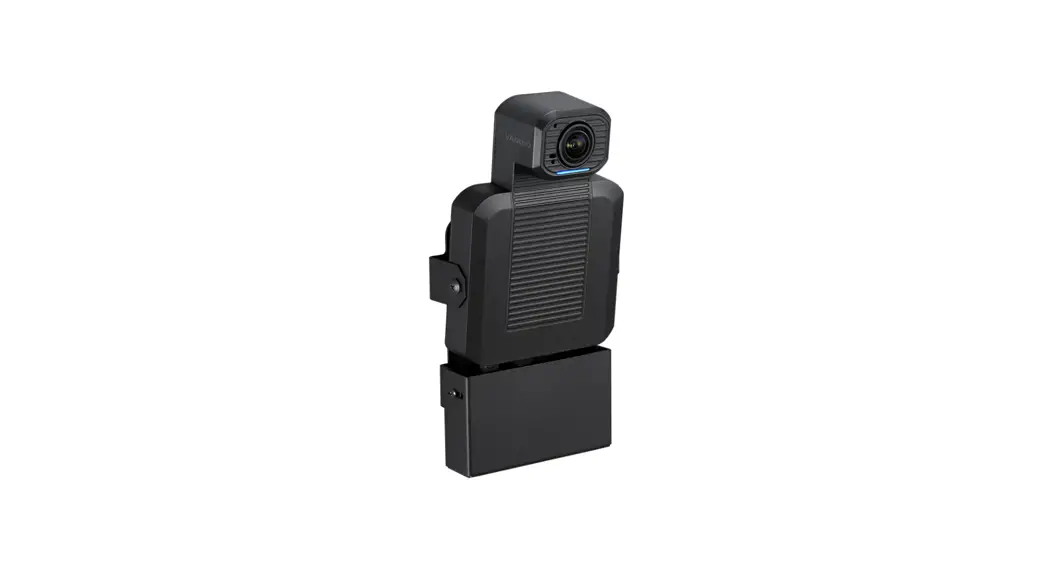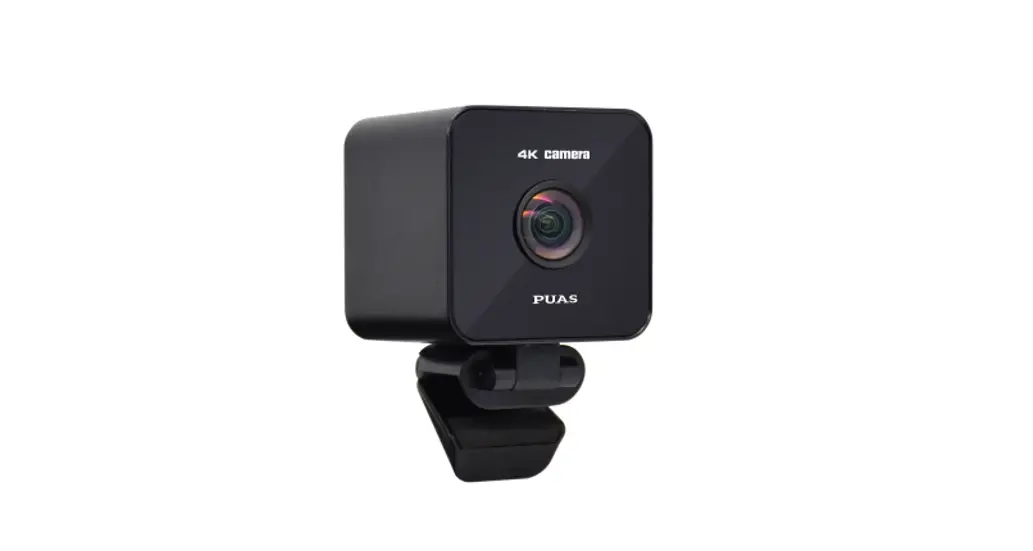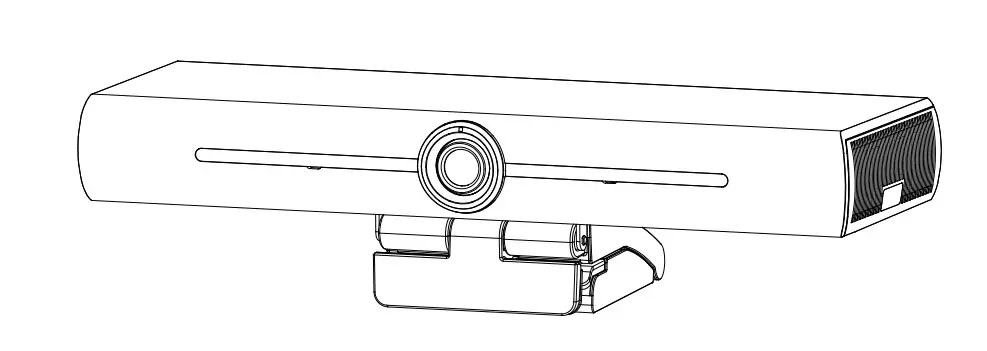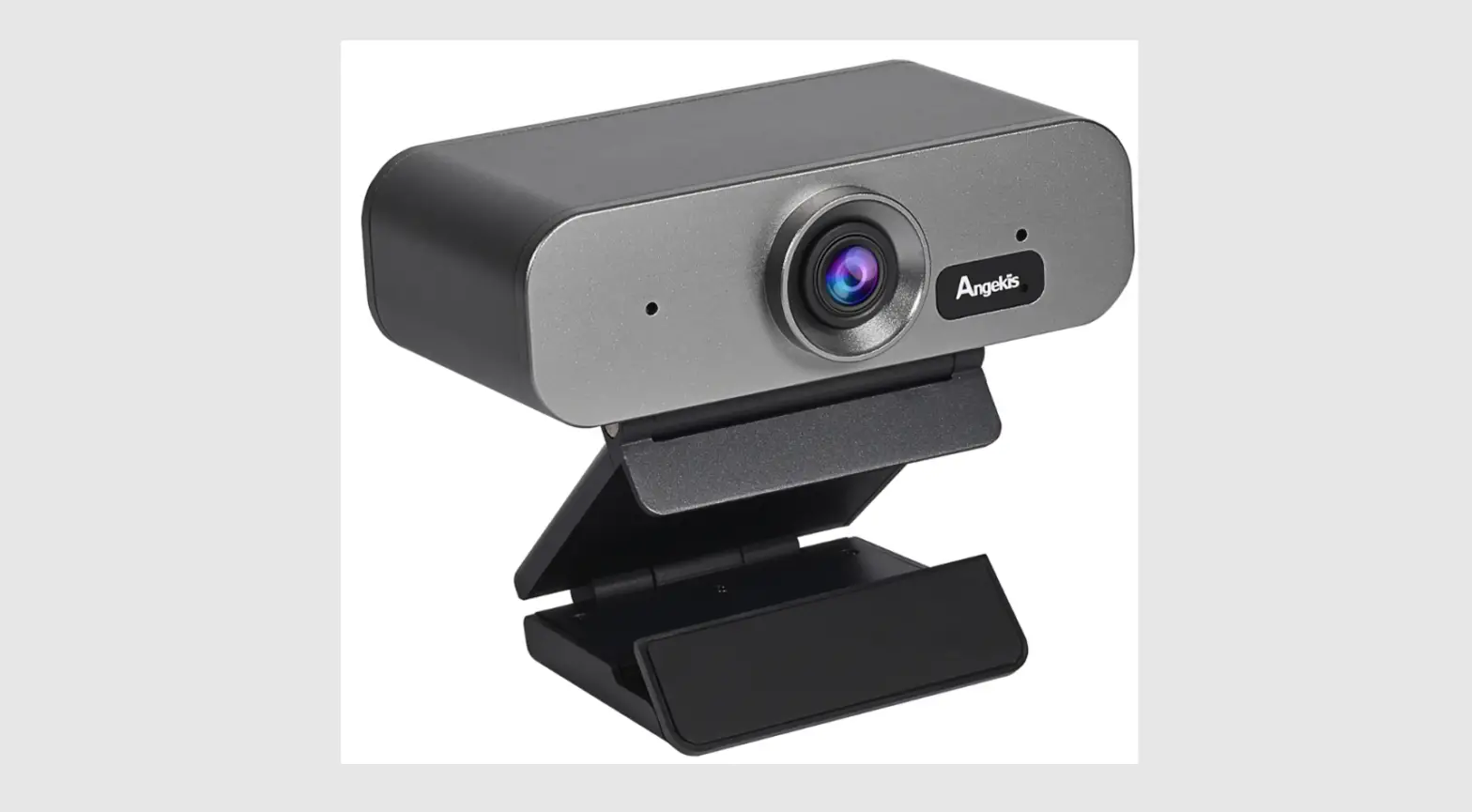

Angekis ACO-01 Compact One 4K ePTZ Camera
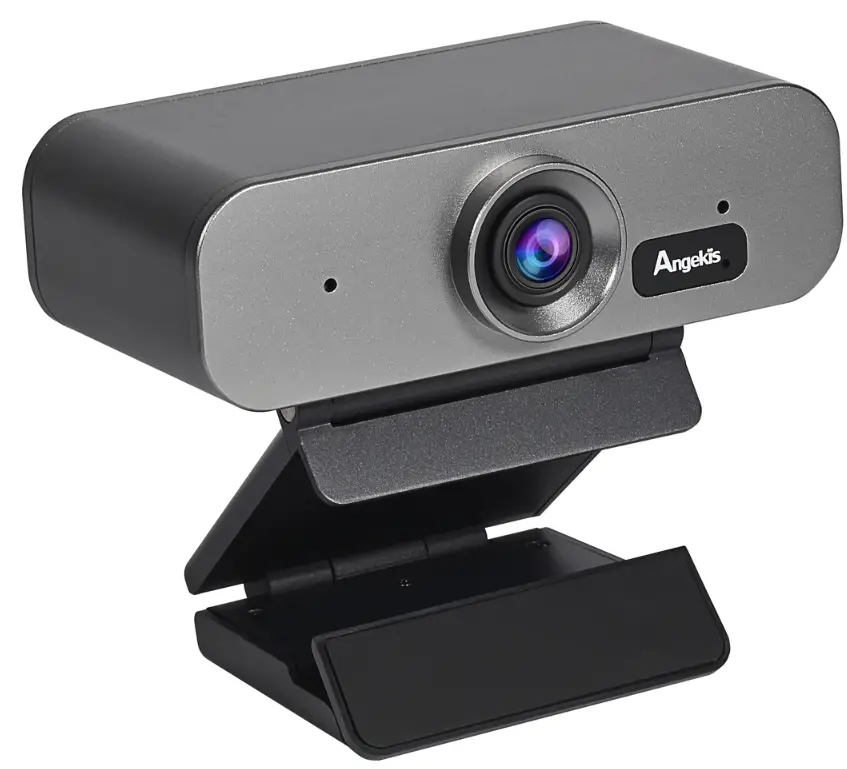
Product Advantages
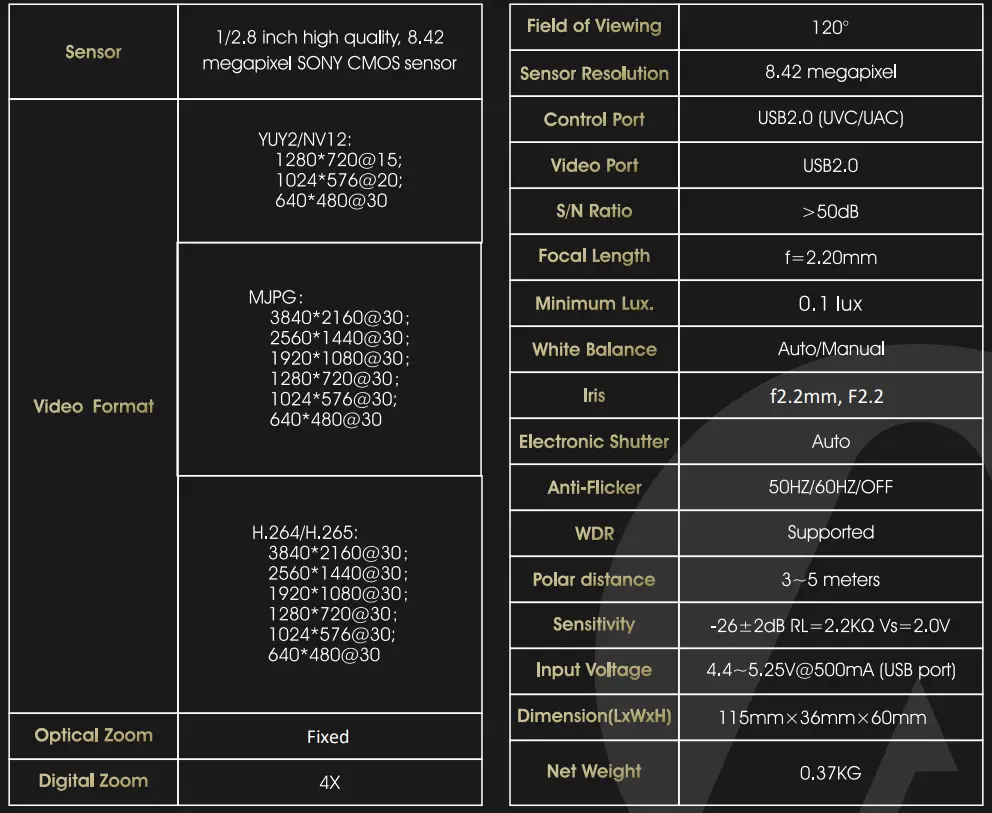
- Crystal clear video quality: adopts advanced DSP 1/2.8 inch 8.42-megapixel sensor
- Supports Auto Framing: Auto Framing participants at meeting start or enter, leave, or change positions.
- All video, control and power runs through a single USB cable.
- Smart and solid design.
- Plug & play, avoid focal length settin9.
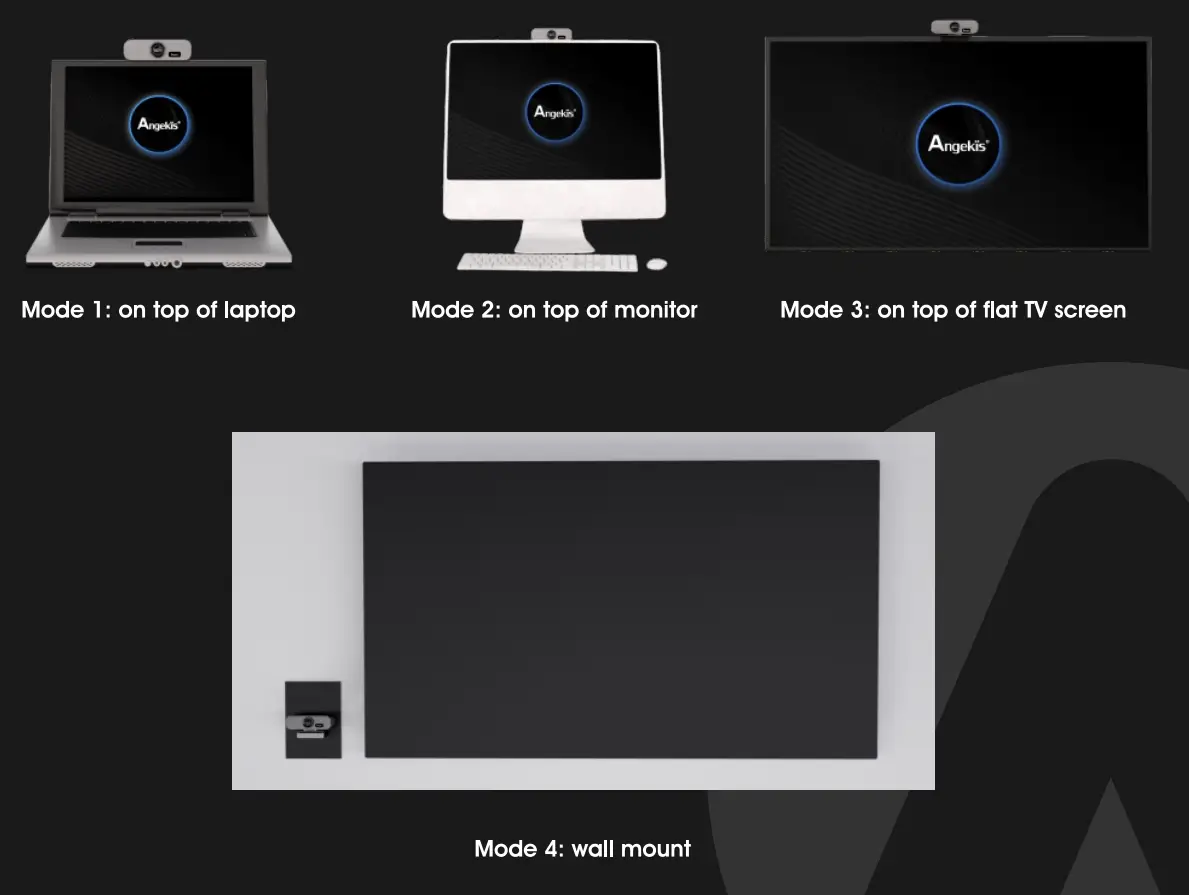
- Flexible hinge design: fit for monitor, PC, tripod, wall mount and on desk mounting.
- USB2.0 YUY2/MJPG/H.264 video format, works with Windows, MAC OS, Android, and Linux.
- Standard UVC 1.1 protocol, compatible with most VC applications.
- Built in dual microphone, pick up distance: 5m.
Product Features
- USB2.0 super speed output.
- 8.42MP CMOS Sensor
- 120 degree field of viewing.
- Lens distortion rate less than 4% (120°FOV).
- 3840 2160p30 ultra high resolution. 4K resolution.
- Motorless design, zero mechanical failure risk.
- Mirror, Flip, Anti-flicker feature.
- UVC control (via USB port).
- Audio communication protocol: UAC1.0.
- Audio encoding format: PMC.
MODEL SPEC
EXPLANATION 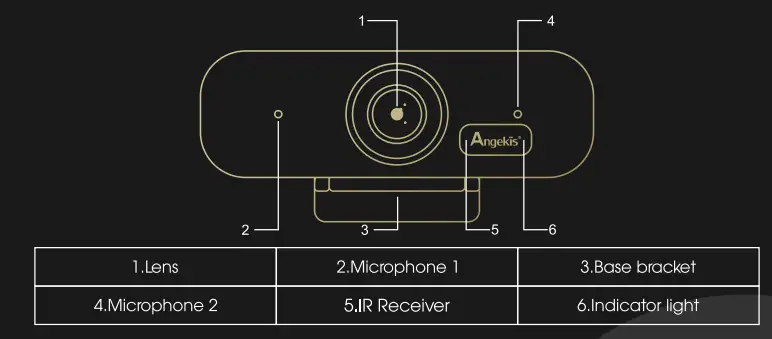
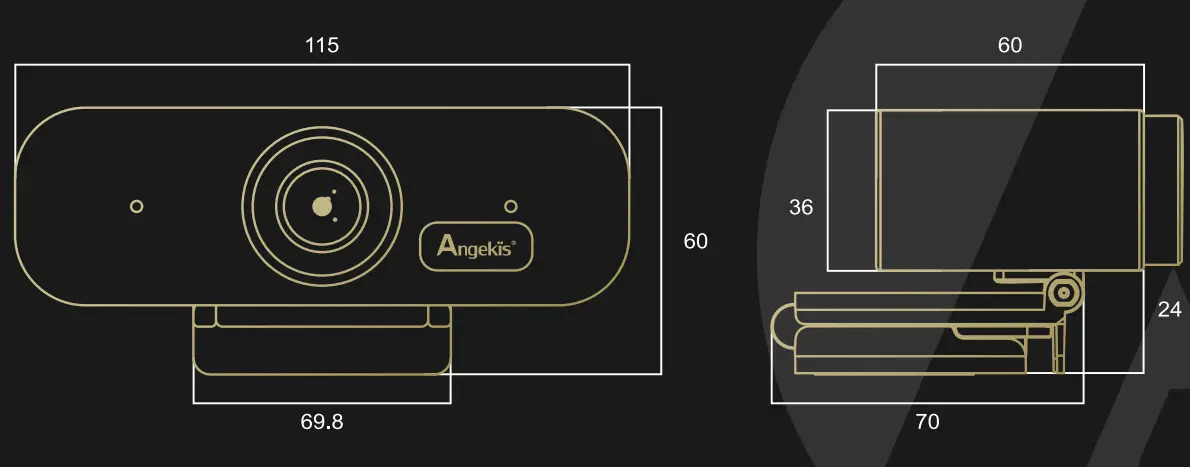
DIMENSION DRAWING
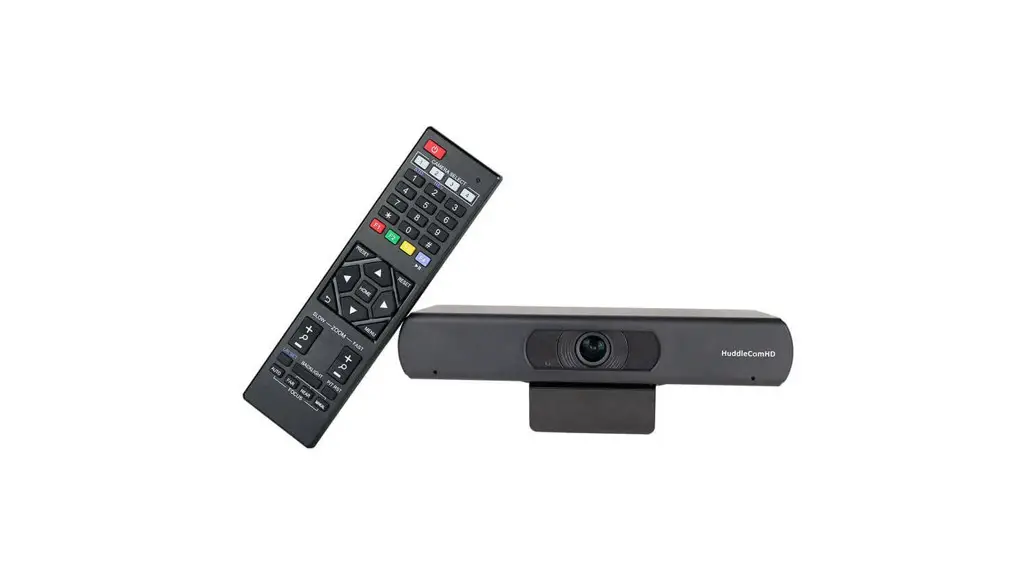
IR REMOTE CONTROLLER
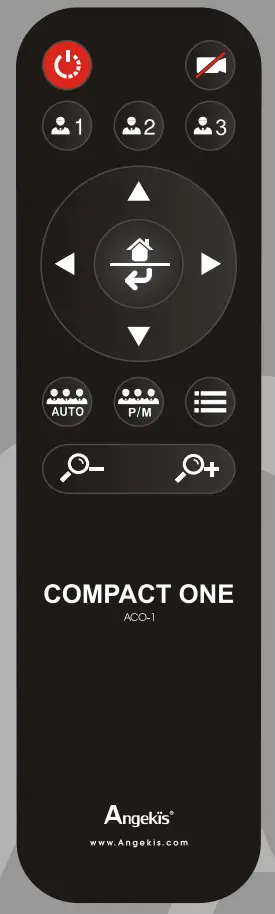
 Power: Standby/Start camera. (This button is temporarily disabled.) Image: on/off.
 Preset: long press for 3 seconds to save the current position to the corresponding preset, short press to run the preset, only available when Auto Framing is closed.
 Navigation keys: up and down, left and right In normal working mocde, it is used to adjust the position of the electric pan tilt and to select menu items after entering the menu.
 Home/Confirm key:In normal working mode, a short press returns the electric pan tilt to the Home position, which is used to confirm menu options after entering the menu.
 Auto: Turn on Auto Framing. P/M(Push/Manual): Close Auto Framing, and trigger Auto Franming once.
 Zoom keys: +/- Adjust the magnification of the electronic zoom, only available when Auto Framing is closed.
 Power: Standby/Start camera. (This button is temporarily disabled.) Image: on/off.
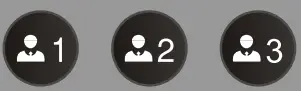 Preset: long press for 3 seconds to save the current position to the corresponding preset, short press to run the preset, only available when Auto Framing is closed.
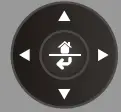 Navigation keys: up and down, left and right In normal working mocde, it is used to adjust the position of the electric pan tilt and to select menu items after entering the menu.
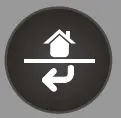 Home/Confirm key:In normal working mode, a short press returns the electric pan tilt to the Home position, which is used to confirm menu options after entering the menu.
 Auto: Turn on Auto Framing. P/M(Push/Manual): Close Auto Framing, and trigger Auto Franming once.
 Zoom keys: +/- Adjust the magnification of the electronic zoom, only available when Auto Framing is closed.
OSD MENU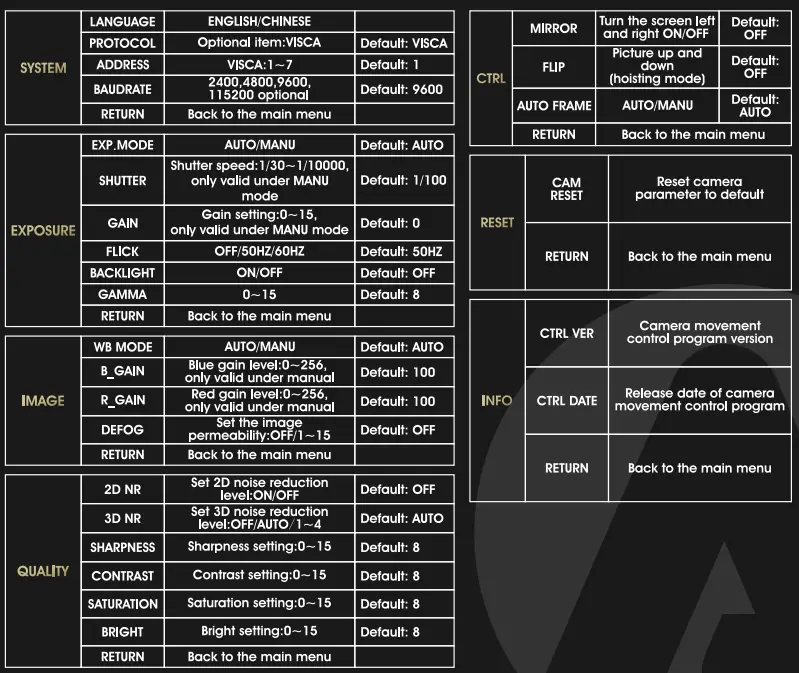
Suggested Installation Modes: