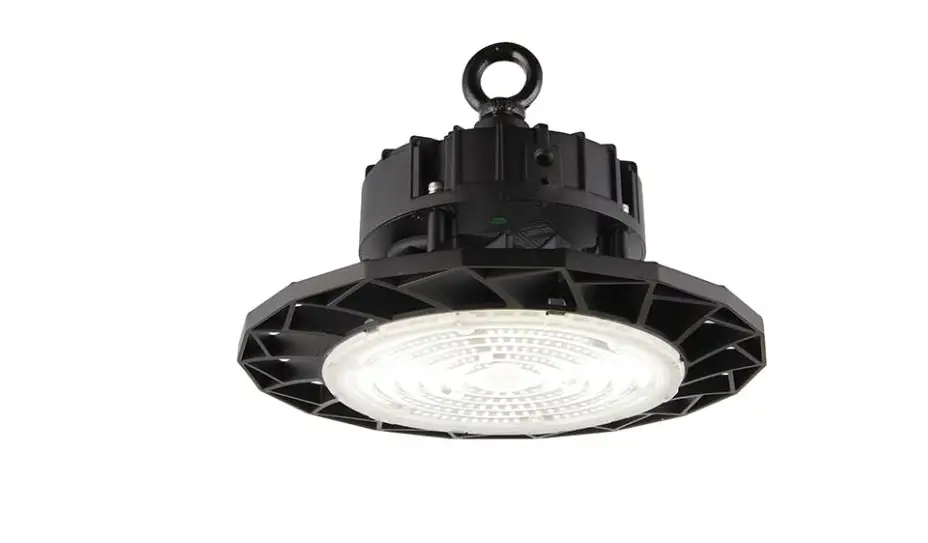
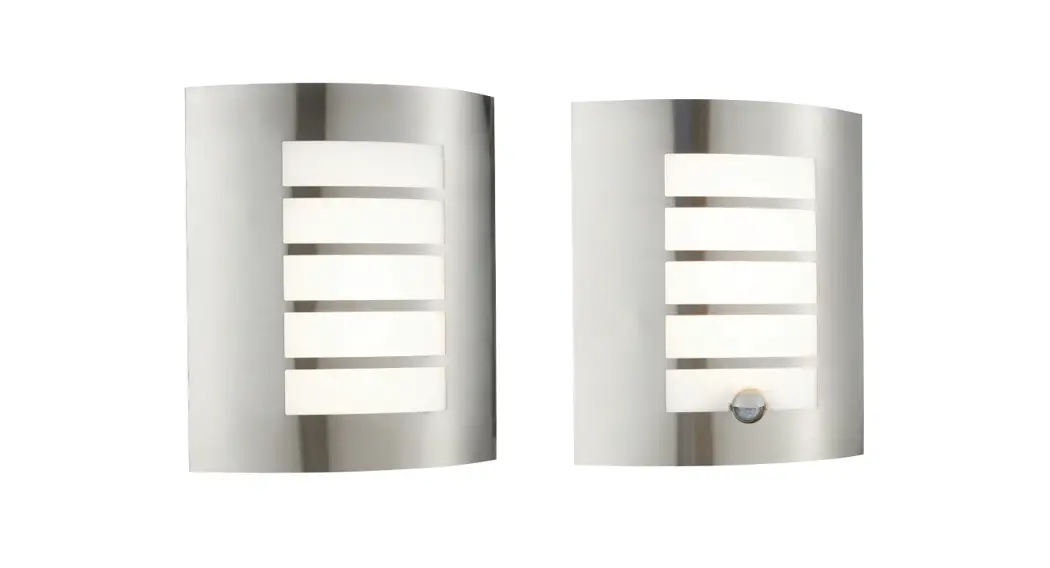
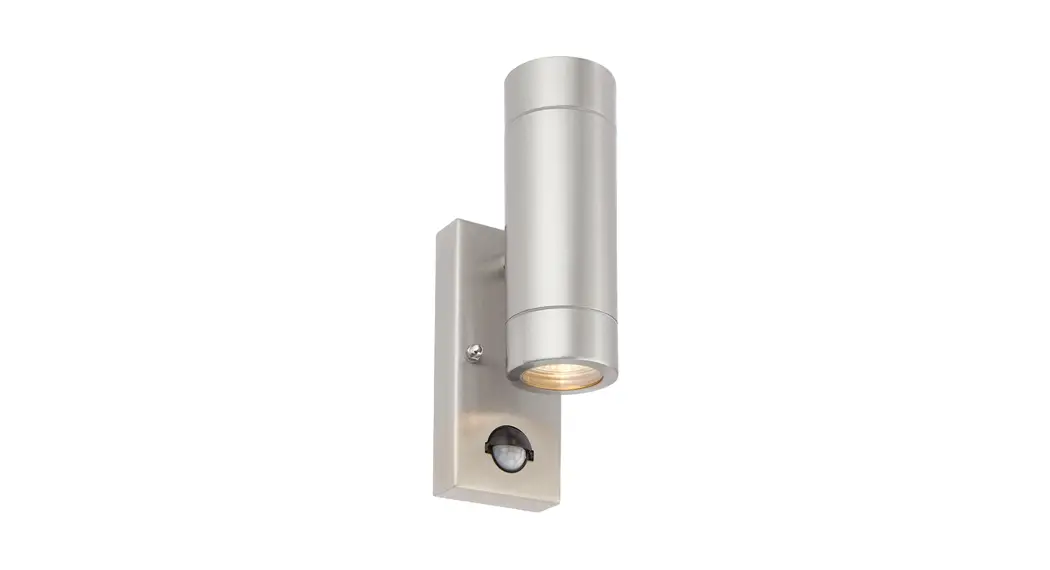
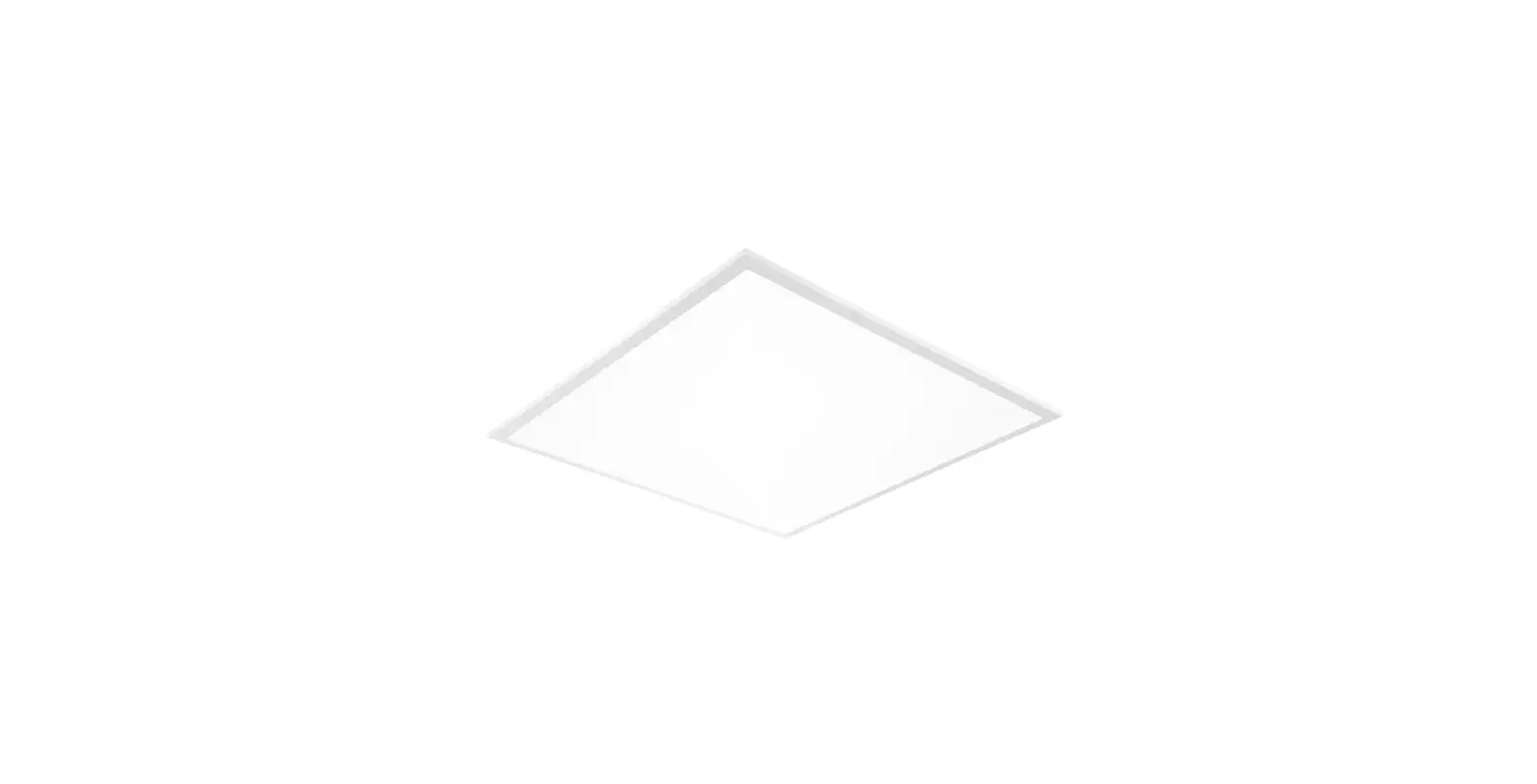
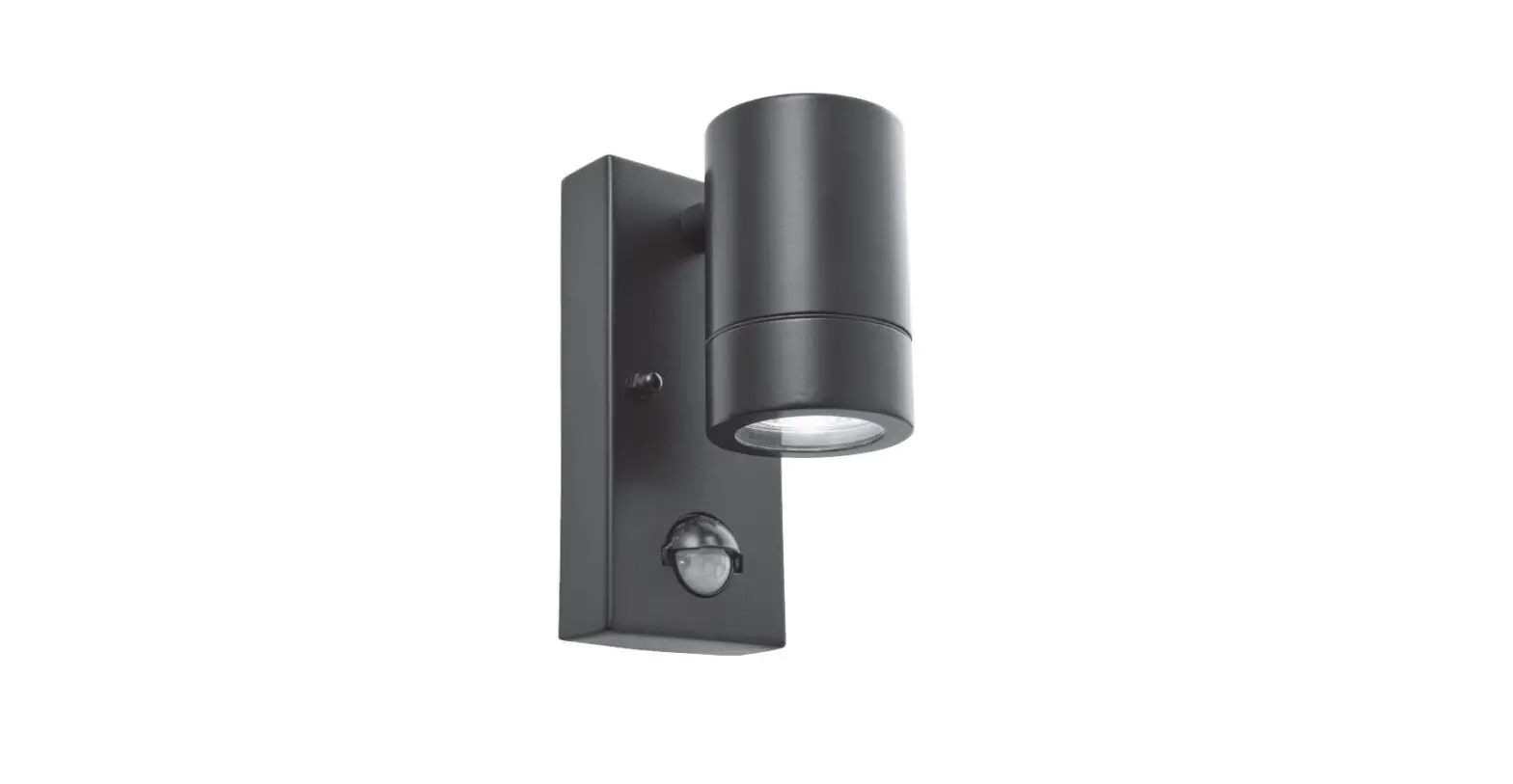
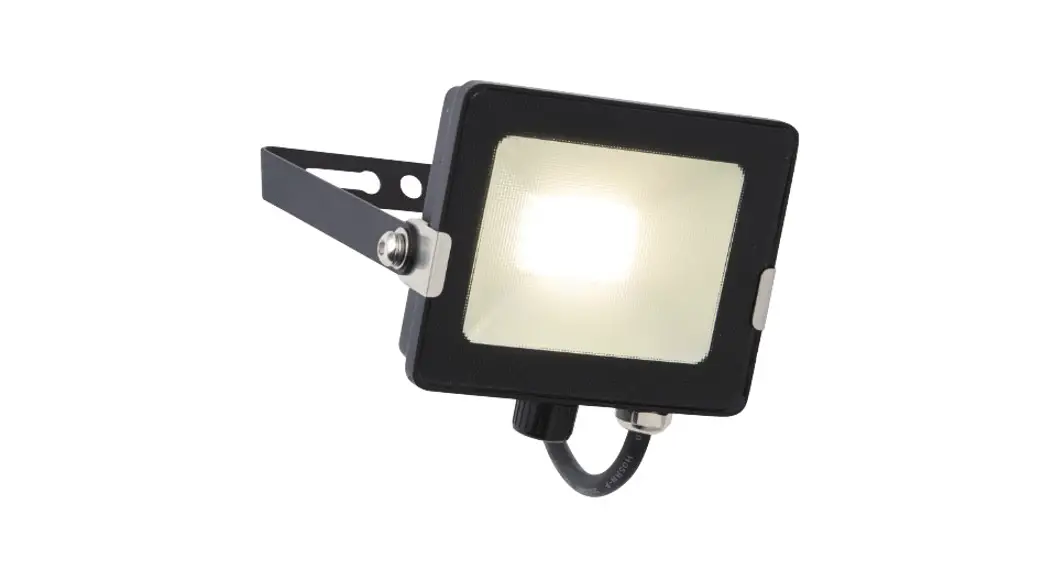
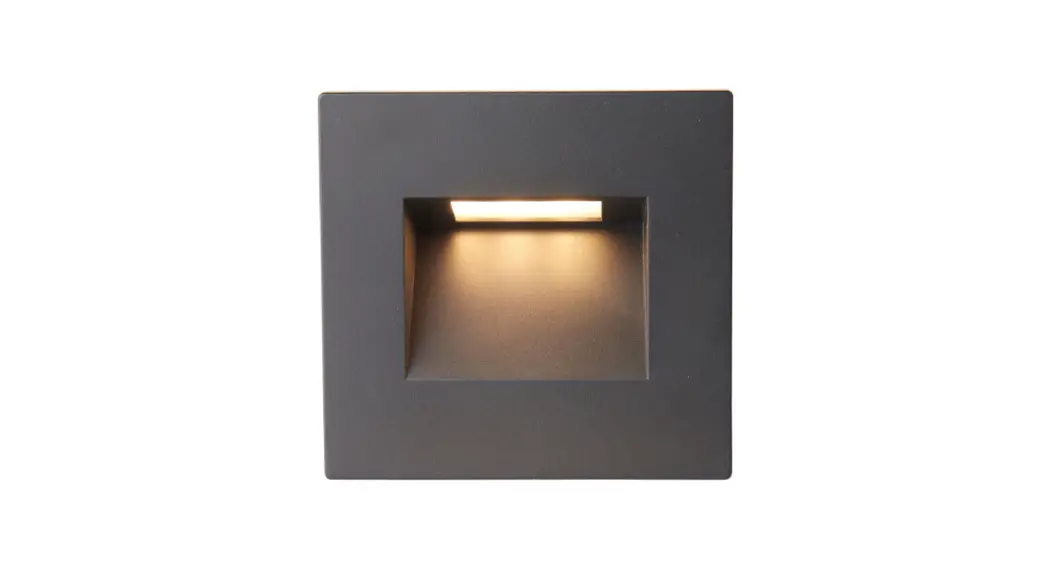
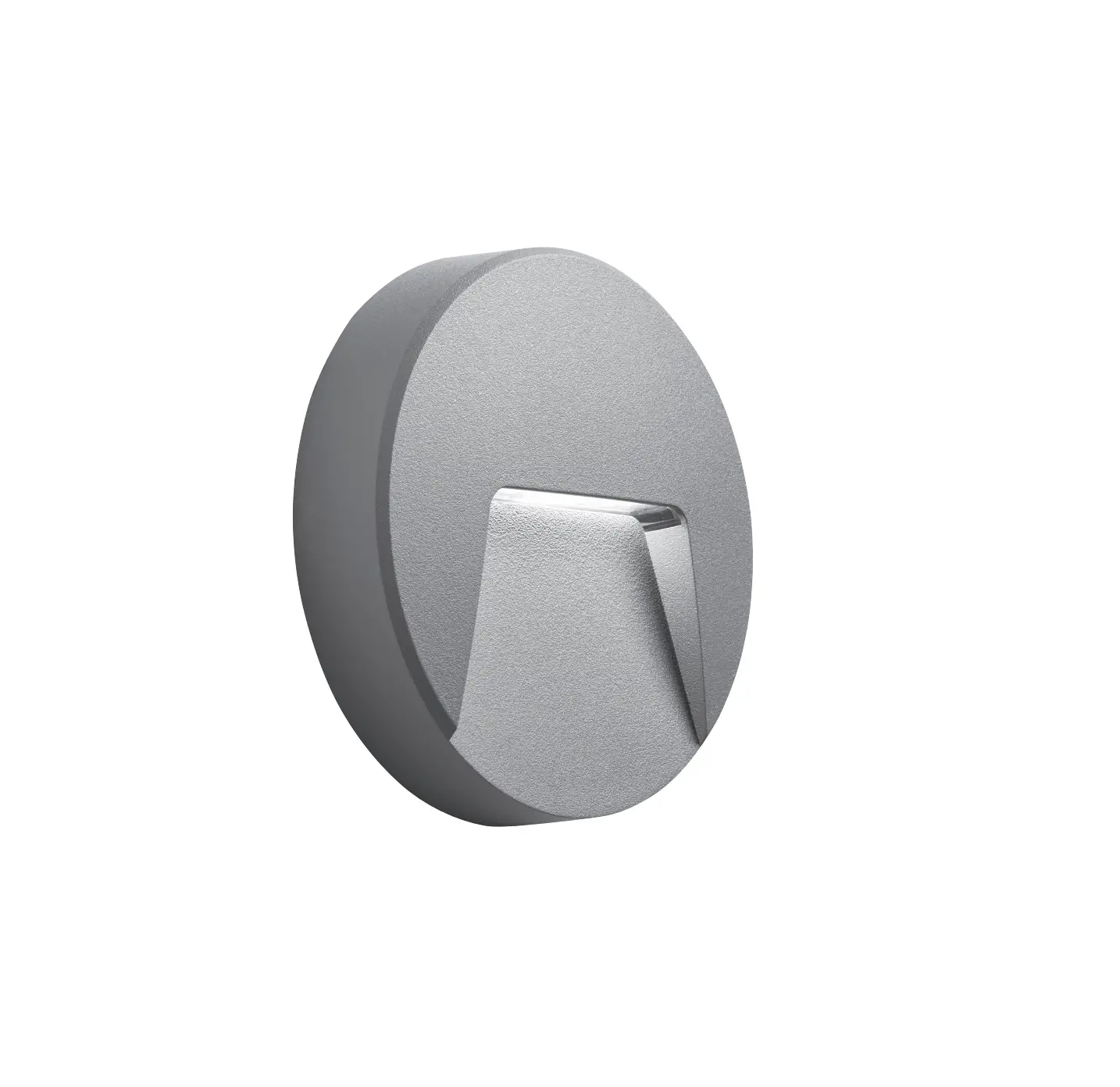
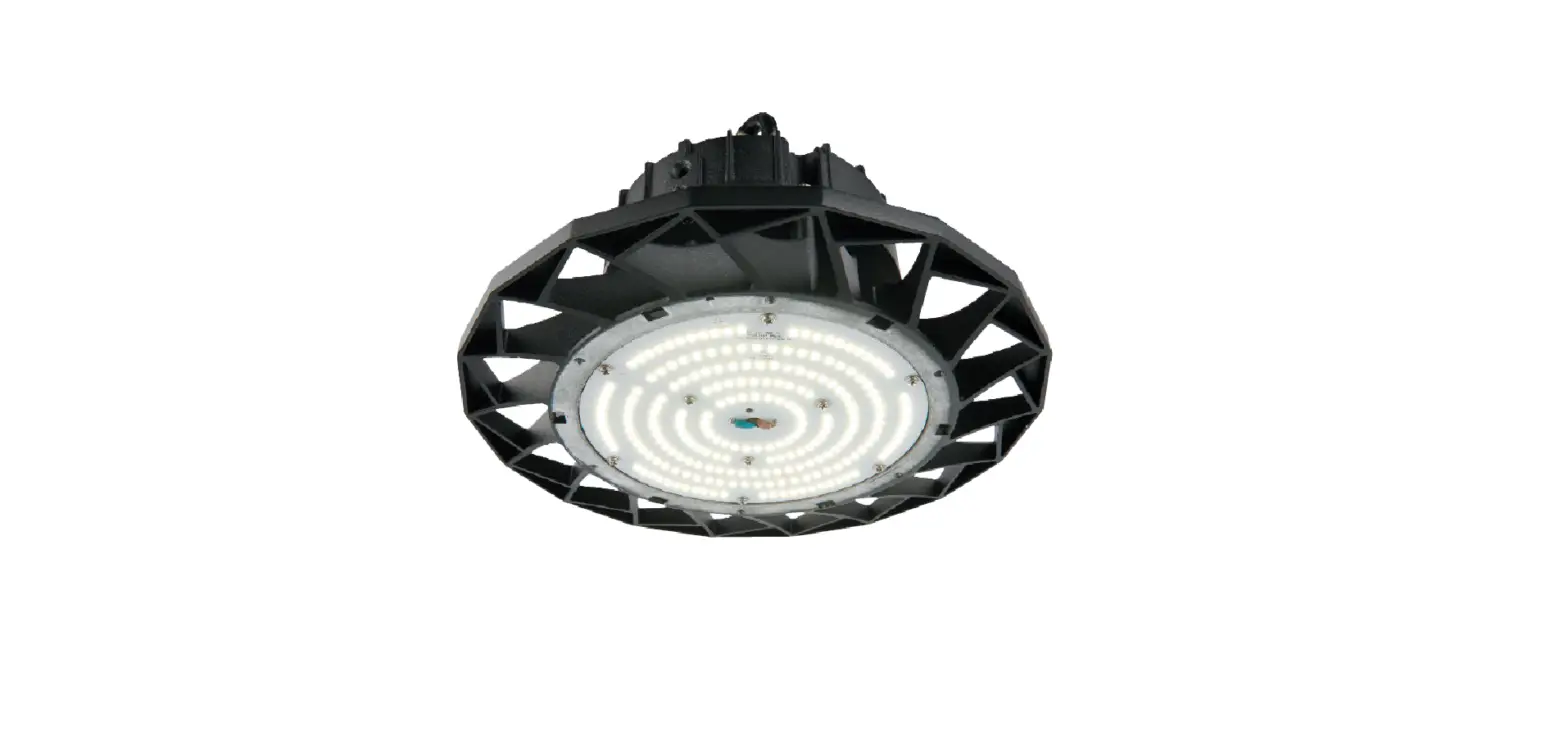
78554 Rular-Mordax with Corridor
Product Information
The Rular product range includes five models: 78554, 78555,
78556, 78557, and 78558, all of which come with a Corridor. The
product accessories include a 94056 Rular Sensor and a 95191 5W
Driver. The product also requires two connectors (not
supplied).
The Rular 78559 model with Corridor is another product in the
range, which also requires a 94056 Rular Sensor, a 95191 5W Driver,
and four connectors (not supplied).
Product Usage Instructions
For Rular Models 78554, 78555, 78556, 78557, and 78558 with
Corridor:
- Locate the position for the 94056 sensor.
- Take off the brown/blue wires between the LED driver and the
terminal by pressing the terminal with the supplied tool. - Take an appropriate length of brown and blue wires to connect
the sensor’s L/N to the terminal’s L/N. - Take an appropriate length of brown and blue wires to connect
the sensor’s L’/N’ to the LED driver input end’s L/N. - Install the 94056 sensor controller and replace the end cap
with the sensor detector. - Install the 95191 5W driver.
- Joint male and female connectors and take off the red/black
wire from the output end of the LED driver. Connect it to the two
connectors separately. - Take an appropriate length of two brown wires and two blue
wires to connect the LED driver and the 95191 5W driver output ends
+ to two connectors separately. - Take an appropriate length of the brown and blue wires to
connect the 95191 5W driver input end to the terminal’s L/N.
For Rular Model 78559 with Corridor:
- Locate the position for the 94056 sensor.
- Remove all wires from terminal L/N.
- Locate the blue/brown wires connected with No.1 LED driver and
connect them to two connectors separately. Do not remove the wires
from No.1 LED driver. - Locate the blue/brown wires connected with No.2 LED driver and
remove the wires from driver.
- Take an appropriate length of brown and blue wires to connect
the sensor to the terminal’s L/N separately. - Take an appropriate length of the brown and blue wires to
connect the sensor’s L’/N’ to two connectors separately. - Take an appropriate length of the brown and blue wires to
connect NO.2 LED driver’s L/N to two connectors separately. - Install the 94056 sensor controller and replace the end cap
with the sensor detector. - Joint male and female connectors and take off the red/black
wire from the output end of the LED driver. Connect it to the two
connectors separately. - Install the 95191 5W driver.
- Take two brown wires and two blue wires with a suitable length
to connect NO.2 and the 95191 5W driver’s output ends + and – to
two connectors separately. - Take an appropriate length of the brown and blue wires to
connect the 95191 5W driver input end to the terminal’s L/N.
Note: To prevent electrocution, switch off the
mains supply before installing or maintaining this fitting. Ensure
that other persons cannot restore the electrical supply without
your knowledge.
Additional instruction manual
To prevent electrocution switch off at the mains supply before installing or maintaining this fitting. Ensure other persons cannot restore the electrical supply without your knowledge.
Rular 78554, 78555, 78556, 78557, 78558 with Corridor
Accessories:
94056 Rular Sensor 95191 5W Driver
Connector x 2 (not supplied)
01. Locate the 94056 sensor position. 02. Take off the brown / blue wires between the LED driver and the terminal. 03. Take appropriate length of the brown and blue wires connect sensor’s L / N to terminal’s L / N. 04. Take appropriate length of brown and blue wires, connect sensor’s L’ / N’ to L / N of LED driver input end. 05. Install the 94056 sensor controller and replace the end cap (sensor detector in the end cap).
1
2
2
Press the terminal
with the tool supplied,
and then take off
brown / blue wires
2
5
3/4
4
3
5
V1 24/05/2021 Saxby Lighting. BH17 7BY
06. Install the 95191 5W driver 07. Joint male and female connector. Take off the red / black
wire from output end of the LED driver, and connect to two connectors separately.
7
08. Take appropriate length of two brown wires and two blue wires, connect LED driver and the 95191 5W driver output ends + / to two connectors separately.
09. Take appropriate length of the brown and blue wires, connect the 95191 5W driver input end to terminal’s L / N.
7
7
6
8 8
8
9
94056 Sensor L’ N’ N L
N L
L
N
Terminal Block
LN Driver
LN 95191 5W Driver
LED
Rular 78559 with Corridor
Accessories:
94056 Rular Sensor 95191 5W Driver
Connector x 4 (not supplied)
01. Locate the 94056 sensor position. 02. 1) Remove all wires from terminal L / N;
2) Locate the blue / brown wires connected with No.1 LED driver, then connect the wires to two connectors separately (don’t remove the wires from No.1 LED driver);
3) Locate the blue / brown wires connected with No.2 LED driver, and remove the wires from driver. 03. Take appropriate length of brown and blue wires, connect sensor to terminal’s L / N separately.
04. Take appropriate length of the brown and blue wires, connect sensor’s L’ / N’ to two connectors separately.
05. Take appropriate length of the brown and blue wires, connect NO.2 LED driver’s L / N to two connectors separately. 06. Install the 94056 sensor controller and replace the end cap (sensor detector in the end cap).
2/3
NO.1
1
Press the terminal with the tool supplied, and then take off the brown / blue wires
2
2
NO.2
3 2
NO.1
4
5
4/5 6
07. Take another two connectors. Joint male and female connector. Take off the red / black wire from output end of the LED driver, and connect to two connectors separately.
08. Install the 95191 5W driver.
09. Take appropriate length of the brown and blue wires, connect the 95191 5W driver input end to terminal’s L / N.
10. Take two brown wires and two blue wires with suitable length, connect NO.2 and the 95191 5W driver’s output ends + / – to two connectors separately.
NO.2
7 7
7
89
10
10
10
94056 Sensor L’ N’ L N
N L
L
N
Terminal Block
LN Driver 1
LN Driver 2
LN 95191 5W Driver
LED 1
LED 2
Additional instruction manual
To prevent electrocution switch off at the mains supply before installing or maintaining this fitting. Ensure other persons cannot restore the electrical supply without your knowledge.
Rular EM 78561, 78562, 78564 with Corridor
Accessories:
94056 Rular Sensor 95191 5W Driver
Connector x 2 (not supplied)
01. Locate the 94056 sensor position. 02. Take off the brown / blue wires between the LED driver and the terminal 2(Ls) / N. 03. Take appropriate length of brown and blue wires, connect sensor’s L / N to terminal’s 2(Ls) / N . 04. Take appropriate length of the brown and blue wires, connect sensor’s L’ / N’ to LED driver input end’s L / N. 05. Install the 94056 sensor controller and replace the end cap (sensor detector in the end cap).
3
1
4 3
3/4
2
Press the terminal with the tool supplied,
and then take off the brown / blue wires
2 2
2 5
5
V1 13/05/2021 Saxby Lighting. BH17 7BY
06. Install the 95191 5W driver
07. Take appropriate length of brown and blue wires then connect terminal’s 2(Ls) / N to 95191 5W driver’s L / N separately.
08. Joint male and female connector. Take off the red / black wire from EM driver.
09. Connect red / black wire (Step 08 ) to two connectors separately.
10. Take appropriate length of the red and white wires ,connect 95191 5W driver’s output + & – and emergency driver’s LED + / – to two connectors separately.
7
7
6
9/10
8 8 9/10
94056 Sensor L’ N’ N L
N L
Terminal Block
Ls L
N
LN Driver
LN 95191 5W Driver
Battery
Driver
LED
LED Emergency Driver
Battery
LN
LED
Rular EM 78565 with Corridor
Accessories:
94056 Rular Sensor 95191 5W Driver
Connector x 4 (not supplied)
01. Locate the 94056 sensor position. 02. 1) Locate the brown / blue wires between No. 1 driver and terminal’s 2(Ls) / N, remove them from terminal,
and then connect the wires to two connectors separately; 2) Locate the brown / blue wires between No. 2 driver and terminal’s 2(Ls) / N, remove them from terminal,
and then connect the wires to two connectors separately. 03. Take appropriate length of the brown and blue wires, connect sensor’s L / N to terminal’s 2(Ls) / N separately. 04. Take appropriate length of the brown and blue wires, connect sensor’s L’ / N’ to two connectors separately. 05. Install the 94056 sensor controller and replace the end cap (sensor detector in the end cap).
2
NO.2 NO.1
Press the terminal with the tool
supplied, and then take off the
2
2
wires
2
2
NO.2
2
NO.1
NO.2
3
4
NO.1
5 3/4
1/5
06. Install the 95191 5W driver 07. Take appropriate length of brown and blue wires then connect
terminal’s 2(Ls) / N to 95191 5W driver’s L / N separately. 08. Take appropriate length of the red and white wires, connect 95191
5W LED driver’s + / – to two connectors separately.
09. Joint male and female connector. Take off the red / black wires from out put end + / – of No. 1 LED driver, and connect to two connectors separately.
10. Take appropriate length of the red and white wires, connect No. 1 LED driver’s + / – to two connectors separately.
NO.2
6
NO.1
8 7
6
8 9
9/10 10
94056 Sensor L’ N’ N L
N L
Terminal Block
Ls L
N
LN Driver 1
LN Driver 2
LN 95191 5W Driver
LED 1 Battery
Driver
LED
LED Emergency Driver
Battery
LN
LED 2
Mordax 72700, 72701, 72702, 72703, 72704 with Corridor
Accessories:
94057 Mordax Sensor 95191 5W Driver
Connector x 2 (not supplied)
01. Locate the 94057 sensor position. 02. Cut off the brown wire in appropriate length, connect the terminal’s L to sensor’s L, and connect the
driver’s L to sensor’s L’. 03. Take appropriate length of the blue wire,connect sensor’s N to terminal’s N. 04. Install the 94057 sensor controller.
2
1
2/3
3
4
05. Install the 95191 5W driver. 06. Disconnect the wiring of LED driver output end,and connect to
two connectors separately.
07. Take two brown wires and two white wires with suitable length, connect LED driver and the 95191 5W driver’s + / – to two connectors separately.
08. Take appropriate length of the brown and blue wires, connect the 95191 5W driver and terminal’s L and N separately.
5
6
6
8
8
7
77
94057 Sensor L L’ N
N L
L
N
Terminal Block
LN Driver
LN 95191 5W Driver
LED
Mordax 72705 with Corridor
Accessories:
94057 Mordax Sensor 95191 5W Driver
Connector x 4 (not supplied)
01. Locate the 94057 sensor position. 02. 1) Remove all wires from terminal L / N;
2) Locate the blue / brown wires connected with No. 1 driver, then connect the wires to two connectors separately (don’t remove the wires from No.1 LED driver);
3) Locate the blue / brown wires connected with No. 2 driver, and remove the wires from driver. 03. Disconnect the brown wire between terminal and NO.2 LED drive (remove the wire of terminal end) then connect to connector A. 04. Take appropriate length of the brown wire, connect sensor’s L’ to connector A. 05. Take appropriate length of blue wire, connect sensor’s N to termenal’s N. 06. Install the 94057 sensor controller.
2
1
2
1
A
2
2
6
3
4/5 3/4
Press the terminal with the tool supplied, and then take off the brown wire
5
3
07. Disconnect the wired from NO.1 LED driver output end than respectively connect to two connectors C & D.
08. Install the 95191 5W driver.
09. Take two brown wires and two blue wires of suitable length respectively connect NO.1 and the 95191 5W driver’s output end’s + / – to two connectors C & D.
7
1
8
10. Disconnect (terminal end) NO.1 and 2 LED driver to terminal’s blue wire than connect in one connector B.
11. Take the blue wire of suitable length connect terminal’s N to connector B.
12. Take appropriate length of the blue and brown wire respectively connect the 95191 5W driver input end’s L / N to terminal.
7C
1
D
9
9
9
C
1
D
12
AB
10/11 10/11
94057 Sensor L L’ N
N L
L
N
Terminal Block
LN Driver 1
LN Driver 2
LN 95191 5W Driver
LED 1
LED 2
Mordax EM 72707, 72708, 72710 with Corridor
Accessories:
94057 Mordax Sensor 95191 5W Driver
Connector x 3 (not supplied)
01. Locate the 94057 sensor position. 02. Cut off the brown wire between terminal’s 2(Ls) and LED driver in the appropriate length. connect the terminal’s 2(Ls) to sensor’s L,
and connect the driver’s L to sensor’s L’. 03. Take appropriate length of the blue wire, connect sensor’s N to terminal’s N. 04. Install the 94057 sensor controller.
1 2
2/3
3 4
05. Disconnect the blue wire of LED driver input end then connect to the connector.
06. Take appropriate length of the blue wire, connect LED driver’s N to the connector.
07. Take appropriate length of the blue wire, connect the95191 5W driver’s N to connector.
7/8
08. Take appropriate length of the brown wire, connect the 95191 5W driver’s L to terminal’s 2(Ls) and installation the 95191 5W driver.
09. Disconnect ‘LED’ wires of the emergency driver and connect to the two connectors separately.
10. Take appropriate length of the red and white wires, connects emergency driver LED end to two connectors separately.
11. Take appropriate length of the red and white wires, connect the 95191 5W driver output end + / – to two connectors
5/6
5/6/7
9/10
9/10/11 9/10/11
11
94057 Sensor L L’ N
N L
Terminal Block
Ls L
N
LN Driver
LN 95191 5W Driver
Battery
Driver
LED
LED Emergency Driver
Battery
LN
LED
Mordax EM 72711 with Corridor
Accessories:
94057 Mordax Sensor 95191 5W Driver
Connector x 5 (not supplied)
01. Locate the 94057 sensor position. 02. Cut off two brown wires between terminal’s 2(Ls) and NO.1 & NO. 2 LED drivers in the appropriate length. Connect terminal’s 2(Ls)
to sensor’s L with one of the brown wire, and take off the other one, use it to connect sensor’s L’ to one connector (A). 03. Connect two brown wires of NO.1 and NO.2 LED driver to the connector (A). 04: 1) Locate the blue wire between No. 1 driver and termainal N, remove it from terminal, and then insert it into connector (B);
2) Locate the blue wire between No. 2 driver and termainal N, remove it from terminal end, and then insert it into connector (B).
05. Take blue wire in the appropriate length, connect terminal’s N to the connector (B). 06. Take blue wire in the appropriate length, connect terminal’s N to sensor’s N.
07. Install the 94057 sensor controller.
NO.2
1
2
NO.1
2
3
A
2/3
Press the terminal with the tool supplied, and then take off the wires
2
4
A
7
B
6
4/5
4/5/6
08. Install the 95191 5W driver 09. Locate the blue wire between sensor’s N and terminal’s N, remove
it from sensor, and then insert it into connector (C). 10. Take two blue wires with suitable length, connect sensor’s N and
95191 5W driver’s N to connector (C) separately. 11. Take appropriate length of the brown wire, connect the 95191 5W
driver’s L to terminal’s 2(Ls).
10/11
12. Take appropriate length of the red and white wires, connect the 91915W driver’s + / – to two connectors (D, E) separately.
13. Disconnect the wiring of the NO.1 LED driver output end and connect to two connectors (D, E).
14. Take appropriate length of the red and white wires, connect NO.1 LED driver’s + / – to two connectors (D, E).
8
12
B C
9/10
9/10
11
1 D
12/13/14
E
12/13/14
94057 Sensor
L L’
N
N L
Terminal Block
Ls L
N
LN Driver 1
LN Driver 2
LN 95191 5W Driver
LED 1 Battery
Driver
LED
LED Emergency Driver
Battery
LN
LED 2