ZACUTO Smart Z-Finder Optical Viewfinder User Guide
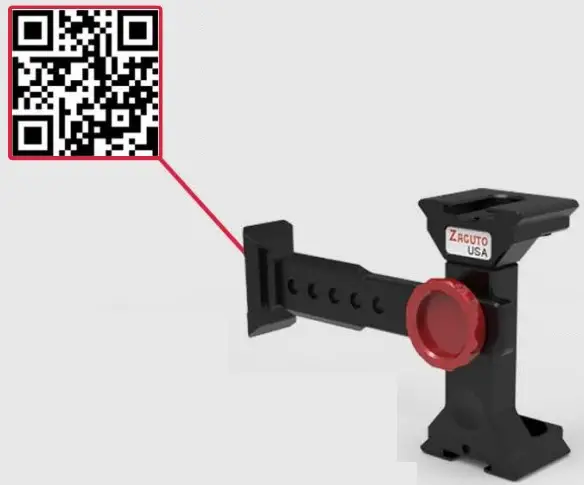
Please follow these installation instructions or watch the video found with the QR code here (QR code also on Bridge)
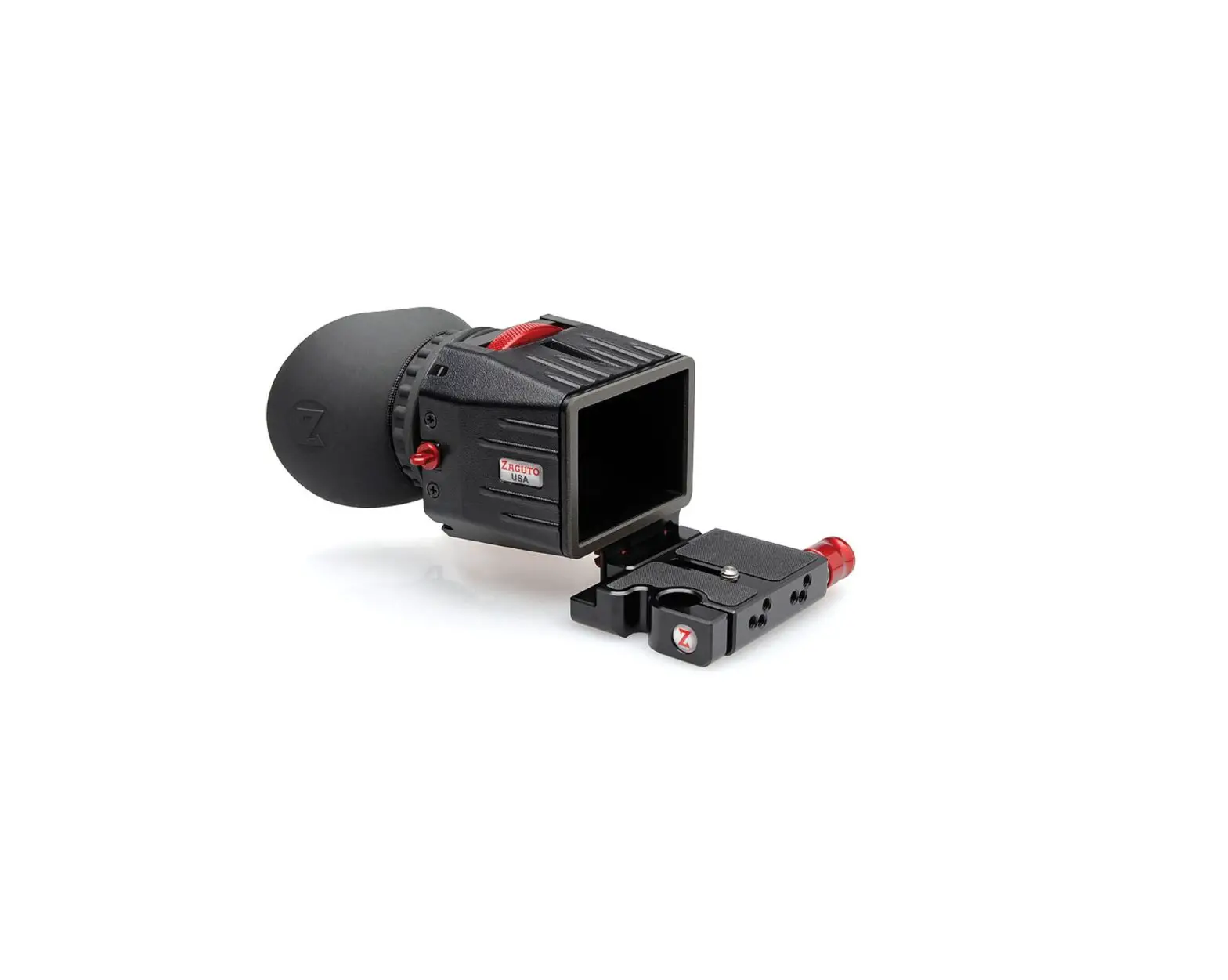
Z-Finder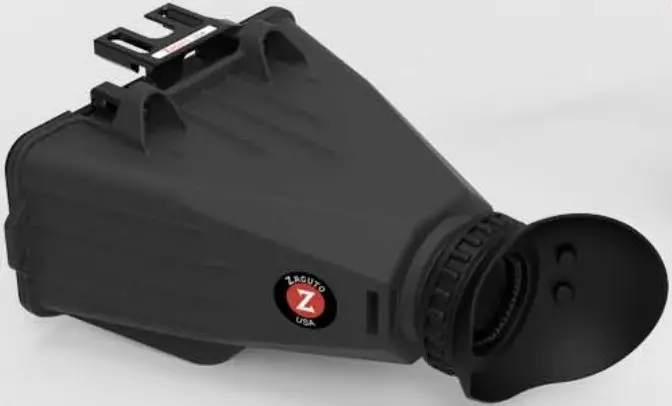
5/64” Hex Key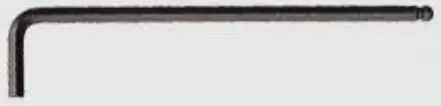
Handstrap
Masks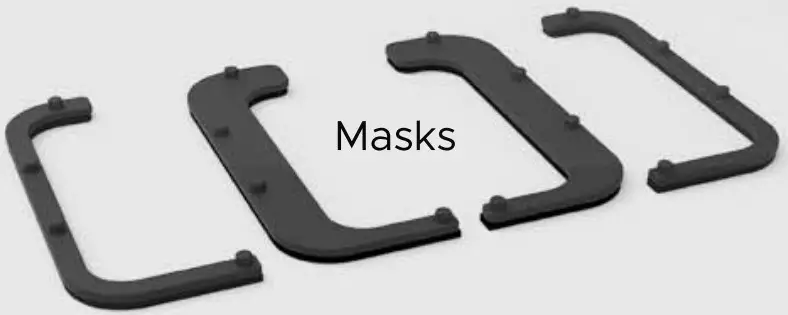
Light Baffle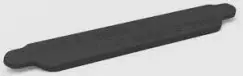
Anti-fog Discs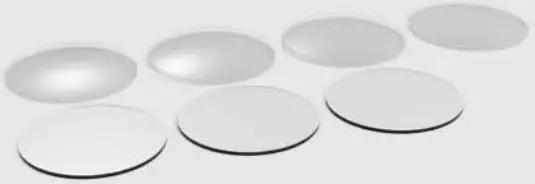
Optional Accessories
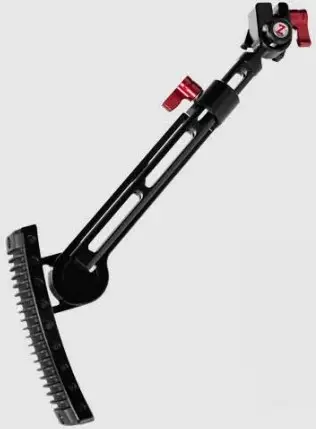
- Shoulder Stock

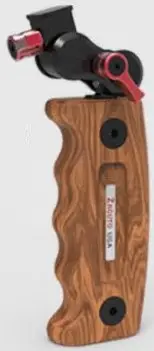
- Director’s Grip

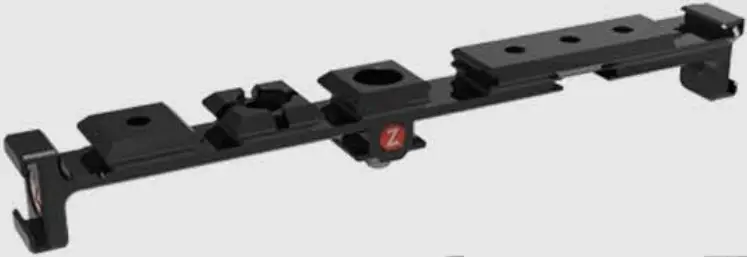
- Accessory Rail

- Brow

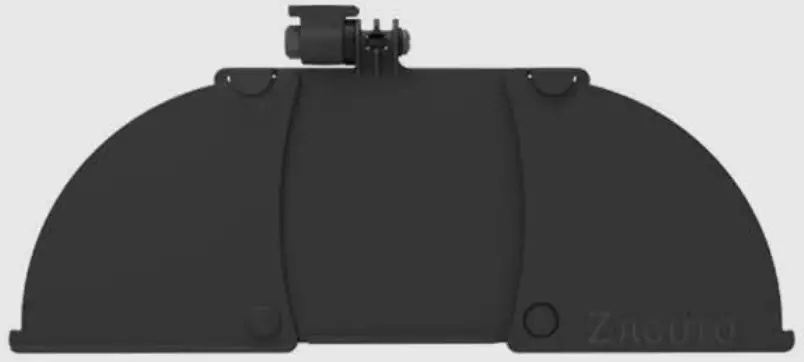
Step 1
Scan QR code in middle of Bridge to bring up witness mark. Move phone left or right to align with jaw’s witness mark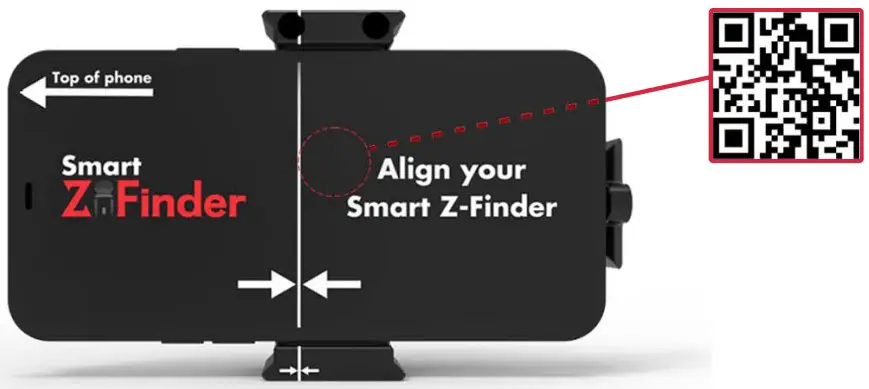
Step 3
Attach the Z-Finder’s magnetic lock to the Bridge. Using supplied hex key, loosen 4 screws. Move Z-Finder up or down to align with phone screen, then press Z-Finder flush to phone screen and tighten 4 screws.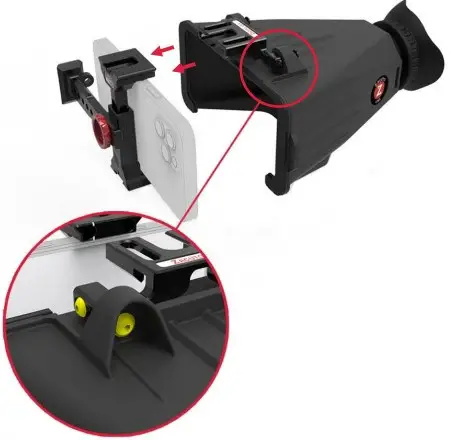
Separation
Place 2 fingers around knob and thumb in recessed area. Angle Z-Finder down and pull to break magnetic lock.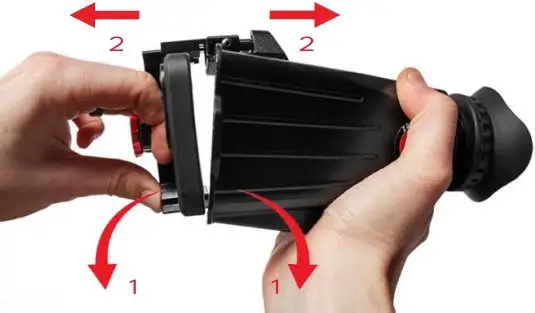
Step 2
Install correct Masks by snapping their pegs into the Z-Finder. Then orient the internal Light Baffle to match your screen size.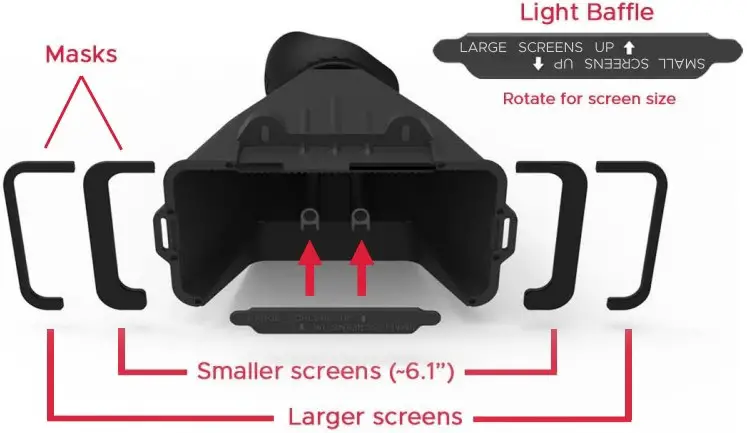
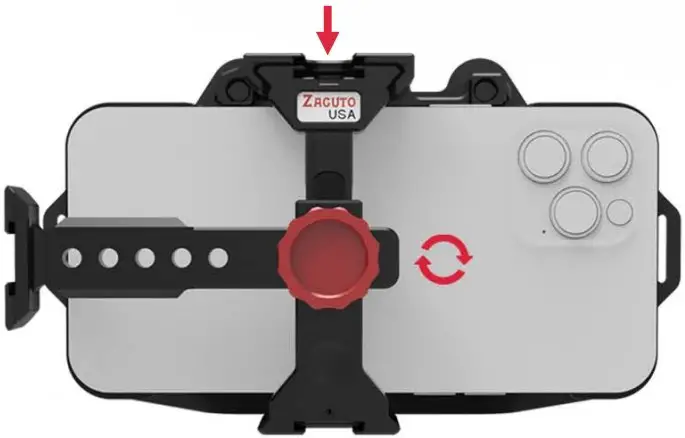
Step 4
Optional Accessories Push down on top jaw and twist red knob clockwise to lock.
Diopter/Anti-Fog
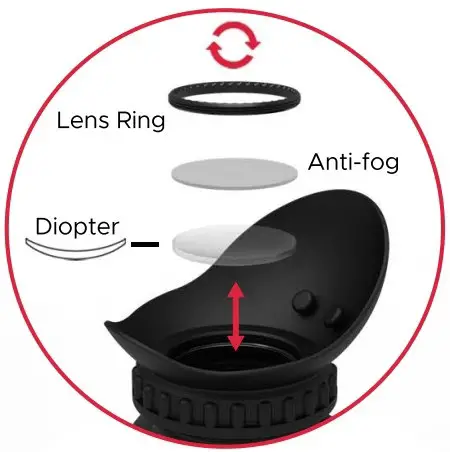
To replace the Anti-fog disc, or if necessary, to change the diopter to achieve focus, unscrew lens ring with fingers.
Anti-Fog: To replace Anti-Fog, rotate to drop out disk. On new disk, remove protective film from each side and insert into eyecup.
Diopter: To add or change diopter, remove Anti-Fog disc if installed. Insert new diopter in orientation shown. Replace Anti-Fog disc.
Secure lens ring with fingers. Lens Ring°Anti-fog