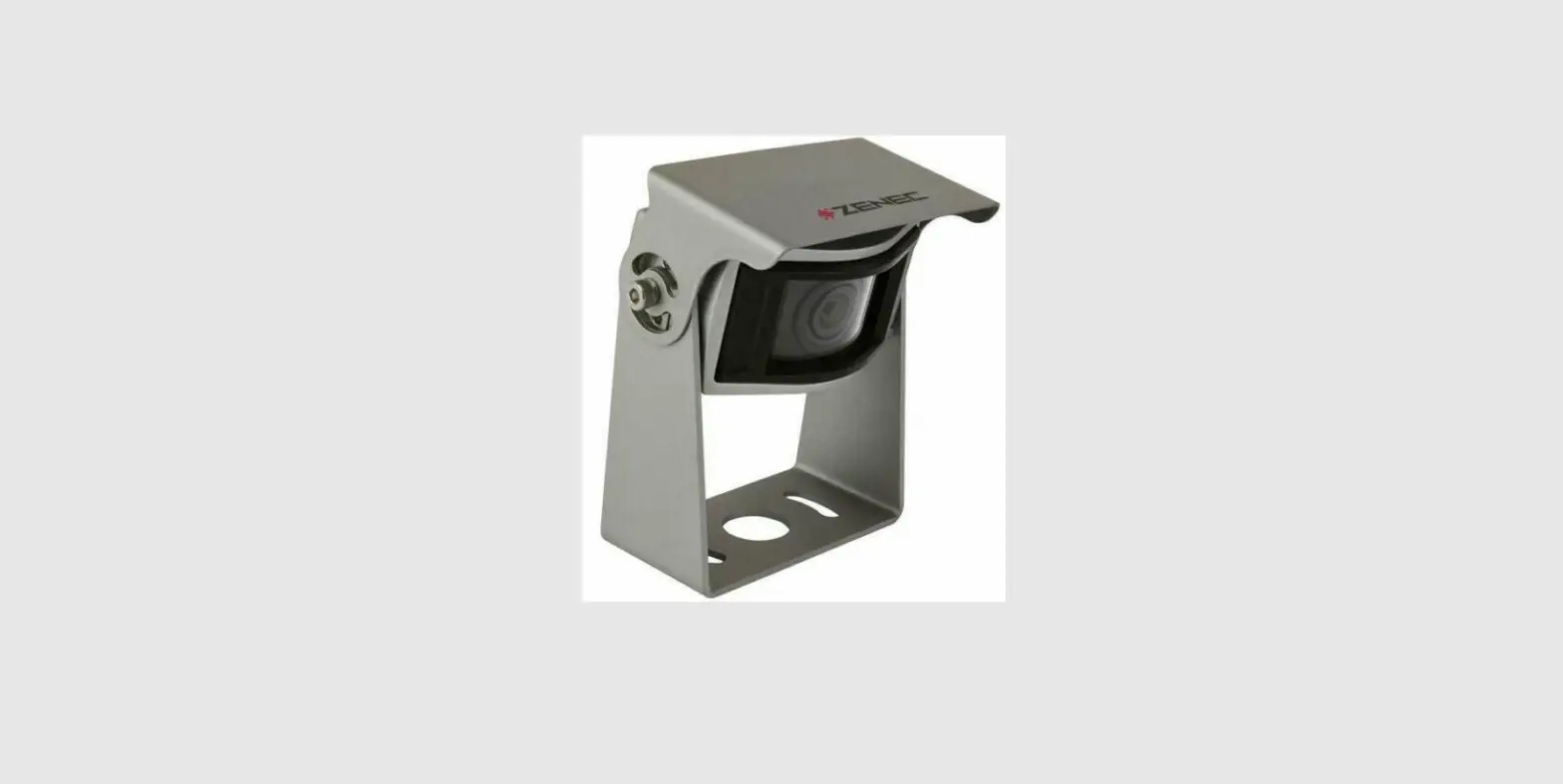
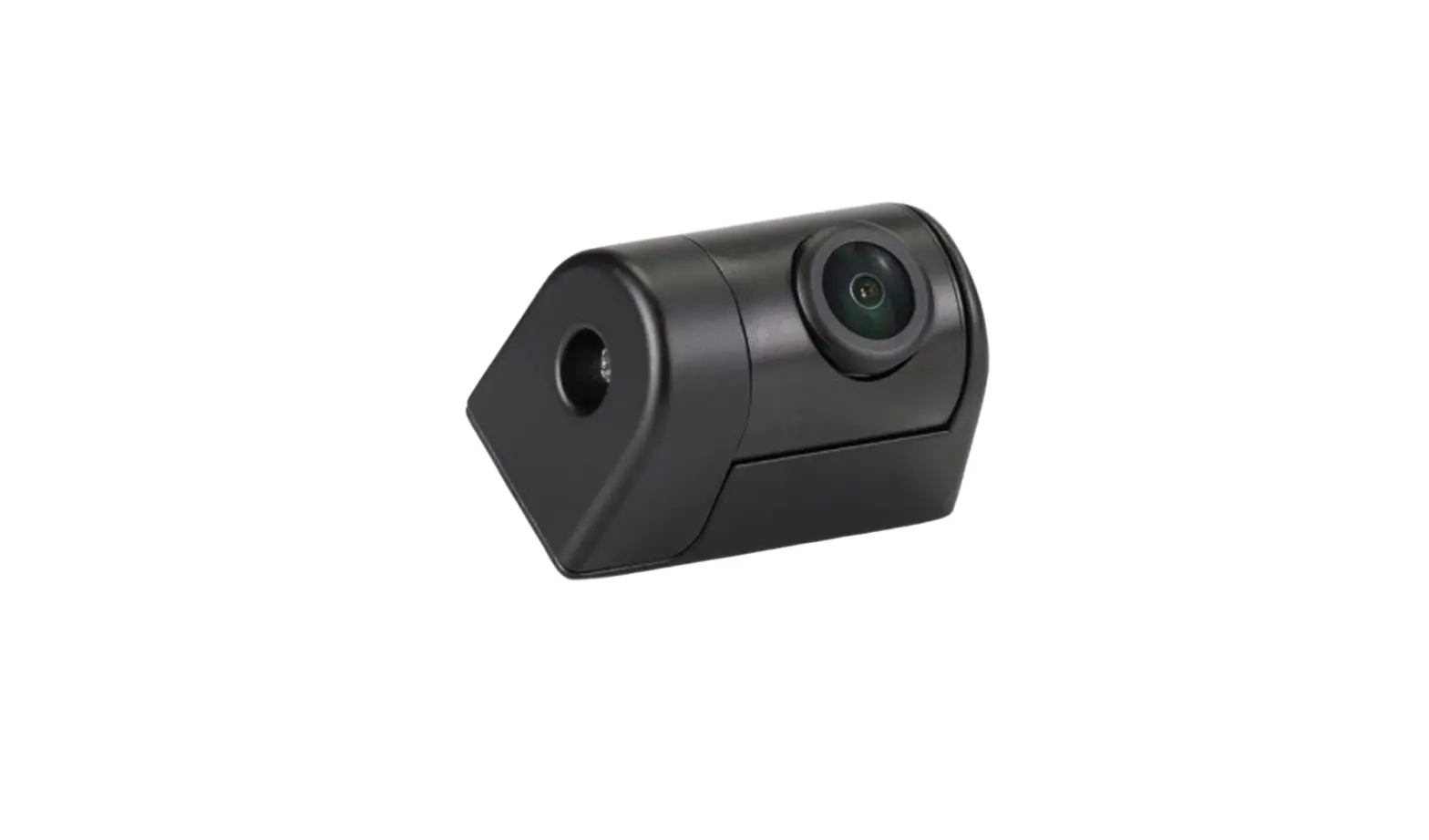
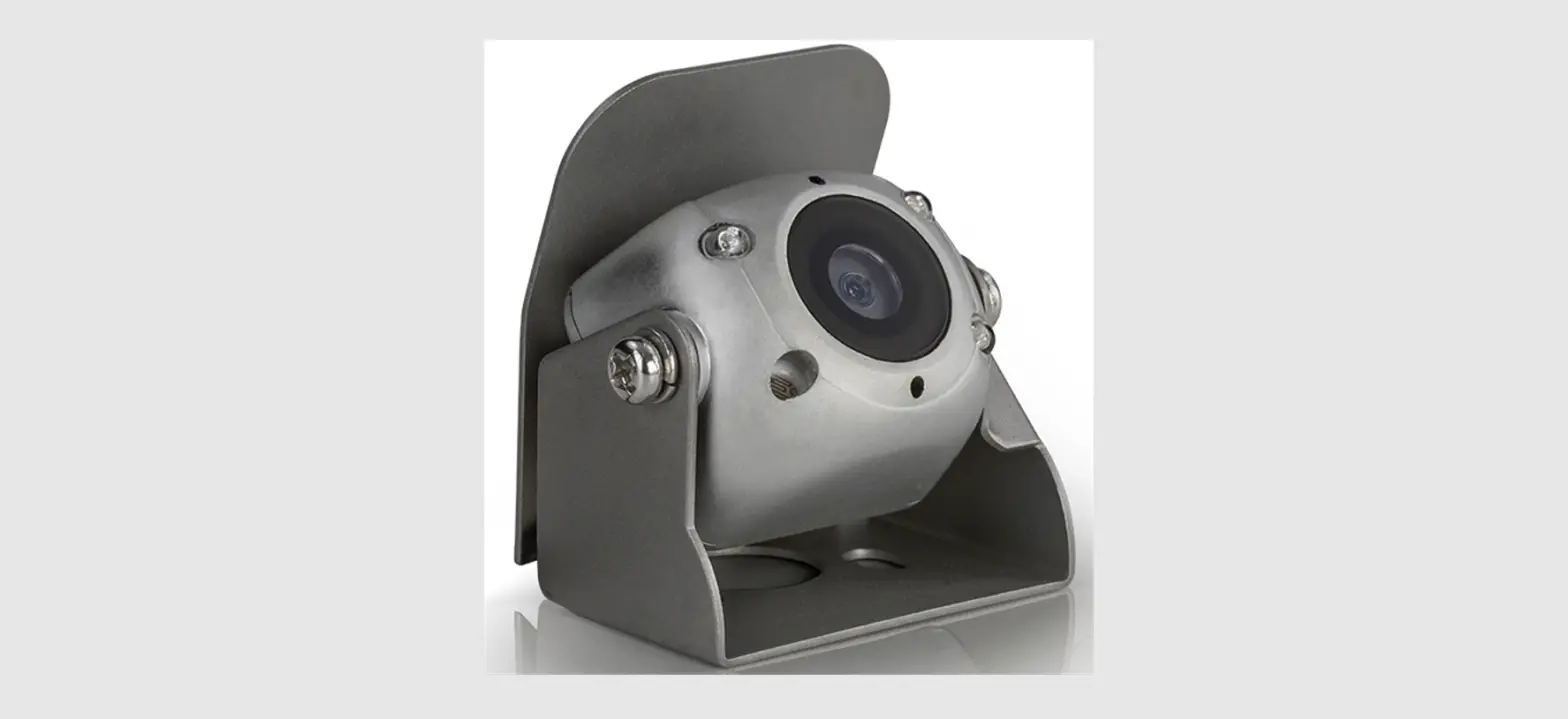
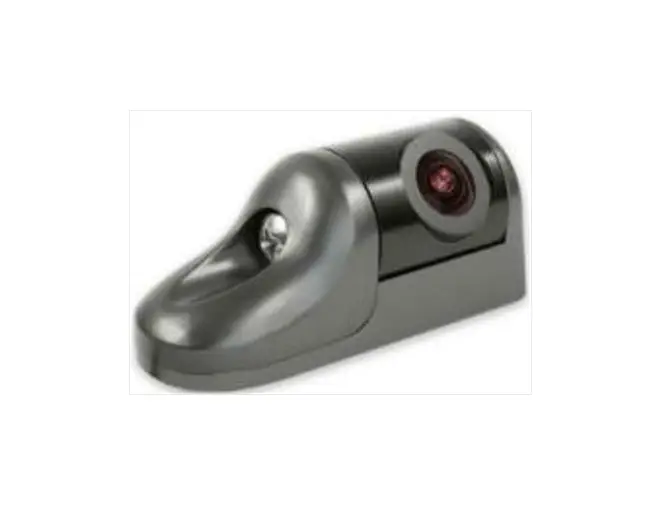
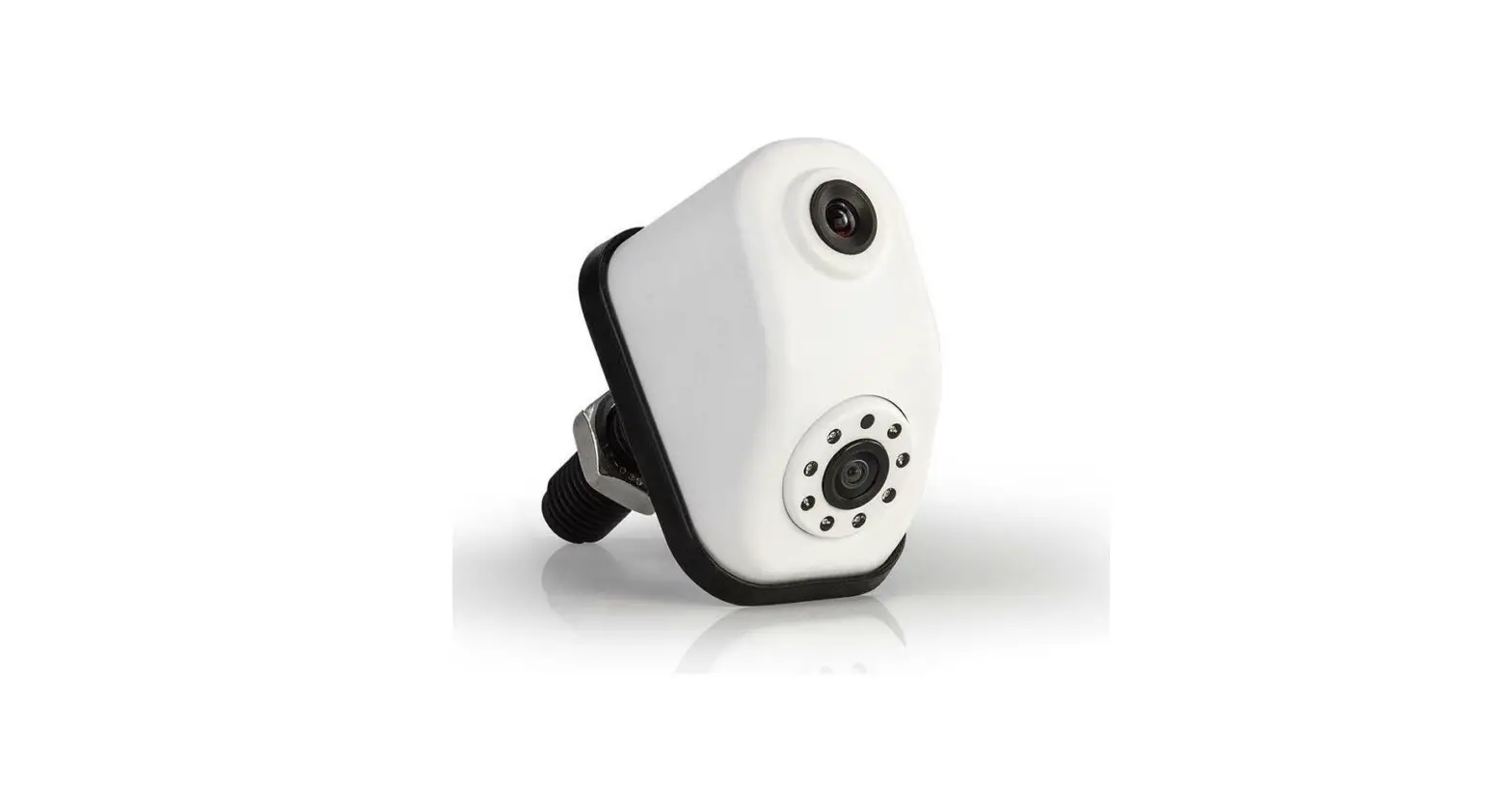
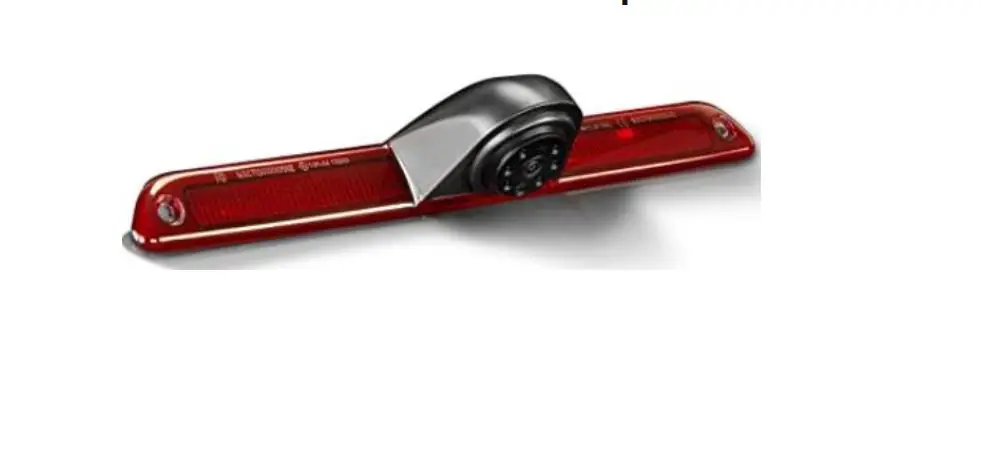
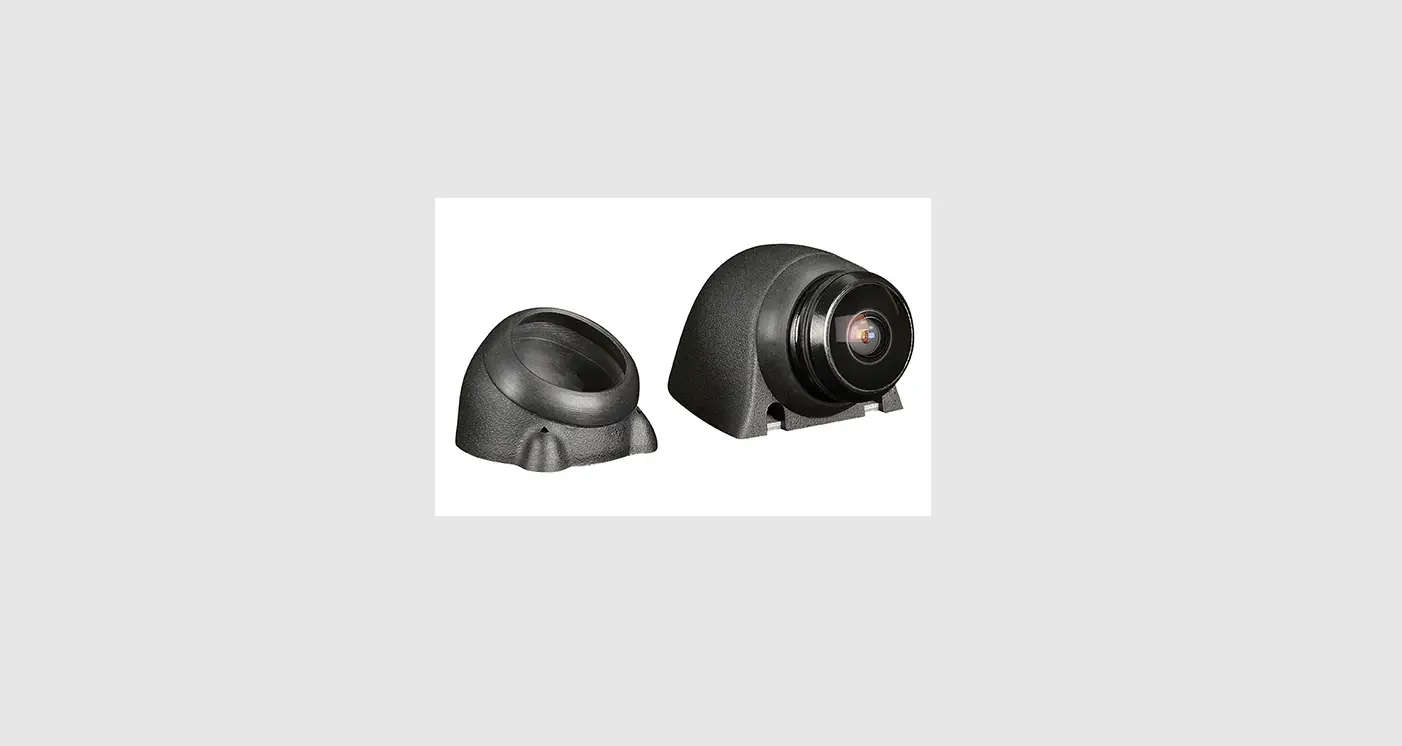
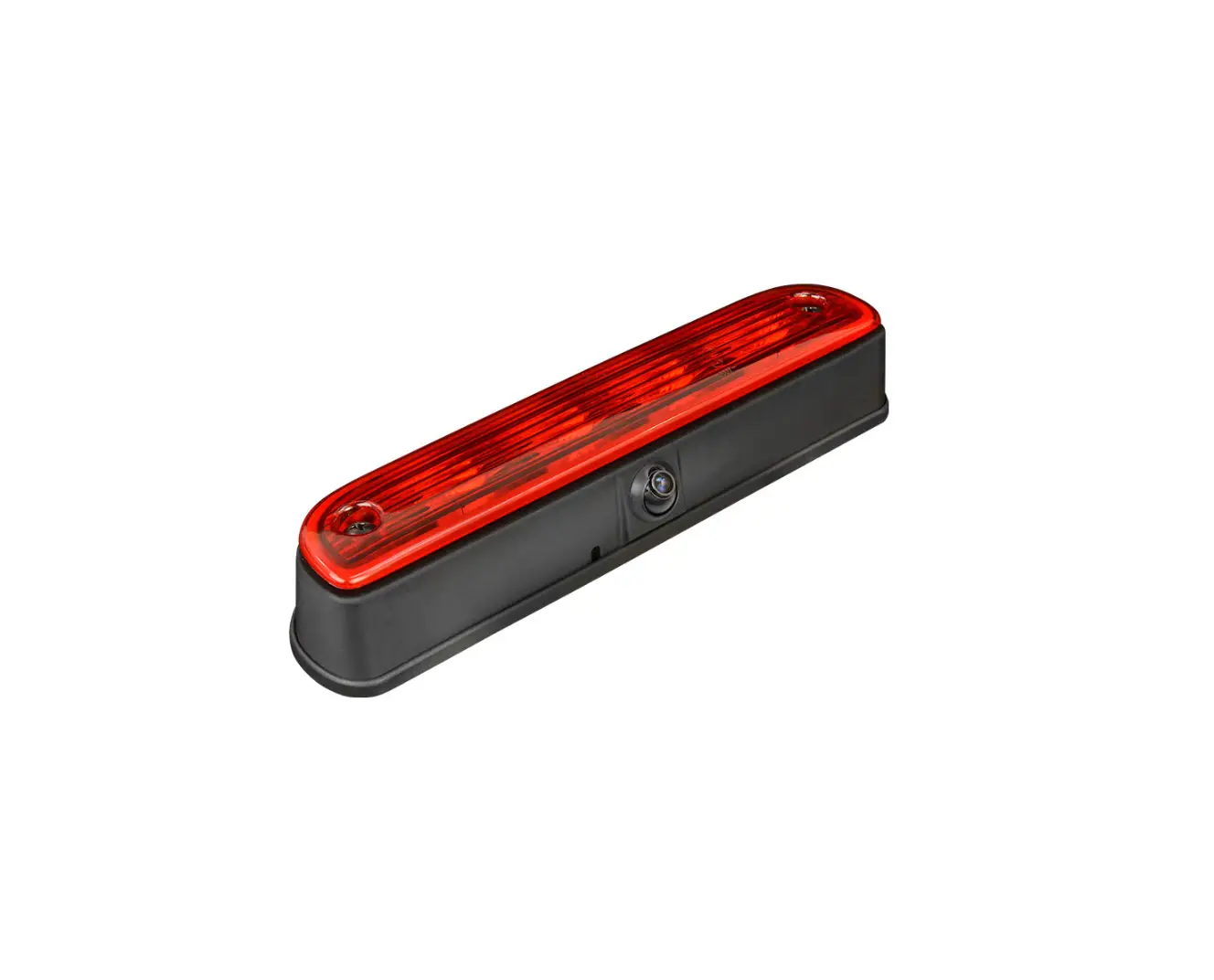
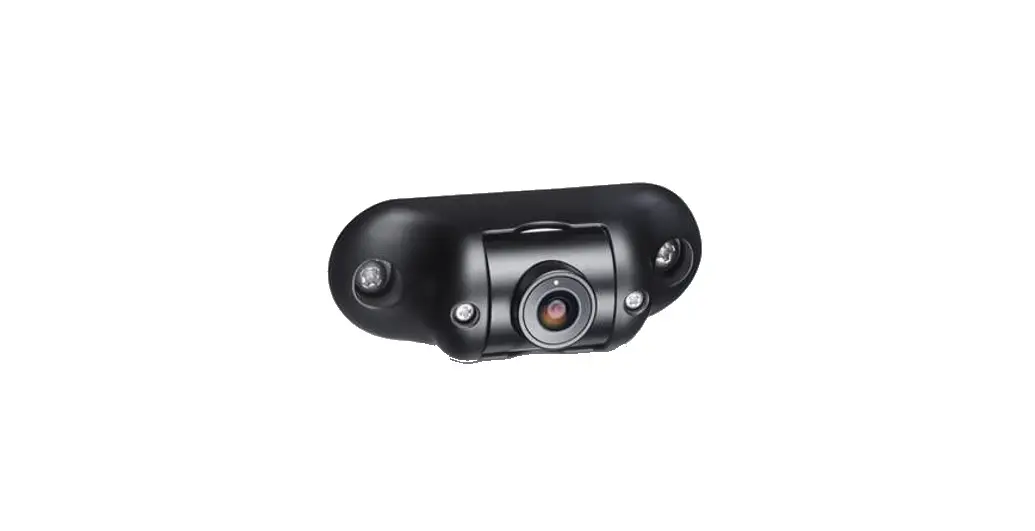
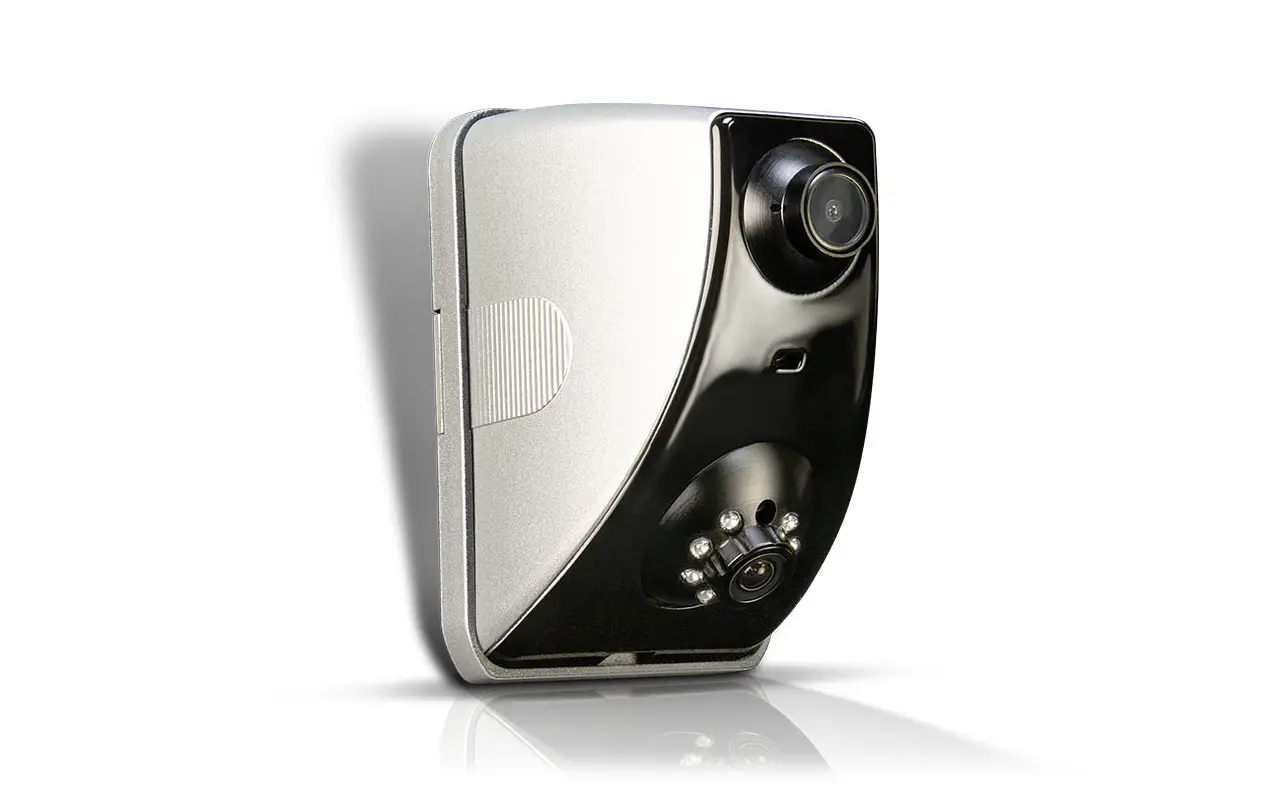
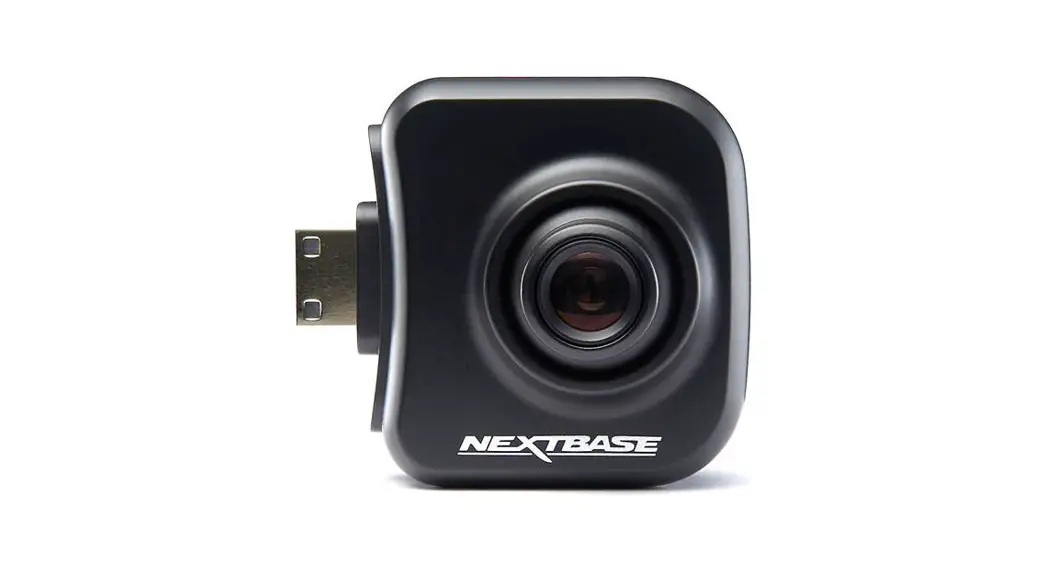
ZE-RVSC150MV Multiview Rear View Camera for Motorhomes
Product Information
The ZE-RVSC150MV is a multiview rear view camera specifically
designed for motorhomes. It is equipped with a 12 V > 5.5 V
step-down converter and TTL controller board for power supply and
control. The camera has a male bullet connector for +12V and GND, a
video (CVBS) RCA connector, and a MV data line with a 6.3 x 0.8 mm
male spade connector. It also features an original connection with
a female 4PIN mini connector and a micro 4PIN male connector.
The camera is water- and dustproof, certified with an IP68
protection rating. However, it is important to note that
high-pressure water and steam jet devices used for vehicle cleaning
may still damage the camera if the water intrudes. To prevent
damage, maintain a distance of at least one meter between the water
nozzle and the camera sensor/housing during high-pressure
cleaning.
The camera’s technical specifications include a 1/3″ 8.51 mm
Pixelplus PC1058C CMOS image sensor, NTSC TV system, 30 fps frame
rate, 43.3 dB signal-to-noise ratio, 1.0 Lux light sensitivity (0
Lux with IR-ON), and a video output of 1.0 Vp-p (+/- 0.2 V) 75 Ohm
CVBS. It also has automatic features for electronic shutter, white
balance, gain control, and backlight compensation. The camera
operates on a 12VDC power supply and has low power consumption.
The camera should be mounted in the center rear of the
motorhome, with the sensor pointing downwards. The optimal height
for the camera sensor above the ground is approximately 220 to 265
cm.
Product Usage Instructions
- Determine the desired mounting location for the camera.
- Remove the rubber foot from the camera body and use it as a
template to mark the mounting holes and cable entry on the mounting
surface. - Ensure there is enough accessible space on the back of the
mounting surface for inserting, pulling, and routing the camera
cable. - Drill three mounting holes with a 3.5 mm metal drill and one
hole for the cable entry with a 7.5 mm metal drill. - Vacuum out any metal shavings and seal the drill holes with
lacquer or paint. - Connect the camera’s video RCA plug, multi-view data line, and
power supply cable to the corresponding connections of the head
unit. - Perform a camera test run to ensure proper functionality.
Note: It is essential to use the included connection cable
exclusively, as modifying the cable will void the warranty.
MOUNTING INSTRUCTIONS
ZE-RVSC150MV
MULTIVIEW RE AR VIEW CAMER A FOR MOTORHOMES
+12V (male bullet) GND (male bullet)
Video (CVBS) RCA
MV data line (6.3 x 0.8 mm male spade connector)
12 V > 5.5 V Step-down converter and TTL controller board
MALE
FEMALE
Original Connection
Female 4PIN mini
Micro 4PIN male
Male
Female 4PIN mini
KEY FEATURES · Compact universal “multi-view” rear view camera for use with selected,
multi-view control compatible ZENEC device models · Multi-view function offering six camera image display modes, selectable via
touchscreen of ZENEC device (normal, top-down, panorama, L/R blind-spot, 2-split-screen, triple split-screen) · High quality CMOS picture sensor with low power consumption, for detailed high contrast cam image · IR LED lighting with 5 LEDs and dynamic brightness control via LDR element · Robust white painted die-cast aluminum housing with mechanical adjustment of vertical image section · 15 m long separable system cable equipped with mini 4-PIN connectors · IP68 certified
CAUTION Use the included connection cable exclusively. Modifying the cable will
void your warranty. The camera is water- and dustproof and has been licensed according
to the international standard IP68. However, vehicle cleaning using high pressure water and steam jet devices may still lead to damage of IP68 rated camera models by intrusion of water. If the motorhome is treated with a water jet high pressure cleaning device, make sure to keep a distance of at least one meter between the water nozzle and the camera sensor / housing.
TECHNICAL SPECIFICATIONS
Image device:
Horizontal view angle:
TV system: Effective sensor resolution: Resolution of video-out signal: Frame rate: Signal to noise ratio: Light sensitivity: Video output:
Electronic shutter: White balance: Automatic gain control: Backlight compensation: Power supply: Current consumption:
IP protection rating: Operating temperature: Dimensions L x W x H:
1/3″ / 8.51 mm Pixelplus PC1058C CMOS Sensor 180° (max.) – image areas controllable via ZENEC device NTSC / 30 fps 960(H) x 576(V) pixels 700 TV lines 30 fields/sec. 43.3 dB 1.0 Lux, 0 Lux with IR-ON 1.0 Vp-p (+/-0.2 V), 75 ohms, CVBS auto auto auto auto 5.5 12 VDC 1,200 mW (220±5 [email protected] V via step-down converter) IP68 -20°C~+70° C 74 x 54 x 44 mm
INSTALLATION The ZE-RVSC150MV is mounted in the center rear of the vehicle with the sensor pointing downwards. The camera sensor cannot be adjusted mechanically. For an optimal image viewing field, the camera sensor should be about 220 to 265 cm above the ground.
Determine the approximate desired mounting location for the camera.
If you look at the foot area of the camera, you will see three through mounting holes for the mounting screws in the rubber base and the metal base with a diameter of about 5mm, as well as a larger center feed-through hole for the camera cable.
Pull the rubber foot off the camera body and use it as a template to mark the mounting holes and cable entry. Ensure that there is adequate accessible space on the back of the mounting surface for inserting/pulling/routing the camera cable. Mark the holes with an Edding pen. The mounting holes for the three self-tapping metal screws must be drilled with a 3.5 mm metal drill, the hole for the cable entry with a 7.5 mm metal
drill. Vacuum out the metal shavings and seal the drill holes with some lacquer or paint.
Disassemble the camera using the Allen key included in the kit to remove the rear case. Press the rubber foot back onto the camera base. Feed the camera cable into the drilled hole in the middle and carefully screw down the camera with the three self-tapping metal screws included in the set. Align the camera vertically tighten the screws snugly and reattach the back of the camera to the camera main body with sensor using the four Allen screws. Now lay the 15 m long extension cable from the mounting location of the camera to the device mounting slot in the dashboard.
Connect the camera’s video RCA plug, the multi-view data line and the power supply cable to the designated connections of the head unit. Do a camera test run.
UK Declaration of Conformity Hereby, ACR Brändli + Vögeli AG declares that ZENEC ZE-RVSC150MV is CE compliant the EU Declaration of Conformity can be accessed via the following Internet address: http://www.zenec.com (see link ,,Product Conformity Documents” in the footer area of the page).
UK Authorised Representative (for authorities only) ProductIP (UK) Ltd. 8, Northumberland Av. London WC2N 5BY
ZENEC by ACR AG Bohrturmweg 1 CH-5330 Bad Zurzach Switzerland, EU Legal Representative: ACR S & V GmbH Industriestr. 35 D-79787 Lauchringen Germany www.zenec.com
Rev.B
M O N TAG E A N L E I T U N G
ZE-RVSC150MV
MULTIVIEW RÜCKFAHRK AMER A FÜR REISEMOBILE
+12V (Stecker männlich) GND (Stecker männlich)
Video (CVBS) RCA
MV dataline (6,3 x 0.8 mm Flachstecker, männlich) 12 V > 5.5 V Step-down Konverter und TTL Steuerplatine
mini 4PIN (weiblich)
mini 4PIN (männlich)
(männlich)
(weiblich)
Original Connection
mini 4PIN (männlich)
mini 4PIN (weiblich)
HAUPTMERKMALE · Kompakte universelle ,,Multiview” Rückfahrkamera für die Nutzung mit
ausgewählten, Multiview kontrollfähigen ZENEC Geräte Modellen · Multiview-Funktion mit sechs Kamerabild-Anzeigemodi, die über den
Touchscreen des ZENEC-Geräts ausgewählt werden können (normal, von oben nach unten, Panorama, L/R-Blindspot, 2-geteilter Bildschirm, dreifach geteilter Bildschirm) · Hochwertiger CMOS-Bildsensor mit tiefem Stromverbrauch · R LED Beleuchtung mit 5 LEDs und dynamischer Helligkeitssteuerung via LDR Element · Robustes weiss lackiertes Aluminium-Druckgussgehäuse mit mechanischer Verstellung des vertikalen Bildausschnitts · 15 m langes, trennbares Systemkabel mit Mini 4-PIN Steckern · IP68 zertifiziert
VORSICHT Die Kamera ist wasser- und staubdicht und wurde gemäß dem internatio-
nalen Standard IP68 lizenziert. Die Fahrzeugreinigung mit Hochdruckwasser- und Dampfstrahlgeräten kann jedoch weiterhin zu Schäden an Kameramodellen der Schutzart IP68 durch Eindringen von Wasser führen. Wenn das Reisemobil mit einer Wasserstrahl-Hochdruckreinigung behandelt wird achten Sie darauf, dass zwischen der Wasserdüse und dem Kamerasensor/-gehäuse ein Abstand von mindestens einem Meter eingehalten wird.
TECHNISCHE SPEZIFIKATIONEN
Bildsensor:
1/3″ / 8,51 mm Pixelplus
PC1058C CMOS Sensor
Horizontaler Betrachtungswinkel: 180° (max.), via ZENEC Gerät
steuerbare Bildausschnitte
TV System:
NTSC / 30 fps
Effektive Sensor Bildauflösung: 960(H) x 576(V) Pixel
Auflösung Video-Ausgangssignal: 700 TV Linien
Bildrate:
30 Felder/Sek.
Signal/Rauschabstand:
43,3 dB
Lichtempfindlichkeit:
1.0 Lux, 0 Lux mit IR-EIN
Video Ausgang:
1,0 Vp-p (+/- 0.2 V) 75 Ohm, CVBS
Weißabgleich:
automatisch
Belichtungskompensation:
automatisch
Verstärkungsregelung (AGC): automatisch
Synchronisation:
automatisch
Spannungsversorgung:
5,5 12 VDC
Stromverbrauch (@12VDC):
1,200 mW (220±5 [email protected] V
via Step-Down Konverter)
Schutzklasse:
IP68
Betriebstemperatur:
-20°C~+70°C
Dimensionen L x B x H:
74 x 54 x 44 mm
INSTALLATION
Die ZE-RVSC150MV wird hinten oben in der Fahrzeugmitte mit dem Sensor nach unten zeigend montiert. Der Kamerasensor ist mechanisch nicht verstellbar. Für einen optimalen Bildausschnitt sollte der Kamerasensor etwa 220 bis 265 cm vom Boden entfernt sein.
Bestimmen Sie den ungefähren erwünschten Montageort der Kamera.
Wenn Sie die den Fussbereich der Kamera betrachten, sehen sie drei durchgehende Montagelöcher für die Befestigungsschrauben im Gummifuss und dem Metallboden mit etwa 5 mm Durchmesser, sowie ein grösseres mittleres Durchführungsloch für das Kamerakabel.
Ziehen Sie den Gummifuss vom Kameragehäuse ab und nutzen Sie ihn als Vorlage zum Anzeichnen der Befestigungslöcher und der Kabeldurchführung. Stellen Sie sicher, dass auf der Rückseite der Befestigungsoberfläche ausreichend zugänglicher Raum zum Einführen/Durchziehen/ Verlegen des Kamerakabels vorhanden ist. Zeichnen Sie die Löcher mit einem Edding Stift an. Die Befestigungslöcher für die drei selbstschneidenden Metallschrauben müssen mit einem 3,5 mm Metallbohrer, das
Loch für die Kabeldurchführung mit einem 7,5 mm Metallbohrer gebohrt werden. Saugen Sie die Metallspäne aus und versiegeln sie die Bohrlöcher mit etwas Lack.
Zerlegen Sie die Kamera mit dem im Set beiliegenden Inbusschlüssel um das hintere Gehäuse zu entfernen. Drücken Sie den Gummifuss wieder auf den Kameraboden auf. Fädeln Sie das Kamerakabel in das gebohrte mittlere Durchführungsloch und schrauben Sie die Kamera mit den drei Metallschrauben im Setumfangs vorsichtig an. Richten Sie die Kamera vertikal gerade aus ziehen Sie die Schrauben satt an und montieren Sie das Rückteil der Kamera mit den vier Inbusschrauben wieder an den Kamera Hauptteil mit Sensor.
Verlegen Sie nun das 15 m lange Verlängerungskabel vom Montageort der Kamera zum Geräteschacht im Armaturenbrett.
Verbinden Sie den Video Cinch-Stecker der Kamera, das Multiview Datenkabel und die Stromversorgungskabel an den dafür vorgesehen Anschlüssen des Steuergeräts. Machen Sie einen Kameratestlauf.
EU Konformitätserklärung Hiermit erklärt ACR Brändli + Vögeli AG, dass der ZENEC ZE-RVSC150MV CE konform ist die EU-Konformitätserklärung kann unter der folgenden Internetadresse abgerufen werden: https://www.zenec.com (siehe Link ,,Dokumente zur Produktkonformität” im Fussbereich).
ZENEC by ACR AG Bohrturmweg 1 CH-5330 Bad Zurzach Schweiz, Gesetzlicher Vertreter EU: ACR S & V GmbH Industriestr. 35 D-79787 Lauchringen Deutschland www.zenec.com
Rev.B
 ZENEC – Touch another World