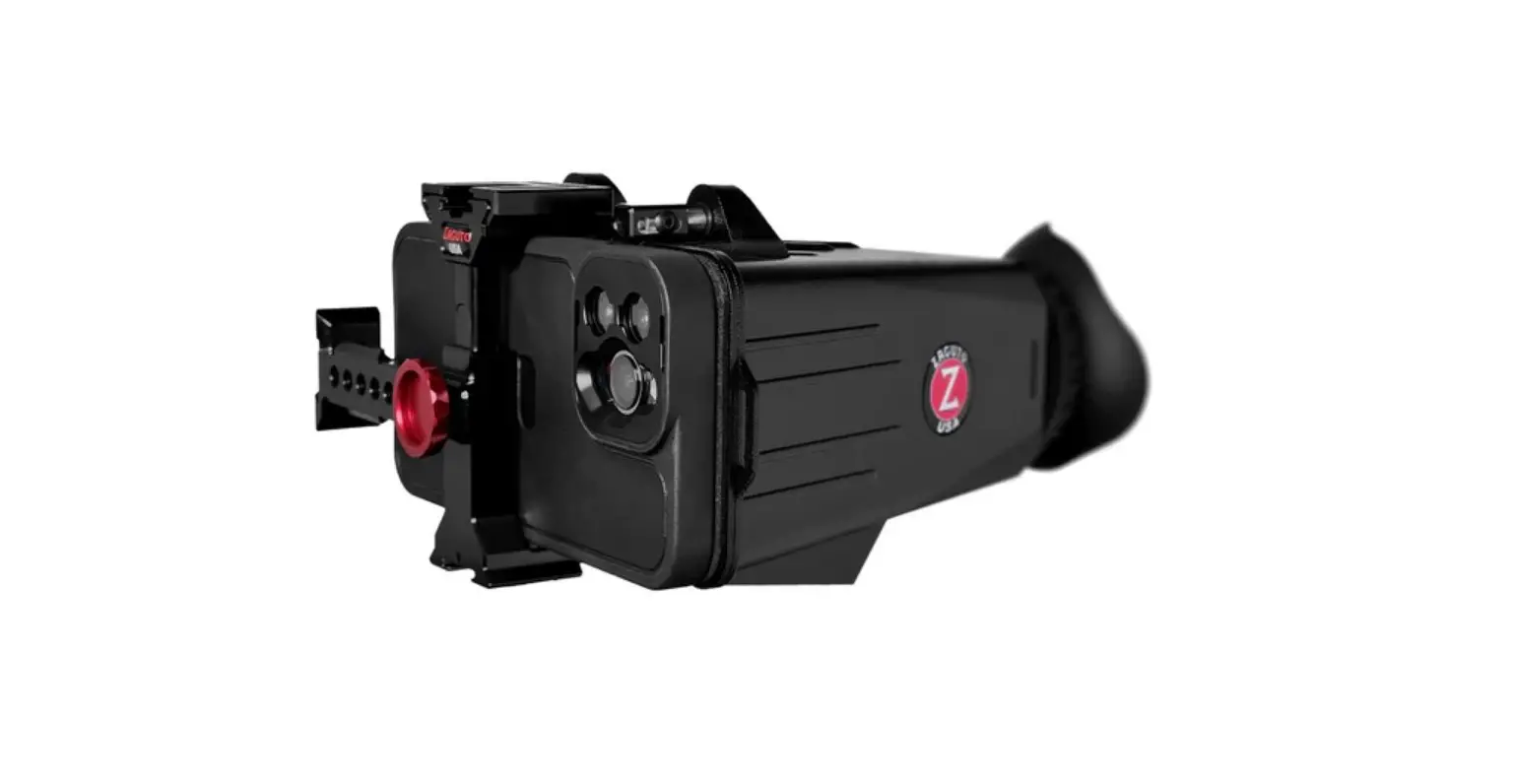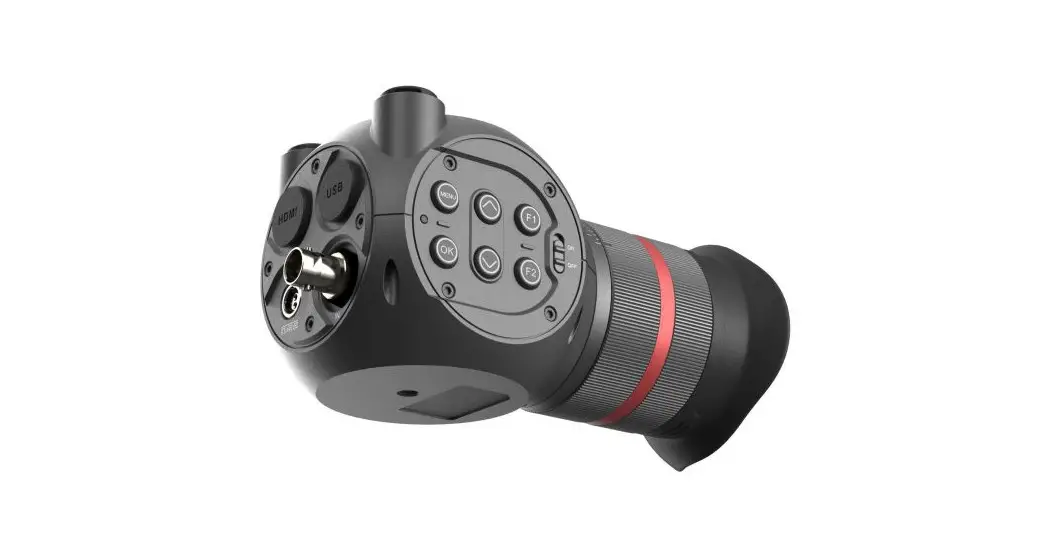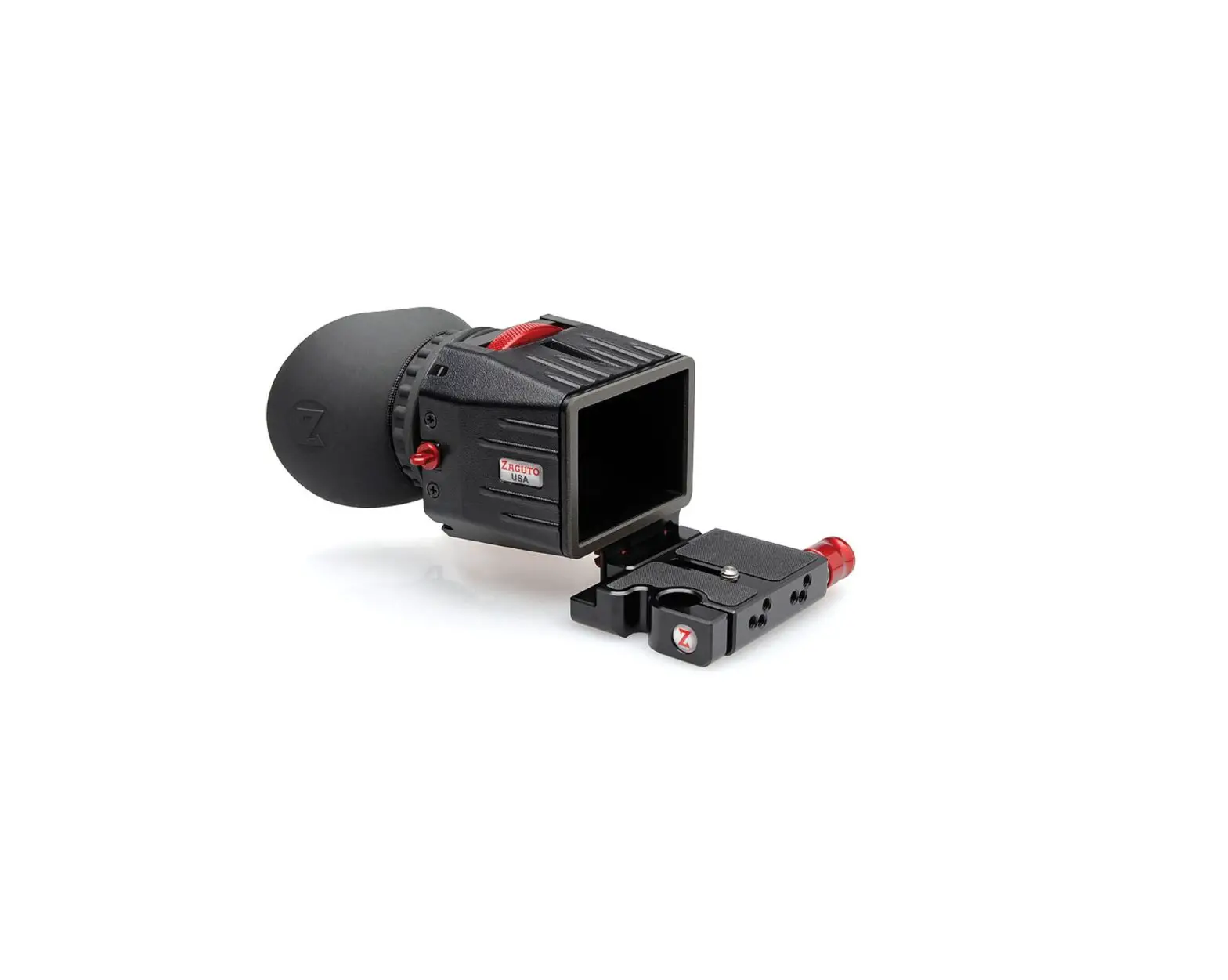
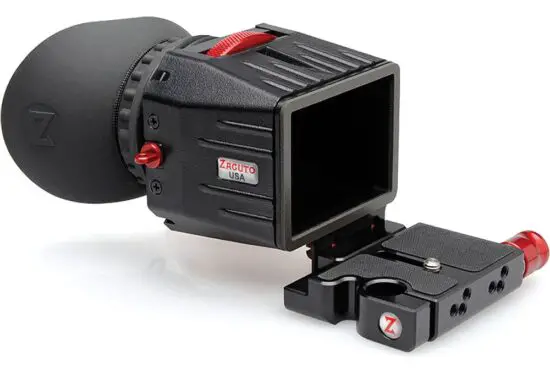
ZACUTO Z-Finder Pro 2.5x Optical Viewfinder
Included Parts
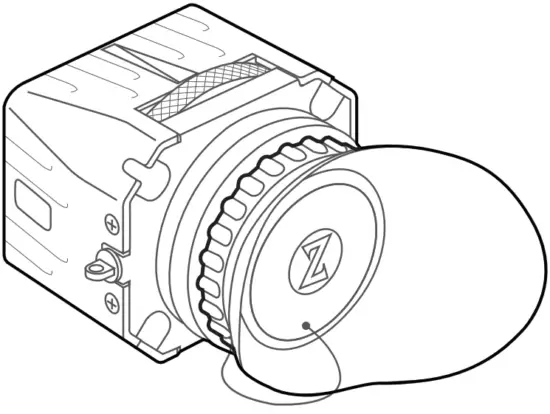 x1 Z-Finder Pro x1 Z-Finder Pro | ||
| 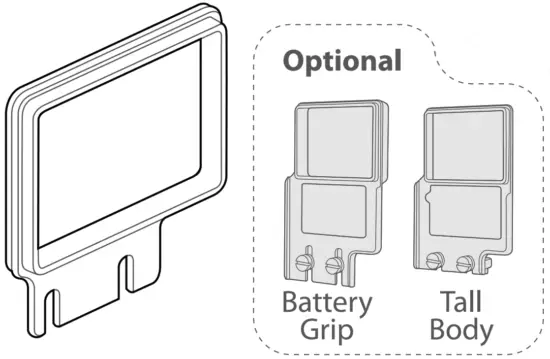 x1 Mounting Frame x1 Mounting Frame |
|
 x1 Anti-Fog Cover x1 Anti-Fog Cover | 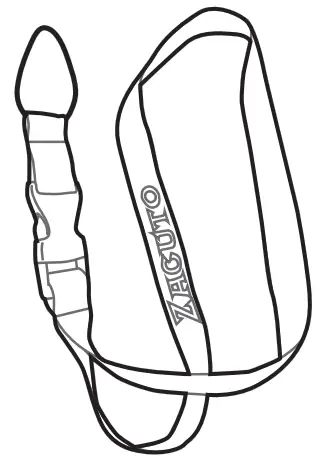 x1 Lanyard x1 Lanyard |
|
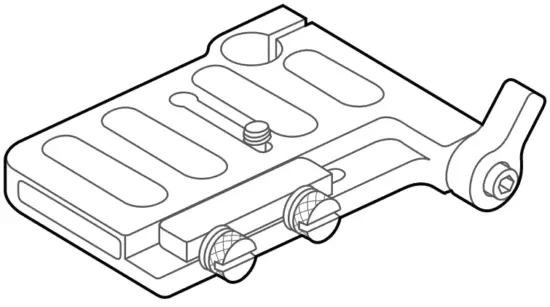 x1 Gorilla Plate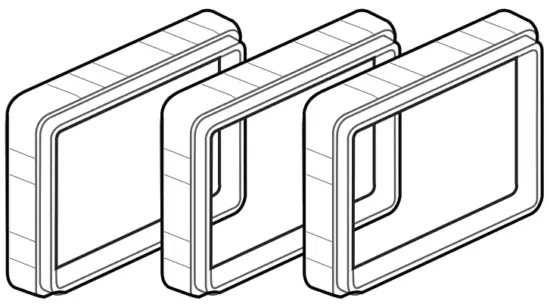
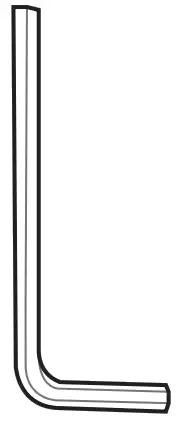
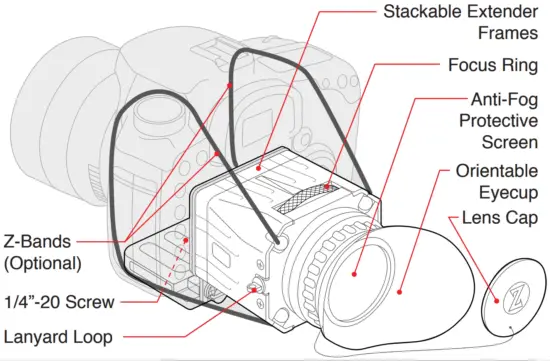
Features
 Precautions
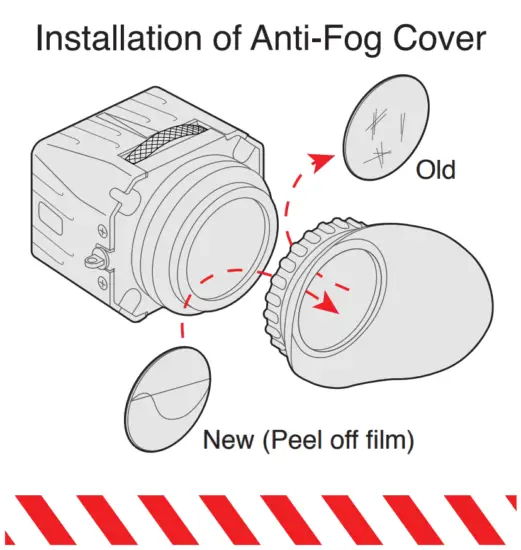
The anti-fog protective covers naturally have a tackier surface than standard lenses and thus need to be cleaned differently. Do not wipe anti-fog protective cover with a dry lens cloth or tissue. Use a micro fiber lens cloth or Kim Wipe type tissue and soak with water. Wipe the cover then let air dry
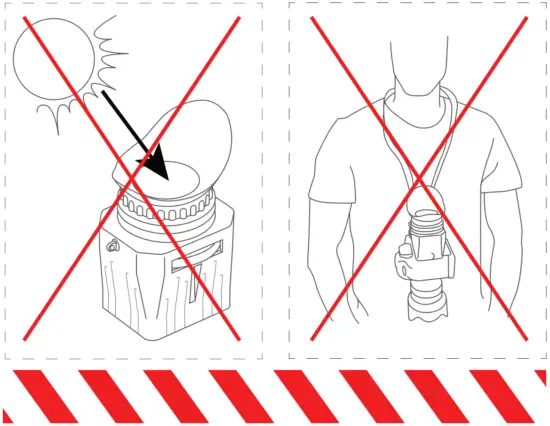
For more information, watch our tutorial video at Zacuto.com
Operation
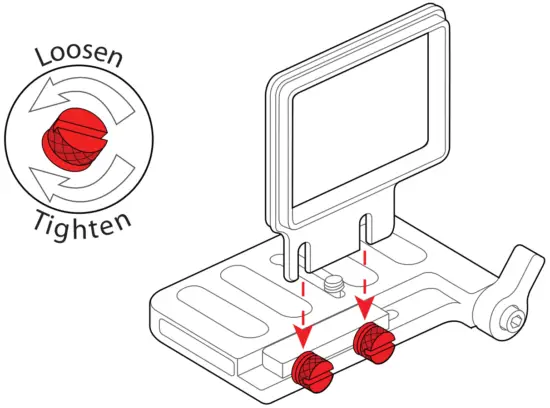
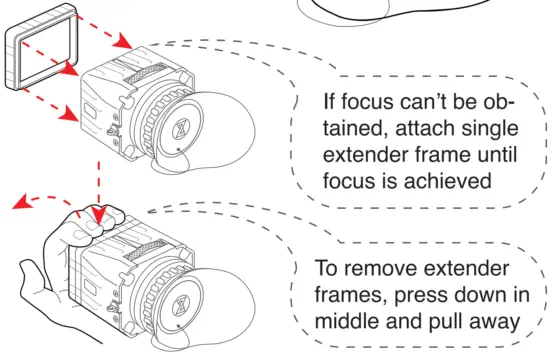
- Attach frame to Gorilla Plate

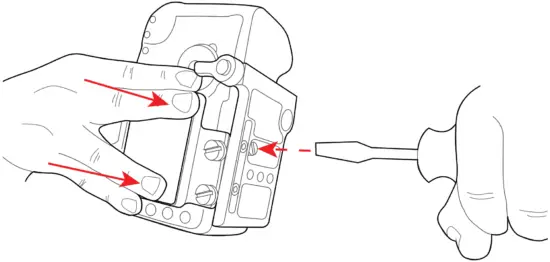
Press and hold frame against LCD andattach to camera with 1/4”-20 screw
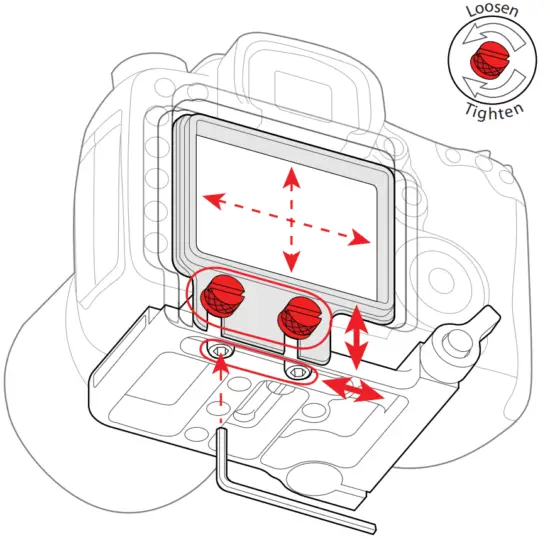
- Center frame on camera LCD

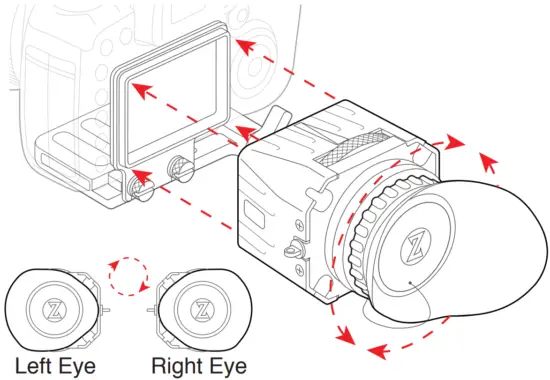
- Rotate eyecup for desired positionand attach Z-Finder to frame

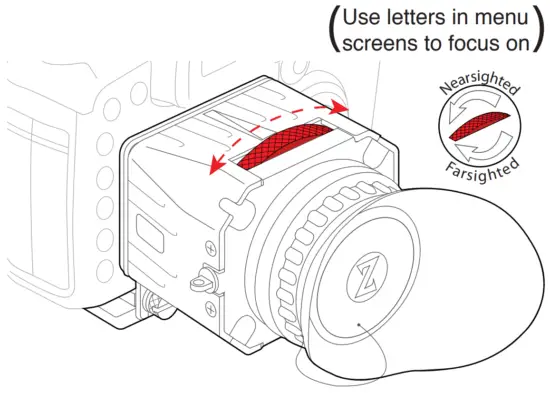
- Focus the Z-Finder


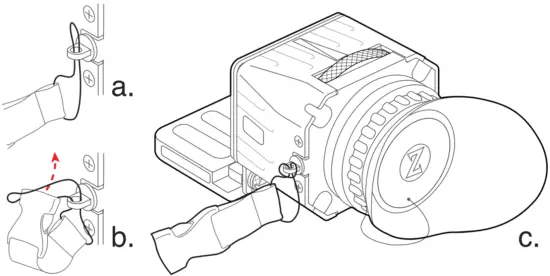
- Install lanyard for protection