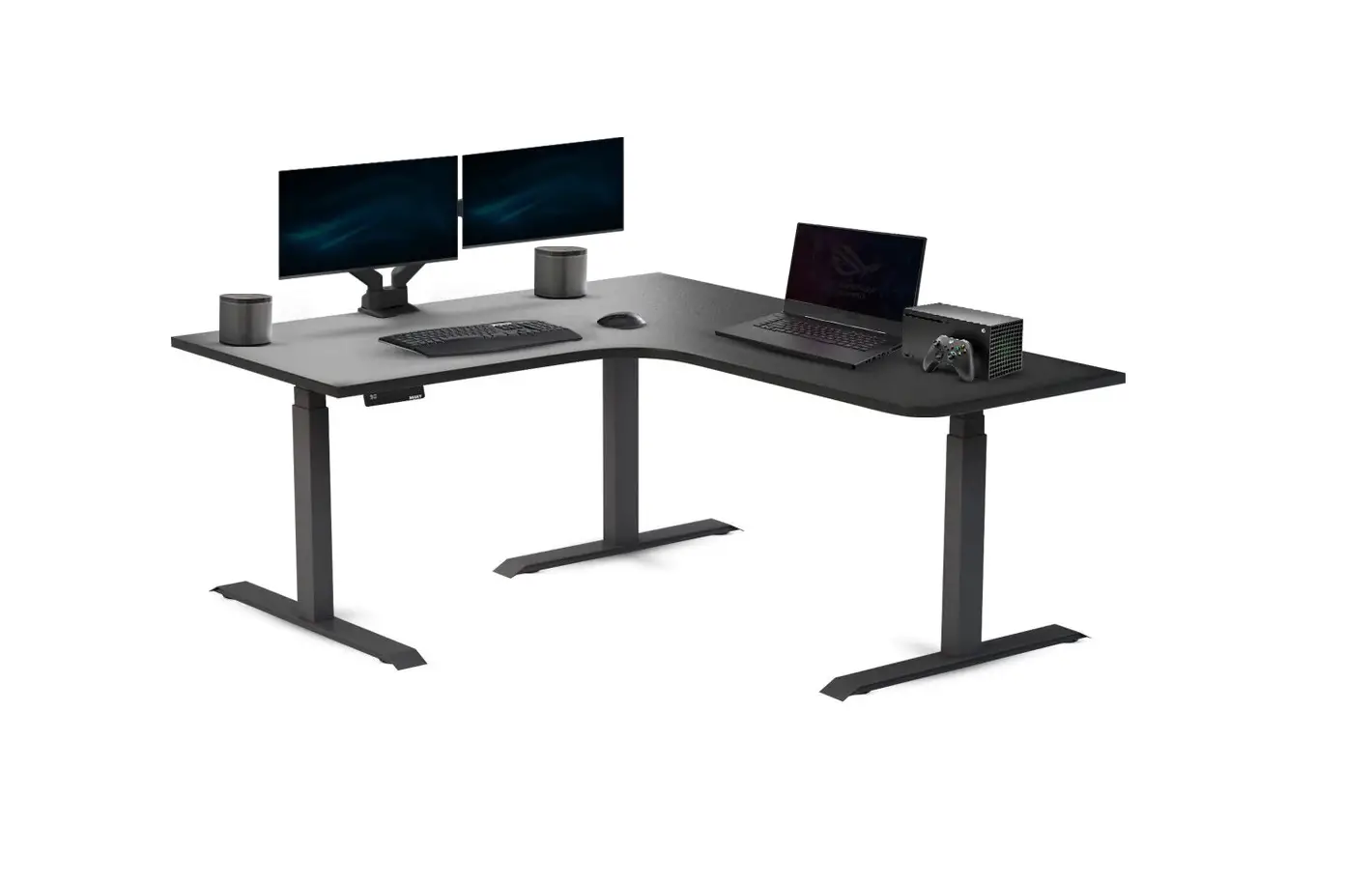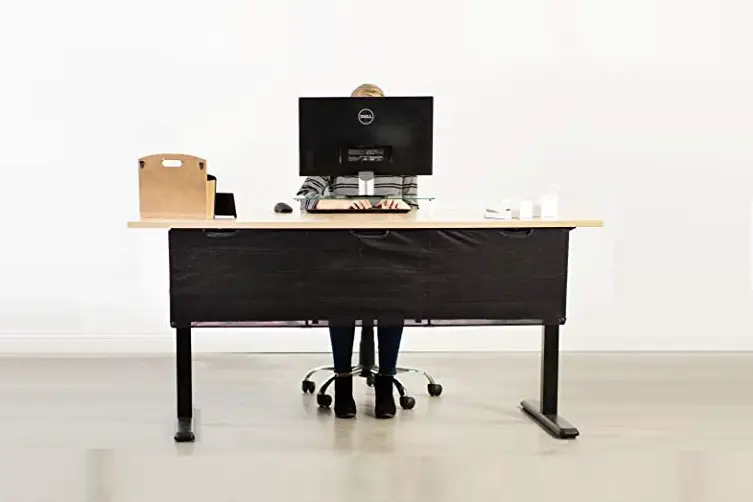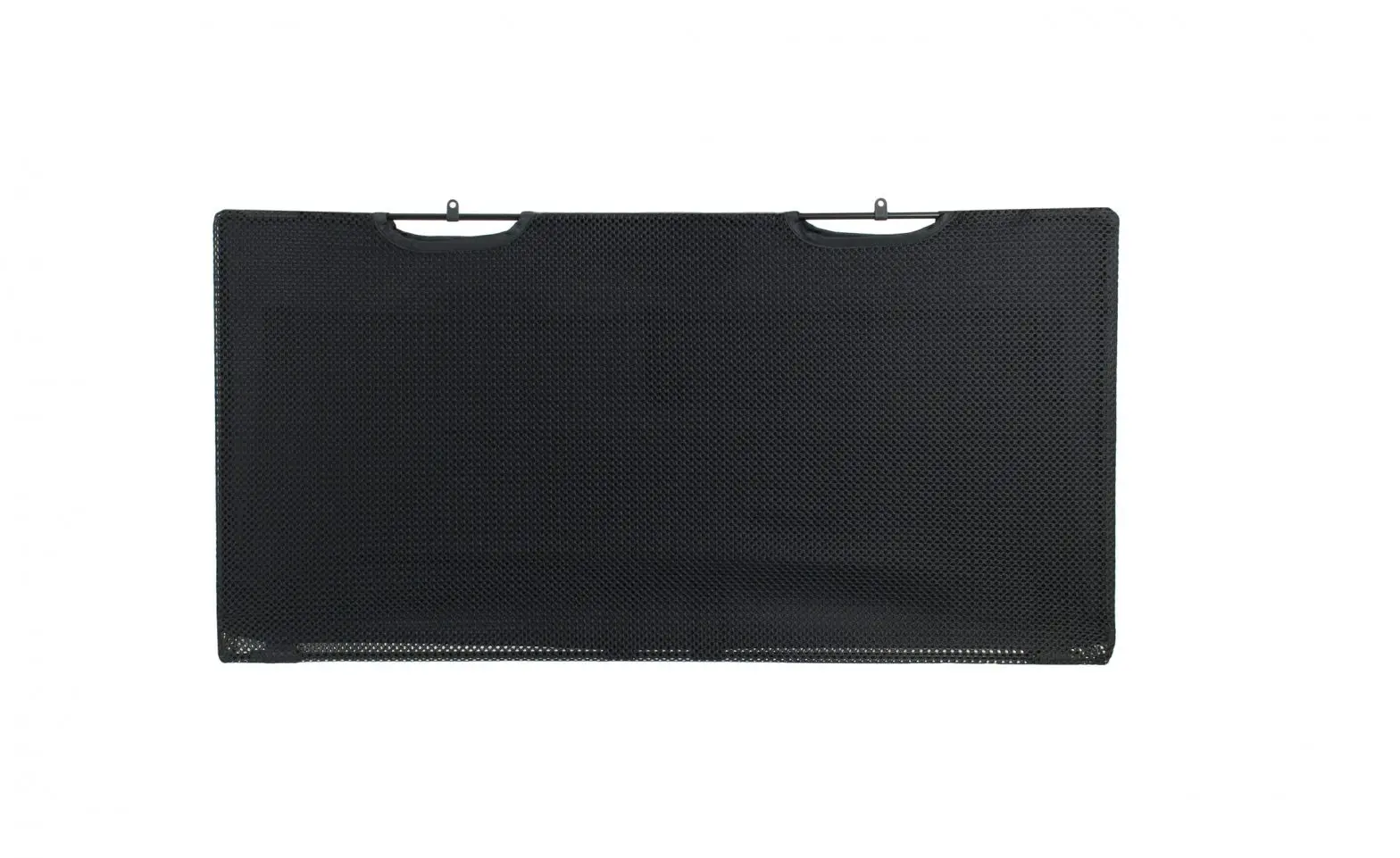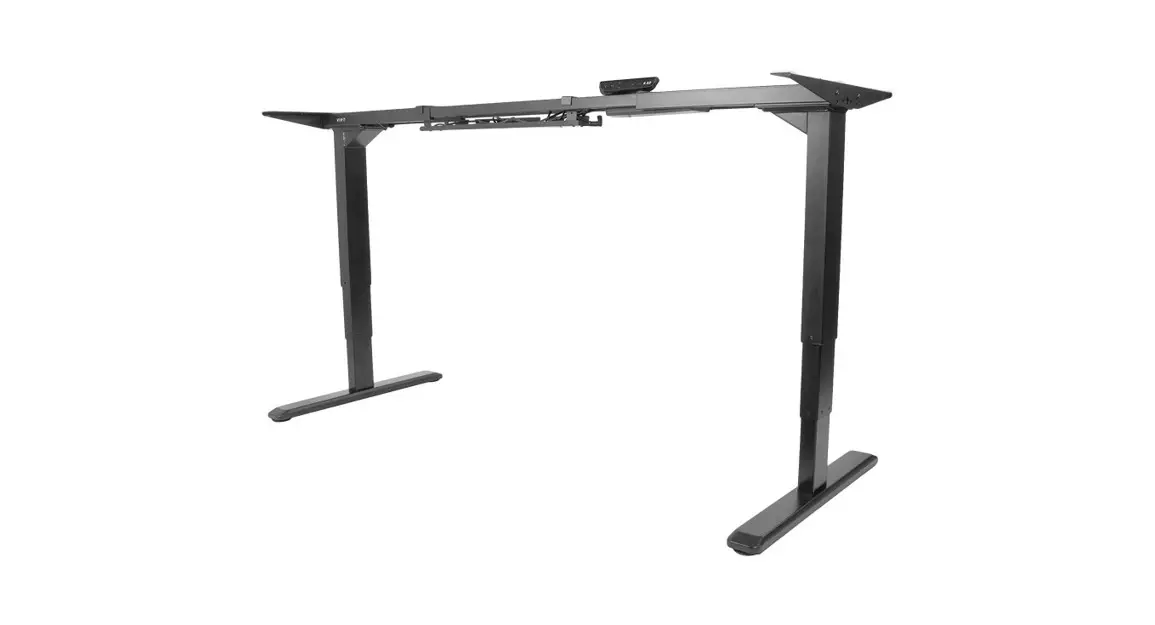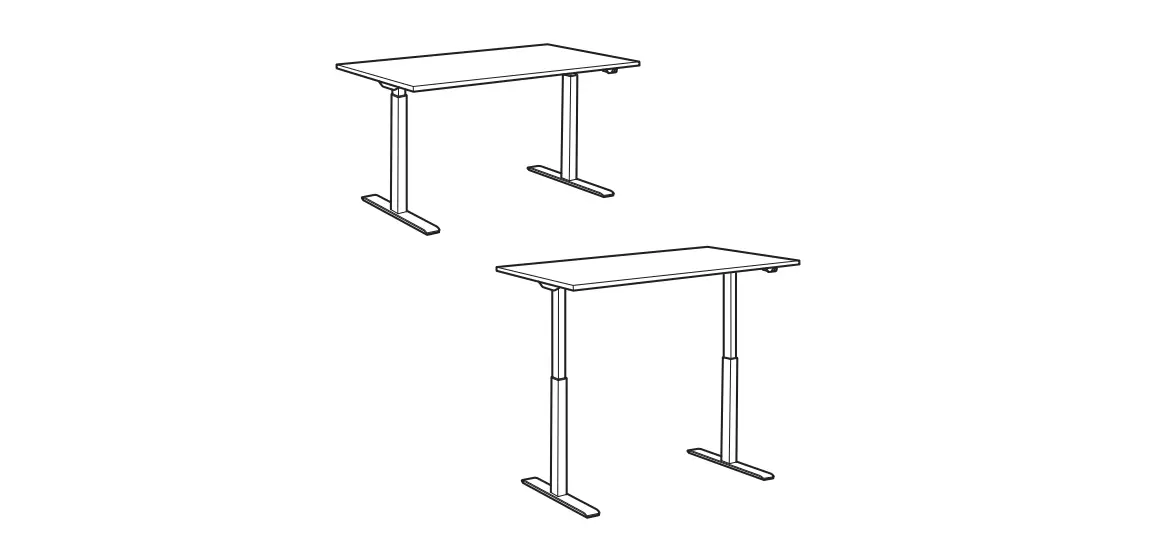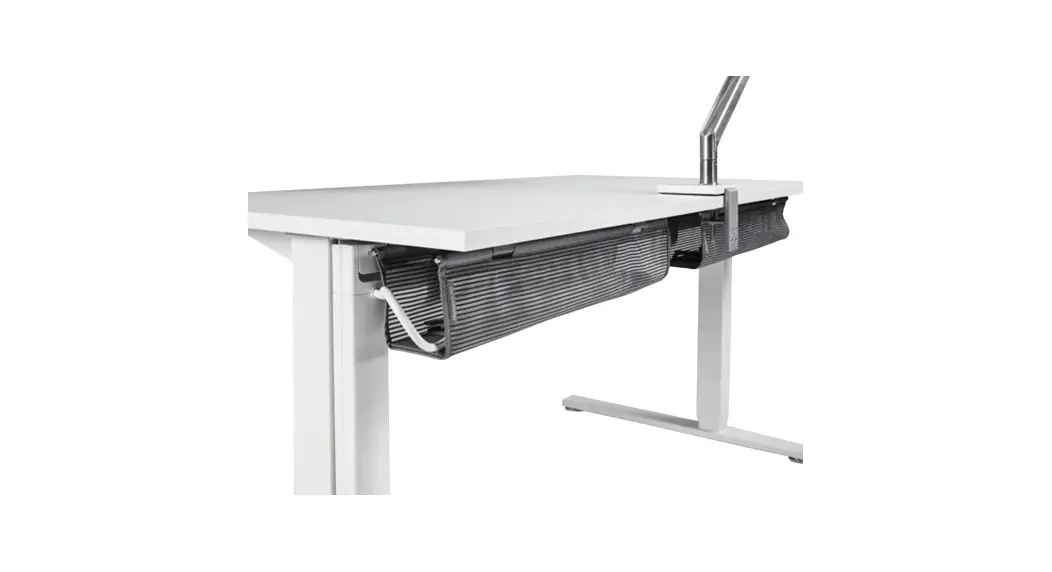

DESKY Cable Tray Dual Sit Stand Desks
INSTALLATION INSTRUCTIONS
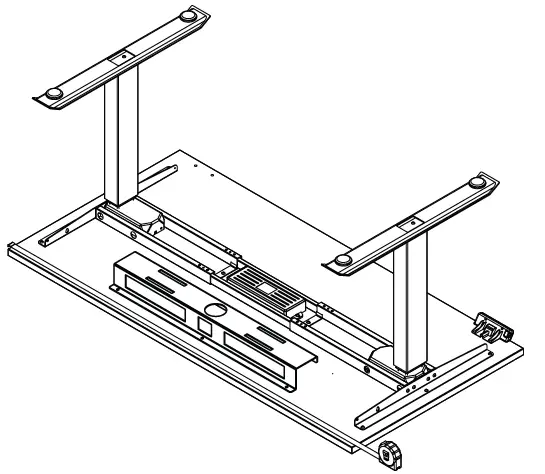
- STEP 1 Place the Cable Tray onto your desktop material and use a measuring tape if needed to centre it.

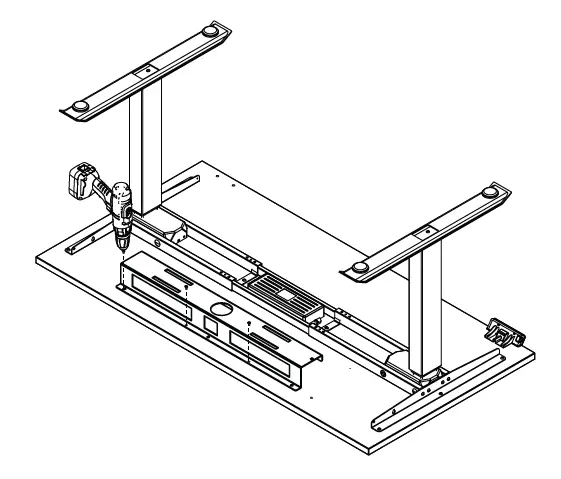
- STEP 2 Use the provided self tapping wood screws to secure the Cable Tray into the position you chose. To do this you can mark and pre-drill the holes using a 2mm drill bit or drive the screw straight into the desktop using a Phillips head drill bit.