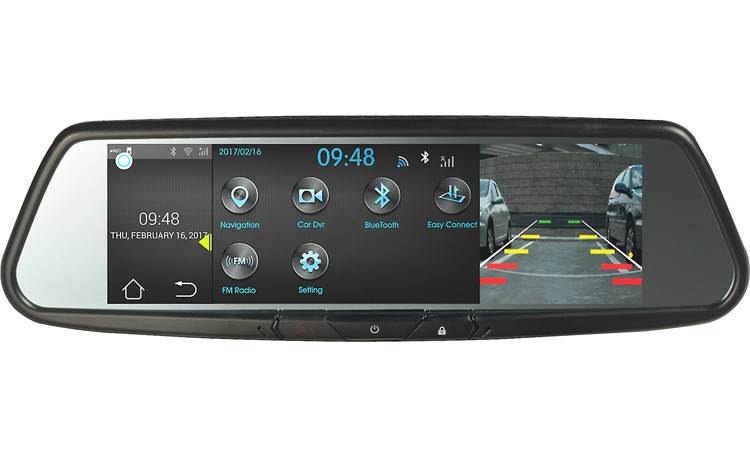
BL-240D Installing Brigade Van MDR and Mirror Monitor
Product Information
The product mentioned in the user manual is a vehicle-related
device that requires careful handling and usage. It is important to
follow the instructions provided to avoid potential damage to the
vehicle and the product itself. The product comes with a warranty,
but failure to follow the instructions may void the warranty.
Product Usage Instructions
1. To access this and other Tech Tips, visit our website.
2. Navigate to the “Tech Tips” section of the website. This
section may be found in the main menu or under a specific category
related to your product.
3. Once you have found the “Tech Tips” section, click on it to
access a list of available tips.
4. Locate the specific Tech Tip you are looking for. In this
case, look for the one mentioned in the user manual.
5. Click on the Tech Tip to open it and view the information
provided.
6. Read and understand the instructions carefully to ensure
proper usage of the product.
7. If there are any additional steps or precautions mentioned in
the Tech Tip, make sure to follow them accordingly.
8. If you encounter any difficulties or have further questions,
contact our customer support for assistance.
Note: It is crucial to follow all provided instructions to
prevent any potential damage to your vehicle or the product.
Failure to do so may result in voiding the product’s warranty.
Tech Tips
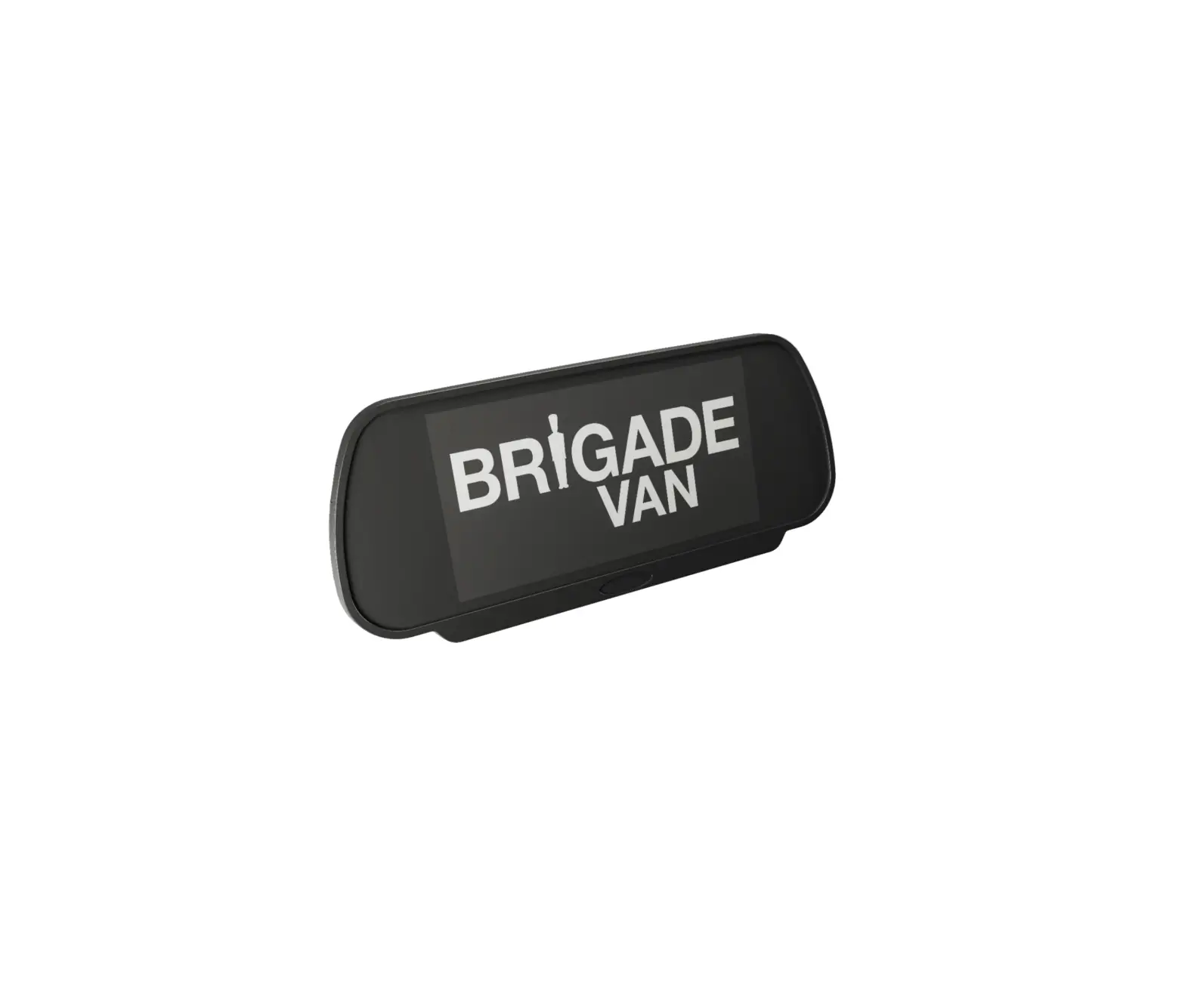
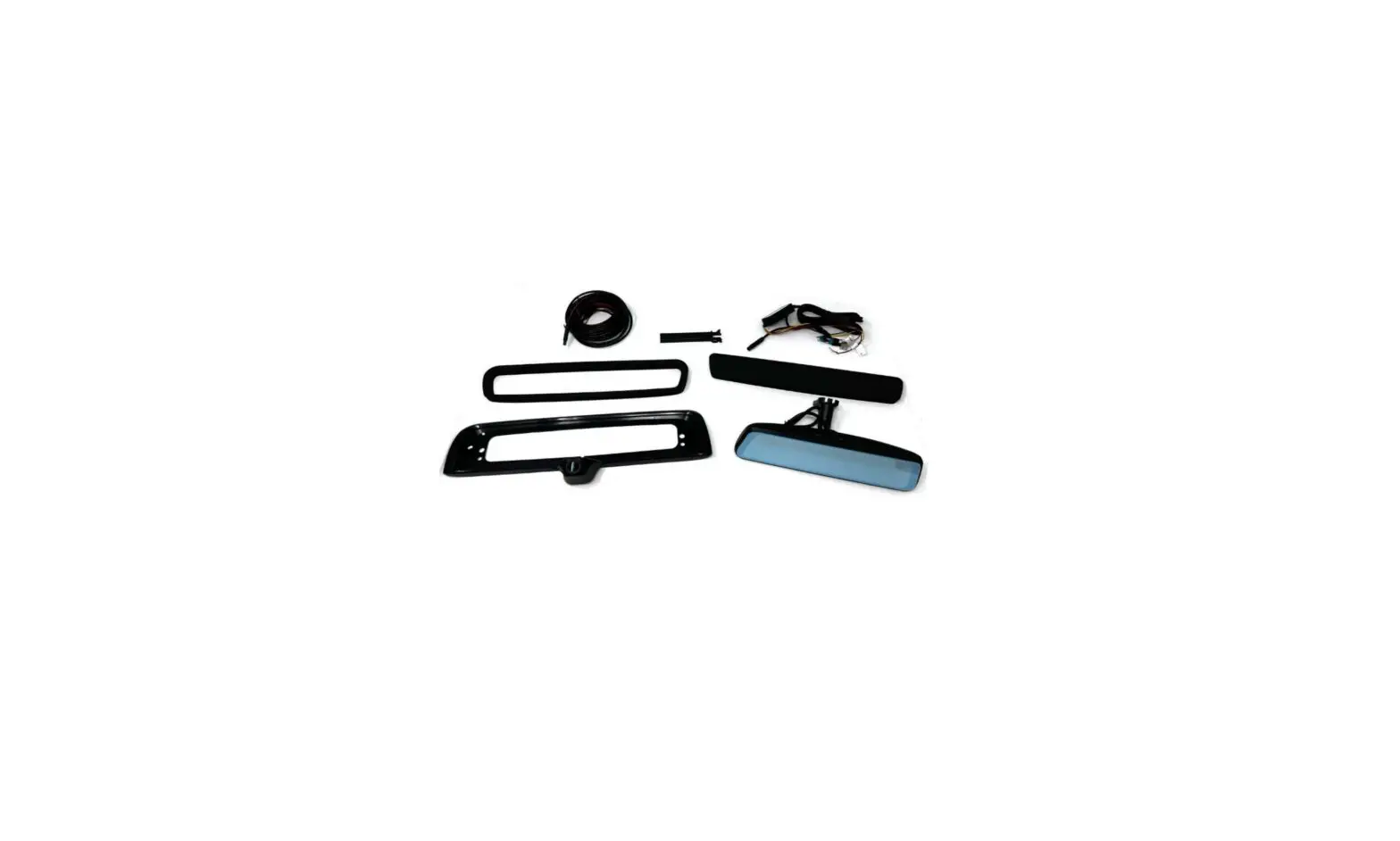
MDR Ref:DTaTte0.00332/06/19 – Installing Brigade Van MDR & Mirror Monitor V1.0 Related Products BL-240D or BL-240D (NA) and BL-270HM If installing the Brigade Van mirror monitor BL-270HM together with the Brigade Van Mobile Digital Recorder (MDR) BL-240D or BL-240D (NA), the monitor power and ground wires should not be connected to the vehicle. The Brigade Van MDR AV Output carries power. This means it can power the monitor without the monitor requiring seperate power connection. When using the MDR as the camera output to the monitor, triggers should be taken from the MDR, (instead of the monitor).
Note: Failure to follow the above instructions could cause irreparable damage to the vehicle and/or to the products, which would not be covered under warranty.
Page 1 of 1
Where to find this and other Tech Tips on the website