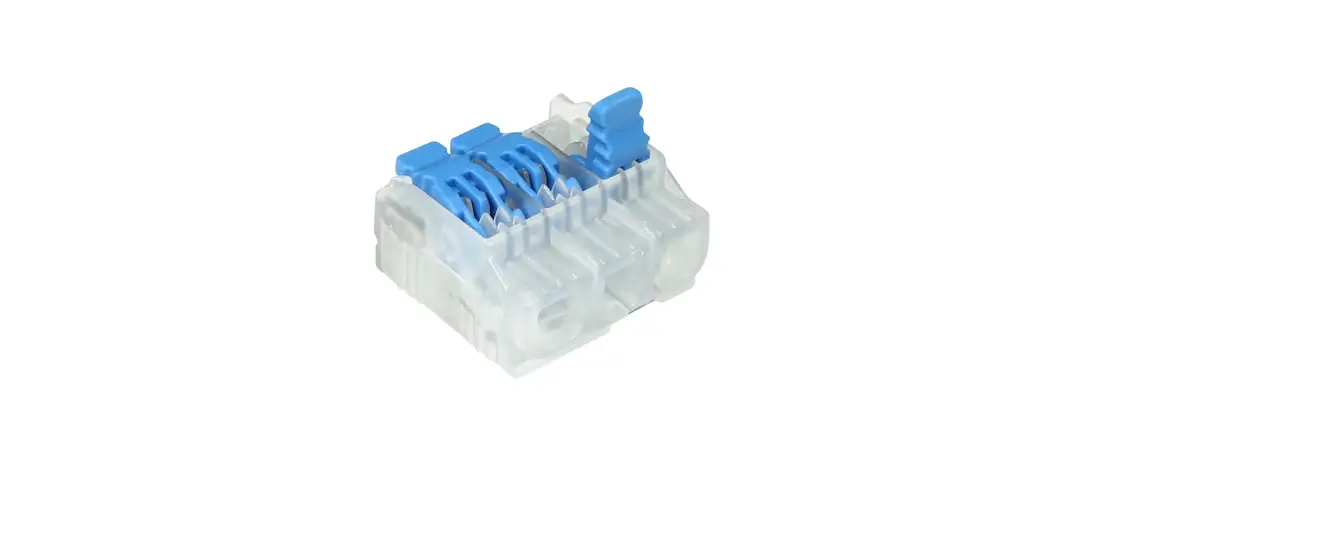

IDEAL 50, L Series Lever Push in Wire Connectors
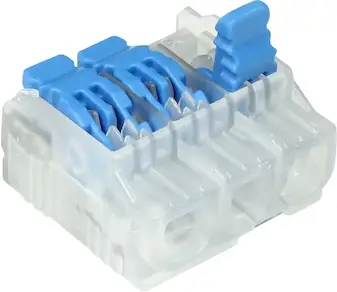
Product Information
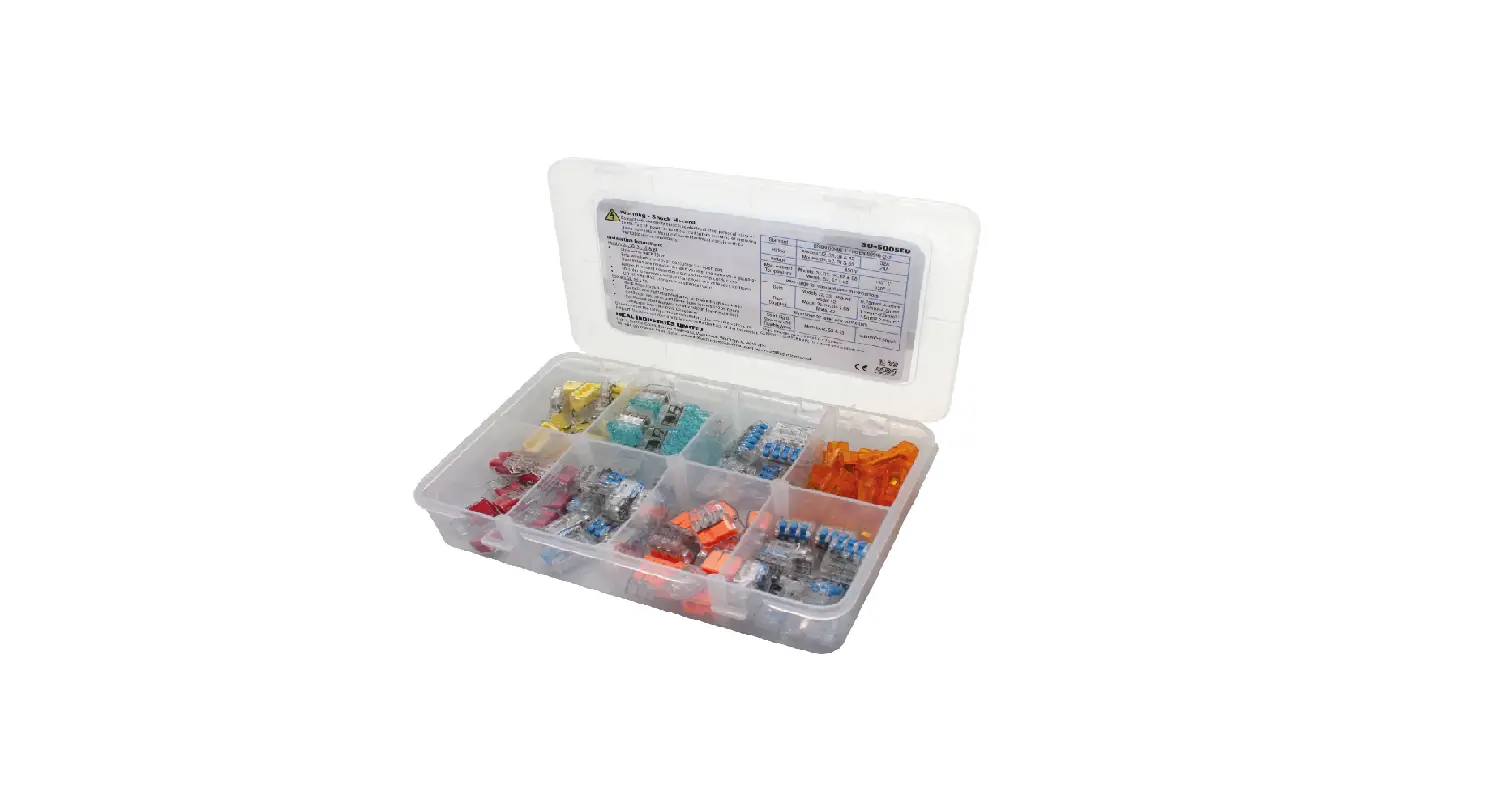
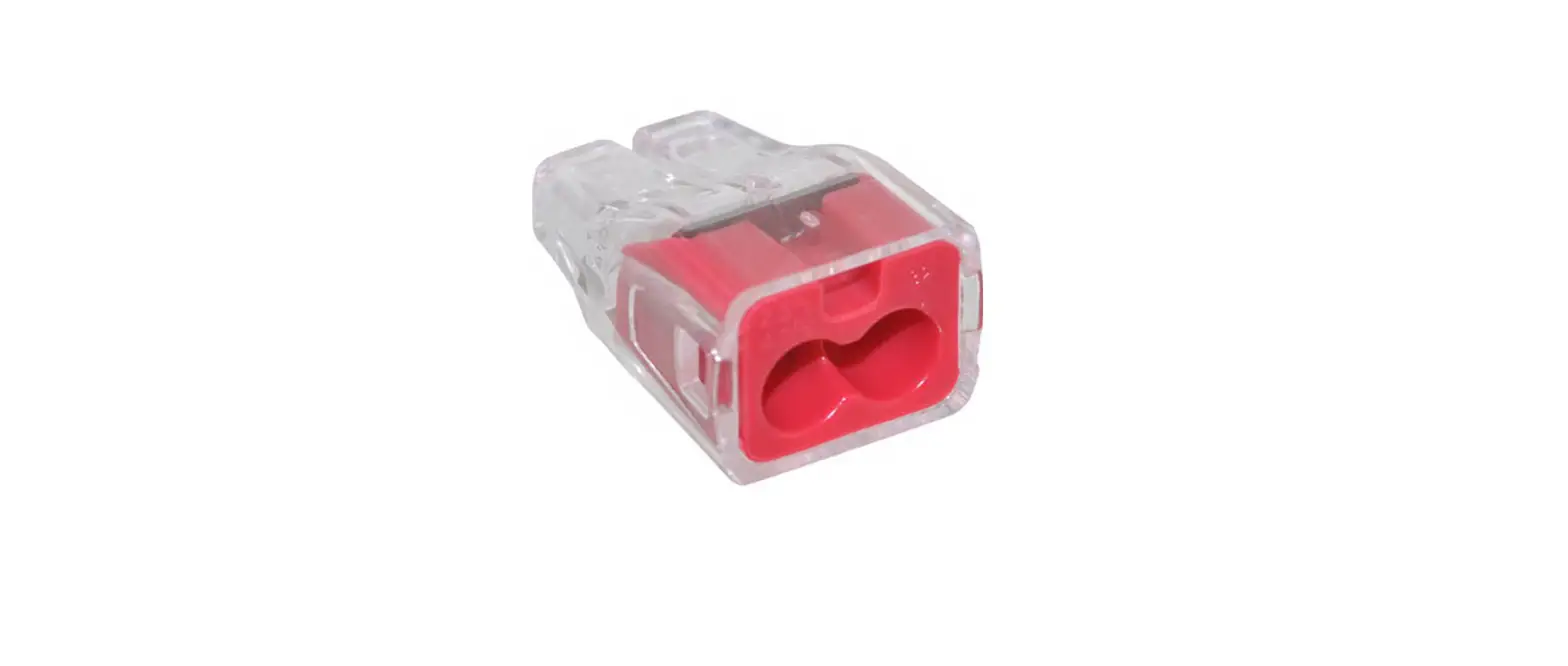
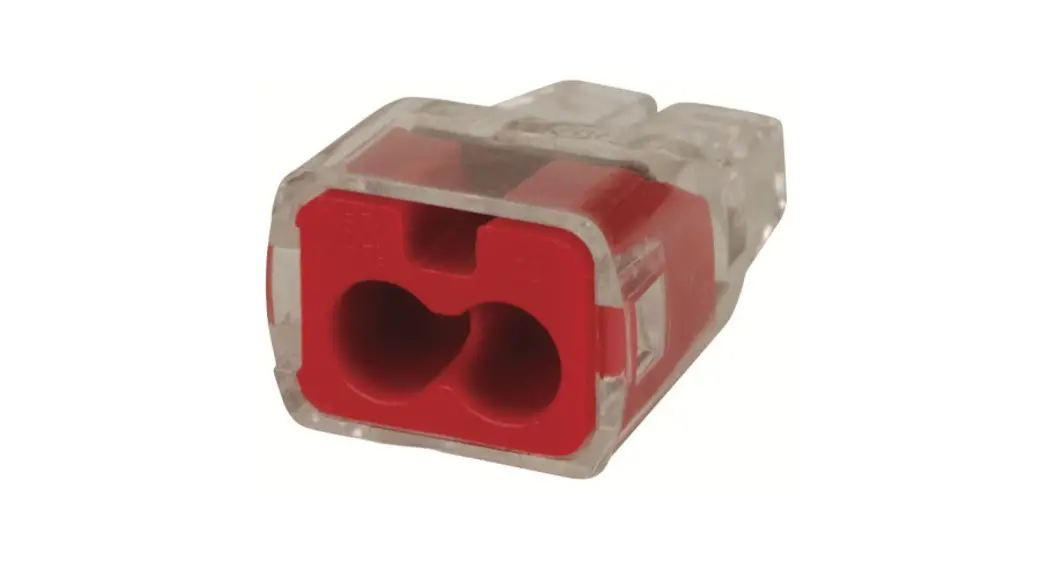
The Lever Push In Wire Connectors are available in six different models: 52, 53, 55, L2, L3, and L5.
These connectors can be used with solid, rigid stranded, and flexible wires. The wire combination range for Model 52 is 0.2mm2-2.5mm2, for Model 53 it is 0.2mm2-2.5mm2, for Model 55 it is 0.2mm2-2.5mm2, for Model L2 it is 0.2mm2-4.0mm2, for Model L3 it is 0.14mm2-4.0mm2, and for Model L5 it is 0.2mm2-4.0mm2.The connectors have different strip lengths and dimensions depending on the model. The installation instructions for all the models are the same.
Product Usage Instructions
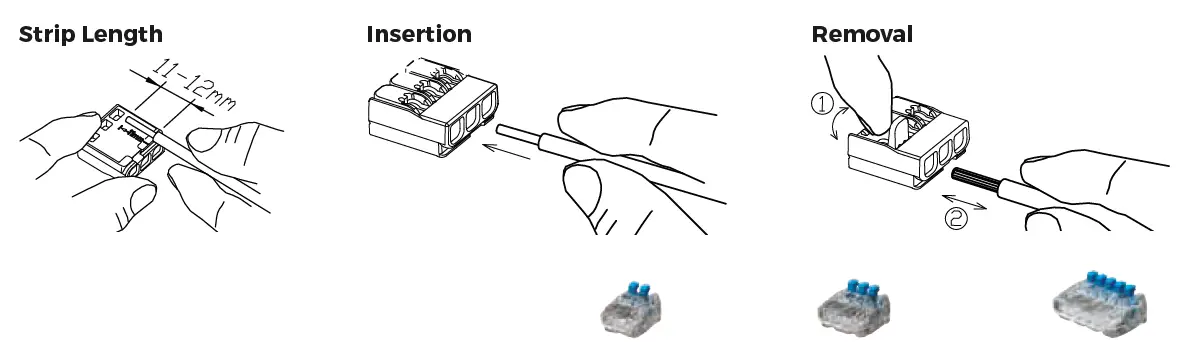
Strip Length
Strip the wire to the length specified for the model you are using.
Insertion
Insert the stripped wire into the port until it stops. The wire should be visible through the transparent housing.
Removal
To remove the wire, pull the lever up and gently pull the wire out of the port.
Specifications: The depth, width, and height specifications for each model are as follows:
- Model 52 – Depth: 11.9 mm, Width: N/A, Height: N/A
- Model 53 – Depth: 16.1 mm, Width: 11.7 mm, Height: N/A
- Model 55 – Depth: 24.5 mm, Width: N/A, Height: N/A
- Model L2 – Depth: 13.3 mm, Width: N/A, Height: N/A
- Model L3 – Depth: N/A, Width: N/A, Height: N/A
- Model L5 – Depth: 30.4 mm, Width: N/A, Height: N/A
Note: The wire combination range and other specifications for each model are also provided in the product information section above.
Installation Instructions
- Do not exceed the rating of these connectors
- Turn OFF power before removing or installing connectors
- Wiring must comply with all applicable electrical regulations
- COPPER TO COPPER ONLY. Do not use on aluminium wire.
- Incorrect use of these connectors can cause electrical fires, personal injury or death
- Use only one conductor per port
- Strip wires back 9 – 10mm (52, 53 & 55) / 11-12mm (L2, L3 & L5)
- For solid and rigid stranded wire, grip wire firmly and insert conductor into open port (lever does not need to be open)
- For flexible stranded wire (>7 strands) lift lever and insert conductor into open port. Close lever
- Verify conductors are fully inserted to the back of the connector.
- To remove a wire, lift lever and pull out wire

| Specifications | Model 52 2-Port | Model 53 3-Port | Model 55 5-Port | |
| Rating | 24 Amp / 450V / 85°C | |||
| Depth | 21 mm | |||
| Width | 11.9 mm | 16.1 mm | 24.5 mm | |
| Height | 11.7 mm | |||
| Wire Combination Range | Solid, Rigid Stranded and Flexible Wires | 0.2mm2-2.5mm2 | ||

| Rating | 32 Amp / 450V / 85° | |||
| Depth | 18.6 mm | |||
| Width | 13.3 mm | 18.9 mm | 30.4 mm | |
| Height | 8.8 mm | |||
| Wire Combination Range | Solid and Rigid Stranded | 0.2mm2 – 4.0mm2 | ||
| Flexible Wires | 0.14mm2 – 4.0mm2 | |||
 IDEAL Electrical | Home | Wire Connectors | Hand Tools