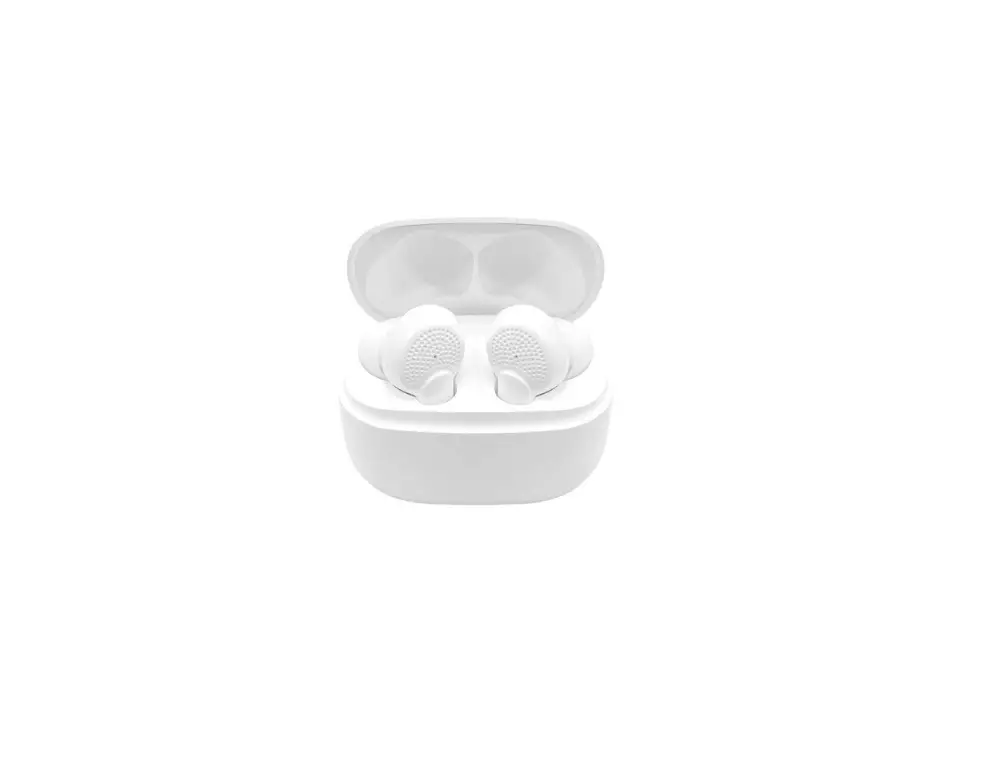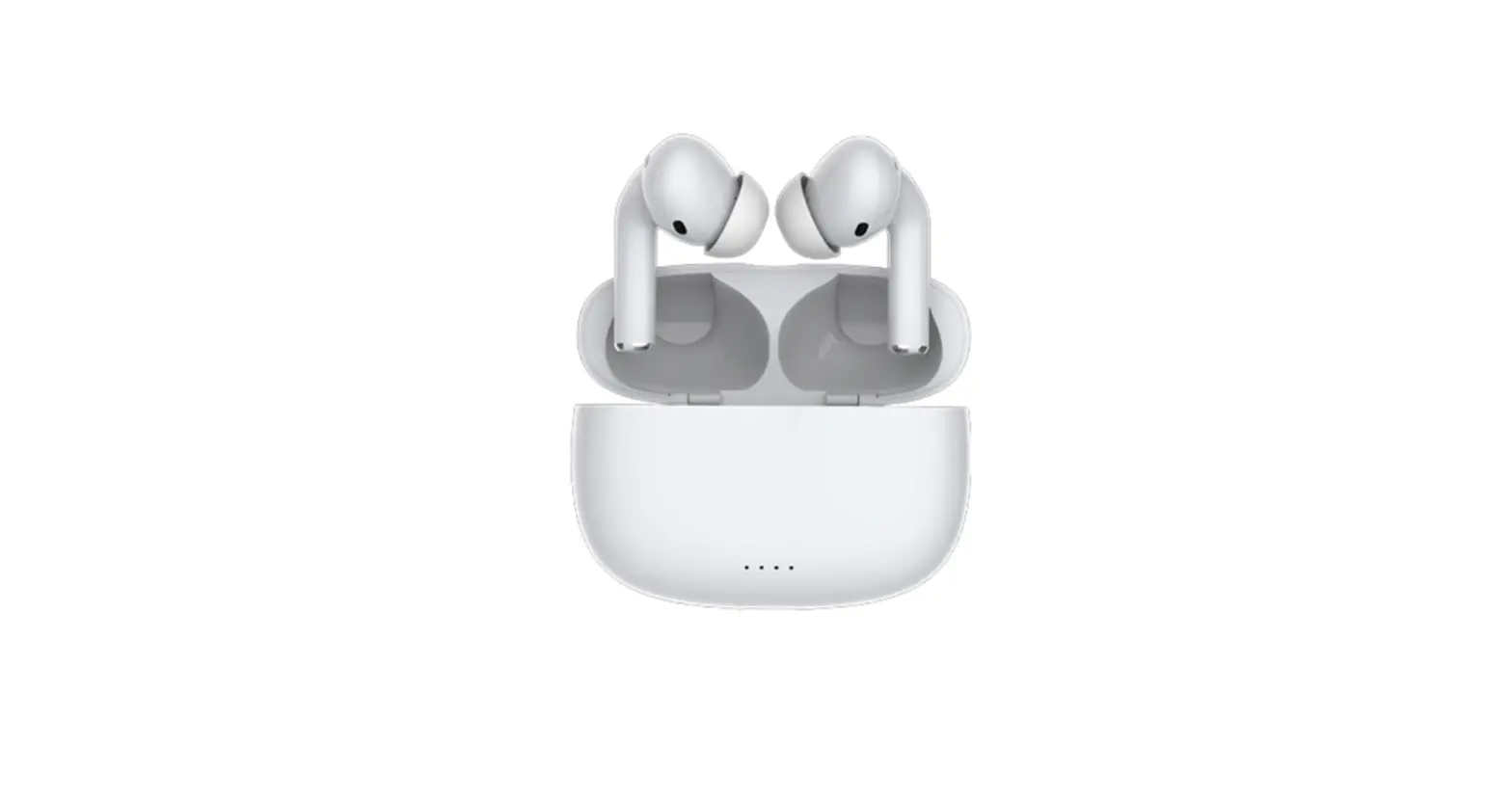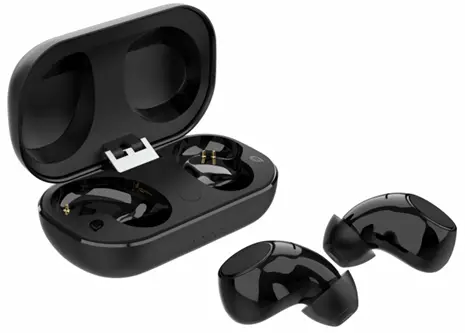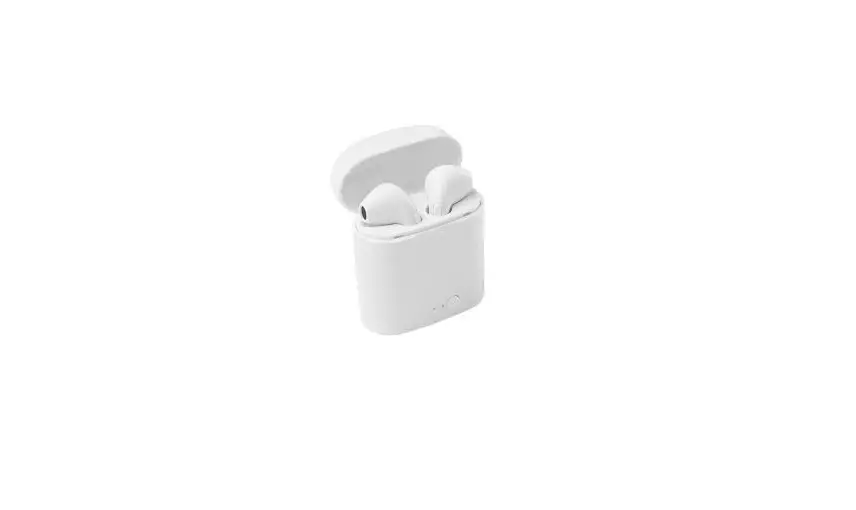
OTTO TW310 True Wireless Earbuds with Charging Case User Guide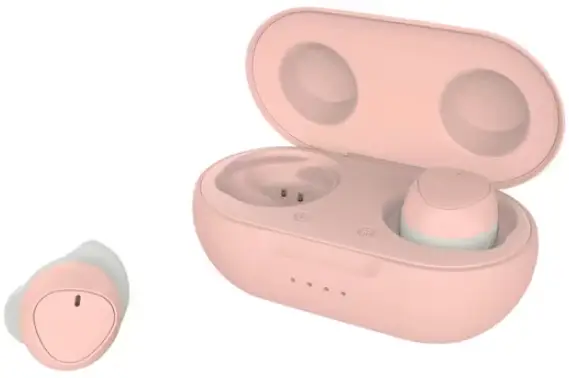
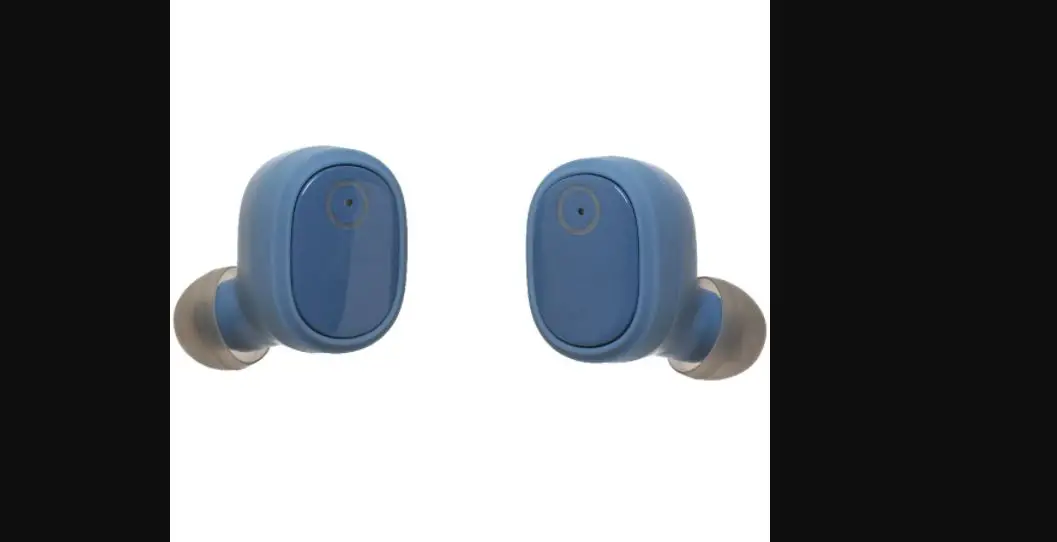
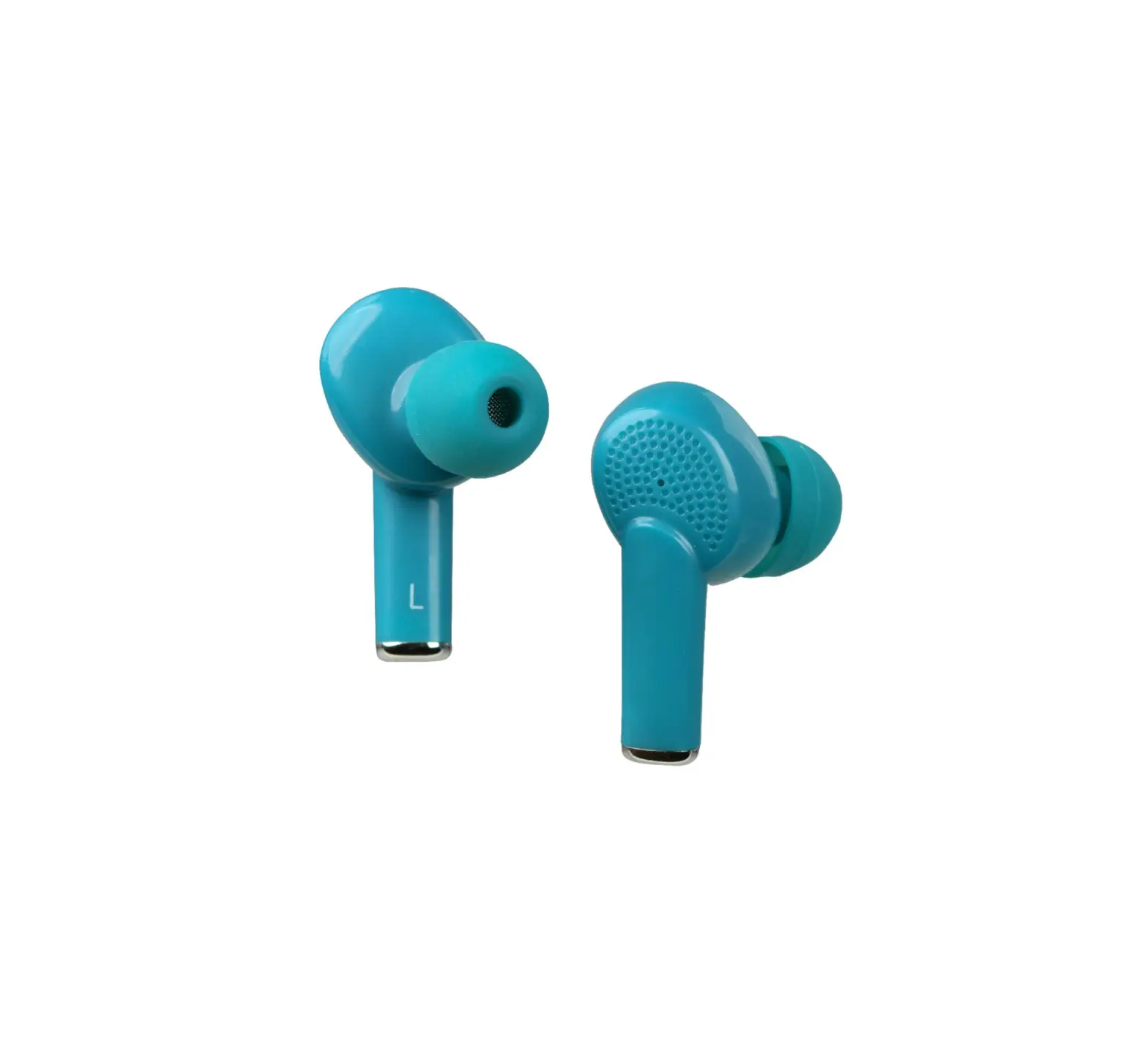
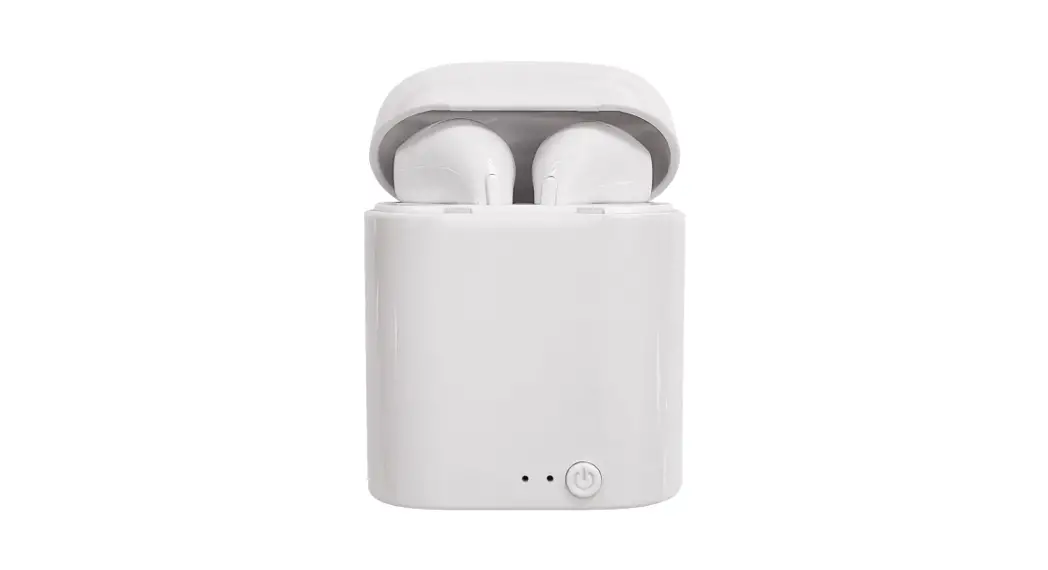
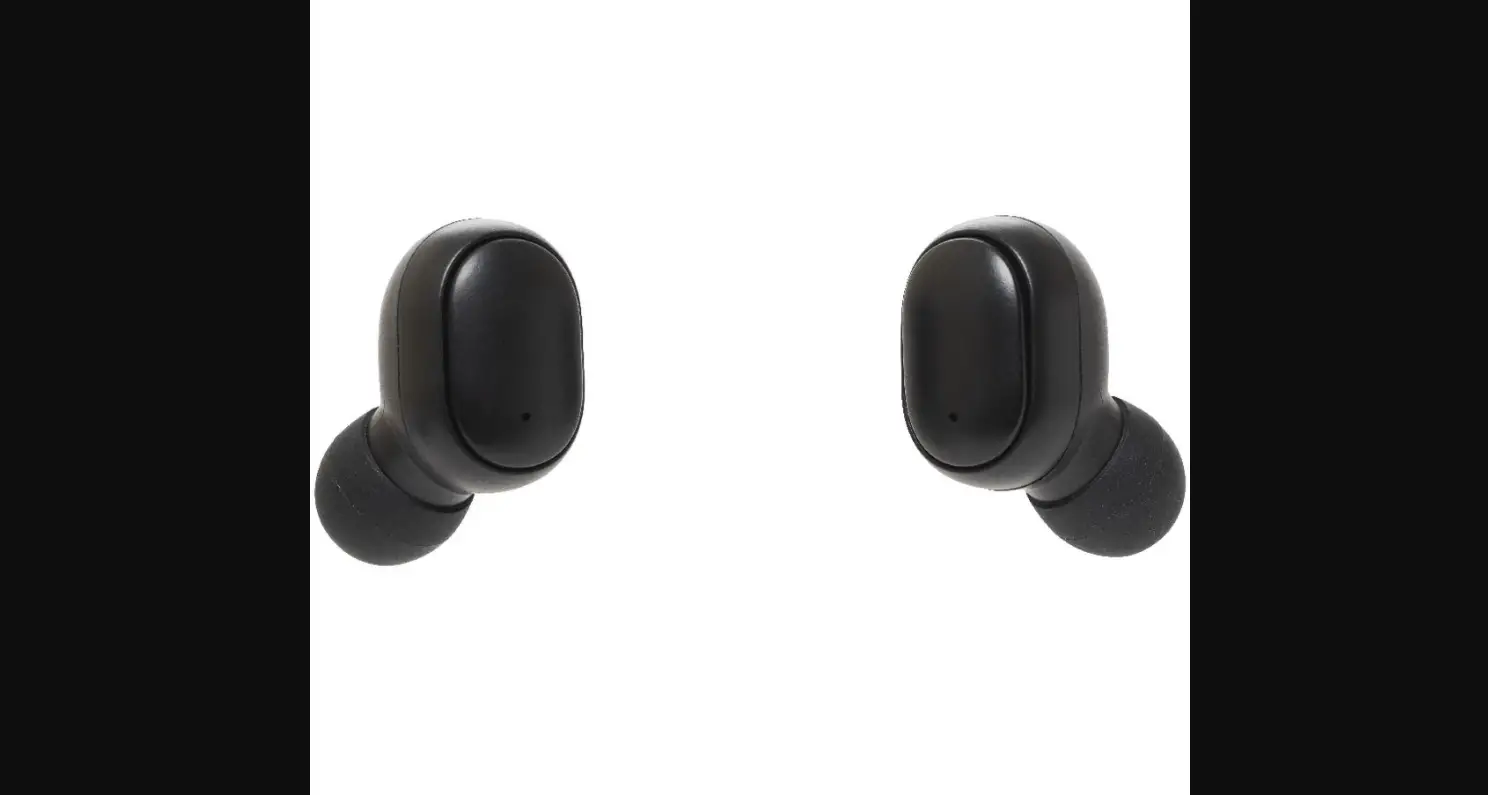
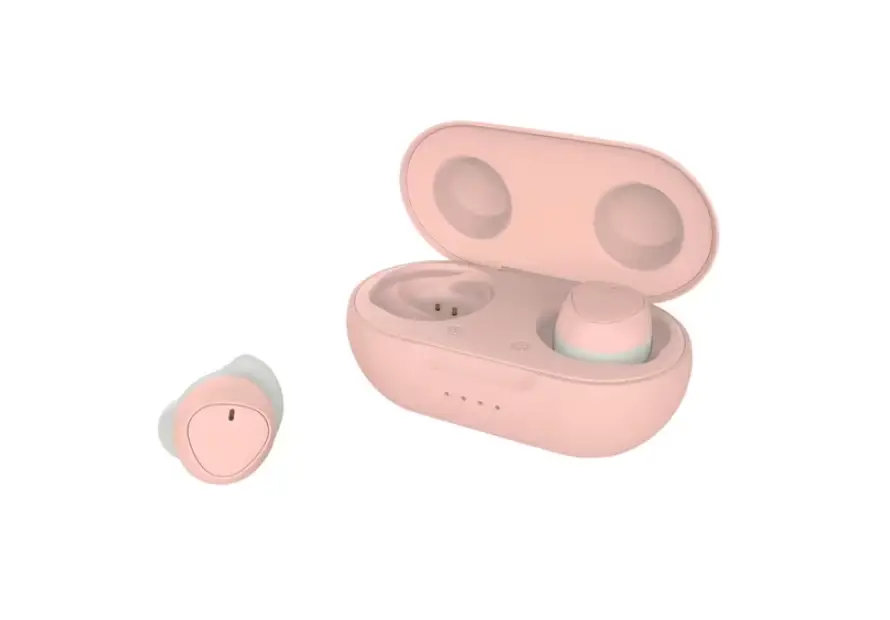
PRODUCT OVERVIEW
Remove the protective labels from the bottom of earbuds before charging.
Take out both earbuds from the charging case, earbuds will automatically turn on and enter pairing mode (indicator light flashes red & blue simultaneously).
To turn off, press and hold Multi-function button (MFB) on both earbuds with a prompt “Power off”, or simply put both earbuds back to the charging case.
PAIRING (Pairing process is required only on new device)”
Power on both earbuds and turn on Bluetooth function on mobile device.
Select to pair with “TW310”. A voice prompt “Connected” will play upon success of pairing.
”By default, the earbuds will automatically search and pair with the last connected device after being turned on.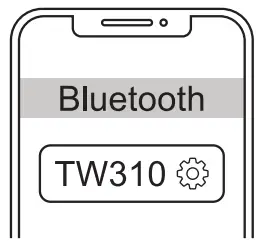
Function
Recharge the earbuds and charging case in full before using it for the first time.
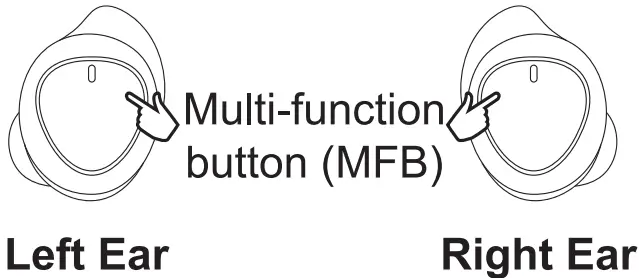
 Play/Pause* Play/Pause* | Tap once on either side | |
 Next track Next track | Tap twice | |
 Previous track Previous track | Tap twice | |
 Volume up Volume up | Long press | |
 Volume down Volume down | Long press | |
 Voice assistance Voice assistance | Tap three times on either side | |
 Answer call Answer call | Tap once on either side | |
 Reject call Reject call | Press and hold on either side | |
 Hang up call Hang up call | Tap once on either side | |
Launching music player program prior to music playback is required.