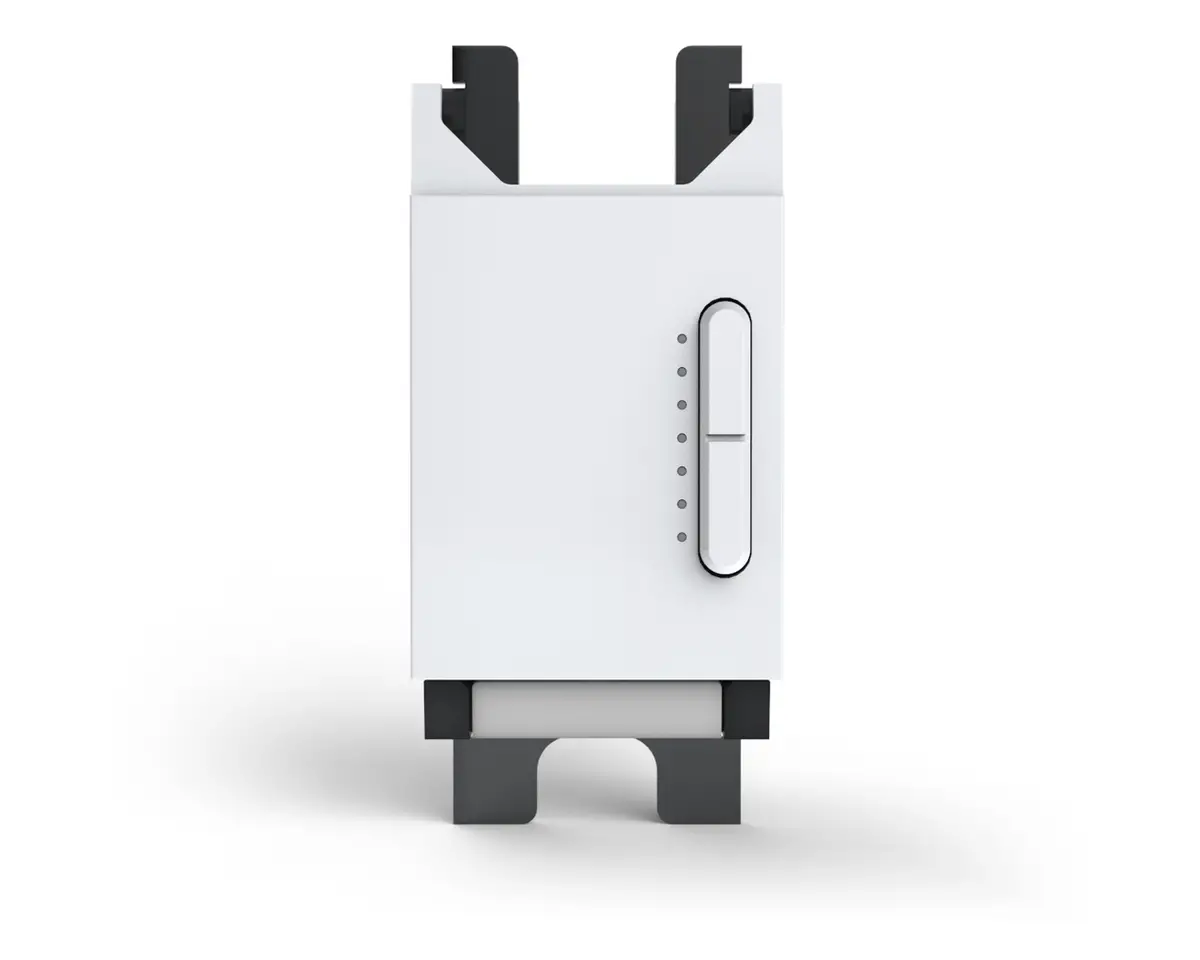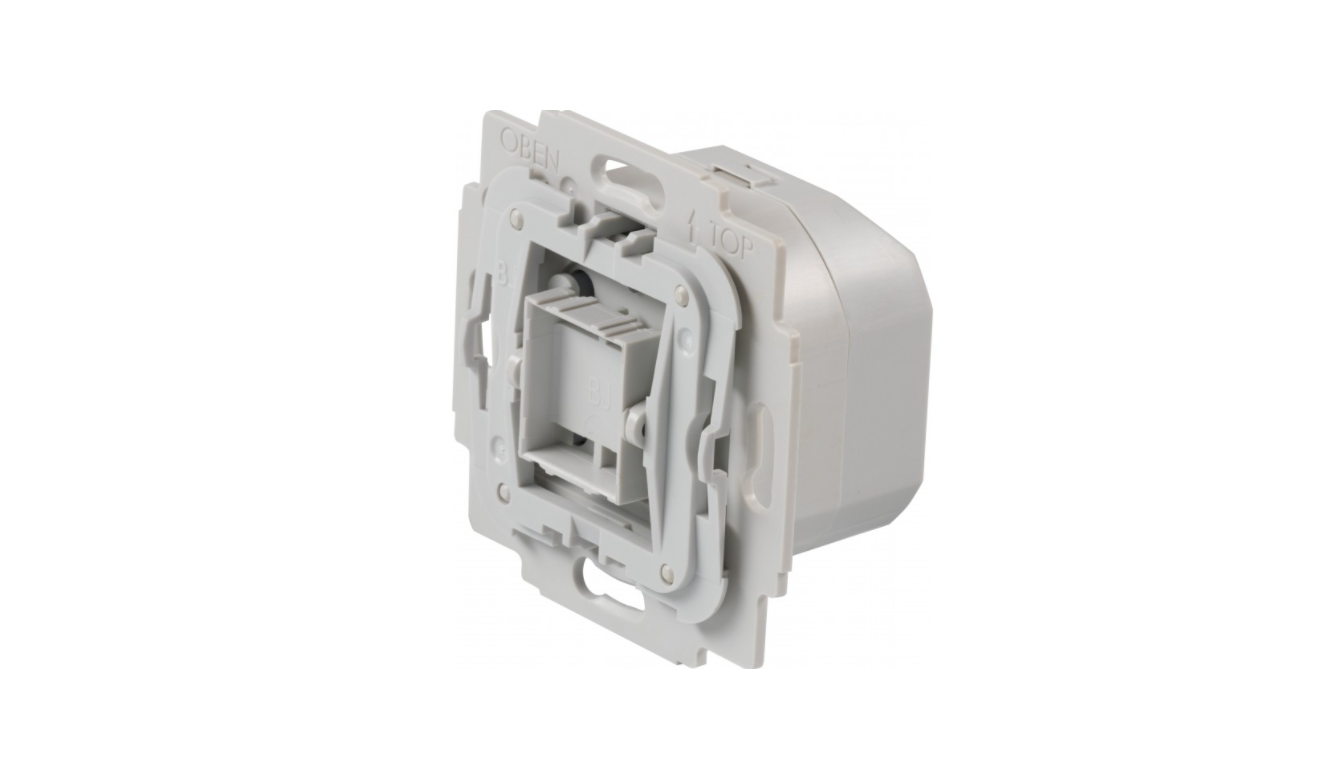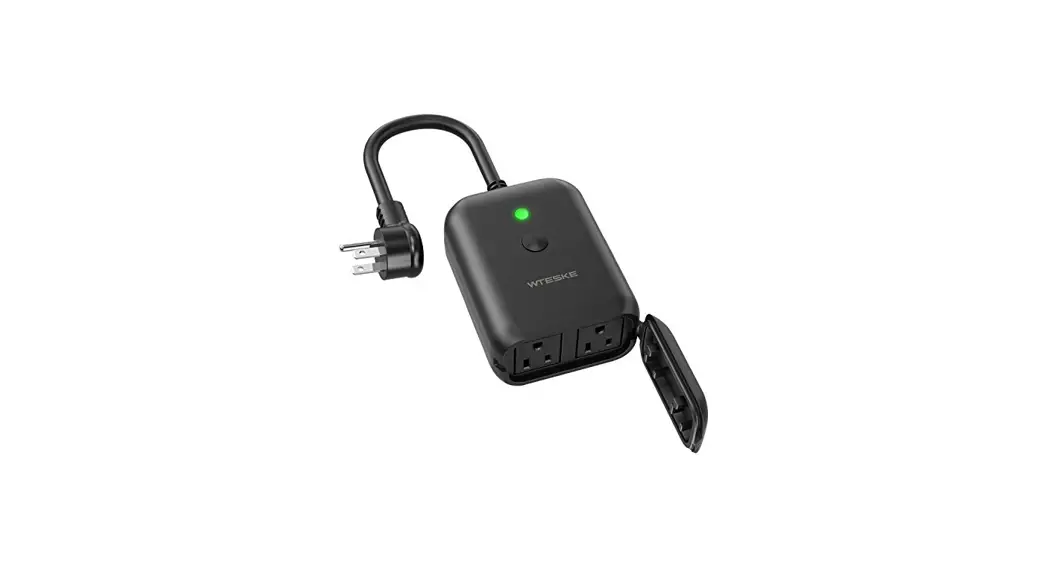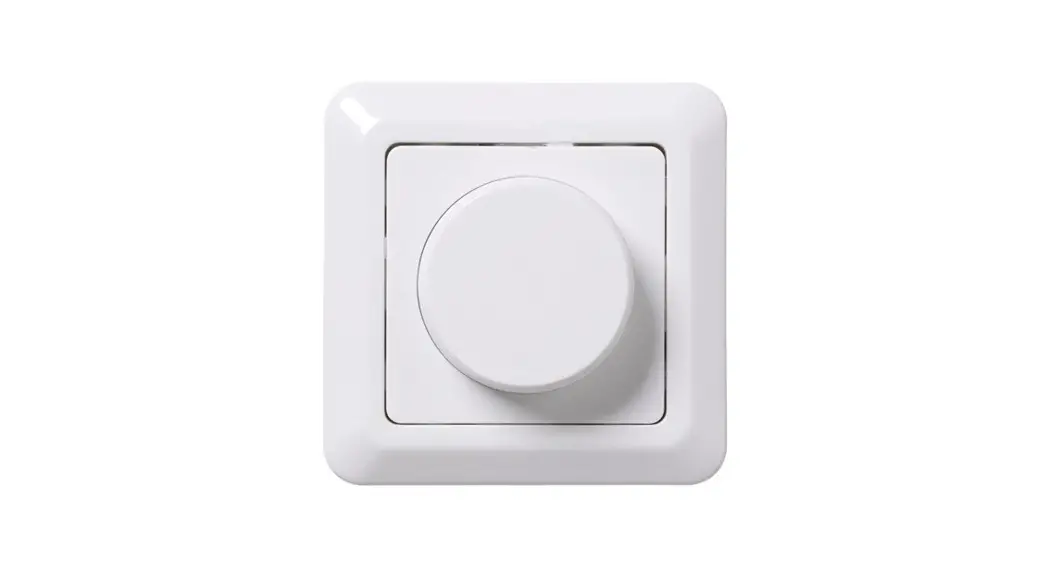
USER MANUAL DIMMER
Compatible Load Types
| Load Symbol | Load Type | Maximum Load | Remarks |
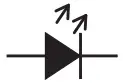 | LED lamps with transformers | 200W@220V 100W@110V | Due to the variety of LED lamp designs, the maximum number of LED lamps is further dependent on the power factor result when connected to the switch. |
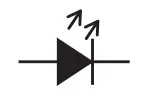 | LED drivers | 200W@220V 100w11110y | The maximum permitted number of drivers is 200W divided by driver nameplate power rating. |
 | Incandescent lighting. HV Halogen lamps | 300W@220V 200W(%110V | |
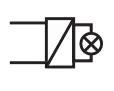 | Low voltage halogen lighting with electronic transformers | 200W(%220V 100W@llOy |
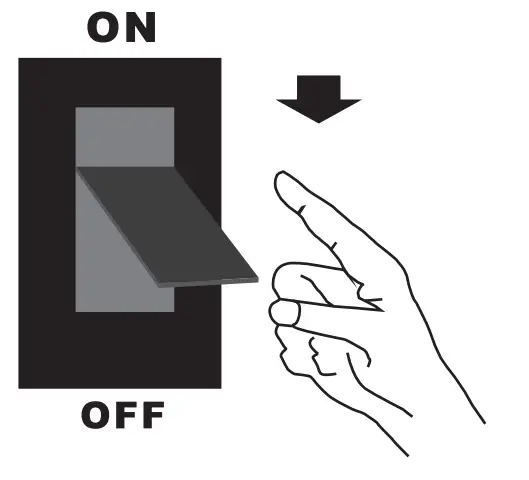
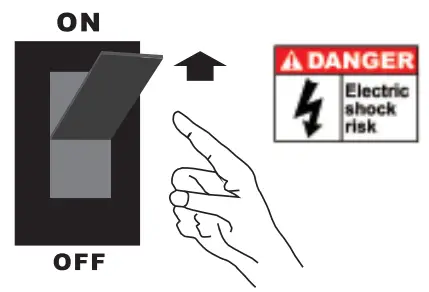
- Switch off the main power.

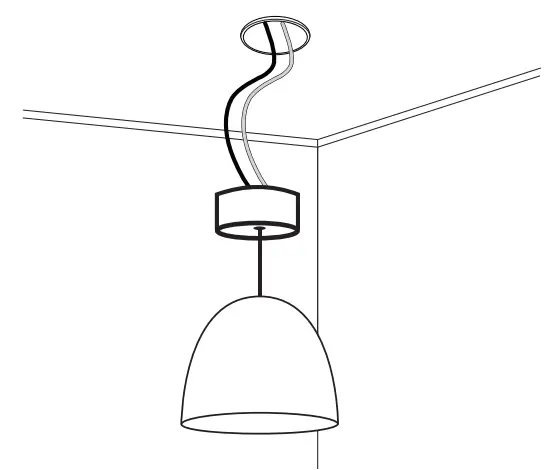
- Ceiling installation Remove the existing lighting: Detach the existing lighting and disconnect the wires. Do not exceed the maximum load of 300W.

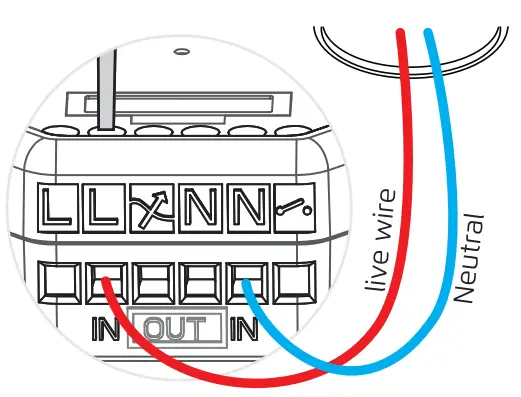
2A.Connect the live and neutral wire to [IN] connect the live wire to the right [L] terminal. Connect the neutral wire to the right [N] terminal. Tighten the clamping screws. 2B. Connect the 2 wires to “out” 2 wires to the inner 1-74 I and [
 ] contact. Tighten the clamping screws.
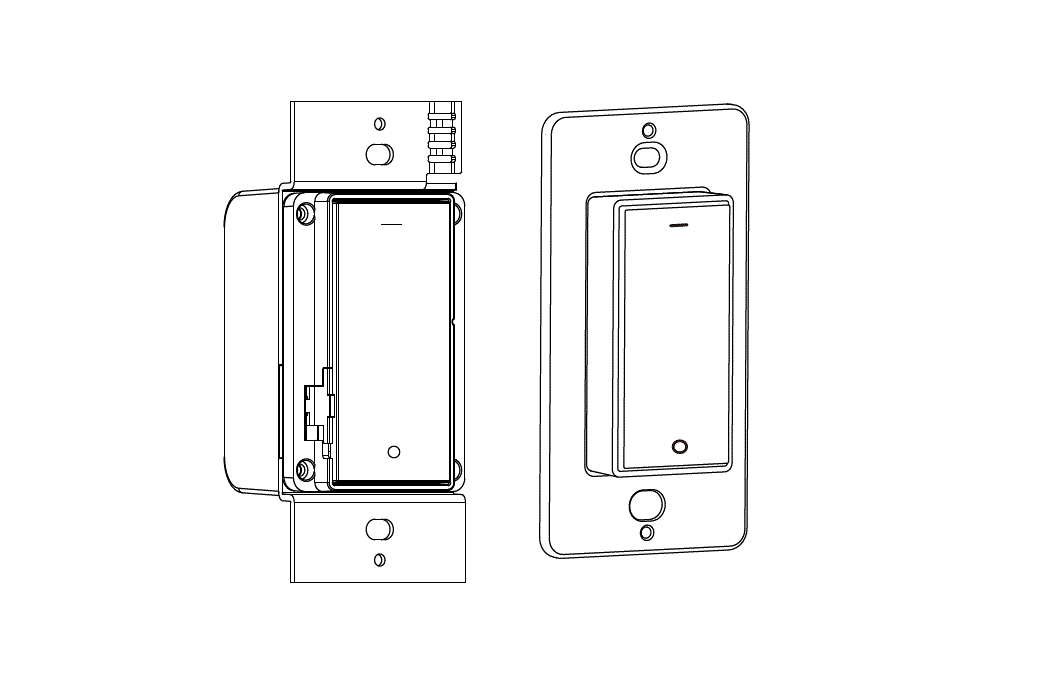
- Wall installation Remove the existing wall switch. This receiver is a replacement for the existing wall switch and it is not suitable if the existing light switch is interconnected to the other light switches for multi-way switching. Do not exceed the maximum load: 300W.
 3A. Connect the live wire and switch wire: Connect the live wire to the
  contact. Connect the switch wire to the kA ] contact. Tighten the clamping screws.
3B. if the light is controlled by the live wire and the neutral wire: Connect the live wire to the left [L] contact. Connect the neutral wire to the left [N] or right [N] connect the switch wire to the
. 3C. Risk of shock! be careful do not to touch any exposed wiring.
Switch on the main power to continue. Connect with the ERIA hub
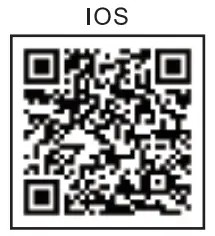
4A. Download the Adurosmart App from the Apple App Store or from Google Play or go to http://adurosmart.com/adurosmart-app/
https://play.google.com/store/apps/details?id=com.adurolight.us

https://itunes.apple.com/us/app/adurosmart-smart-home/id1356891990?
4B. If you have a third-party ZigBee compatible hub then proceed to step 11.
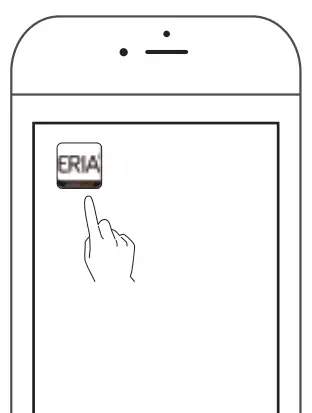
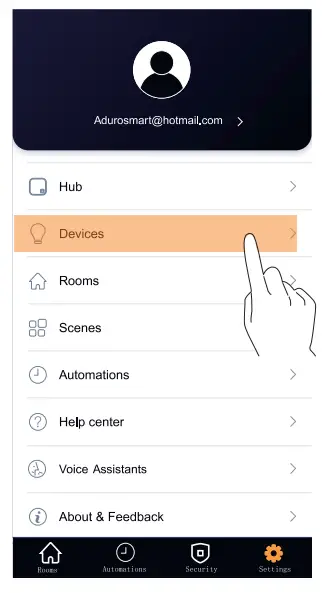
- Open the Adurosmart Eria APP.

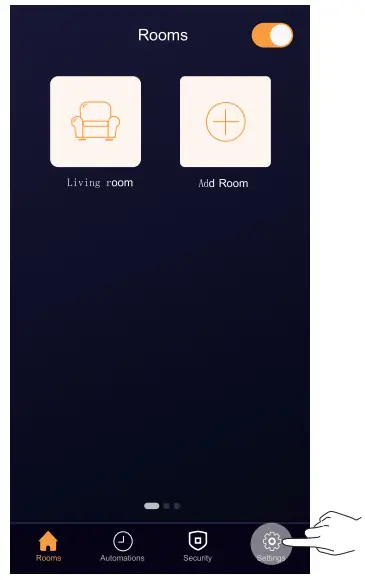
- On the bottom right corner

- Select “Devices” press “Settings”.

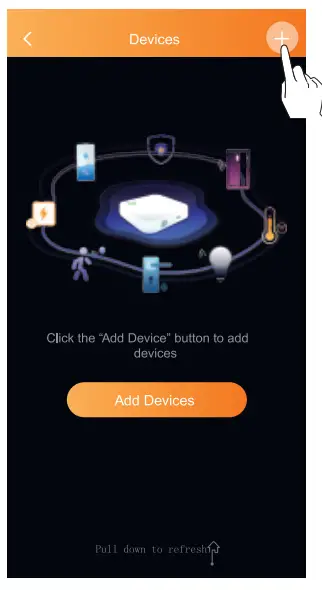
- On the top right corner press on the “+” symbol then press on “Add device.

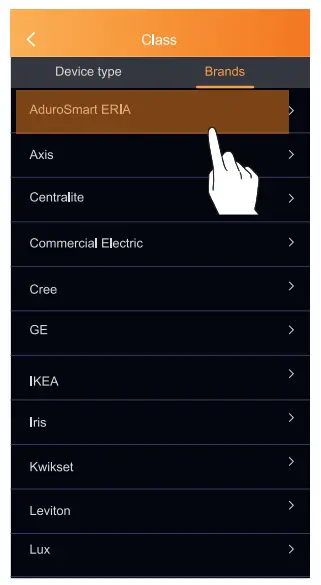
- Press on *Brands” and then select “AduroSmart ERIA”.

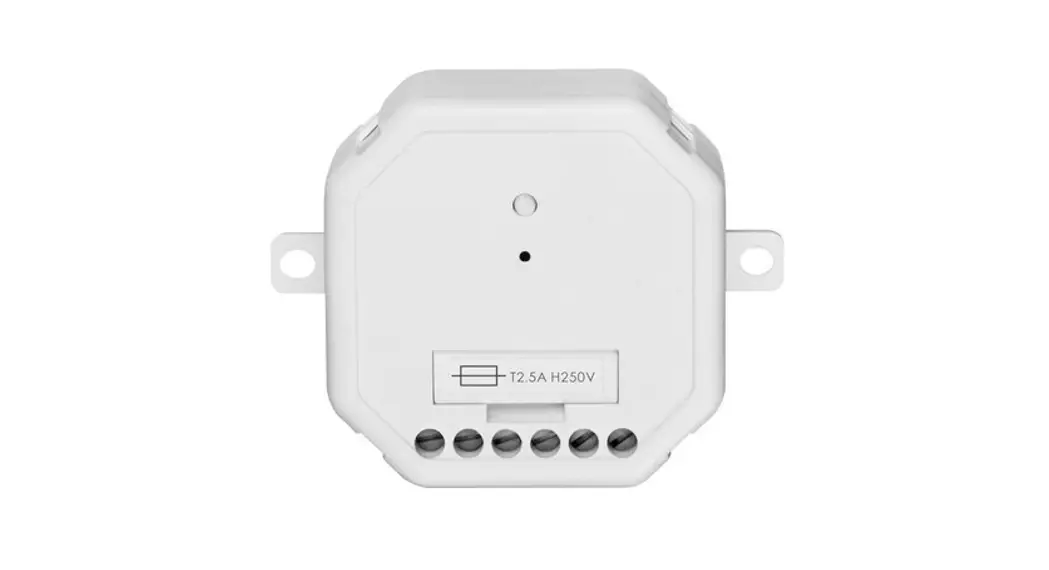
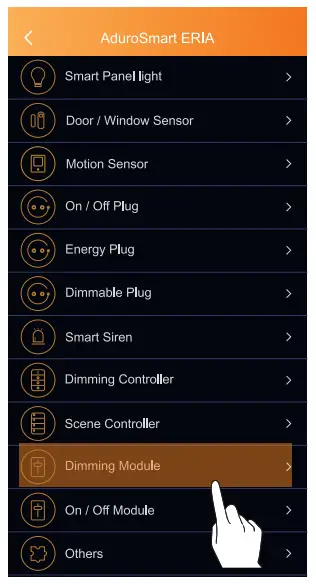
- Press on ‘Dimming module’

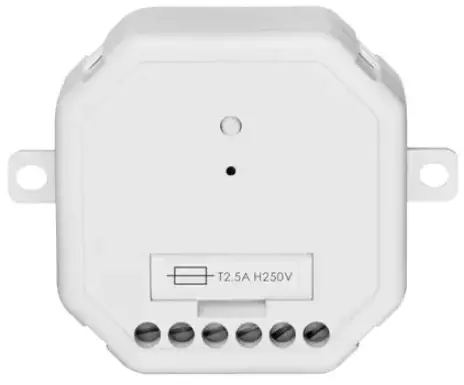
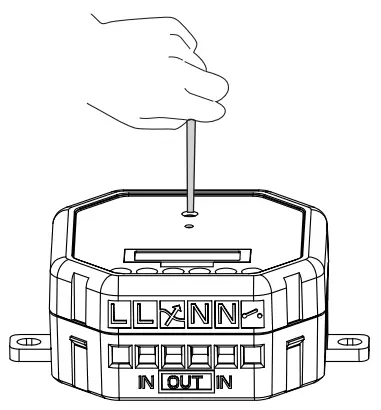
- To set the device into pairing mode use the pin to press the button for 2 seconds. The device will then go Into pairing mode and the LED Indicator will flash green for 60 seconds.
 11 B. If you have a third-party hub, then this is the moment to initiate the search from your Smart Home hub app.
 - Proceed by pressing on “Search” to allow the ERIA hub to find the module, the LED indicator on the hub will flash green this indicates that the hub is searching for new devices.

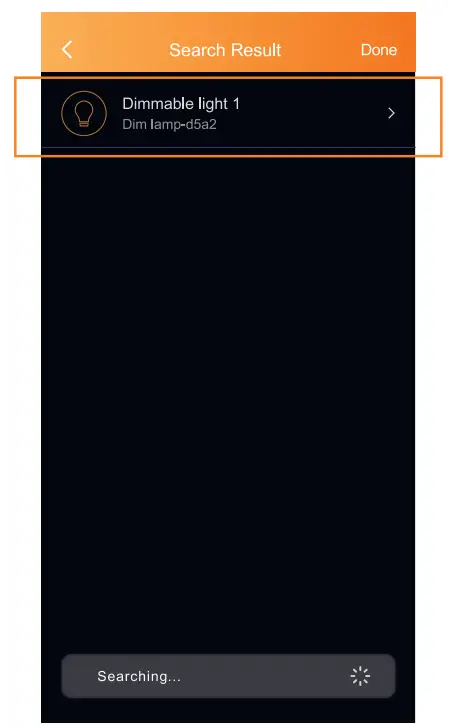
- Once the dimmer module has been found it will show in your search results press on “Done” to complete the process.

- Troubleshoot
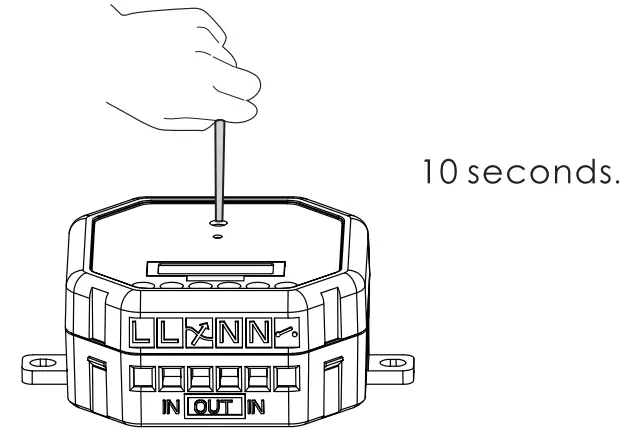
If you are still not able to connect your device then follow the below instructions to reset the dimming relay.
Locate the button on the dimmer module, press the button for 10 seconds the LED indicator will flash quickly to confirm the reset.
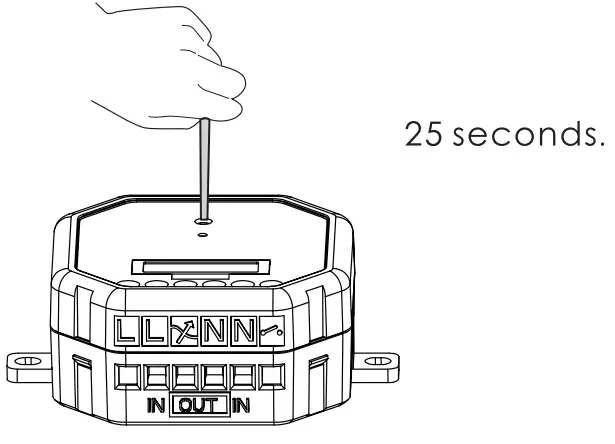
- If the dimming effect is not satisfactory press the button for 25 seconds to switch from trailing edge to leading edge. When the switch has been made, the LED indicator will flash once to indicate the dimmer is set to leading-edge or twice for the trailing edge.

 2B. Connect the 2 wires to “out” 2 wires to the inner 1-74 I and [
 ] contact. Tighten the clamping screws.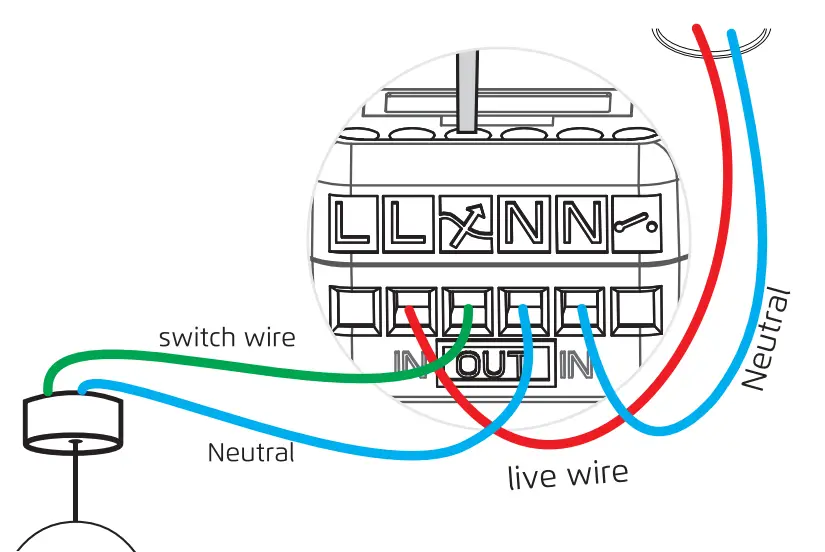
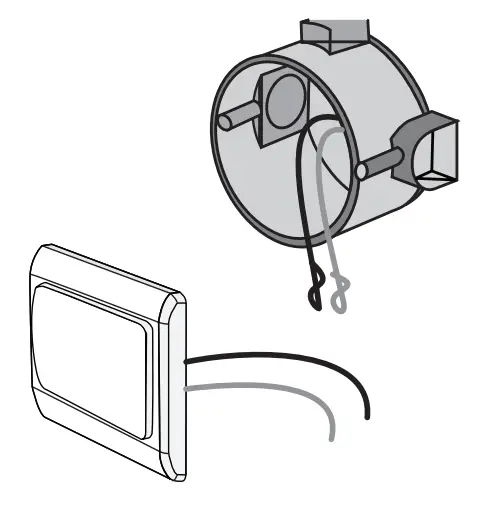 3A. Connect the live wire and switch wire: Connect the live wire to the
  contact. Connect the switch wire to the kA ] contact. Tighten the clamping screws.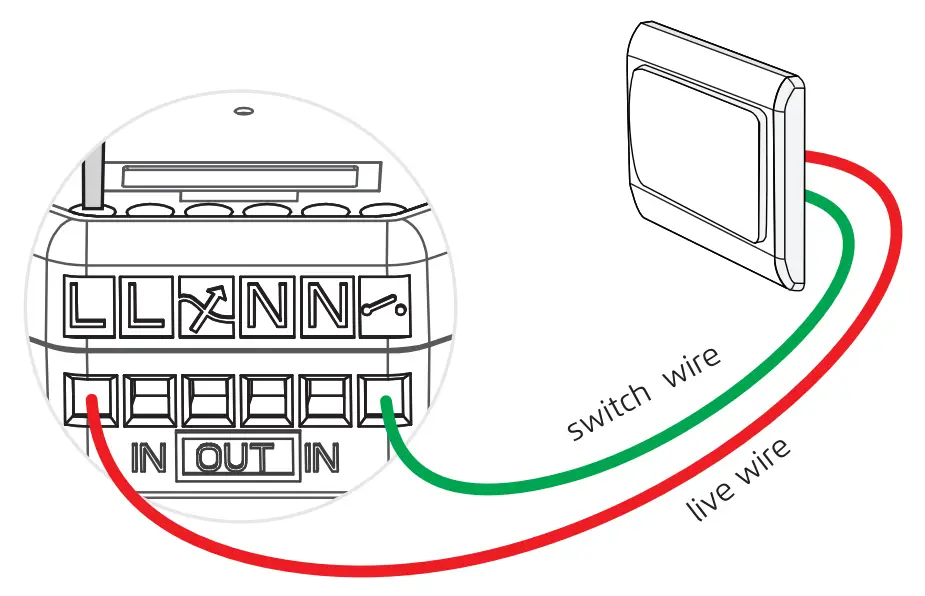
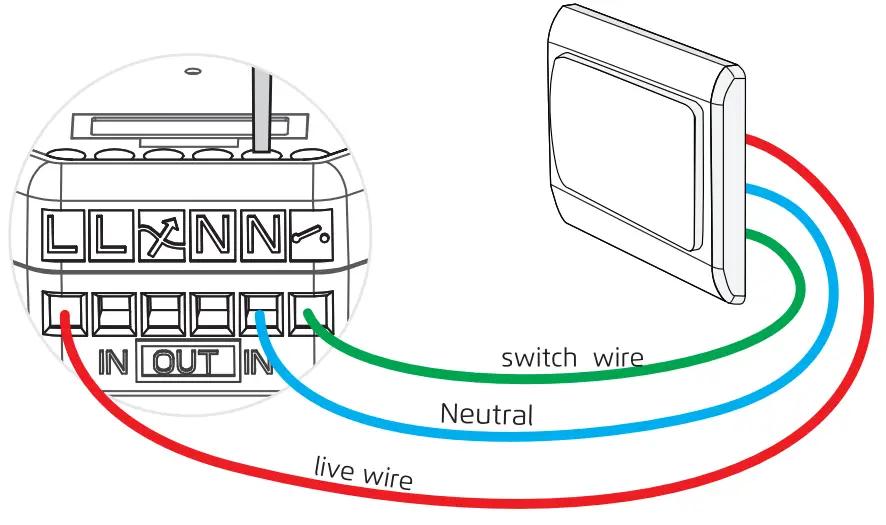 3C. Risk of shock! be careful do not to touch any exposed wiring.
 Connect with the ERIA hub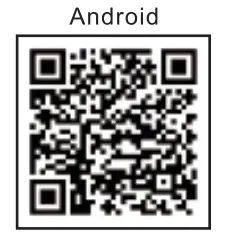
 11 B. If you have a third-party hub, then this is the moment to initiate the search from your Smart Home hub app.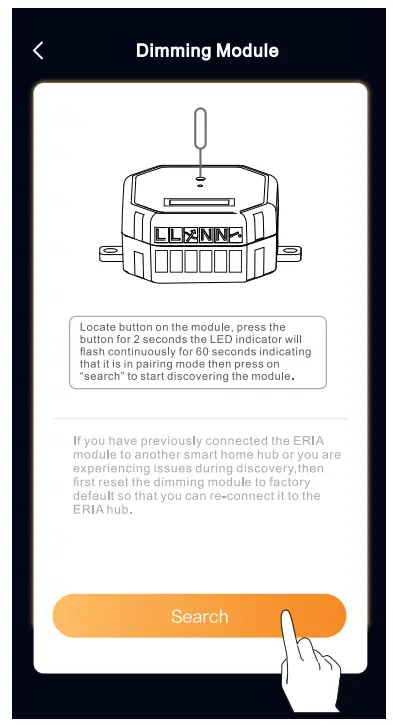
NEED HELP? CALL US
For troubleshoots, Instruction video’s or more information please visit us at www.adurosmart.com/faq
Chat with one of our support agents at www.adurosmart.com
The Netherlands: +31 523687532 SupporteAdurosmart.EU