 USER MANUAL
WIRELESS DIMMING SWITCH 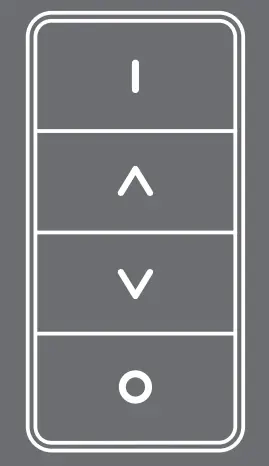
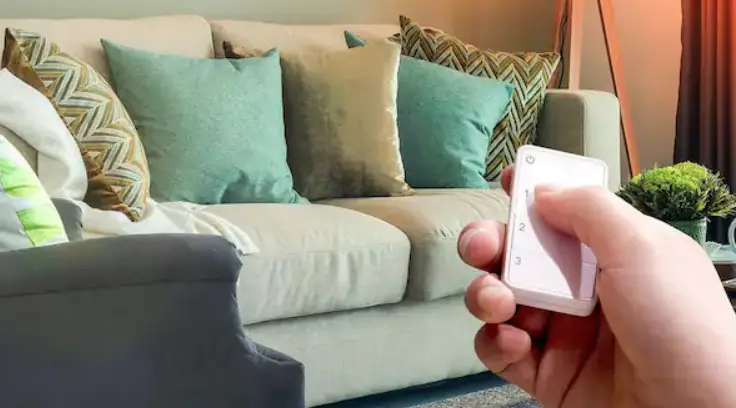
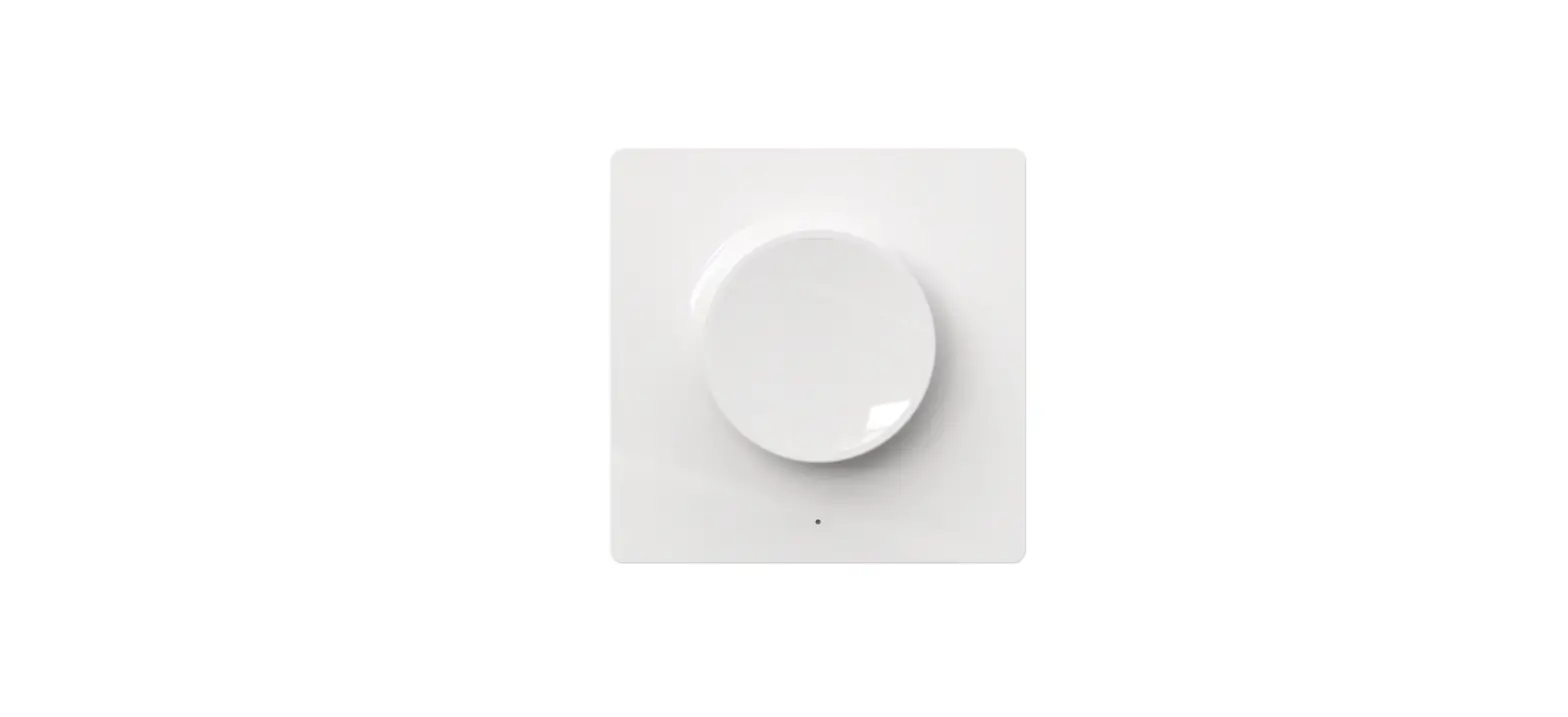
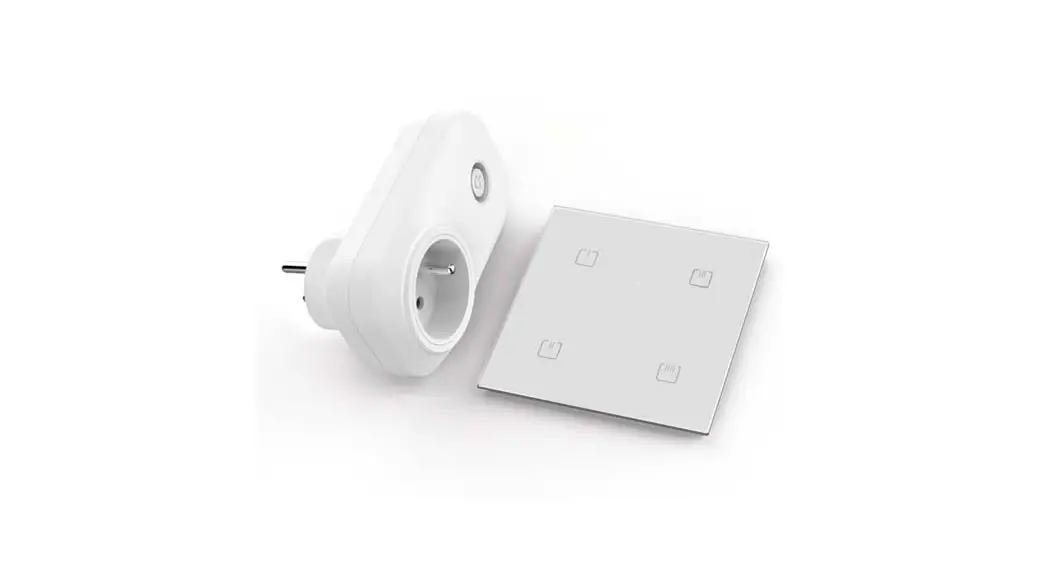
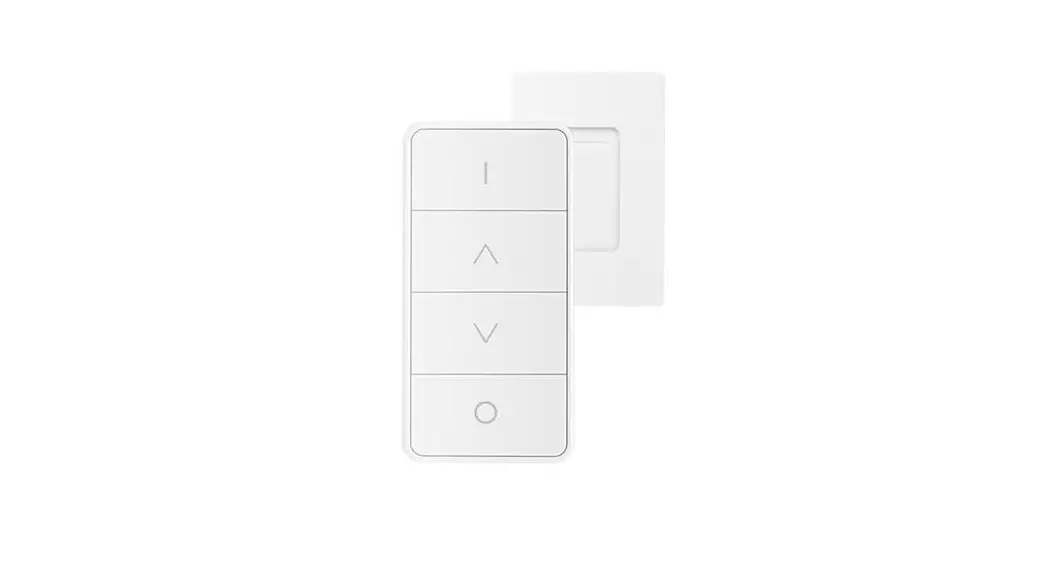
The Erie wireless dimming switches a battery-powered dimmer tor Zig8ee light link an3.0certified lights 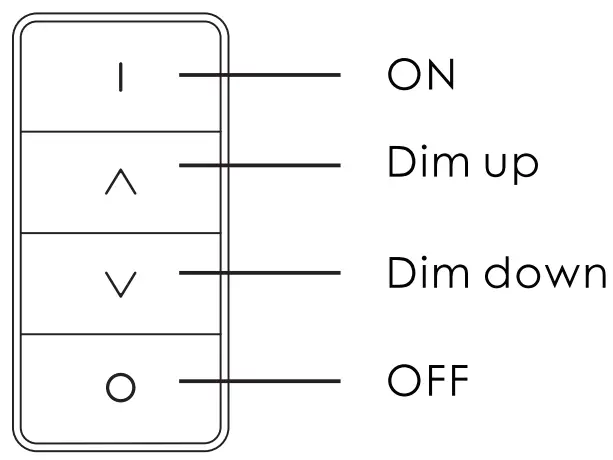 Important note! Can be used without an Eria control station but offers more options in combination with the ERIA control station or with a supported smart home hub.
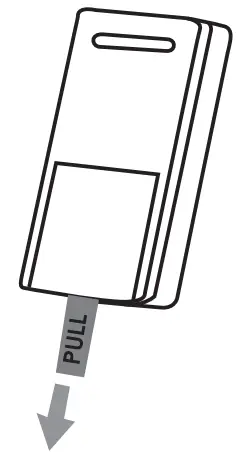
- Pull off the lid sticking out of the battery compartment.
 For more information on installation and use please visit www.adurosmart.com/remote.
Connect without a hub - Switch on the 2igee lamp which you want to control

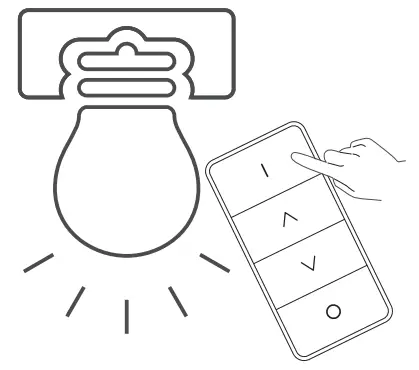
- Touch the lamp cover with the remote and keep pressing the ON button.
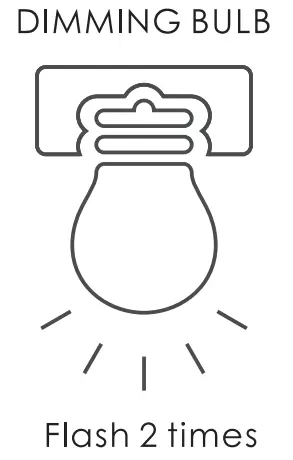
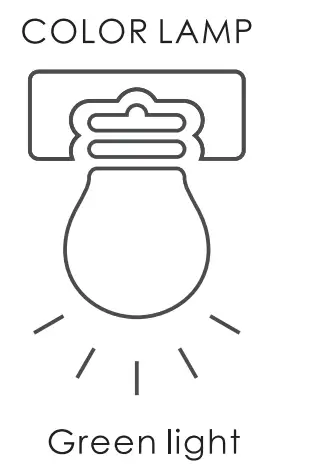
The Eino soft white lamp will flash 2 times when it initiates the touchline and a color lamp will ash green once. Make sure you keep the ON button pressed until o successful touch. link is confirmed as illustrated in step 4.
- the touchline is successful the soft white lamp will ash slowly2times, if you have touched/inked the color lamp Successful then it will turn green.


 For more information on installation and use please visit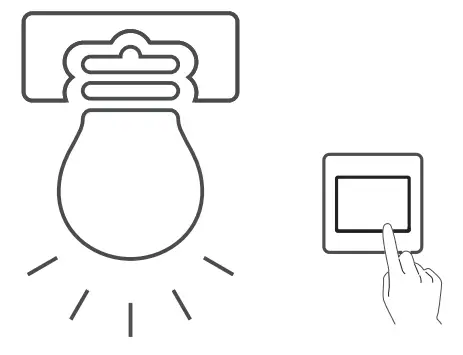
Connect with the ERIA hub 1A.
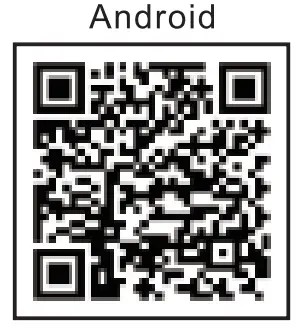
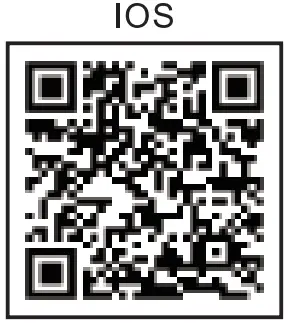
- Download the Adurosmart App from the Apple App Store or from Google Play or go to http://adurosmart.com/adurosmart-app/


https://play.google.com/store/apps/details?id=com.adurolight.us https://itunes.apple.com/us/app/adurosmart-smart-home/id1356891990? 1B. If you have a third party ZigBee compatible hub then proceed to step
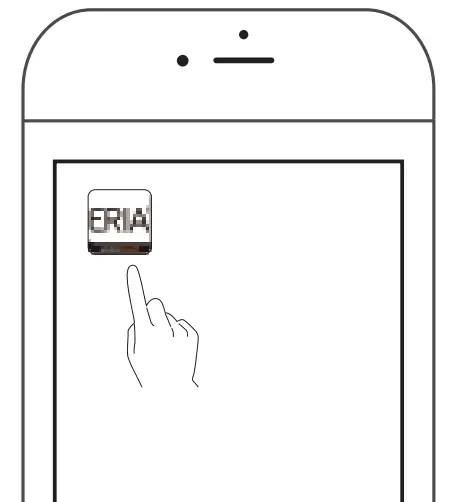
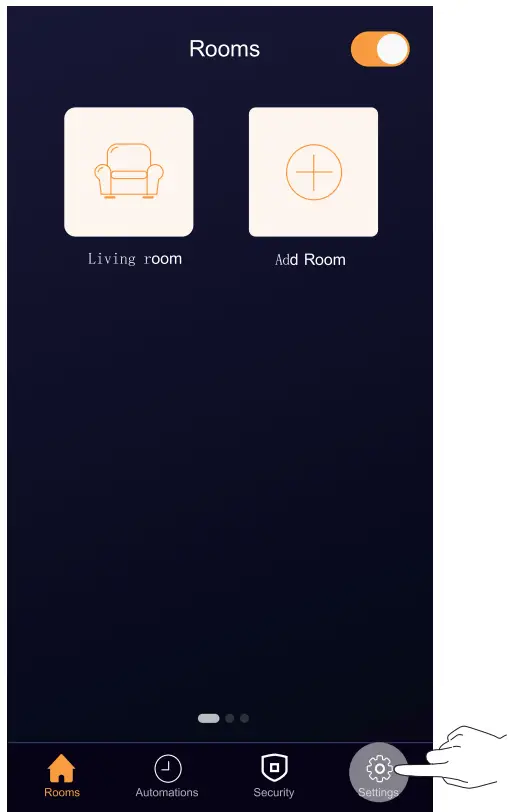
- Open the Aurosman trio App.

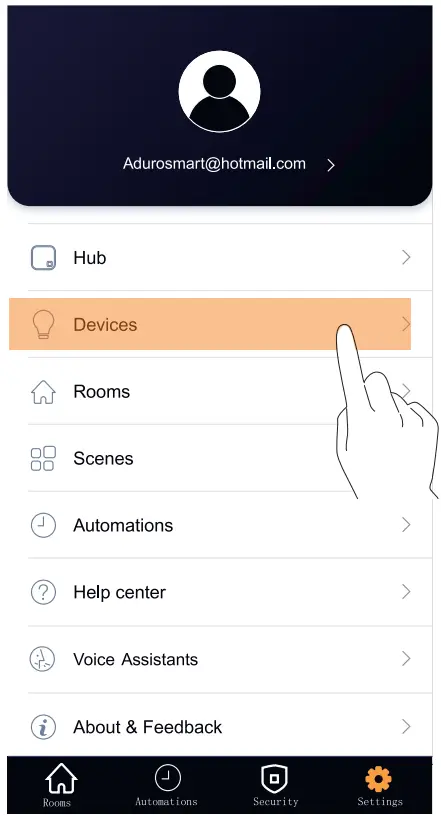
- On the bottom right corner press on Settings”

- Select Devieg”

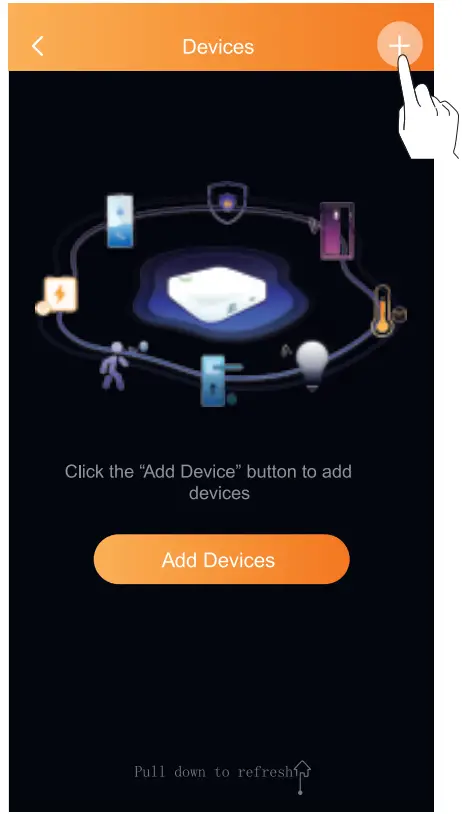
- On the top right corner press on the +” symbol then press on Ad device”

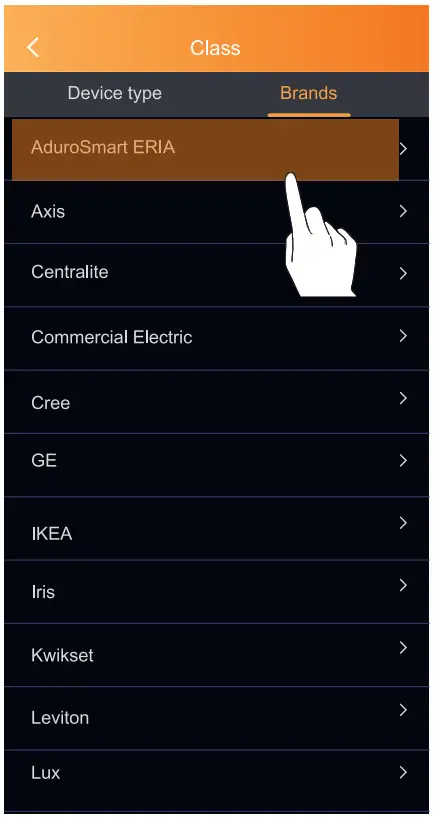
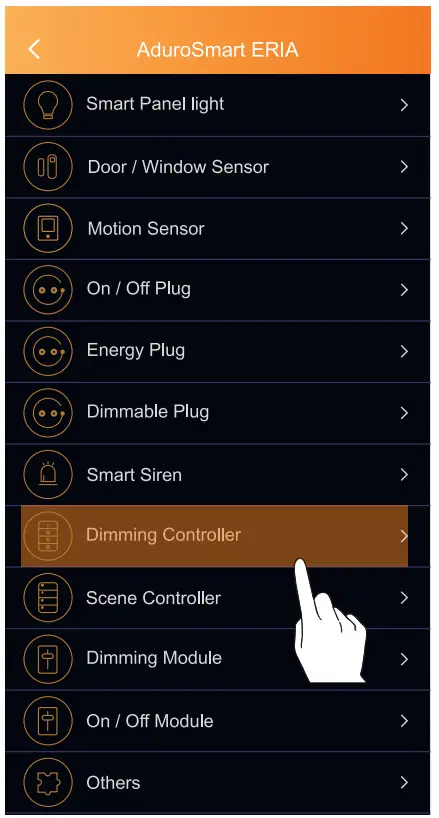
- Press on Brands” an then select “Aduro$mart ERIA

- Press on Dimming Controller.

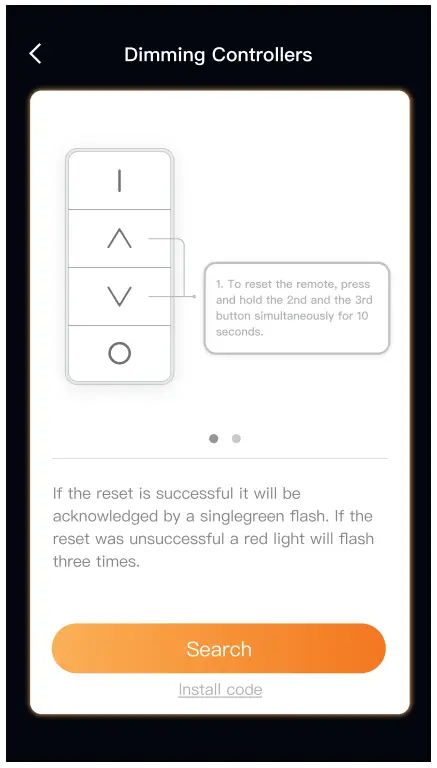
- Proceed by pressing on Search” to allow the ERIA hub to the remote the LED indicator on the hub will flash green this indicates that the hubris searching for new devices.
 8B. If you have a third-party hub then this is the moment to initiate therefrom your Smart4on hut app.
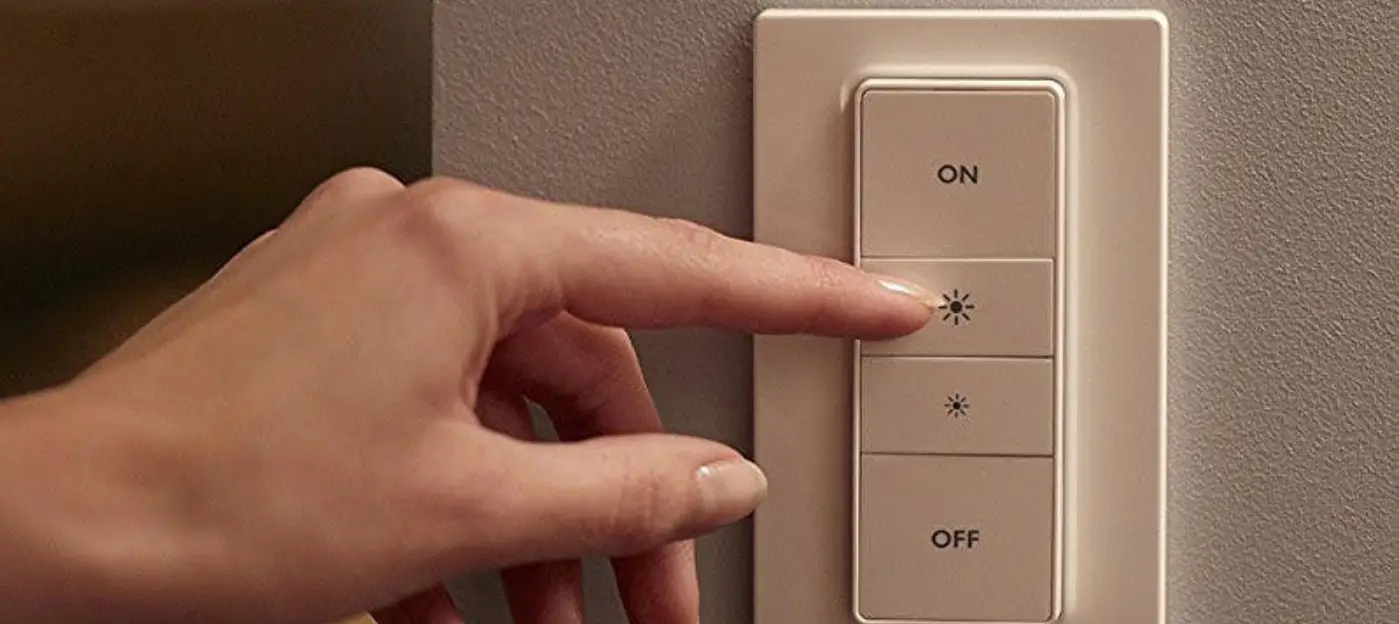
 - While the hub is searching: press and hold the 4th button on the remote for 10 seconds if the remote is paired successfully it will be confirmed by a green flash, when it has failed to pair the LED indicator will flash red.

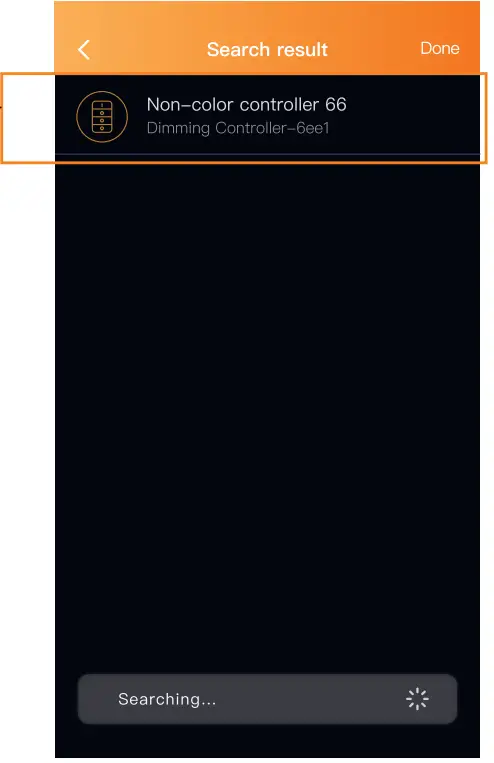
- when the remote has been found and paired successfully it will show pin your search results, press Done” to complete the process.

- Troubleshoot
If you have followed the pairing instructions but are still not able to connect your device then follow the below instructions to reset the controller.
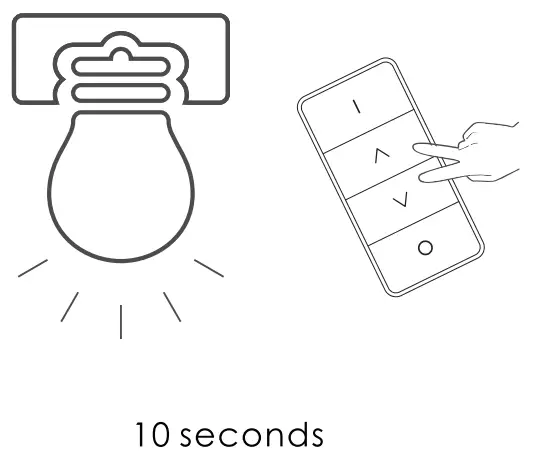
To reset the remote: Press and hold the 2nd and 3rd buttons on the remote simultaneously for 10 seconds a successful reset will be confirmed by a green flash from the LED indicator, failed reset will be indicated by a red flash.
 8B. If you have a third-party hub then this is the moment to initiate therefrom your Smart4on hut app.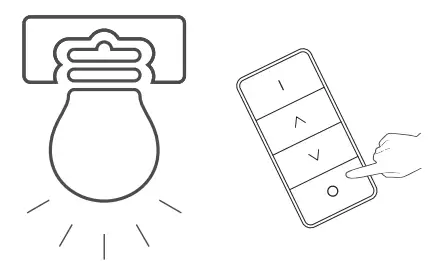
NEED HELP? CALL US
For troubleshoots, Instruction video’s or more information
please visit us at www.adurosmart.com/faq
Chat with one of our support agents at www.adurosmart.com
The Netherlands: +31 523687532
[email protected]