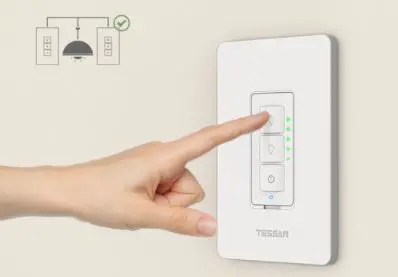
Dimmer Switch
Product Information
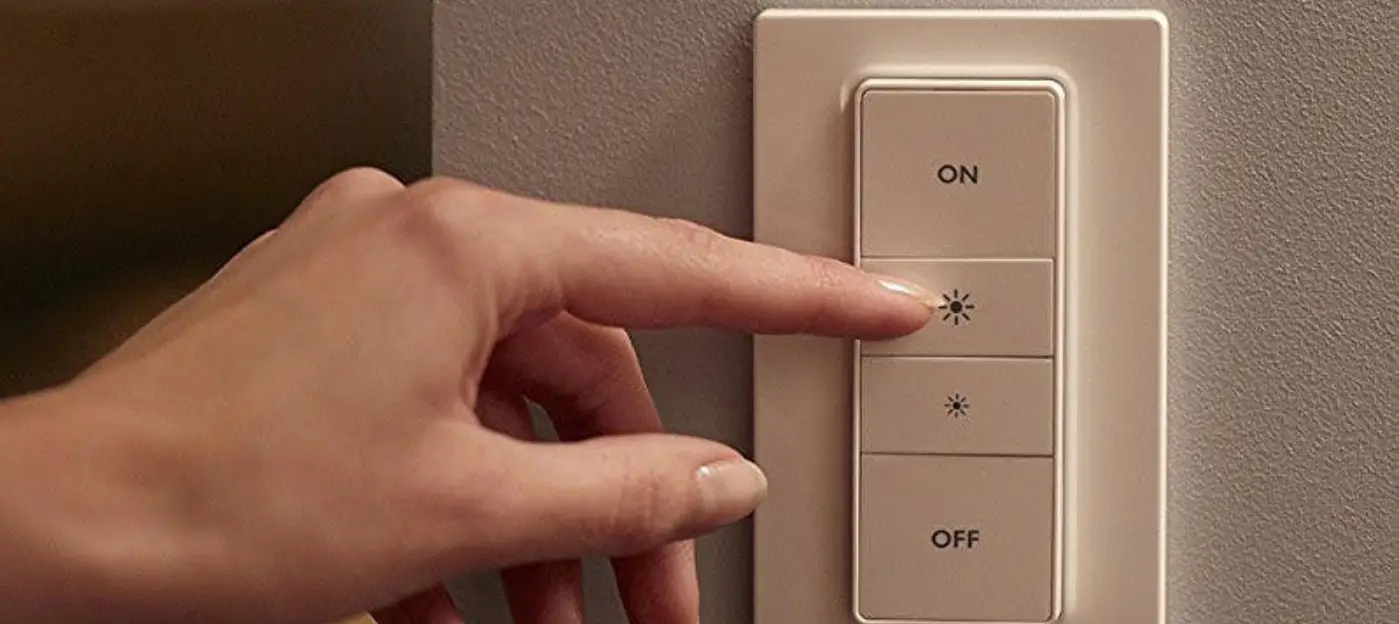
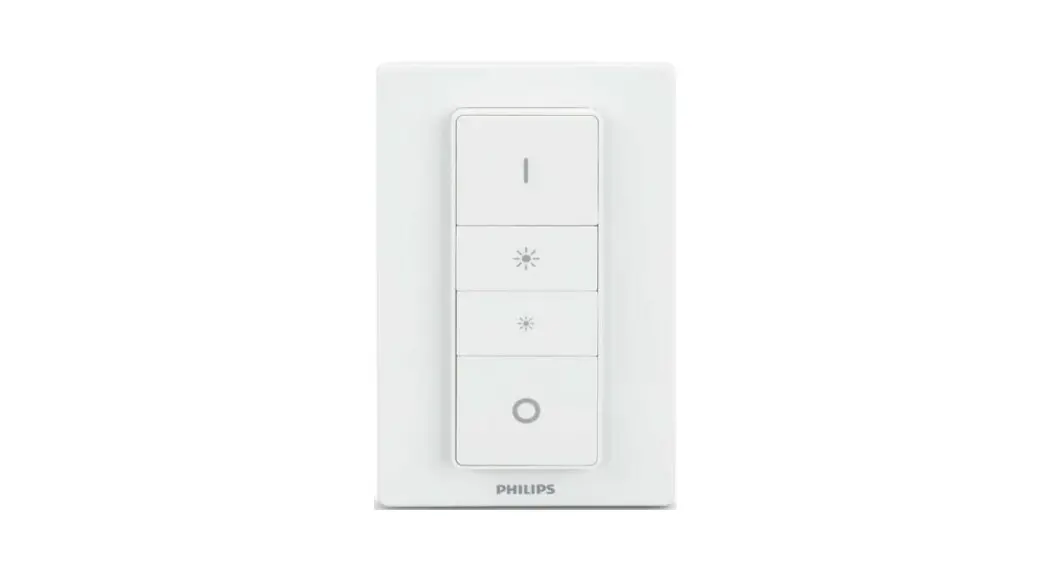
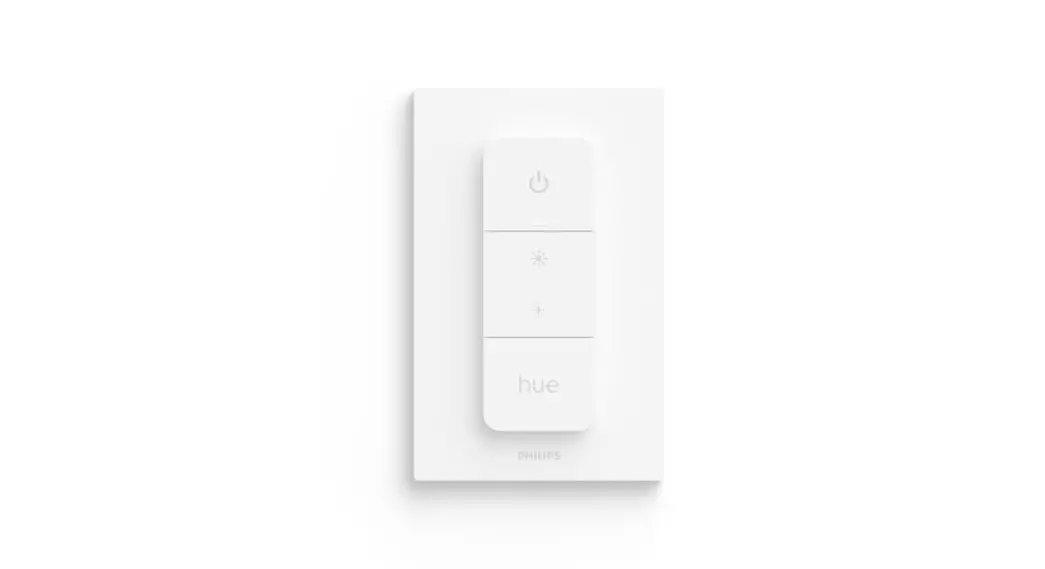
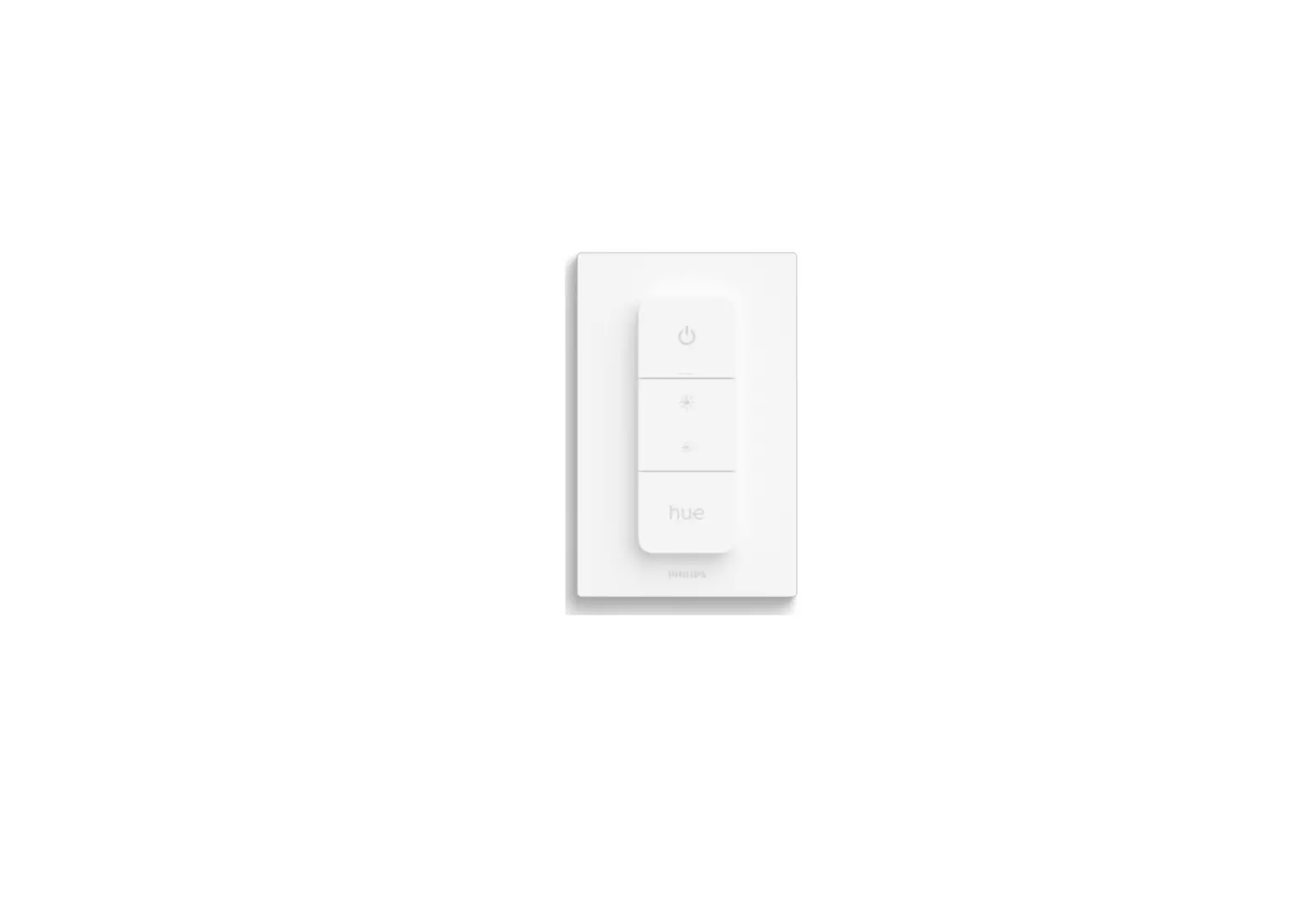
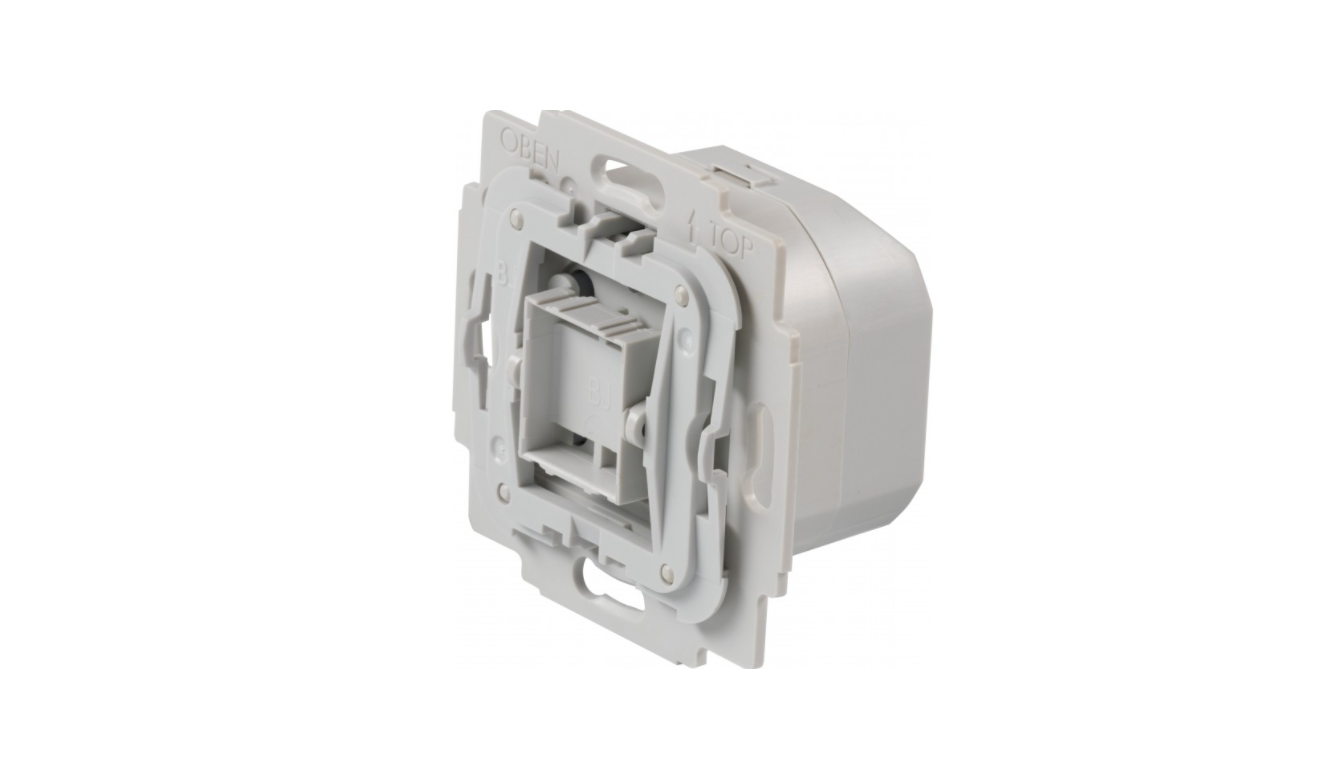
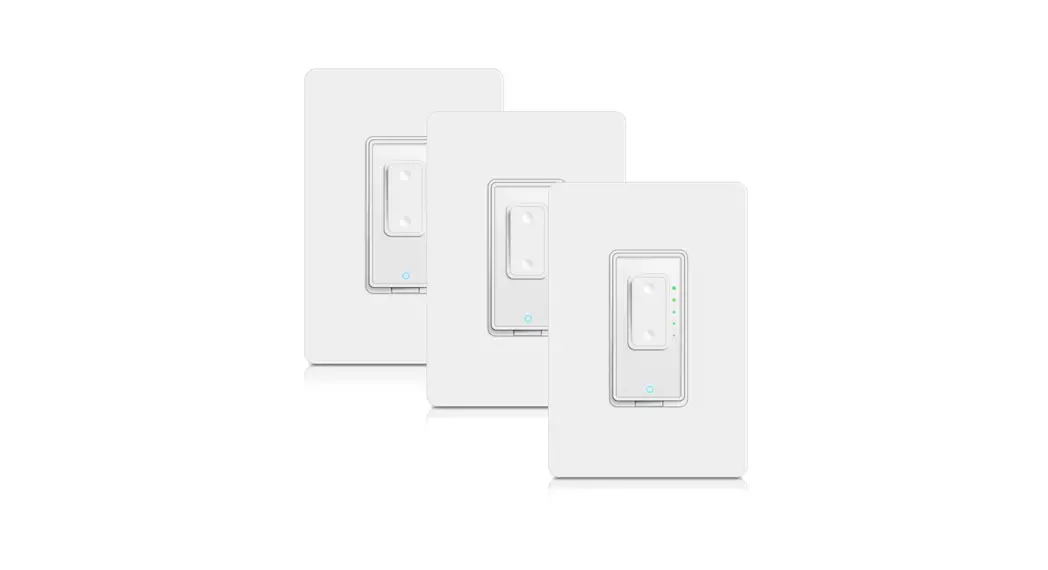
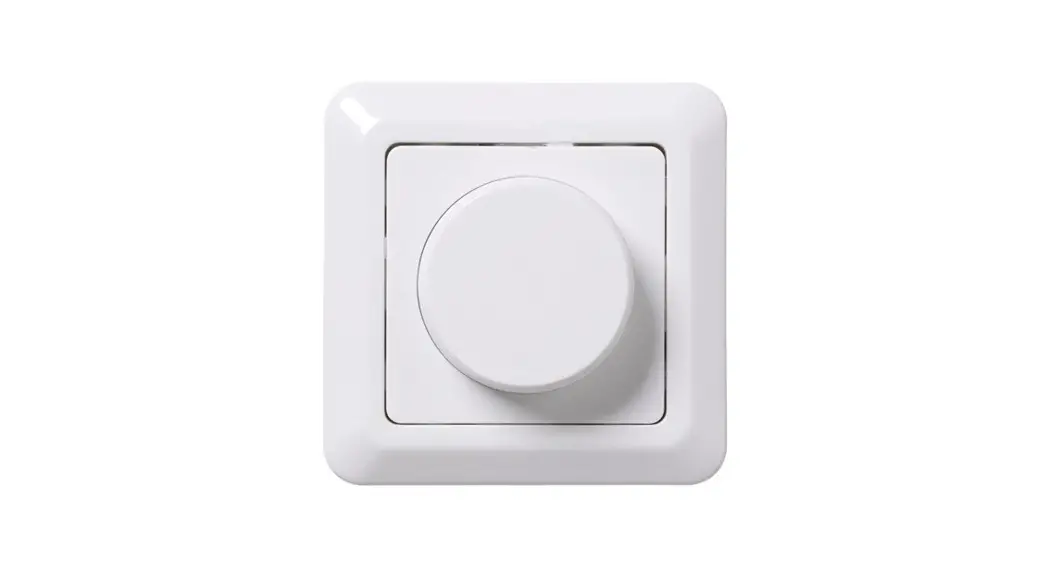
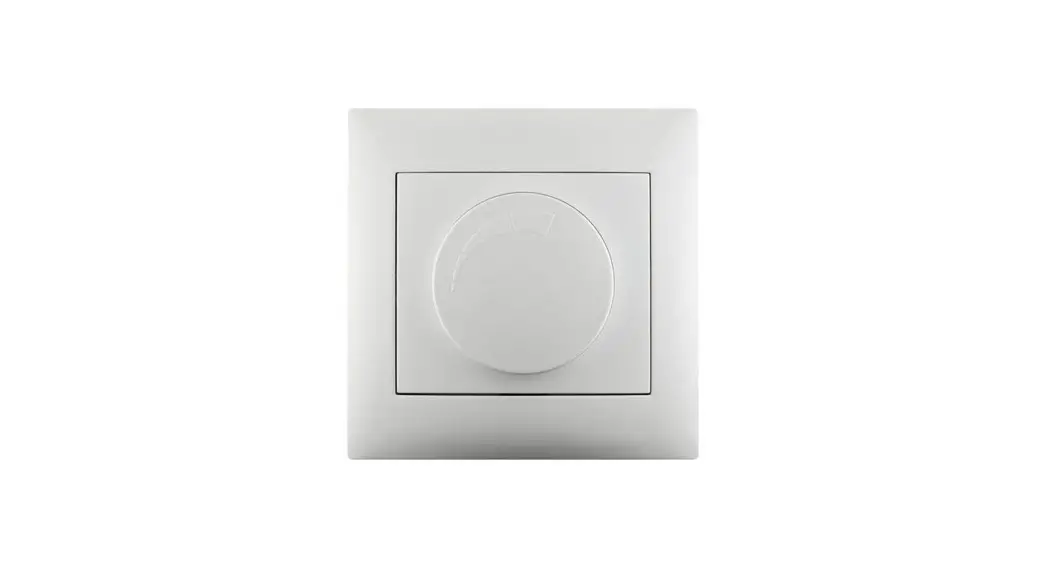
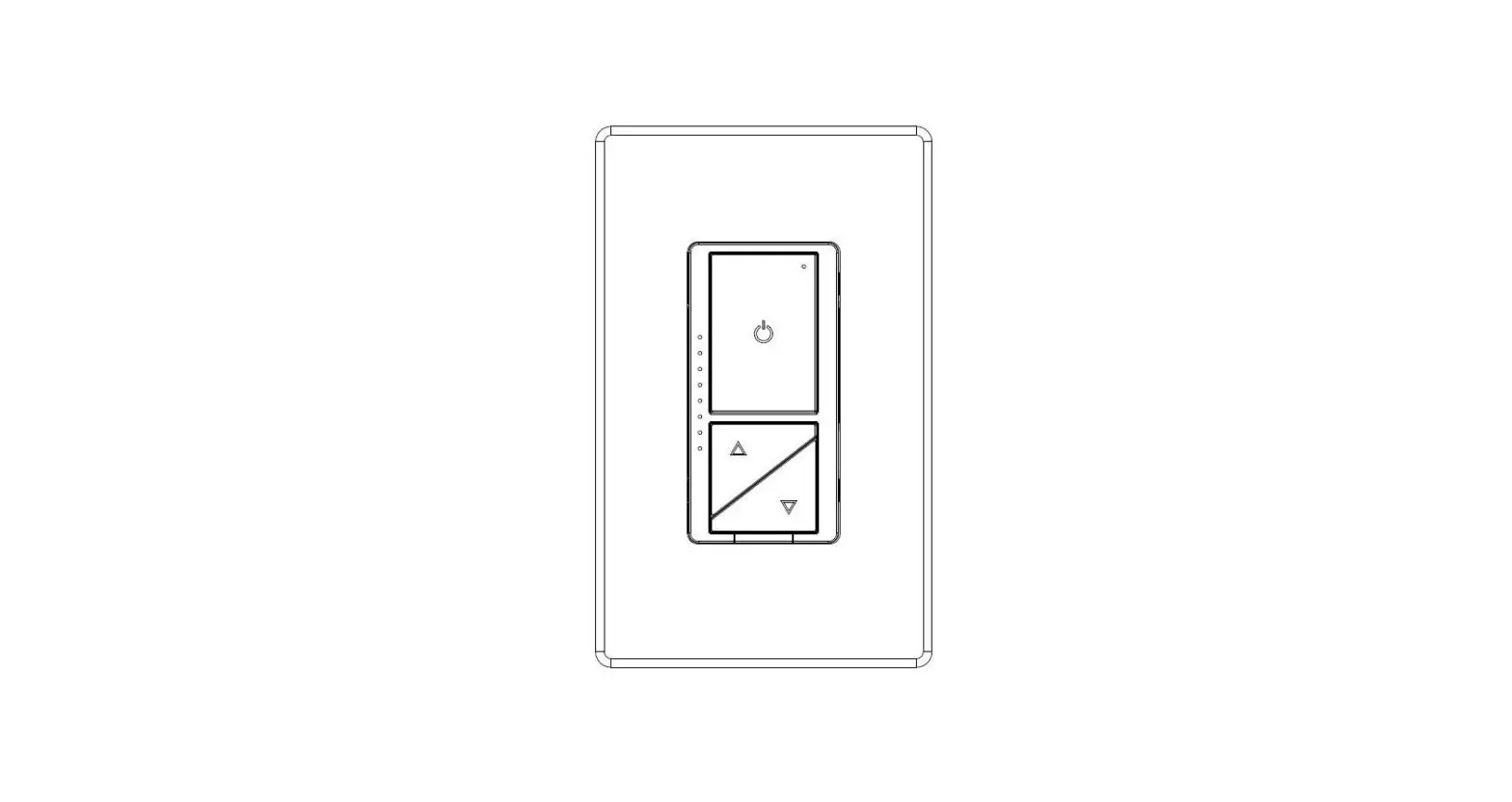
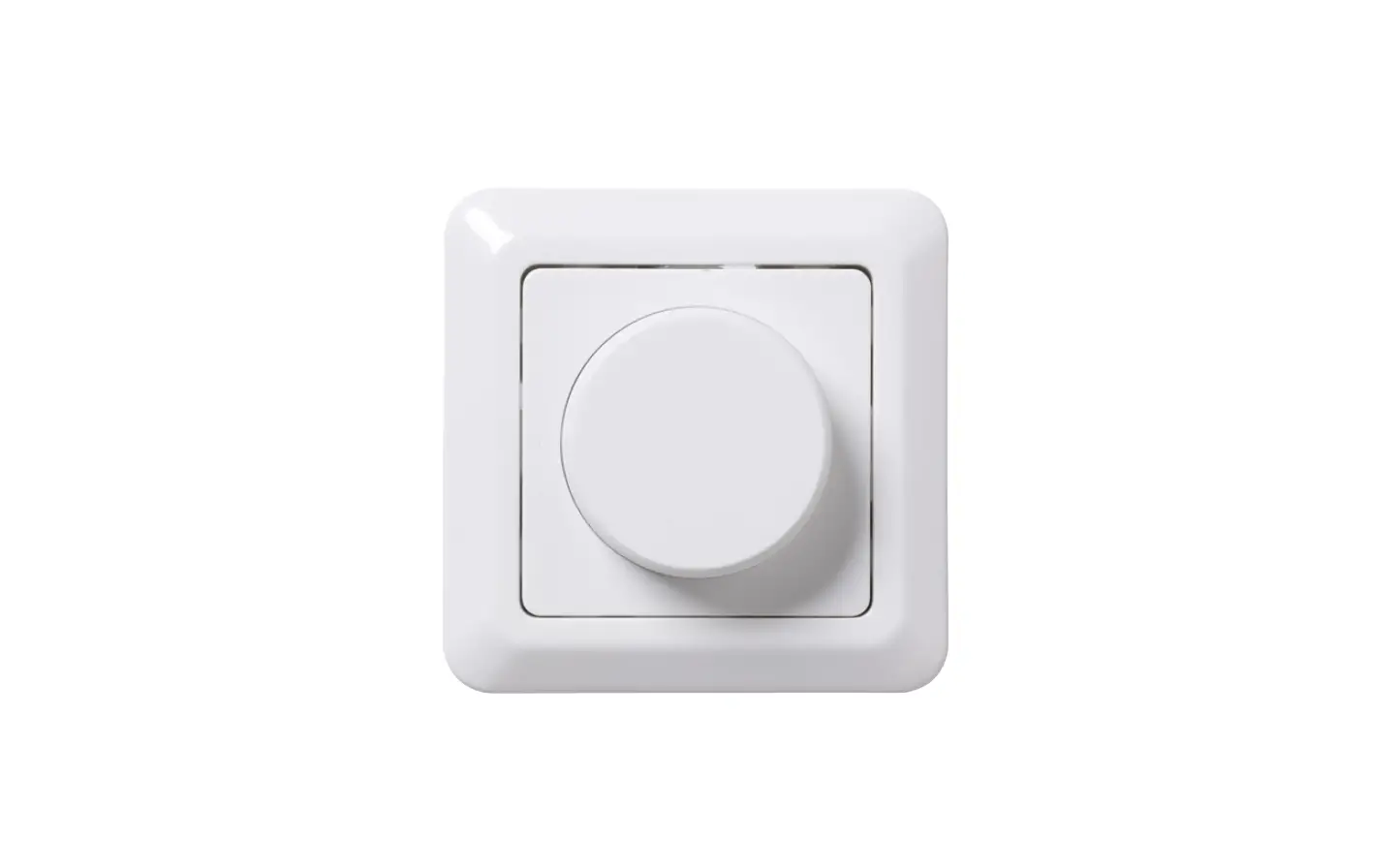
The product is a dimmer switch that can be mounted on the wall.
It has an on/off button and a setup button. The setup button is
used to connect the dimmer switch to other Philips Hue products.
The product comes with a user manual which can be accessed on
www.philips-hue.com/connectproduct.
The product has a scene cycle feature that can be used to cycle
through four different scenes: Read, Relax, Concentrate, and
Energize. The product has LED blink indicators to indicate
different actions.
Product Usage Instructions
Step 1: Check if all the mounting materials are
available. The mounting materials are not included with the
product.
Step 2: Connect the dimmer switch to other Philips Hue
products by following the instructions in the user manual on
www.philips-hue.com/connectproduct.
Use either step 2a or 2b depending on the type of product you want
to connect:
- 2a > 3: To connect to a Philips Hue bulb or light
fixture. - 2b > 4: To connect to a Philips Hue bridge.
Step 3: Use the dimmer switch by following these
actions:
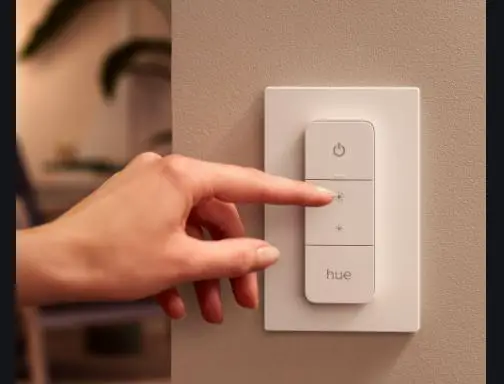
- On/off: Click the on/off button to turn the lights on or
off. - Dim up/down: Hold the on/off button to dim the lights up
or down. - Scene cycle: Click the setup button to cycle through the
four different scenes: Read, Relax, Concentrate, and Energize.
Note: The LED blink indicators will indicate different
actions:
- LED blink: Indicates that the dimmer switch is connected
to a Philips Hue product. - ! click: Indicates that the dimmer switch is not
connected to a Philips Hue product. - 3s > 8: Indicates that the dimmer switch is in setup
mode. - x3 blink: Indicates that the dimmer switch has been
reset to factory settings. - 10cm: Indicates that the dimmer switch has been
disconnected from a Philips Hue product and needs to be brought
closer to reconnect.
Note: The product has three buttons: on/off button, setup
button, and scene cycle button. The product can be used to control
a single light or a group of lights. To control a group of lights,
connect the dimmer switch to a Philips Hue bridge.
A
Dimmer Switch
User manual Benutzerhandbuch Notice d’emploi Manual de usuario Manual do usuário Manuale d’uso
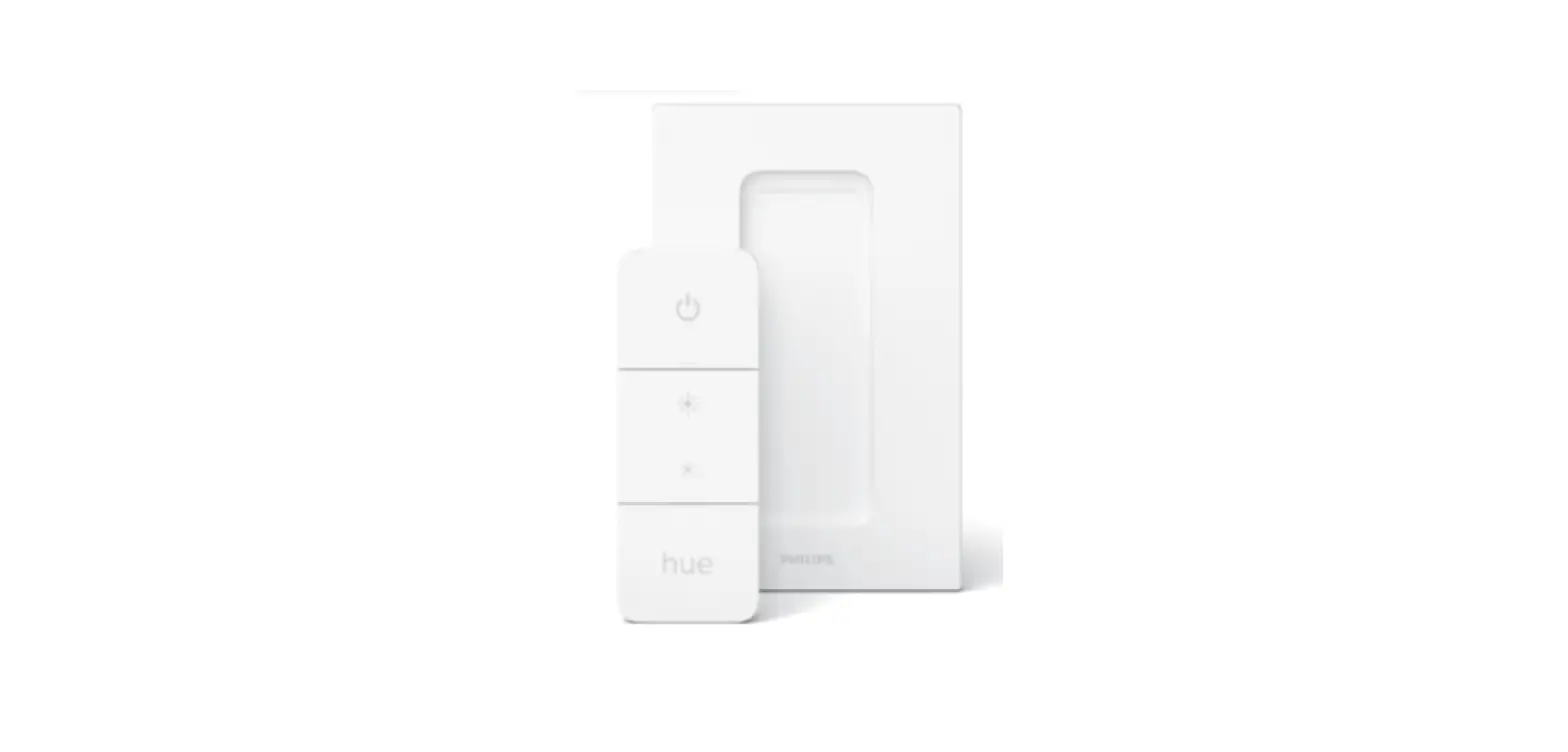
Dimmer Switch Wall Plate On/Off button
Setup button
Setup button
1
www.philips-hue.com/connectproduct
2a
2a > 3
2b
2b > 4
3
3s
> 8
LED blink
!
click
on/off
hold
dim up/down
click
scene cycle
4
3s
LED blink
5
>3s
x3 blink
10cm
6
7
click
on/off
hold
dim up/down
click
scene cycle
Read
Relax Concentrate Energize
!
8a
8b 8c
Mounting materials not included. 3
! 1
2 3 4
?
www.philips-hue.com
Signify I.B.R.S. / C.C.R.I. Numéro 10461 5600 VB Eindhoven, the Netherlands 00800-74454775
© 2023 Signify Holding All rights reserved
www.philips-hue.com
3222 639 05843 Last update: 02/2023
 Smart lighting | Philips Hue US