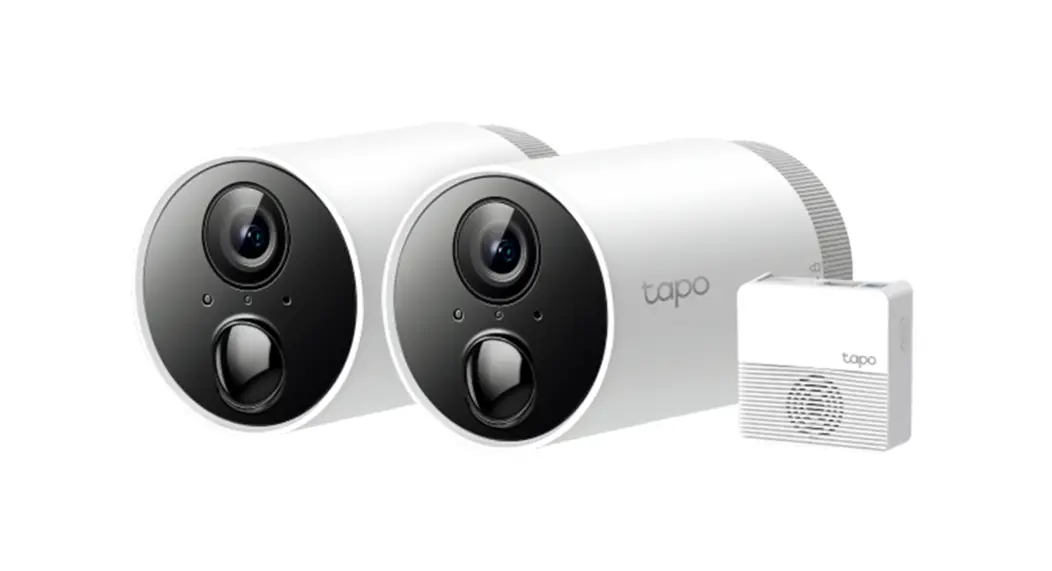
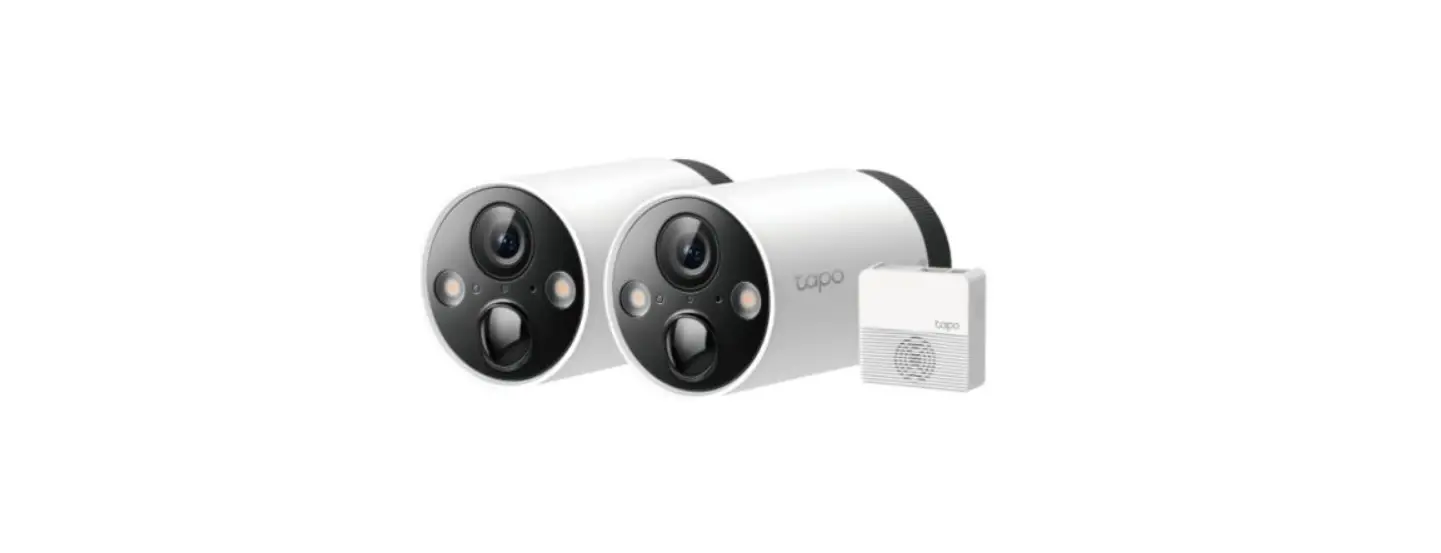
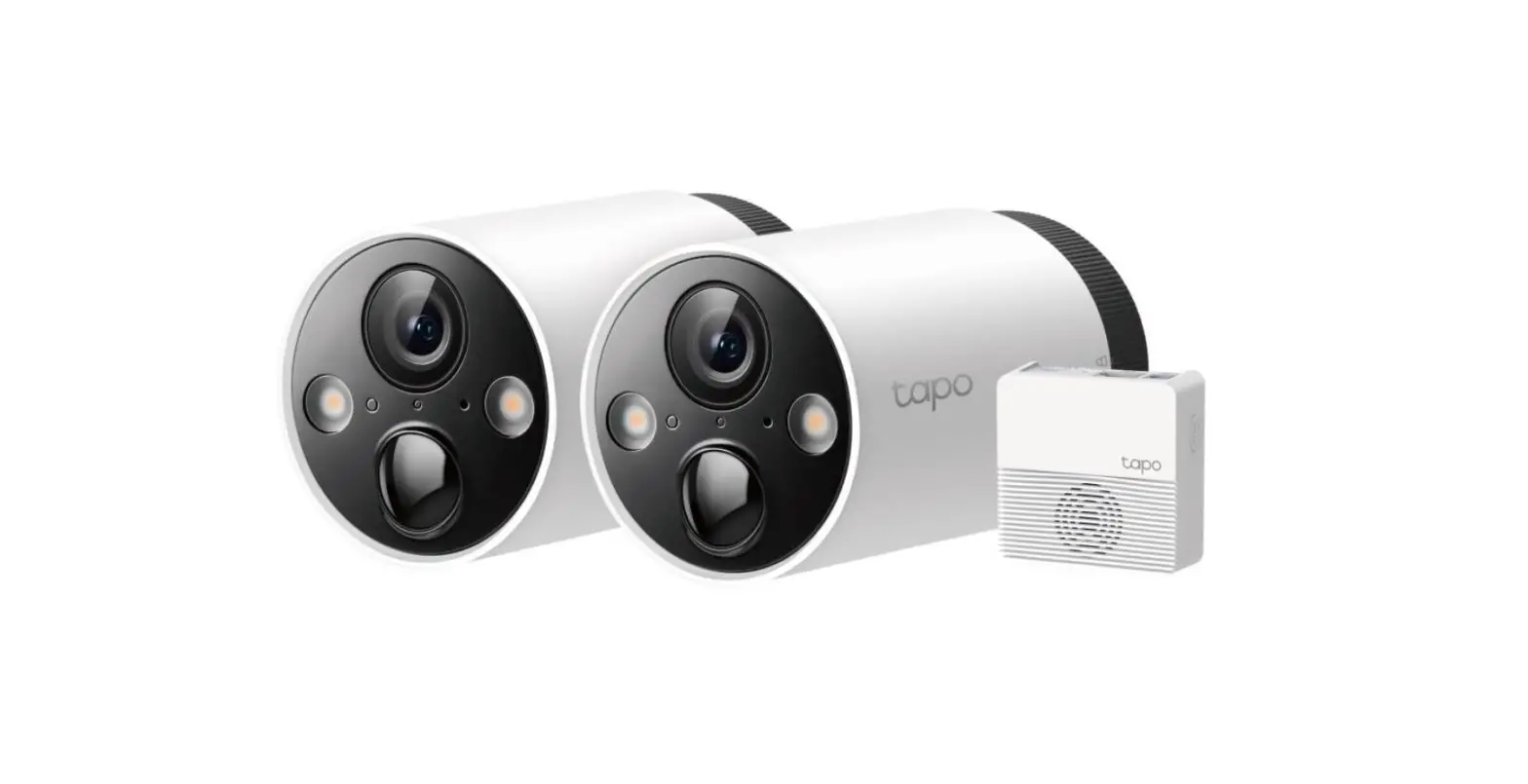
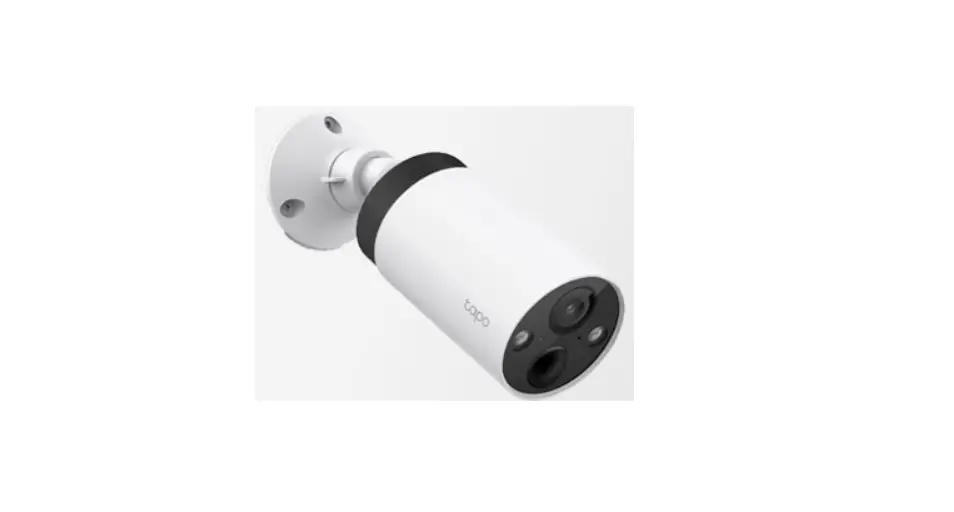
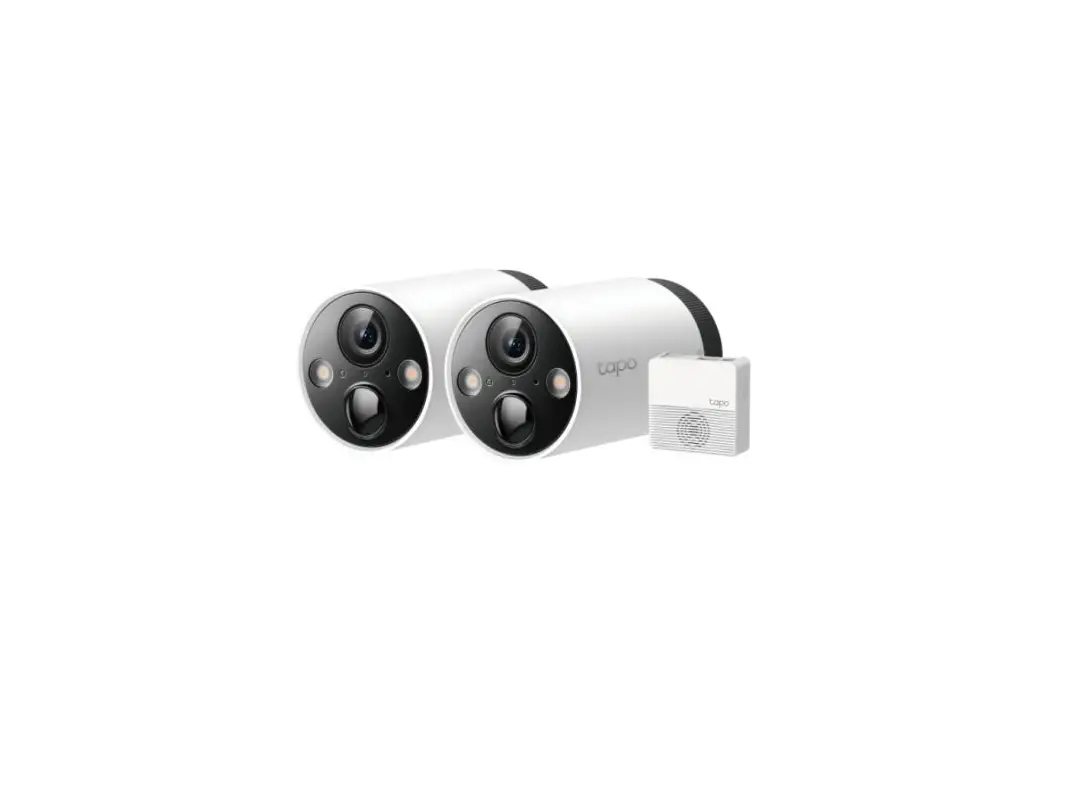
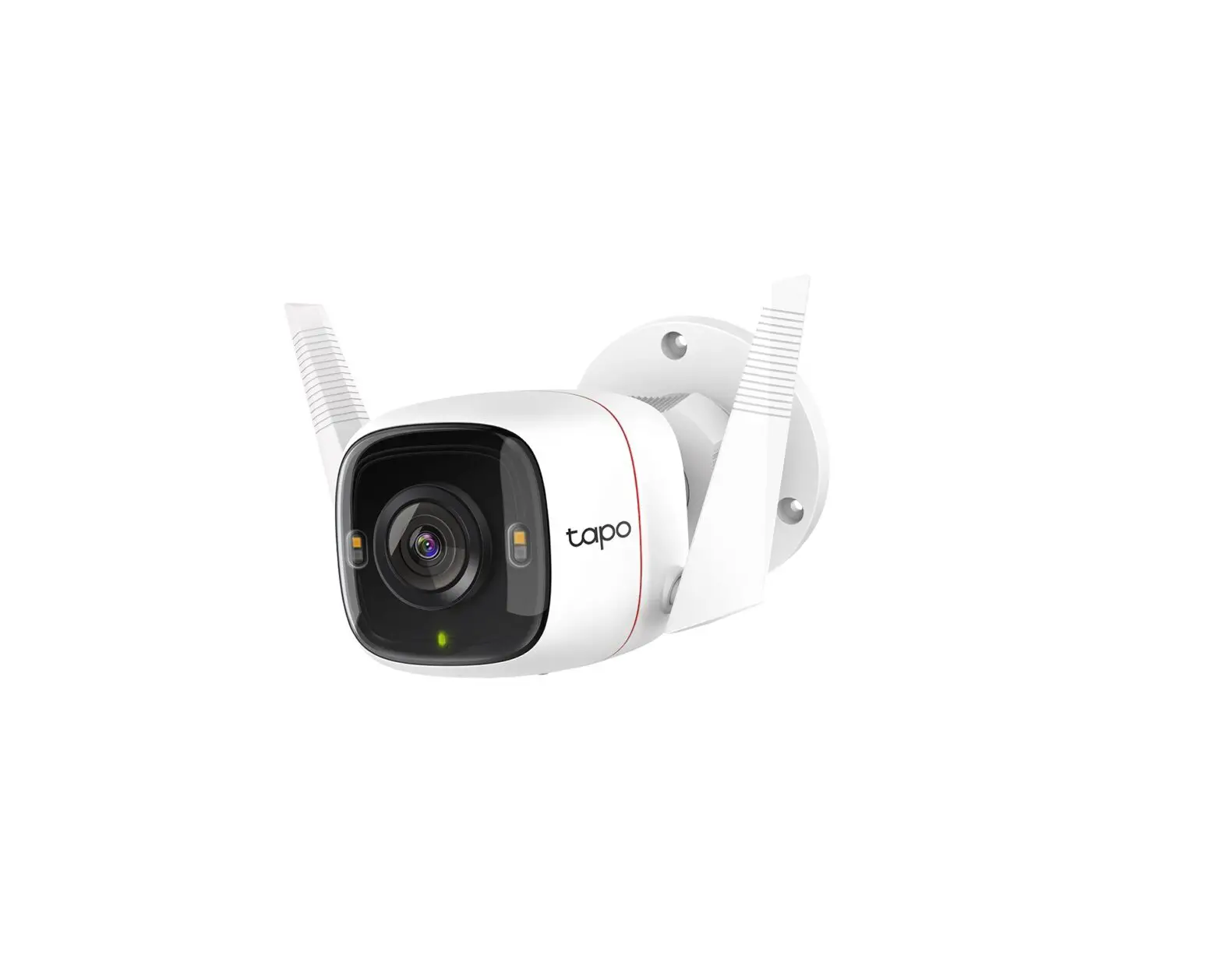
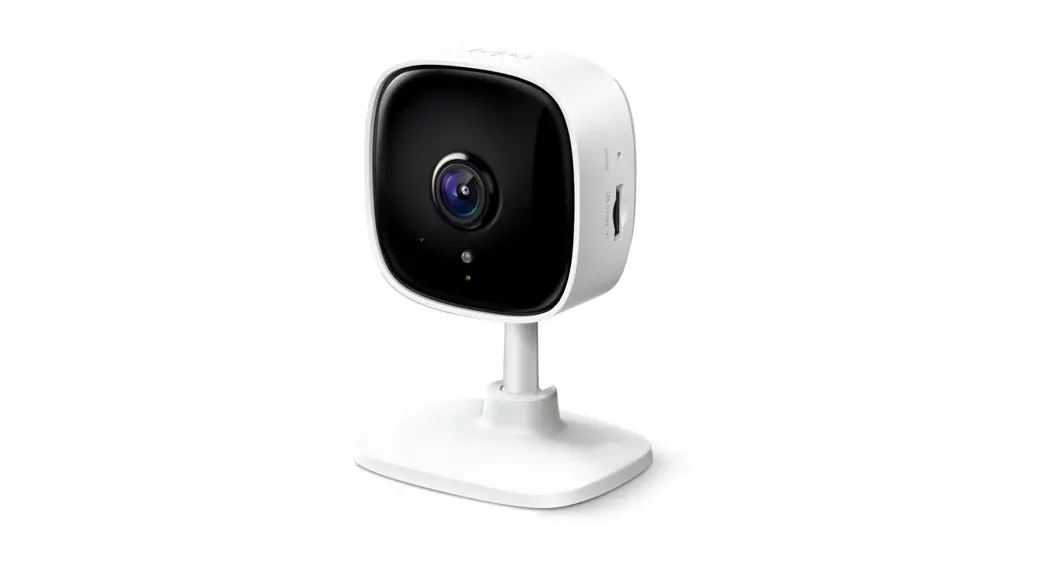
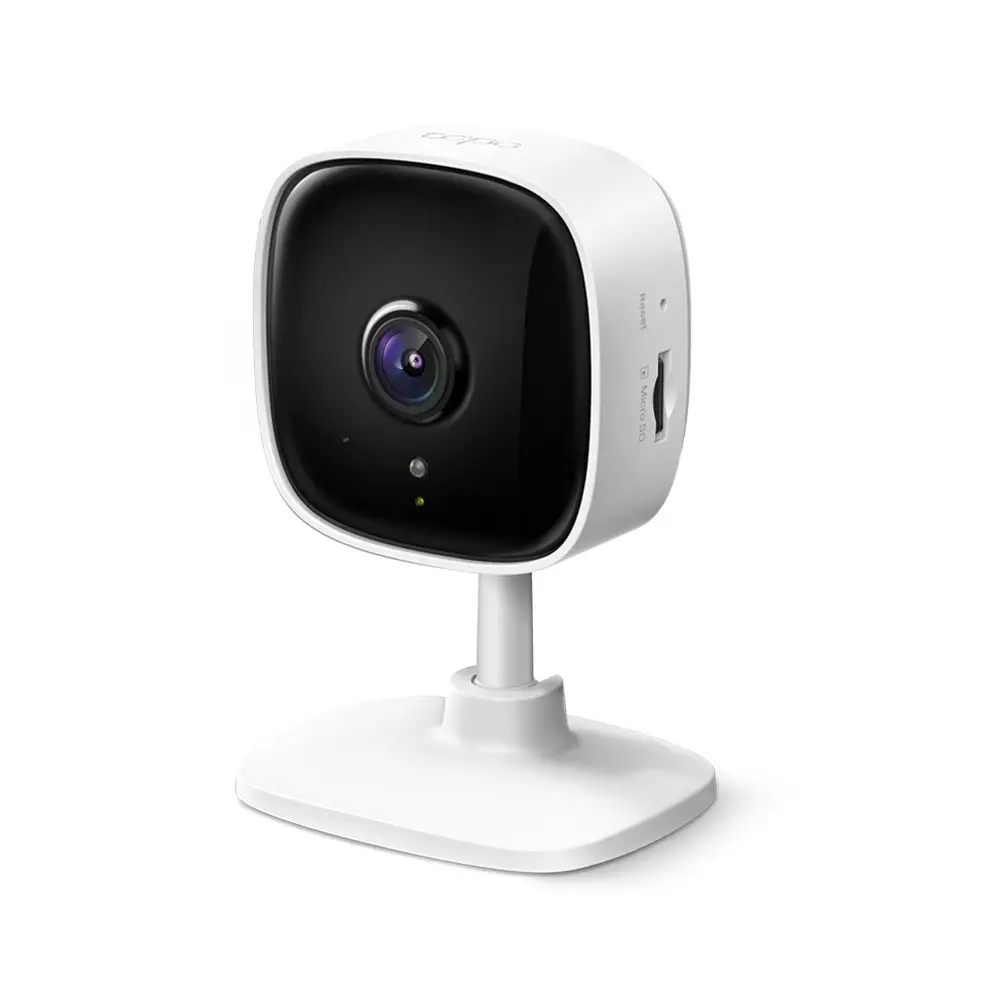
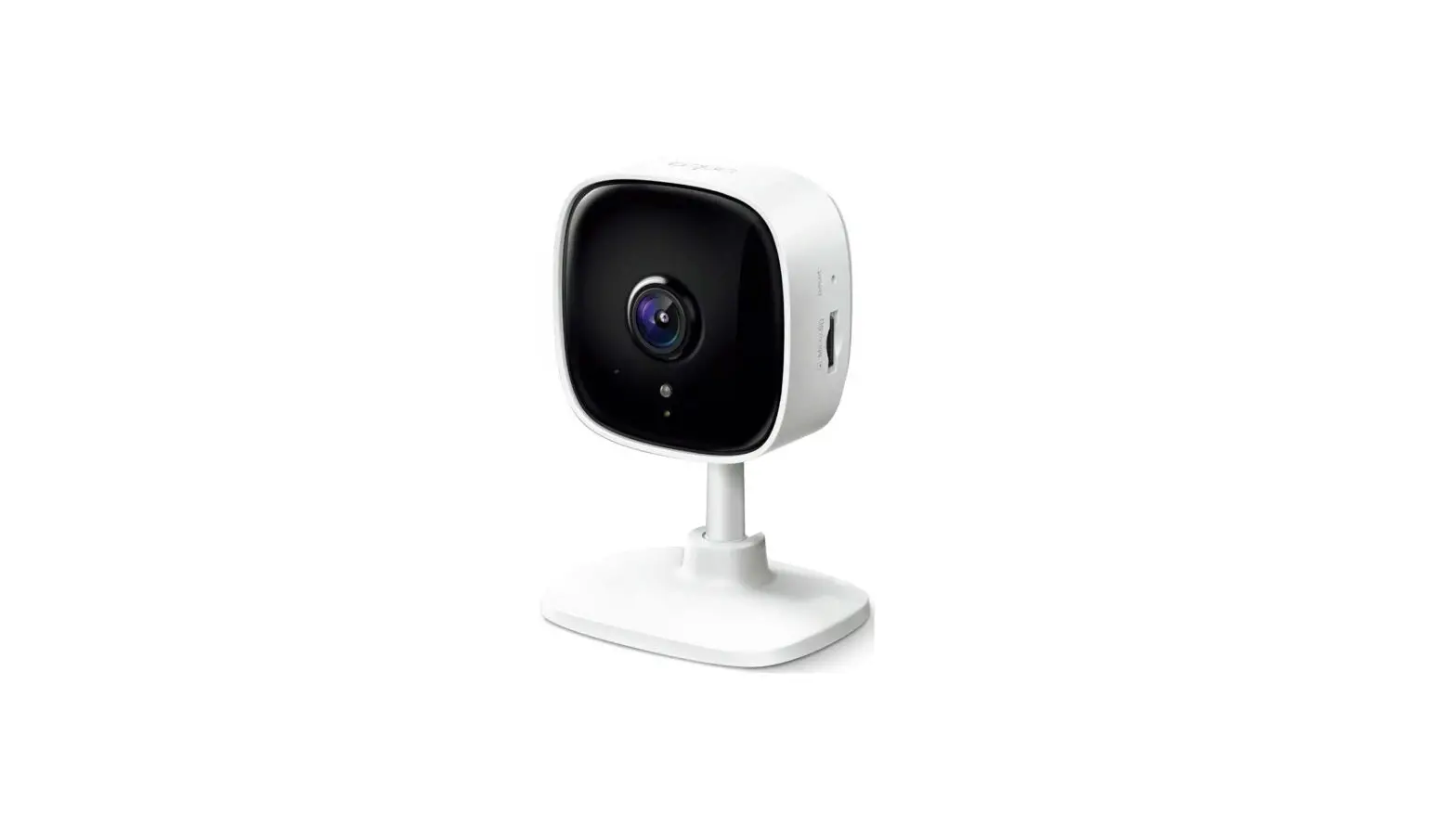
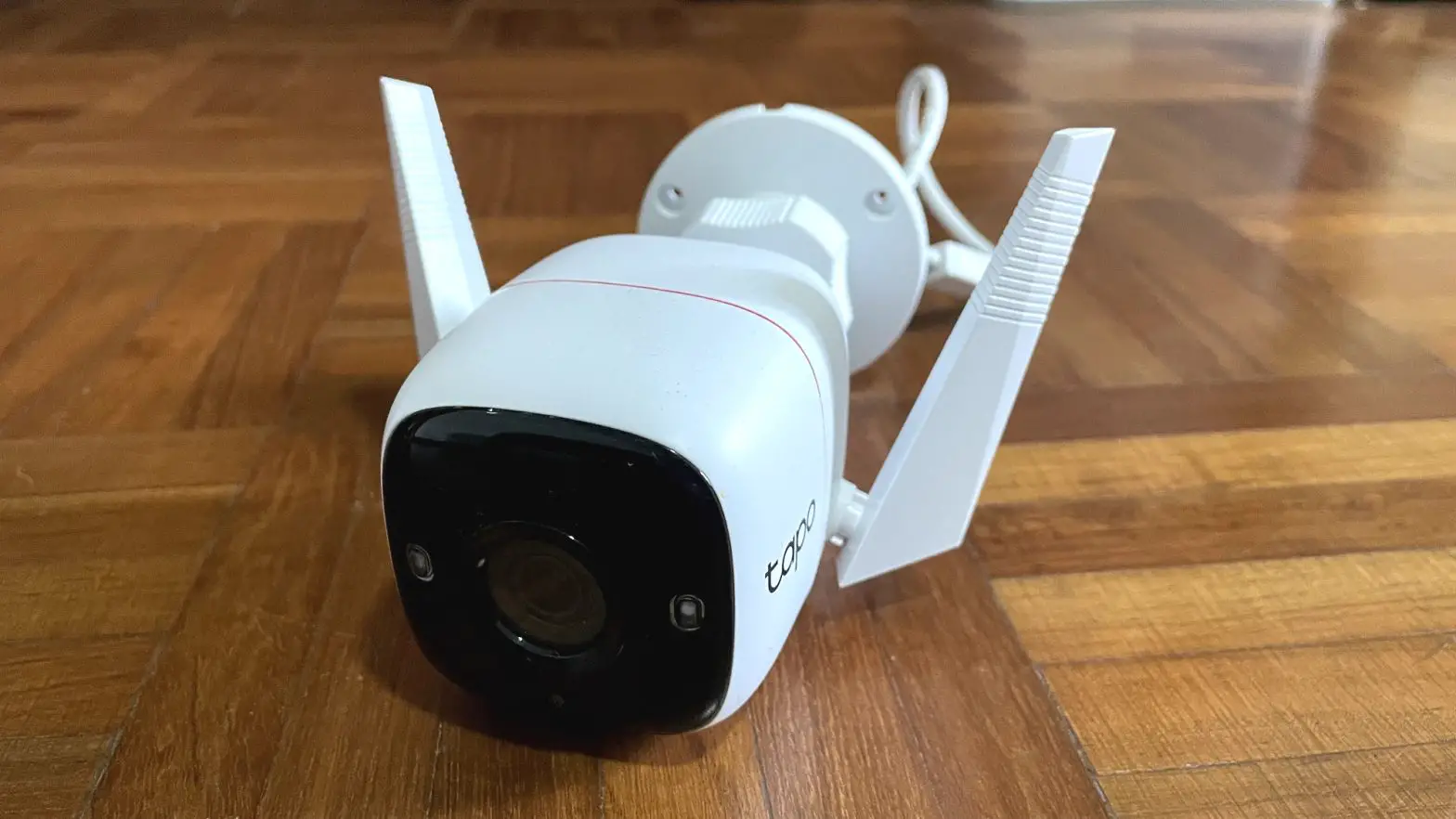
Tapo C420S1 Smart Wire-Free Security Camera System
Product Information: Smart Wire-Free Security Camera
System
The Tapo C420S1 is a smart and secure wire-free security camera
system that comes with a rechargeable and removable battery which
extends usage with a low-power protocol. This camera system offers
full-color and sharp views day and night, rain or shine with its
full-color night vision feature. The camera system also comes with
a smart AI detection and notification feature that identifies
people, pets, and vehicles, notifying users as needed. The Tapo
C420S1 is equipped with a starlight sensor that provides clearer
videos and photos with 1.7 times more pixels than 1080p. The camera
system has a 180-day battery life based on TP-Link’s laboratory
testing with 10-20 triggered events per day. Actual battery life
may vary based on device settings, use, and environmental factors.
The Tapo C420S1 is IP65 weatherproof, which helps it perform well
even in harsh environments with rain and dust. The camera system
also offers two-way audio communication through a built-in
microphone and speaker. Users can save recorded videos on the
hub-installed microSD card (up to 256 GB) or by using Tapo Care
cloud storage services.
Product Usage Instructions:
- Remove the camera from the packaging.
- Download the Tapo app on your smartphone or tablet.
- Follow the instructions on the app to set up the hub.
- Insert the microSD card into the hub and initialize it within
the Tapo app. - Press the SYNC button on the hub to pair with the camera or
silence the hub when it rings. - Press the SYNC/RESET button on the camera for 1 second to pair
with the hub. - Place the camera in the desired location and adjust it as
needed. - Use the Tapo app to customize camera settings, such as motion
detection sensitivity and sound and light alarm trigger. - Use the Tapo app to view live footage, recorded videos, and
receive notifications when motion is detected. - Users can communicate through the built-in microphone and
speaker by pressing the microphone icon on the live footage
screen. - To reset the camera, press and hold the SYNC/RESET button for
about 5 seconds.
Smart Wire-Free Security Camera System
Model: Tapo C420S1
Smart. Secure. Easy.
180-Day Battery Life*
Full-Color Night Vision
AI
128GB
Starlight Sensor
AI Smart AI Detection and Notification IP65 Weatherproof
Datasheet
Datasheet
Highlight
Full-Color in the Night Offer full-color and sharp views day and night, rain or shine. Smart AI Detection and Notification Smart AI identifies people, pets, and vehicles, notifying users as needed.
Features
2K 2K QHD
QHD
Now with 1.7 times more pixels than 1080p, providing clearer videos and photos.
180-Day Battery Life*
The rechargeable and removable battery with a low-power protocol extends your usage.
Wire-Free Placement
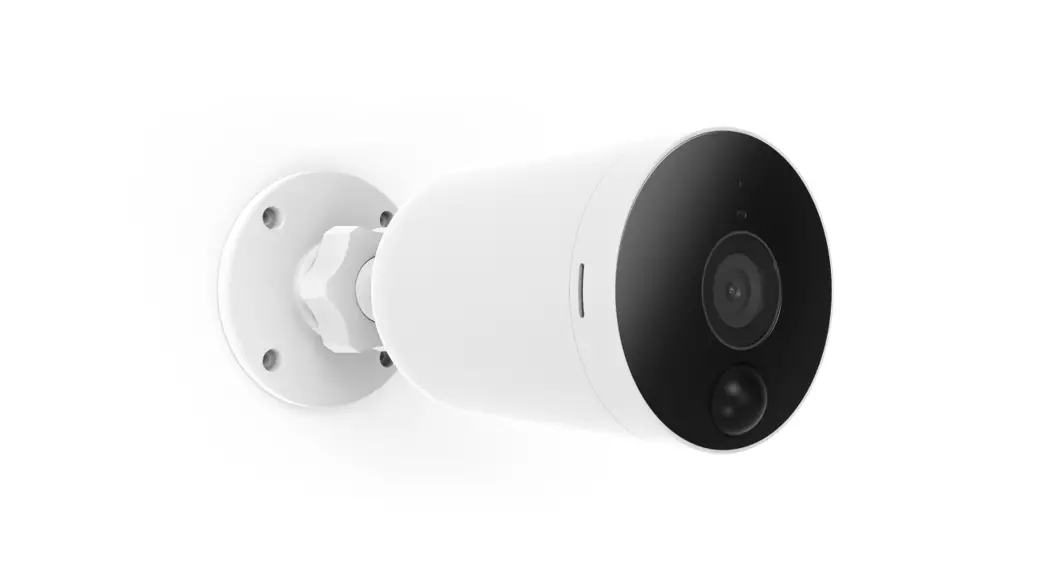
No wires means you can place the cameras almost anywhere inside or outside whatever works for you!
Sound and Light Alarm Trigger sound and light as an alarm when motion is detected.
Note: Hub Indoor Use Only
Two-Way Audio
Enables communication through a built-in microphone and speaker.
IP65 Weatherproof
Helps Tapo C420S1 perform well even in harsh environments with rain and dust.
Flexible Storage Choices
256 Save recorded videos on the hub-installed microSD card (up to 256 GB) or by using Tapo Care** cloud storage services.
Datasheet
Specifications
Camera · Image Sensor: 1/3″ · Resolution: 2K QHD (2560 × 1440 px) · Night Vision: 850 nm IR LED up to 49 ft/15m · Lens: F/NO: 1.61±10%; Focal Length: 3.18mm±5% · View Range: 113°
Audio · Audio Communication: 2-way audio · Audio Input & Output: Built-in microphone and speaker
Video · Video Compression: H.264 · Frame Rate: 15/20 fps · Video Streaming: 2K QHD · Audio Compression: G.711
Activity Notifications · Input Trigger: Motion detection, Person
detection, Pet detection, Vehicle detection. · Output Notification:
Notification,Snapshot(Tapo care),Clips(Tapo care).
Network · Wireless Protocols: IEEE 802.11b/g/n, 2.4 GHz · Frequency: 2.4 GHz · Wireless Security: WPA/WPA2-PSK · Security: 128 bit AES encryption with SSL/TLS · Protocol: TCP/IP, ICMP, DNS, HTTPS, TCP, UDP
Datasheet
Specifications
Hardware · Camera Adapter Input: 100-240V, 50/60Hz · Camera Adapter Output: 5.0V, 1.0A · Camera Typical Power Consumption: 0.928W · Camera Maximum Power Consumption: 2.39W · Hub Adapter Input: 100-240V, 50/60Hz, 0.3A · Hub Adapter Output: 9.0V, 0.85A · Hub Maximum Power Consumption: 9W · External Storage: microSD card slot (Supports up to
256 GB) · Camera Dimensions (Lx W x H): 4.35 x 2.52 x 2.52in.
(110.6*64.2*64.2mm) · Hub Dimensions (L x W x H): 2.8 x 2.8 x 1.2 in.
(71.45*71.45*31.25mm)
*180-day battery life is based on TP-Link’s laboratory testing with 10-20 triggered events per day. Actual battery life may vary based on device settings, use, and environmental factors. microSD card needs to be purchased separately.**Tapo Care needs to be subscribed separately.
Others · Certification: CE, RoHS, RCM
· Package Contents: Tapo C420 Camera (Battery Included) Tapo H200 Hub USB Adapter USB Adapter Cable DC Power Adapter Mounting Screws Mounting Templates Camera Brackets Quick Start Guide RJ45 Ethernet Cable
· Operating Temperature: -20¥~45¥(-4°F ~113 °F ) · Storage Temperature: -20¥~60¥ (-4°F~140°F)
· Operating Humidity: 10%~90%RH, Non-condensing
· Storage Humidity: 5%~90%RH, Non-condensing
Specifications are subject to change without notice. All brands and product names are trademarks or registered trademarks of their respective holders. ©2023 TP-Link
Device Appearance
Front
Back
Datasheet
Hub Appearance
6
1
1
2 345
1 Spotlights 2 Light Sensor 3 Motion Sensor
4 Status LED Indicate the status of your camera. 5 Microphone
6 Lens
7
SYNC / RESET
7 SYNC/RESET Button While the camera is powered on: Press for 1 second: Pair with the hub Press and hold for about 5 seconds: Reset the camera
4
Micro SD
1
23
1 SYNC Button Press to pair with the camera, or silence the hub when it rings.
2 RESET Use a pin to press and hold for about 5 seconds until the hub LED quickly blinks red to reset the hub.
3 microSD Card Slot Insert a microSD card to record camera videos locally. Initialize the microSD card within the Tapo app first.
microSD card not included.
4 Status LED Indicate the status of your hub.
Notes:Connect up to 4 cameras to a hub.