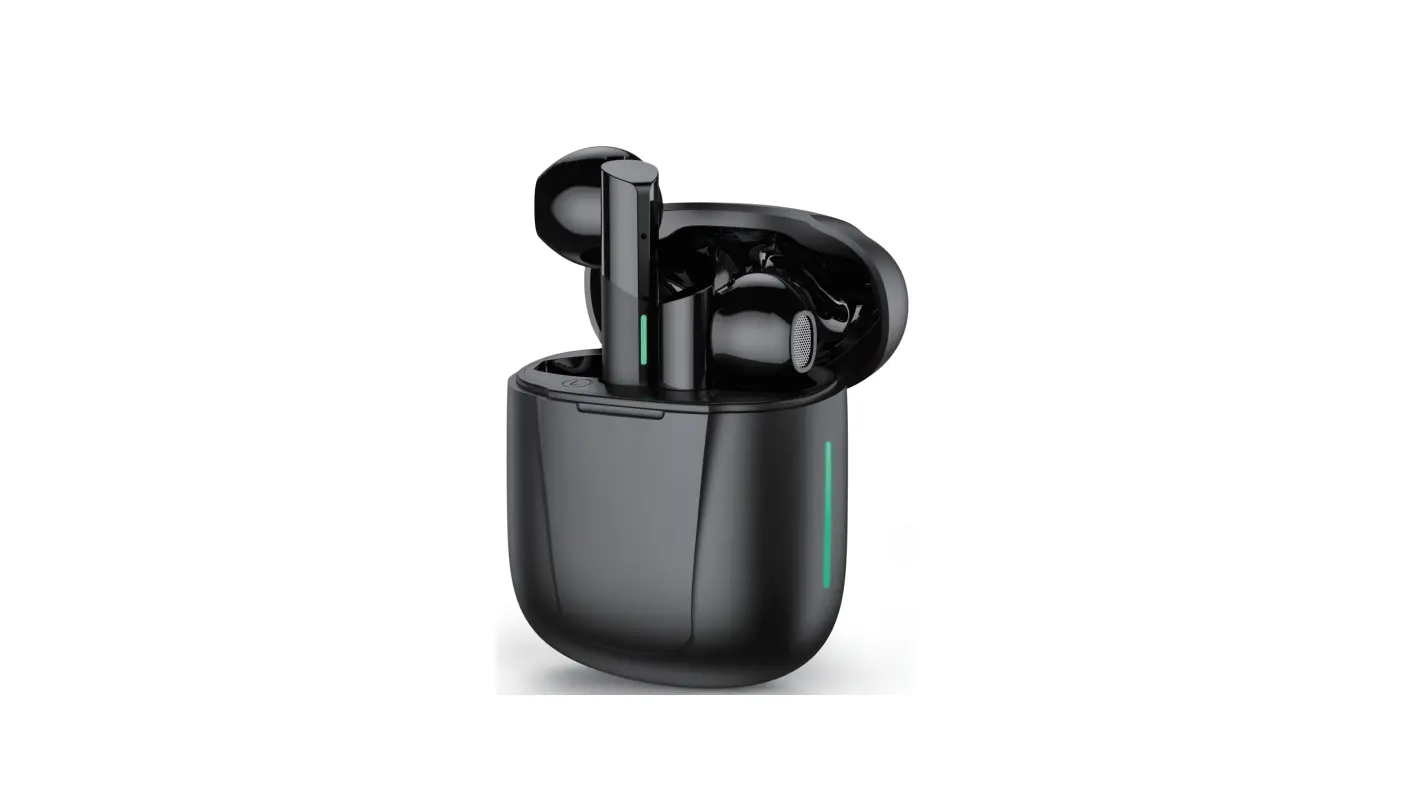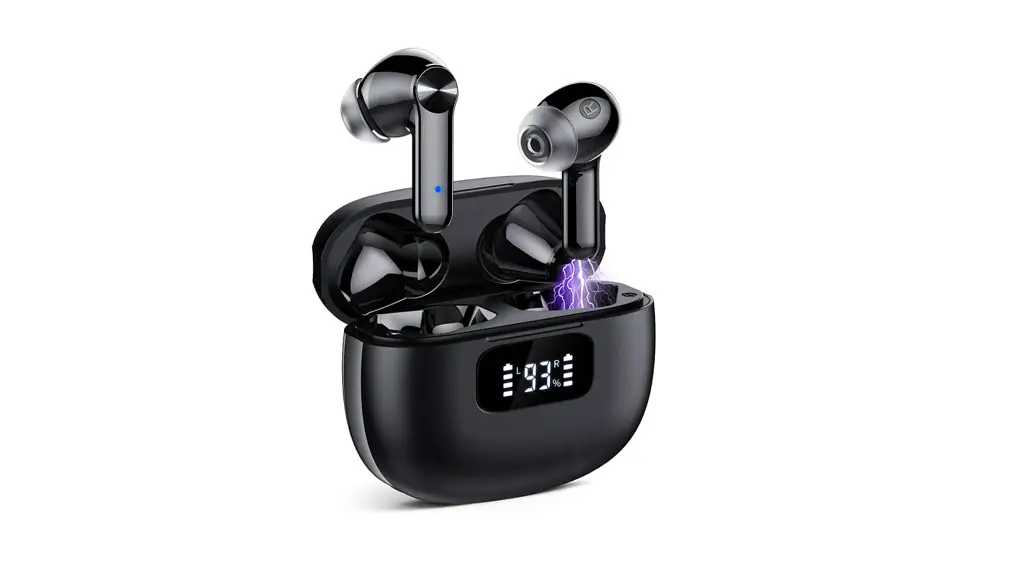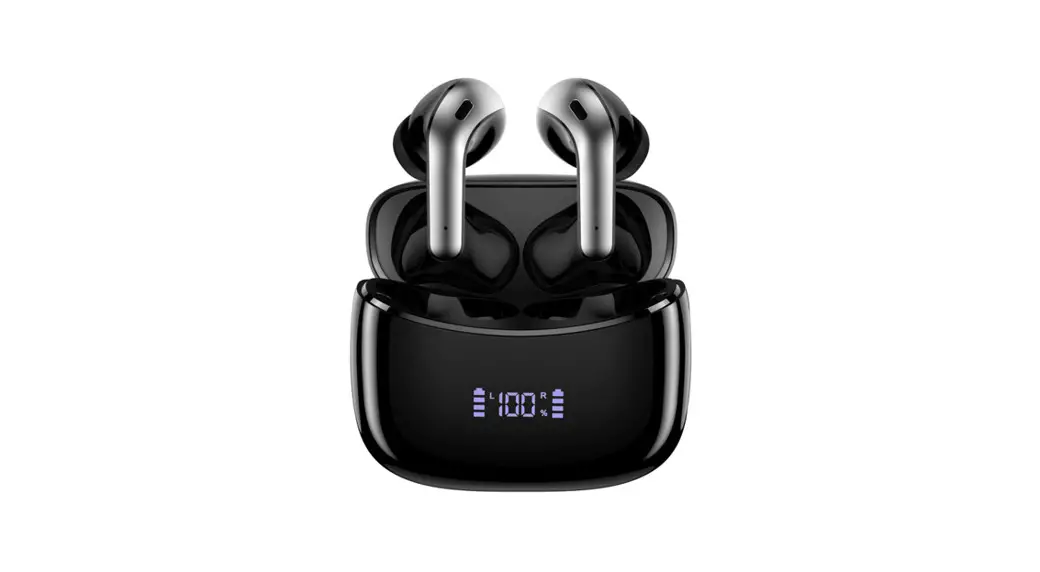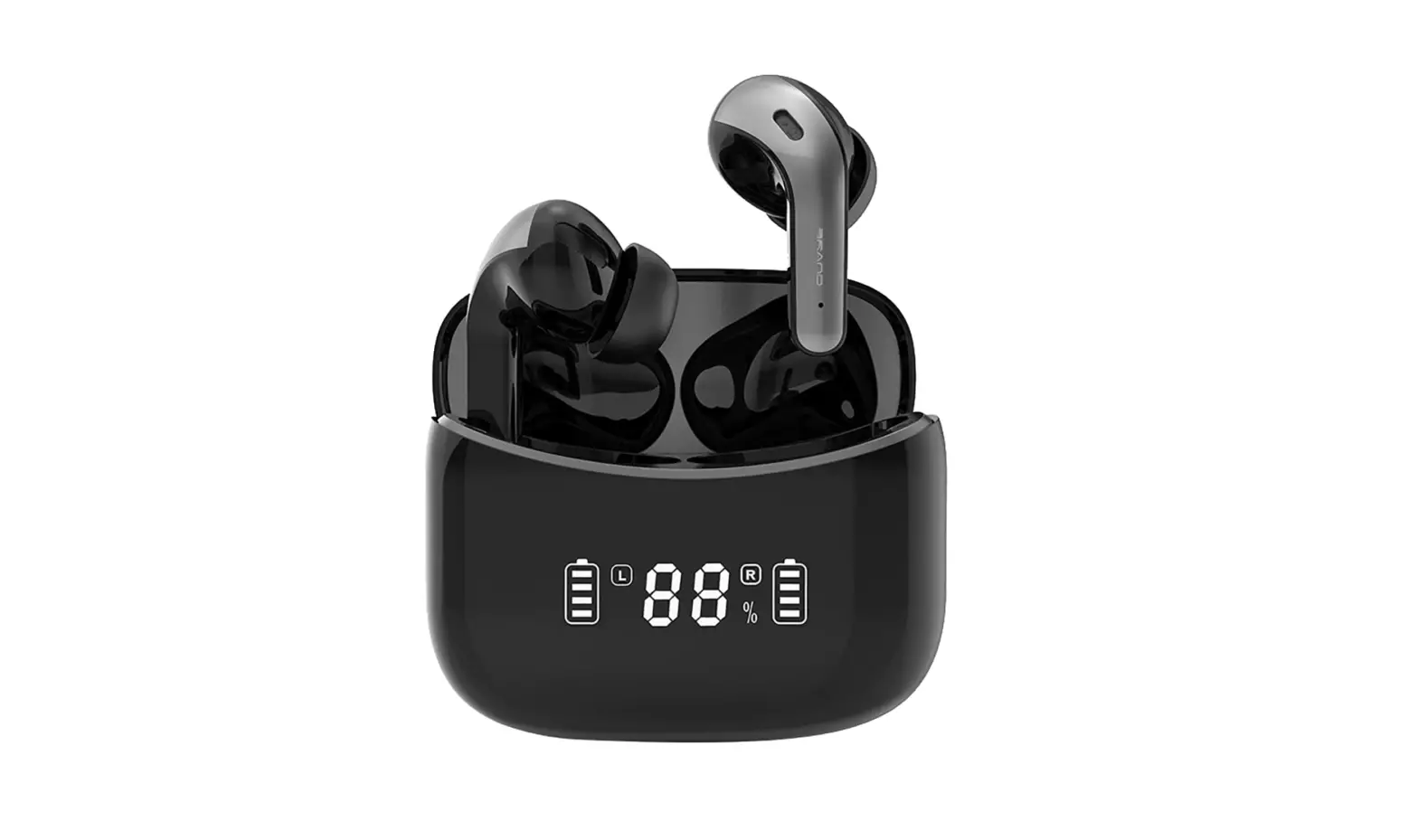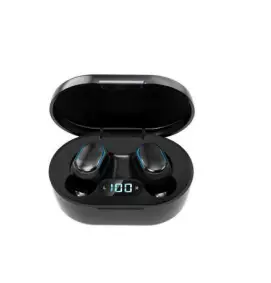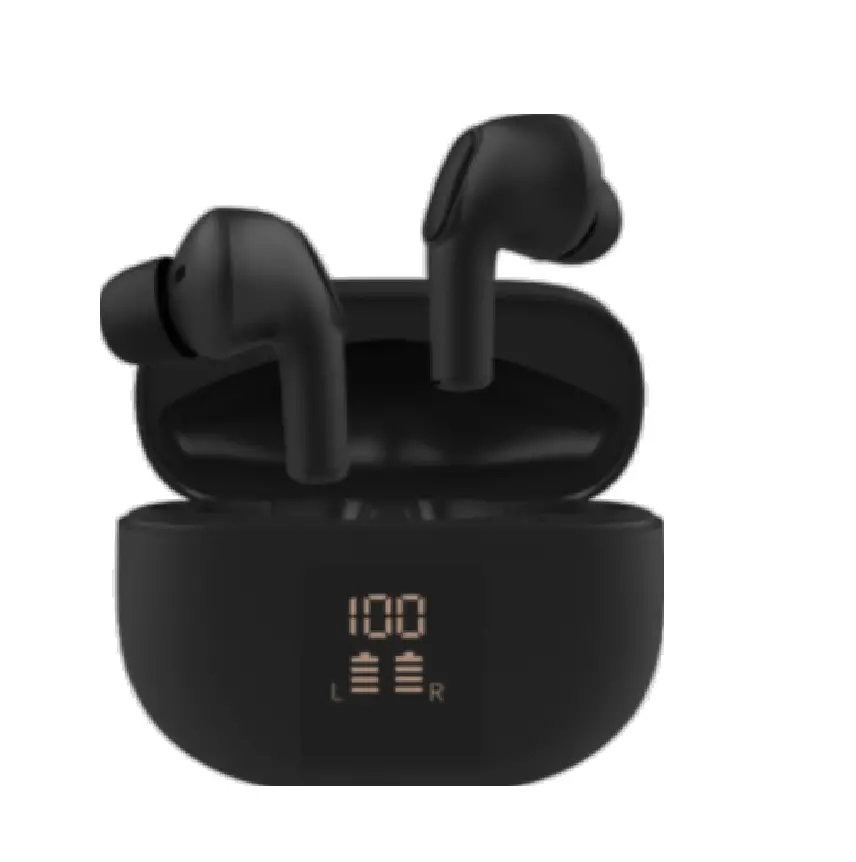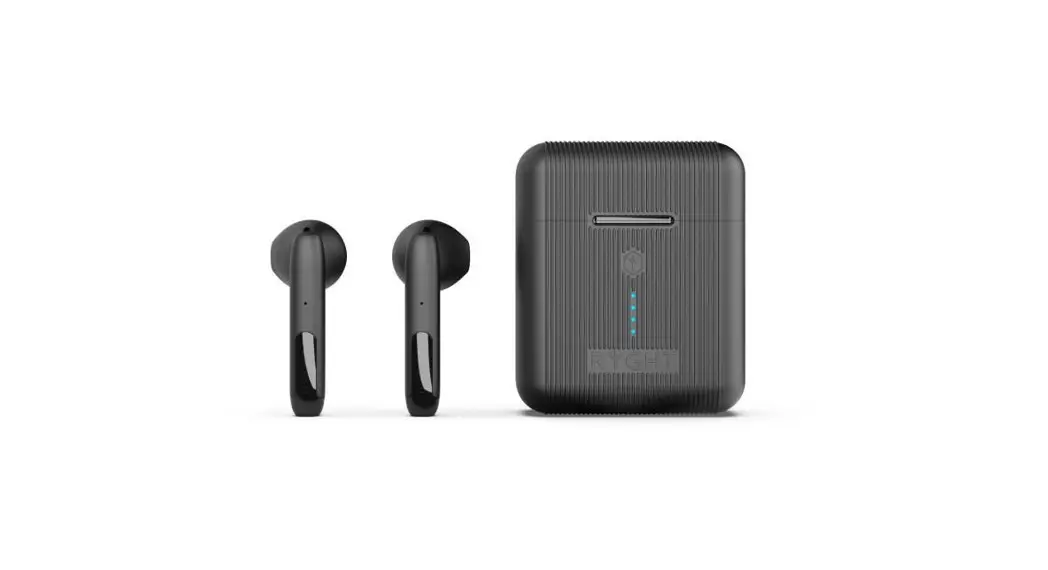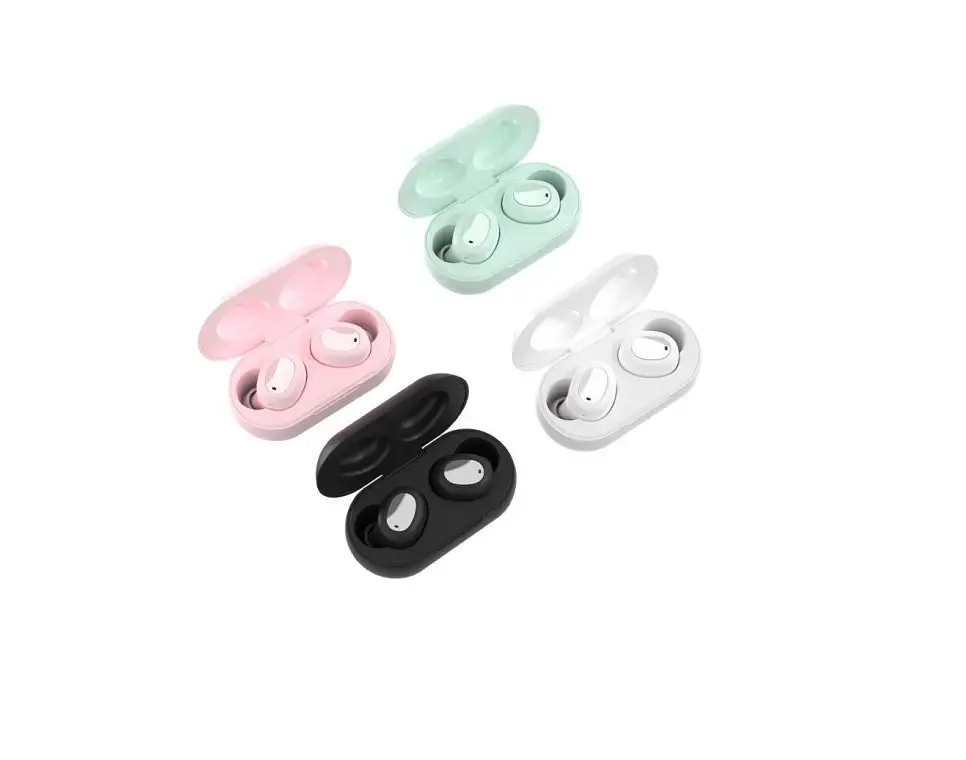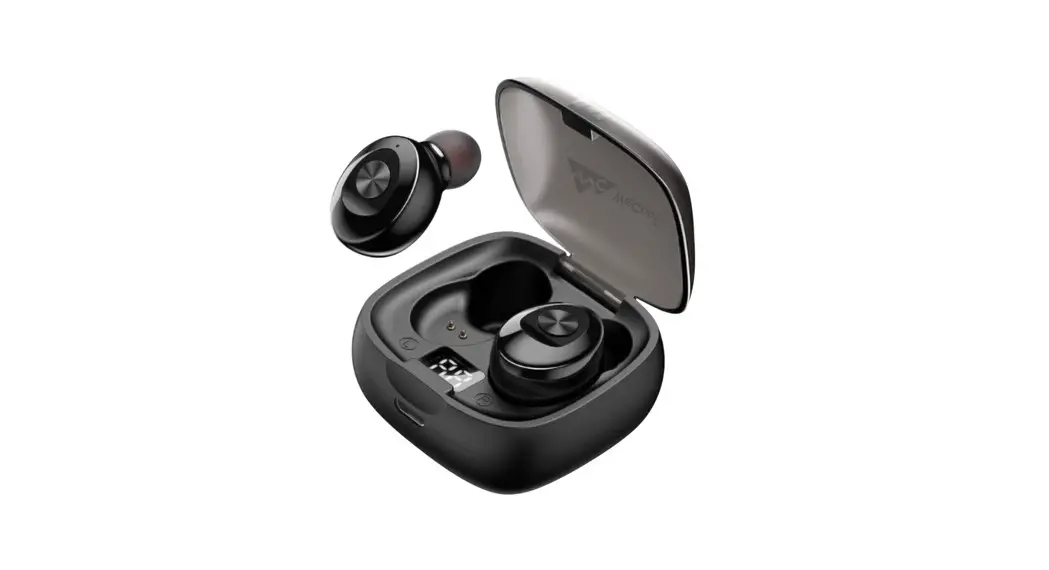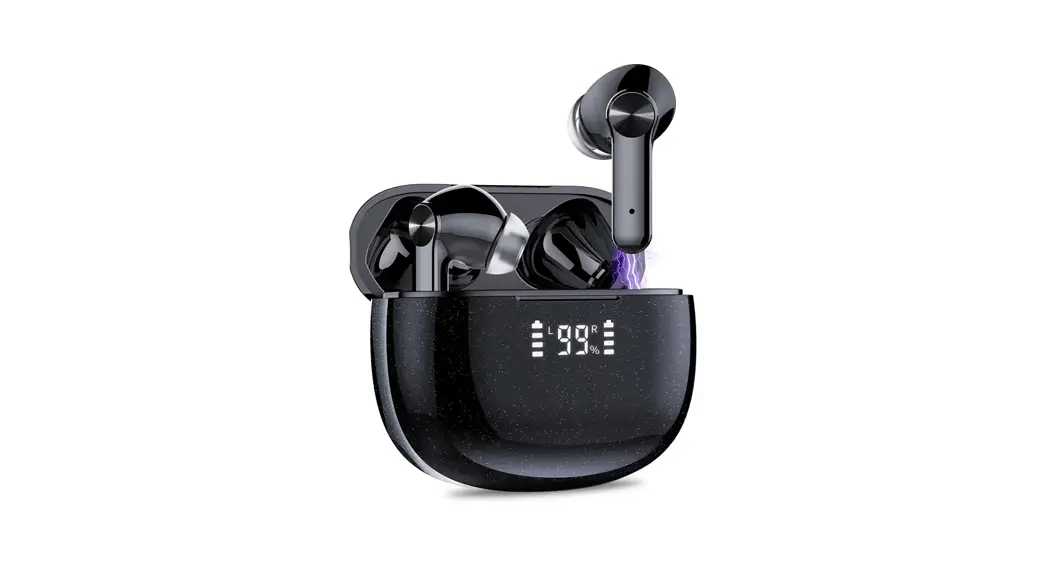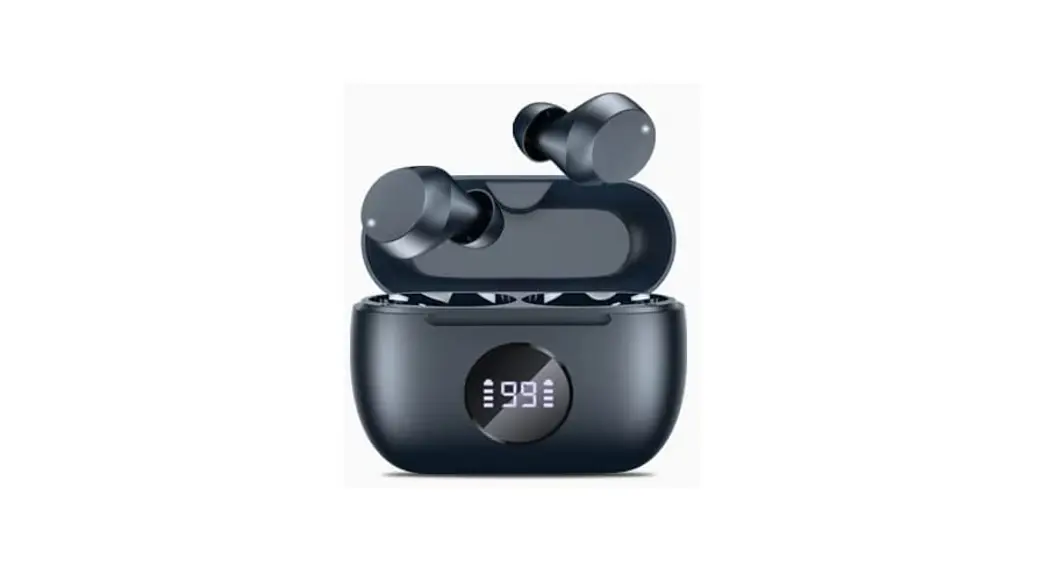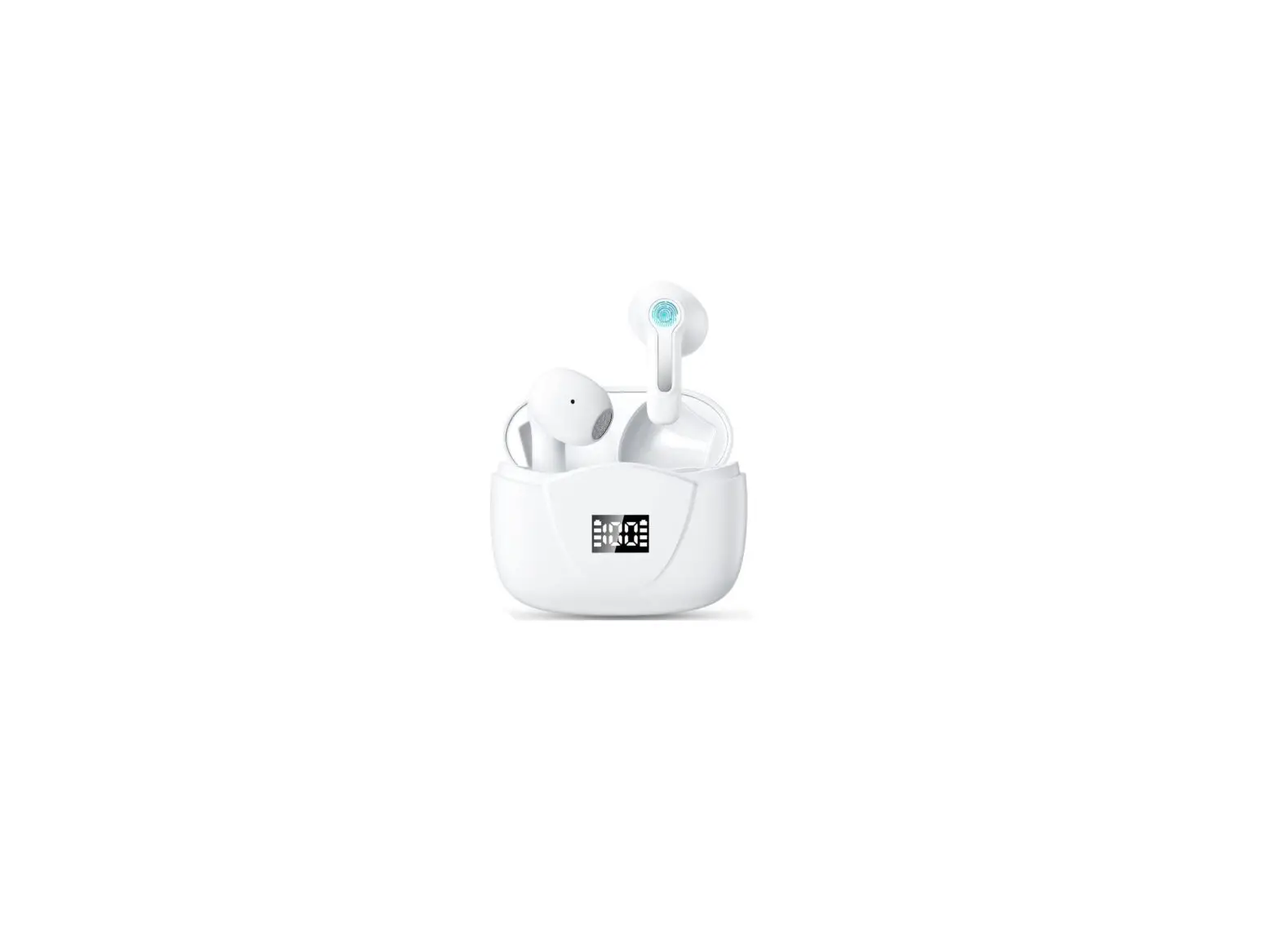

S15 Wireless Earbuds
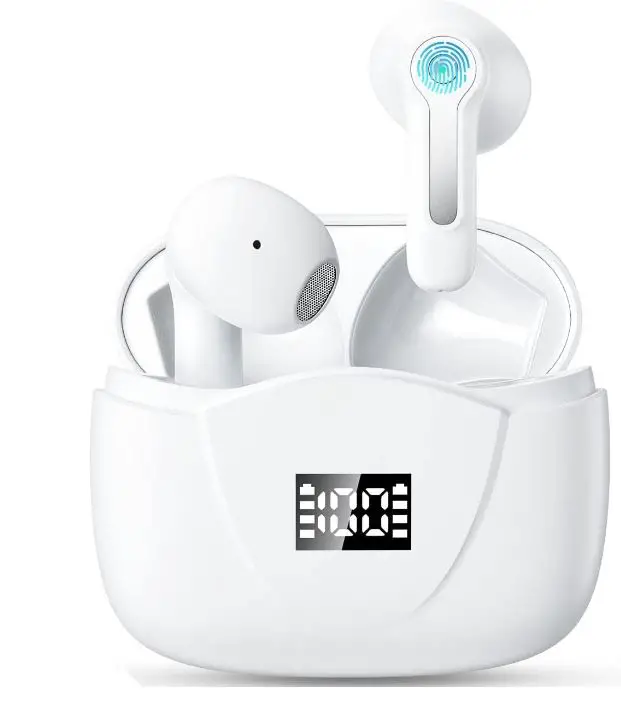
Please read the instructions before use
Connect
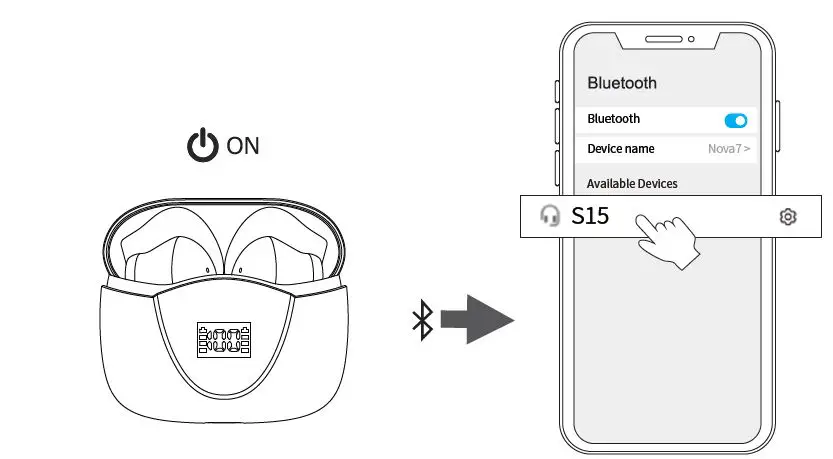
- Take out the earbuds
(Earbuds auto power on) - After open the phone Bluetooth, Click the <S15> to Pairing
Reset
If earbuds has any connection or function problems, please reset the earbuds
- Delete the BT pairing information on the phone.
- Take the earbuds into the charging case to charge.
- Take out the earbuds and wait for 20 seconds.
(If the above operation does not work, please try again)
Operation
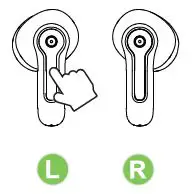
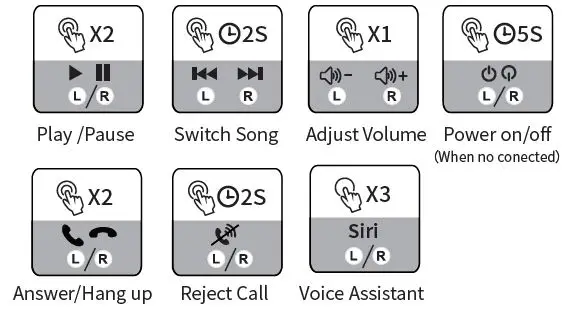
X1: Click Once
X2: Click 2 times 2S:Press and hold for 2 seconds
Problem handling
- Can be connected but there is no sound:
Click the right earbuds to increase the volume. - One of earbuds cannot be charge:
Clean the charging contact points of the earbuds and the charging case. - One of the earbuds cannot be connected:
Reset the earbuds.
If you cannot solve the problem, please contact us in time.
Please clean the charging contacts of the earbuds and charging case frequently to avoid charging failures.