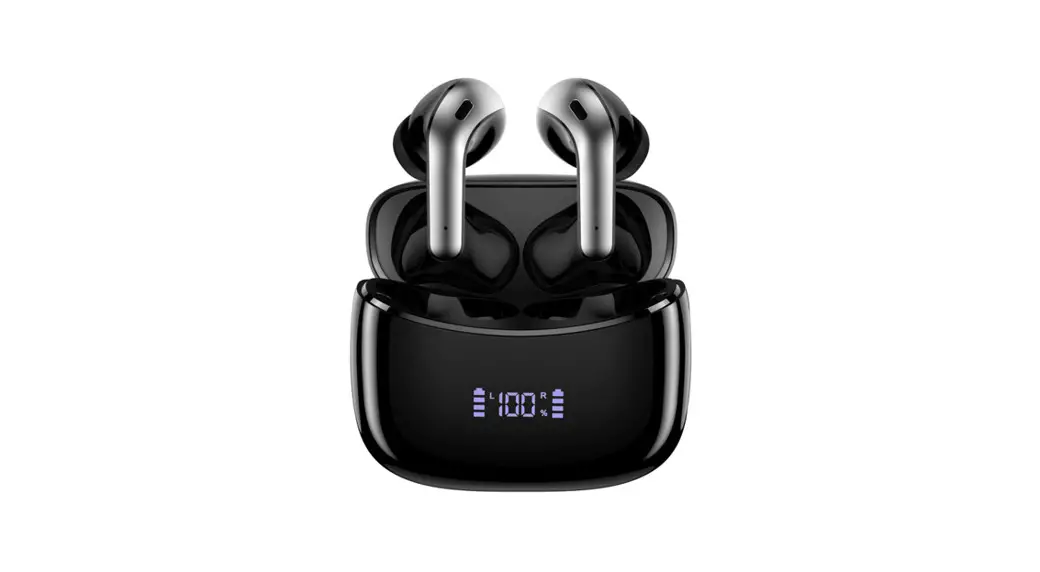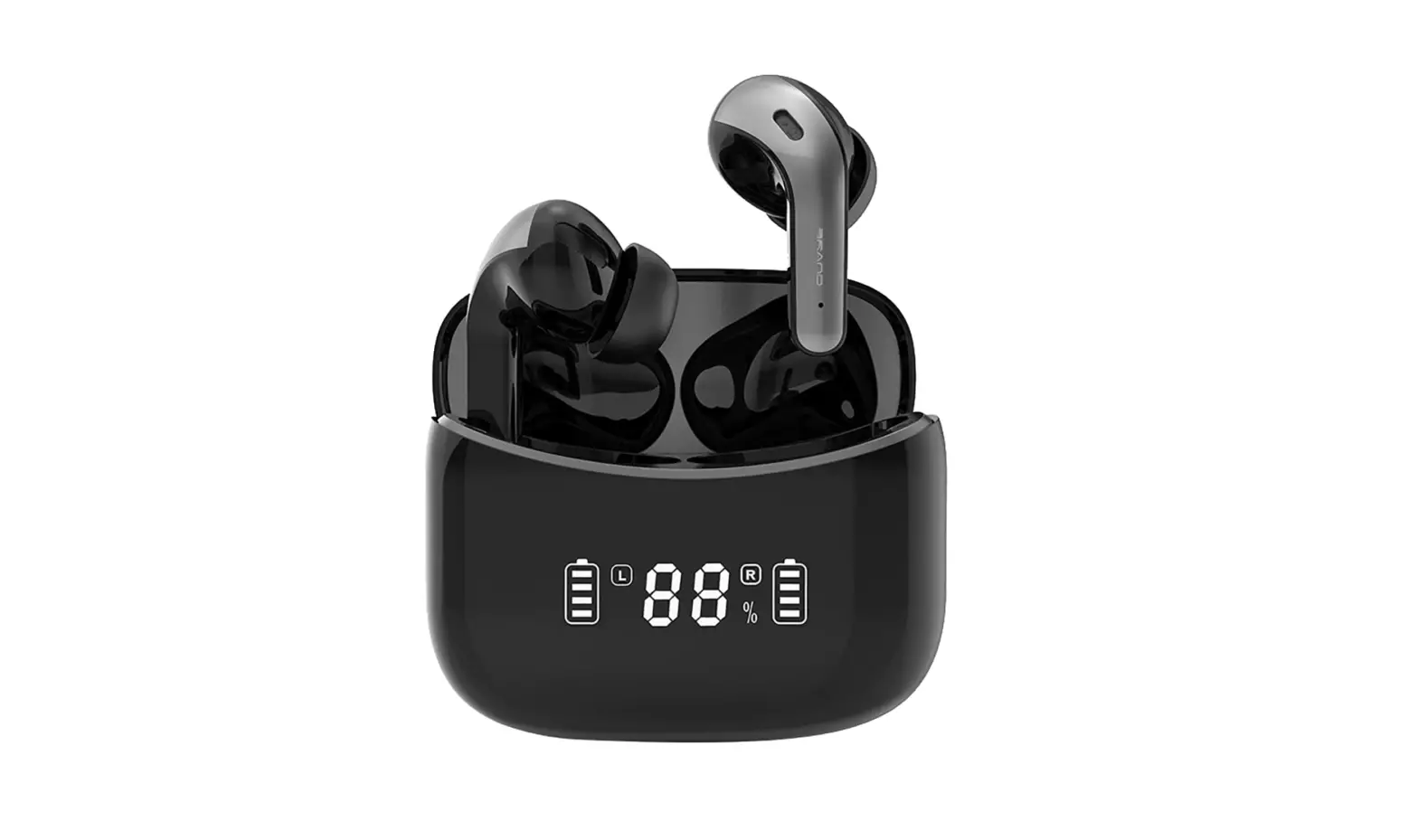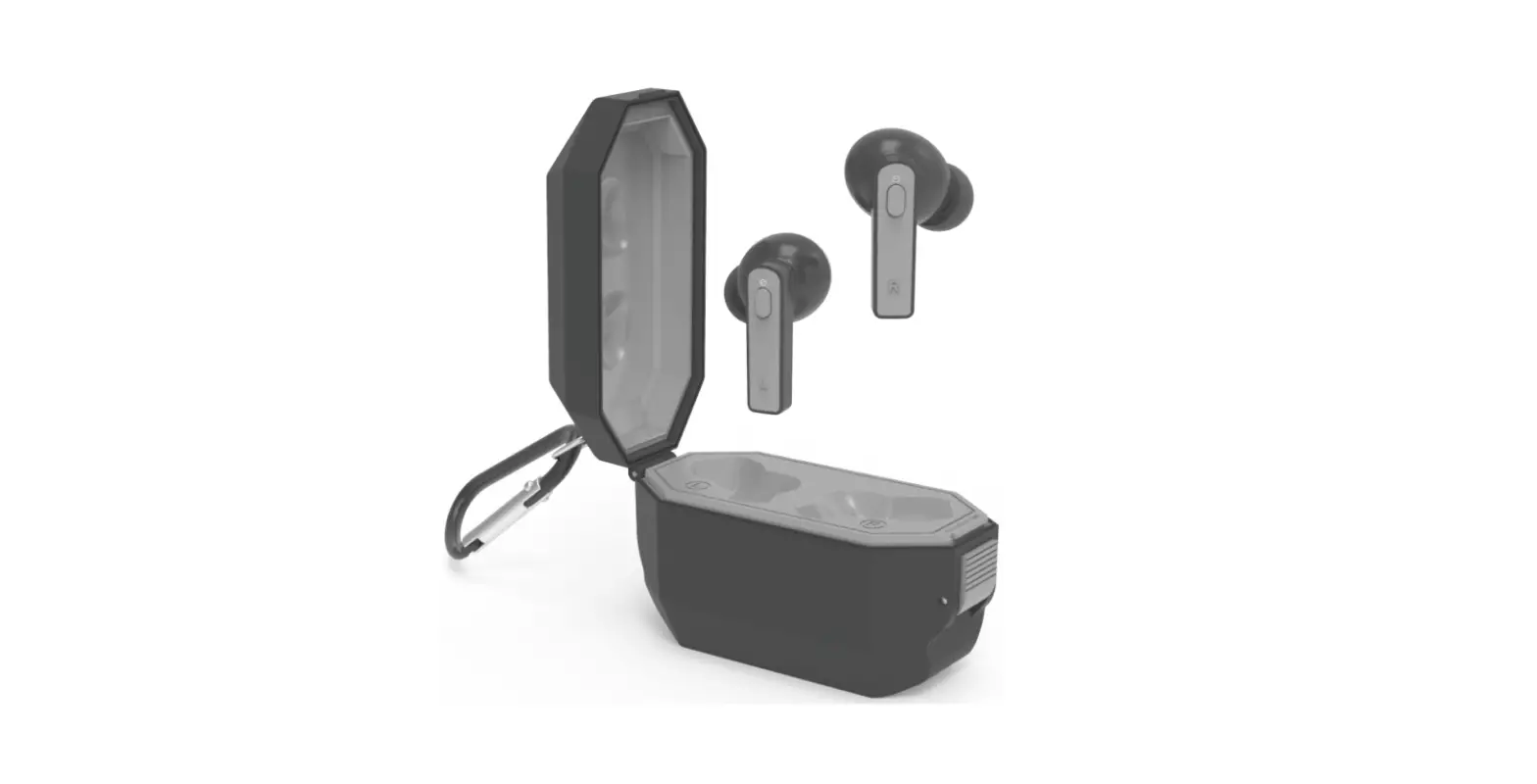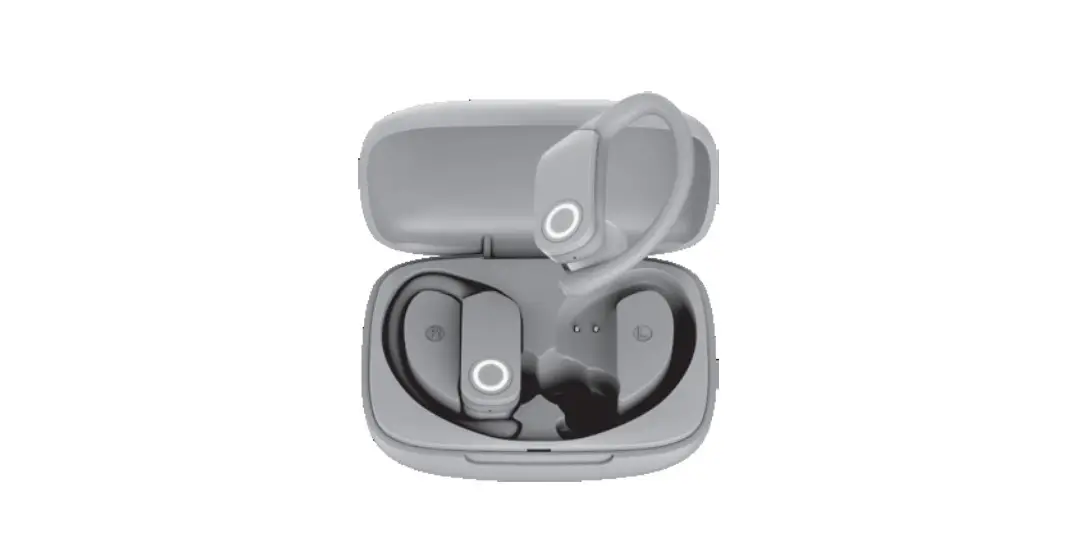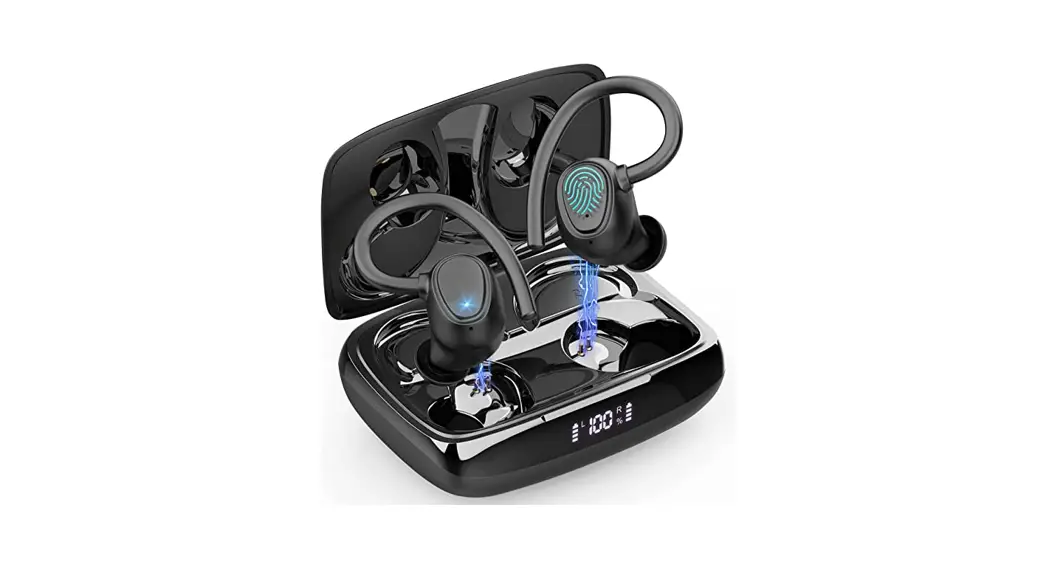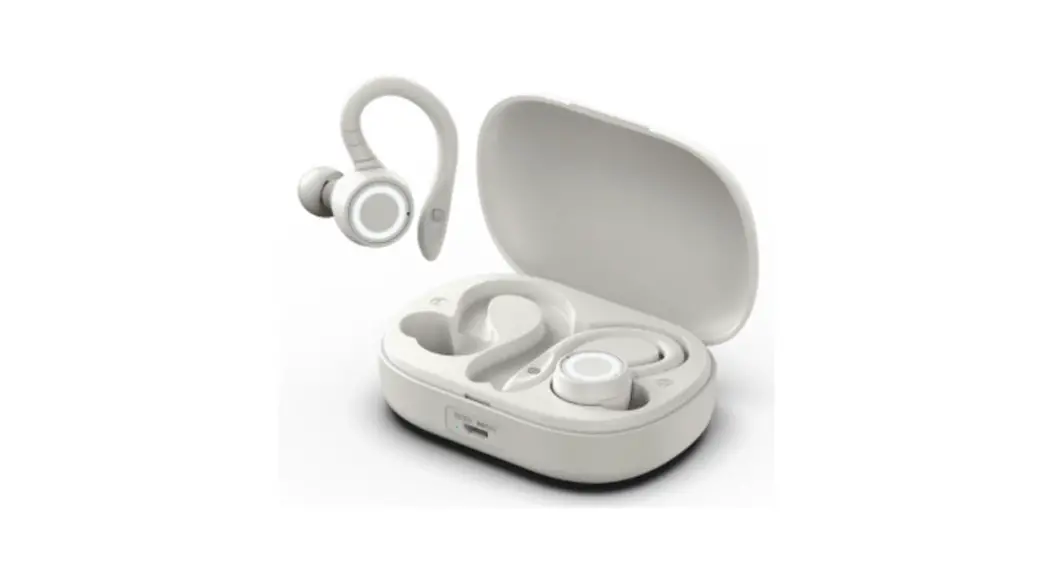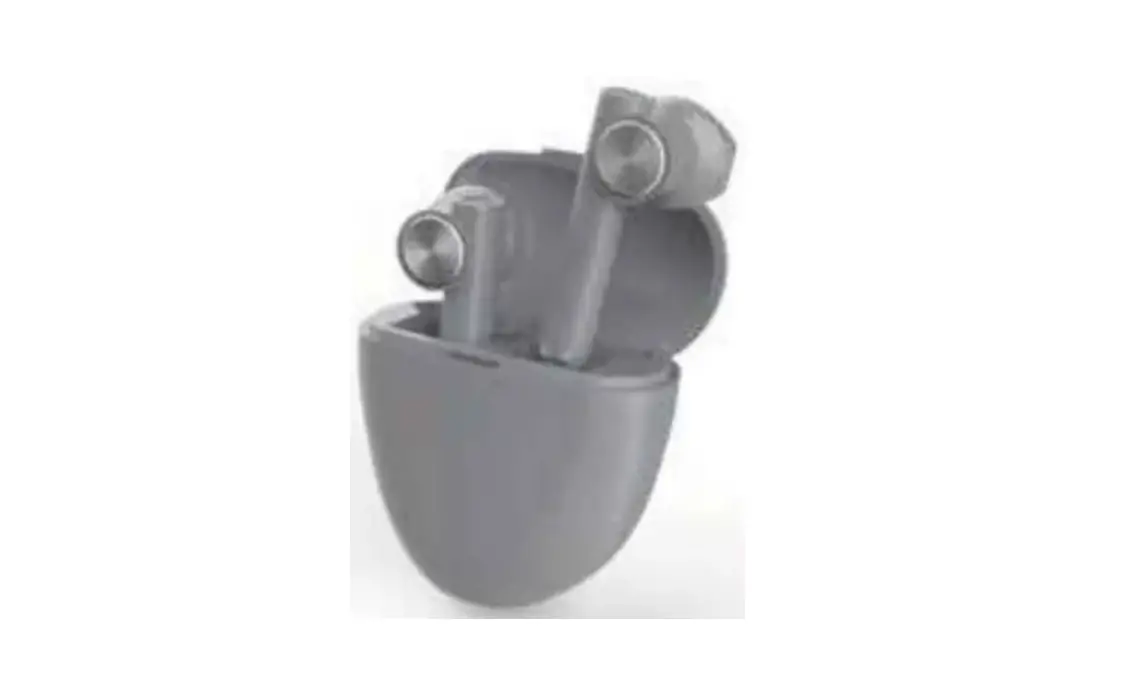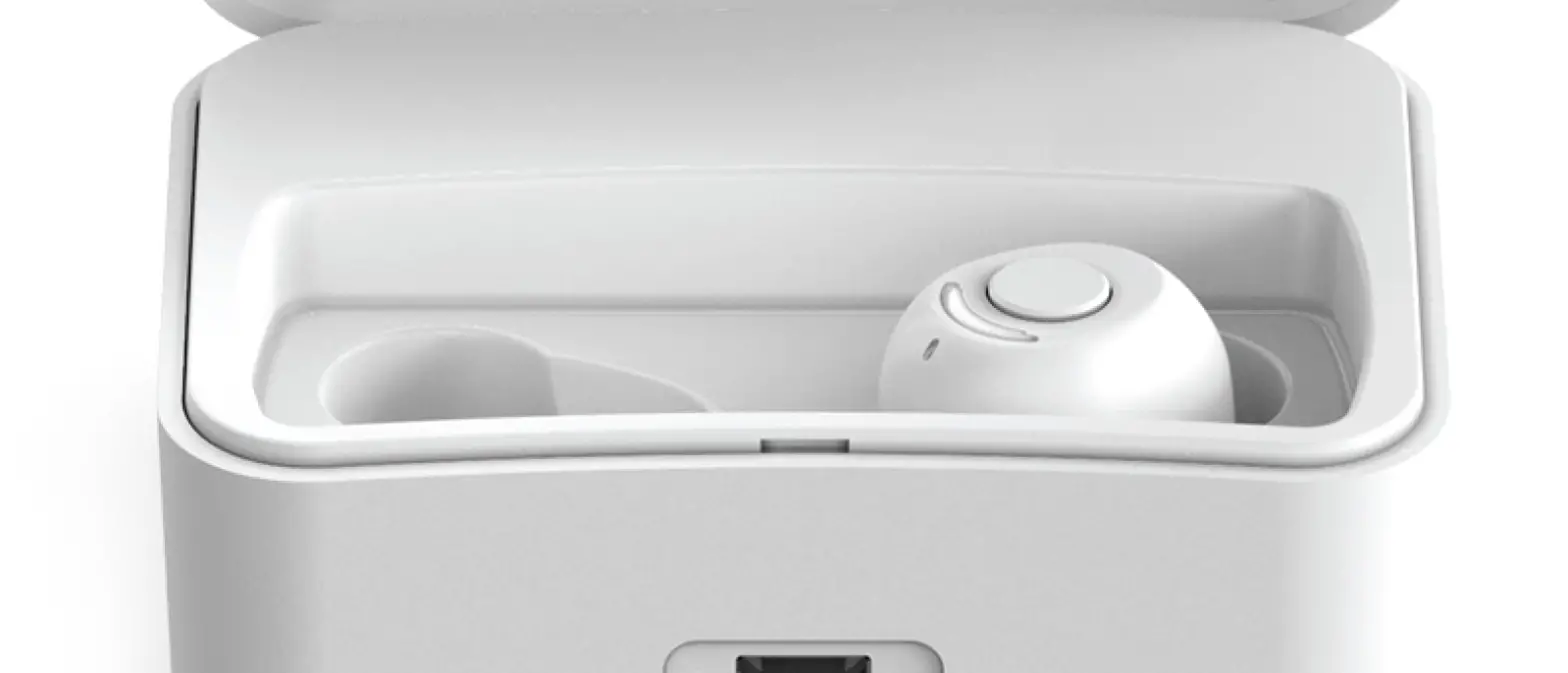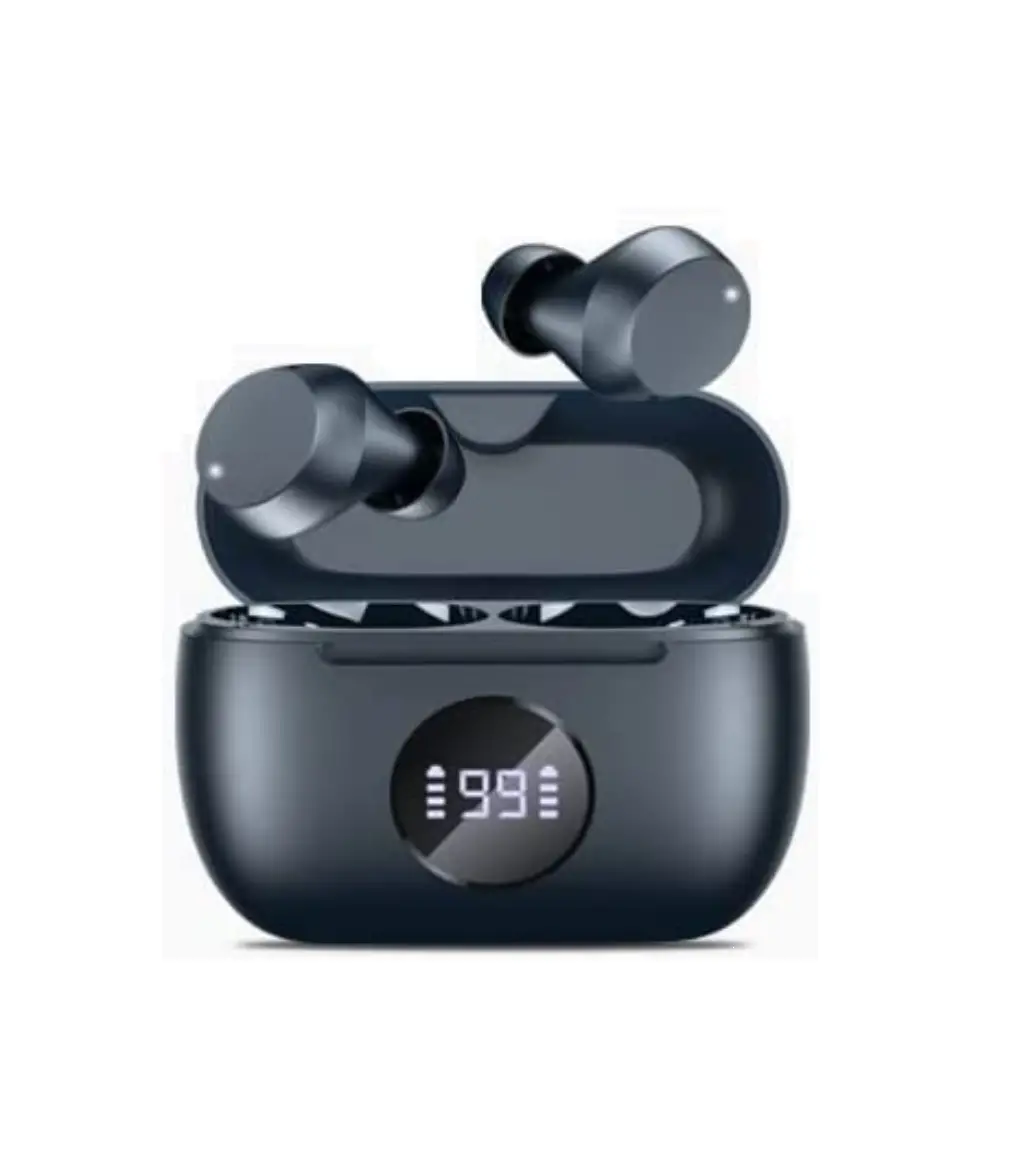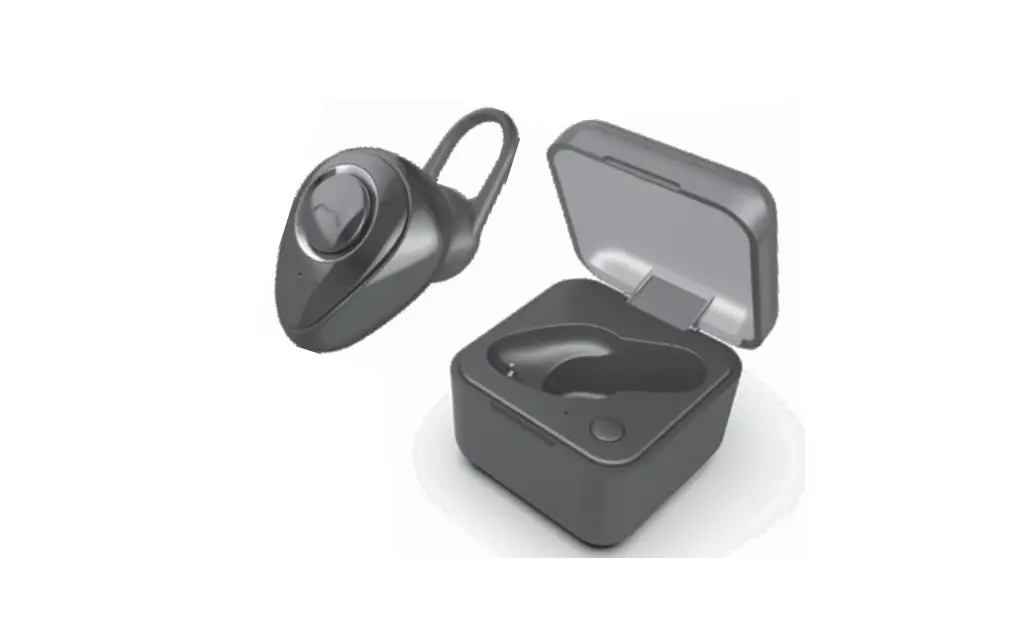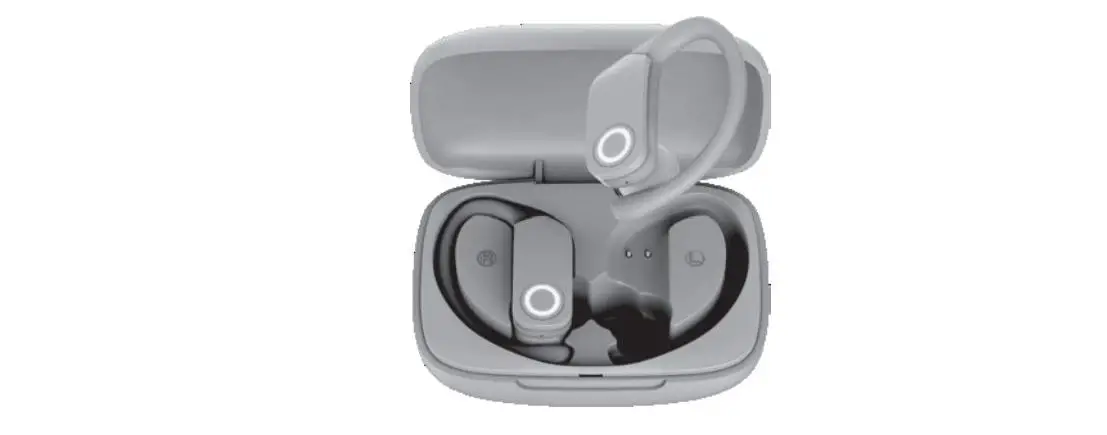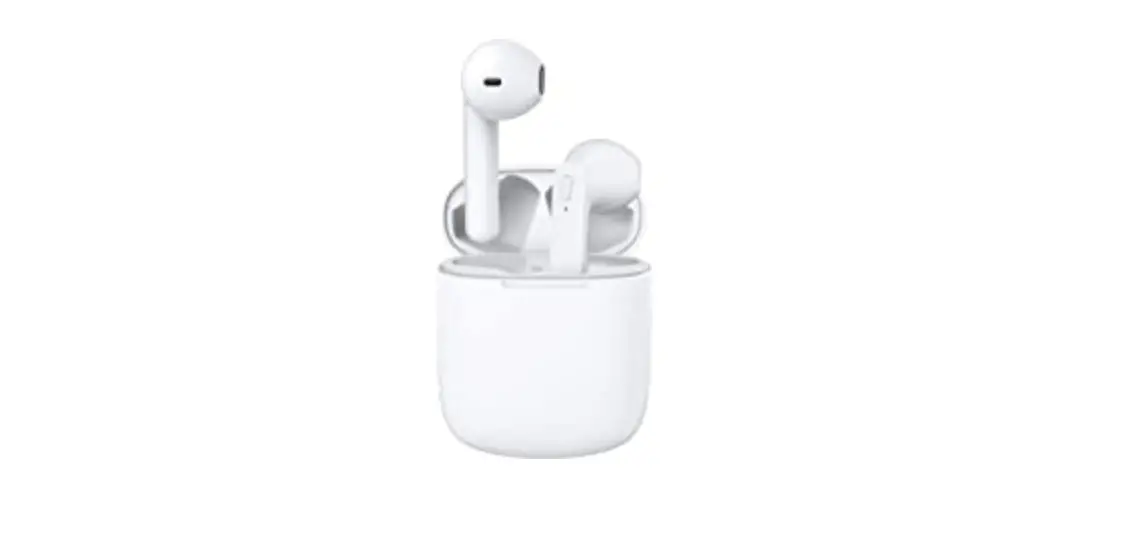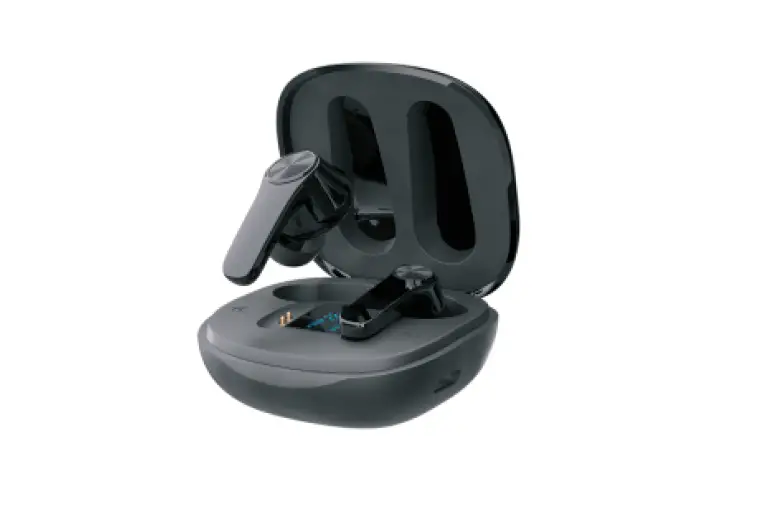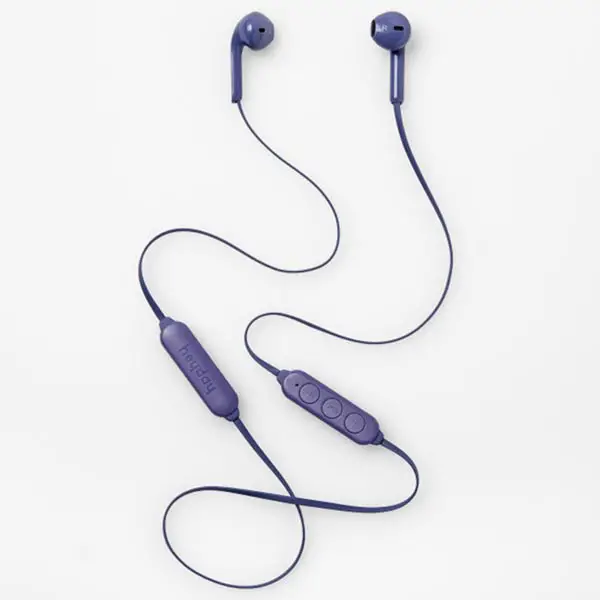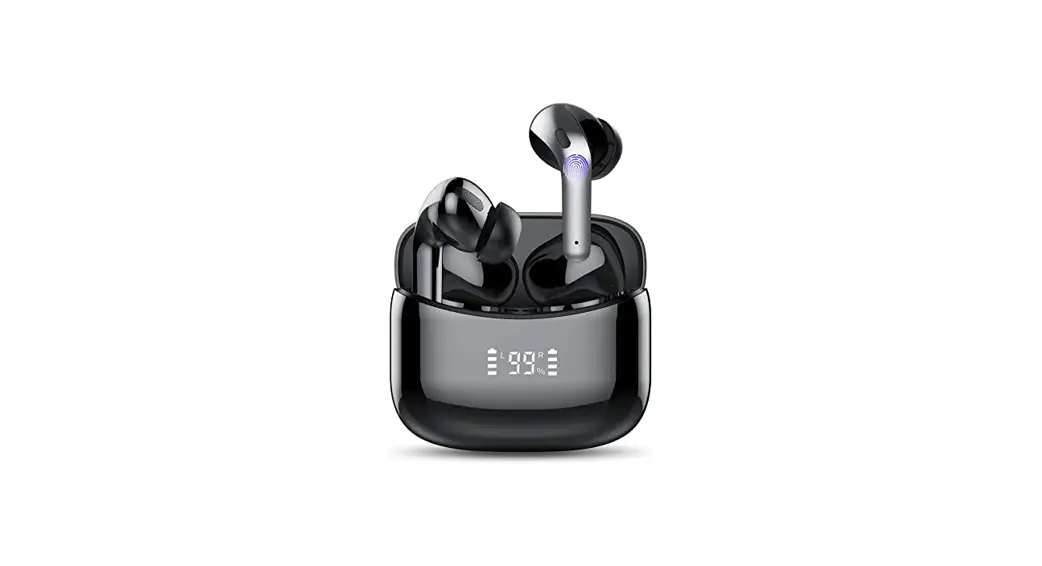
 Wireless Earbuds
Instruction Manual
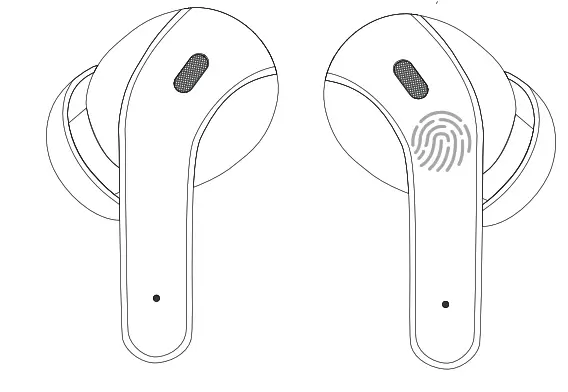
Please read the instructions before use
Connect
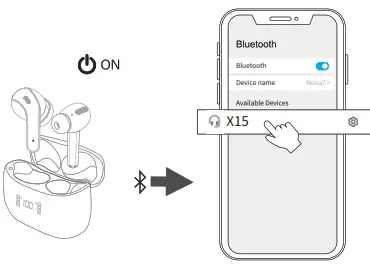 | |
| 1. Take out the earbuds (Earbuds auto power on) | 2. After opening the phone Bluetooth, Click the <X15> to airing |
Reset
If the earbuds have any connection or function problems, please reset the earbuds
- Delete the BT pairing information on the phone.
- Take the earbuds into the charging case to charge.
- Take out the earbuds and wait for 20 seconds. (If the above operation does not work, please try again)
Operation
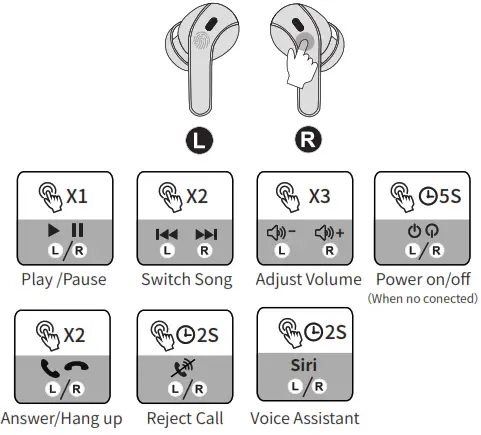
- X1: Click Onc
- X2: Click 2 times
 2S: Press and hold for 2 seconds
 2S: Press and hold for 2 seconds
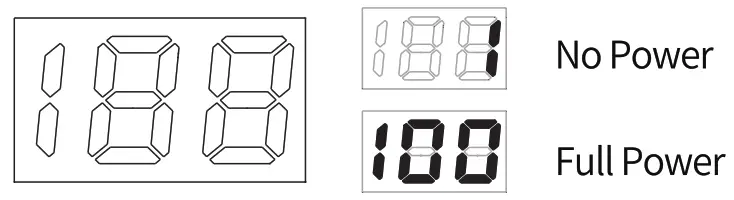
Charging Case Battery Indicator
Problem Handling
- Connected but no sound: Click 3 times of the right earbuds to increase the volume.
- Can t be connected: Reset the earbuds.
- Can’t be charged: Please use alcohol to clean the charging contacts of the charging case and the earbuds.
Charging Failure
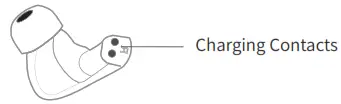
 Please clean the charging contacts frequently to avoid corrosion of the charging thimble by sweat.!
If the charging failure cannot be solved, please contact us on Amazon, and we will send you a new product. (No need to send back old products)