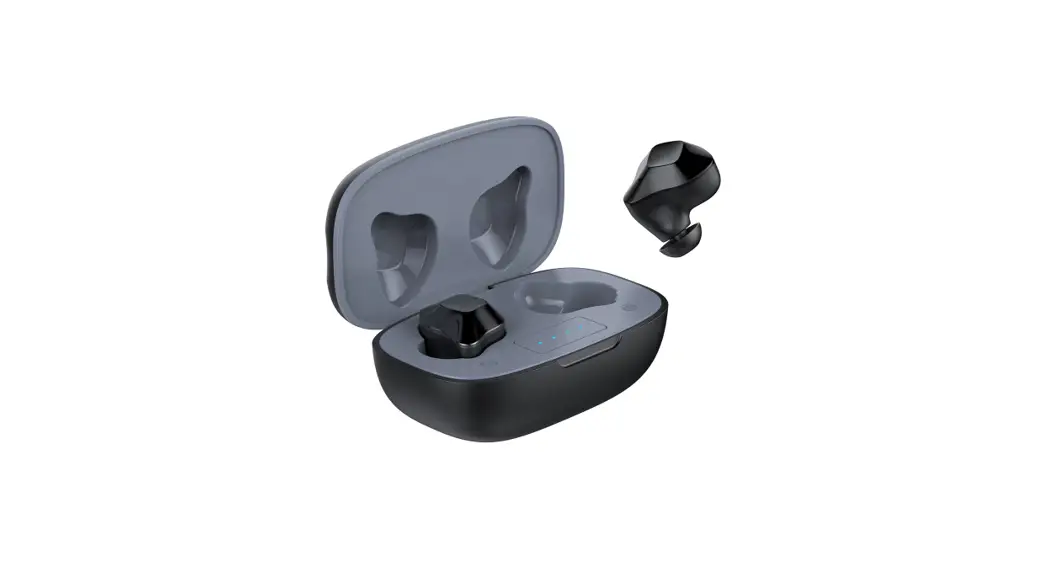
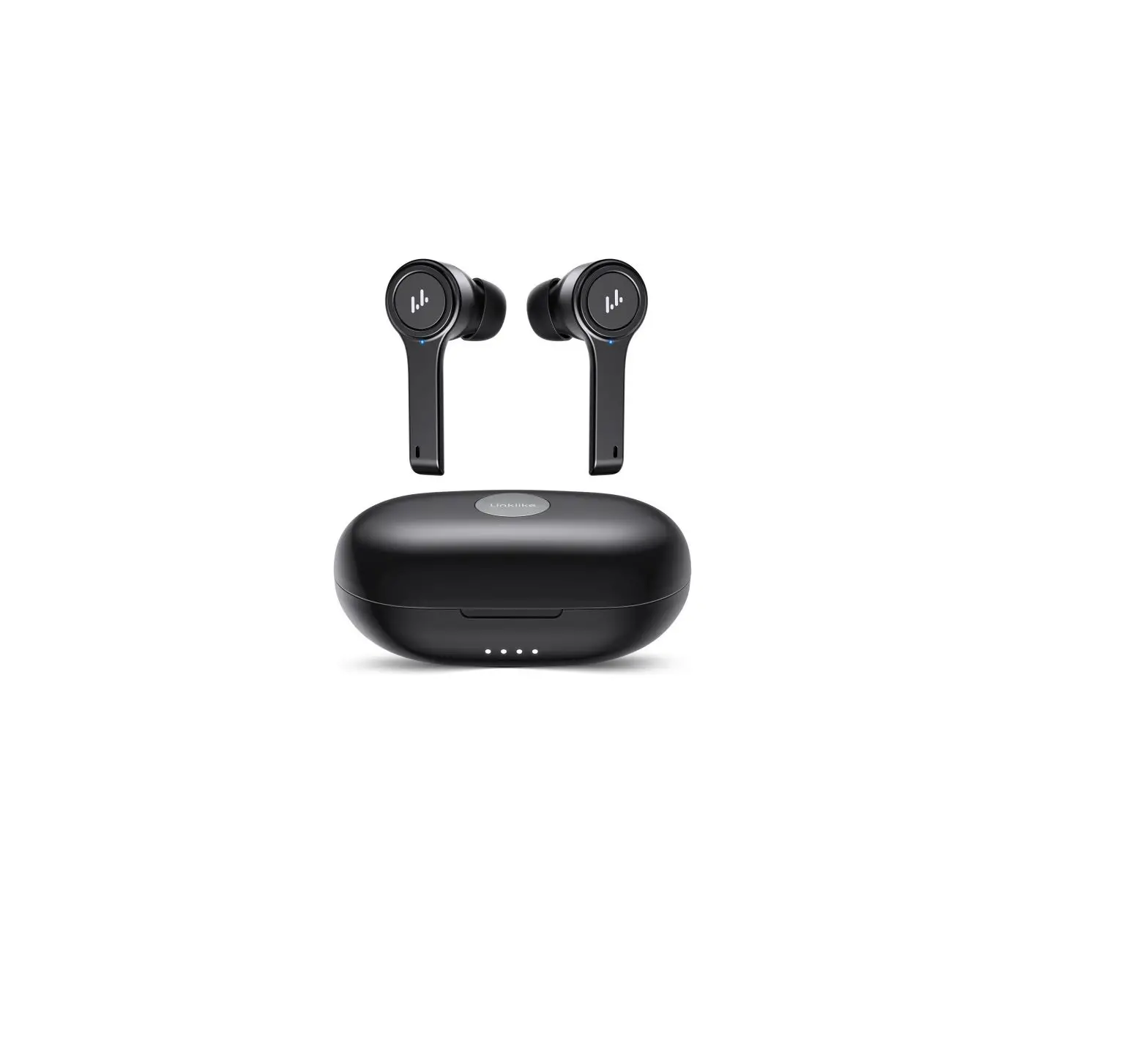
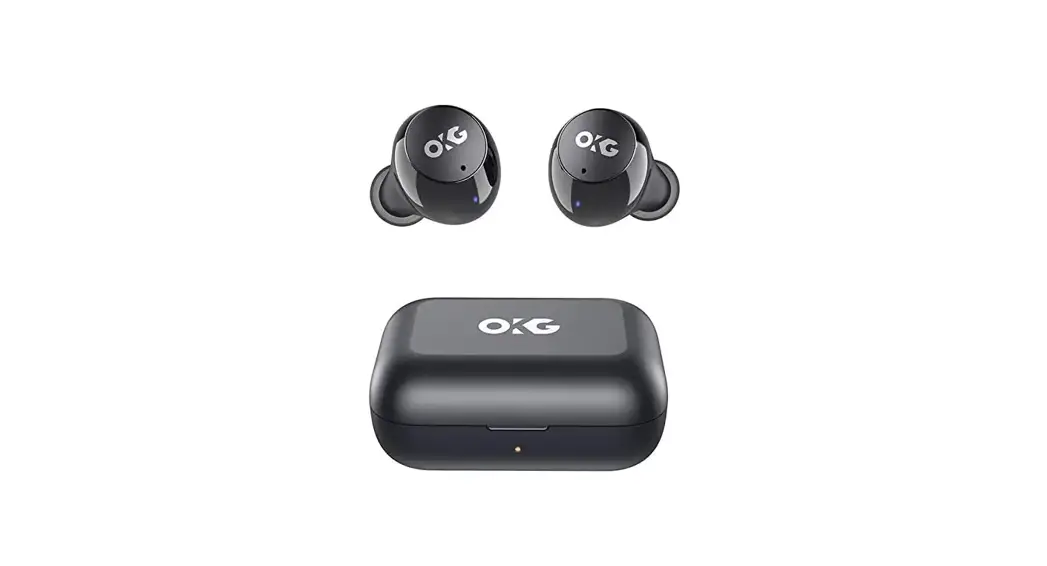
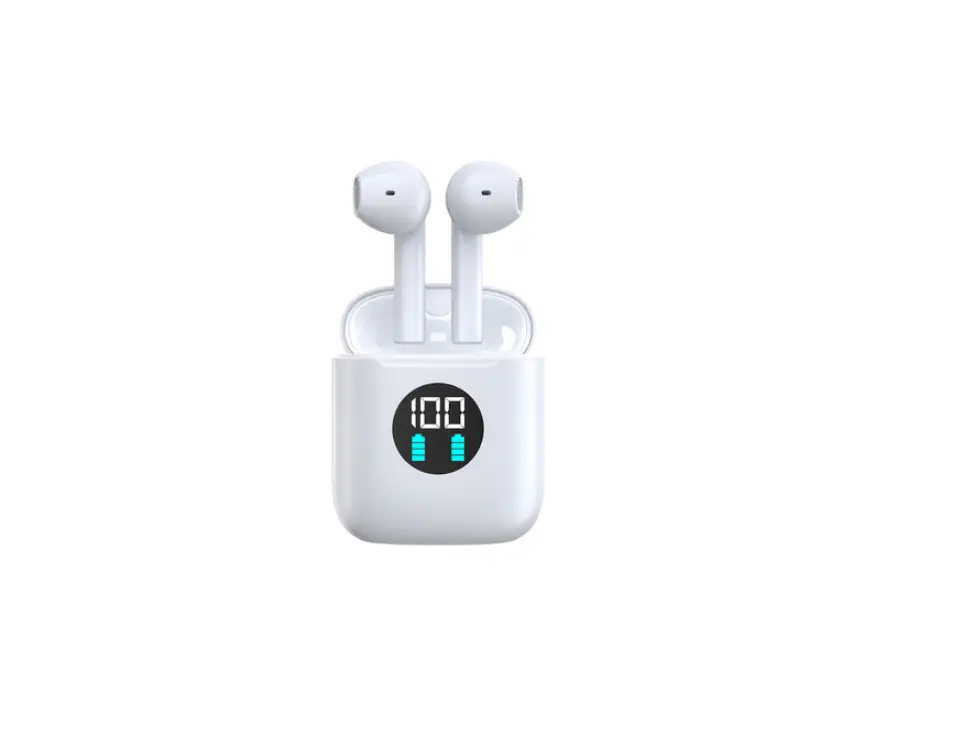
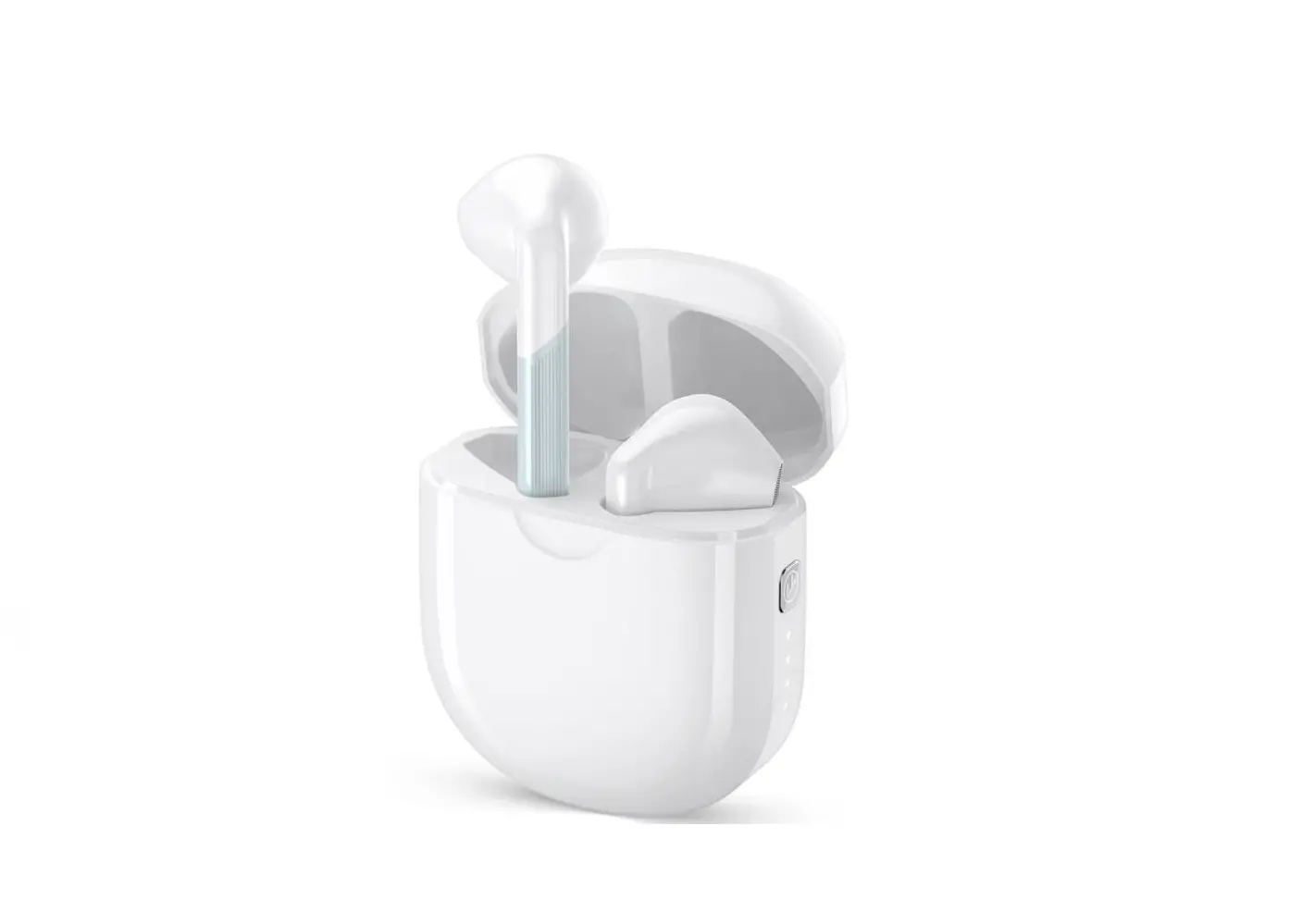
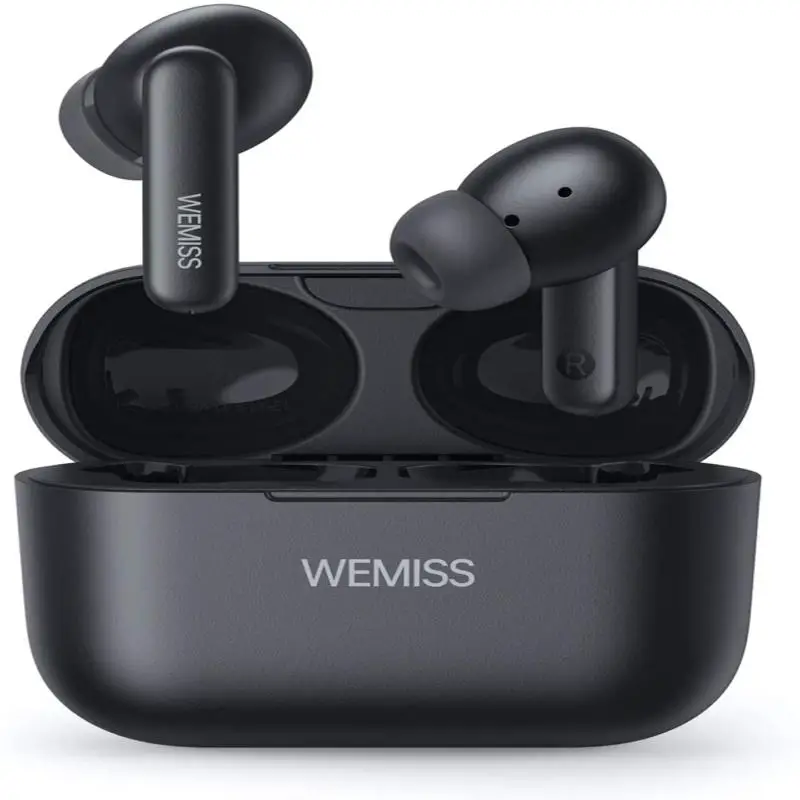
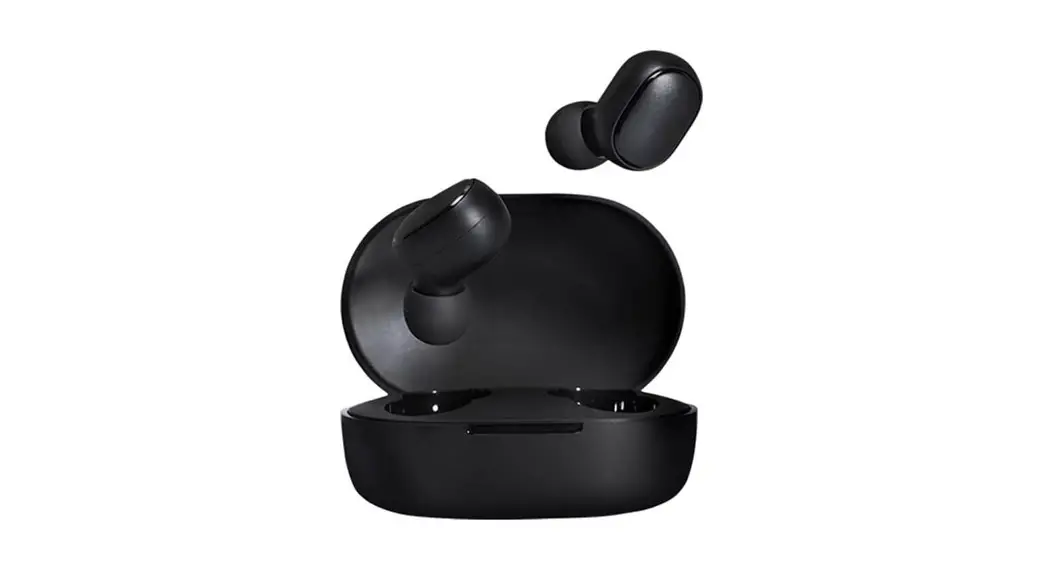
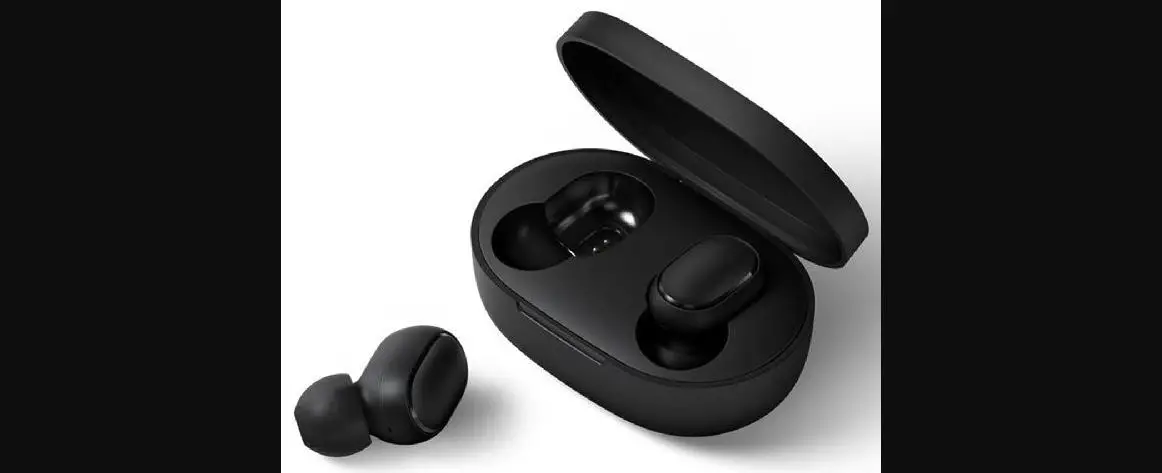
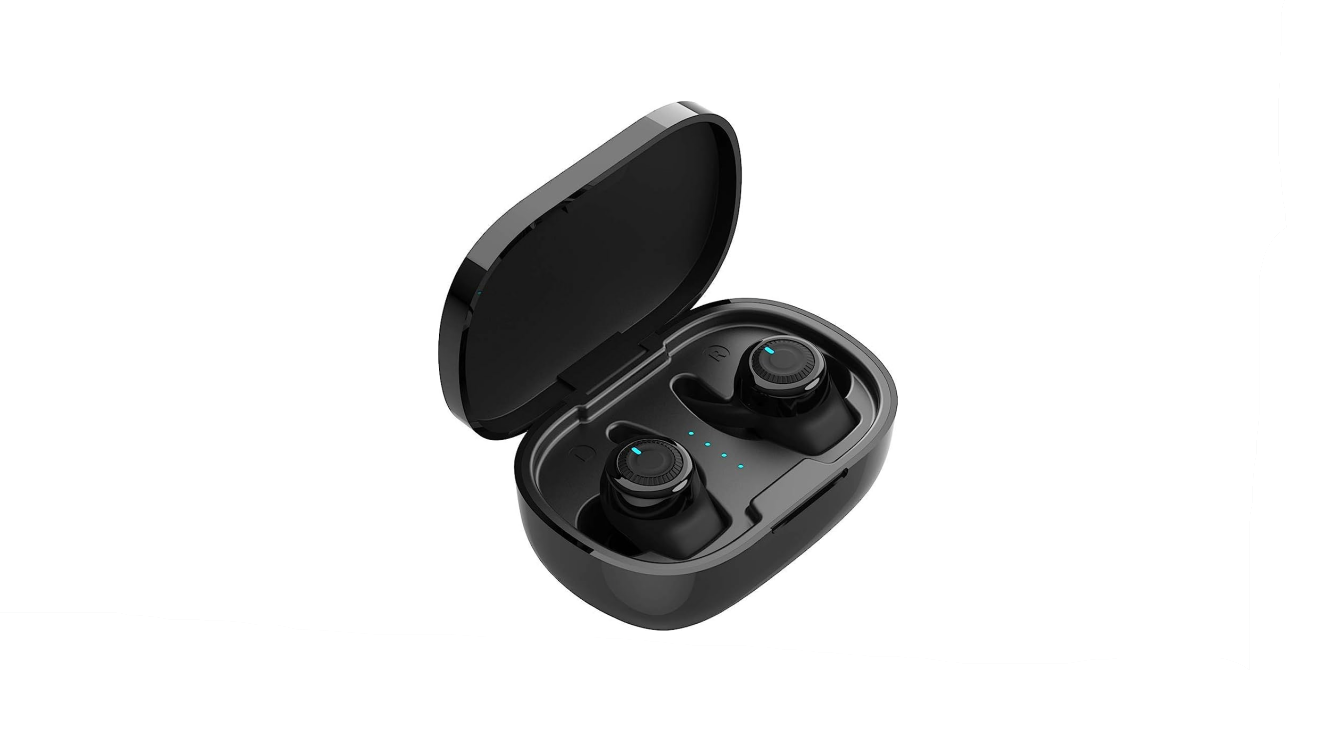
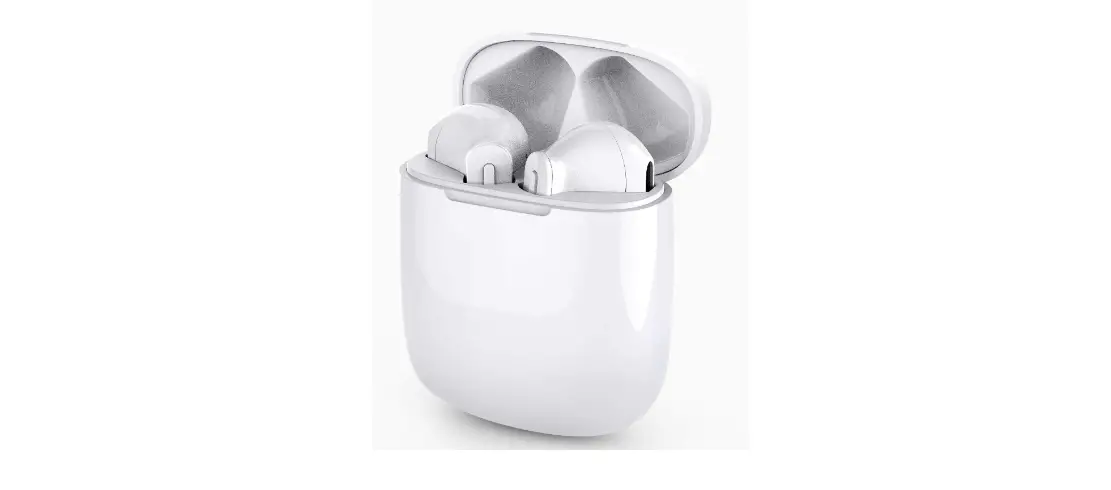
S18 True Wireless Earbuds
Product Information:
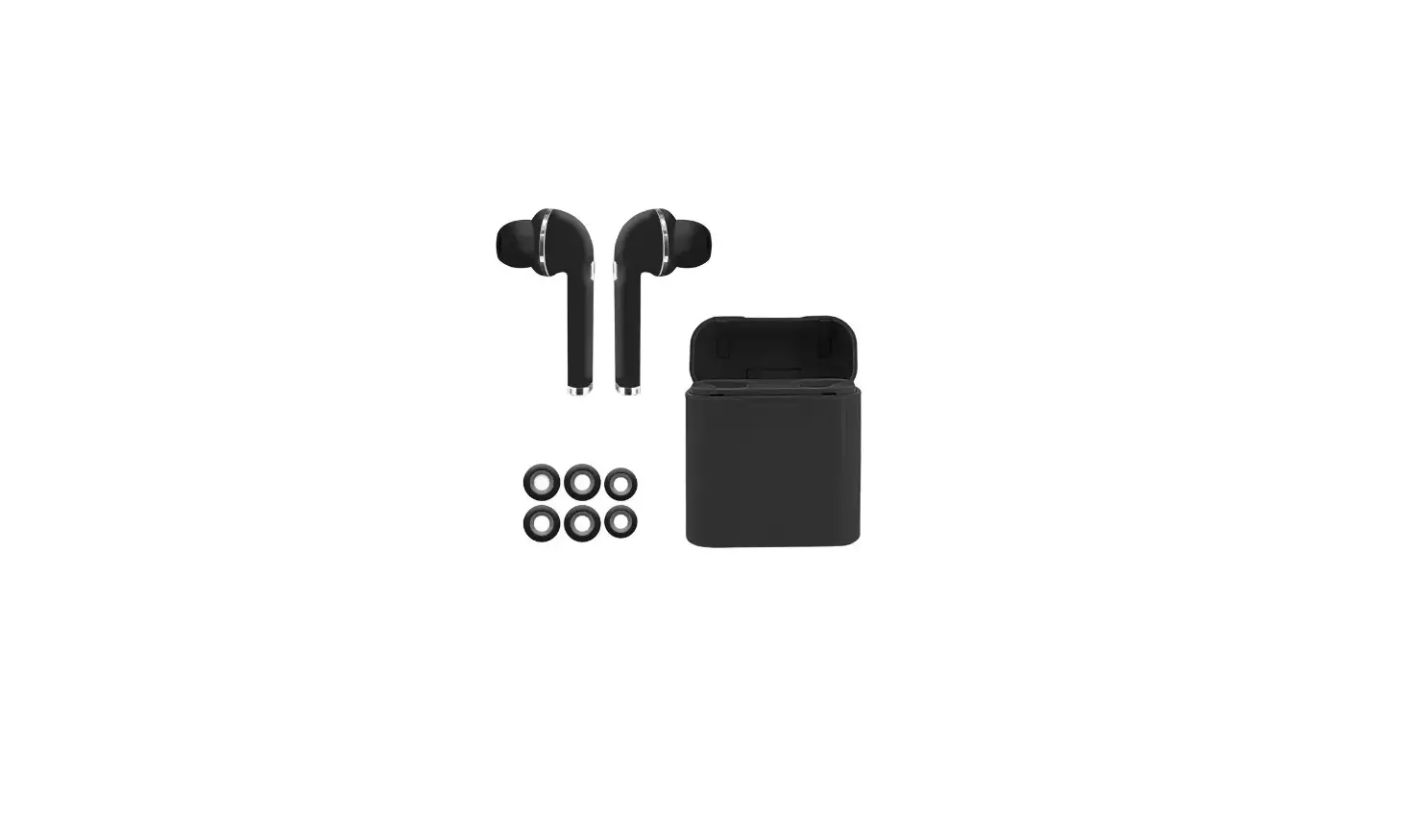
- Product: True Wireless Earbuds
- Packing List:
- Charging Case x1
- Earbuds x2
- Type-C Cable x1
- User Manual x1
- Customer Service: [email protected]
Product Usage Instructions:
Power On/Off:
Auto Power On:
- Open the charging case, the earbuds will automatically turn on
and start pairing. - To turn off the earbuds, put them back into the charging case
and close the case.
Manual Power On (Without Charging Case):
- If the earbuds are not in the charging case, press and hold the
button of each earbud for 2 seconds to power on. - To power off the earbuds (without charging case), press and
hold the button of either earbud for 8 seconds.
How to Connect:
- Open the charging case, and the two earbuds will automatically
power on and enter pairing mode. - Activate the Bluetooth setting on your phone and search for
“S18” to connect. - Note: The earbuds will reconnect to the last paired device by
priority. If you want to pair with a different device, remove the
Bluetooth connection on the previous device first.
Reset:
When to reset:
- When only one side of the earbuds plays music.
- When the two earbuds fail to work together.
- When both earbuds fail to pair with each other or other
connection issues, etc.
How to reset:
- Open the charging case.
- Press and hold the reset button at the bottom of the charging
case for 5 seconds. - The blue and white lights will turn on for 2 seconds,
indicating a successful reset. - Note: Resetting the earbuds will clear the pairing history on
your device, so remember to reconnect your device with the earbuds
after each reset.
Multi-Function Operations:
(L/R refers to left and right earbuds)
- Music Control:
- Tap once (L/R): Play/Pause
- Double Tap (L): Previous Track
- Double Tap (R): Next Track
- Long-press (L): Volume Down
- Long-press (R): Volume Up
- Incoming Call:
- Tap once (L/R): Answer
- Long-press 2s (L/R): Reject
- Long-press (R): Hang Up
- Voice Assistants:
- Triple-tap (L/R): Activate Voice Assistants (e.g., Siri)
- Game Mode:
- Four Tap (L/R): Activate Game Mode
How to Charge:
Charging the Earbuds:
- Put the earbuds into the charging case and close the case.
- The earbuds’ charging indicator for the left and right sides
will flash from the 1st grid to the 4th grid to show the charging
status. - LED light on: earbuds are charging
- LED light off: fully charged
Charging the Charging Case:
- Use a 5V/1A adapter with the provided USB-C charging cable to
charge the case.
If you have any further questions or need assistance, please
contact Customer Service at [email protected].
User Manual True Wireless Earbuds
PACKING LIST
Charging Case x1 Earbuds x2 Type-C Cable x1 User Manual x1
Customer Service: [email protected]
S18
Earbuds x2
Charging Case x1
USB Type-C Chargingcable x1
Manual x1
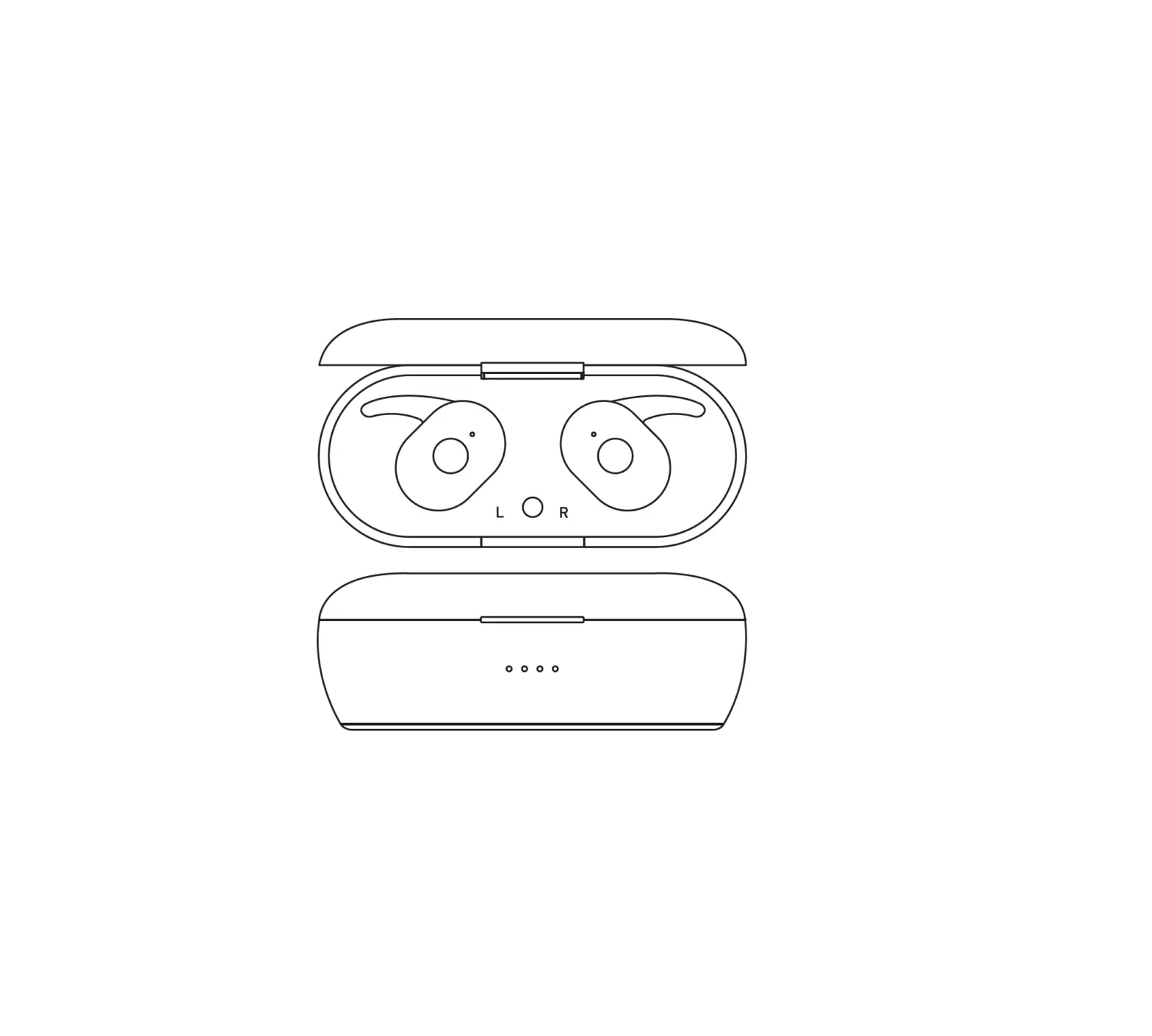
OVERVIEW
Reset Button
Type-C Charging Port
Multi-function Button
Charging Case Power Display
Charging Indicator for Earbuds
LED Indicator
Charging lndicator for Earbuds
Microphone
POWER ON/ OFF
Auto Power On/ Off 1.When opening the charging case, the earbuds will automatically
turn on and start pairing. 2.Put the earbuds back into the charging case and close the
charging case to turn them off.
Note: If the charging case is in low battery status, the earbuds won’t turn on/off automatically when you open/close the charging case.
[email protected] 03
Approach 2 – Without Charging Case
Manual Power On If the earbuds are not in the charging case, press and hold the button of each earbud for 2 seconds to power on.
Manual Power Off If the earbuds are not in the charging case, just press and hold the button of either earbud for 8 seconds to power off.
Note: The earbuds will automatically power off in 5 mins when no device is connected.
[email protected] 04
HOW TO CONNECTION
1.Open the charging case, and the two earbuds will automatically power on and enter pairing mode.
2.Activate the Bluetooth setting on your phone, search and connect “S18”.
S18
Note: The earbuds will reconnect to the last paired device by priority. If you want to pair to the second smartphone, please remove the bluetooth connection on the previous device firstly.
[email protected] 05
RESET
When to reset? 1.When only one side of the earbuds play music. 2.When you can’t make the two earbuds work together. 3.When both of the earbuds fail to pair with each other or other connections issues,etc.
How to reset? Open the charging case, press and hold the reset button at the bottom of the charging case for 5 seconds, until the blue and white lights are on for 2 seconds, the reset is successful.
Note: Resetting the earbuds will clear the earbuds pairing history on your device, so please reconnect your device with the earbuds after each resetting.
Long press 5S
[email protected] 06
MULTI-FUNCTION OPERATIONS
Music Tap once (L/R)
Play/Pause
Previous Track Next Track Volume Up Volume Down
Double Tap (L) Double Tap (R) Long-press (R) Long-press (L)
Note: At mono mode(single-ear mode), the left earbud only supports volume+.
Incoming Call
Answer Hang Up
Reject
Tap once (L/R) Tap Once (L/R) Long-Press 2s (L/R) Long-press (R)
Long-press (L)
Voice Assistants
Triple-tap (L/R) Siri Game Mode Game Mode Four Tap (L/R)
[email protected] 08
HOW TO CHARGE
Charging the Earbuds Put the earbuds into the charging case and close the case, the earbuds charging indicator for the L/R sides will flash from the 1st grid to the 4th grid to show the charging status of the earbuds.
LED light on: earbuds are charging LED light off: Fully charged
Charging the Charging Case Please use 5V/1A adapter with the charging cable to charge the case. (Comes with a USB-C charging cable in the package.)
When the case is charging, the digital display will flash until 100.
SPECIFICATION
1.Model Name: S18 2.Bluetooth Version: V5.3 3.LED Power Display: Yes 4.Charging Port: Type-C 5.Transmission Distance: 10m/33ft (without obstacles) 6.Supports: HSP/HFP/AVRCP/A2DP/SBC/ACC
Notice: Low battery reminder, when the earphone power is 10%, it starts to remind, and reminds once every three minutes. (If the battery is too low, turn off either earphone, and the other earphone will be turned off at the same time.)
PRODUCT MAINTANCE
1. Never dismantle or refit the product to avoid malfunction or fire hazards.
2. Keep away from corrosive liquids to avoid damage to the product.
3. If there is no sound from one earbud, you need to check if the phone & earbud volume is too low. If the phone & earbuds volume is normal, you need to reset the earbuds.
4. Never touch the earphone with sharp objects, otherwise it will easily cause scratches.
5. Don’t use the product in thunderstorm weather to avoid malfunction or electric shock.
6. If it has not been used for more than 1 month, please charge and maintain it in time to ensure that it is safe.
FCC Statement
This equipment has been tested and found to comply with the limits for a Class B digital device, pursuant to part 15 of the FCC Rules.These limits are designed to provide reasonable protection against harmful interference in a residential installation. This equipment generates, uses and can radiate radio frequency energy and, if not installed and used in accordance with the instructions, may cause harmful interference to radio communications. However, there is no guarantee that interference will not occur in a particular installation. If this equipment does cause harmful interference to radio or television reception, which can be determined by turning the equipment off and on, the user is encouraged to try to correct the interference by one or more of the following measures: –Reorient or relocate the receiving antenna. –lncrease the separation between the equipment and
receiver. –Connect the equipment into an outlet on a circuit different
from that to which the receiver is connected. –Consult the dealer or an experienced radio/ TV technician for
help.
[email protected] 12
This device complies with part 15 of the FCC Rules. Operation is subject to the following two conditions: (1) This device may not cause harmful interference (2) this device must accept any interference received, including
interference that may cause undesired operation Changes or modifications not expressly approved by the party responsible for compliance could void the user’s authority to operate the equipment.
[email protected] 13
 Gmail
Gmail