ORSNOG
Instruction Manual
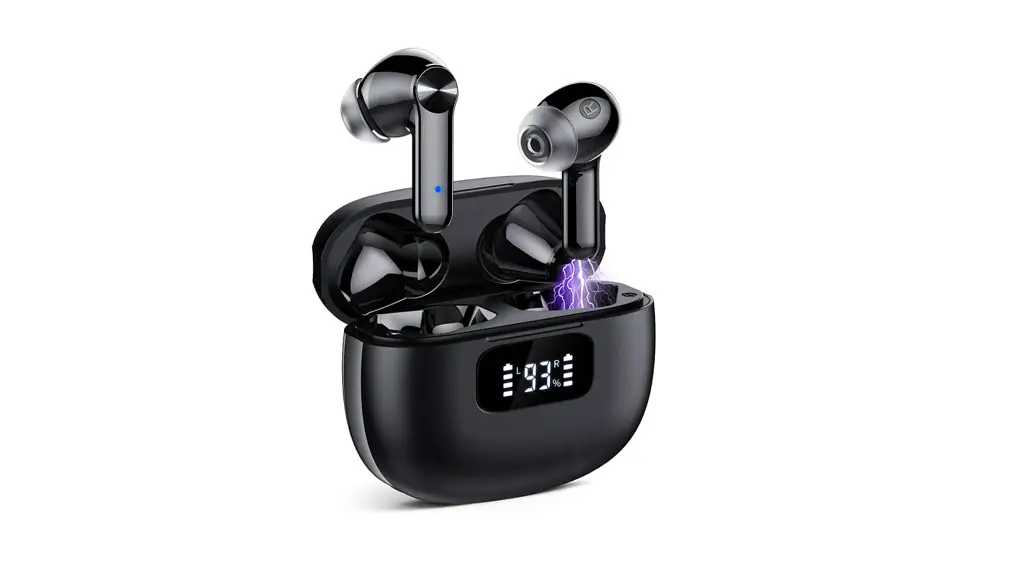
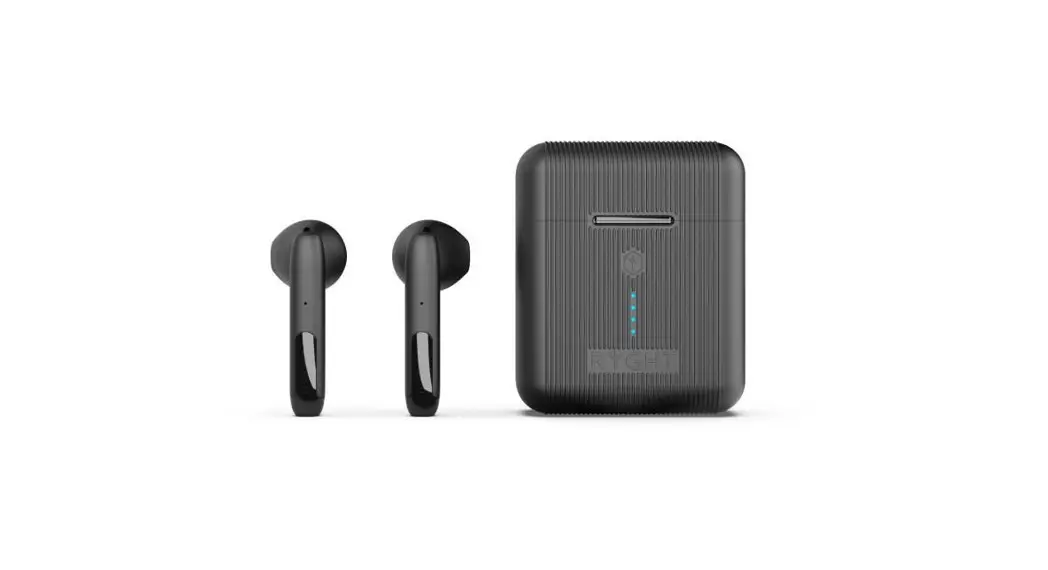
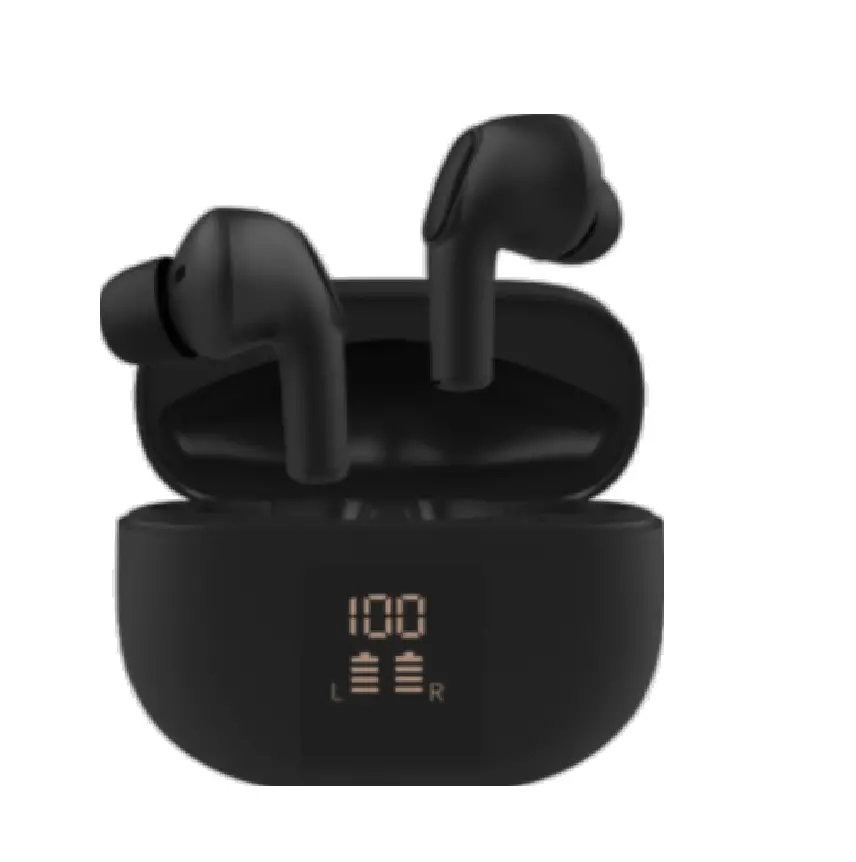
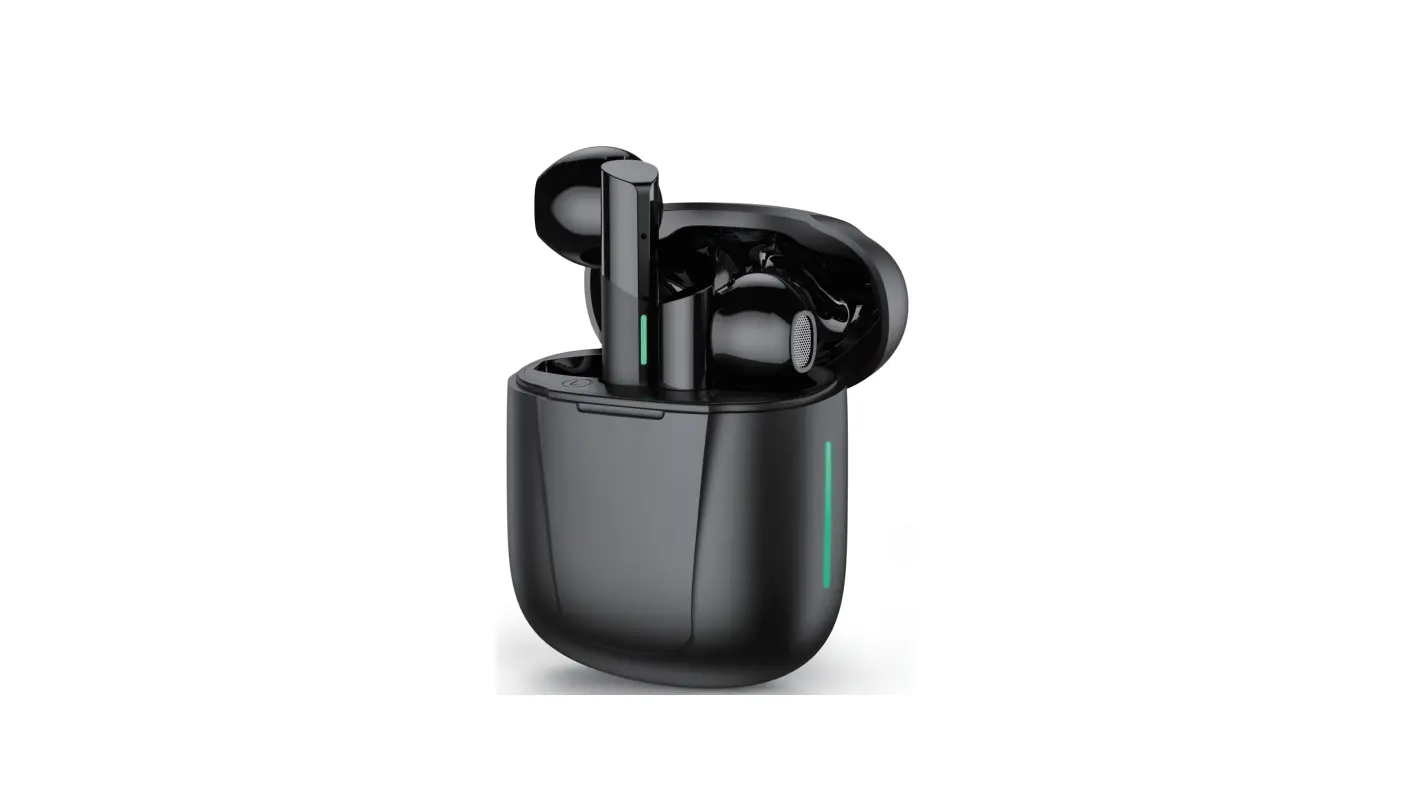
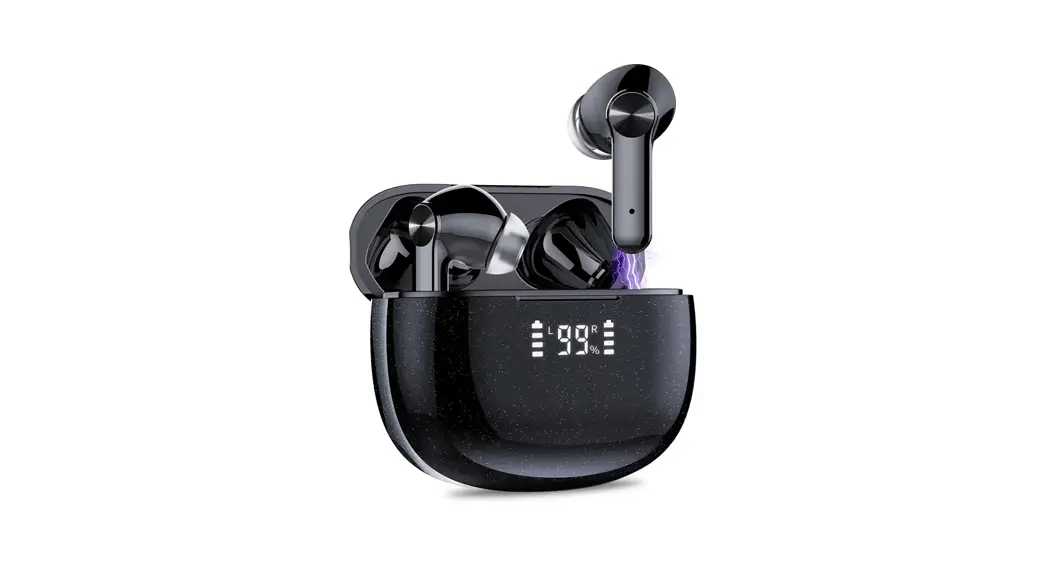
S51 Wireless Earbuds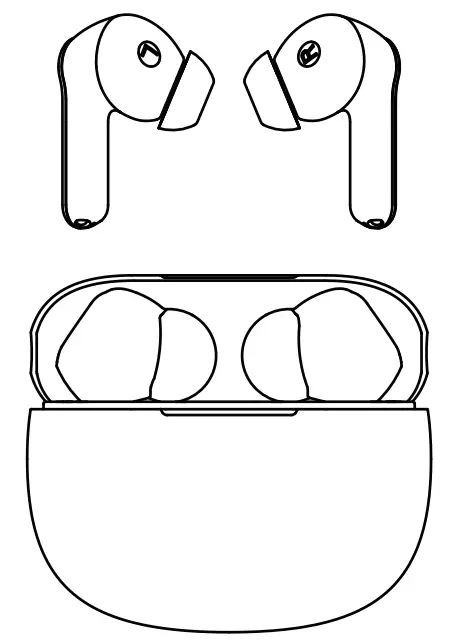
Please read the instructions before use
Hello:
If the product has any problems, please contact us on Amazon in time. We promise to give you the best service
Active 2-Year Warranty
Scan the code enter the website (xtikland.com) to activate the warranty.
Before Use
Fully charge the earbuds and charging case.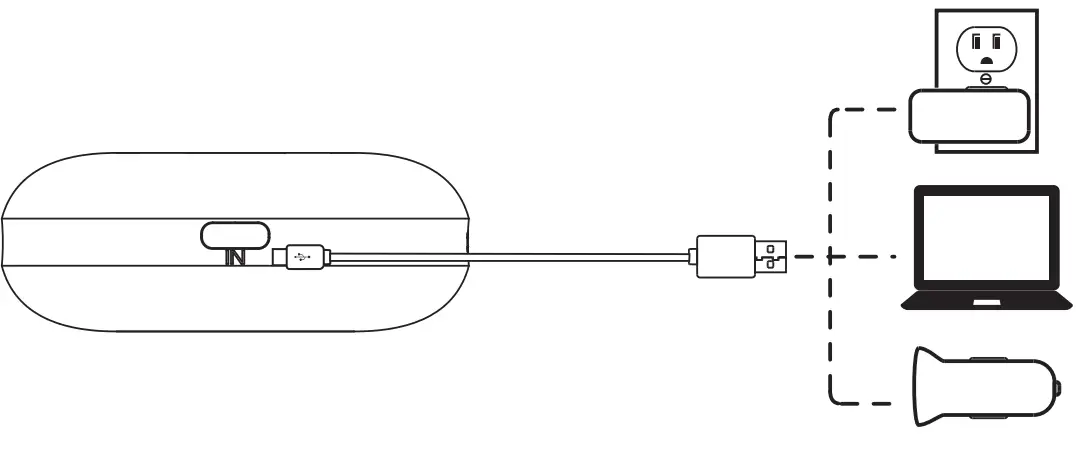
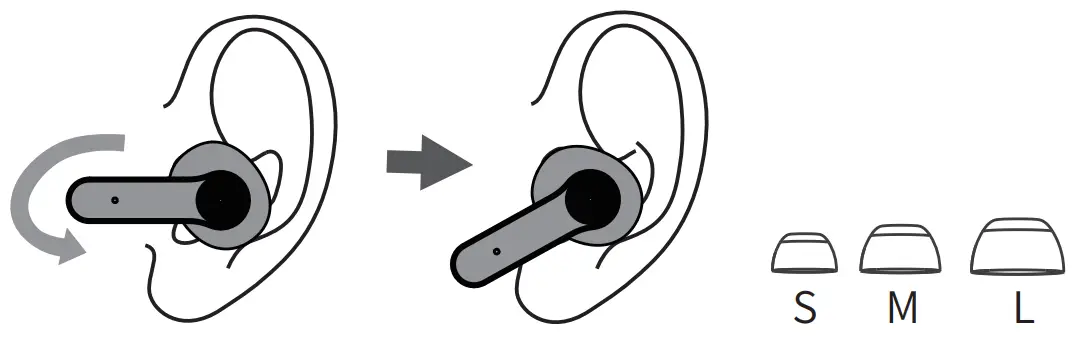
Choose the right angle and ear tips.
Connect
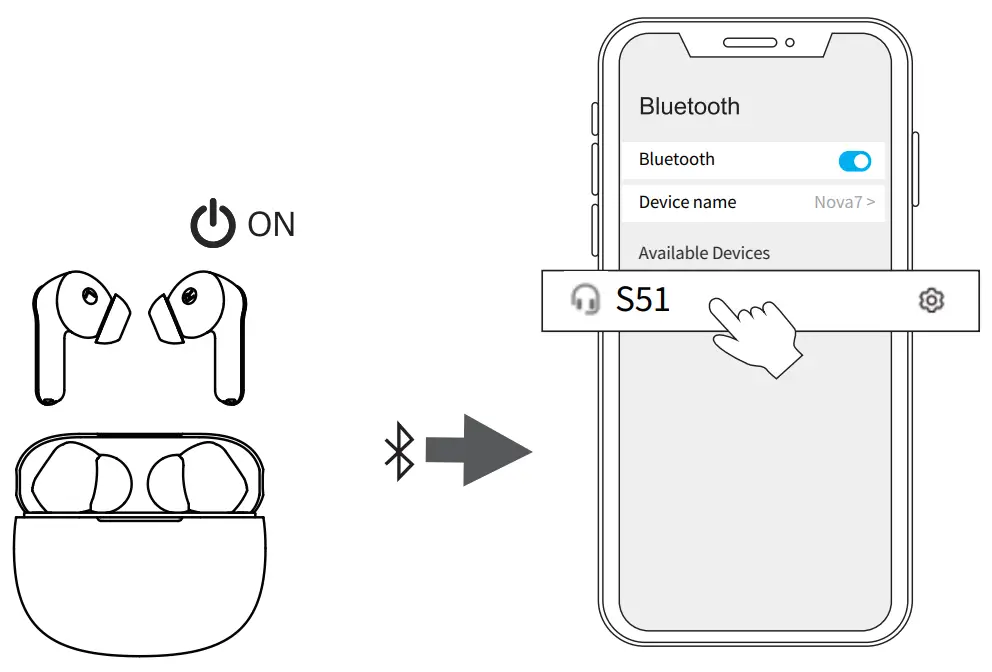
After opening the phone Bluetooth, Click the <S51> to Pairing
Take out the earbuds (Earbuds auto power on)
Reset
If earbuds have any connection or function problems, please reset the earbuds
- Delete the BT pairing information on the phone.
- Take the earbuds into the charging case to charge.
- Take out the earbuds and wait for 20 seconds.
(If the above operation does not work, please try again)
Operation

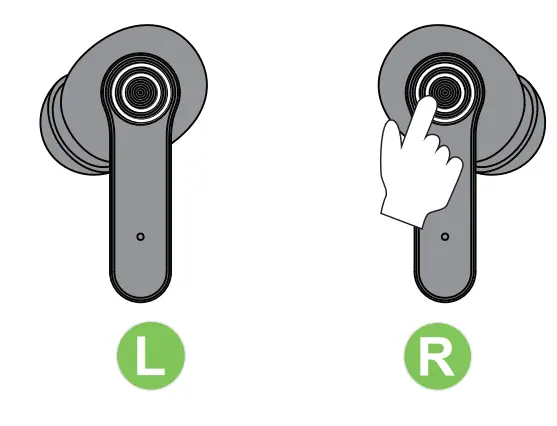
X1: Click Once
X2: Click 2 times 2S: Press and hold for 2 seconds
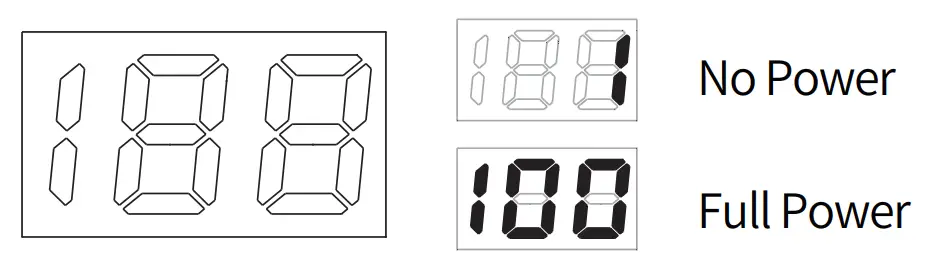
Battery Indicator
Indicator Light
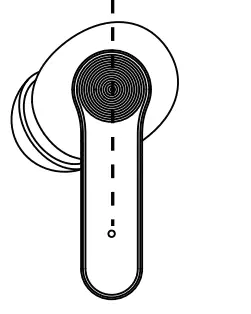
| Pairing | Connected | Charging |
 Flashing Flashing | No Light |  Red Red |
Charging Contacts
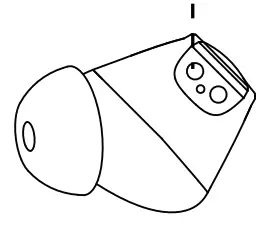
 Wipe and dry charging contacts if earbuds can,t be charged.