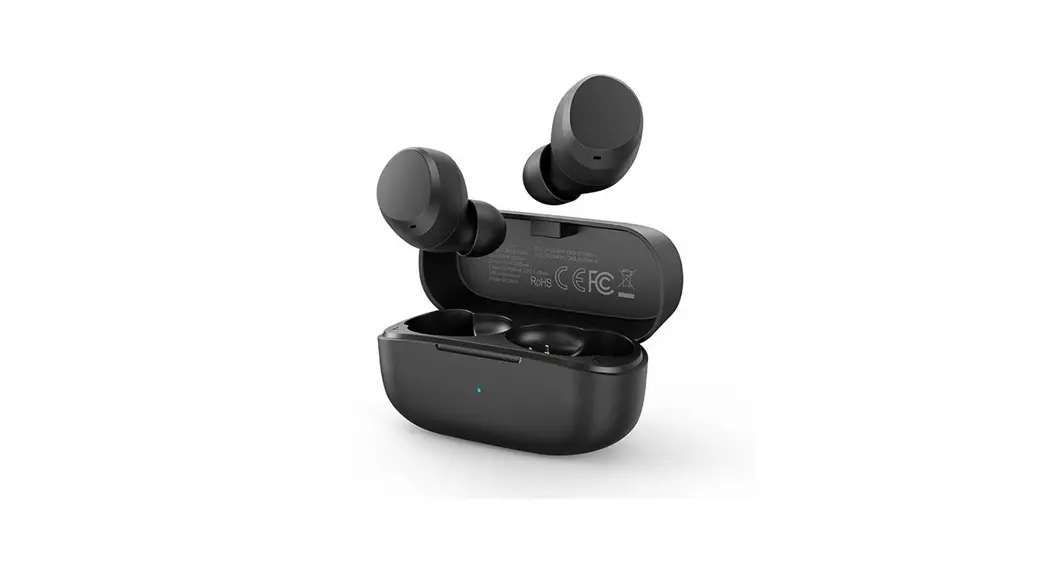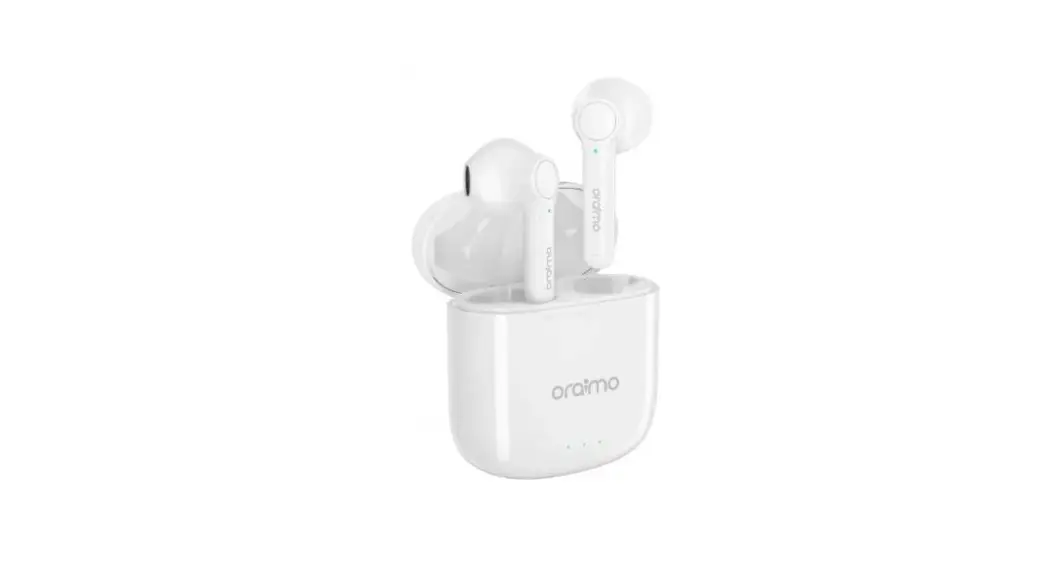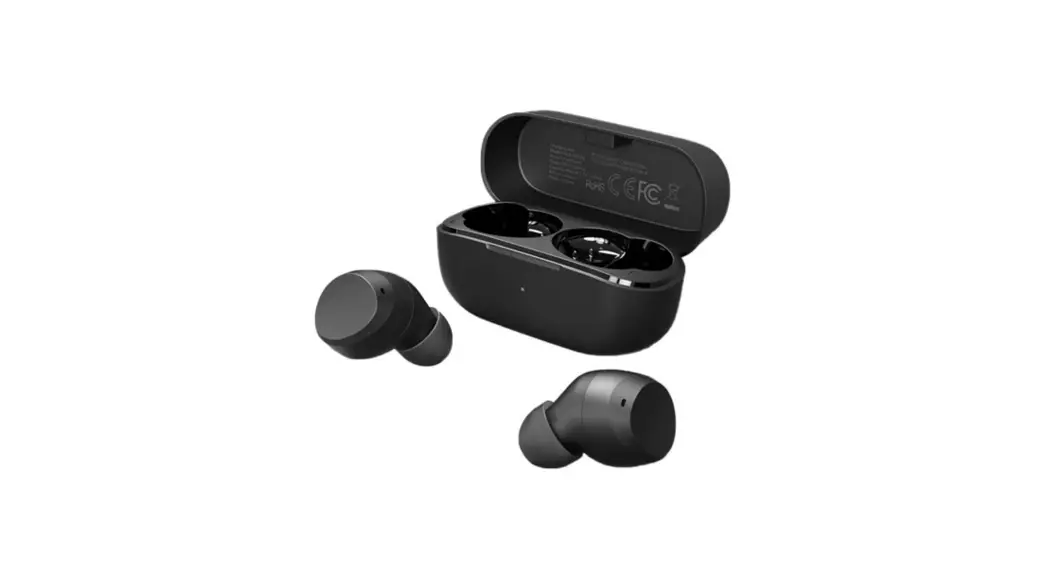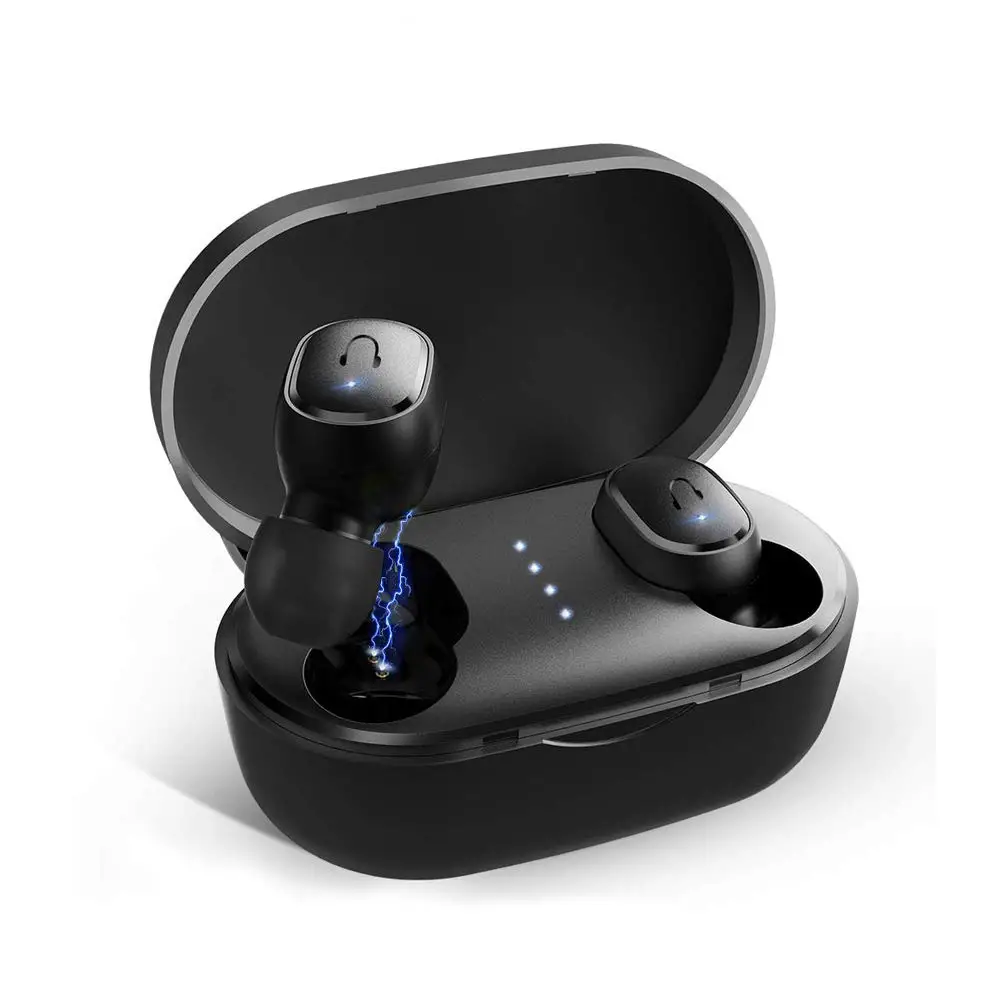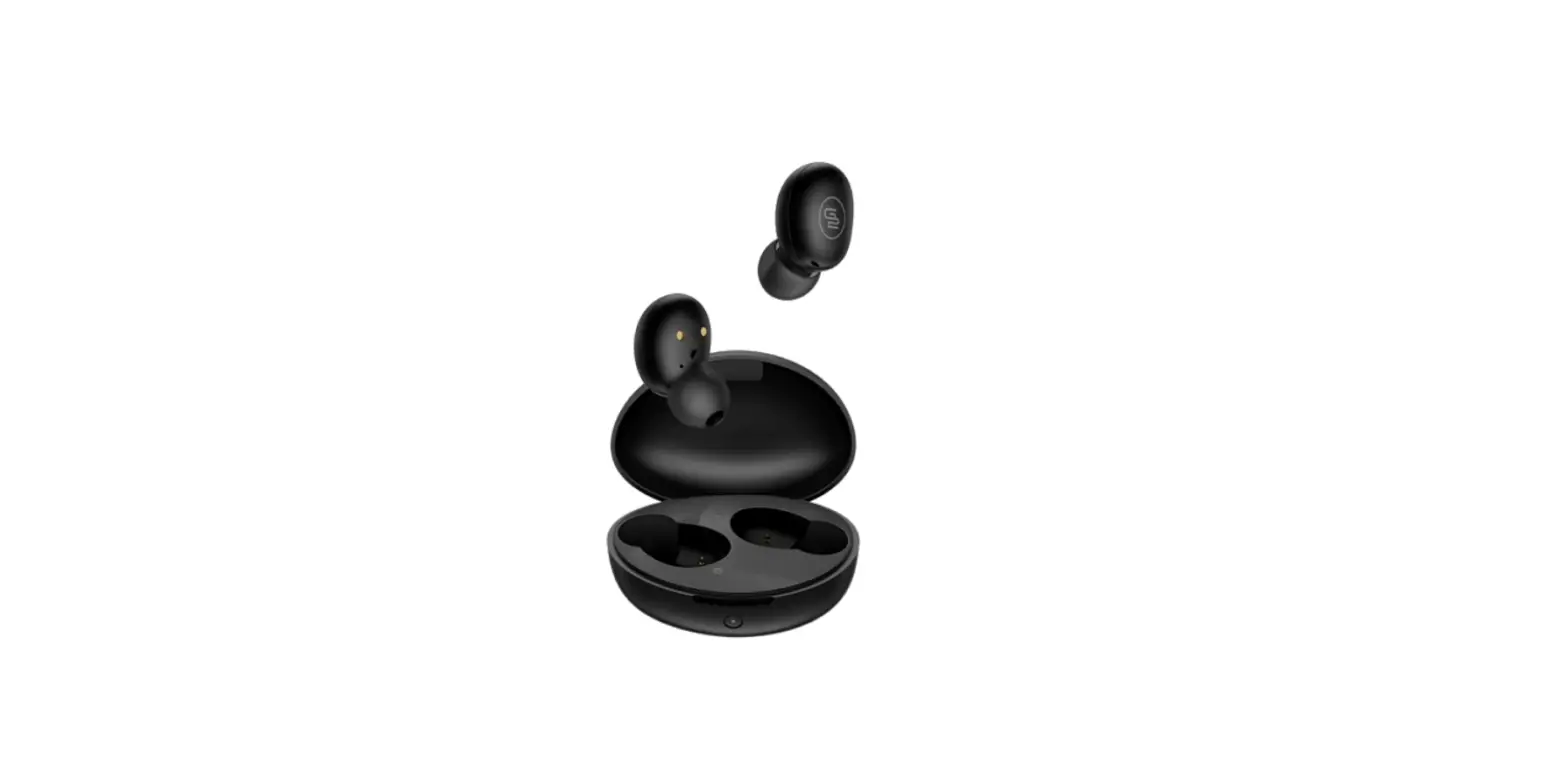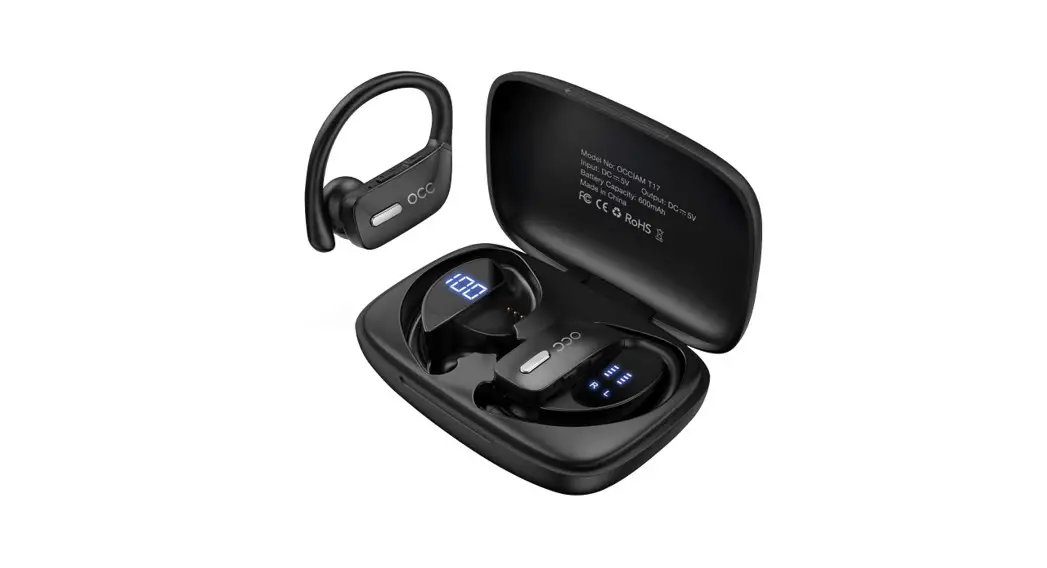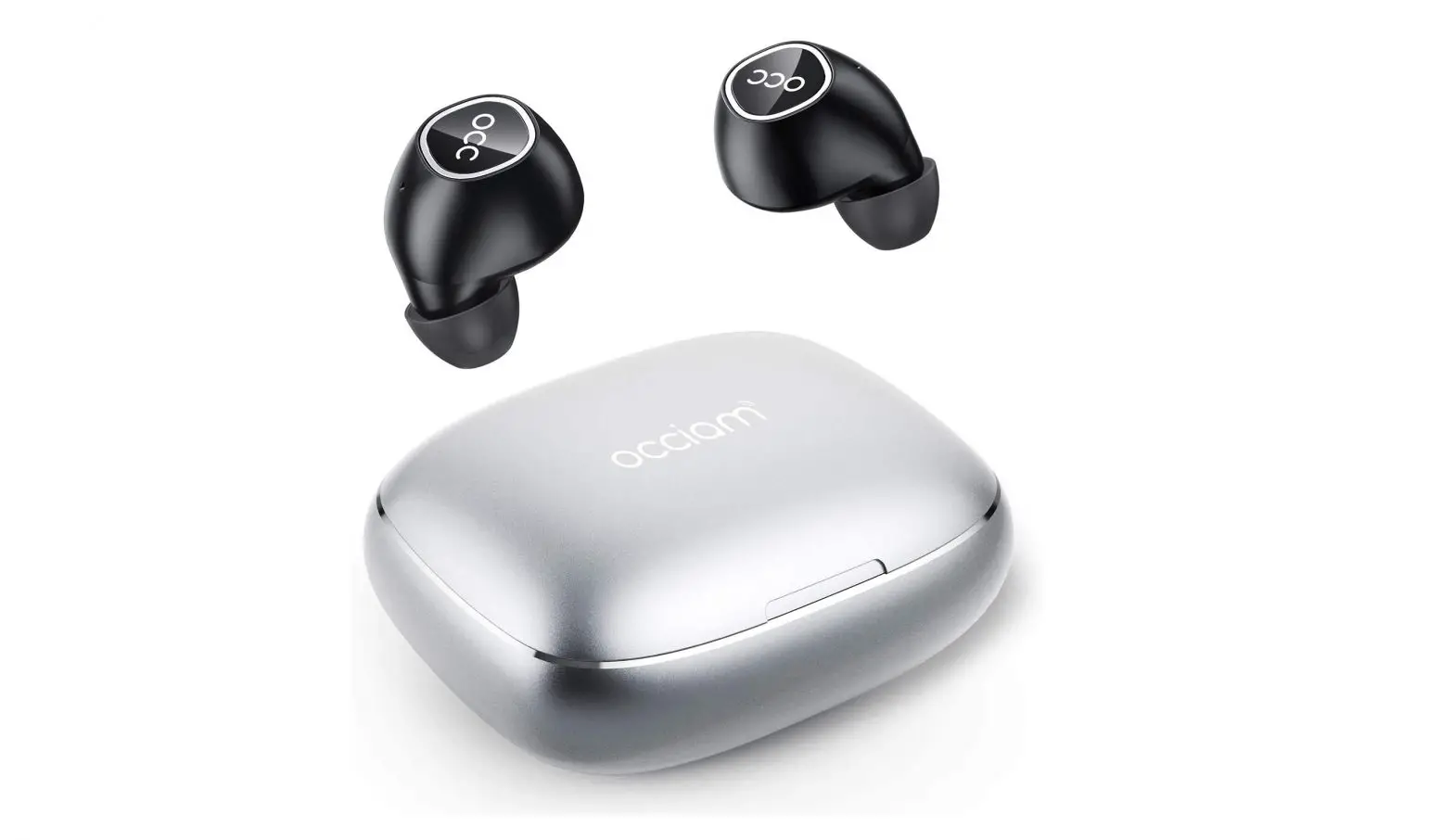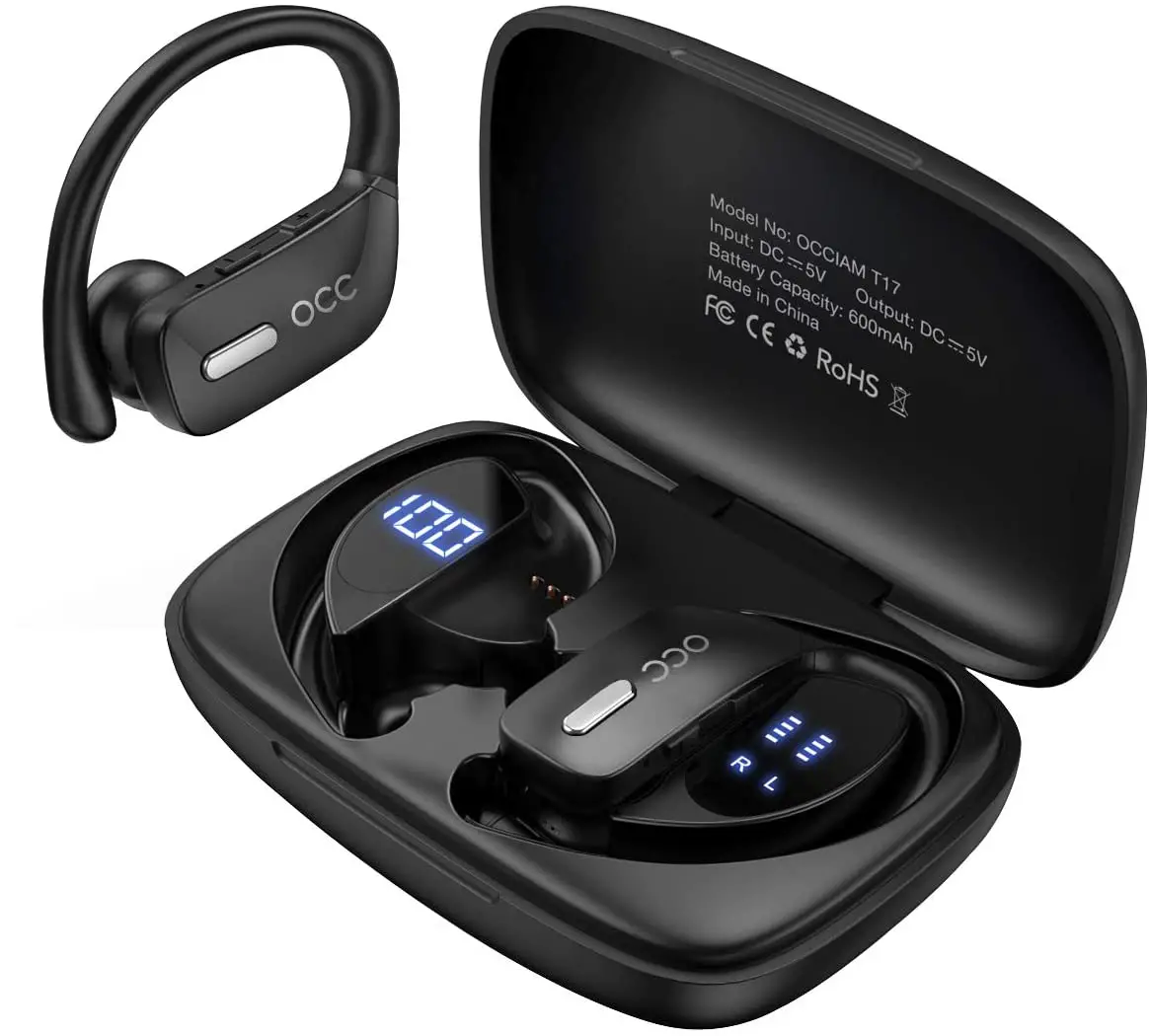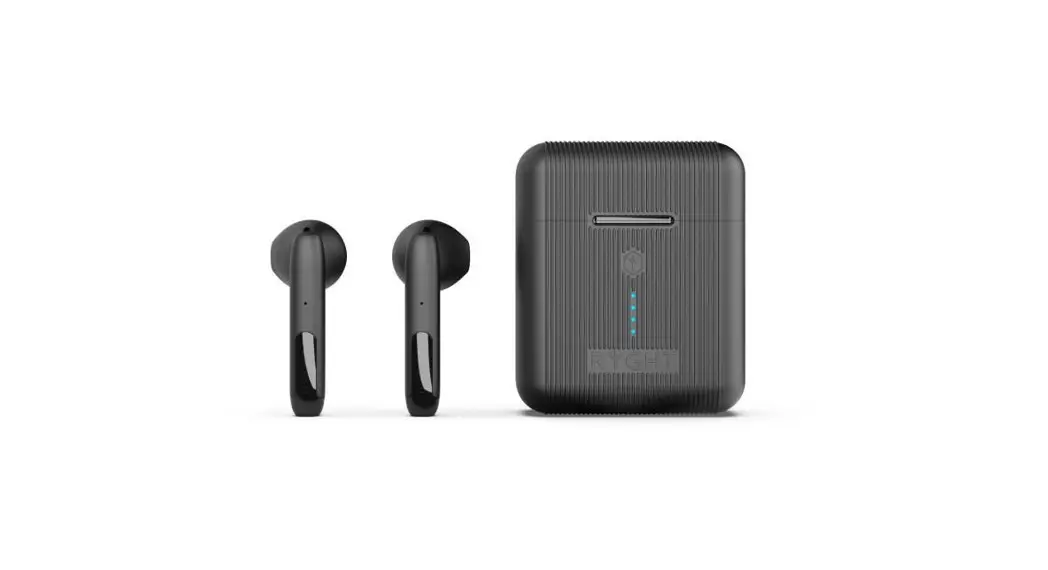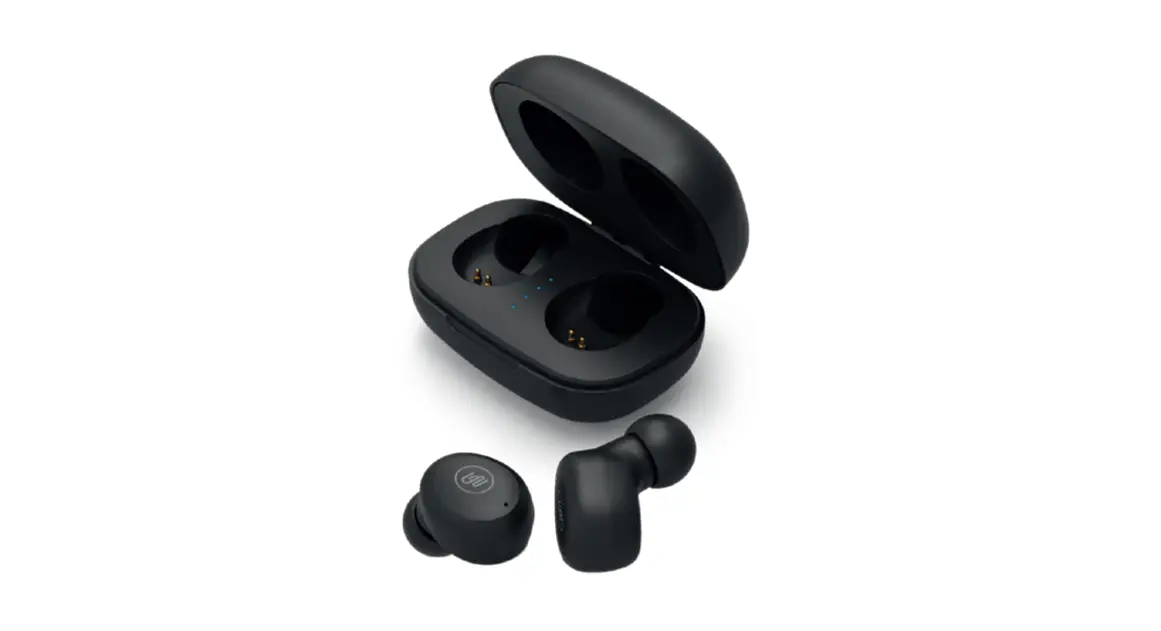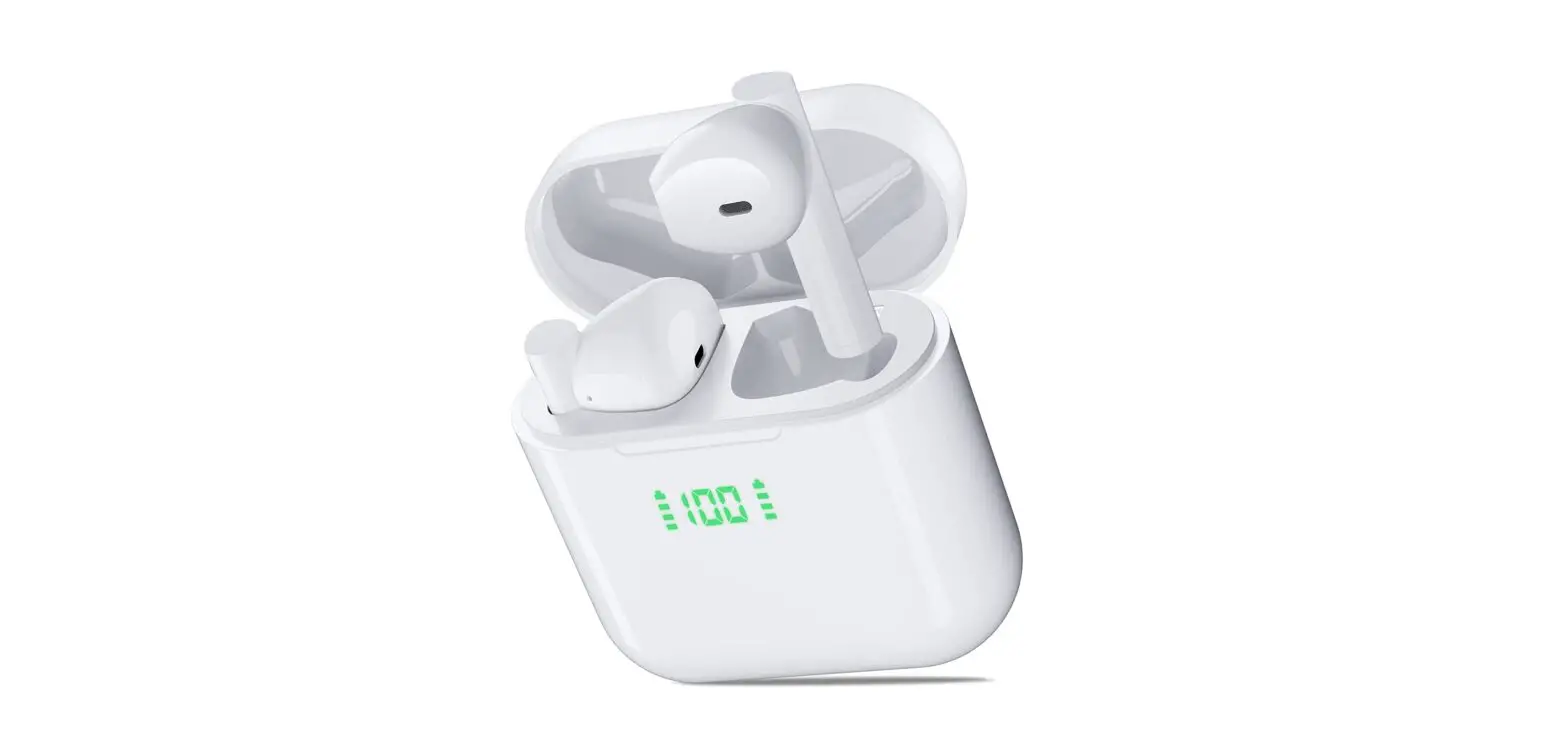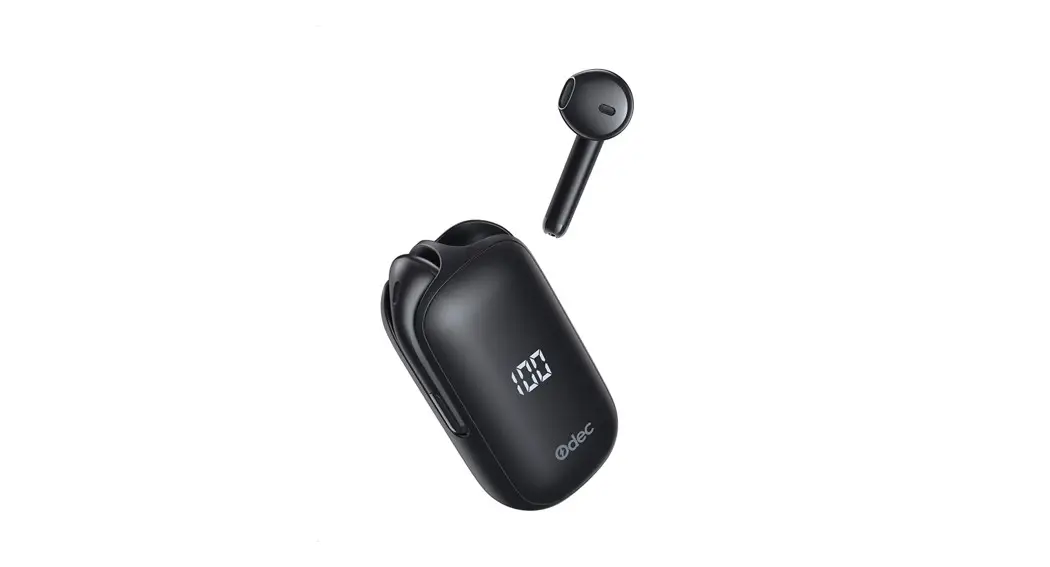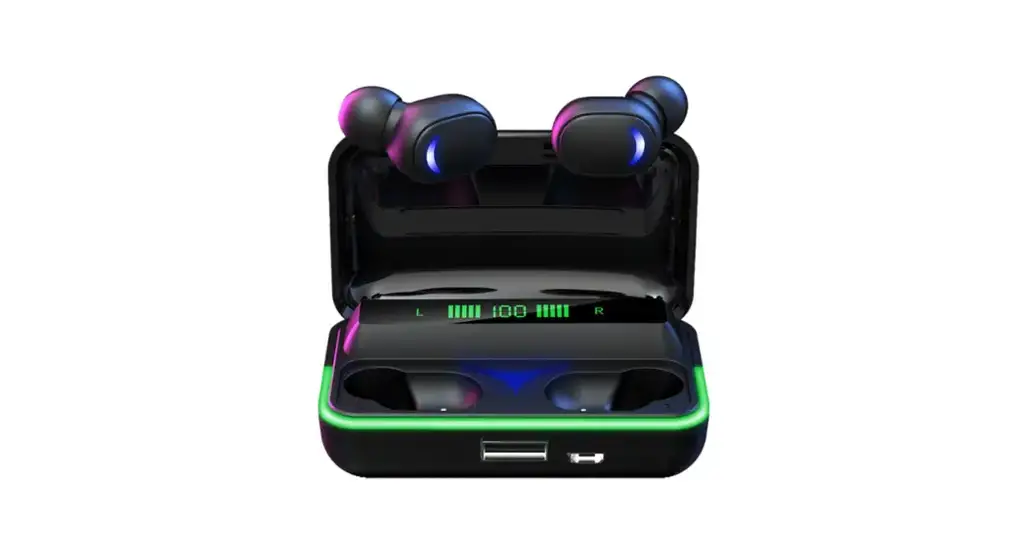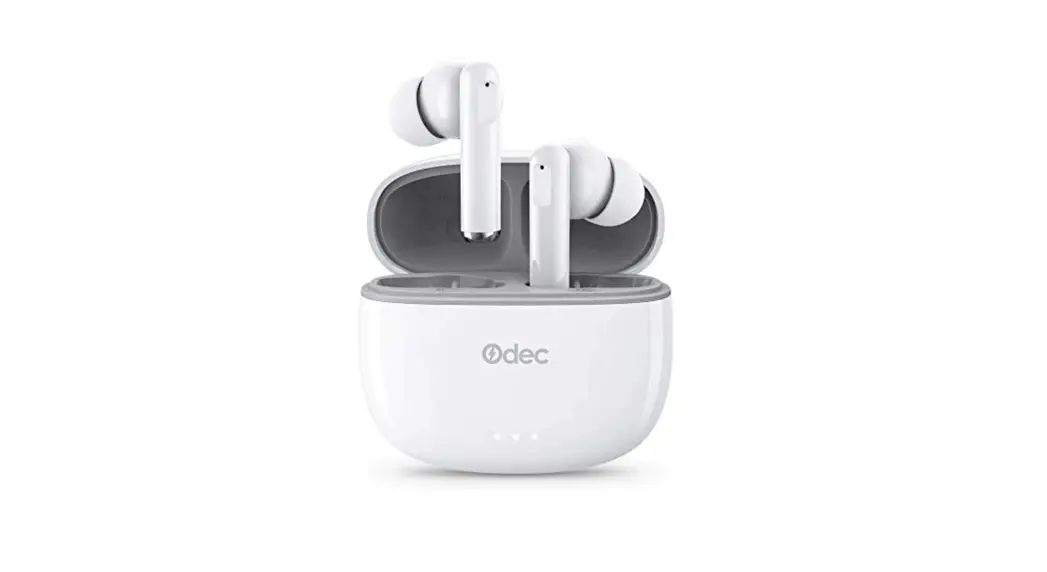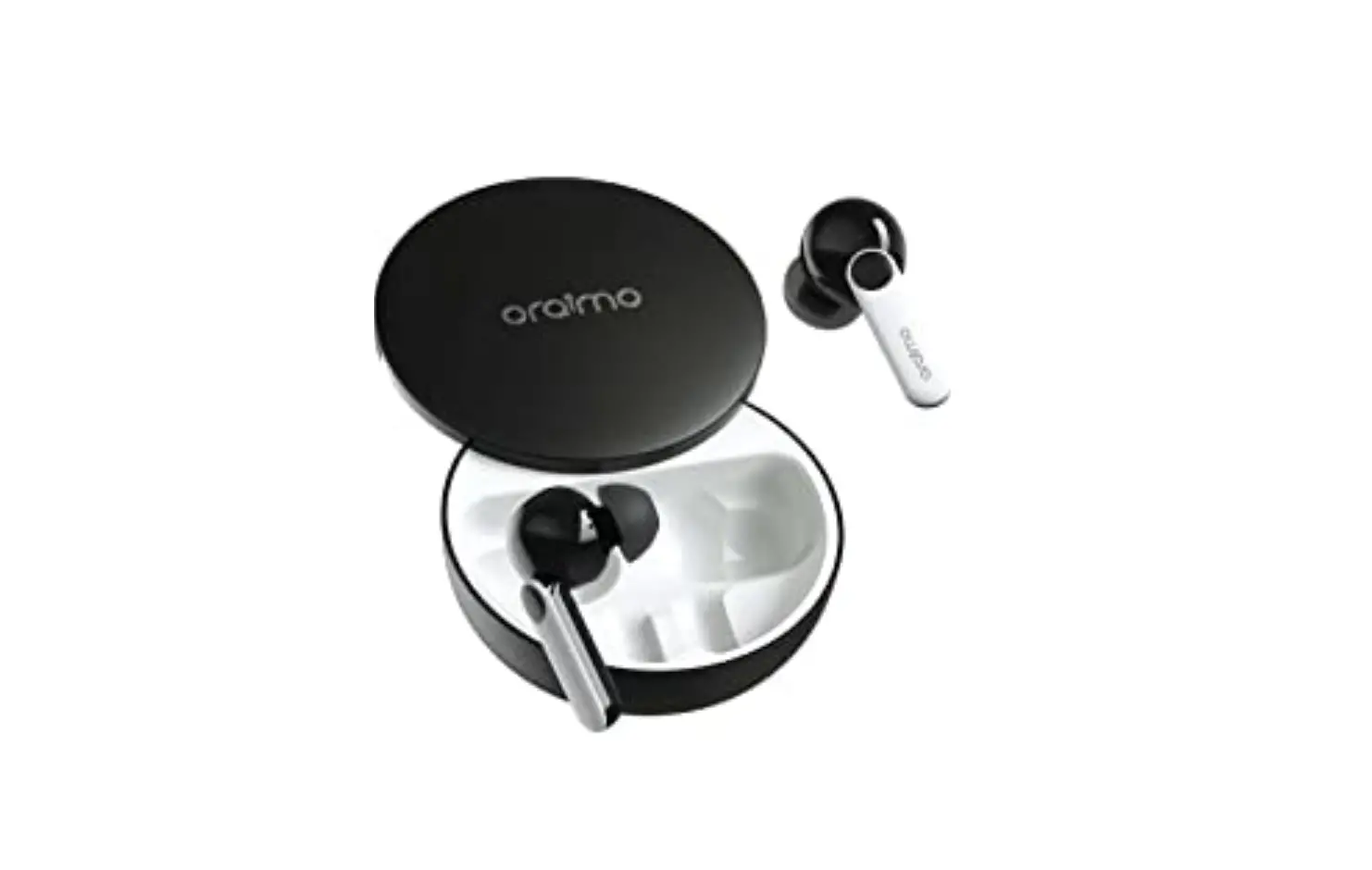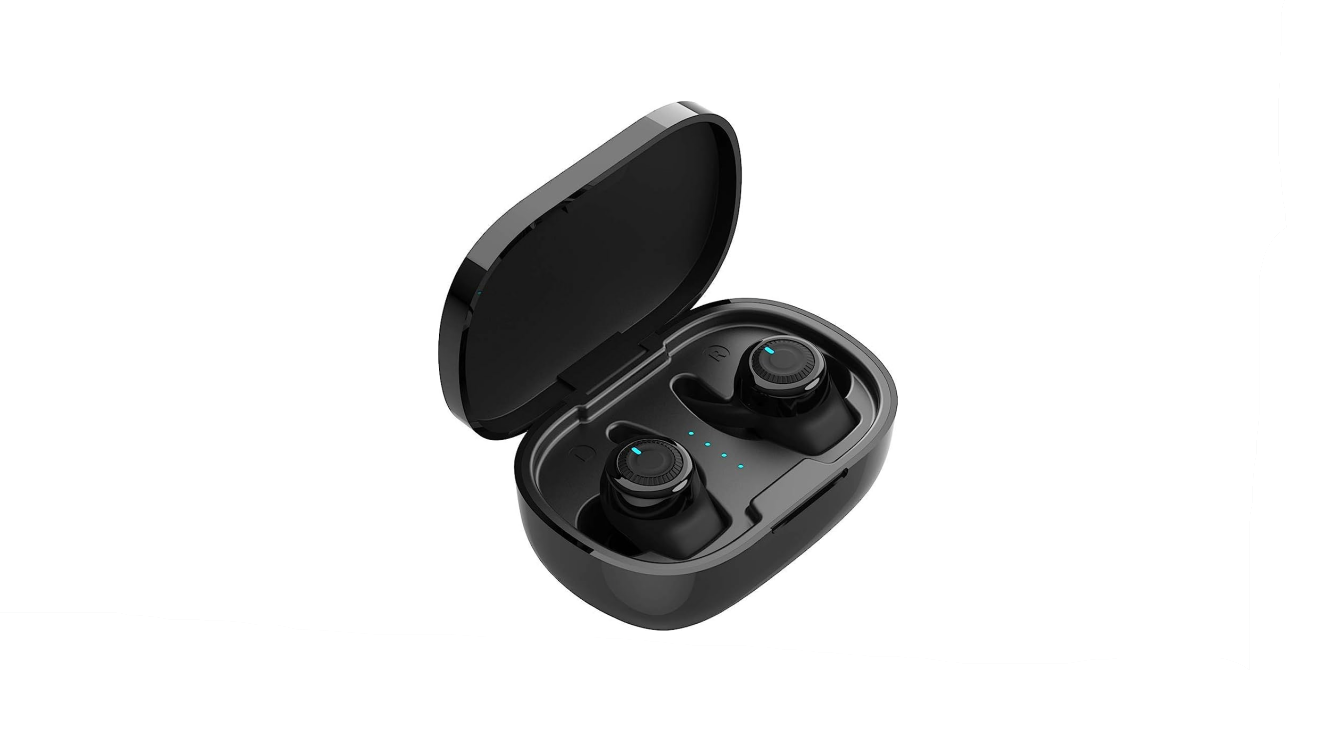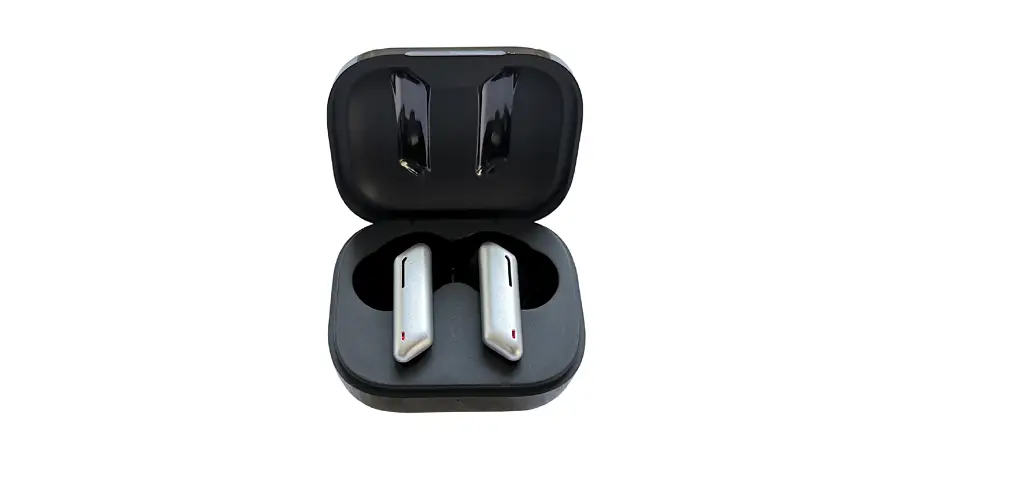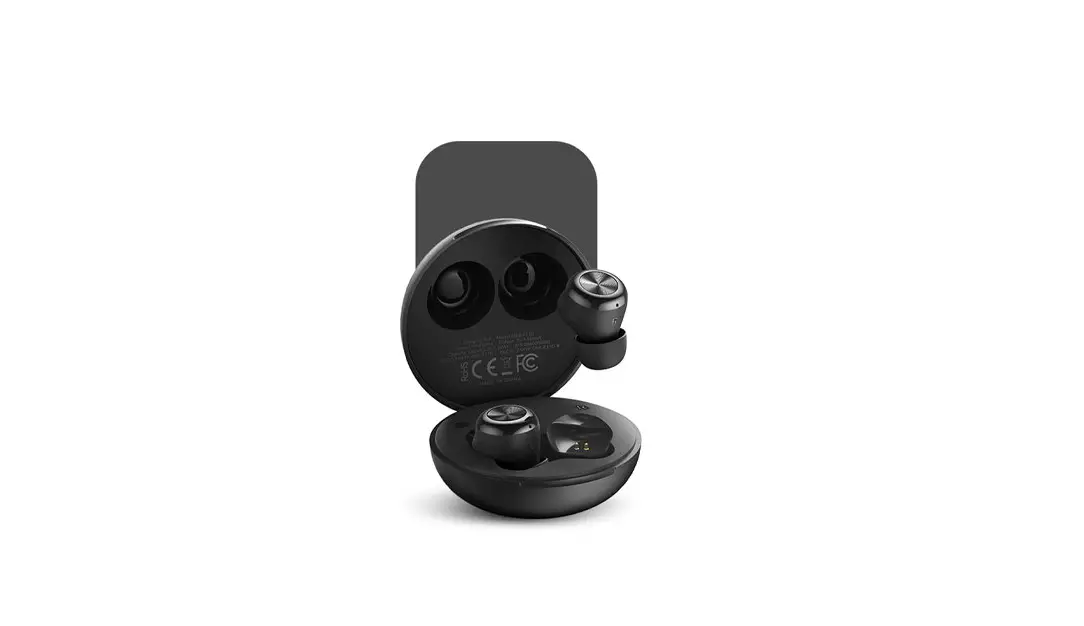
ORAIMO OEB-E11D TWS Wireless Spot Earbuds User Manual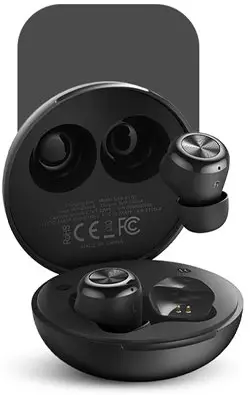
True Wireless Sport Earbuds
Model: 0E13-E1lD
Hereby, ORAIMO TECHNOLOGY LIMITED.
Declares that this True Wireless Earbuds is in compliance with the essential requirements and other relevant provisions of directive 2014/53/EU.
Please read this Guide carefully before using the product
Package Contents
- Charging case x1

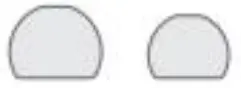
- P True wireless earbuds x2

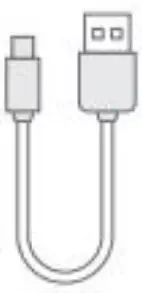
- Type-C Charging Cable x1

- Extra Pair of Eartips x2

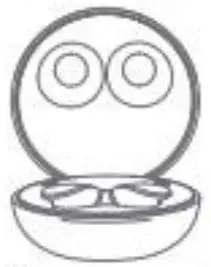
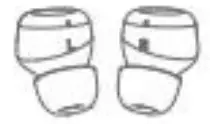
Product Overview
Left Earbud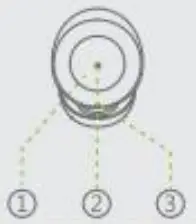
Right Earbud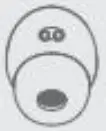
- Multi-Function Touch Sensor
- Earbud Status Indicator
- Microphone
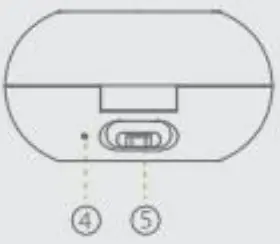
- Case Status Indicator
- Type-C Charging Port

Basic Product Specifications
Earbuds
- Range: 10m / 33ft
- Music play time: Up to 5 hours on single charge, case provides additional 15 hrs
- Battery capacity. 35mAh (each earbud)
- Charging time: Approx. 1.5 hours
*oraimo Lab test results
Charging Case
- Battery capacity. 330mAh
- Charging time: Approx. 2 hours
*If the charging case is fully charged, it can recharge the earbuds about 3 times.
Using Your Earbuds
Turn On & Pairing
On
Pairing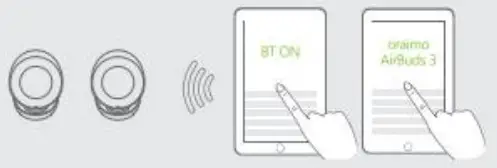
*Earbuds will turn on and enter pairing mode automatically when open the charging case.
Earbud Status Indicator | Status | |
 | Flashing white on both earfuls | Bluetooth Pairing |
 | Lights off | Connected to a device |
 Make sure the distance of the earbuds and your device is less than 1 metre / 3.3 feet at the first time of connection
When turned on, the earbuds will automatically connect to the last connected device if available. If not, the earbuds will enter pairing mode.
Under any abnormal condition, return the earbuds to the charging case and then take out again.
Turn Off
The earbuds will automatically turn off after 5 minutes if no device is connected. When the earbuds are in the charging case and the lid is closed, it will automatically turn off after being fully charged. If the distance of the earbuds and your device is more than 10 metres, it will automatically turn off after 5 minutes.
Charging Your Earbuds & Case
Charging The Earbuds
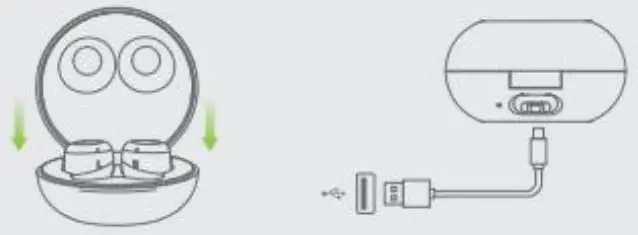
Earbuds will be charged automatically once they are returned to the charging case with the lid closed.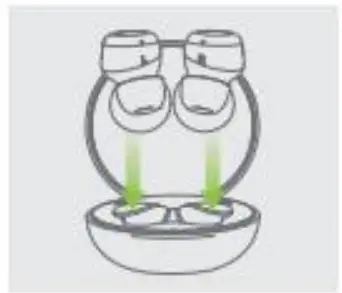
Charging The Case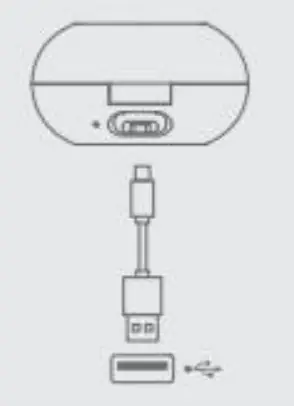
Case Power level
Case Status Indicator | |
 | Steady red (Low level battery) |
 | Steady orange (Medium level battery),, |
| Steady green (full battery) |
Status | |
Charging | |
Fully Charged | |
Use the included type-C charging cable to charge the case.
Controls
 | ||
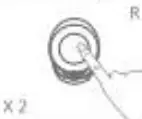
| Tap on one earbud twice | Play/Pause |
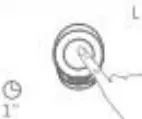 | Tap and hold on the left earbud for one second | Previous track |
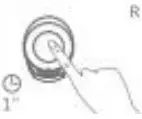 | Tap and hold on the left earbud for one second | Next track |
| Tap on one earbud twice | Answer/End a call |
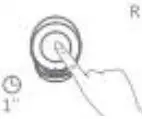 | ap and hold on one earbud for one second | Reject call |
 | ||
 | Tap on one earbud twice | Answer call |
| Tap and hold on one earbud for one second | Reject call |
Others | ||
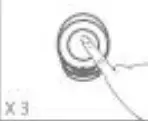 | Tap one earbud for three times | Activate Voice Assistant |
| Tap one earbud for three times “Under the TWS Pairing status or no Bluetooth Connected status or single-ear playing status earbuds | Clear pairing list of the |
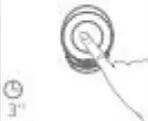
| Tap and hold on one earbud for three seconds | Game Mode switch with voice prompt |
FCC Statement
FCC Caution:
Any Changes or modifications not expressly approved by the party responsible for compliance could void the user’s authority to operate the equipment. This device complies with part 15 of the FCC Rules. Operation is subject to the following two conditions: (1) This device may not cause harmful interference, and (2) this device must accept any interference received, including interference that may cause undesired operation.
IMPORTANT NOTE:
Note: This equipment has been tested and found to comply with the limits for a Class B digital device, pursuant to part 15 of the FCC Rules. These limits are designed to provide reasonable protection against harmful interference in a residential installation. This equipment generates, uses and can radiate radio frequency energy and, if not installed and used in accordance with the instructions, may cause harmful interference to radio communications. However, there is no guarantee that interference will not occur in a particular installation. If this equipment does cause harmful interference to radio or television reception, which can be determined by turning the equipment off and on, the user is encouraged to try to correct the interference by one or more of the following measures:
- Reorient or relocate the receiving antenna.
- Increase the separation between the equipment and receiver.
- Connect the equipment into an outlet on a circuit different from that to which the receiver is connected.
- Consult the dealer or an experienced radio/TV technician for help.
FCC Radiation Exposure Statement:
This equipment complies with FCC radiation exposure limits set forth for an uncontrolled environment.