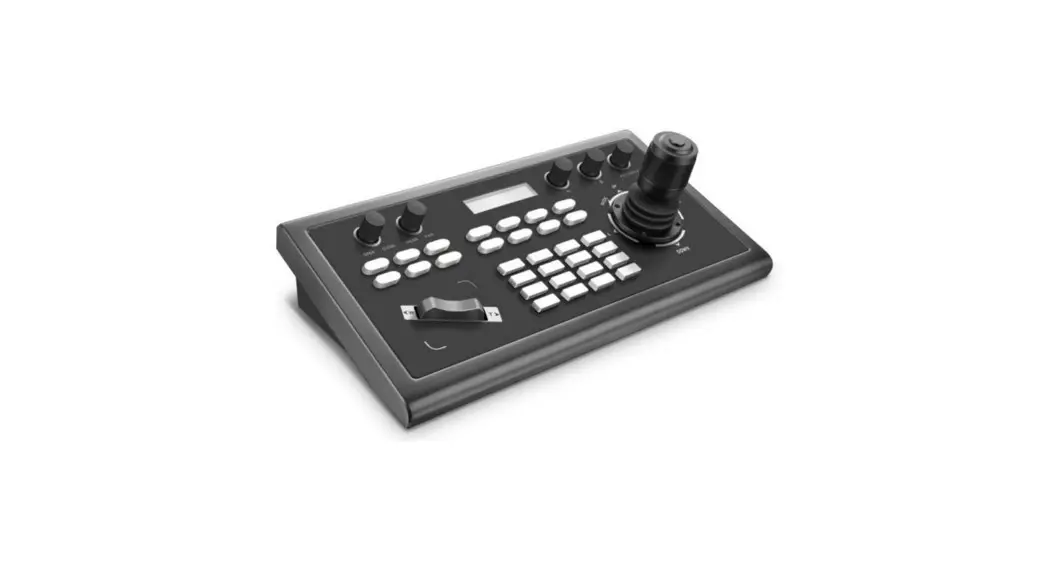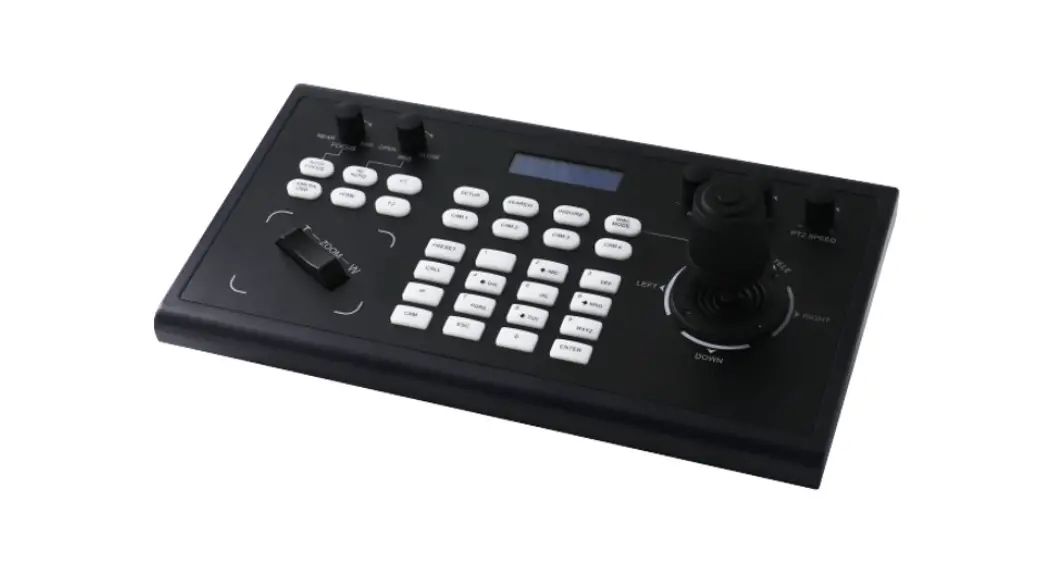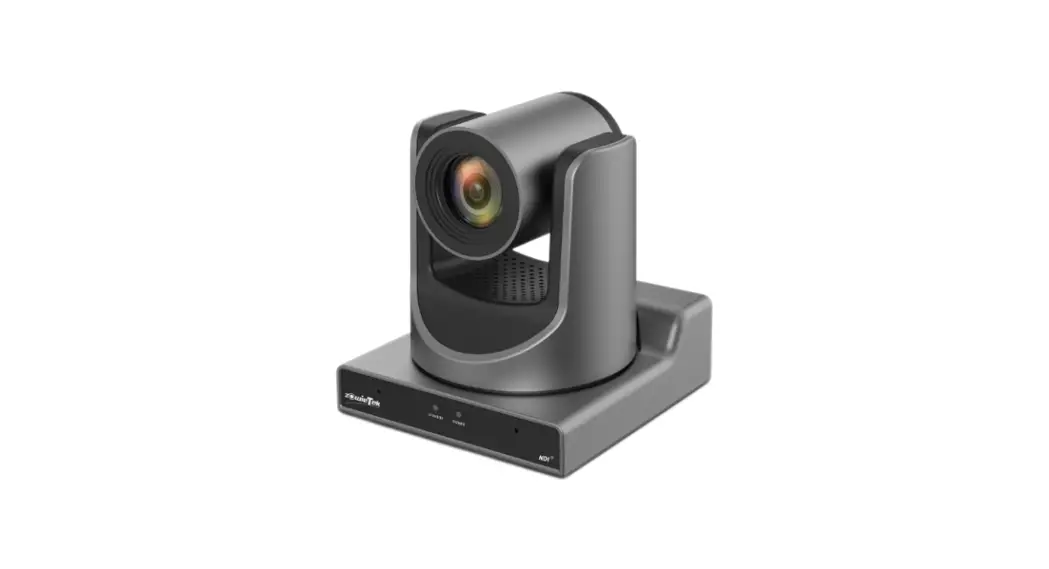

zowieTek Controlling PTZ Camera by ZowiePTZ Instructions
How to control PTZ camera by ZowiePTZ
Step 1: Download Downloads – Zowietek Electronics, Ltd. and install it.
Step 2: Double click the camera control program
Step 3: Software registration, enter the license, click “OK” to complete the activation (please send the user ID to Amazon message center to get the license.)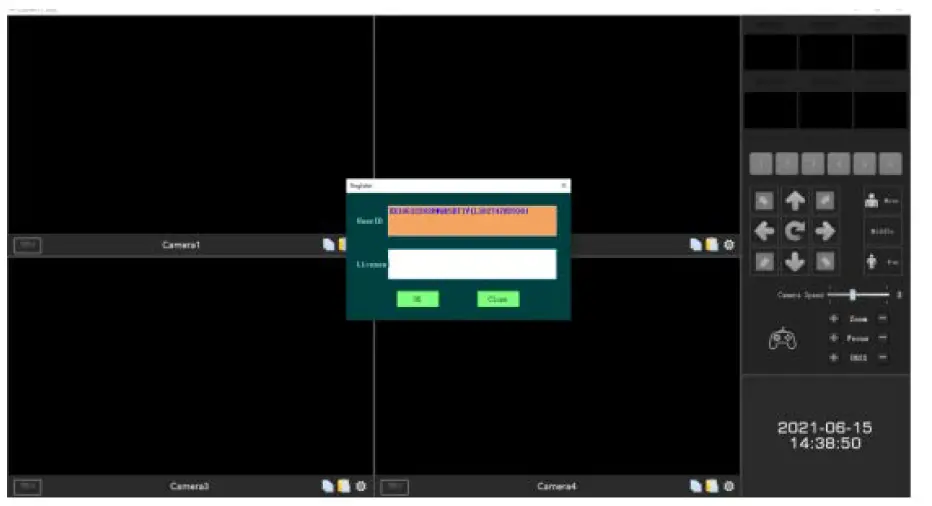
Step 4: Click and type the camera IP and Streaming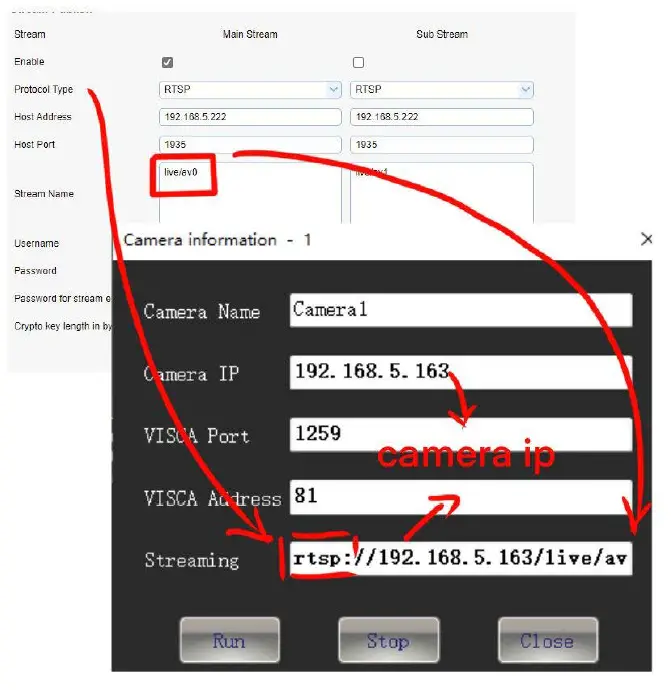
Interface function introduction
Part 1: Signal source display area
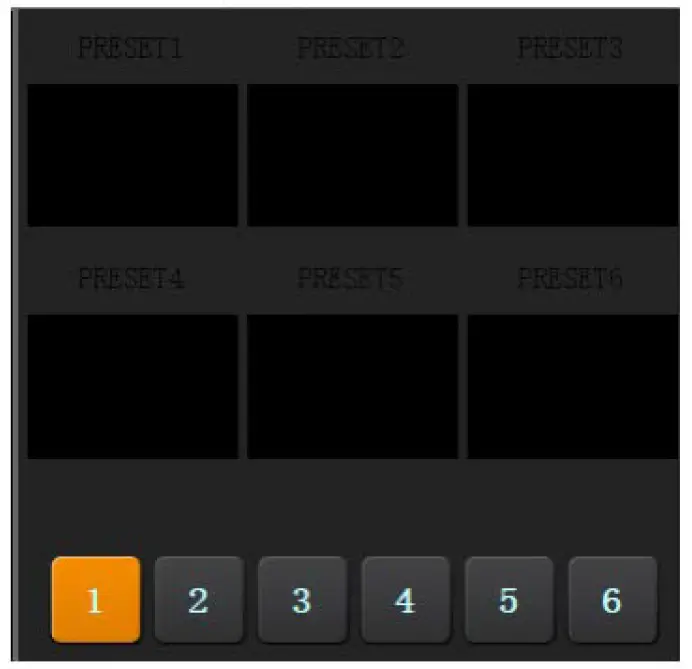
Part 2: Preset position area (Please long press to set preset key)
Part 3: PTZ control area
Part 4: Camera control area
Part 5: System time display area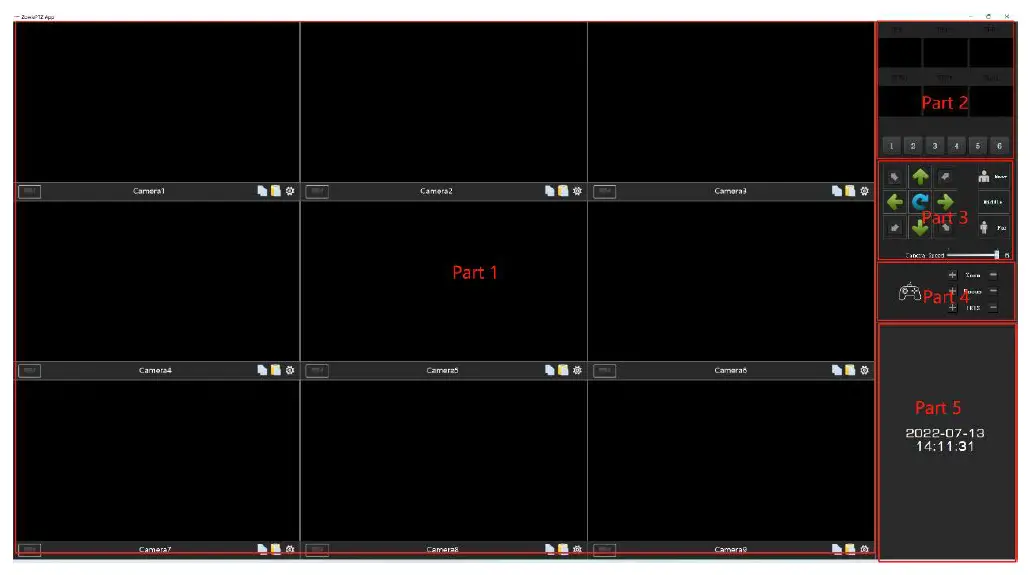
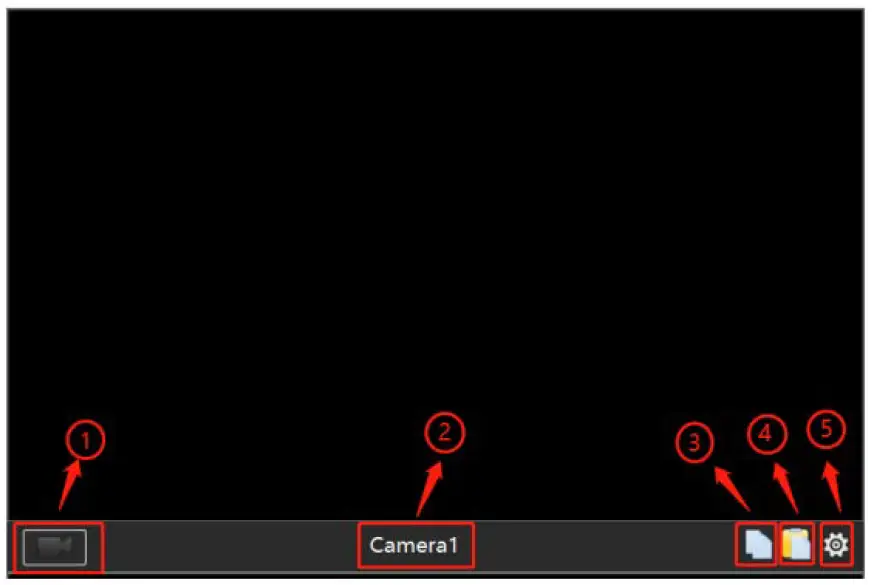
Signal source channel introduction
- The record button; it can record the video.
- Camera name
- Copy (copy the current camera’s setting)

Recording file storage directory setting
Right-click and select “System Settings”, click the “…” button to set the storage path, and click “OK” to storage.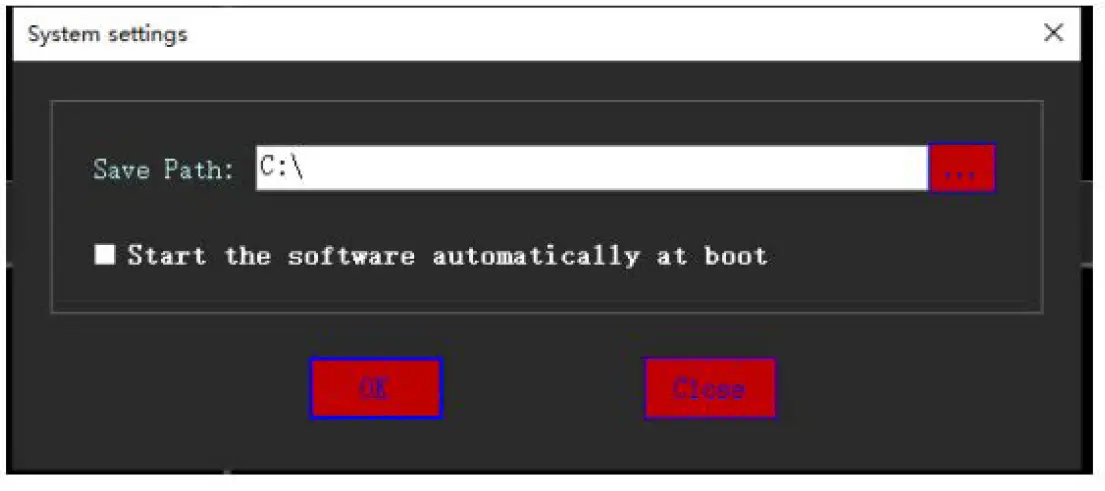
Search IP
Right-click and select “Search IP”, click the “Search IP” to check the IP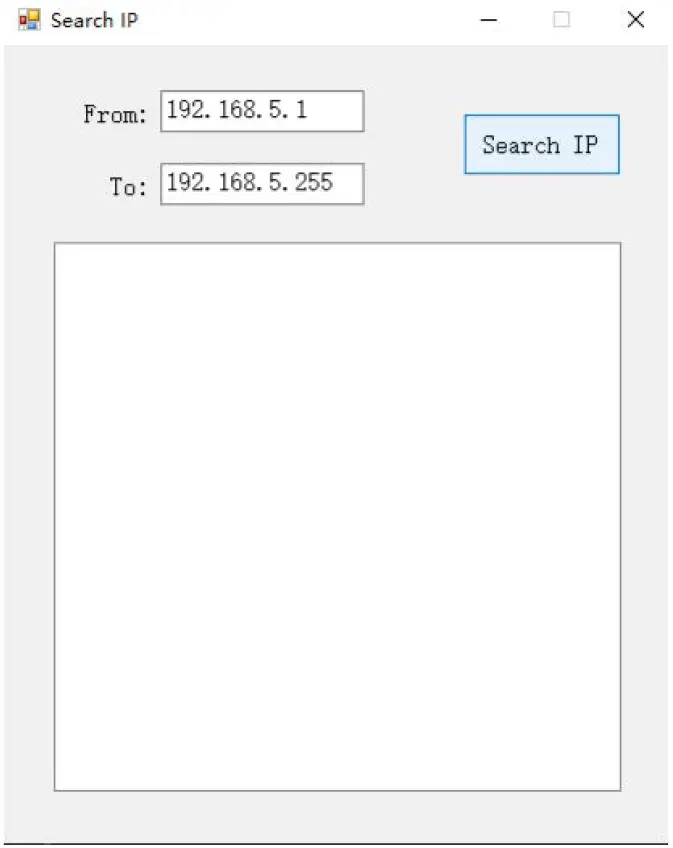
Switch the 9 Channels / 4 Channels
Right-click and select “Switch to 4 Channels”, and restart the App.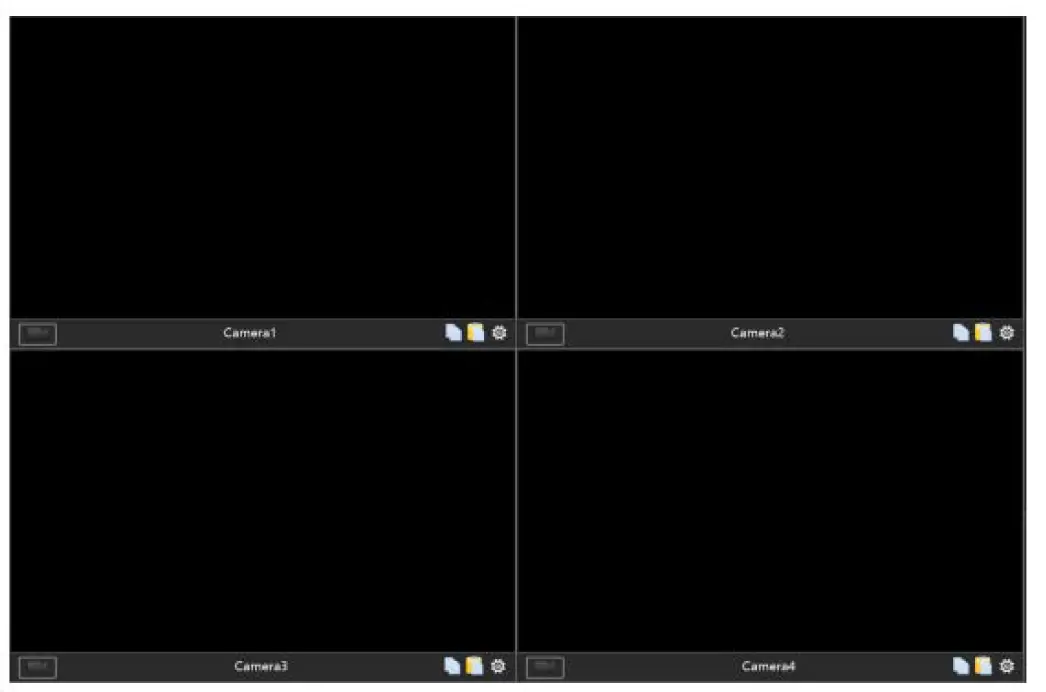
Preset Position
- After confirming the preset position by the PTZ direction keys, long press the “1” button to save the preset position
- You can double click to change the preset position name

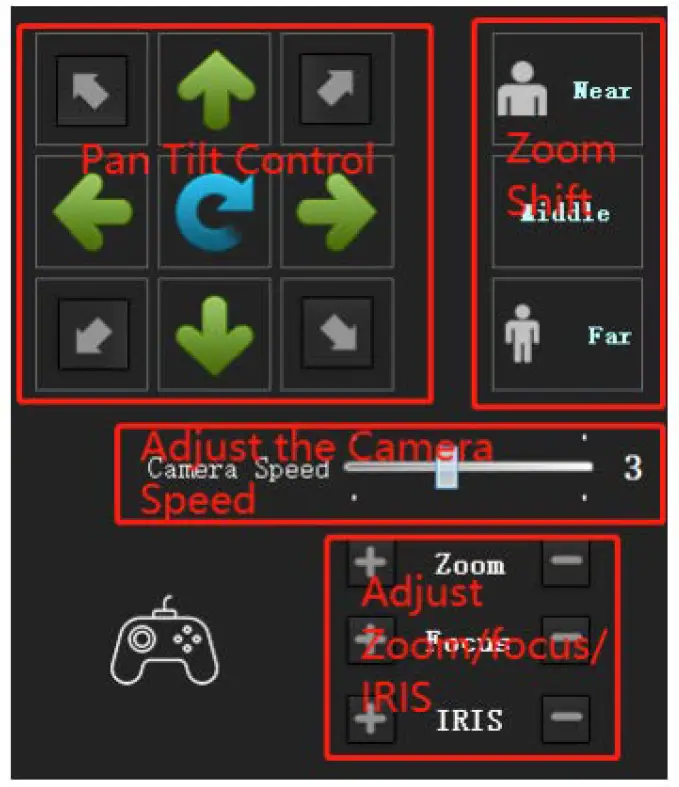
PTZ Control Area
- PTZ Control: adjust the direction of PTZ camera
- Zoom Shift: one button shifts Near/Middle/Far
- Camera speed: PTZ speed adjust from 1 to 6
- Zoom: Adjust the zoom of camera
- Focus: Adjust the focus of camera
- Aperture: Adjust the aperture of camera