Product Information
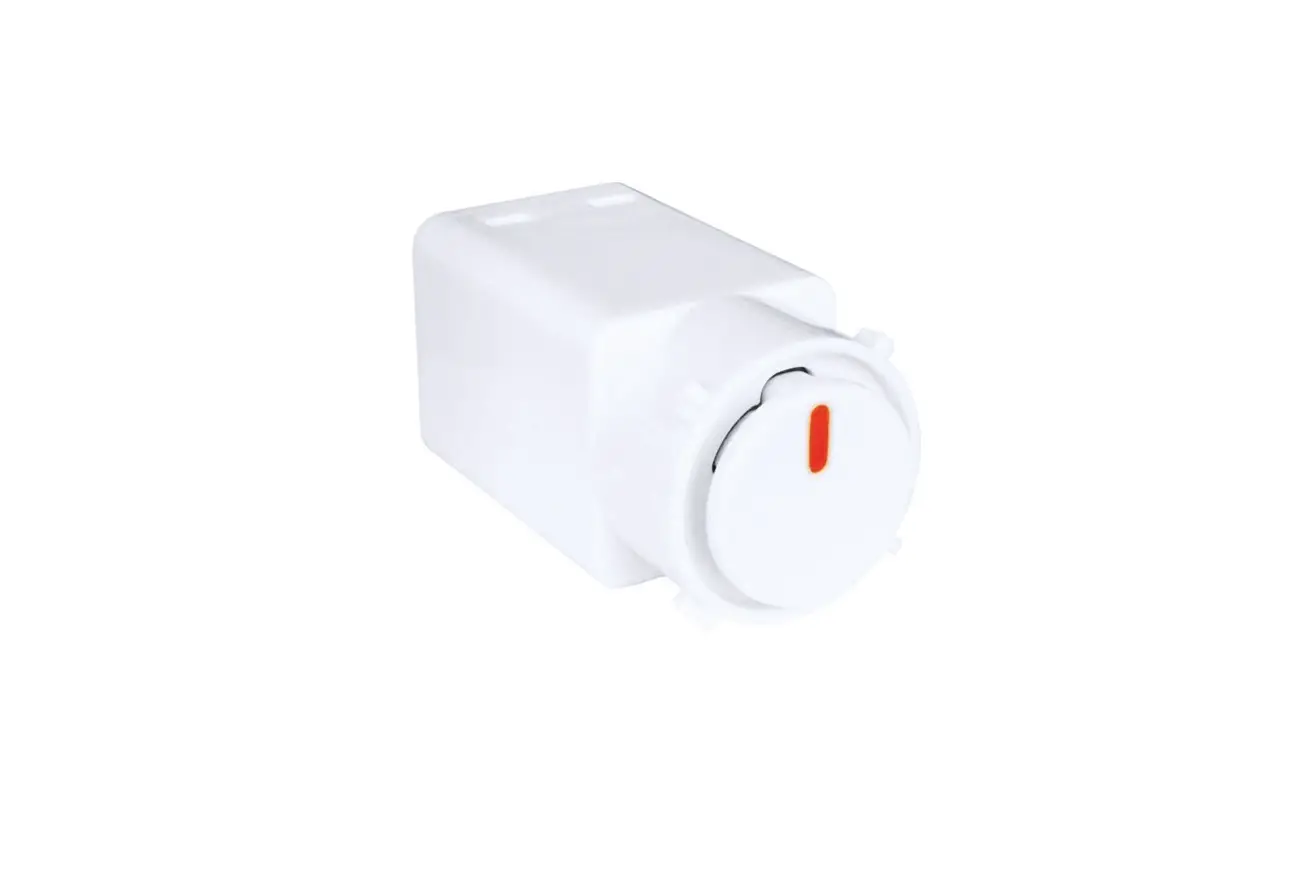
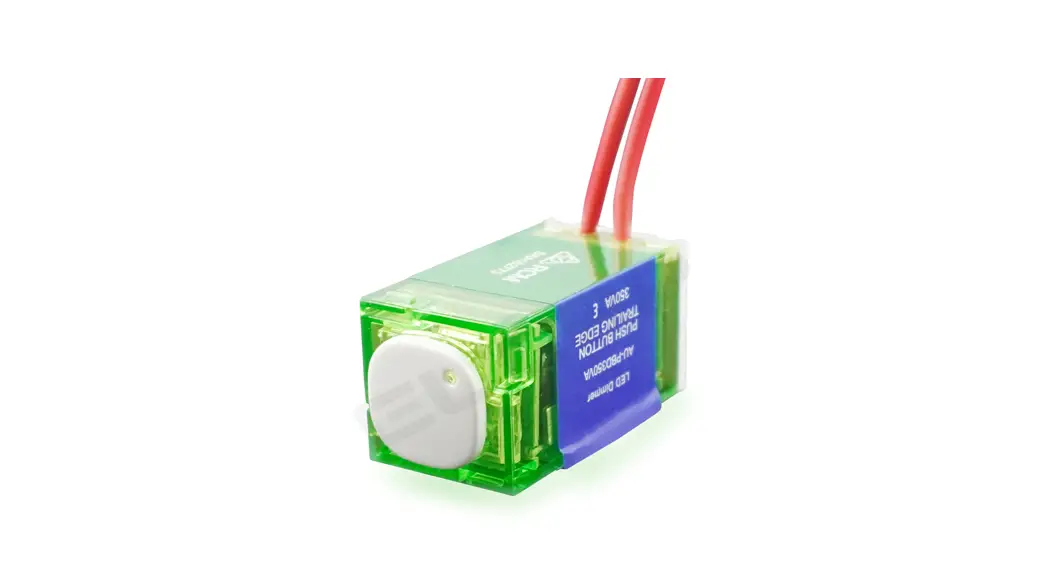
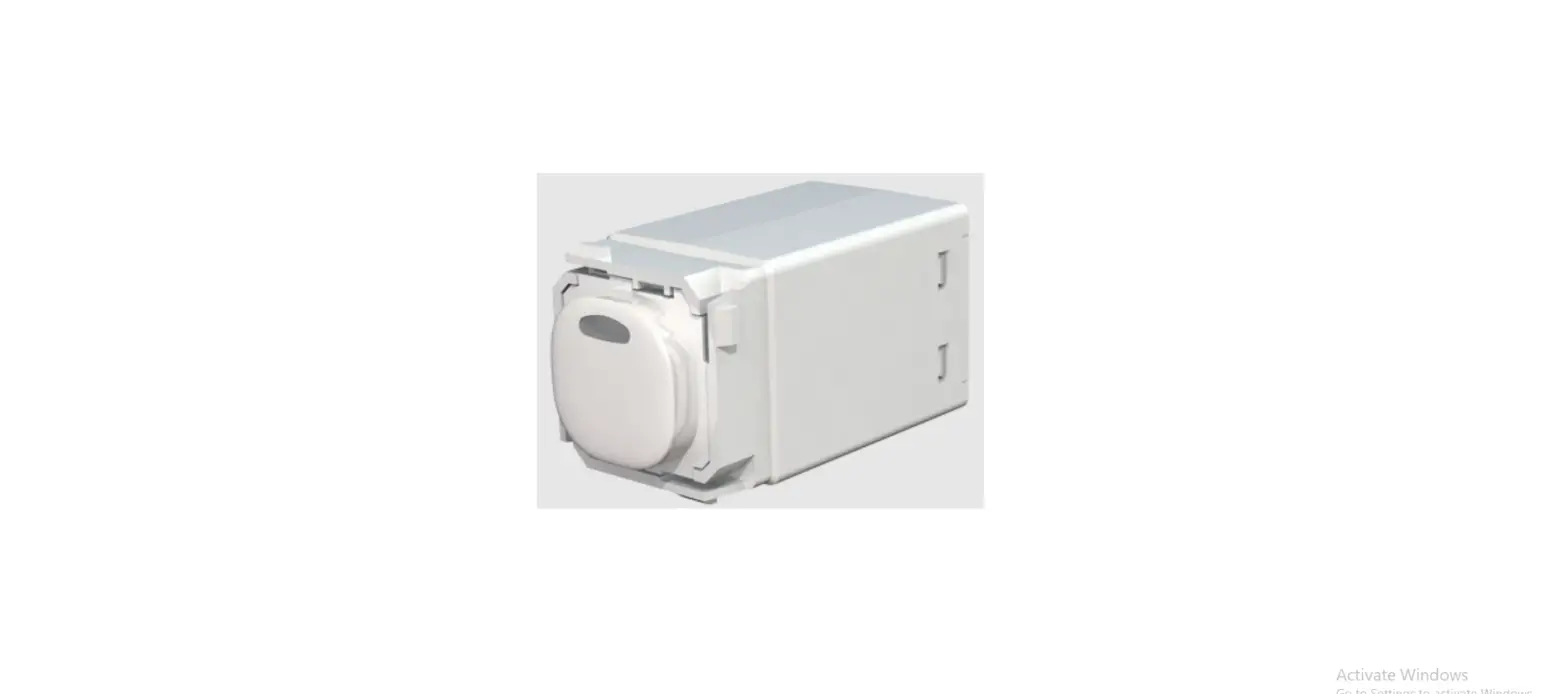
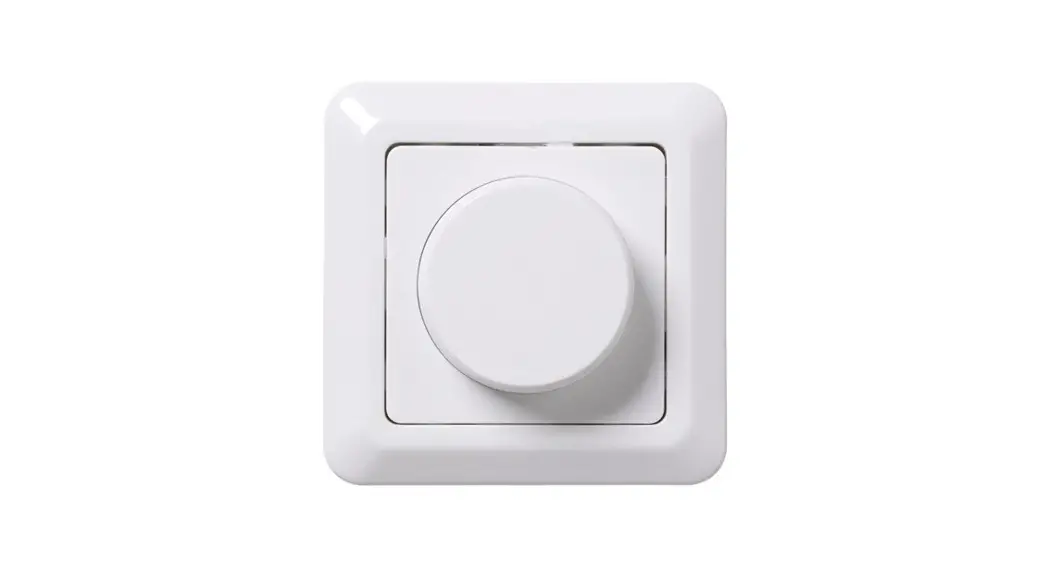
The Push Button Dimmer DS-P is an electronic dimmer switch that
allows you to control the brightness of different types of
lighting. It can be used with dimmable LED lamps, LV Halogen
lighting with electronic transformers, incandescent lighting, and
MV Halogen lamps. The dimmer has a minimum load of 10W and a
maximum load of 350W or 350VA.
The dimmer operates at a voltage of 220-240V and a frequency of
50Hz. It uses trailing edge dimming mode and can be controlled by a
two-way switch. The dimmer has several features, including minimum
brightness setting, maximum brightness setting, LED indicator,
memory dimmer, and protection against overload, short-circuit, over
current, and over temperature.
Product Usage Instructions
Minimum Brightness Setting: If an LED or CFL
lamp flickers or pulses on/off at low dimming levels, you can
adjust the dimmer’s minimum brightness level to a point above this
level. Here’s how to set the minimum brightness:
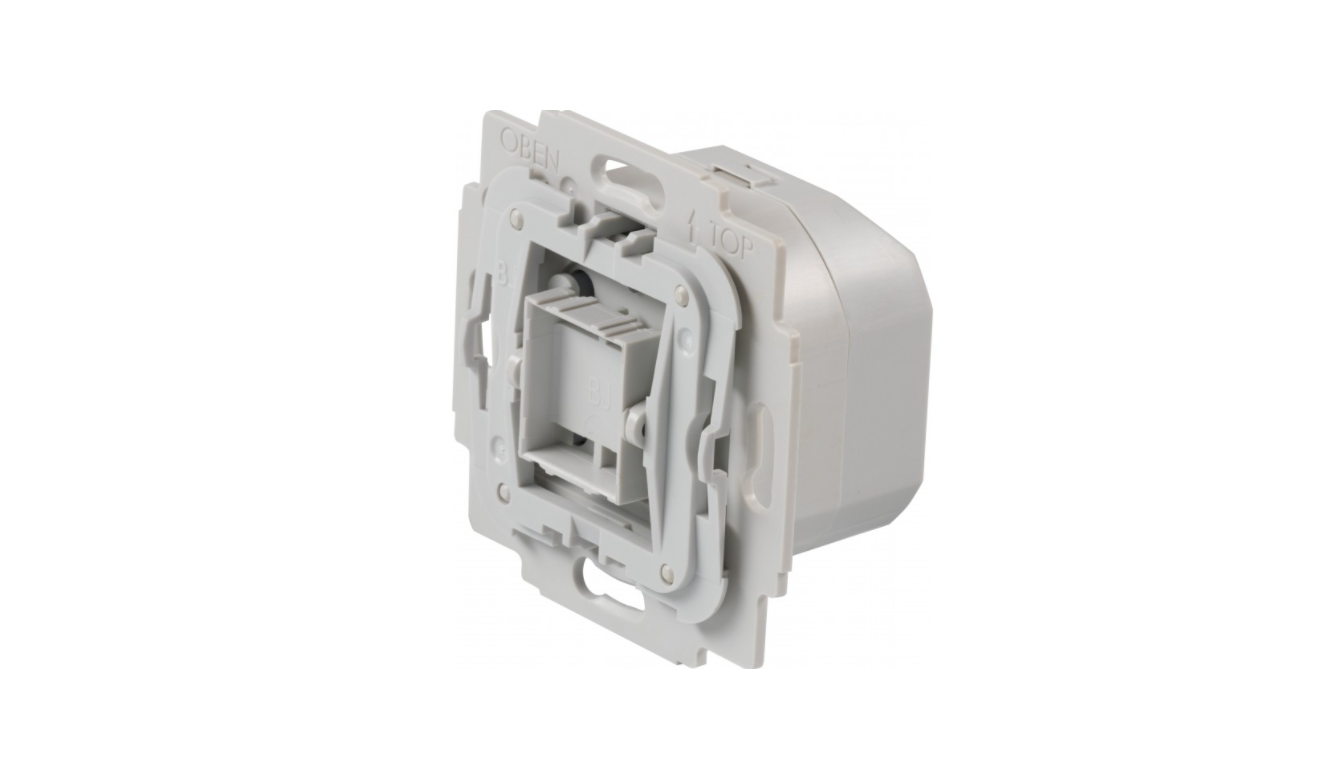
- Remove the top tap from the dimmer.
- Hold down the programming button until the LED starts slow
flashing. - Hold down the button to set the minimum brightness level.
- Double press the button to exit programming mode.
Maximum Brightness Setting: You can also adjust
the dimmer’s maximum brightness level to suit your needs. Here’s
how to set the maximum brightness:
- Remove the top tap from the dimmer.
- Hold down the programming button until the LED starts slow
flashing. - Press the button again to make the LED start quick
flashing. - Hold down the button to set the maximum brightness level.
- Double press the button to exit programming mode.
LED Indicator: The blue LED indicator on the
dimmer will be on when the dimmer is on.
Memory Dimmer: The dimmer has a memory function
that allows it to turn on at the brightness level set when the
lights were last turned off/on.
Protection: The dimmer has protection against
overload, short-circuit, over current, and over temperature. If you
experience any of these issues, consult a competent
electrician.
Installation: The installation of the dimmer
must be carried out by an electrician. Please read the instruction
manual carefully before commencing installation and retain it for
future reference.
Note: The dimmer can be used with one-way or
two-way wiring. Refer to the wiring diagrams in the instruction
manual for more information.
INSTRUCTION MANUAL Push Button Dimmer DS-P
Technical Data
Operating Voltage Frequency Maximum Load Minimum Load Dimming Mode
Control Method
Dimmable LED lamps
LV Halogen lighting with electronic transformers Incandescent lighting, MV Halogen lamps
220-240 Vj 50 Hz 350 W 10 W Trailing Edge Two way 10-150W
10-350VA
10-350VOABS!
Function
a) Minimum Brightness If an LED or CFL lamp becomes unstable at low dimming levels , it can flicker or pulse on/off. The dimmer’s minimum brightness can be set to a level above the point at which a lamp flickers or pulses.
1Remove the top tap. 2Hold down programming button until LED slow flashing. 3Hold down the button to the setting level. 4Double press the button to exit programming mode. b) Maximum Brightness The maximum brightness level provided by the dimmer can be set to suit customer requirements. 1Remove the top tap. 2Hold down the programming button when LED start slow flashing then press
the button again the LED will start quick flashing. 3Hold down the button to the setting level. 4Double press the button to exit
programming mode. c) LED Indicator The blue led indicator will be on when the dimmer is on. d) Memory Dimmer The dimmer has the option to turn on at the brightness level set when the lights were turned off/on at the last setting brightness. e) Protection: Overload, short-circuit, over current, over temperature protection.
Installation
The Installation must be carried out by an electrician!
PLEASE READ INSTRUCTION BEFORE COMMENCING INSTALLATION AND RETAIN FOR FUTURE REFERENCES.
! Electrical products can cause death or injury, or damage to property. If in any doubt about the installation or use of this
product, consult a competent electrician.
L Dimmer
Switch
L Dimmer
Switch Switch
N
N
Load
Load
One-Way Wiring Diagram
Two-way Wiring Diagram
NOTE:
· The LED dimmer series are designed for One-Way or Two-Way operation as above diagrams.
· More than one dimmers cannot be connected in parallel or series to control the same load from two different locations.
· Dimmer Mechanism wiring is NOT polarity sensitive.