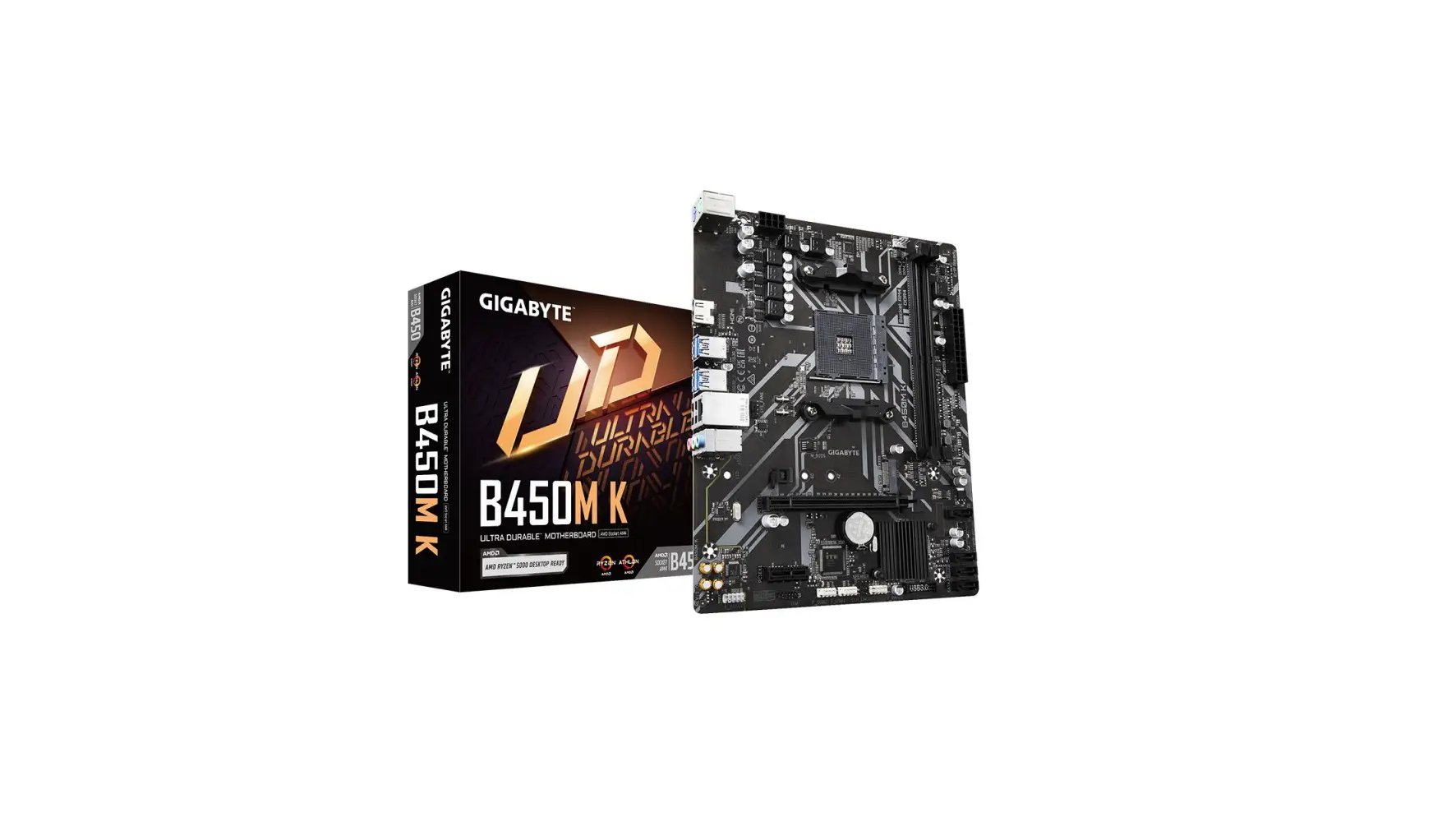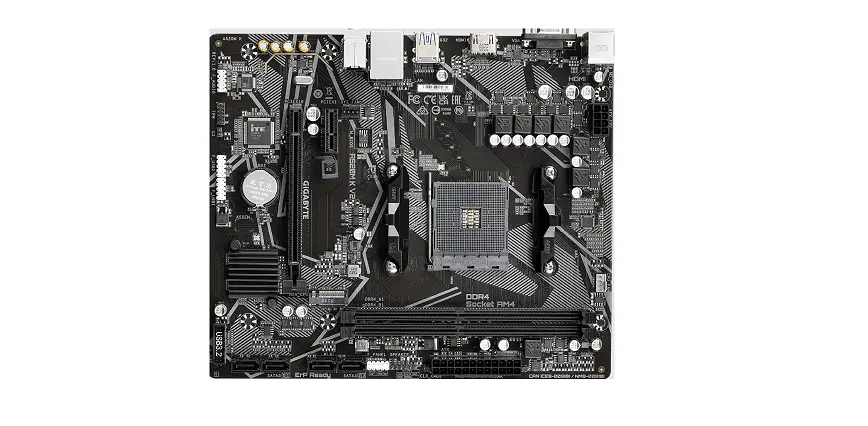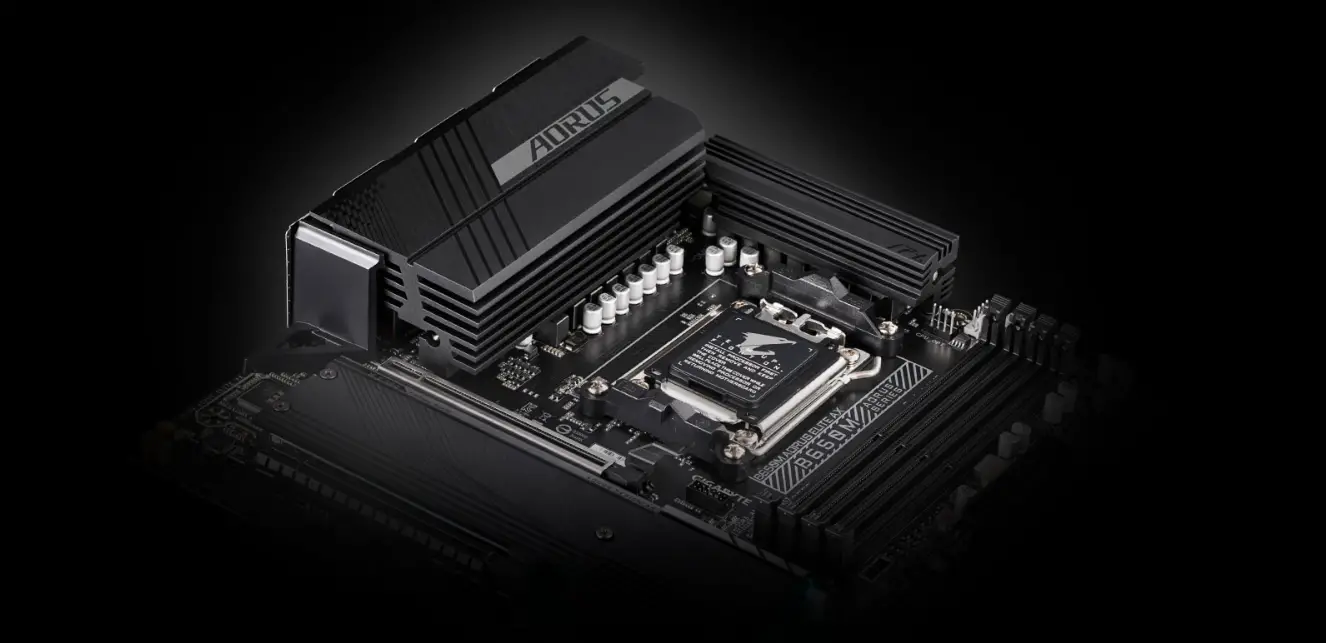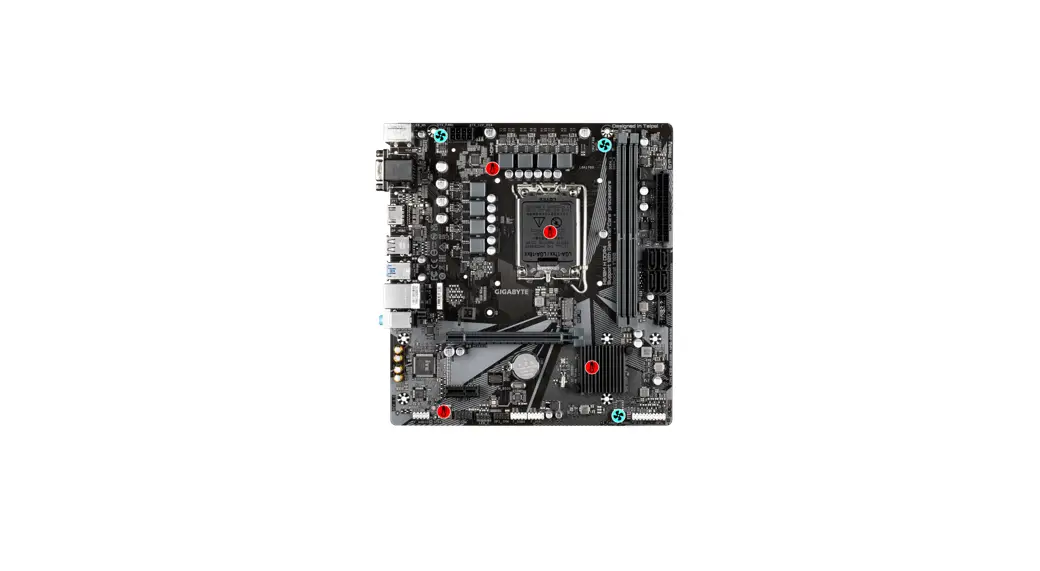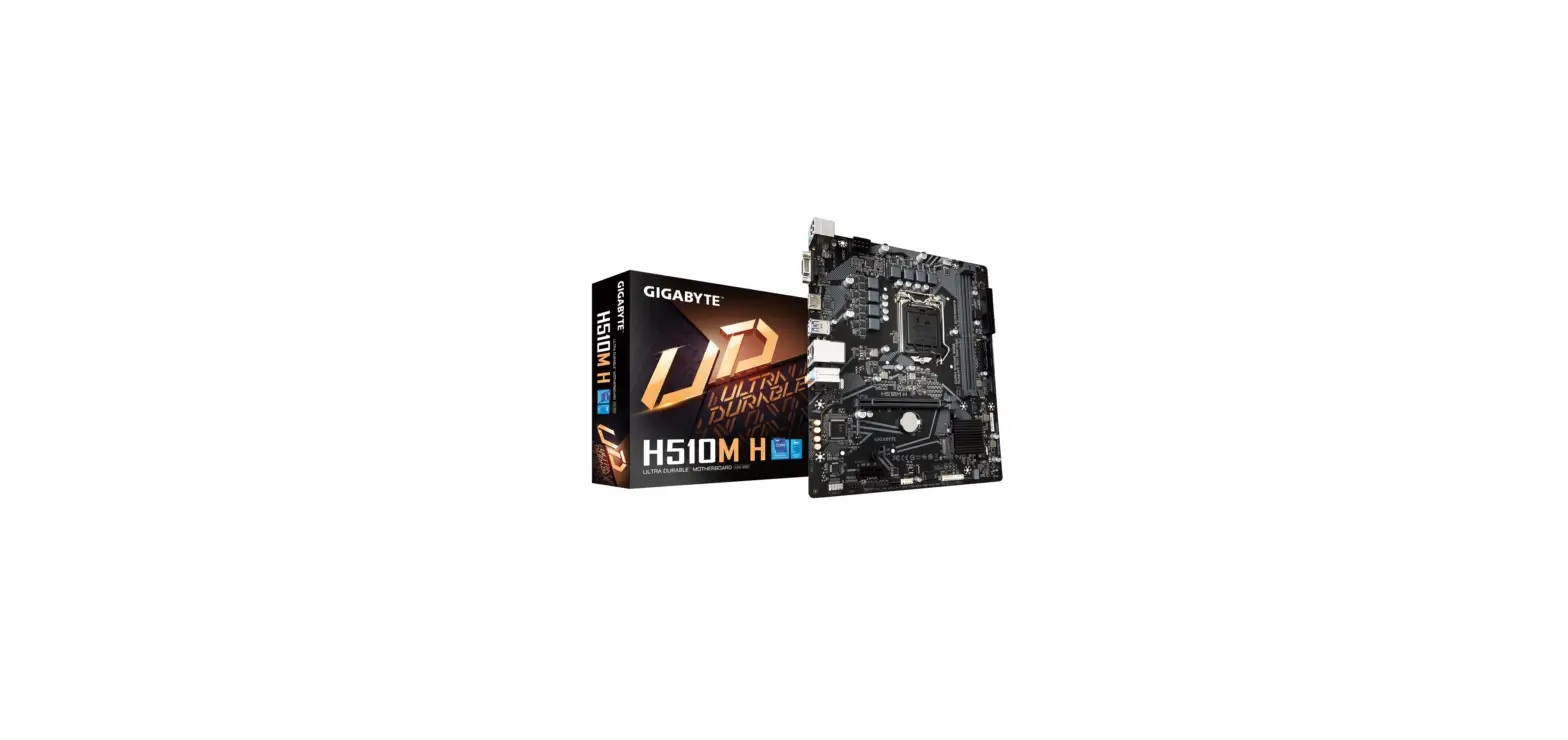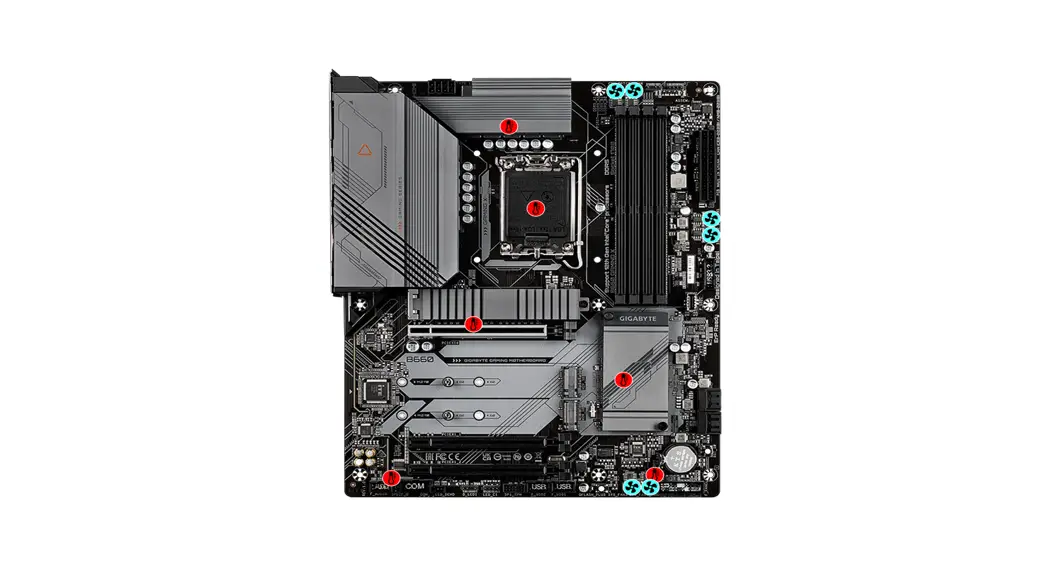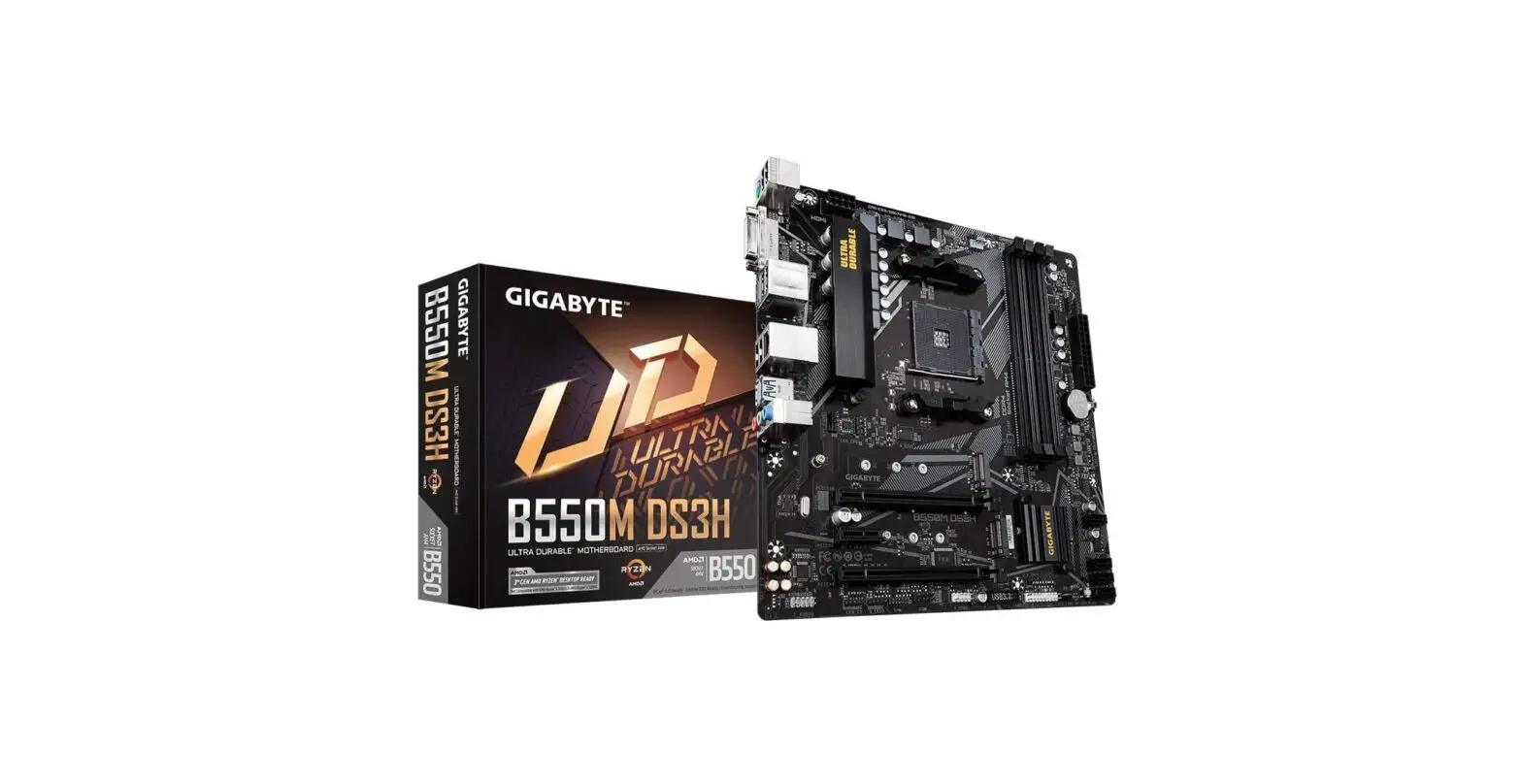

Gigabyte B550M DS3H Micro Ultra Durable Motherboard
Introduction
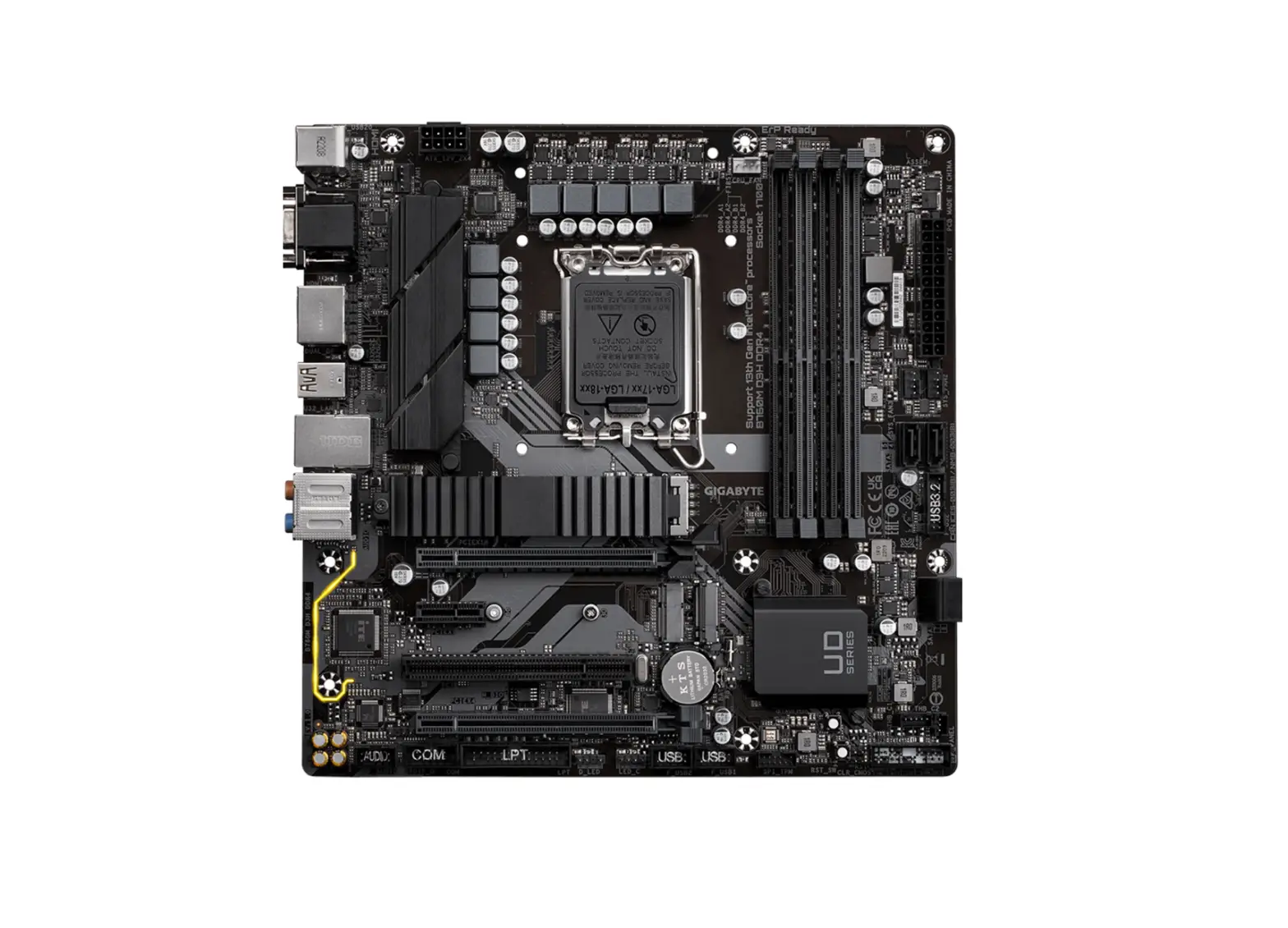
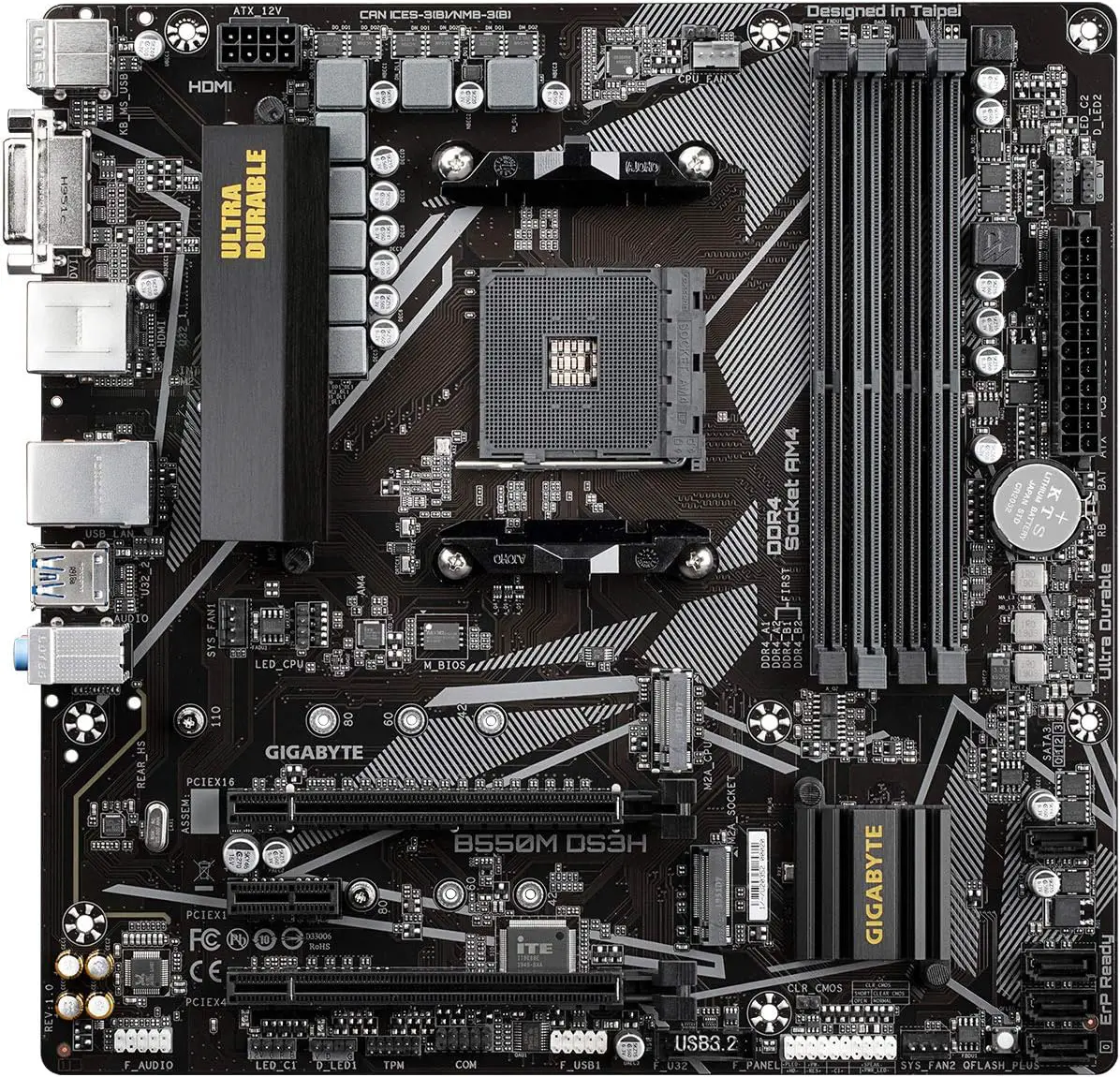
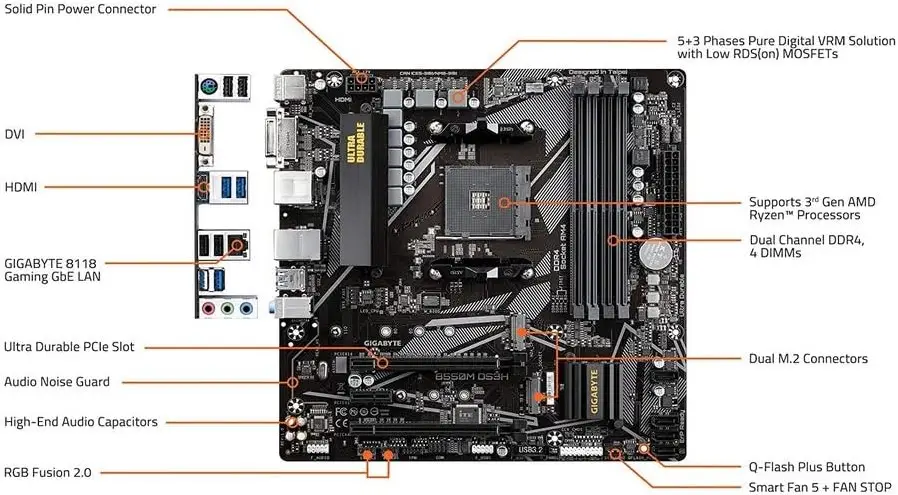
Pure Digital VRM Solution with Low RDS(on) MOSFETs; Supports 3rd Generation AMD Ryzen Processors; Dual Channel ECC/ Non-ECC Unbuffered DDR4; 4 DIMMs; 5+3 Phases; Ultra Robust PCIe 4.0 Ready x16 Slot Dual Ultra-Fast NVMe PCIe 4.0/3.0 M.2 Connectors Ultra-Durable PCIe 4.0 Ready x16 Slot Audio capacitors of the highest quality and an audio noise guard for the best possible audio quality Exclusive to GIGABYTE, the 8118 Gaming GbE LAN comes equipped with Bandwidth Management. Support for RGB FUSION, along with Rear HDMI and DVI 2. 0 with Support for Addressable LED Light Show Designs with Multiple Zones Addressable LED & RGB LED Strips The Five Features of the Smart Fan Multiple Temperature Sensors Q-Flash Plus Update BIOS without Installing the CPU, Memory, or GPU Anti-Sulfur Resistors Design. Hybrid Fan Headers with FAN STOP.
Description
Update to the basic input/output system (BIOS) for AMD Ryzen 5000 series CPUs
You may find the product page for your particular model of the motherboard on the GIGABYTE website, where you can also download the most recent BIOS update file in compressed form.
- After downloading the BIOS file, you will need to uncompress it, then save it to your USB flash drive and rename it to GIGABYTE.bin. Please take note that the file system on the USB flash drive must be FAT32/16.
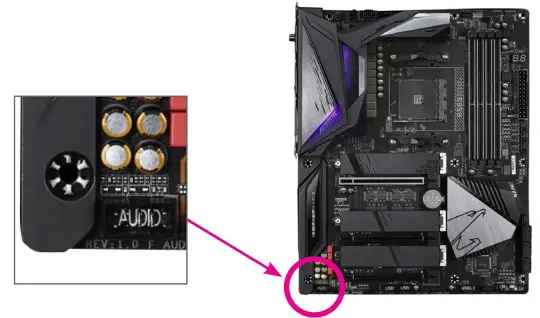
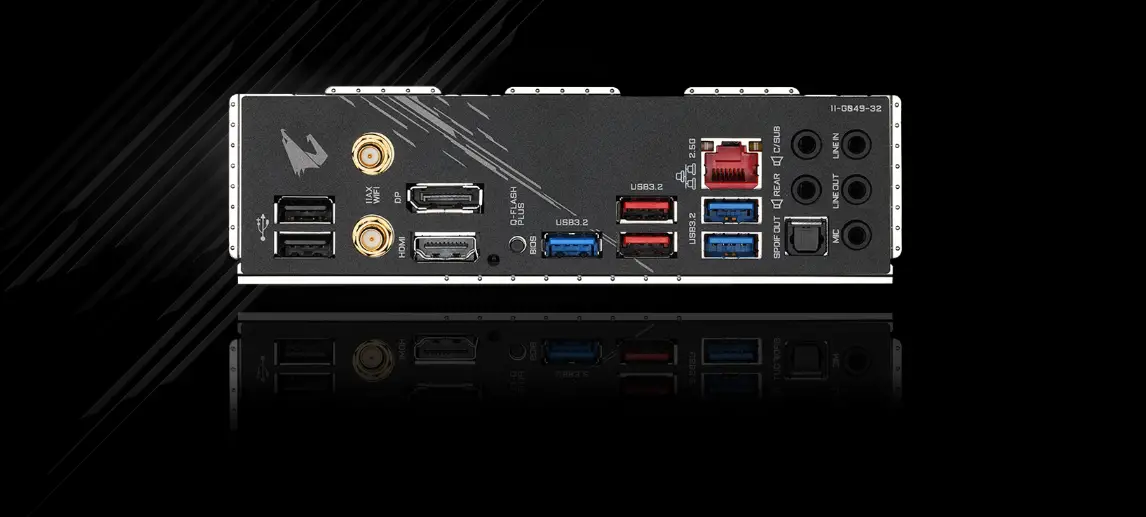
- Put the USB flash drive into the white USB port or the BIOS Q Flash port on the back panel of your motherboard (the USB port may not be labeled on all models; it is recommended that you review the user manual for more assistance in locating it).
- Connect the power cables to the mainboard’s 24 Pin power connector as well as the CPU’s 8 Pin power connection (connect either of them if there are two).
- If you press the Q-Flash Plus button, the system will automatically seek for and match the BIOS file that is stored on the USB flash drive that is connected to the white USB port.
- The location of this button can vary depending on the model. During the process of matching and flashing the BIOS, both the QFLED and the Q-Flash Plus button, which are located on the rear panel, will flash. When the BIOS flashing process is finished, which should take about two to three minutes, the QFLED will cease blinking.
The GIGABYTE UD series of motherboards utilize a 5+3 phases pure digital PWM + Low RDS(on) MOSFETs design to support the 3rd Generation of AMD Ryzen CPUs. This design offers incredible precision in delivering power to the motherboard’s most power-hungry and energy-sensitive components, as well as delivering enhanced system performance and ultimate hardware scalability. GIGABYTE Motherboards allow customers to experience connectivity for M.2 SSD devices in either NVMe mode or SATA mode, thanks to the presence of NVMe PCIe 4.0/3.0 x4 and PCIe 3.0 x2 M.2 ports onboard. The design of the twin M.2 connectors provides a perfect storage option while also allowing RAID modes. The maximum data transfer speed that can be achieved with this configuration is 64 Gb/s.
The Realtek 8118 LAN is a high-performance and user-friendly network chip designed specifically for gamers. It has automated bandwidth allocation to guarantee that the game or application receives the greatest network priority possible. It is able to give customers the most complete functionality, as well as the quickest and most seamless experience possible when using the Internet. In addition to being backward compatible with HDMI 2.0 and HDMI 1.4, HDMI 2.1 has a bandwidth of 48 Gb/s, which is twice as much as the bandwidth provided by the previous generation. This opens up the possibility for users to transfer multiple video streams, as well as a native cinematic 21:9 aspect ratio (the ratio in which the vast majority of movies are shot), support for Full HDR, and HDCP 2.3, with the goal of providing viewers with the greatest possible visual experience.
Specifications
- Brand: Gigabyte
- CPU Socket: Socket AM4
- Compatible Devices: Personal Computer
- RAM Memory Technology: DDR4
- Compatible Processors: AMD 3rd Generation Ryzen
- Chipset Type: AMD B550
- Memory Clock Speed: 3600 MHz
- Platform Windows: 8.1, Windows 8, Windows 10
- Model Name: B550M DS3H
- CPU Model: AMD A8
- Processor: amd_a8
- Wireless Type: Bluetooth, 802.11a/b/g/n/ac, 802.11a, 801.11ac, 2.4 GHz Radio Frequency
- Number of USB: 2.0 Ports
- Item Weight: 1.76 pounds
- Product Dimensions: 10.43 x 10.43 x 2.12 inches
Features
- Compatible with AMD Ryzen processors of the third generation
- Dual Channel Unbuffered ECC/Non-ECC DDR4 with 4 DIMMs with 5+3 Phases Solution for Pure Digital VRM with Low RDS(on) MOSFETs
- PCIe 4.0 Ready Ultra-Durable x16 Slot Dual Ultra-Fast NVMe PCIe 4.0/3.0 M.2 Connectors Ultra-Reliable and Ultra-Fast
- Audio capacitors of the highest quality and an audio noise guard for the best possible audio quality
- Exclusive to GIGABYTE, the 8118 Gaming GbE LAN comes equipped with Bandwidth Management.
- Support for RGB FUSION, along with Rear HDMI and DVI 2.0 Gives Support For Addressable LED & RGB LED Strips
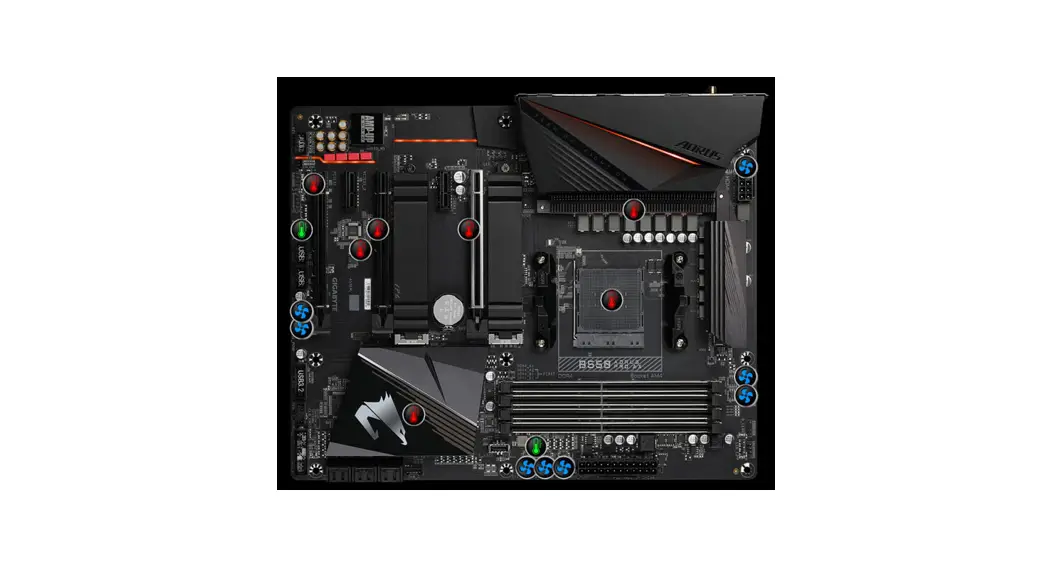
- The Five Features of the Smart Fan are Multiple Temperature Sensors, Hybrid Fan Headers with Fan Stop, Q-Flash Plus for Updating the BIOS Without Installing the CPU, Memory, or Graphics Card Anti-Sulfur
- Resistors Design
User’s Manual
FAQ’s
What is the form factor of the Gigabyte B550M DS3H motherboard?
The Gigabyte B550M DS3H is a Micro ATX (mATX) motherboard.
Which CPU socket does the motherboard support?
The motherboard supports AMD AM4 socket processors, including Ryzen 3000 and 5000 series.
What RAM type and speed does the B550M DS3H support?
The motherboard supports DDR4 RAM with varying speeds, depending on the processor used. It can handle speeds up to 4400MHz (OC).
How many RAM slots are available on the motherboard?
The B550M DS3H motherboard has four DDR4 DIMM slots, allowing for a maximum RAM capacity of up to 128GB.
Does the motherboard support PCIe 4.0?
Yes, the motherboard features PCIe 4.0 support, which allows for faster data transfer rates with compatible devices.
How many PCIe slots does the B550M DS3H have?
The motherboard typically has one PCIe x16 slot for the graphics card and one PCIe x1 slot for other expansion cards.
What storage options does the motherboard offer?
The motherboard provides multiple storage options, including M.2 slots for NVMe SSDs and SATA ports for traditional hard drives and SSDs.
Does the motherboard have USB 3.2 Gen 2 ports?
Yes, the B550M DS3H motherboard usually has USB 3.2 Gen 2 ports, allowing for high-speed data transfer.
Does the motherboard have RGB lighting features?
The motherboard may have RGB lighting zones and support for RGB Fusion technology for customizable lighting effects.
What audio technology does the motherboard use?
The motherboard typically uses Realtek audio chips to deliver high-quality audio.
Does the motherboard support multi-GPU setups (AMD CrossFire)?
Yes, the B550M DS3H motherboard supports AMD CrossFire technology for running multiple AMD GPUs simultaneously.
What additional features does the motherboard offer for gaming or overclocking?
The motherboard may include features like Gigabyte's Smart Fan 5, advanced VRM cooling, and BIOS settings for overclocking support.