TSM400-4-TH Humidity and Temperature Sensor
Product Information:
1. Short description: TSM400-4-TH sensor 2. Features: – Two-Wire
MODBUS solution – EIA/TIA-485 standard compliant – Built-in 120-ohm
resistor for termination – Daisy-chained (linear) topology for
multiple sensors – Compatible with UTP/FTP cables for
interconnection – Status indicator – Factory default settings –
Firmware update capability 3. Applications: This sensor is suitable
for installation on a cavity wall box and is designed for accurate
measurement. 4. Specifications: – Pinout: – Not used – Positive
power supply – Ground (negative) supply – Line A+ of RS-485 – Line
B- of RS-485 – Connect to B- for termination – UTP wires color: –
Brown/White Tracer Brown – Blue/White Tracer Blue
Product Usage Instructions:
1. Installation: – Install the TSM400-4-TH sensor on a cavity wall
box with a 68mm diameter and 61mm screw spacing. – Use UTP/FTP
cables for interconnection. 2. Two-Wire MODBUS Implementation: –
Implement a Two-Wire electrical interface according to the
EIA/TIA-485 standard. – Connect all devices of the bus with a third
conductor (common). – Install terminators (120 ohms resistors) at
both ends of the bus. – To terminate the line, connect B- and TERM.
– Use a daisy-chained (linear) topology for multiple sensors. 3.
Factory Default Settings: – Disconnect the sensor from the bus and
switch off the power supply. – Press and hold the config button. –
While holding the button, connect the sensor to the bus and switch
on the power supply. – The status LED will be ON for 3 seconds,
then flash for 7 seconds, and finally remain ON after the 10th
second. – Release the button to restart the sensor with factory
default settings. 4. Firmware Update: – Use a Teracom controller
that supports MODBUS RTU or MBRTU-Config software for updating the
firmware. – For more details, consult your dealer. Note: Refer to
the Modbus address table on page 4 for specific RS-485 addresses,
baud rates, data orders, and other register details.
1. Short description
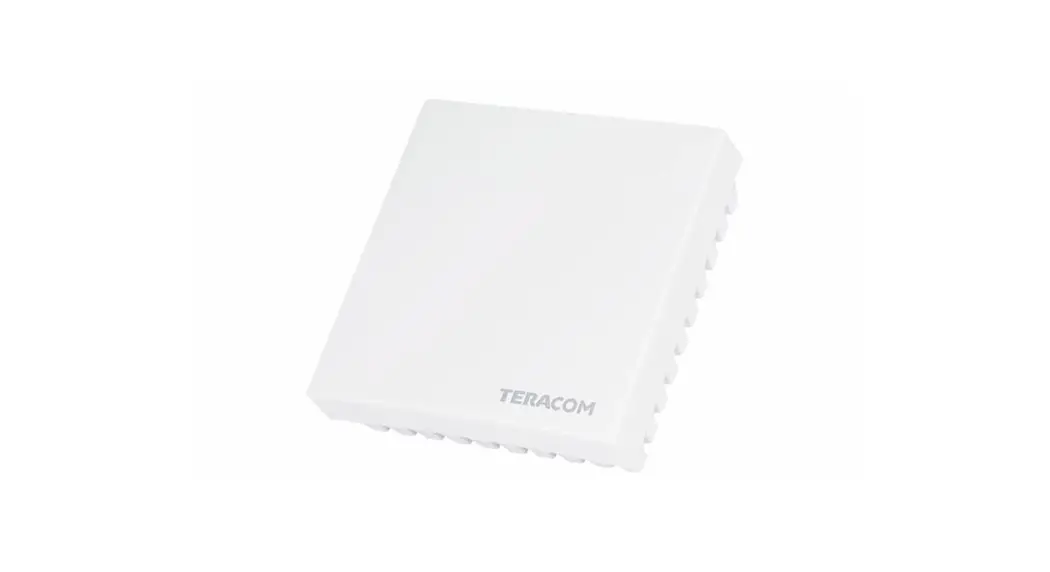
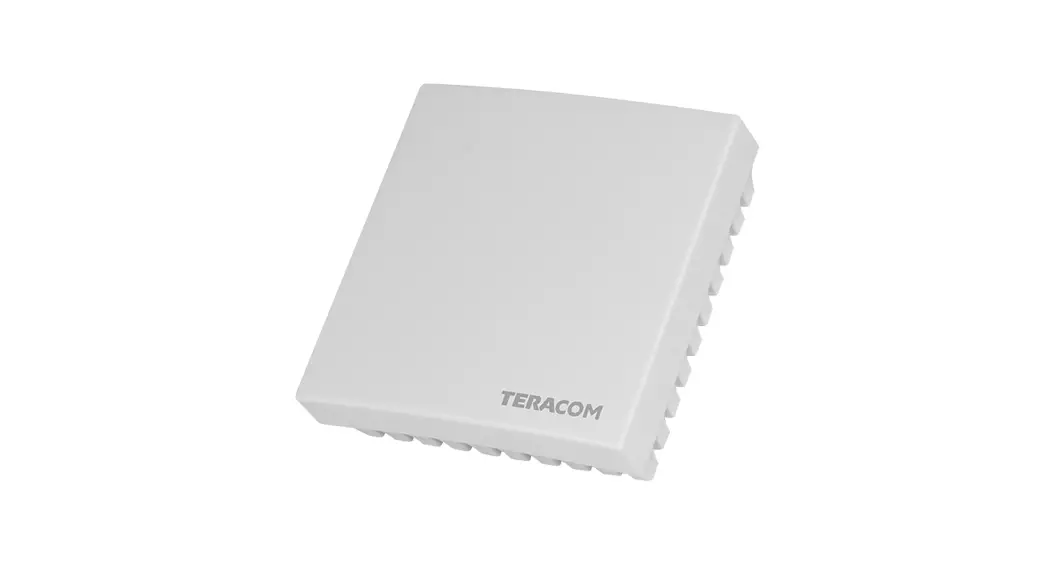
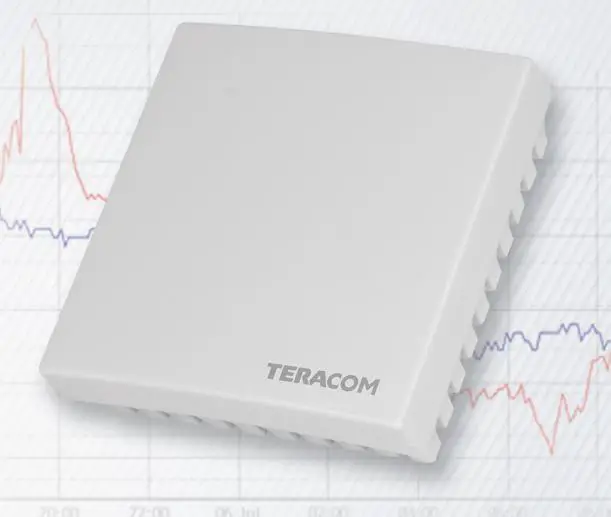
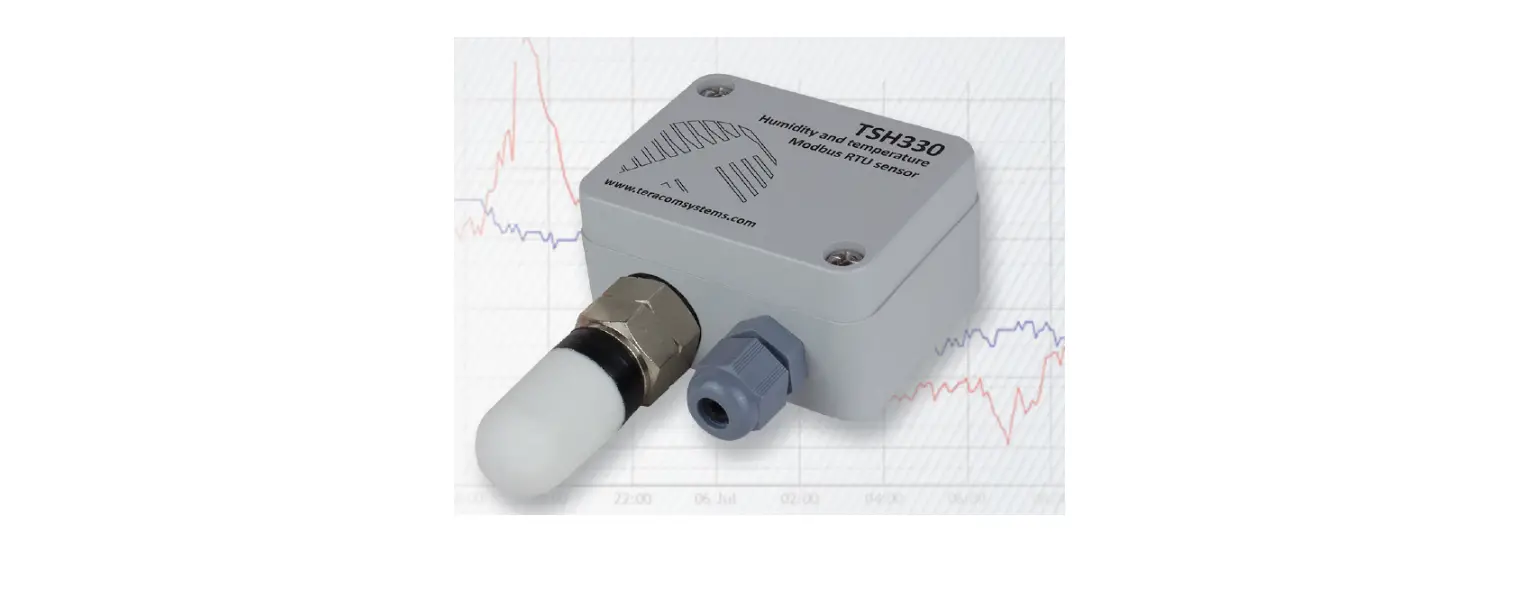
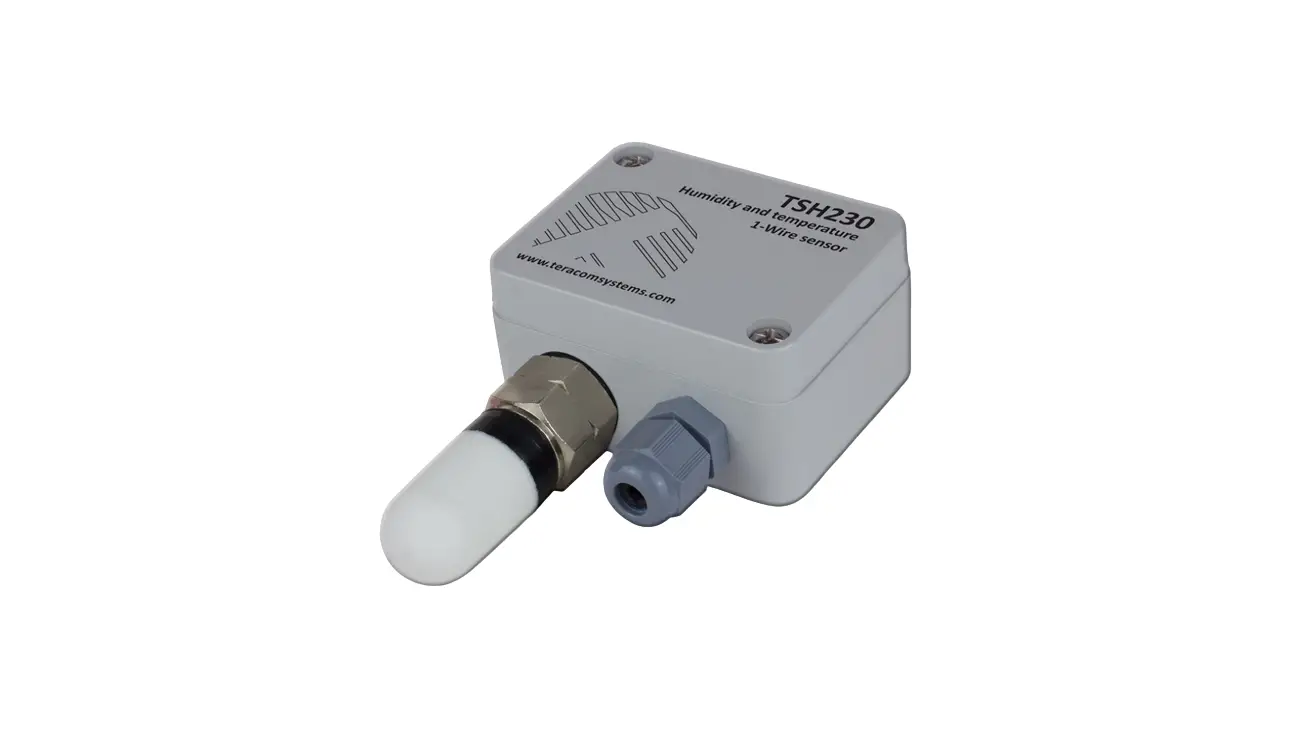
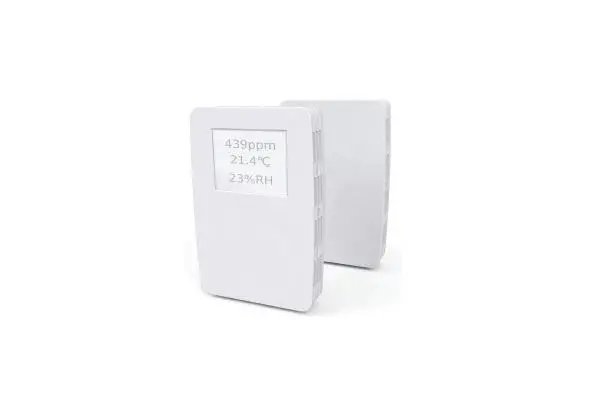
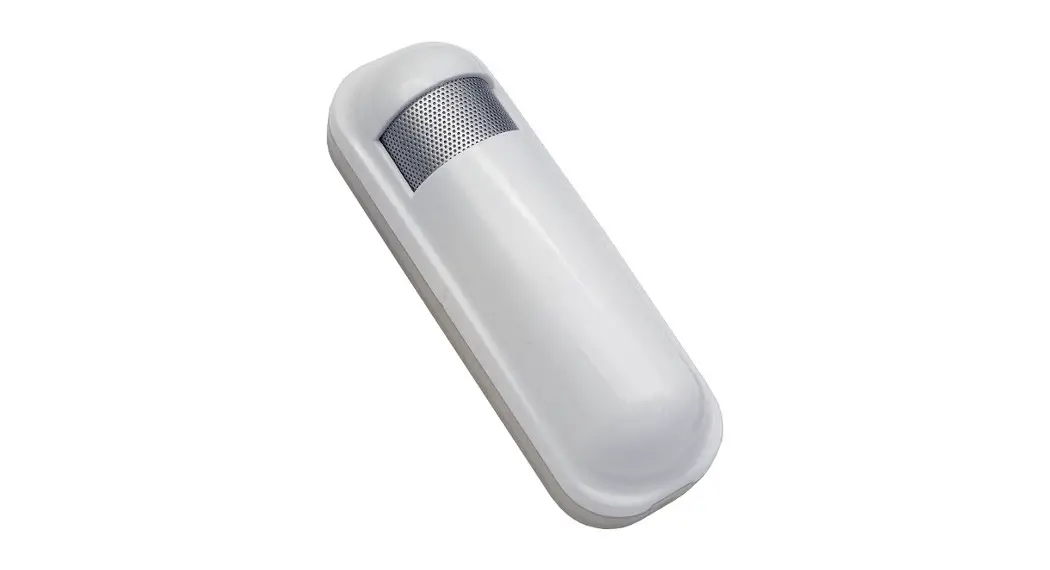
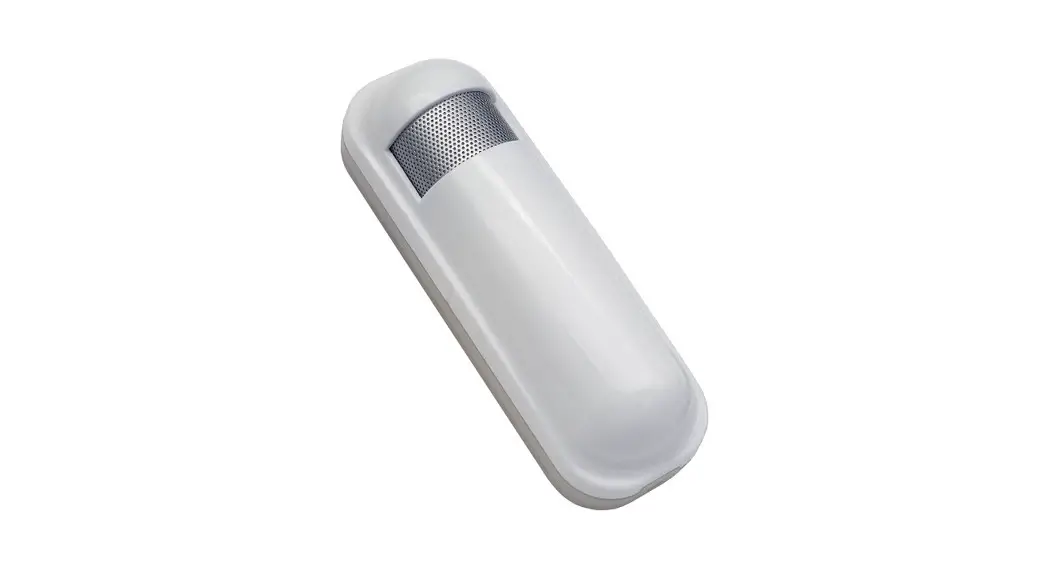
TSM400-4-TH is a humidity and temperature sensor that supports MODBUS RTU protocol over the RS-485 interface. A unique capacitive element is used for measuring relative humidity while the temperature is measured by a band gap sensor. Both sensors are seamlessly coupled to a 12-bit analog to digital-converter. This results in superior signal quality. The TSM400-4-TH multi-sensor is housed in a slim plastic enclosure. The bottom part of the enclosure is suitable for installation on standard flush-mounted/cavity wall boxes ø68mm, with installation openings on 61 mm.
2. Features
· LED indicator for status of communication;
· Long-term stability based on digital signal processing;
· RS-485 interface carrying up to 32 nodes;
· Changeable bitrate and other communication parameters;
· Firmware update via the interface.
3. Applications
· Environmental quality monitoring and assessment for offices · Server room and data centers humidity and temperature monitoring · Smart ventilation systems
4. Specifications
· Physical characteristics Dimensions: 81 x 81 x 30 mm Weight: 66 g
· Environmental limits Operating temperature range: -20 to 60°C Operating relative humidity range: 5 to 95% (non-condensing) Storage temperature range: -20 to 60°C Storage relative humidity range: 5 to 95% (non-condensing) Ingress protection: IP20
· Power requirements Operating voltage range (including -15/+20% according to IEC 62368-1): 4.5 to 26 VDC Current consumption: 10 mA@5VDC
· Humidity measurements Accuracy (min): ±3.0 %RH (in 20 to 80 %RH range) Accuracy (max): ±5.0 %RH (in 5 to 95 %RH range) Resolution: 0.1 %RH
Recommended operating range is 20% to 80% RH (non-condensing) over 10 °C to 60 °C Prolonged operation beyond these ranges may result in a shift of sensor reading, with slow recovery time.
· Temperature measurements Accuracy (min): ±0.4 °C (in -10 to +60°C range) Accuracy (max): ±0.6 °C (in -20 to +60°C range) Resolution: 0.1 °C
· Warranty Warranty period: 3 years
TSM400-4-TH_R1.1 October 2022
Page 2
5. Pinout
Pin 1-W +5÷30V GND A+ BTERM
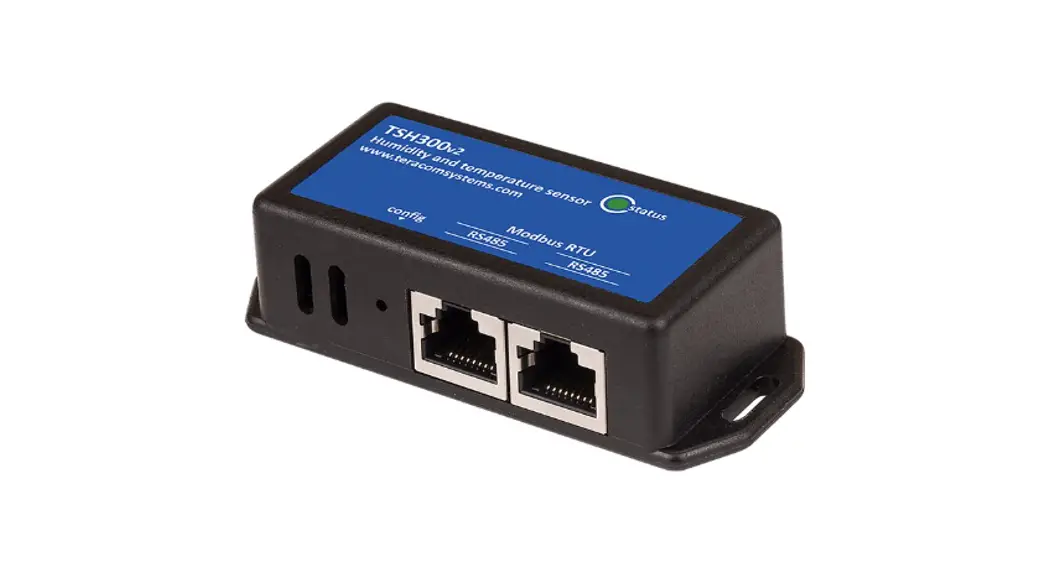
Description Not used Positive power supply Ground (negative) supply Line A+ of RS-485 Line B- of RS-485 For termination, connect to B-
UTP wires color
Brown/White Tracer Brown Blue/White Tracer Blue
6. Installation
Two-Wire MODBUS definition according to modbus.org:
“A MODBUS solution over a serial line should implement a “Two-Wire” electrical interface in accordance with EIA/TIA-485 standard. On such a “Two-Wire” topology, at any time one driver only has the right for transmitting. In fact, a third conductor must also interconnect all the devices of the bus – the common.”
Attention:
For proper operation of the interface, terminators (120 ohms resistors) must be installed at both ends of the bus. The device has a built-in 120-ohm resistor and to terminate the line, “B-” and “TERM” must be shortened. A daisy-chained (linear) topology for multiple sensors should be used. UTP/FTP cables are mandatory for interconnection.
7. Installation tips
The location and the mounting position of the sensor have a direct effect on the accuracy of the measurement. The tips below will ensure good measuring results:
· Sensor shall be installed about 1.2-1.4 m above the floor;
TSM400-4-TH_R1.1 October 2022
Page 3
· To avoid solar radiation, the sensor should not be installed next to windows or directly in the sunlight;
· Sensors shall be installed in a place with sufficient air circulation.
TSM400-4-TH sensor is intended for installation on a cavity wall box with 68mm diameter and 61 mm screw spacing.
8. Status indicator
The status of the device is shown by a single LED, located inside the box: · If the LED blinks for a period of 1 second, the sensor works properly; · If the LED blinks for a period of 3 seconds, there isn`t communication with the controller; · If LED doesn`t blink, there isn`t a power supply.
9. Factory default settings
Disconnect the sensor from the bus (switch off the power supply). Press and hold the “config” button. Don’t release the button, connecting the sensor to the bus (switch on the power supply). The “status” LED will be ON for 3 seconds and after this will flash for 7 seconds. After the 10th second the LED will be ON. Release the button. The sensor will restart with factory default settings.
10. Firmware update
The firmware of the sensor can be updated with a Teracom controller which supports MODBUS RTU or MBRTU-Config software. For more details ask your dealer.
TSM400-4-TH_R1.1 October 2022
Page 4
11.Modbus address table
Register name RS-485 address Baud rate*
Parity, data, stop bits * Data order
Sub-family number FW version Vendor URL Float test value (MSWF) Float test value (LSWF) Signed integer test value Signed integer test value (MSWF) Signed integer test value (LSWF) Unsigned integer test value Unsigned integer test value (MSWF) Unsigned integer test value (LSWF) Temperature °C Humidity %RH Dew point °C Temperature °F Humidity %RH Dew point °F Temperature °C x 100 Humidity %RH x 100 Dew point °C x 100 Temperature °F x 100 Humidity %RH x 100 Dew point °C x 100
R/W FC R/W 03/06
R/W 03/06
R/W 03/06 R/W 03/06
R
3
R
3
R
3
R
3
R
3
R
3
R
3
R
3
R
3
R
3
R
3
R
3
R
3
R
3
R
3
R
3
R
3
R
3
R
3
R
3
R
3
R
3
R
3
PDU Address (Decimal) 10
11
Logical Address (Decimal) 40011
40012
Offset (Decimal) 40001
40001
Data size 16-bit uns. integer
16-bit uns. integer
Default 1
19200
12
40013
40001
16-bit uns. integer 1
13
40014
40001
16-bit uns. integer 1
14
40015
40001
16-bit uns. integer 1
15
40016
40001
16-bit uns. integer
16
40017
40001
64 bytes UTF-8
82
40083
40001
32-bit float
84
40085
40001
32-bit float
86
40087
40001
16-bit sig. integer
87
40088
40001
32-bit sig. integer
Valid values 1-247 2400, 4800, 9600, 19200, 38400, 57600 1=E81, 2=O81, 3=N81 1=MSWF (MSW, LSW) 2=LSWF (LSW, MSW) 0xC9
teracomsystems.com -9.9(0xC11E6666) -9.9(0xC11E6666) -999(0xFC19) -99999(0xFFFE7961)
89
40090
40001
32-bit sig. integer
-99999(0xFFFE7961)
91
40092
40001
16-bit uns. integer
92
40093
40001
32-bit uns. integer
999(0x03E7) 99999(0x0001869F)
94
40095
40001
32-bit uns. integer
99999(0x0001869F)
100 102 104 400 402 404 600 601 602 1000 1001 1002
40101 40103 40105 40401 40403 40405 40601 40602 40603 41001 41002 41003
40001 40001 40001 40001 40001 40001 40001 40001 40001 40001 40001 40001
32-bit float 32-bit float 32-bit float 32-bit float 32-bit float 32-bit float 16-bit sig. integer 16-bit uns. integer 16-bit sig. integer 16-bit sig. integer 16-bit uns. integer 16-bit sig. integer
MSWF – Most significant word first – (bits 31 … 16), (bits 15 … 0); LSWF – Least significant word first – (bits 15 … 0), (bits 31 … 16); PDU address – Actual address bytes used in a Modbus Protocol Data unit A “NaN” value is returned for unavailable floating-point values (e.g. in case of measurement error) * The settings will take effect after restarting the device by power off, power on.
12. Recycling
Recycle all applicable material. Do not dispose of with regular household refuse.
TSM400-4-TH_R1.1 October 2022
Page 5
 The Modbus Organization
 Remote monitoring and control solution for your automation challenges