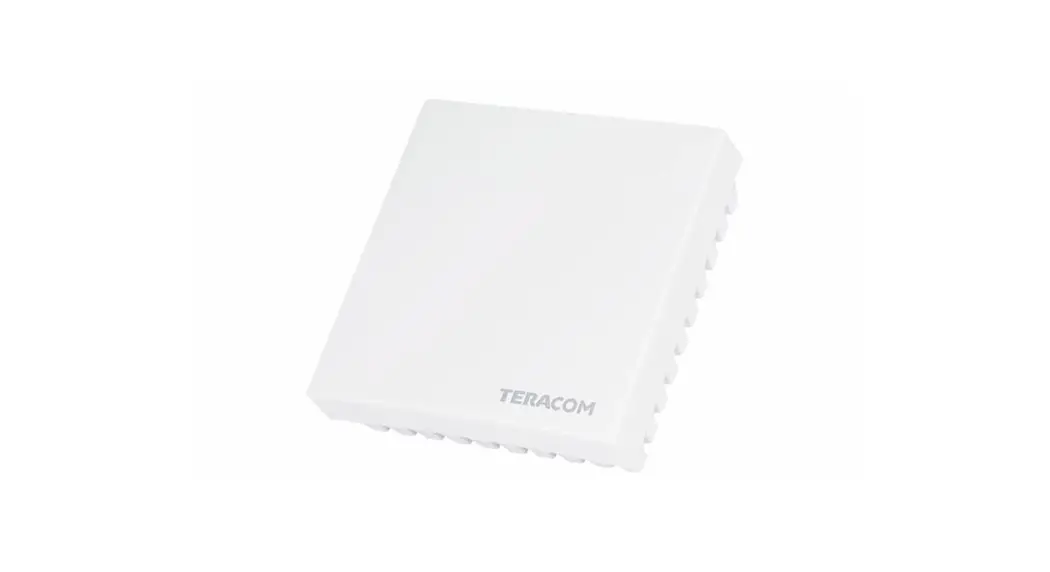
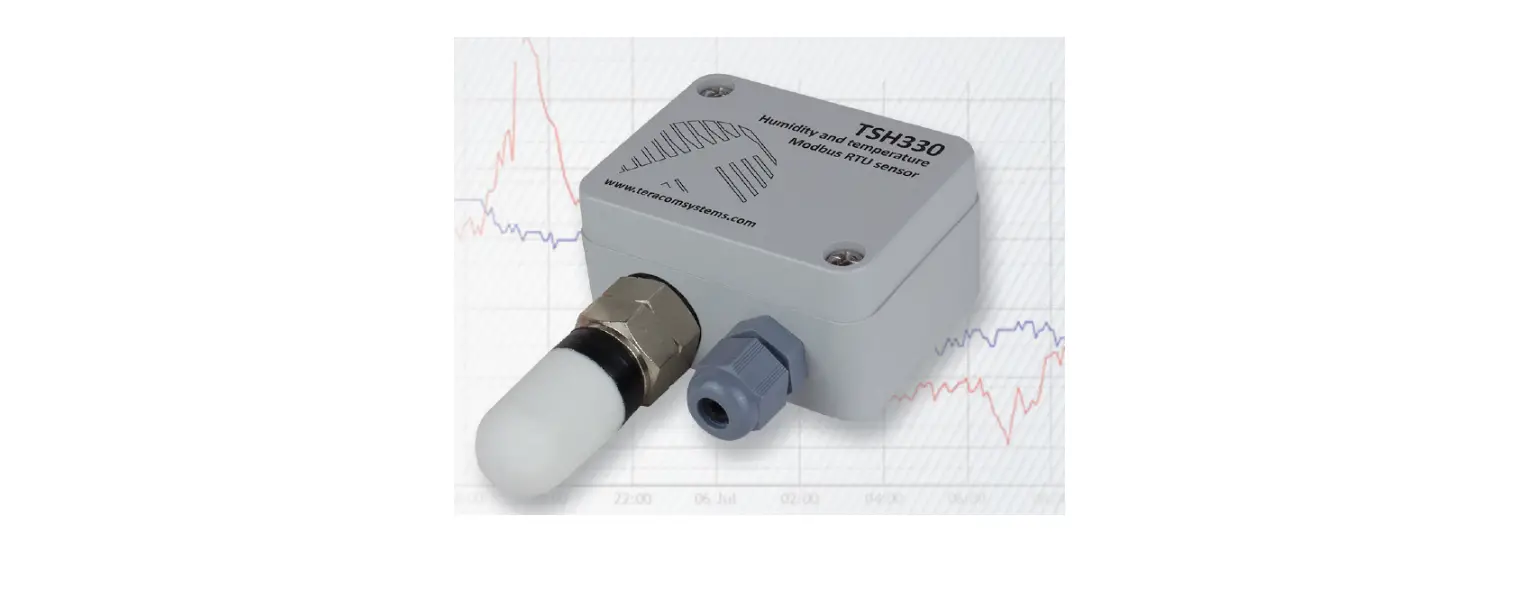
TST300v2 Precision Temperature Sensor
Product Information
Product Name: TST300v2
Product Type: Modbus RTU temperature sensor
Version: 1.8 / April 2021
User Manual: Download
User Manual
Short Description
The TST300v2 is a high accuracy temperature sensor with an
RS-485 interface. It does not require an external power supply as
it is powered through the interface. The sensor integrates a
band-gap temperature sensor element and signal processing to
provide a fully calibrated digital output. The temperature sensors
are factory calibrated and the calibration data is stored in
non-volatile memory, allowing for easy interchangeability without
additional efforts. The sensor comes with a one-meter standard
patch cable with RJ45 connectors, and a 19 rack mount kit can be
ordered separately.
Features
- High accuracy temperature sensing
- RS-485 interface
- No external power supply required
- Fully calibrated digital output
- Factory calibrated with stored calibration data
- One-meter standard patch cable included
- Optional 19 rack mount kit available
Applications
The TST300v2 temperature sensor can be used in various
applications, including but not limited to:
- Environmental monitoring
- Building automation systems
- Data centers
- Industrial processes
- HVAC systems
Specifications
For detailed specifications, please refer to page 2 of the user
manual.
Pinout
For the pin descriptions and corresponding UTP wire colors,
please refer to page 2 of the user manual.
Installation
To install the TST300v2 temperature sensor:
- Use a daisy-chained (linear) topology for multiple
sensors. - Use UTP/FTP cables with RJ-45 connectors for
interconnection. - Follow the popular ANSI/TIA/EIA T568B wiring standard.
- Use standard patch LAN cables for optimal performance.
- Install a terminator on the free RJ45 socket of the last sensor
in the chain.
Status Indicator
For information about the status indicator, please refer to page
3 of the user manual.
Factory Default Settings
To restore the sensor to its factory default settings:
- Disconnect the sensor from the bus and switch off the power
supply. - Press and hold the config button.
- While holding the button, connect the sensor to the bus and
switch on the power supply. - The status LED will be ON for 3 seconds, then flash for 7
seconds, and finally remain ON after the 10th second. - Release the button. The sensor will restart with factory
default settings.
Firmware Update
To update the firmware of the sensor:
- Use a Teracom controller that supports MODBUS RTU or
MBRTU-Config software. - For more details, consult your dealer.
Modbus Address Table
For the Modbus address table, please refer to page 3 of the user
manual.
Note: The settings will take effect after a restart of the
sensor through a power-on reset.
TST300v2
Modbus RTU temperature sensor
Version 1.8 / April 2021
USER MANUAL
TST300v2_R1.8w Awpriwl 20.2t1eracomsystems.cPaogem1
1. Short description
TST300v2 (successor of TST300) is a high accuracy temperature sensor with an RS-485 interface. The device doesn’t need external power supply, it is powered through the interface.
The temperature sensor integrates a band-gap temperature sensor element plus signals processing and provides a fully calibrated digital output. The temperature sensors are factorycalibrated. The calibration data is stored in the non-volatile memory. This ensures fully interchangeable of the sensors without any extra efforts.
The sensor is delivered with one meter standard patch cable with RJ45 connectors. A 19″ rack mount kit can be ordered separately.
2. Features
· RS-485 interface carrying up to 32 nods; · LED indicator for status of communication; · Changeable bitrate and another communication parameters; · Firmware update via the interface.
3. Applications
· Server room and data centers temperature monitoring and logging. · High precision temperature monitoring and logging for food and drug storages. · Environmental quality monitoring and assessment. · Temperature monitoring in building management systems.
4. Specifications
The device has following specifications: · Physical characteristics Dimensions: 85 x 35.1 x 23.5 mm Weight: 40 g · Environmental limits Operating temperature range: -20 to 60°C Operating relative humidity range: 5 to 85% (non-condensing) Storage temperature range: -20 to 60°C Storage relative humidity range: 5 to 85% (non-condensing) Ingress protection: IP20 · Power requirements Input Voltage: 4 to 5.5 VDC (from the bus) Input Current: 2 mA · Temperature measurements Accuracy (min): ±0.13 °C (in +20 to +60°C range) Accuracy (max): ±0.25 °C (in -20 to +60°C range) Resolution: 0.1 °C · Warranty Warranty period: 3 years
Page 2
TST300v2_R1.8 April 2021
5. Pinout
Pin Description 1 not connected (most right)
2 not connected
3 not connected
4 Line B5 Line A+ 6 not connected 7 +VDD 8 GND
Corresponding UTP wires color Orange/White Tracer
Orange
Green/White Tracer
Blue Blue/White Tracer Green Brown/White Tracer Brown
6. Installation
A daisy-chained (linear) topology for multiple sensors should be used. UTP/FTP cables with RJ-45 connectors are used for interconnection. The popular ANSI/TIA/EIA T568B wiring is used.
Standard patch LAN cables are recommended.
TST300v2
TST300v2
TCW210-TH
Attention: The last sensor in the chain should have a terminator installed on the free RJ45 socket.
7. Installation tips
The location and the mounting position of sensors has a direct effect on the accuracy of monitoring the room humidity and temperature. The tips below will ensure good measuring results:
· Sensor shall be installed about 1.2-1.4 m above the floor; · Sensor should not be installed next to windows to avoid solar radiation; · Sensors shall be installed in a place with sufficient air circulation; · Sensors shall be wall mounted with vent holes up/down to ensure air circulation.
8. Status indicator
The status of the device is shown by single LED, located on the front panel: · If the LED blinks on period of 1 second, sensor works properly; · If the LED blinks on period of 3 seconds, there isn`t communication with the controller; · If LED doesn`t blink, there isn`t power supply.
TST300v2_R1.8 April 2021
Page 3
9. Factory default settings
Disconnect the sensor from the bus (switch off the power supply). Press and hold “config” button. Don’t release the button, connecting the sensor to the bus (switch on the power supply). The “status” LED will be ON for 3 seconds and after this will flash for 7 seconds. After the 10-th second the LED will be ON. Release the button. The sensor will restart with factory default settings.
10. Firmware update
The firmware of the sensor can be updated with Teracom controller which supports MODBUS RTU or MBRTU-Config software. For more details ask your dealer.
11. Modbus address table
Register name RS-485 address Baud rate *
Parity, data, stop bits * Data order
Temperature °C (MSWF/LSWF) ID 64-49 bits ID 48-33 bits ID 32-17 bits ID 16-1 bits Sub-family number FW version Temperature °F (MSWF/LSWF) Vendor URL MSWF test value
PDU Logical
Address address Offset R/W FC (Decimal) (Decimal) (Decimal Data size Default
Valid values
R/W 03/06 10
40011 40001 16-bit Integer 1
1-247
R/W 03/06 11
40012
40001
16-bit Integer 19200 2400, 4800, 9600, 19200, 38400, 57600
R/W 03/06 12
40013 40001 16-bit Integer 1
1=E81, 2=O81, 3=N81
R/W 03/06 13 R 03 100
40014 40101
40001 40001
16-bit Integer 1 32-bit Float
1=MSWF (MSW, LSW) 2=LSWF (LSW, MSW)
R 03 108 R 03 109 R 03 110 R 03 111 R 03 112 R 03 113 R 03 200
40109 40110 40111 40112 40113 40114 40201
40001 40001 40001 40001 40001 40001 40001
16-bit Integer 16-bit Integer 16-bit Integer 16-bit Integer 16-bit Integer 16-bit Integer 32-bit Float
R 03 300 R 03 332
40301 40333
40001 40001
64 bytes UTF-8 32-bit Float
teracomsystems.com -9.9(0xC11E6666)
MSWF – Most significant word first – (bits 31 … 16), (bits 15 … 0); LSWF – Least significant word first – (bits 15 … 0), (bits 31 … 16); PDU address – Actual address bytes used in a Modbus Protocol Data unit A “NaN” value is returned for unavailable floating-point values (e.g. in case of measurement error) * The settings will take effect after restart of the sensor by power on reset.
12. Recycling
Recycle all applicable material.
Do not dispose of with regular household refuse.
Page 4
TST300v2_R1.8 April 2021