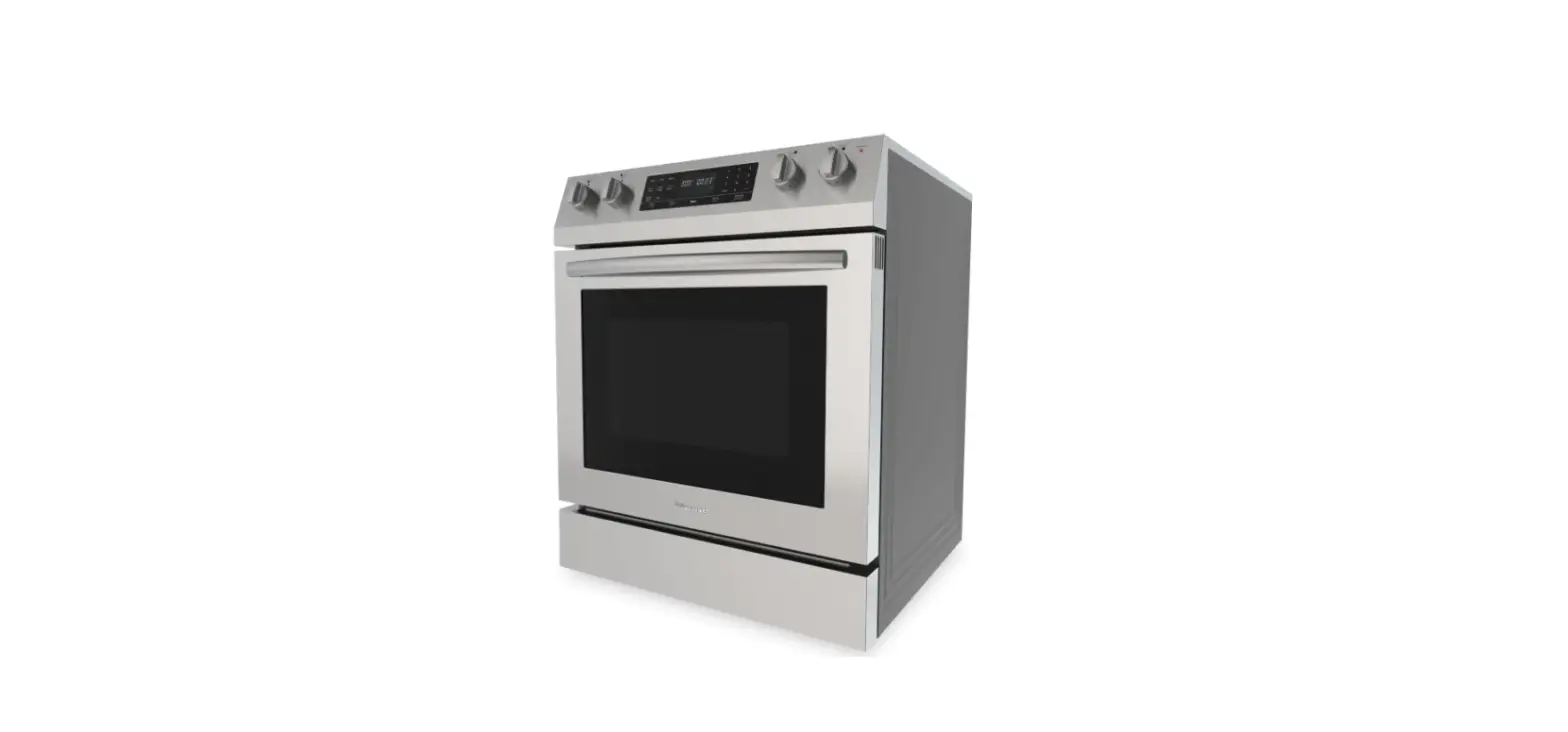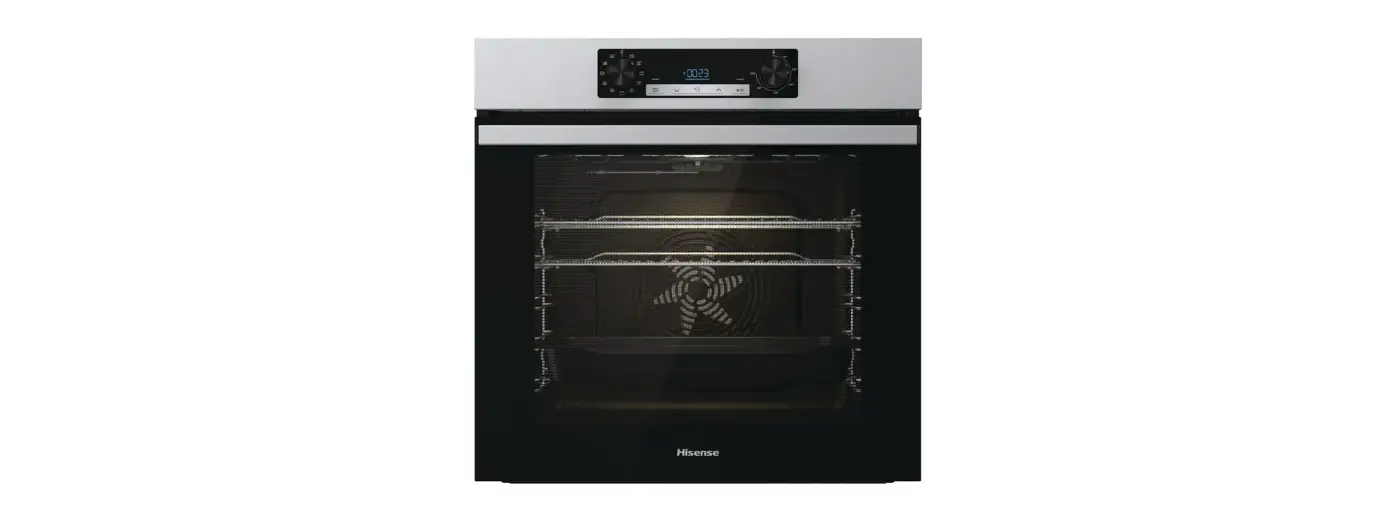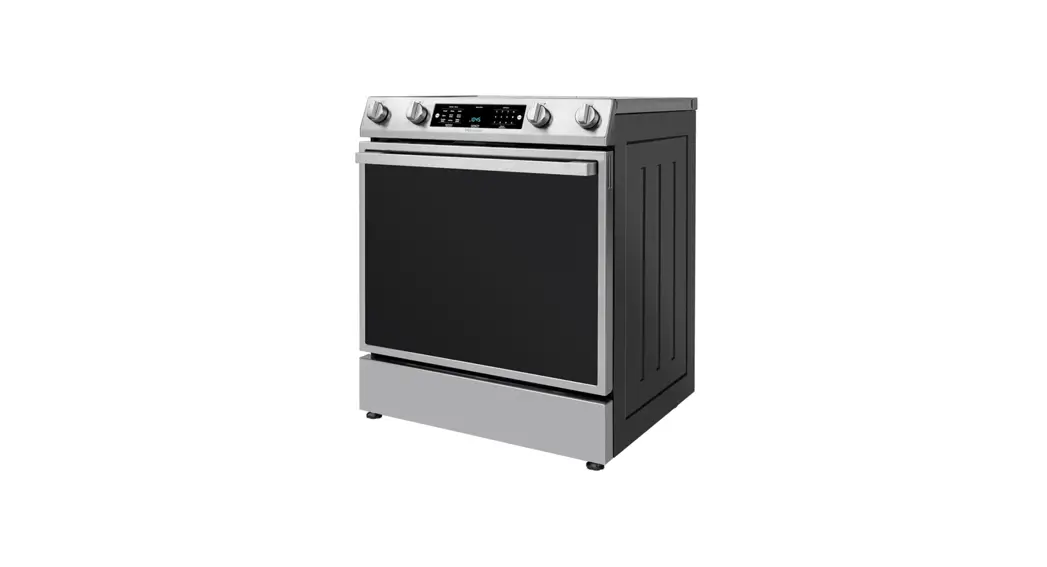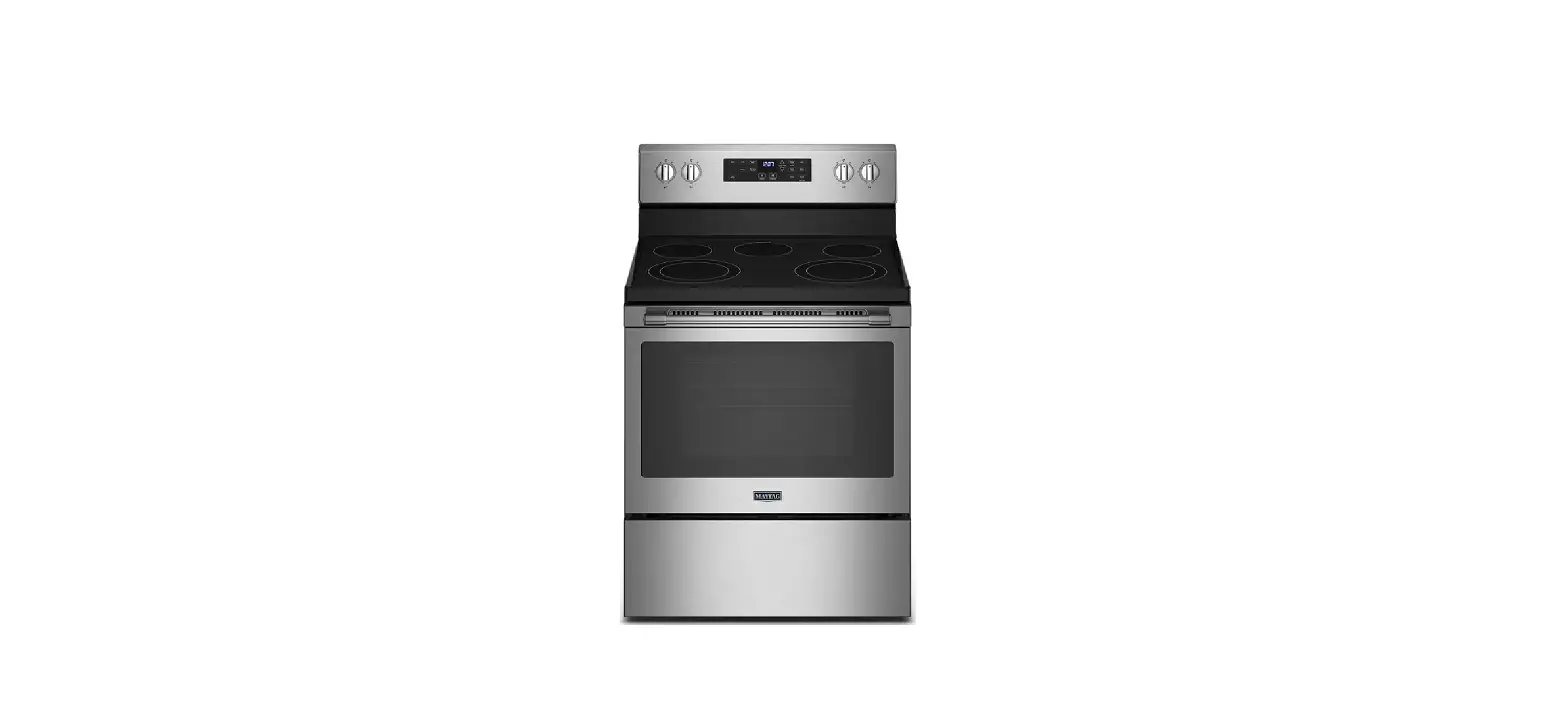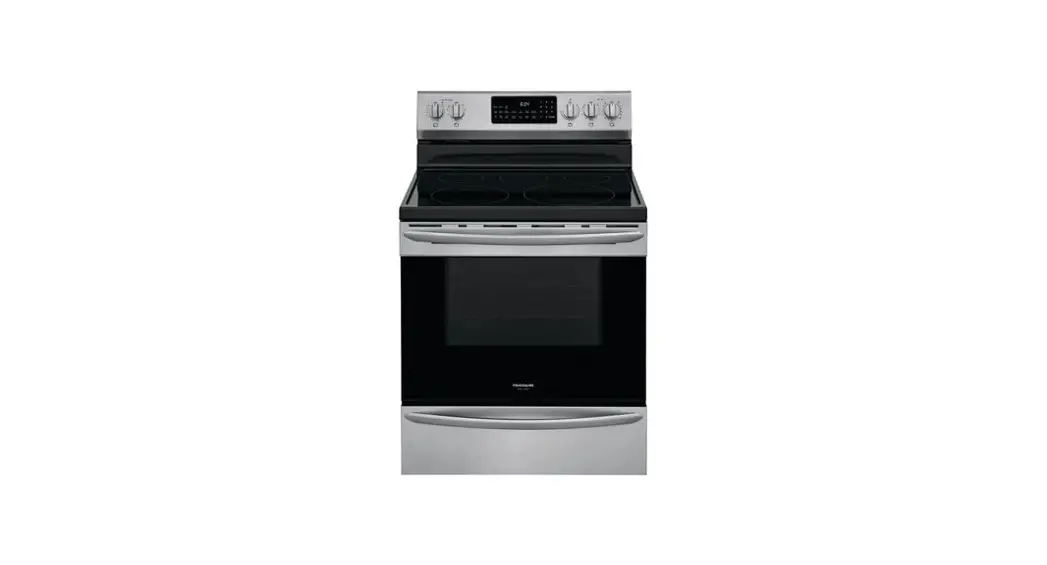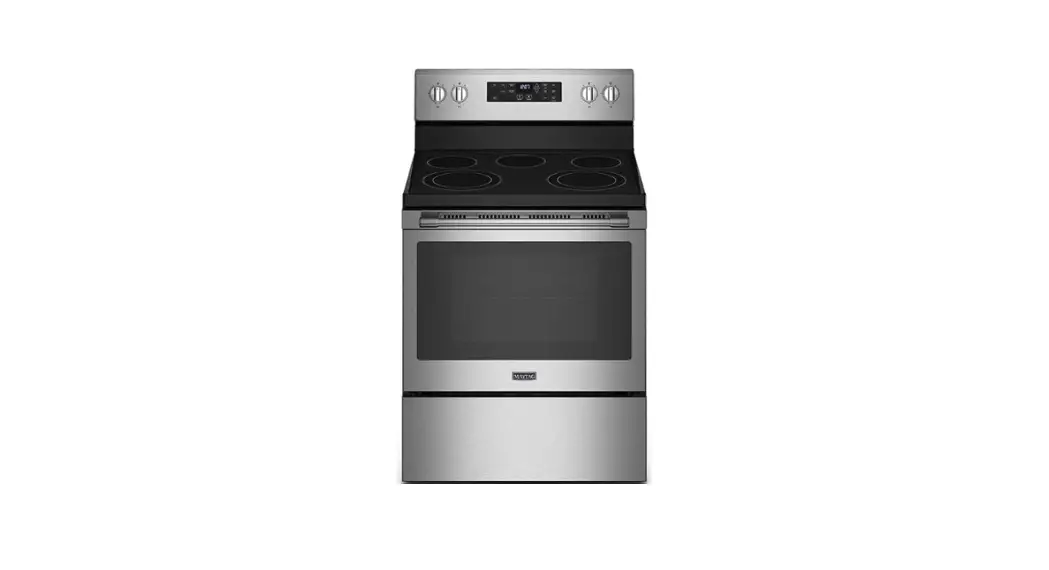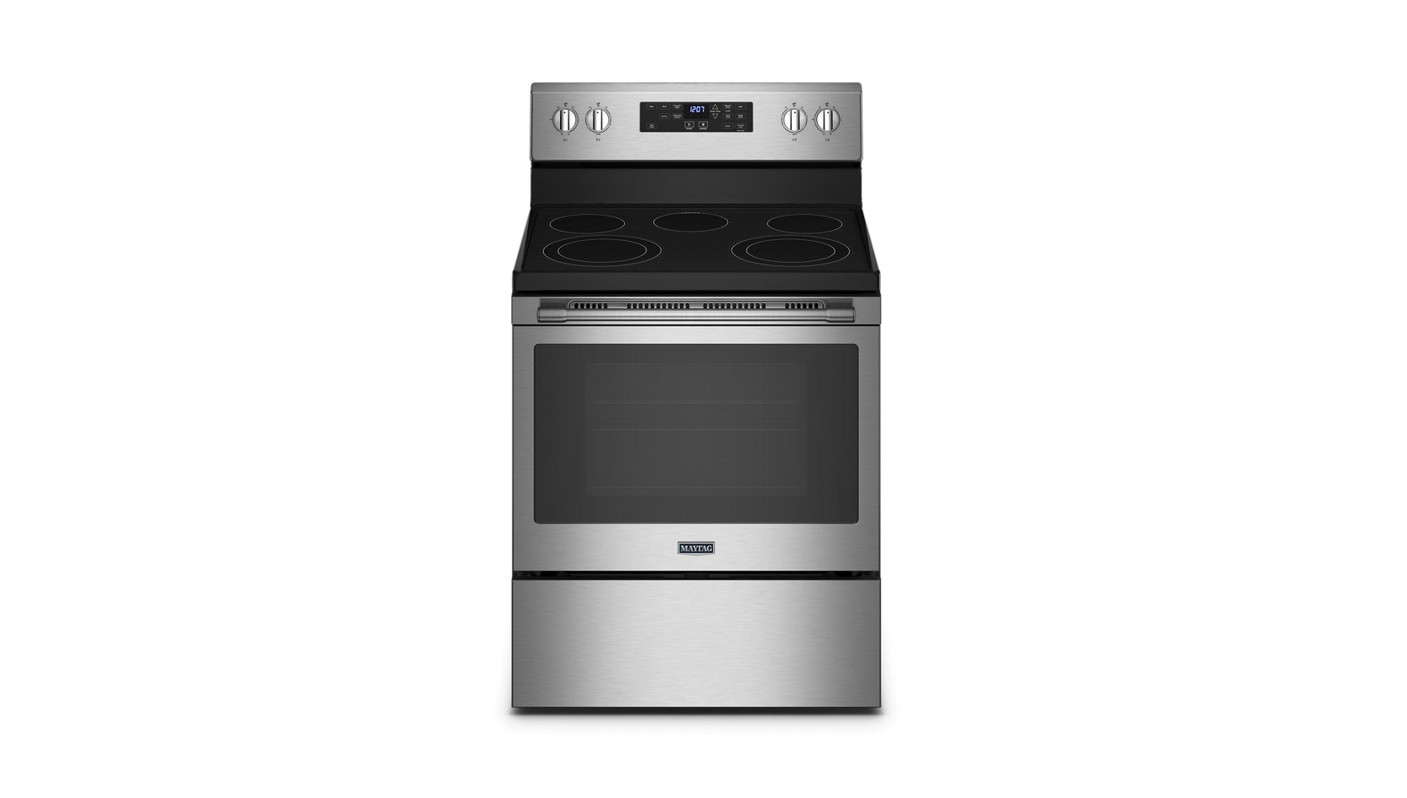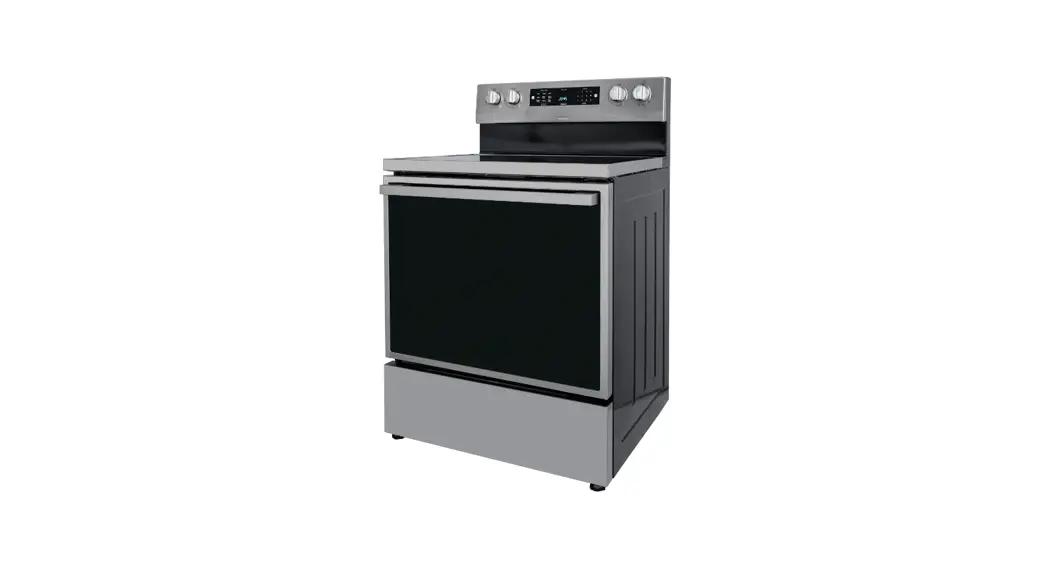
 4763c295bc Electric Range
User Guide
BEFORE FIRST USE
 | Before you start, read the user and installation manuals! |
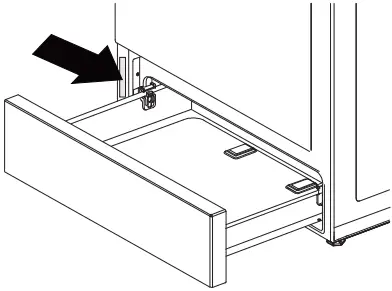 | Rating plate |
| For more information scan this QR code! |

USER INTERFACE
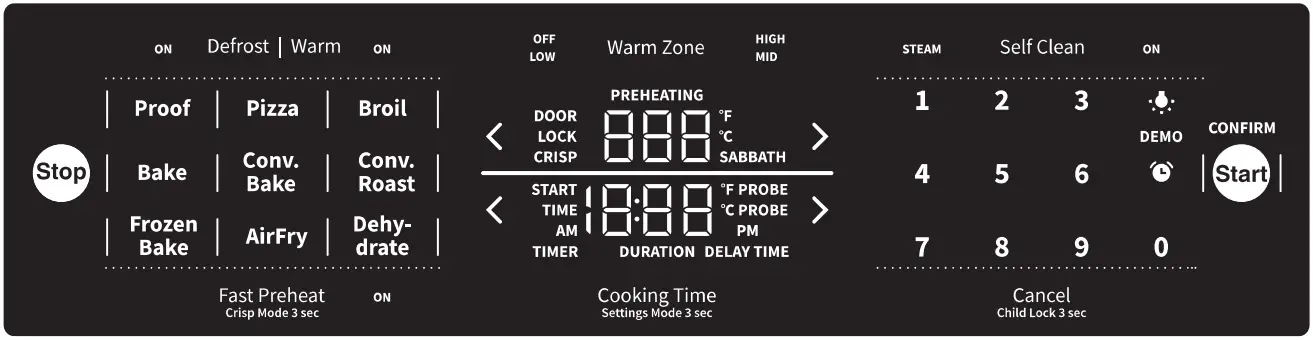
Starting the appliance
- Press any function
- Set the temperature
- Press the
 key and start baking
 key and start baking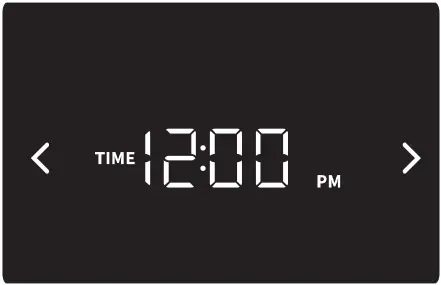
USING THE APPLIANCE
Setting the timer
- Press on the
 icon.
icon. - TIMER sign will appear
- Set time
- Confirm by pressing on the icon or the key
- If you don’t press any key, the timer will autoconfirm after 10 seconds!
 icon.
icon.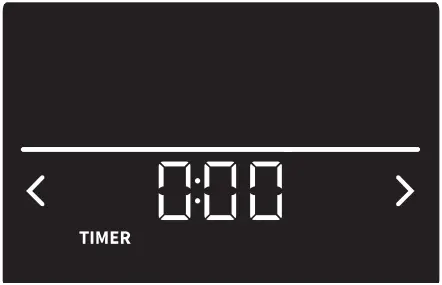
Duration
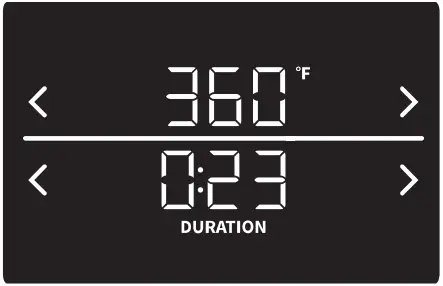
- Press Cooking Time
- DURATION sign will appear
- Confirm duration by pressing on the Cooking Time key or the key
- Set duration at the beginning of or anytime during the active baking process
- If you don’t press any key, the duration will auto confirm itself after 10 seconds!
Delay
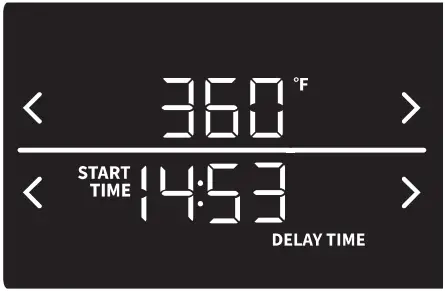
- Press Cooking Time twice
- DELAY sign will appear
- When the start time is reached, baking will start
- Press the key if you want to start baking before the start time
You can use the delay and duration functions at the same time.
To finish baking
- Baking will stop when the duration is up or when you press the
 key.
key.
 key.
key.
 887228fr_QG_E_CA.indd 2
19.07.2022 14:48:47