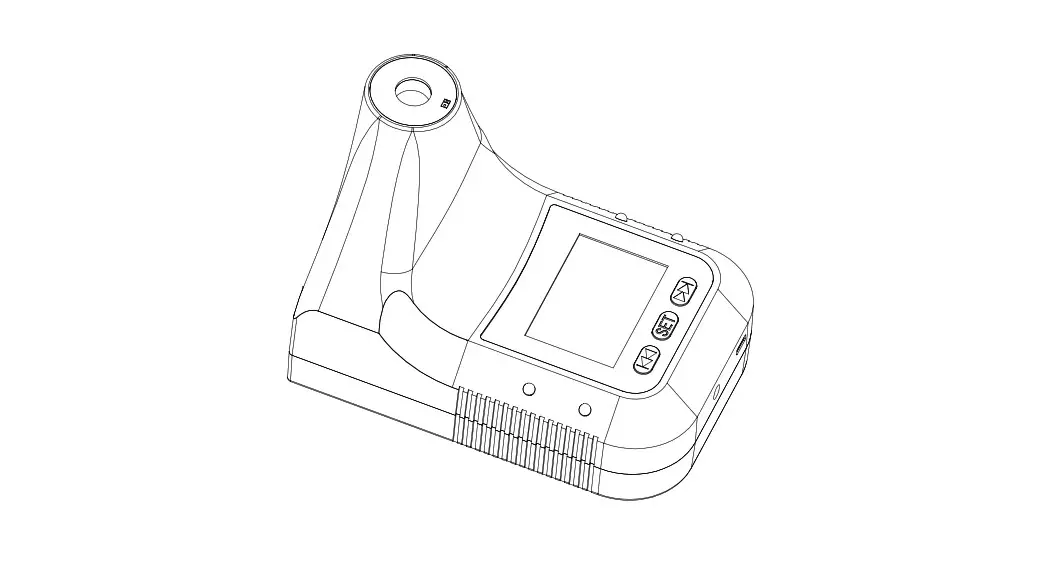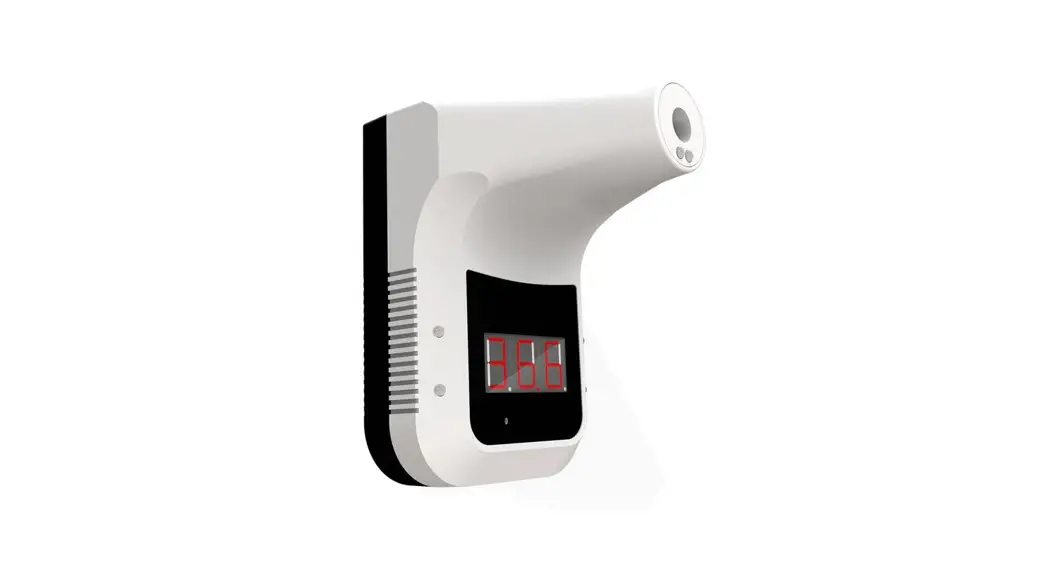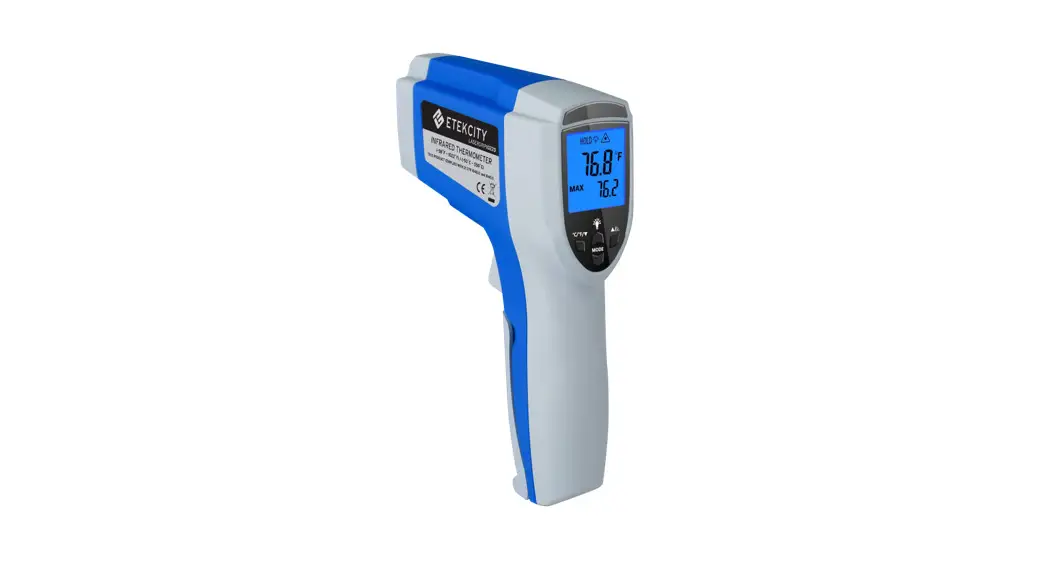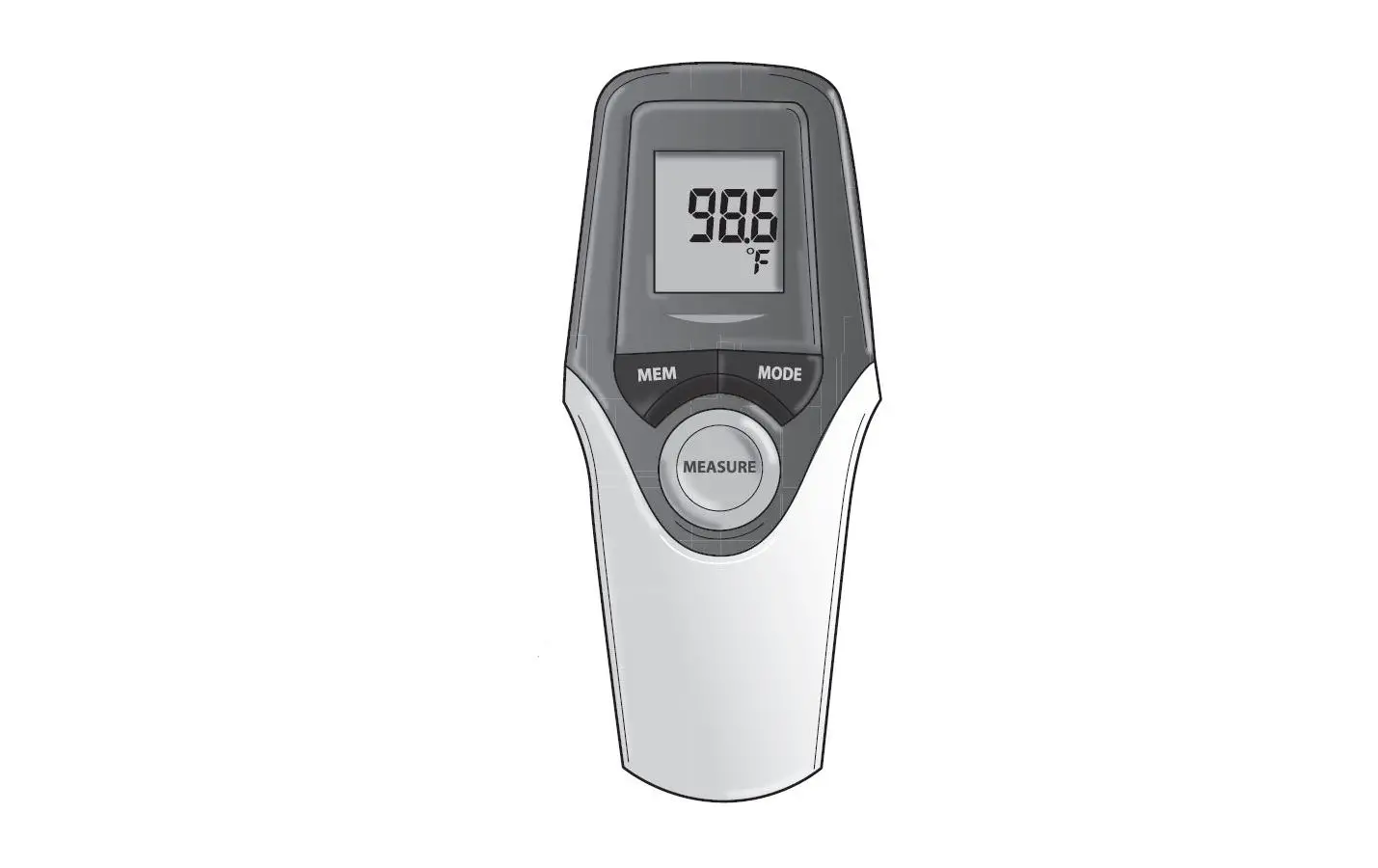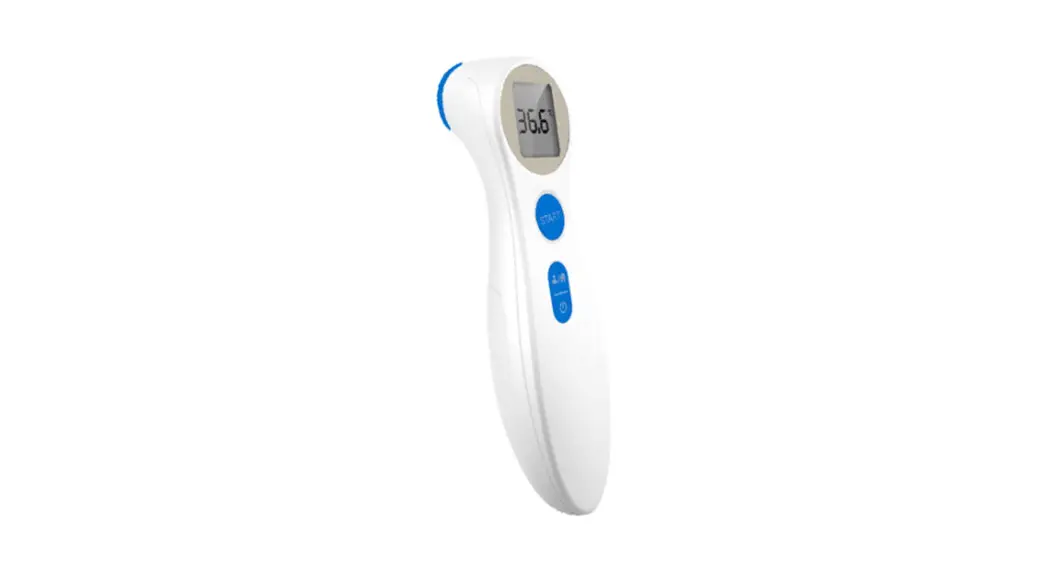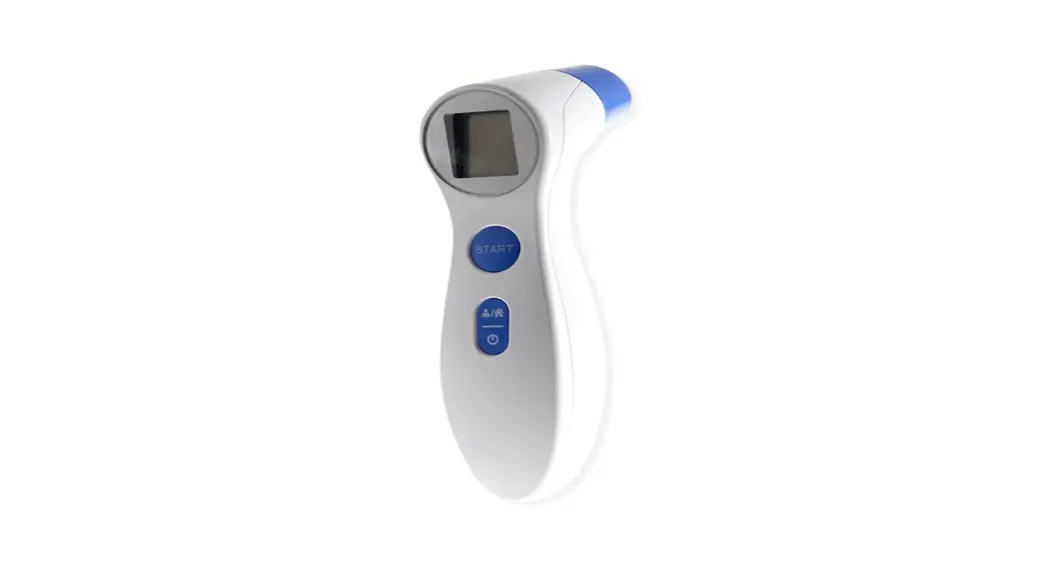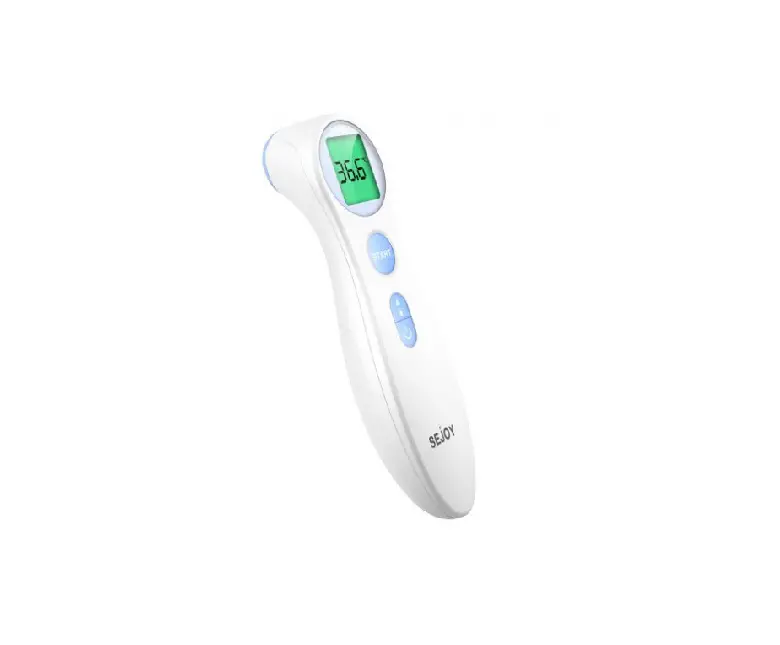
SEJOY DET-306 Infrared Thermometer
It is recommended to read the operating manual prior to using. Manufacturer’s instructions should be followed to achieve the best results!
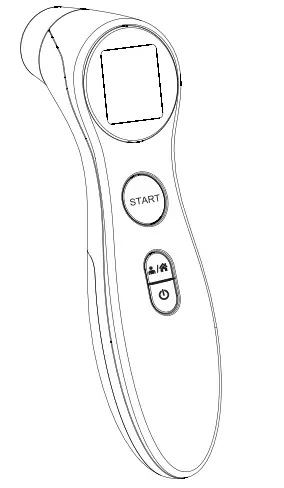
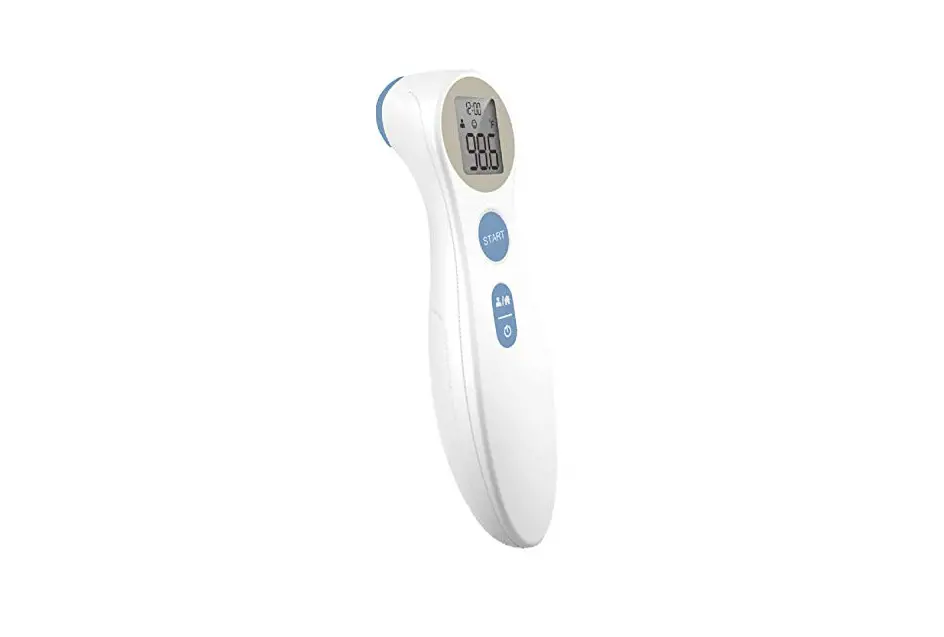
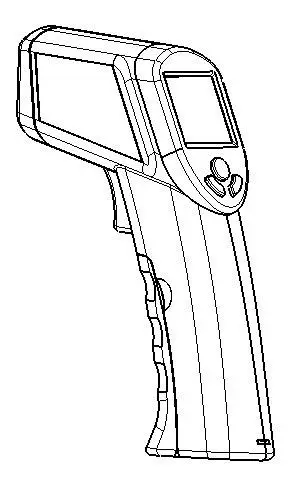
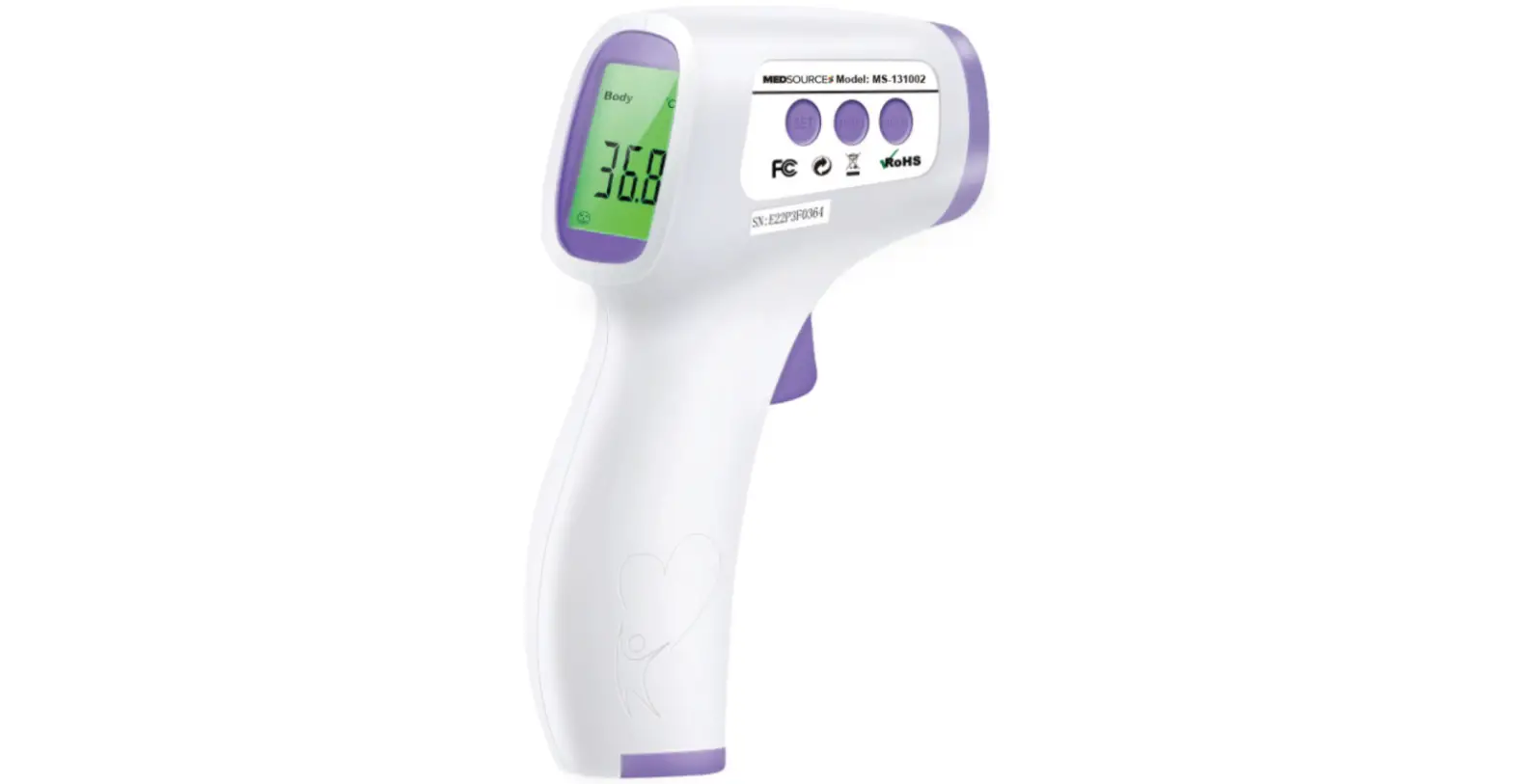
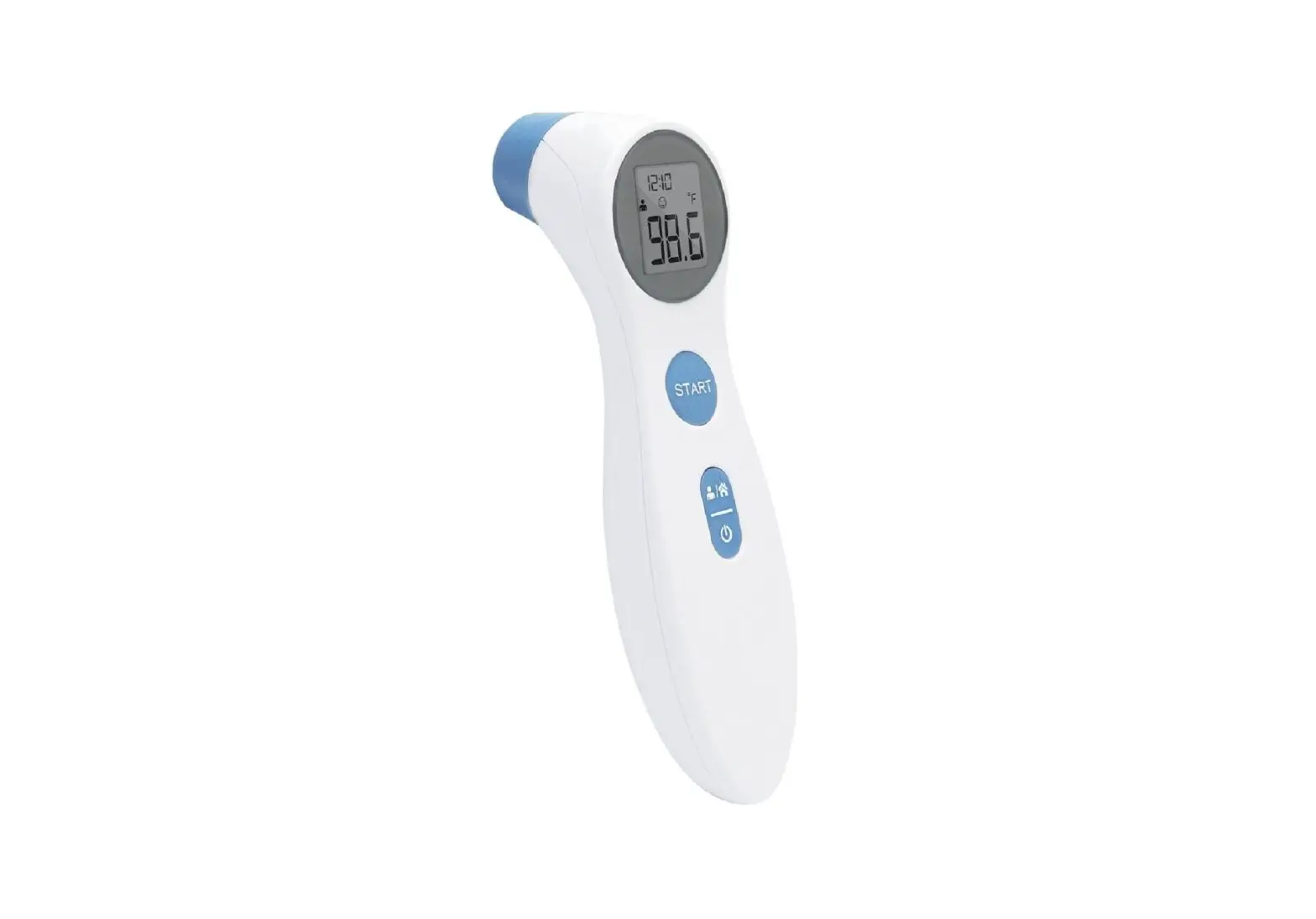
Product Description
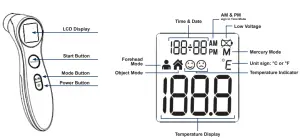
QUICK SET UP
- Make sure to properly install 2 AAA batteries (included)
- Power on by pressing
 Power Button
 - Set the Time (format, hour, minutes) and Date (year, month and day) using the START Button
- Select Forehead Mode by pressing
 Mode Button until the Forehead icon displays
 - Select the Temperature Unit for Fahrenheit (°F) or Celsius (°C).
a. Turn thermometer off, press and hold START Button for 3 seconds
b. Press and release START Button to select °F or °C.
c. When correct mode is on display, press the Power Button to exit and save changes
 Power Button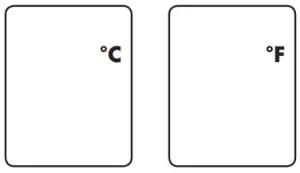
BASIC TEMPERATURE TAKING (FOREHEAD MODE)
- If the thermometer is stored in a significantly different environment than testing location, place it in the testing location for approximately 30 minutes prior to use.
- Users and thermometer should be in the same ambient temperature for at least 10 minutes before taking measurements
- Press the Power Button to begin – Time, Unit Mode and Forehead/Object mode should be visible and there will be 2 beeps when the thermometer is ready to take a measurement.
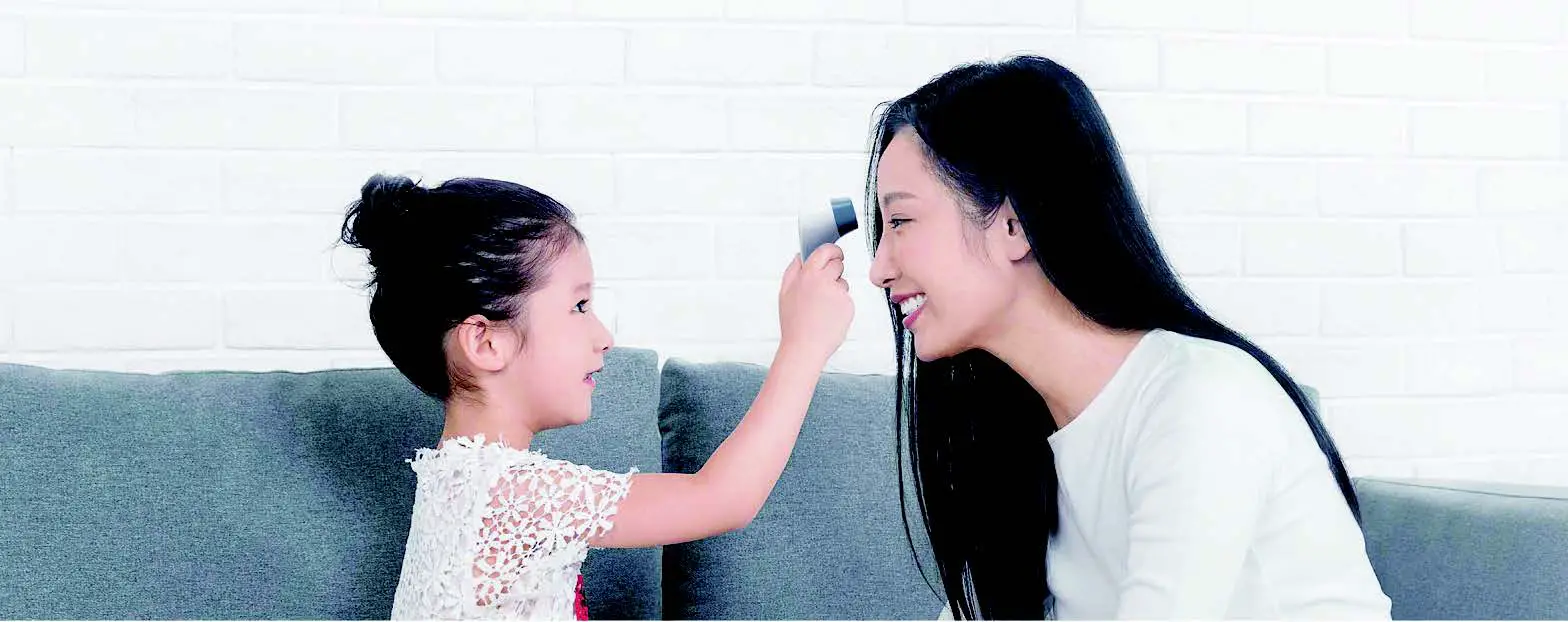
- Hold the thermometer approximately 1″ away from head, aim steady at the center of the forehead and press the Start Button.
- Temperature will show on the display along with a beep or beeps once measurement is complete.
a. If a temperature >100 °F is measured, there will be a long beep followed by 3 short beeps
b. Do not move the thermometer until beeps stop. - Wait at least 3 seconds after the beep to take the next temperature reading
HELPFUL HINTS
- Oils or cosmetics on the forehead may give a lower temperature reading. Remove dirt from the forehead before taking a measurement. Wait at least 10 minutes after washing the forehead are before taking a reading.
- Do not take temperature over scar tissue, open sores or abrasions.
- Do not take temperature on a perspiring or sweating forehead. · Do not use thermometer outdoors.
- The probe window must be kept clean, dry and undamaged at all times to ensure accurate readings.
- To clean probe window, using a clean cotton swab dipped in 70% alcohol, wipe the probe window 3 times. Wait 10
minutes before taking temperatures. - The thermometer is initially calibrated at the time of manufacture. If used properly, readjustments are not necessary.
TROUBLESHOOTING
| Er 1 | The thermometer is not ready to take a measurement | Take a measurement until a  or or  appears on the display appears on the display |
| Er 2 | The ambient temperature is not within the range of 50-104 °F (10-40 °C) | Place thermometer in a testing location within the range for approximately 30 minutes prior to use |
| Er 3 | The thermometer is placed incorrectly or unsteady | Hold the thermometer approximately 1” away from head, aim steady at the center of the forehead |
| Er 4 | The thermometer is experiencing a rapid ambient temperature change | Allow the thermometer to acclimate in the testing location within the range 50-104 °F (10-40 °C) for approximately 30 minutes |
| Er 5 | The thermometer is not functioning properly | Remove the battery for 1 minute and reinstall. If the message reappears after pressing the Power Button, contact the retailer or service |
| Hi | Temperature measured in higher than 109.4 °F (43 °C) | Make sure Basic Temperature Taking instructions and Helpful Hints (above) have been followed. For additional |
| Lo | Temperature measured in lower than 93.2 °F (34 °C) | tips, refer to Operating Manual for more Temperature Taking Hints. |
 | Battery charge is low | Replace the battery with 2 new AAA alkaline batteries |