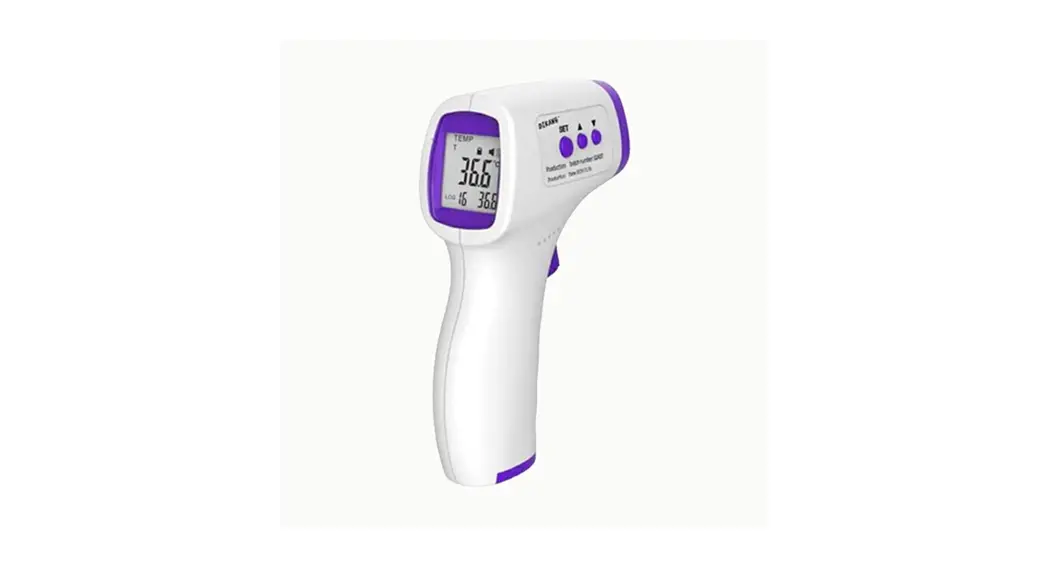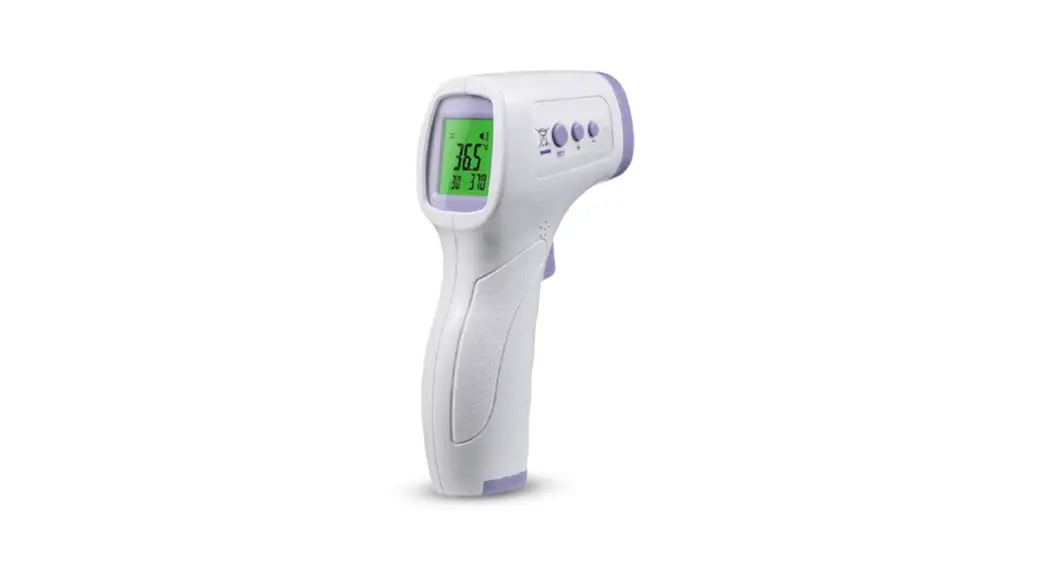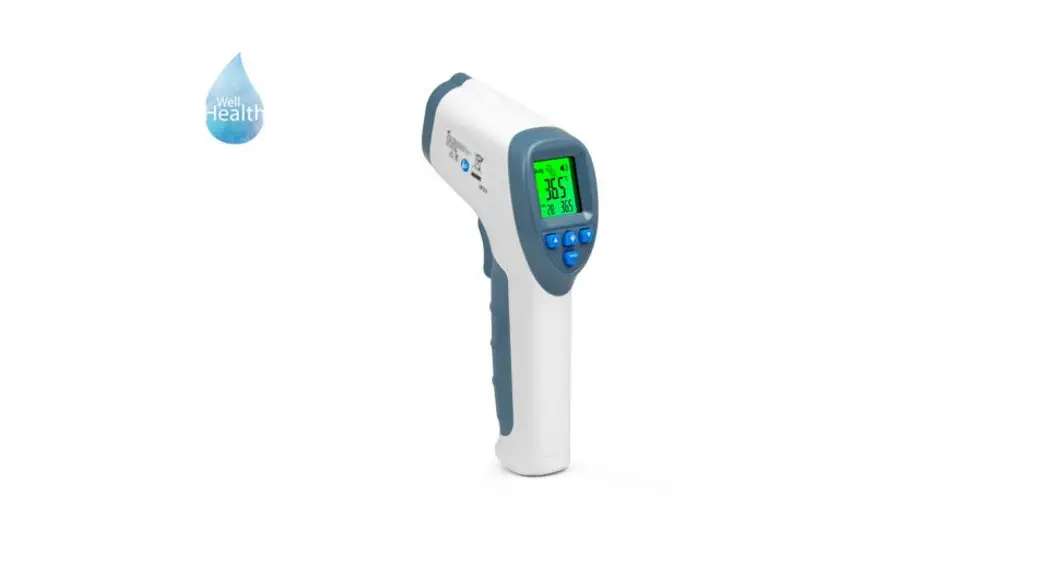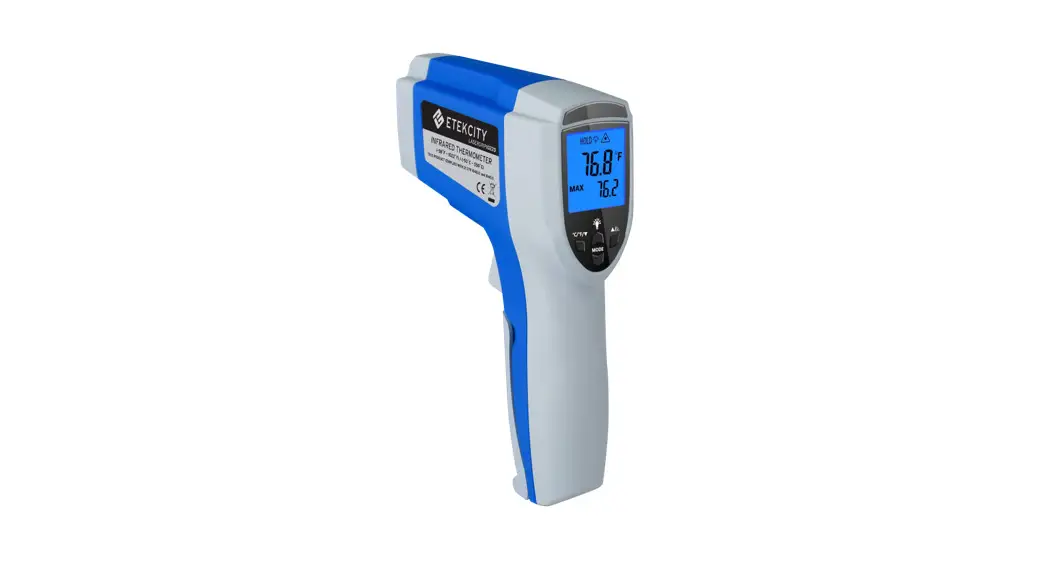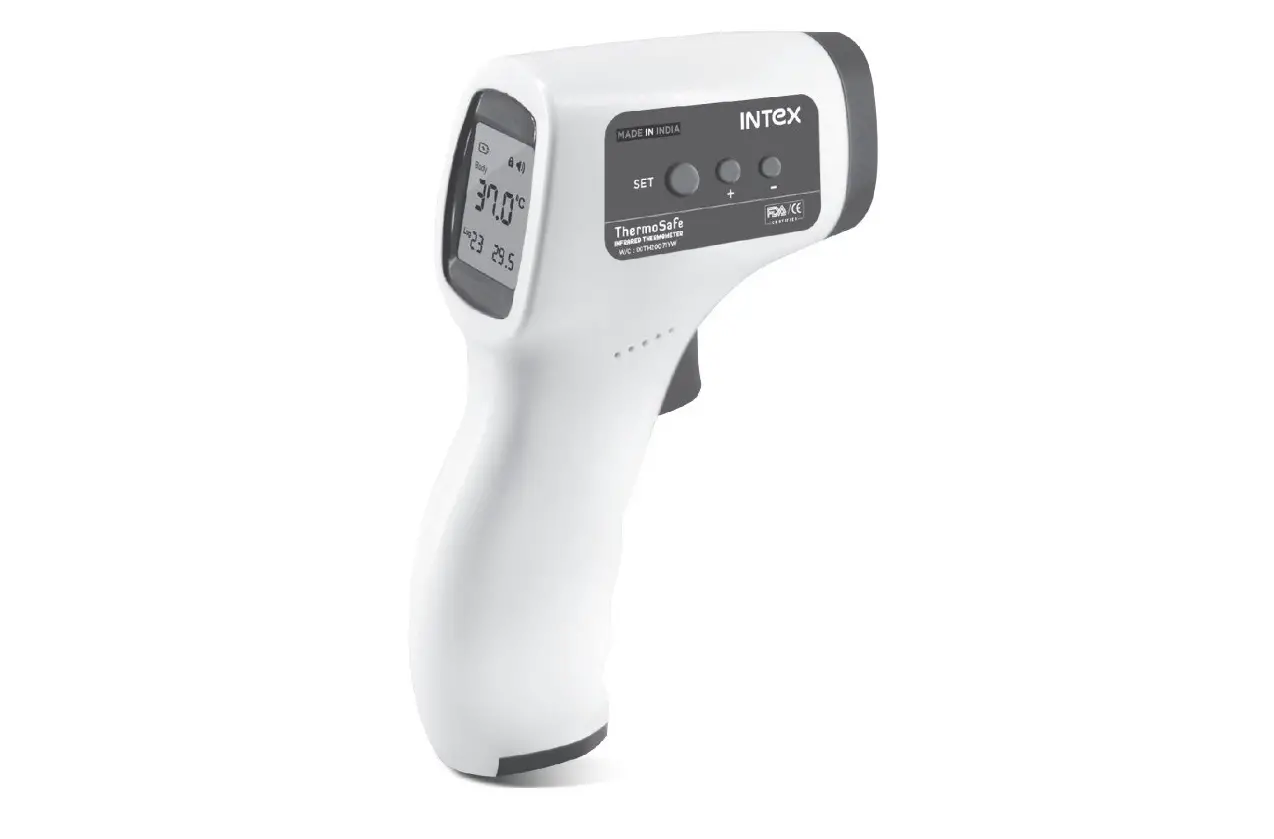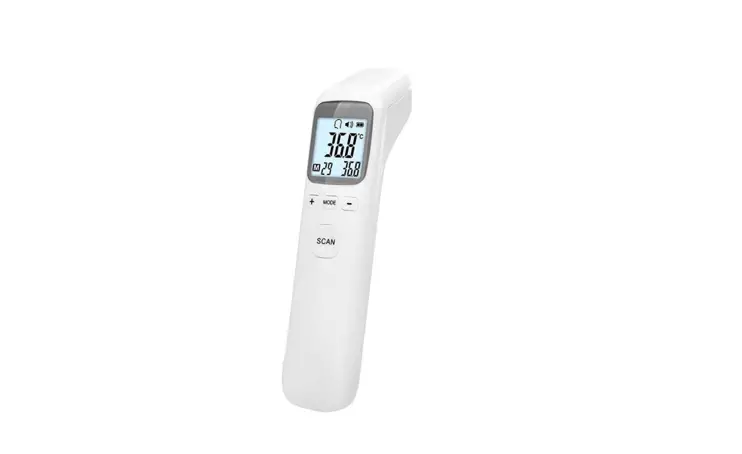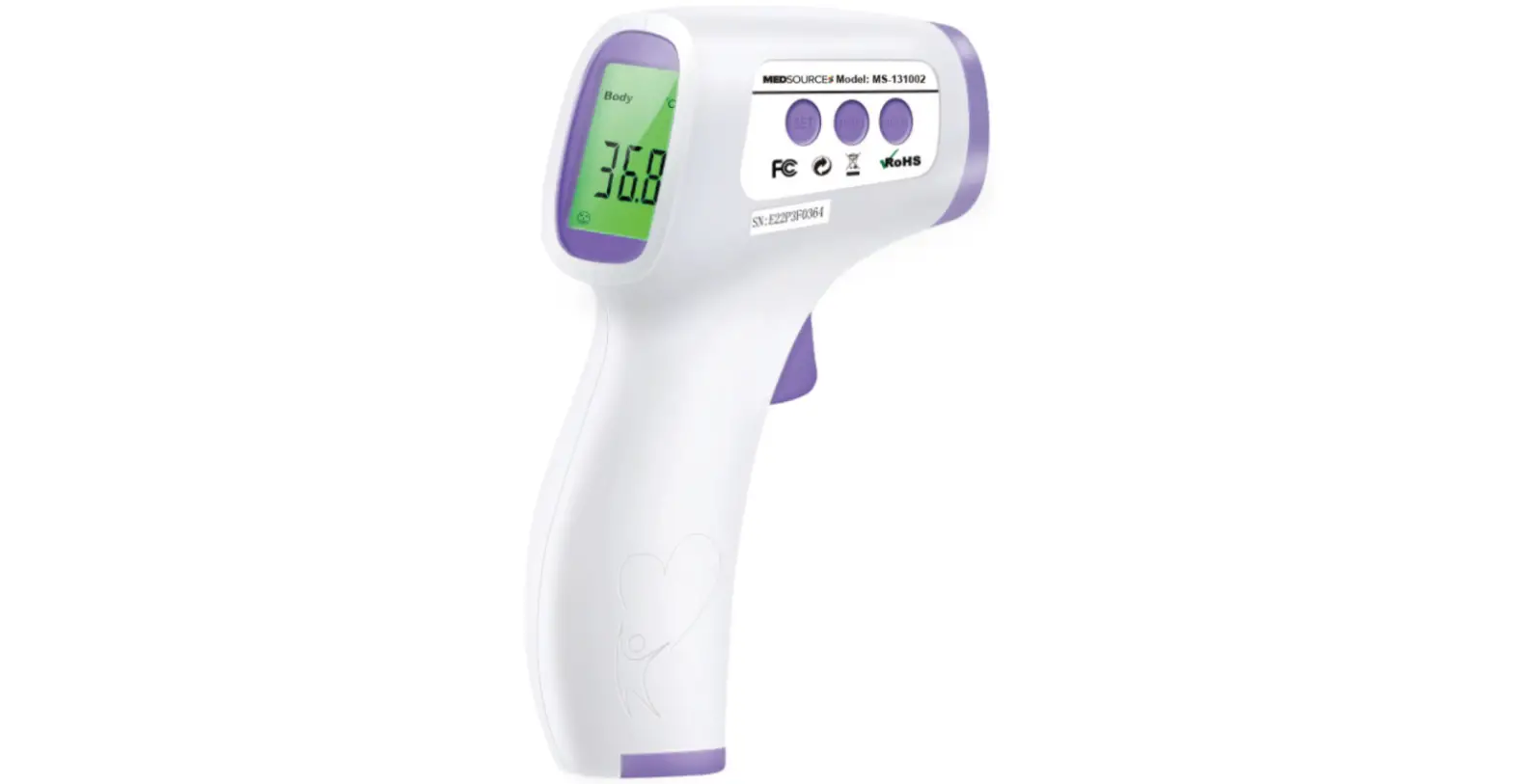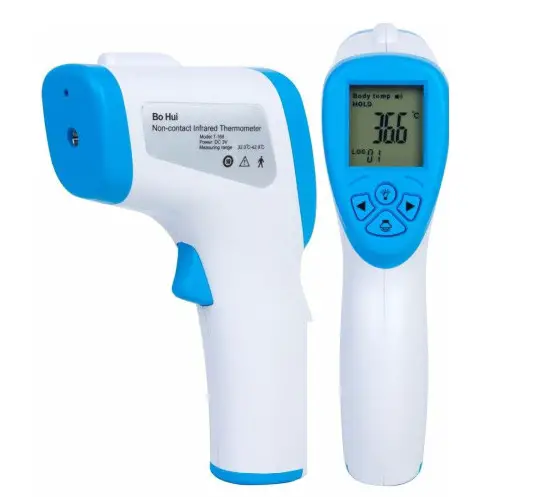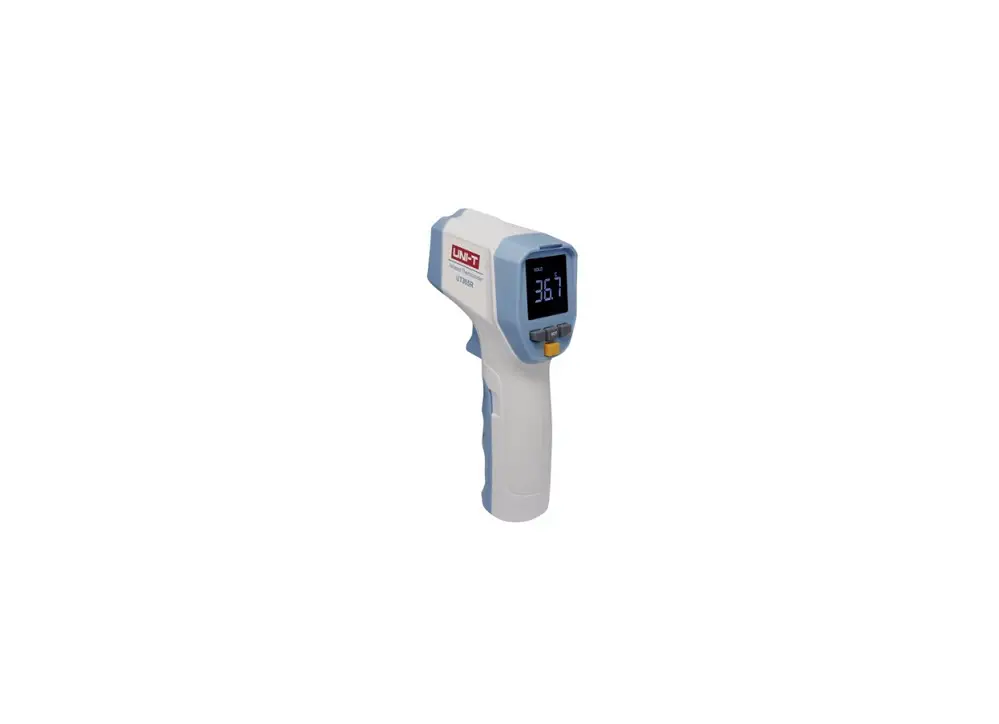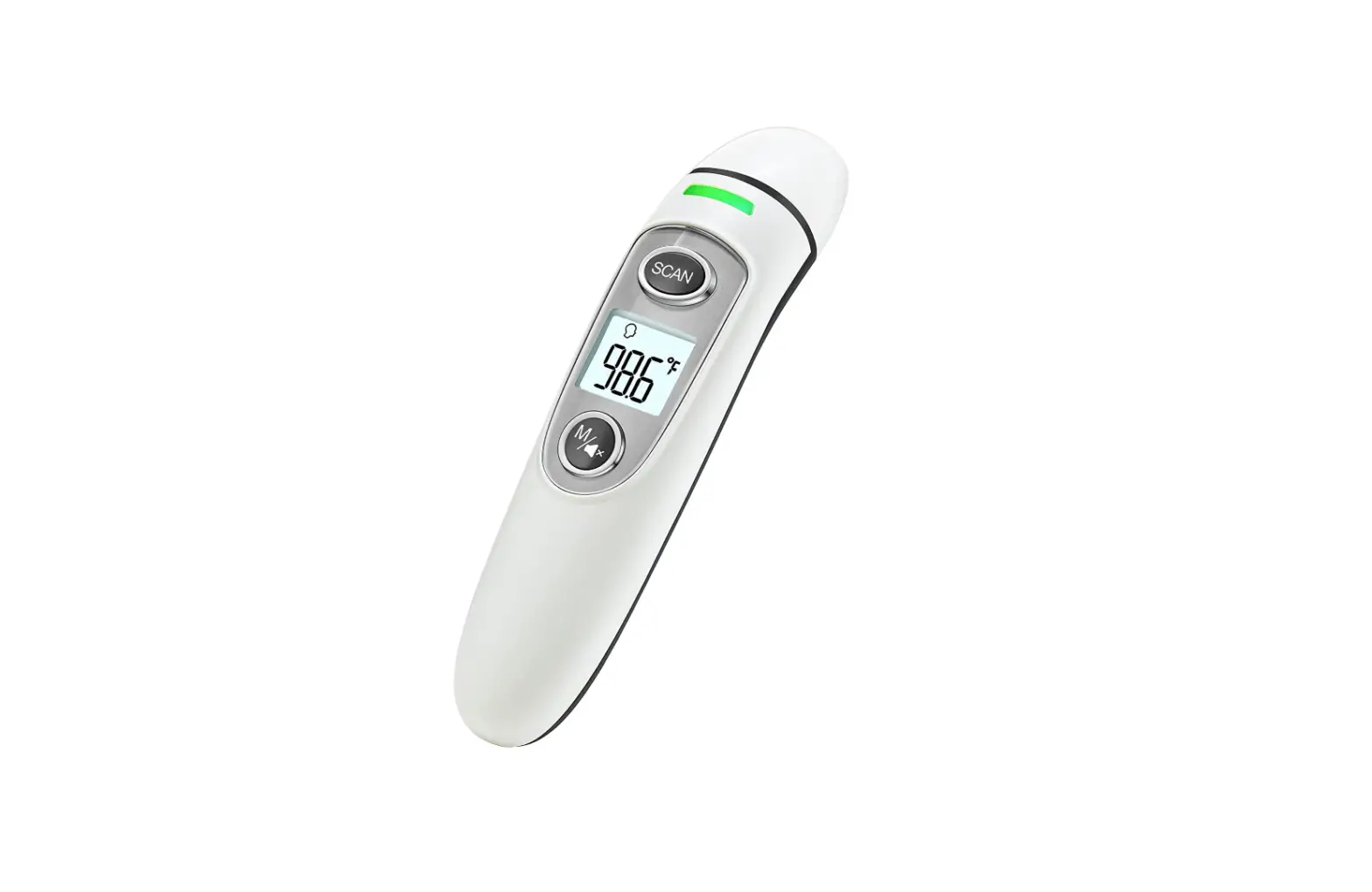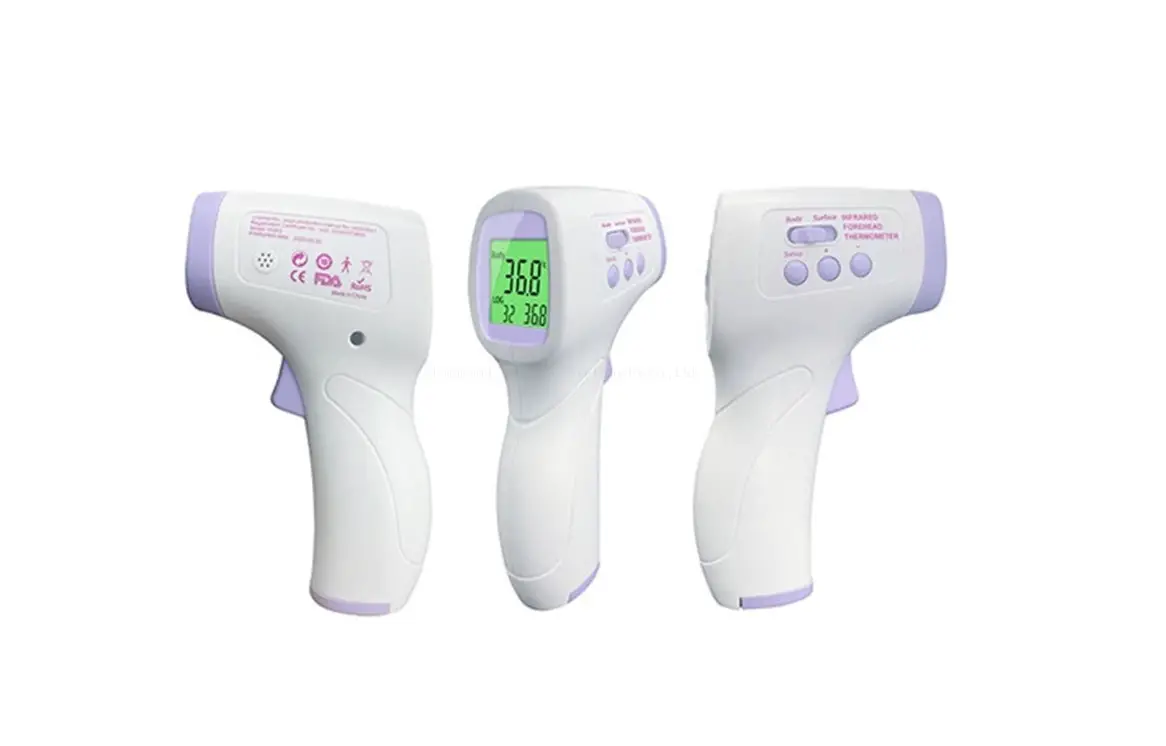

Infrared Thermometer
User Manual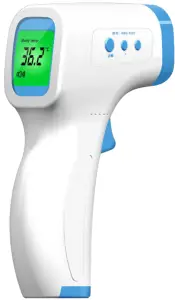 WBS-T007
Production Introduction
Thank you for purchasing the Wilson product. In order to use this product correctly, please read the product manual carefully before use, and keep it well. Product name: Wiselion Infrared Thermometer Product model: WBS-T007
Attention
- Never use the thermometer for anything other than its original design. This product is suitable for professional or home use.
- The thermometer is not waterproof, please do not put it into water or other liquid, cleaning, and disinfection according to the “Maintenance and Storage” Section.
- Store the thermometer away from direct sunlight, in a clean, dry place.
- Do not touch the probe inside the nozzle with a finger.
- Sweat stains on the forehead, coverings such as hair, hats, or scarves may cause the measurement temperature to below, so please use it correctly to ensure accurate measurement results.
- Do not drop, disassemble, repair and modify the product by yourself.
- Do not approach a strong electrostatic field or strong magnetic field to avoid affecting the accuracy of measurement data.
- If any problems, please do not continue to use it, please contact the seller, do not repair it by yourself.
- If the battery and product cannot be used, please comply with local regulations.
- Do not open the battery door during the test to avoid touching the live part and the patient at the same time.
- Please use the thermometer at a stable ambient temperature. If there is a sudden change in the environment temperature of the thermometer, please pay attention to whether the probe is fogged. If yes, please follow the operation method in “Maintenance and Storage” to remove the mist before reuse to ensure the accuracy of the measurement.
- Remove the battery for storage if the device is not being used for a prolonged period of time to prevent the battery from leaking when it expires.
- Do not mix old and new batteries to avoid inconsistent battery discharge characteristics, which may cause harm or damage to the product.
Contraindication
Measuring inflammation, trauma or postoperative lesions.
Warning
A. Please keep the thermometer out of reach of children
B. Do not put the thermometer or battery into the fire.
C. Use of a thermometer is not a substitute for medical treatment.
Advantages
- Convenient and fast: the measurement accuracy can reach ±0.2 ℃, and the measurement speed is less than 2 seconds
- Clean and sanitary: non-contact forehead temperature measurement, measuring distance of 3-5cm, no contact with skin to prevent cross-infection.
- Simple and practical: one-button measurement, one-button conversion mode, one-button check memory, easy to operate.
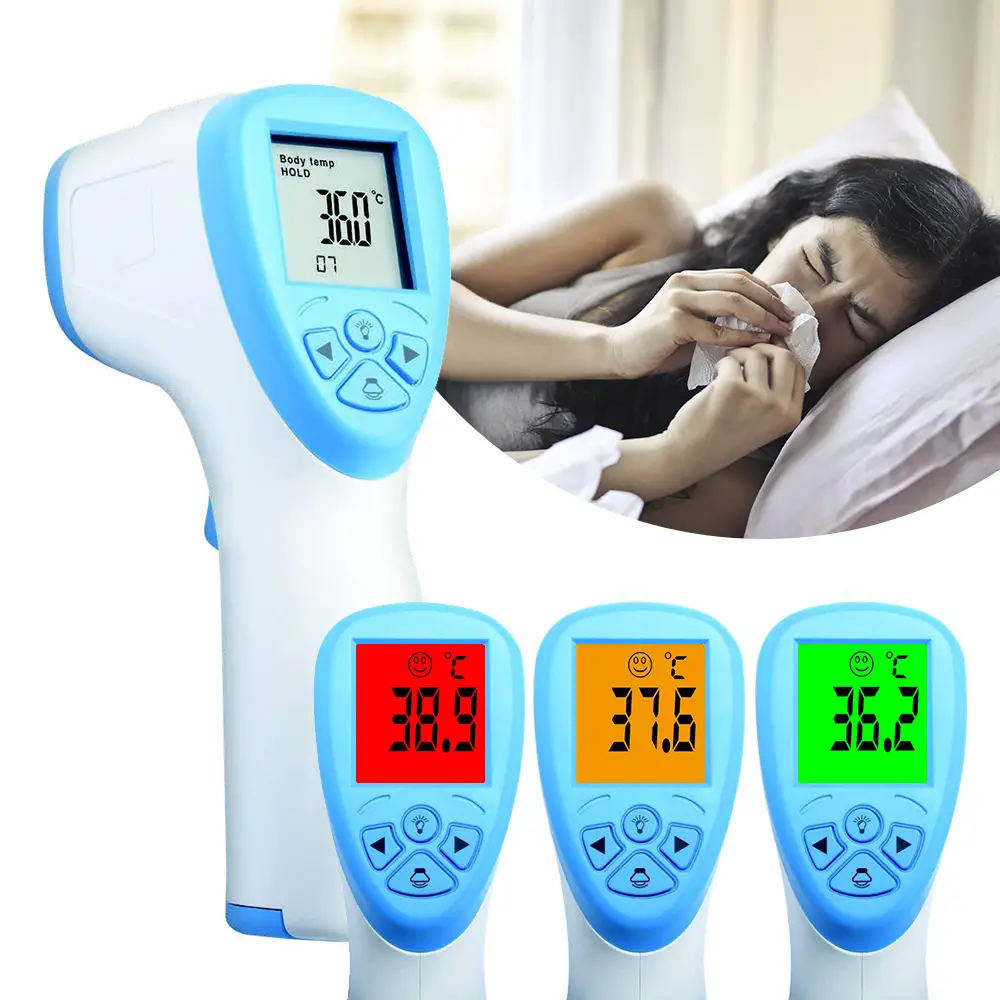
- Audible and visual warnings: green, orange, and red backlights indicate whether the body temperature is normal, and low or high fevers have a sound alarm.
- Multisets of memory: 32 sets of measurement data can be stored for easy analysis and comparison.
- Correction setting: The setting parameters can be modified to suit different races of human skin or human bodies with different characteristics.
Symbol
| LOT | Batch code | SN | Serial No. |
 | Manufacturer |  | Sound Alarm |
 | Consult Accompanying Document |  | Type BF applied Parts |
Intended use and application
This infrared thermometer is used to measure human body/object temperature by absorbing infrared energy from the forehead of the human or object surface.
Accessories
| WBS-T007 device x1 | User Manual x1 | QC Card x1 |
Note:
Overseas sales version does not equip with batteries.
Product Component
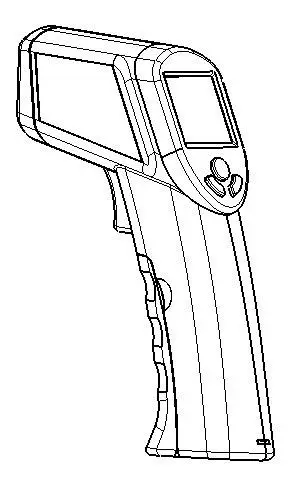
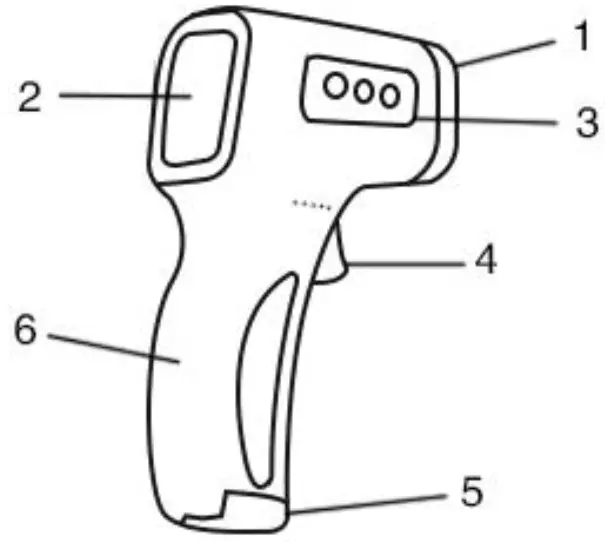
Product Structure
- Infrared Probe
- LCE Display
- Multi-function Button (SET / + / -)
- Start/Measure Button
- Battery Door
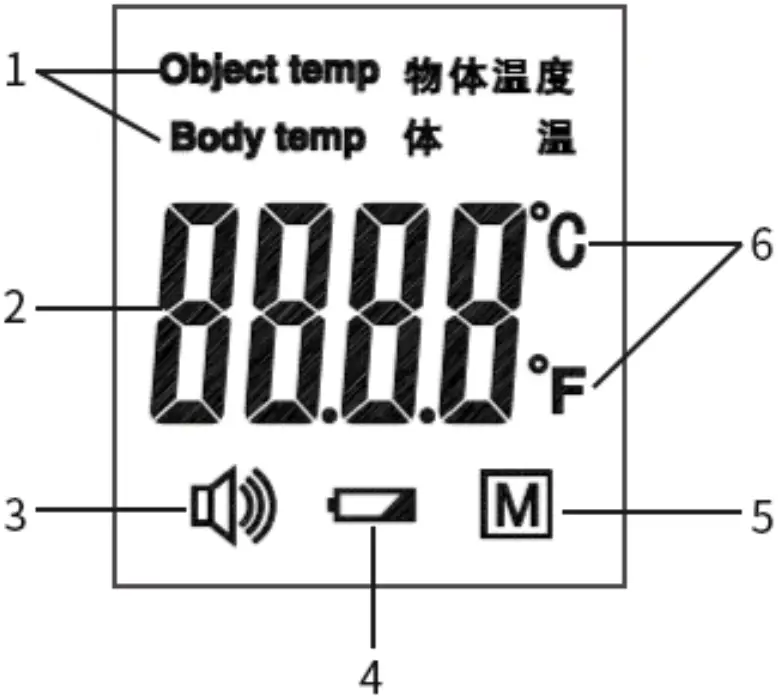
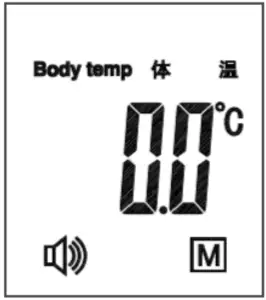
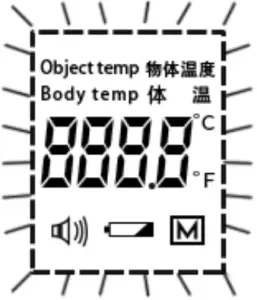
Display Description
- Object/Body Temperature
- Measurement Data
- Sound
- Battery voltage
- Memories
- Units
Specification
Operating Environment: 16.0℃~35.0 ℃, Humidity:85%
Size: 149.5*94.2*42.2mm
Power Supply: 3.0VDC 2*AAA batteries
Weight: 115g (Without batteries)
Measuring Range: Object Temp 0℃~100℃, Body Temp 32.0℃~42.9 ℃
Measuring Accuracy: 35.0℃~42.0℃:±0.2 ℃, Out of 35.0 ℃~42.0℃:±0.3 ℃
Measuring Distance:3-5cm
Measuring Time:<2s
Tri-color backlight: Object Temp: Green
Body Temp: 32.0~37.3℃ (Set value): Green
37.4~38.0 ℃: Orange
38.1(Set value) ~42.9 ℃: Red
Auto Power off:18s
Storage and transportation: -20.0℃~55.0 ℃, Humidity:93%
If necessary, the company can provide technical information such as circuit diagrams, component lists, etc. for technicians to repair and use.
Instruction
Battery Installation
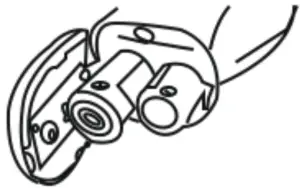
Open the battery door, put 2 AAA batteries into the battery house. Please check the positive and negative signs on the inside of the battery cover carefully during installation.
Ready to measure
The correct use method is the key to testing accurately, otherwise, it may cause measurement errors. To avoid incorrect measurement, please follow the tips below:
- When measuring body temperature, point the thermometer at the center of the forehead and keep it vertical. The distance is 3 to 5 cm. Press the START/MEASURE button; the result will display immediately.
- Before measuring, make sure that there is no hair, sweat, makeup, or hats on the forehead.
- Stay in the test environment for more than 5 minutes, and wait until the environment temperature is consistent.
- A cold compress on the forehead of a fever patient and other cooling measures will cause the measurement data to be below, and measurement should be avoided in this case.
- The environment temperature around the measured target should be stable, and it cannot be tested in places with large airflows such as fans and air outlets of air conditioners.
- When the thermometer is taken out from a place with a large difference from the temperature of the operating environment, the thermometer should be left in the new
operating environment for 30 minutes before measuring. - Do not use the thermometer under strong sunlight.
- It is recommended to measure about three times at a time, whichever is the most displayed data set.
- If the forehead temperature is low for some reason, you can try to measure behind the ear.
- For measuring the forehead temperature of the human body, please select the “Body temperature” mode; for measuring the temperature of other objects such as liquids and
food, please select the “Object temperature” mode.
Start to measure
- Aim at the measured target and press the START/MEASURE button, the LCD screen will display all numbers and characters. When the power is turned on, the thermometer will self-check. This screen is displayed for about 2 seconds.
- After the full dial, a Bee and ill behead, indicating ha he or-on measurement has been completed, the temperature value of the current target is displayed on the LCD screen, and the backlight will display the green, orange, and red colors according to the corresponding settings.
Note:
When the temperature exceeds the set value, the backlight of the LCD screen is orange; when it exceeds the set value of the high fever temperature, the backlight is red and accompanied by an alarm sound. This is to warn the patient that a fever may occur.
To ensure the accuracy of the measurement, please wait at least 30 seconds after 5 consecutive measurements.
Memories Check
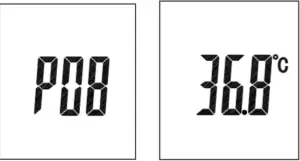
Press the START/MEASURE button, and then press the function button “+” and “-” on the side of the product to switch to view the measured values.
- The thermometer can store up to 32 sets of recent measured values.
- The memory serial number gradually increases with the number of measurements. After reaching the 32 sets, it returns to the 1 set and is stored cyclically.
- When in he e a, he saw ill dilate icon.
Setting Modification
This product can modify the default setting parameters to adapt to people with different skin colors or human bodies with different characteristics, as well as people at different environment temperatures. The default settings have been made before leaving the factory. If it is not necessary, it is recommended not to modify the factory defaults. If there is a need to modify, please modify it as follows.
- Temperature unit setting -F1 (Default is Celsius) In the power-on status, press and hold the “SET” button to enter F1, and press the function button “+” or “-” to switch between Celsius and Fahrenheit.
- High fever warning setting-F2 (Default is 38.1 ℃) In the F1 status, press the “SET” button to enter F2, press the function button “+” to add 0.1 ℃, press the function button “-” to decrease 0.1 ℃, and long press to quickly increase or decrease the temperature value of the high fever warning.
- Temperature offset setting-F3 (Default is 0.0 ℃) In the F2 status, press the “SET” button to enter F3, press the function button “+” to add 0.1 ℃, press the function button “-” to decrease 0.1 ℃, and long press to quickly increase or decrease. The adjustment range of F3 parameters is: -5 ℃~ 5 ℃.
- Sound switch setting -F4 (Default is On) In the F3 status, press the “SET” button to enter F4, and press the function button “+” or “-” to turn ON or OFF.
- Exit the setting mode In the F4 status, press the “SET” button to exit the setting mode automatically.
Trouble-shooting
Problem or Error message | Meaning | Possible reason or solution | ||
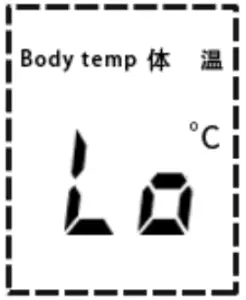 | The temperature measured is too low. | Body temp mode: the temperature measured is under 32.0°C; Object temp mode: the temperature measured is under 0.0°C. | ||
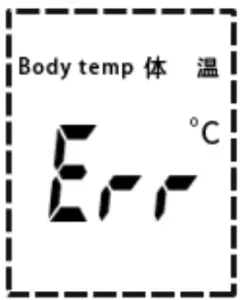 | The environment temperature is beyond the operating range. | The environment temperature is less than 16°C or over 35°C. | ||
|
| System Error | System self-test failure, automatic shutdown after full-screen flashing. | ||
| ||||
|
| ||||
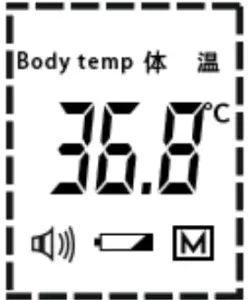 | Low battery | When the battery is running low, the “a” sign will flash, please replace the battery in time. | ||
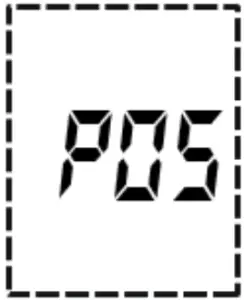 | Unstable environment temperature | Please put the thermometer in a stable environment temperature for more than 30 minutes. | ||
 | No image on the LCD display | Please check the battery whether is installed backward or still charged. | ||
Change Batteries
The thermometer uses 2 AAA batteries. When the thermometer indicates that the battery is low, please refer to the “Battery Installation” section of the manual to replace the battery.
Precautions:
- When opening the battery door to replace the battery, pay special attention to the polarity of the battery. Misplacement may cause damage to the product.
- When not in use for a long time, please remove the battery to prevent damage to the thermometer due to battery leakage.
- Do not use it when the battery is leaking or moldy.
- Do not place the battery near a fire source or throw it into a fire to prevent the battery from exploding.
- Do not store the battery in a high temperature and high humidity environment.
- To avoid a short circuit, do not put the battery together with metal objects such as coins or keys in the same pocket or another container that may short the battery.
Maintenance and Storage
- The part of the infrared probe is the most precise part of the product. Do not touch or press with your fingers or other objects, you must be careful to protect them, otherwise, it will affect the accuracy of the measurement value.
- Cleaning and disinfection methods:
A. Surface cleaning: Please wipe the outer shell of the thermometer with a soft cotton cloth or cotton swab moistened with 70% -80% alcohol, and do not let the liquid enter the inside of the thermometer.
B. Clean the inner cavity of the sensor probe: Please wipe the inner cavity of the probe or the top of the sensor with a soft cotton cloth or cotton swab moistened with 70%
-80% alcohol, and use it after the alcohol has completely evaporated.
C. Never use aggressive cleaners, thinners, or benzine to clean it, and never immerse the product in water or other liquids. - Carefully protect the surface of the LCD screen.
- Keep the thermometer in a dry place to avoid dust, pollution, and direct sunlight.
- It is recommended to maintain at least once every six months.
Knowledge of body temperature
The temperature of the human body belongs in a range and the range may vary among people. The temperature of individuals may also vary from time to time. The following table 1 indicates the temperature range of the majority of people for your reference.
Human body temperature varies with time within a day and is also affected by other external conditions, such as age, gender, skin color, skin thickness, etc. Refer to table 2 below for changes in body temperature with age.
| Place | Normal Temp Range Reference |
| Ear | 35.8~38.0℃ |
| Oral | 35.5~37.5℃ |
| Armpit | 34.7~37.3℃ |
| Anus | 36.6~38.0℃ |
Table 1
| Age | Normal Temp Range Reference |
| 0-2 years | 36.4~38.0℃ |
| 3- 10 years | 36.1~37.8℃ |
| 11-65 years | 35.9~37.6℃ |
| >65 years | 35.8~37.5℃ |
Table 2
Women’s body temperature is different from men’s, generally about 0.3 ℃ higher than men’s, body temperature during ovulation will rise by 0.3 ℃~ 0.5 ℃ than usual, so use this to know whether women are in ovulation period, which is conducive to fertility or contraception.
The usual method is to use a thermometer to measure the basal body temperature of a female individual every day, and then draw a graph of the basal body temperature change.
The ovulation period can be clearly seen from the figure.
Warranty
We provide one year warranty starting from the date of purchase. Please refer to the following situations that are excluded from the free repair services within the warranty period.
A. All damages caused by disassembly and repair of the device by yourselves.
B. All damages caused by dropping the device during usage or transport.
C. All damages caused by improper usage of the device and not following the instructions on the user manual.
Please contact after-sales service and support and enclose your
purchase receipt while claiming for warranty services.