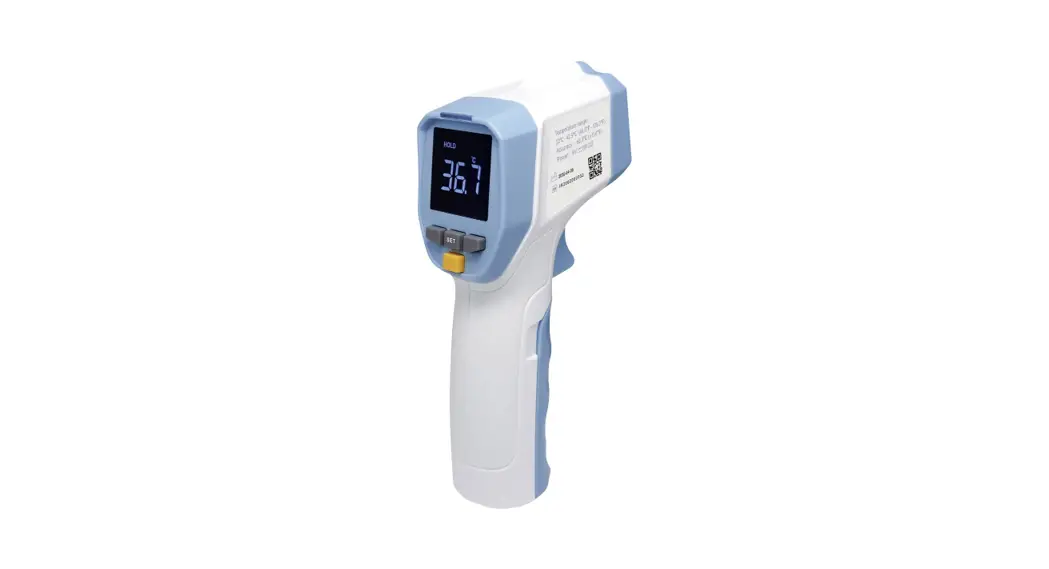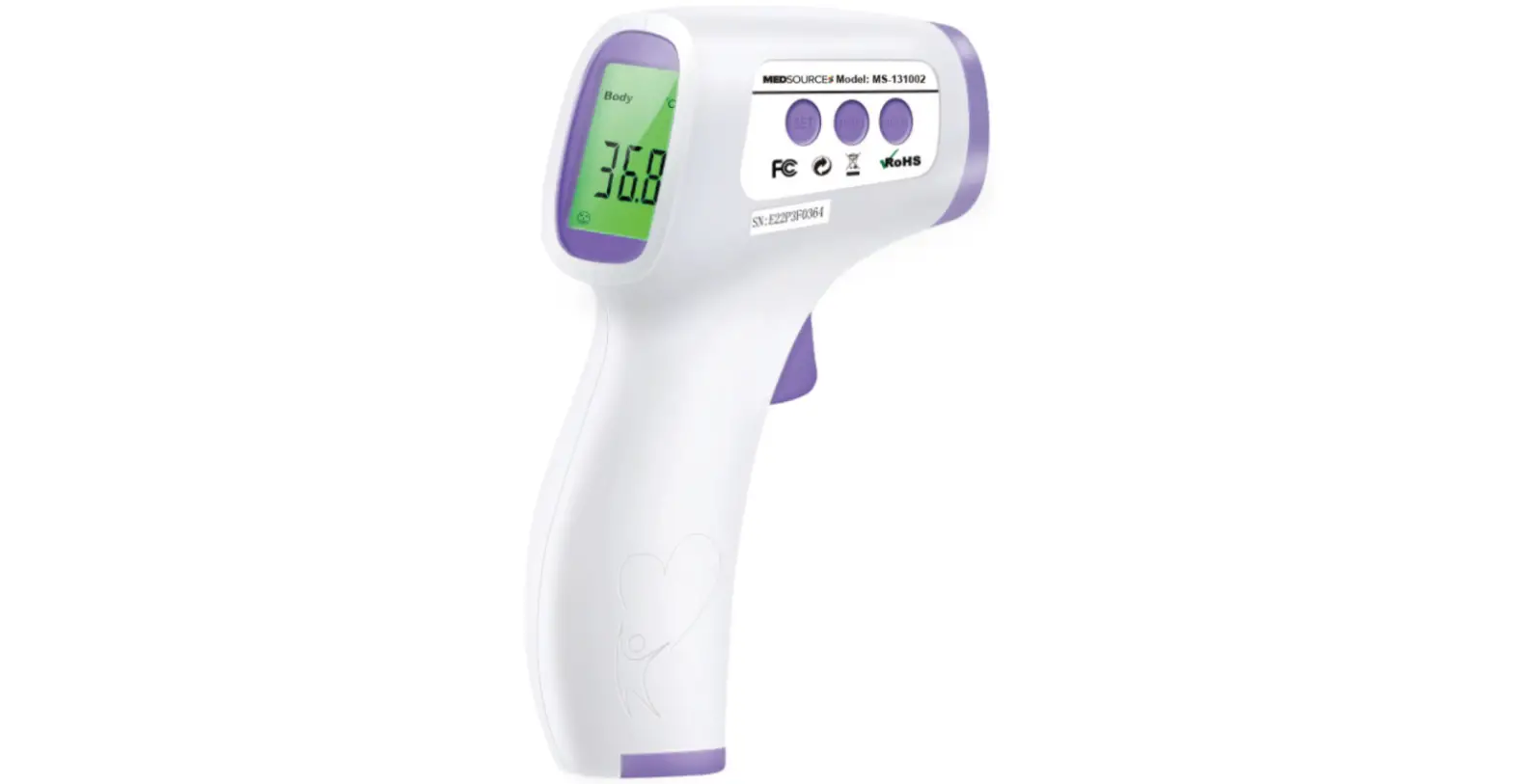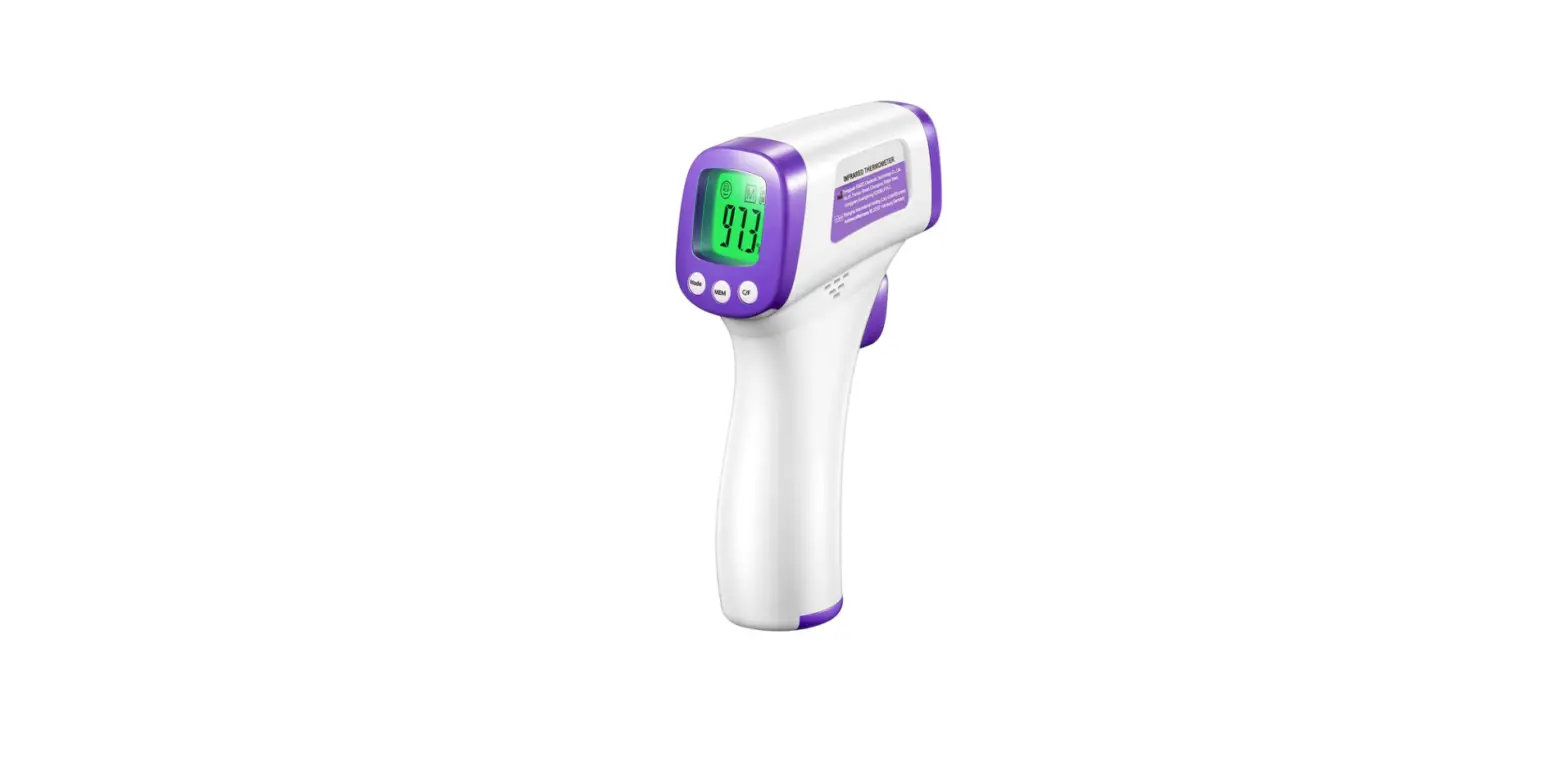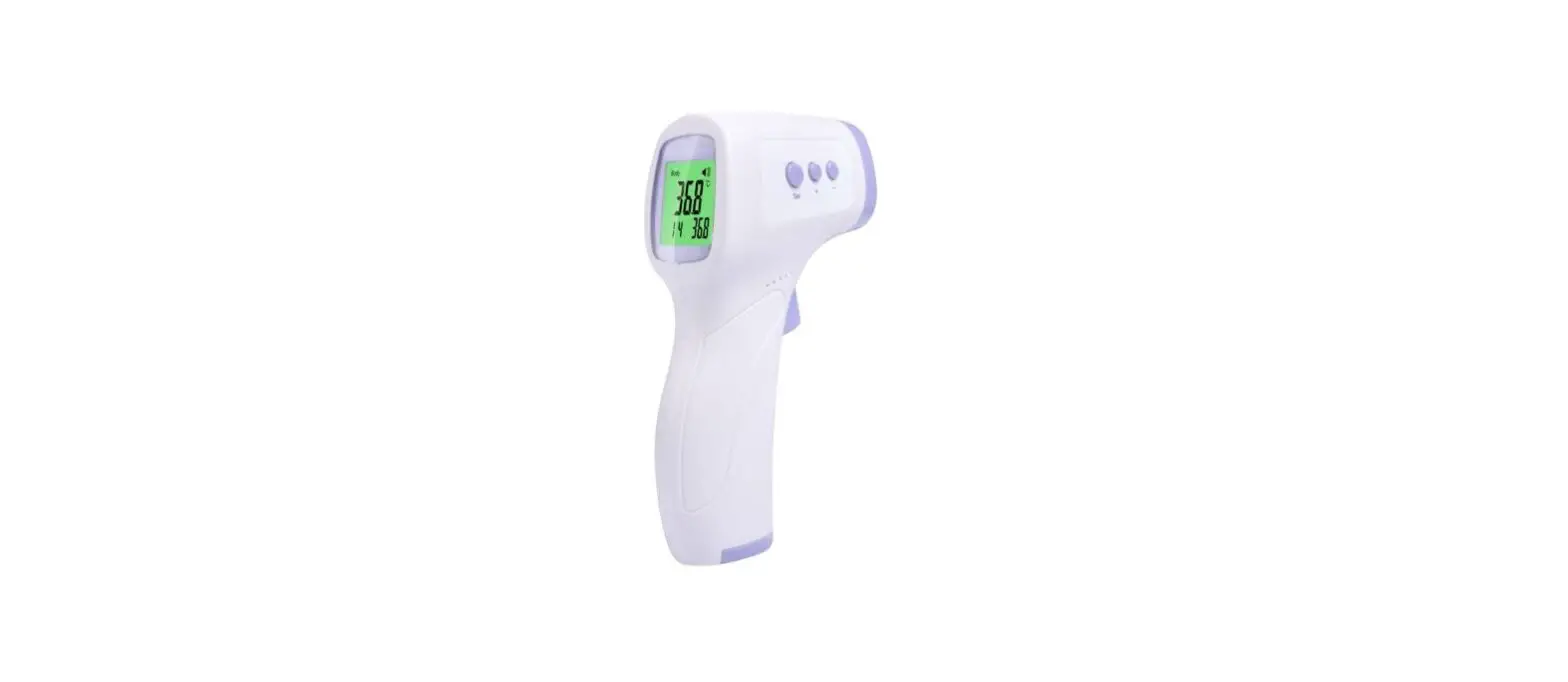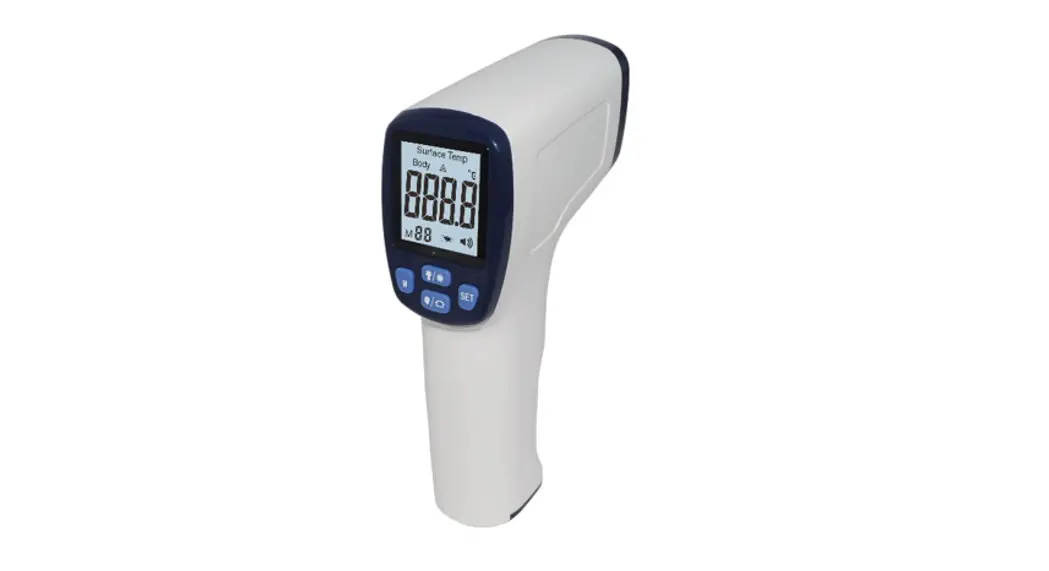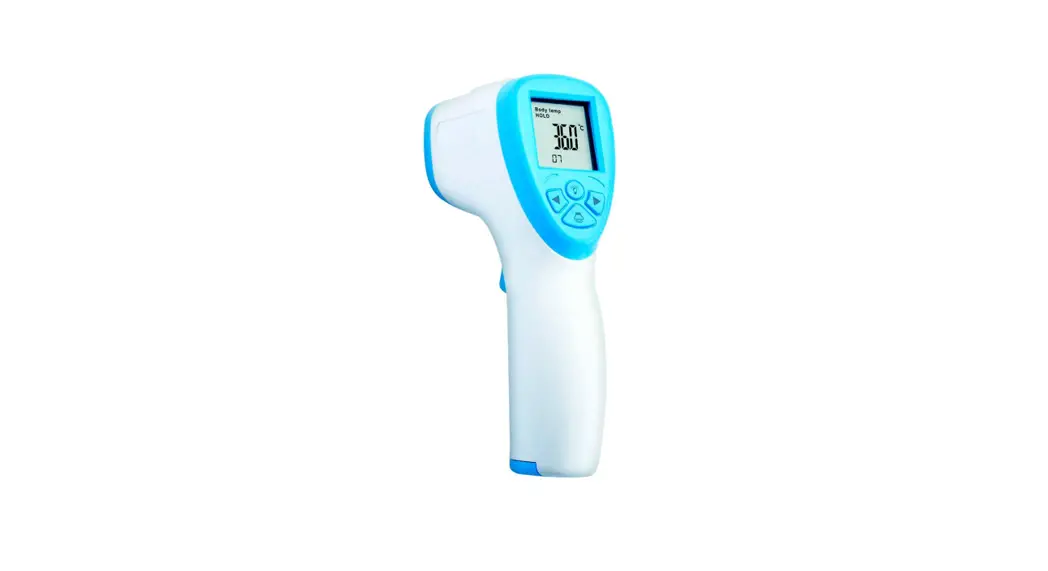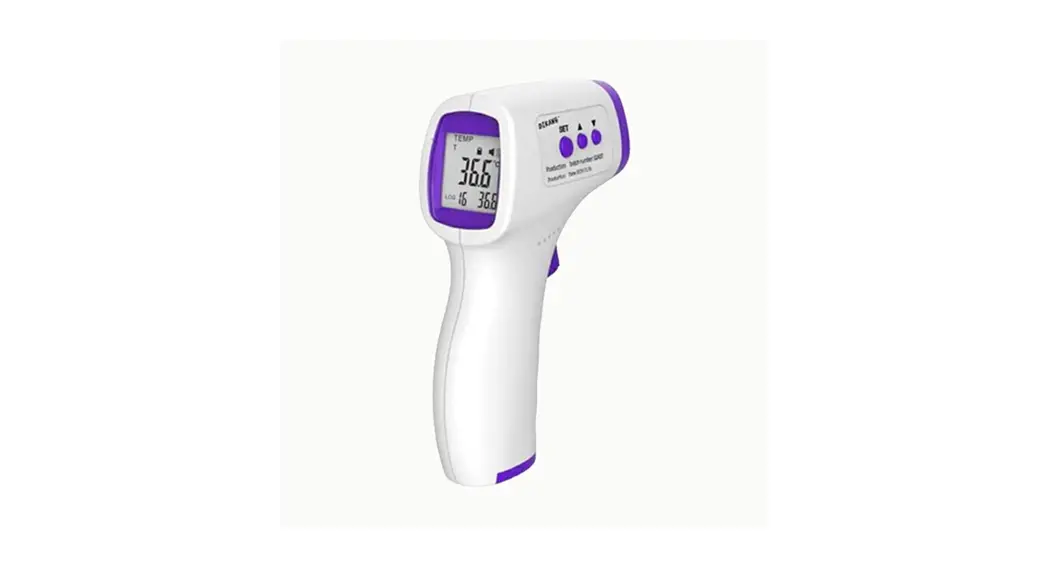

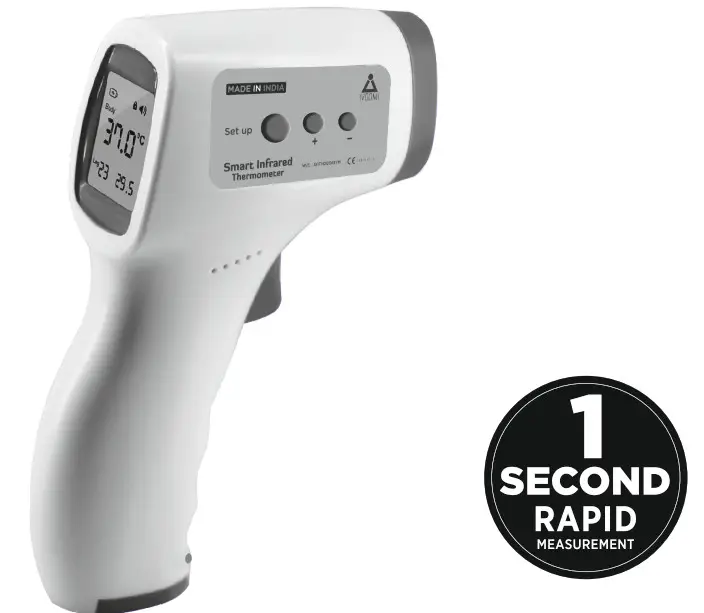
Smart Infrared
Thermometer
Model: YT-EWQ-04
User Manual
 Please read the user manual for correct & complete usage of the device
www.iVOOMi.co
Made in India
Product Performance, Main Structure Composition & Scope of Application:
Product Performance & Main Structure Composition:
Technical Parameters
| Measurement Range | 3cm-5cm | |
| Measuring Range | The Human Body Temperature | 32°C-42°C (89.6° F- 109.2°F) |
| The Object Temperature | 0°C-100°C (32° F- 212°F) | |
| Accuracy of Measurement | The Human Body Temperature | (35-42)°C within (t0.2°C -0.4° F) |
| (35-42)°C Outside (±0.3°C -0.54°F) | ||
| The Object Temperature | ±1.0°C/1.8°F | |
| The Operating Environment | 16°C-35°C (60.8° F- 95°F RH 5 85% (Noncodensing) | |
| Storage Environment | -10°C-55°C (14° F- 131°F) RH 5 85% (Noncodensing) | |
| Power supply | DC 1.5V*2 (2AAA Batteries) | |
| Alert | Low Battery Indicator | |
| Memory | Auto Store Measurement | |
| Automatic Shutdown | Automatic shutdown without any operation within 30 seconds | |
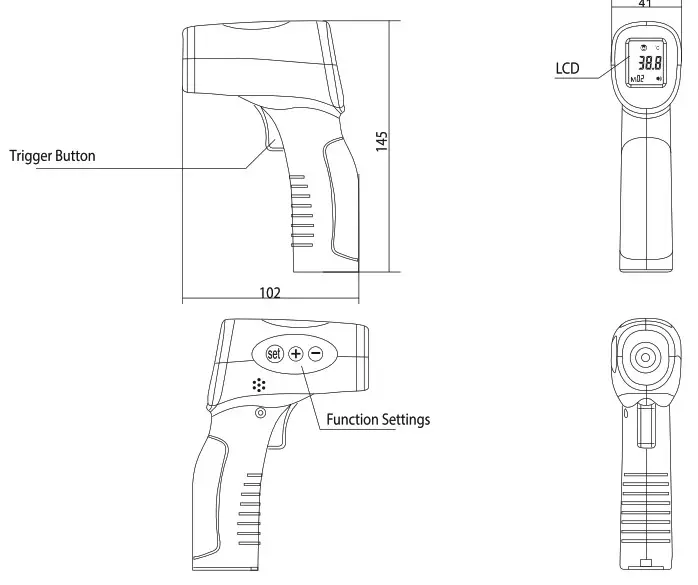
| Product Size | 149 mm x 77 mmx 43 mm | |
| The Product Weight | 100g± 2g | |
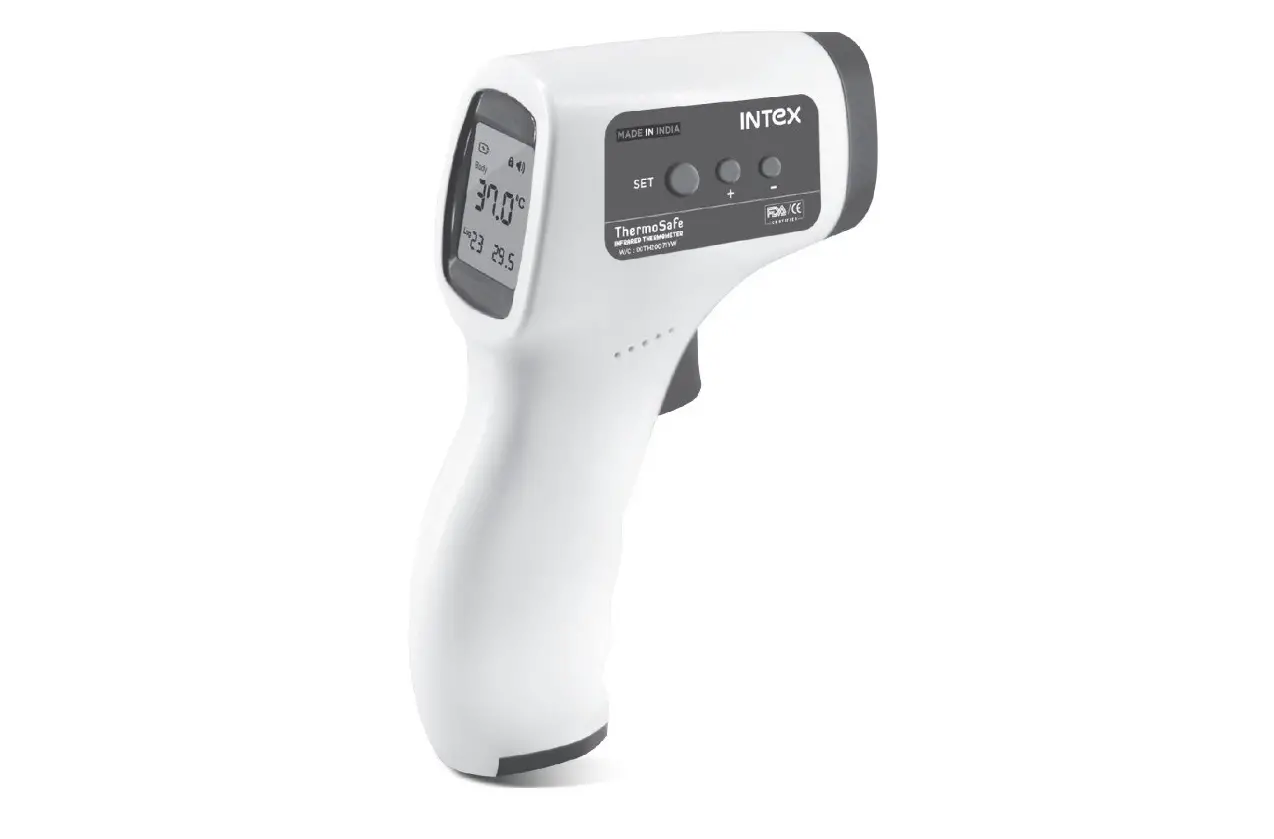
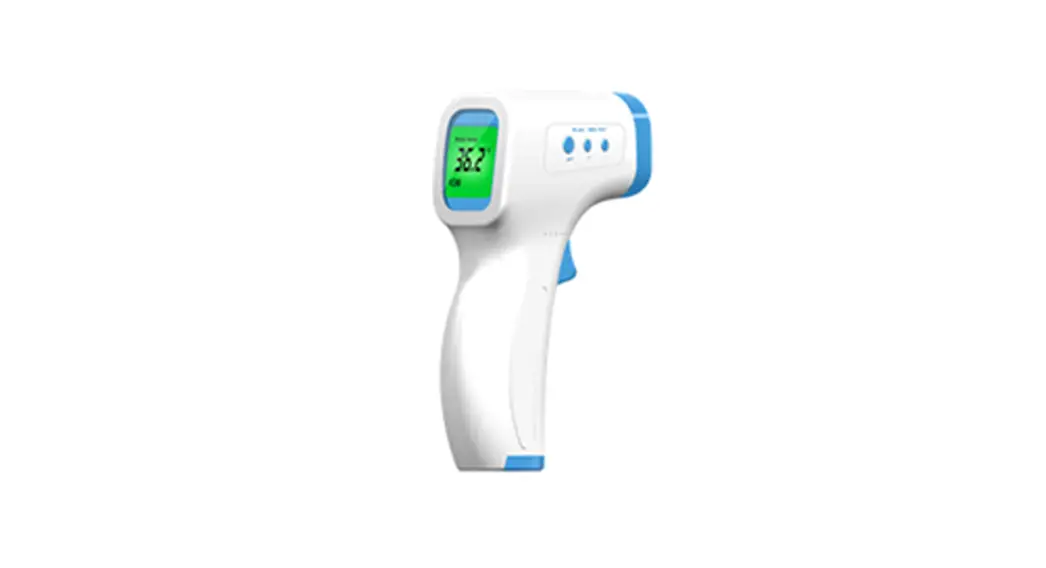
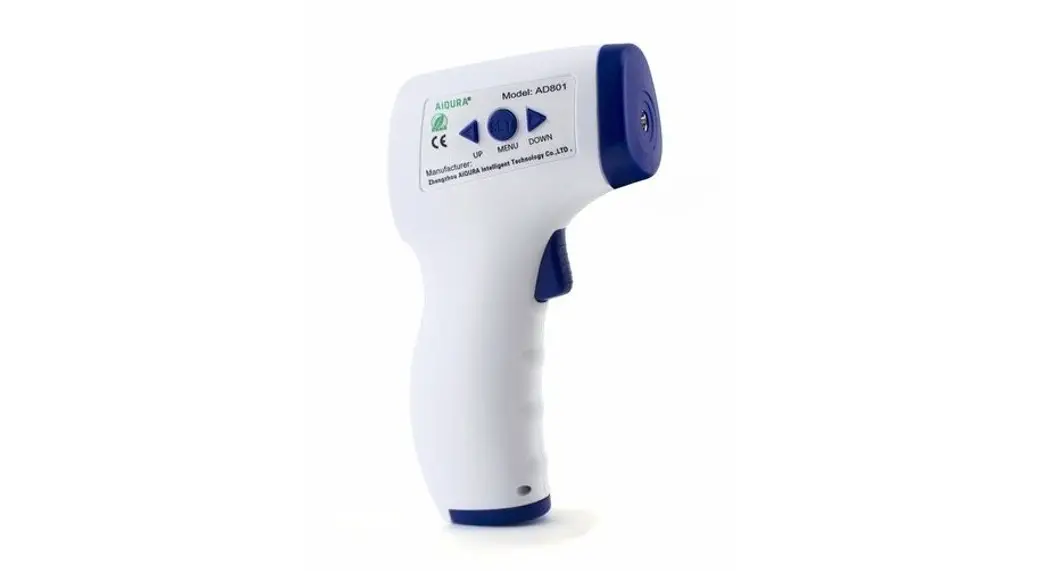
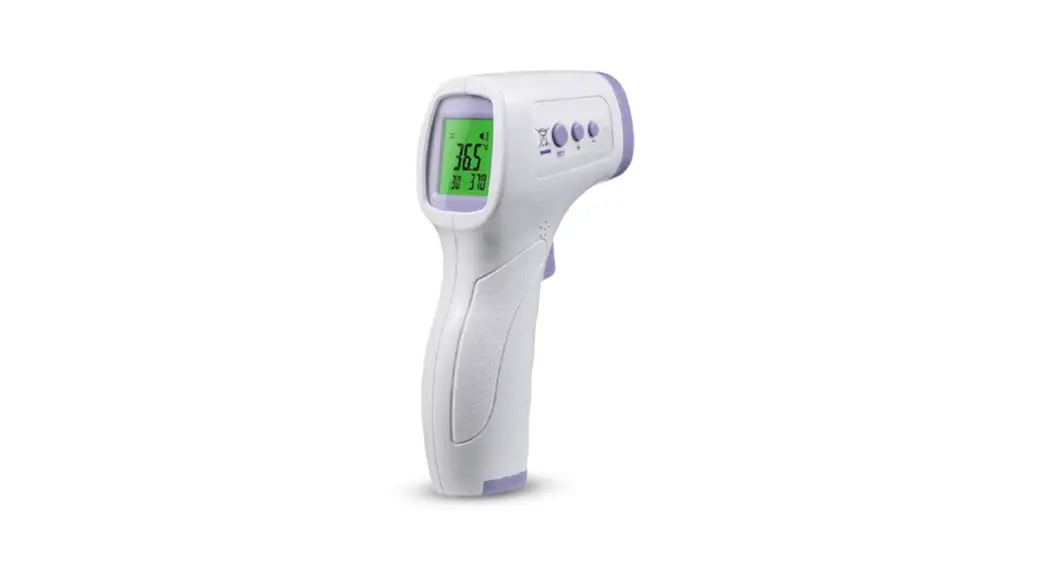
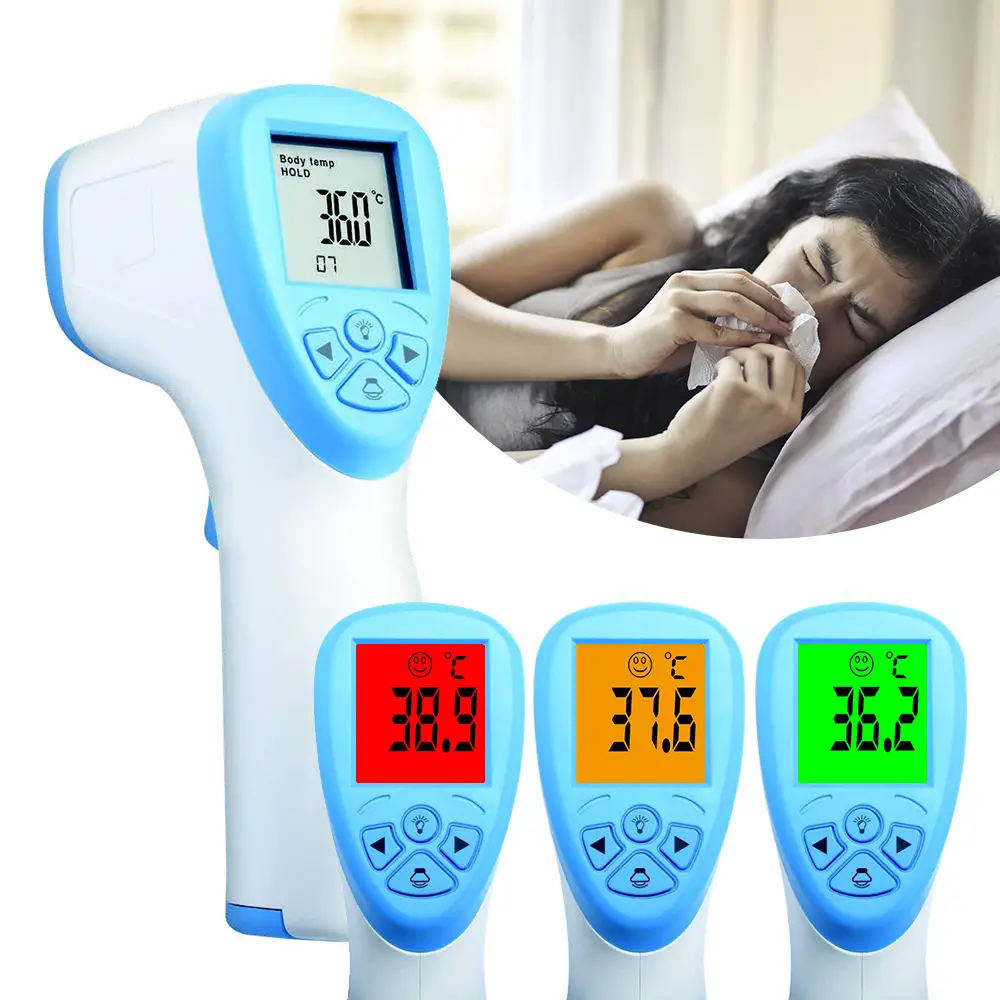
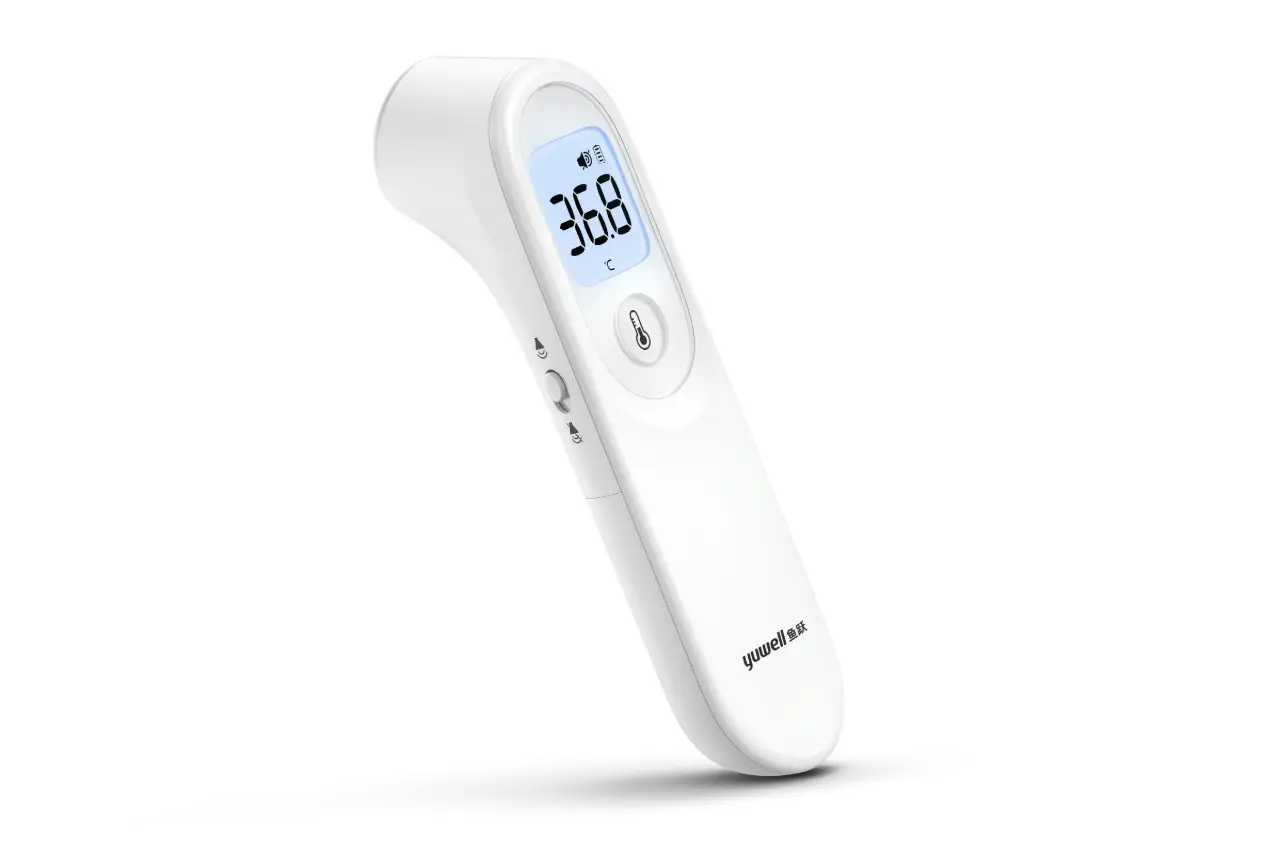
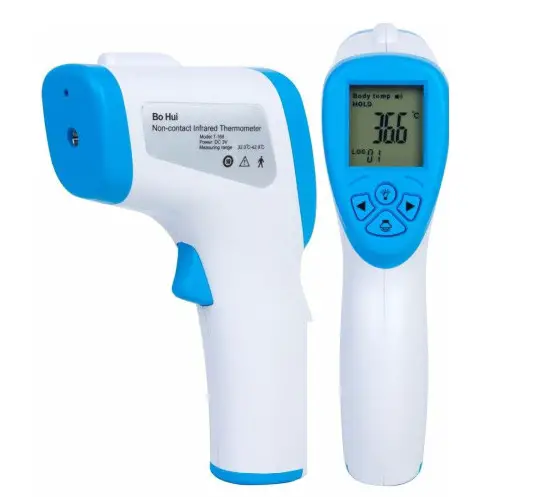
The Infrared Thermometer measures the body temperature by collecting infrared thermal radiation from the forehead of the human body. Its operation is simple and hygienic, and the measurement is fast and accurate. The user only needs to point the probe head at the forehead and press the measurement button, and the body temperature can be quickly and accurately measured in 1 second, which can be used by the family and medical departments to measure the body temperature. This product is a type 2 medical device, which belongs to the internal power supply equipment, type B application part, and the protection class is ordinary equipment (IP20). Do not use it in the presence of flammable anesthetic gas and air, nitrous oxide gas, for continuous operation of the equipment. The EU classification is Ilb.
Scope of Application:
Used by families and medical departments to measure Body/Surface temperature.
Product Features:
- A top-quality infrared sensor ensures very few variations.
- Great Environment adaptability. Works in most environments.
- A new control probe structure ensures more accurate measurement.
- Conveniently switch between human and object modes with just one button press.
- High-Temperature alarm with red backlight color.
- Automatically saves 32 temperature measures.
- Choice of two temperature measuring units – Celsius and Fahrenheit.
- Automatic shutdown for energy saving.
Contraindications, Precautions, Warnings and Contents of Reminders;
Matters Needing Attention:
- Please read this manual carefully before using and make sure the battery is installed.
- Do not immerse the forehead of the thermometer in any liquid.
- Do not use it in high or low-temperature environments for a long time.
- Do not crush, drop or mix with sharp objects.
- Do not disassemble.
- Do not use in the environment of strong electromagnetic interference.
- Keep the thermometer out of reach from children.
- Thermometer Measurements are not a substitute for a physician’s diagnosis.
Warning and prompt contents:
This product is only for detection and NOT for treatment
Instruction for Using the Product(Drawings):
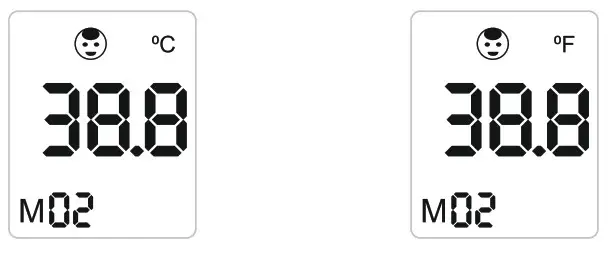
Display the Icon Definition
| Icon to Dem | Icon | State description | Fault Code | ||
| Low Battery Indicator |  | Show | Replace battery immediately | ||
| Dan show | Enough Power available for usage | Err I | Ertl | ||
| Prompt |  | Show | Prompt sound is on | ||
| Don’t show | Prompt sound is off | Operating environment temperature Is too low, Measure under normal operating conditions | Operating environment temperature Is too high, Measure norma operating conditions | ||
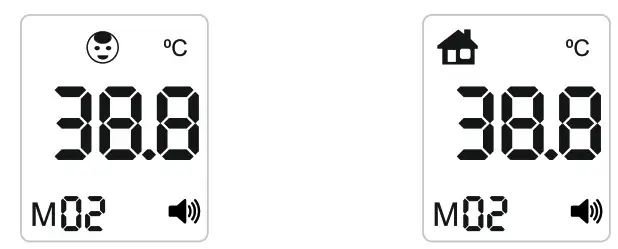
| Surface Selection |  | Human Mode. Select when measuring the human body. Very Important to select the correct mode. | |||
 | under Object Mode. Select when measuring object. | ||||
| Temperature Meaning Unit | °C | Celsius | |||
| °F | Fahrenheit | ||||
| Display |  | Displays the temperature. | |||
| Memory Symbol | M | Displays the Memory. Can store upto 16 measurements. | |||
3.3.4 32 Groups of Memory Data Queries
When the thermometer is turned on, press the “+” or “-” button to display the first or last memory on the LCD Value. To toggle between the memory data, press ‘+’ to move up and ‘ to move down. You can store up to 32 data points.
Function Key Description
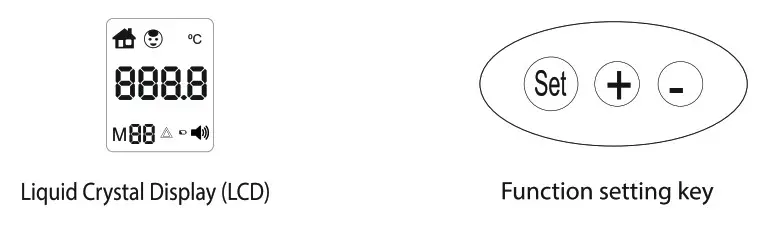
| The Function Keys | Functional description |
| Set | Enter/exit the Settings menu and switch the Settings key |
| + | Move up the Selection |
| – | Move Down the selection |
Setting Operation
The Thermometer comes with three settings: Surface selection, prompt tone on/off, and selection of measuring unit(°C and °F)
The comparison table of setting menu is as follows:
| The Menu | Function | Set | + | – | The Initial Value |
| Fl | Surface Selection | Press Setting for F2 | Prompt | No Prompt | Prompt |
| F3 | Measuring Unit | Press Again to Finish | oC | °F | oC |
- Setting of Forehead Temperature/Object Mode Conversion At start-up, press and hold “SET” till the screen displays Fl. Press “+” or “-” button to toggle the surface between human and object. Choose appropriately.

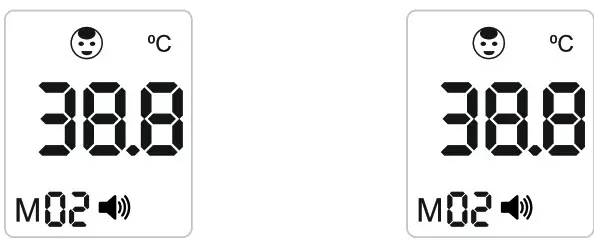
- Prompt Tone Switch Setting At start-up, press and hold “SET” till the screen displays Fl on the screen. Press “SET” once to use F2 setting. Press the “+” or “-” button to switch the prompt tone on and off.

- Celsius/ Fahrenheit Setting At start-up, press and hold “SET” till the screen displays Fl on the screen, & press “SET” twice to use F3. Press the “+” or “-” button to toggle between Celsius/Fahrenheit.

SAFETY INSTRUCTIONS
3.5.1 Measurement of Human Body Temperature
- After loading the battery, press the trigger button for 2 seconds.
 Make sure the measuring mode at the top of the screen is body mode.
- Aim the thermometer probe at the bare body- head or arms, whilst maintaining a distance of 3-5cm. Then press the trigger to record the temperature. The target’s temperature will display on the screen 1 second after pressing the trigger.
- The thermometer will automatically shut down after 10 seconds if left idle.
- 320C – 37.3°=> Green Light; 37.40C- 37.90C => Yellow Light: Temperature >_38°C above, Red Light.
Temperature <32 GC => Red Light and shows “LO”. Temperature > 42.9 0C => Red Light and shows “HI”.
Warm Prompt
- Keep the inner cavity of the sensor and probe clean before and after use.
- Place the thermometer in a stable temperature environment. When the ambient temperature varies greatly (e.g. from indoor to outdoor), Please leave it for about ten minutes and then measure it.
- Do not measure the temperature of an extremely high or low-temperature object. Start taking your temperature immediately. Leave it for ten minutes.
- When there is a big difference in the temperature of the surface relative to the environment let the thermometer adjust to the environment for 5 minutes and attempt again.
- For accurate readings, wait 30 minutes after exercising, showering or eating before measuring temperature
3.5.2 Object Temperature Measurement
- Toggle the measurement mode to objects
 using the function key.
 - Point the thermometer probe at the measuring object about 3-5cm away. Then press the trigger to record the temperature. The target’s temperature will display on the screen 1 second after pressing the trigger.
Warm prompt
- The theoretical range of object temperature measurement mode is 00C-1000C.
- This thermometer measures the surface temperature of an object and does not represent the core temperature of the object.
- The emissivity of different materials may be different (please refer to the material emissivity). The measured temperature will slightly vary from the actual temperature.
Temperature <32 °C => Red Light and shows “LO”. Temperature >42.9 DC => Red Light and shows “HI”.
Product maintenance method, storage and transportation conditions and methods
Product Maintenance Method :
Since the product is a reusable device, please pay attention to the cleaning process after use. Please keep the inner cavity of the sensor and probe clean, otherwise, the measurement accuracy will be affected.
Surface Cleaning: With a clean soft cloth or cotton swab using 1-2 drops of alcohol-based cleaners to wipe the dirty place.
Sensor & Probe Cavity Cleaning: Gently wipe the head cavity or the top of the sensor with a clean soft cloth or cotton swab with a little medical alcohol. Wait until the alcohol has completely evaporated before using.
Storage & Transportation Method :
Storage Methods:
Products must be kept in a clean and dry place. Do not place the electronic forehead thermometer where there is an electric shock. Do not store the thermometer in extreme temperatures- above 55°C or below -10°C or humidity above 85%.
Transportation Method: Transportation under heavy rainfall should be avoided.
Replace the Battery: Open the battery cover, remove the old battery, put in two new AAA batteries, please note the positive and negative directions Close the battery cover, the screen is fully displayed, and the battery is replaced. If there is no reaction, please check the positive and negative direction of the battery and the charge.
PROMPT
- When not used for a long time, please take out the battery to protect against leakage. Do not put waste batteries in the fire.
- Dispose of waste batteries according to local regulations to avoid pollution
(6) Interpretation of the graphics, symbols, abbreviations and other contents used in the labels of medical devices. Class 2 Medical Device ‘ Type B identification
 PROMPT
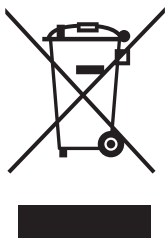 Do not litter the battery mark
Quality commitment and after-sales service This product provide a one-year free maintenance service. Note: no free repair service will be provided for any damage caused by the user’s personal fault or unauthorized demolition. PROMPT Please keep the Purchase Invoice for future maintenance and services.