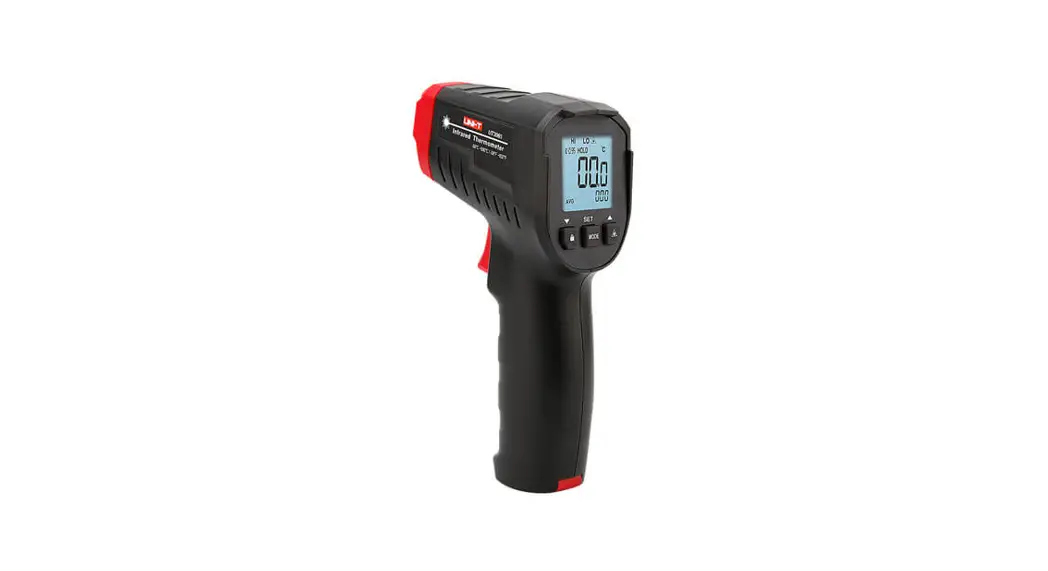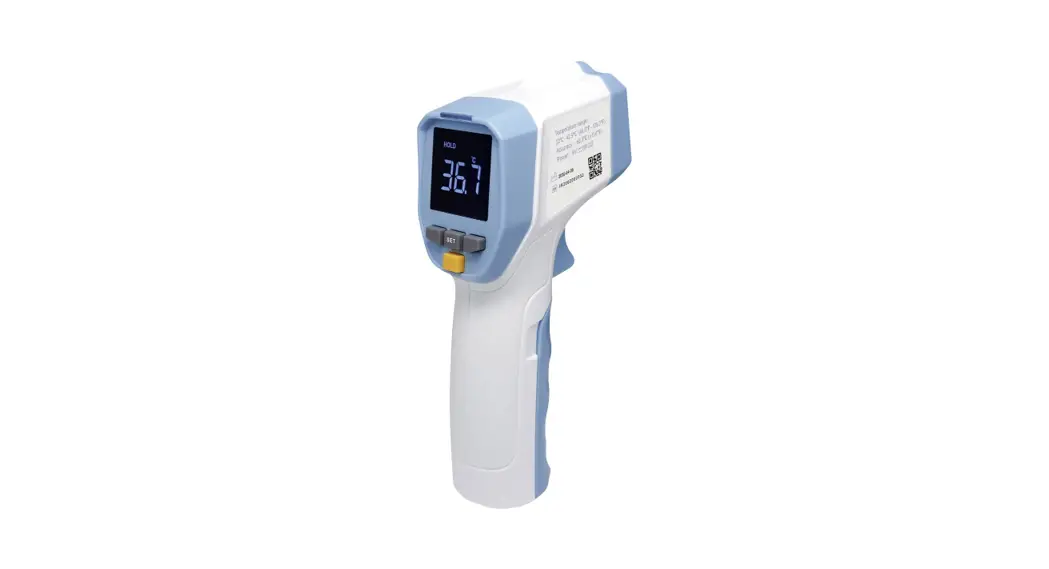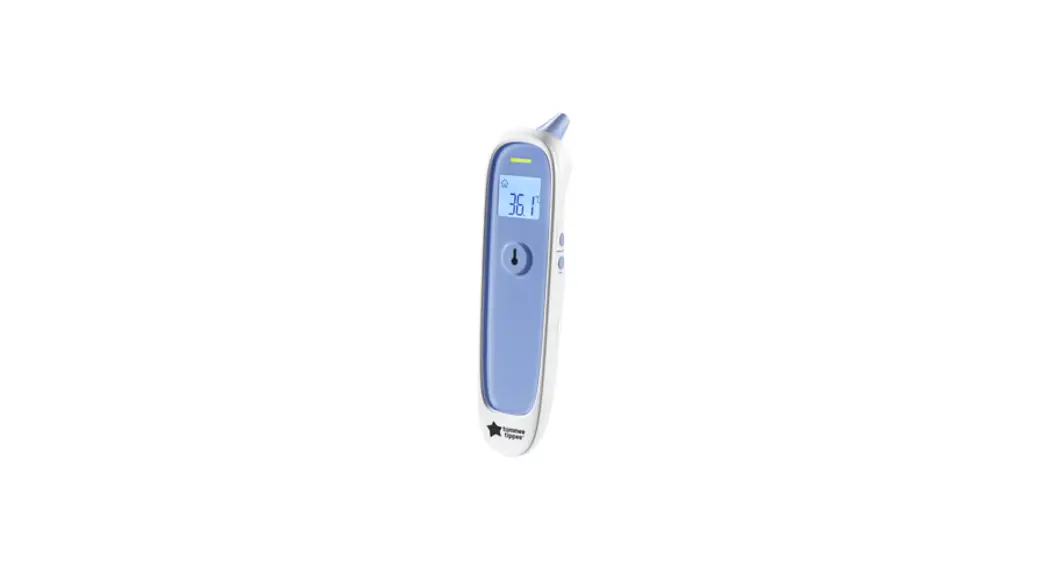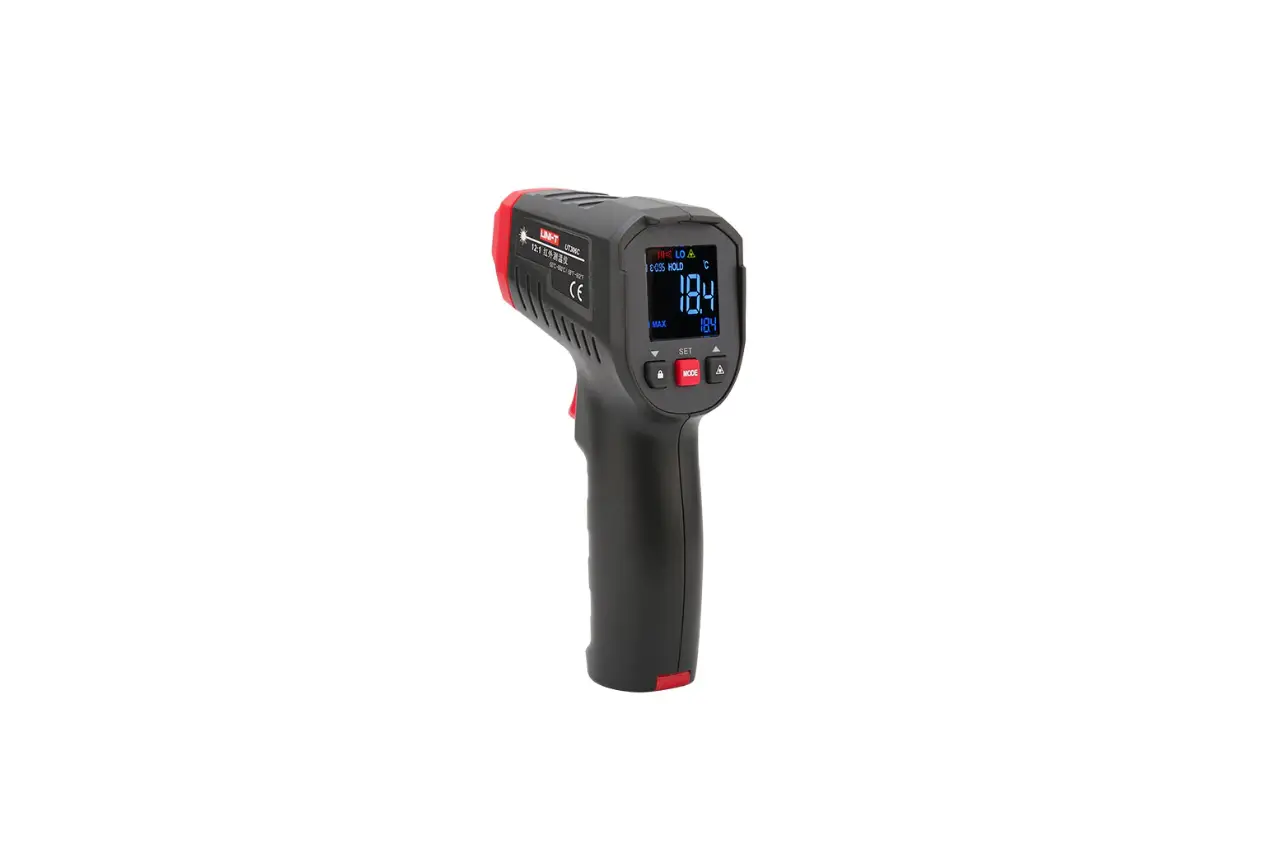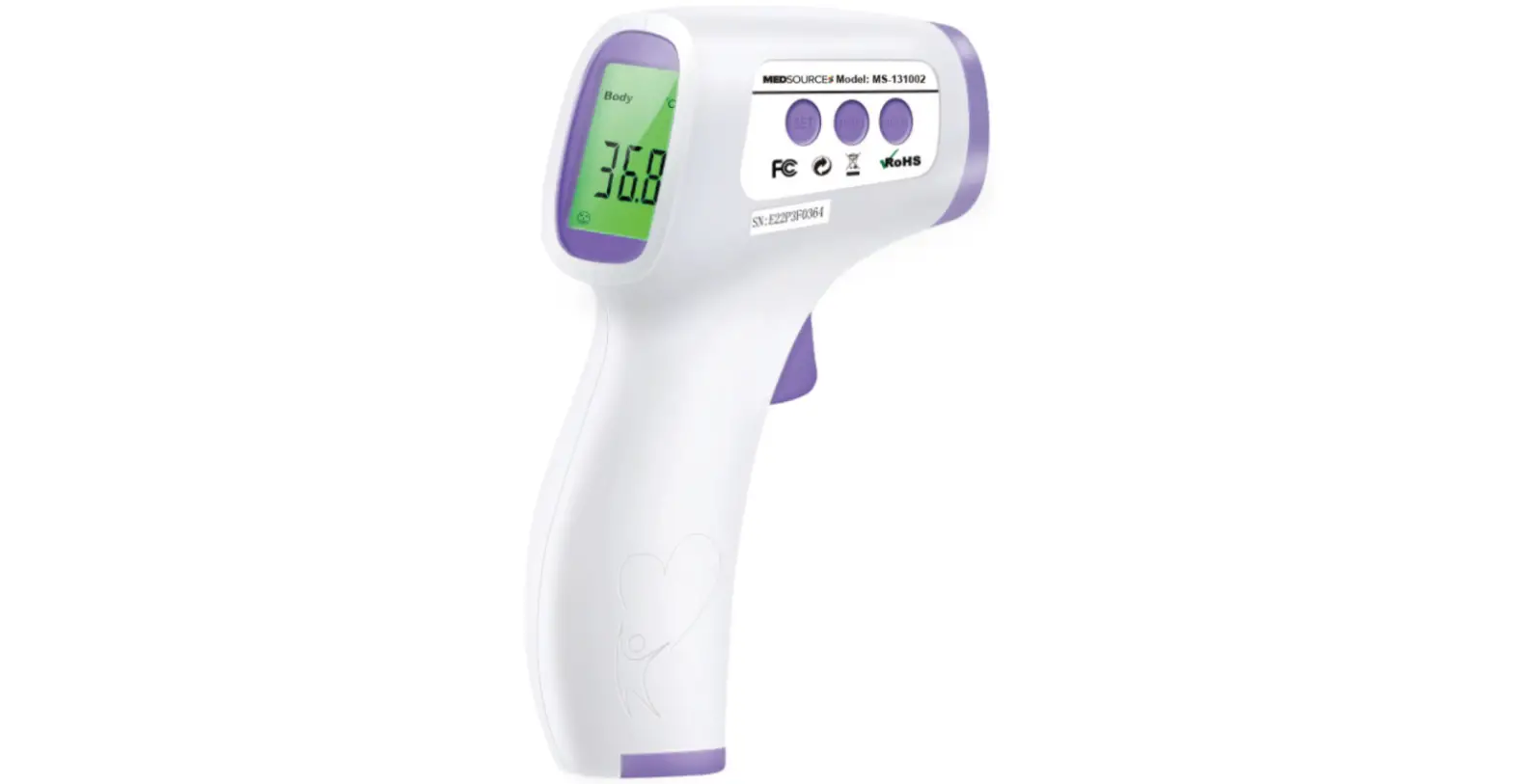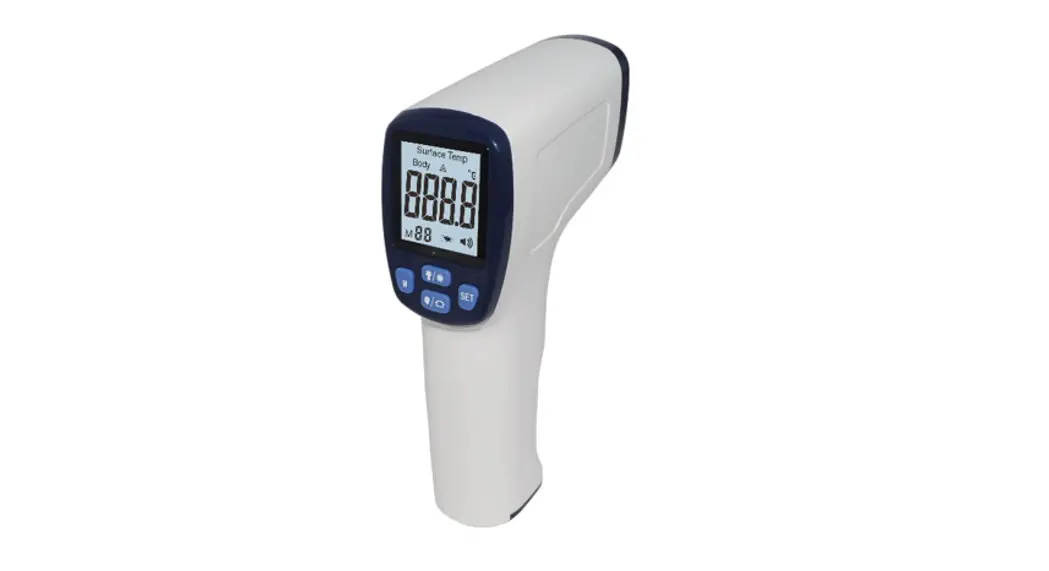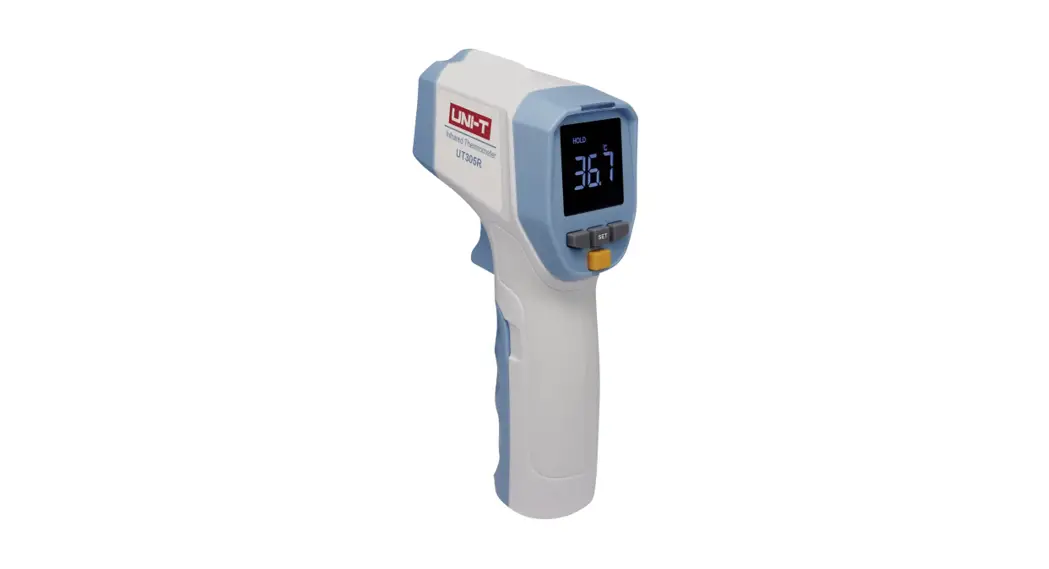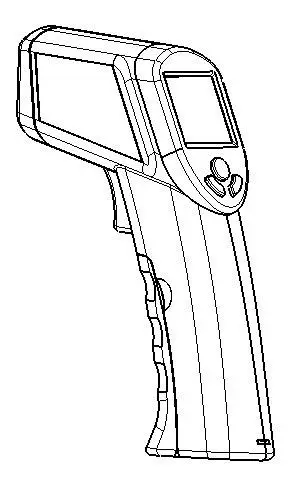
Thermometers PT190306004 Infrared Thermometer User Manual
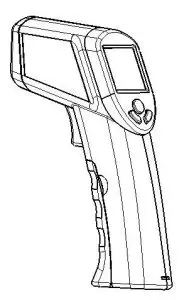
 Please read the instruction manual carefully, and follow the instructions contained in them. Get to know the appliance , its correct use and the safety instructions with the assistance of these instructions for use.
Introduction:
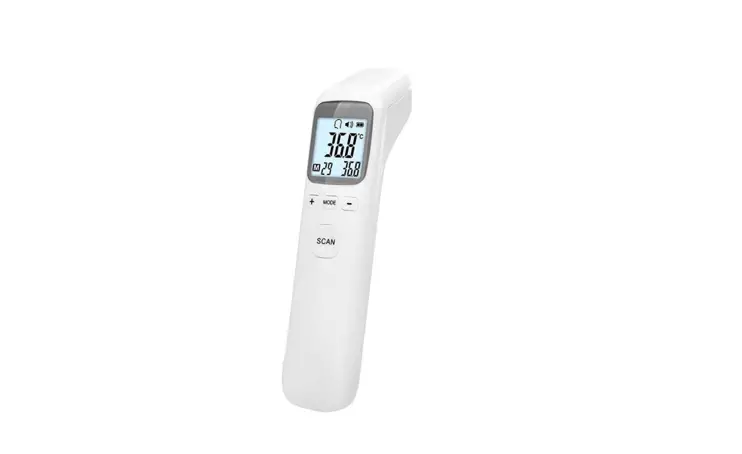
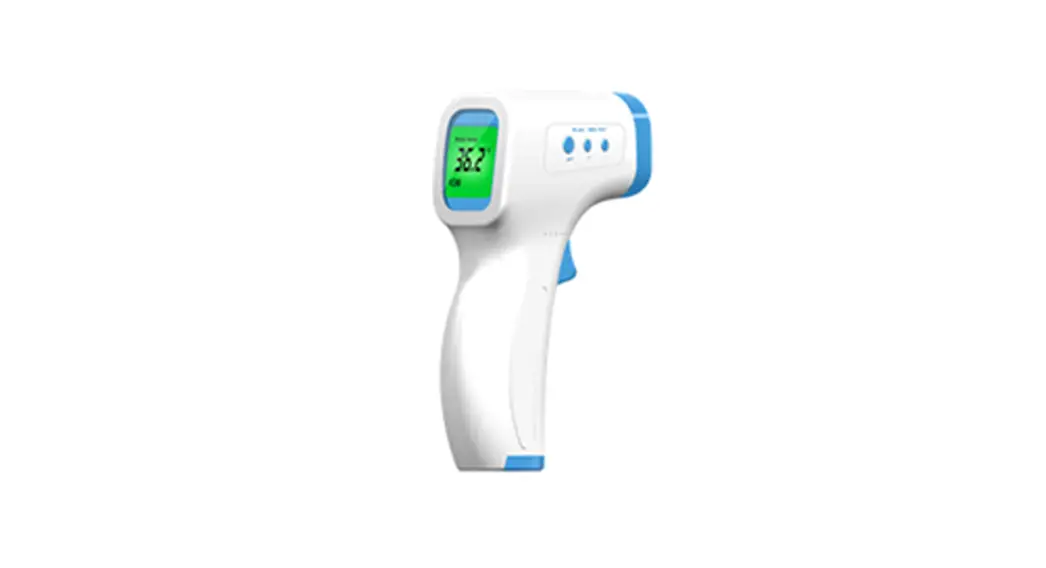
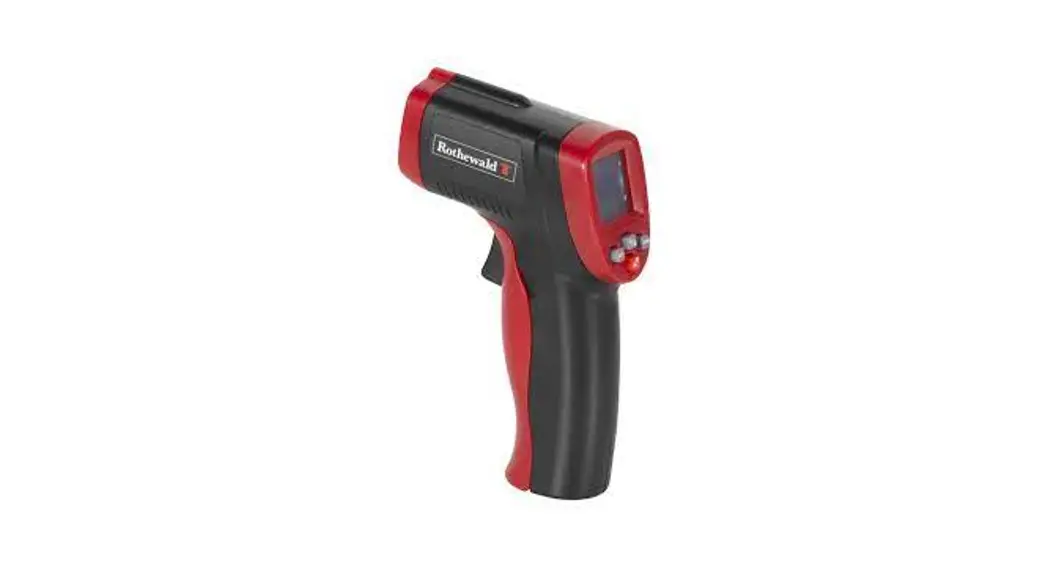
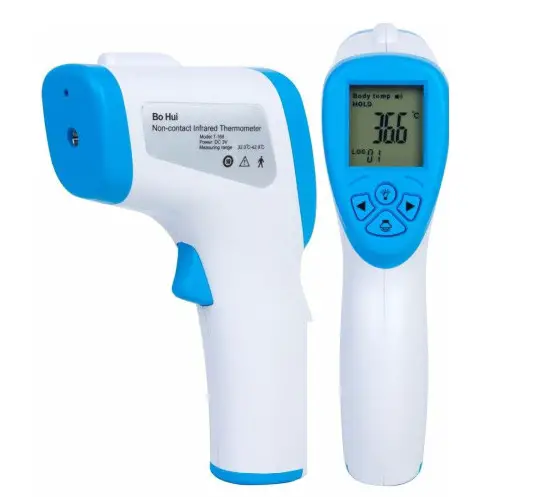
Congratulations on your purchase of the Model PT190306004 Infrared Thermometer. The PT190306004 is capable of non-contact (infrared) temperature measurements at the touch of a button. The built-in laser pointer increases target accuracy while the backlit LCD and handy push-buttons combine for convenient, ergonomic operation. This meter is shipped fully tested and calibrated and, with proper use, will provide years of reliable service.
Safety:
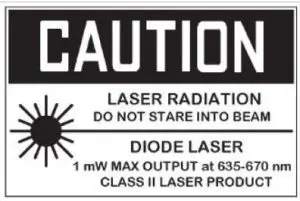
- Use extreme caution when the laser pointer beam is on
- Do not point the beam toward anyone’s eye or allow the beam to strike the eye from a reflective surface
- Do not use the laser near explosive gases or in other potentially explosive areas
Meter Description:
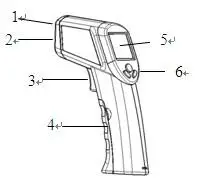
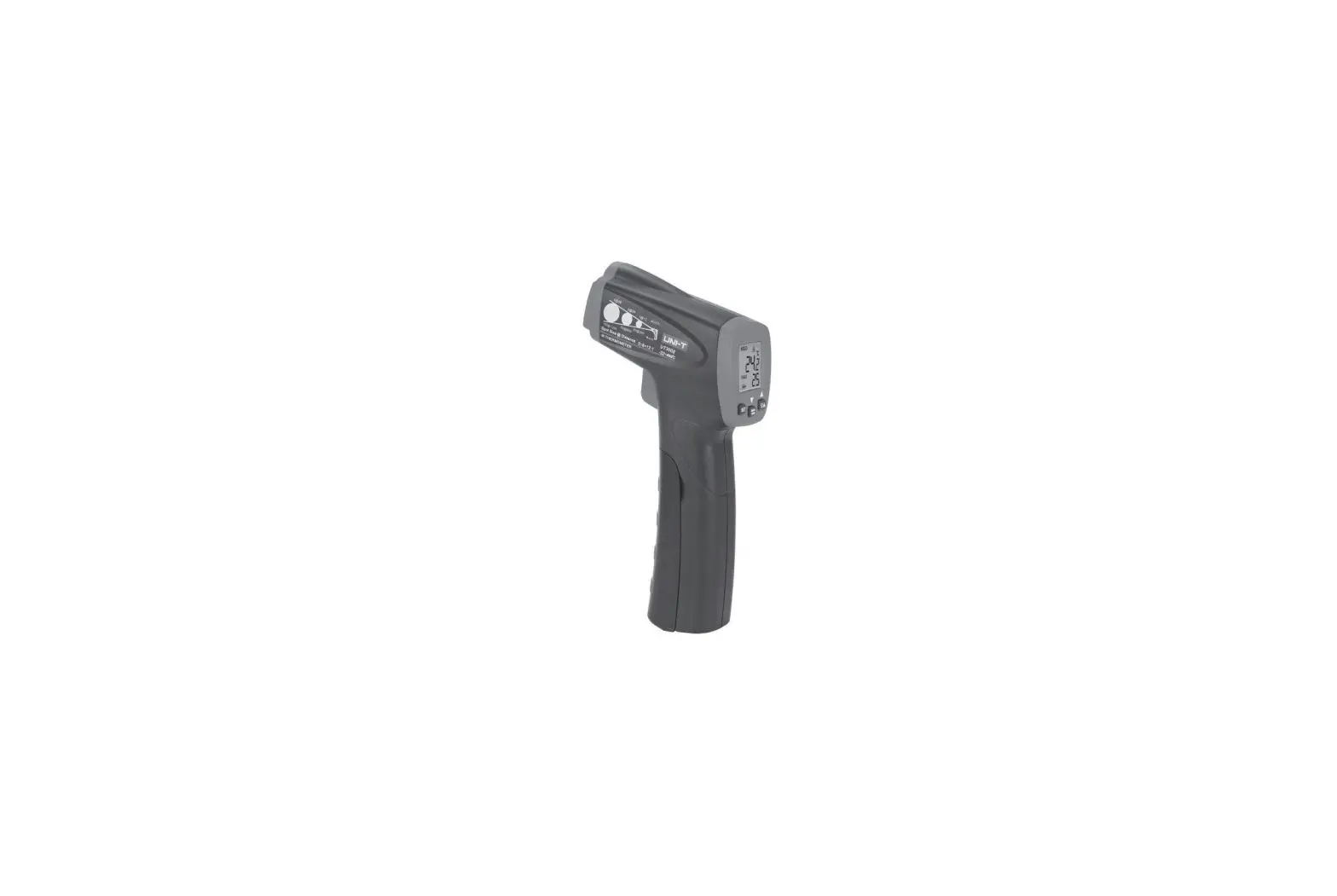
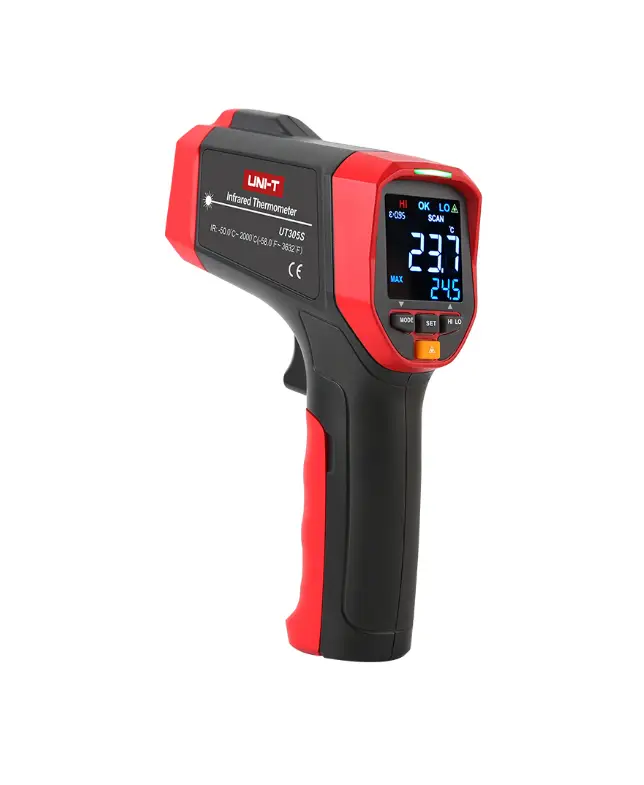
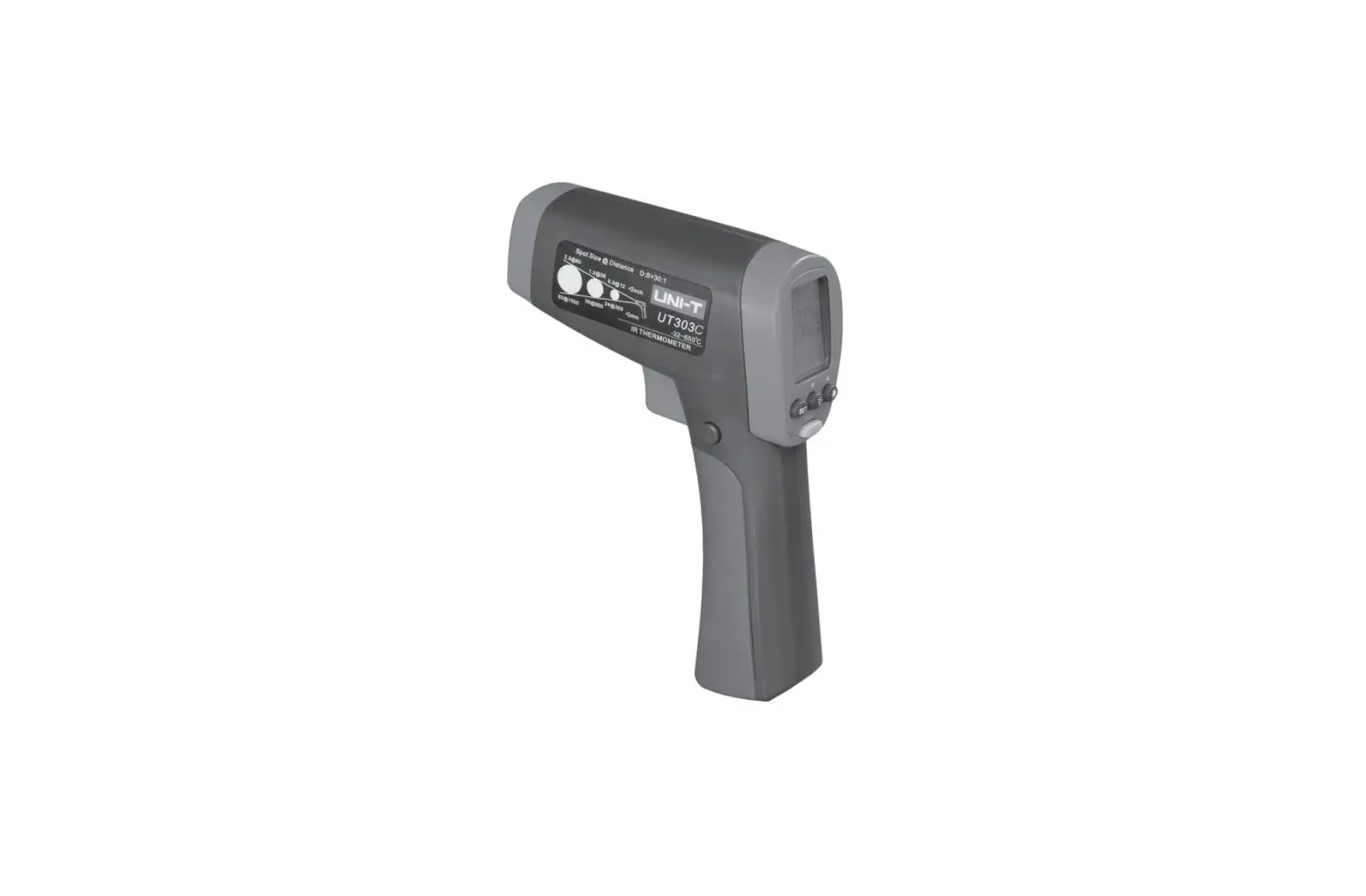
- Laser pointer beam
- IR Sensor
- Measurement Trigger
- Battery Compartment
- LCD Display
- Push-buttons
Display Description:
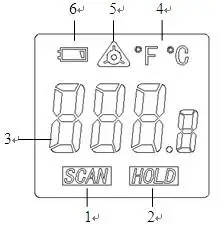
- Temperature scan in progress (trigger held)
- Last reading held (trigger released)
- Temperature display
- Temperature units
- Laser pointer ON
- Low battery icon (replace battery)
Specification:
Battery: 9V DC
Temperature range: -50~320°C/ -58~608 °F
Accuracy: 0~320°C ±2°C or ±1.5% reading
-50~0°C ±3°C
Range Resolution: 0.1°C/°F
Optical Ratio: D/S= Approx.12:1 ratio (D=distance, S=spot)
(Has 90% encircled energy at the focal point)
Continuous scan possible: Emissivity: 0.95, Response time: 500ms
Laser pointer: laser power<1mW; laser wavelength:635~670nm; Class Ⅱ
Auto Power Off: After 10 seconds of inactivity
Easy to read digital LCD display
°F/°C switchable
Operating temperature: 0°C to 50°C (32°F -122°F)
Storage temperature: -20°C to 60°C (-4°F -140°F)
Relative humidity: 10%-90%RH operating, <80%RH storage
Operating instructions:
Basic IR Measurements
- Hold the meter by its handle and point it toward the surface to be measured.
- Pull and hold the trigger to turn the meter on and begin testing. The temperature reading, the flashing ‘SCAN’ icon, the unit of measure will appear.
- Release the Trigger and the reading will hold for approximately 10 seconds (HOLD will appear on the LCD) after which the meter will automatically shut off.
Laser Pointer:
Press the  laser pointer button to turn the laser pointer on. Press the button again to turn the pointer off.
Backlight:
When the meter is on, Press the  backlight button to turn the backlight on. Press the button again to turn the backlight off.
Note: Constant use of the backlight feature will reduce battery life.
Over-Range Indication:
If the temperature measurement exceeds the specified temperature range, the thermometer will display ‘ERR’ in place of a temperature reading.
Field of View:
The meter’s field of view is 8:1. For example, if the meter is 8 inches from the target (spot), the diameter of the target must be at least 1 inch. Other distances are shown in the field of view diagram. Note that measurements should normally be made as close as possible to the device under test. The meter can measure from moderate distances but the measurement may be affected by external sources of light. In addition, the spot size may be so large that it encompasses surface areas not intended to be measured.

Battery Replacement:
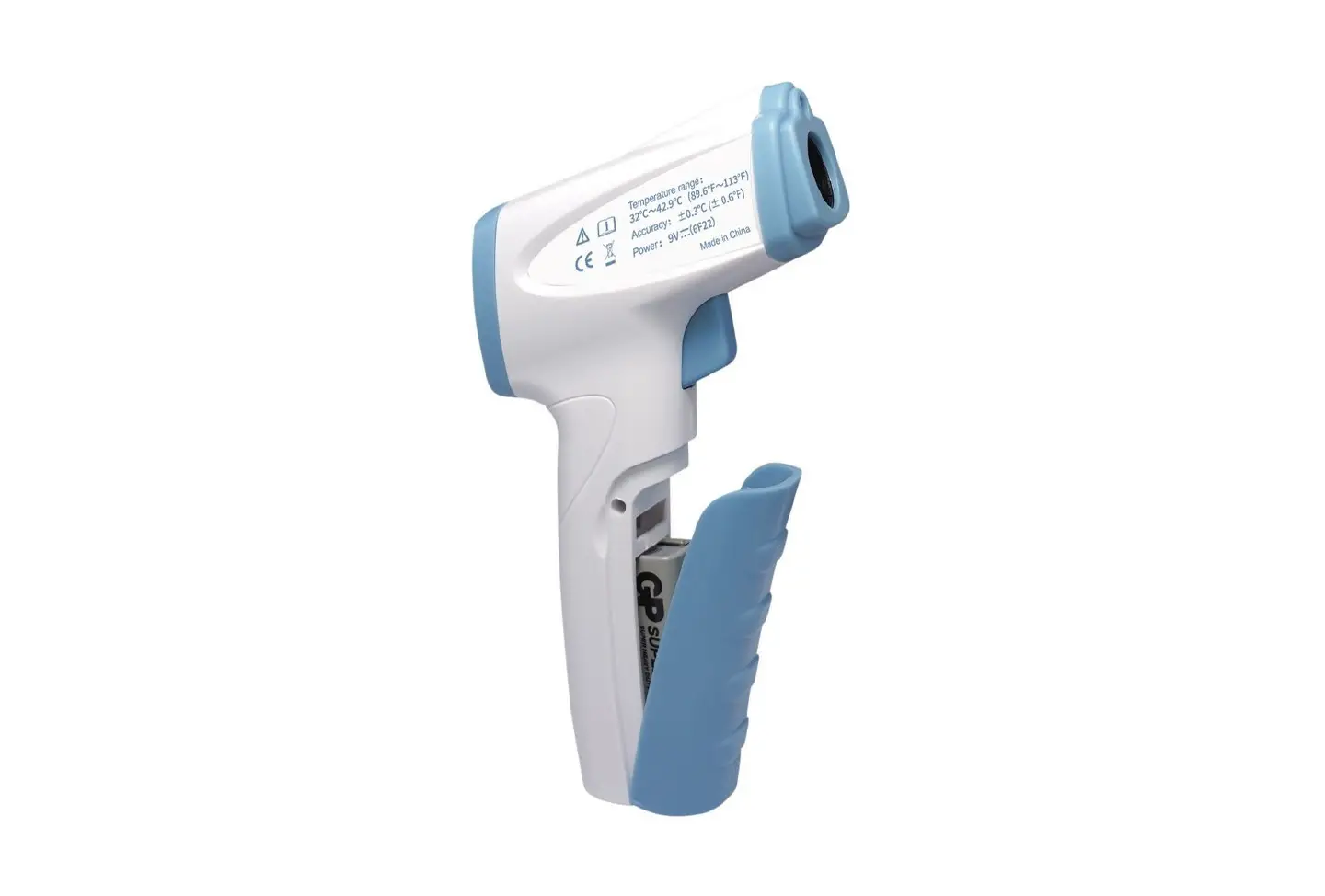
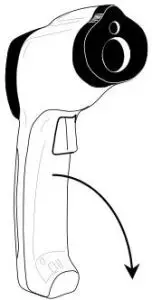
When the battery symbol appears in the display, replace the meter’s 9V battery. The battery compartment is located under the meter’s trigger. The panel can be pried open near the trigger and folded down as shown in the diagram. Replace the 9V battery and close the battery compartment cover.
You, as the end user, are legally bound (EU battery ordinance) to return all used batteries, disposal in the household garbage is prohibited ! You can hand over your used batteries / accumulators are sold!
 Disposal: Follow the valid legal stipulations in respect of the disposal of the device at the end of its lifecycle.
IR Measurement Notes:
- The object under test should be larger than the spot (target) size calculated by the field of view diagram (printed on the side of the meter and in this guide).
- Before measuring, be sure to clean surfaces that are covered with frost, oil, grime, etc.
- If an object’s surface is highly reflective, apply masking tape or flat black paint to the surface before measuring. Allow time for the paint or tape to adjust to the temperature of the surface it is covering.
- Measurements can’t be made through transparent surfaces such as glass. The surface temperature of the glass will be measured.
- Steam, dust, smoke, etc. can obscure measurements.
- The meter automatically compensates for deviations in ambient temperature. However, it can take up to 30 minutes for the meter to adjust to extremely wide changes.
- To find a hot spot, aim the meter outside the area of interest then scan across (in an up and down motion) until the hot spot is located.
Emissivity and IR Measurement Theory:
IR Thermometers measure the surface temperature of an object. The thermometer’s optics sense emitted, reflected, and transmitted energy. The thermometer’s electronics translate the information into a temperature reading which is then displayed on the LCD.
The amount of IR energy emitted by an object is proportional to an object’s temperature and its ability to emit energy. This ability is known as emissivity and is based upon the material of the object and its surface finish. Emissivity values range from 0.1 for a very reflective object to 1.00 for a flat black finish. For the Model PT190306004, the emissivity is set to 0.95 which is correct for 90% of typical IR measurement applications.
Read More About This Manual & Download PDF: