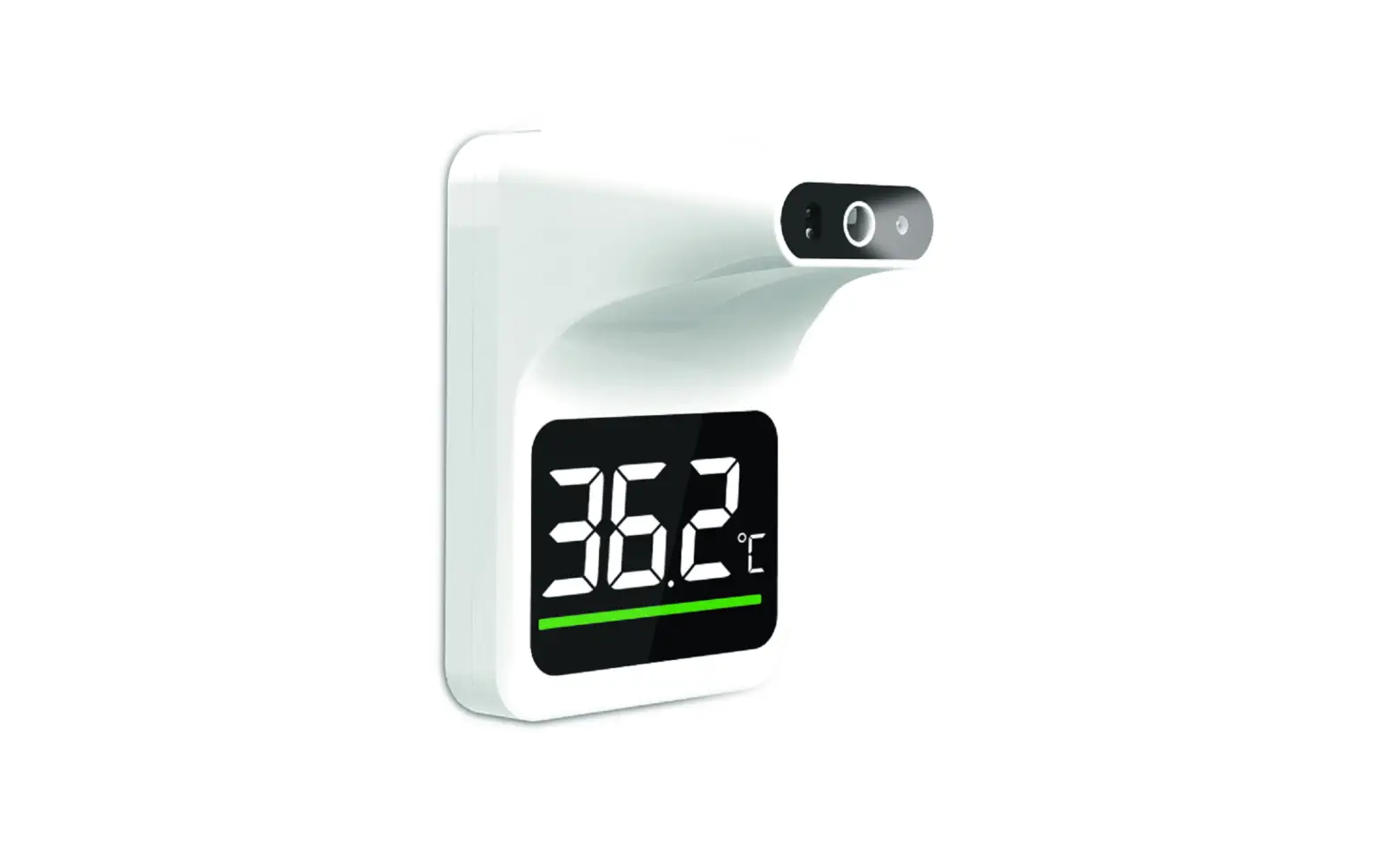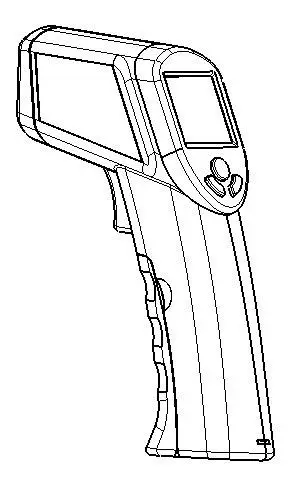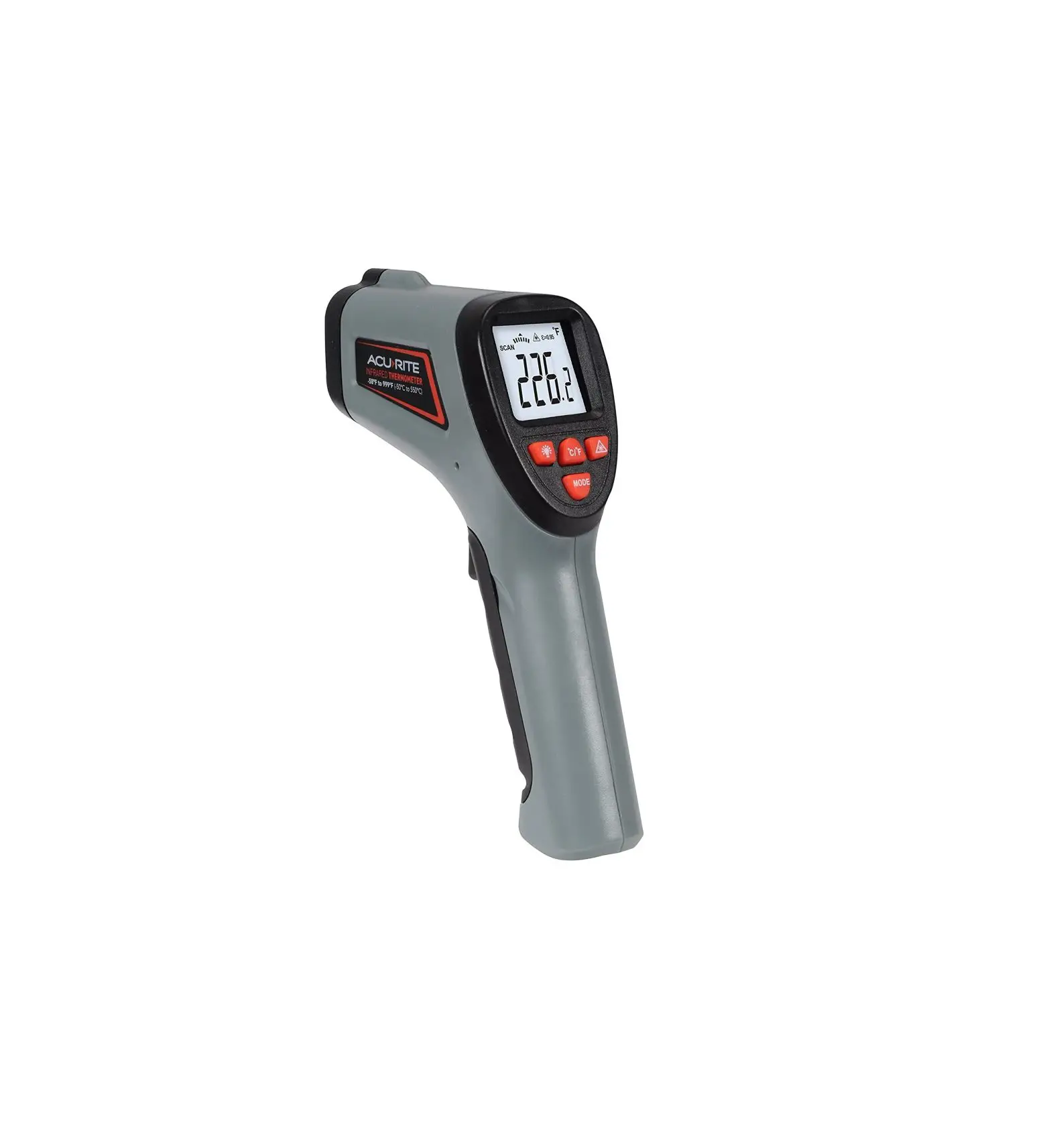
Infrared Thermometer
User Guide
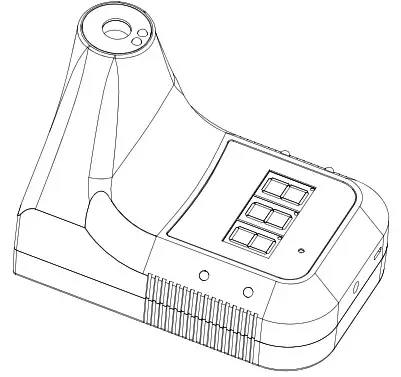
Introduction
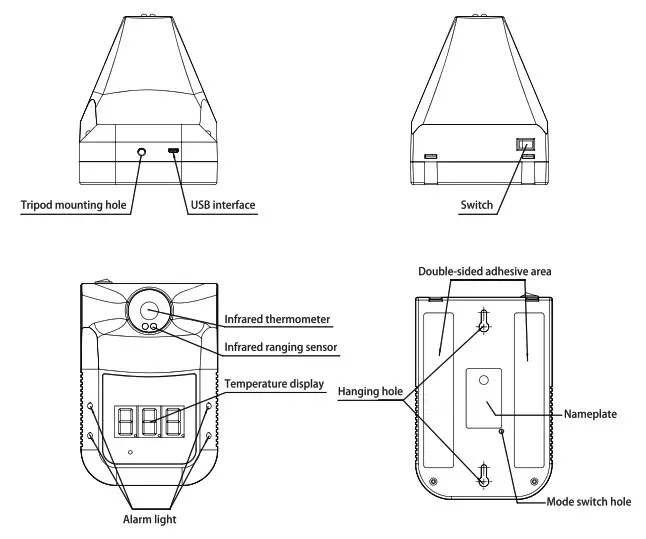
Specification
- Accuracy: ±1.0 93.2 -113°F / ±0.5 34-45°C place it in the operating environment for 30 minutes before use.
- Abnormal automatic alarm: flashing +”Di Di” sound
- Automatic measurement: measuring distance 2.0 – 3.9 / 5cm -10cm
- Screen: Digital display
- Power: DC 5V with included USB wall charger.
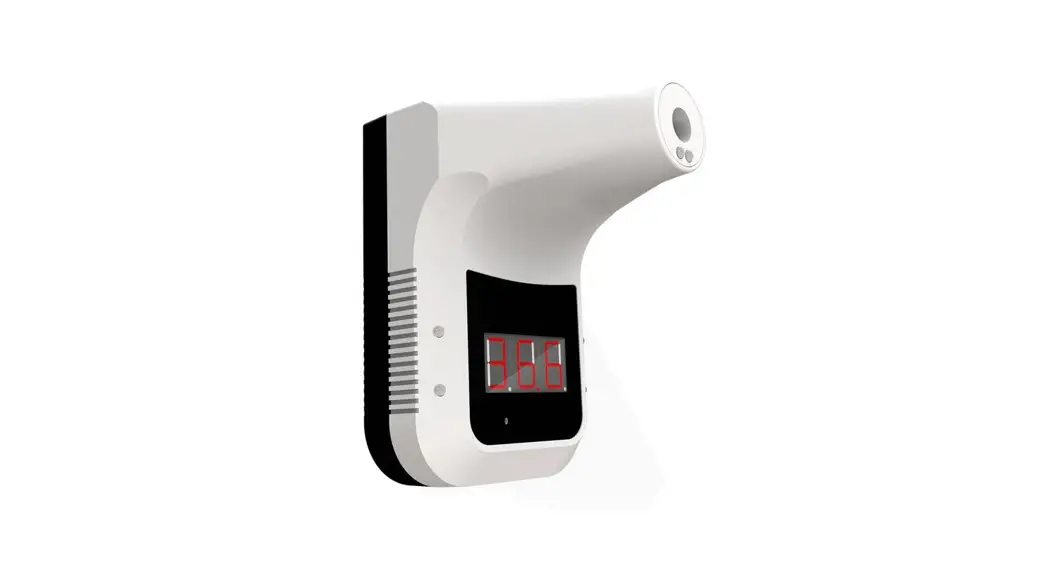
- Install method: nail hook, double-sided adhesive sticking, bracket fixing
- Environment temperature: 50-104°F / 10-40°C (recommended… 59-95°F / 15-35°C)
- Infrared measuring range: 32-122°F / 0-50°C
- Response time: 0.5s
- Battery: Use only recommended (18650 Li-ion) rechargeable battery. Battery not included.
- Weight: 12.4oz / 350g
- Dimensions: 6.7 x 4.3 x 5.5 inch / 170 x 115 x 140mm
- Standby: About one week
- Counting capacity: 999
Status Description
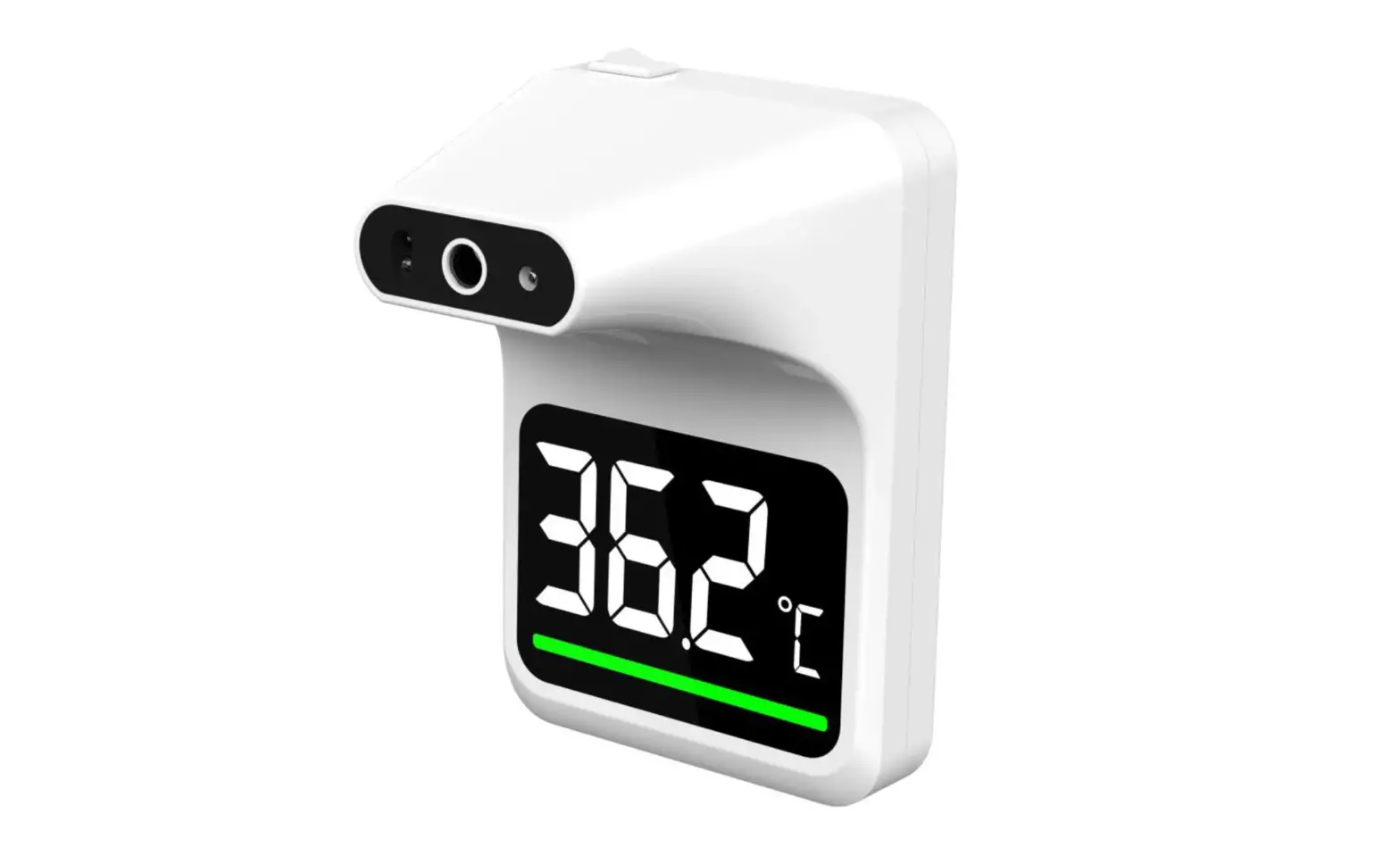
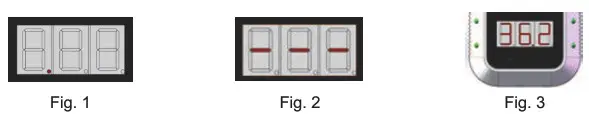
- Standby: The red dot in the bottom of the display lights up in turn. (Fig. 1)
- Insufficient power: The horizontal bar lights up in the middle of the display. (Fig. 2)
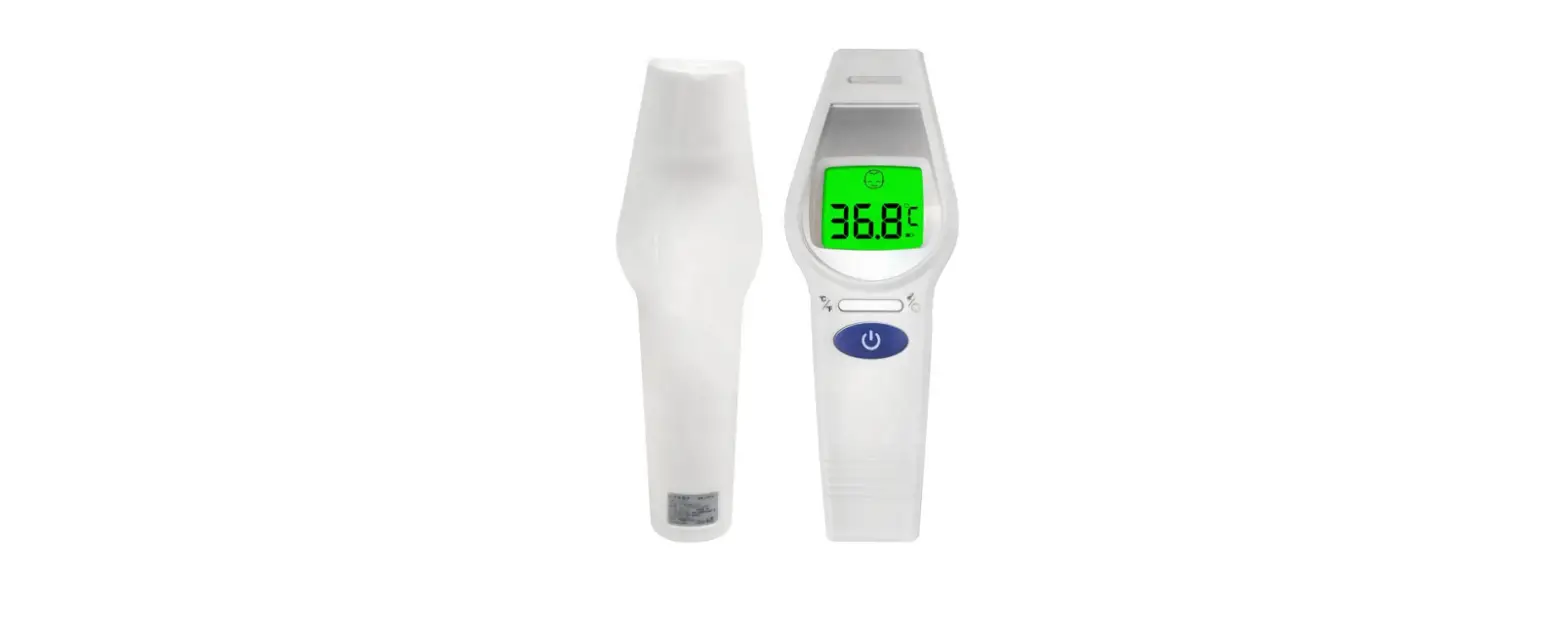
- Normal temperature: Flashing green lights and alarm ‘Di’. (Fig. 3)

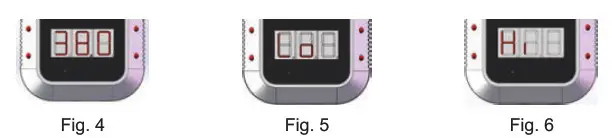
- Abnormal temperature: Flashing red lights and alarm ‘Di Di’.(Fig. 4)
- Default (bod:object mode) :
‘Lo’: Ultra-low temperature alarm. (Fig.5)
‘HI’ : Ultra-high temperature alarm.(Fig. 6)
Operation Instruction
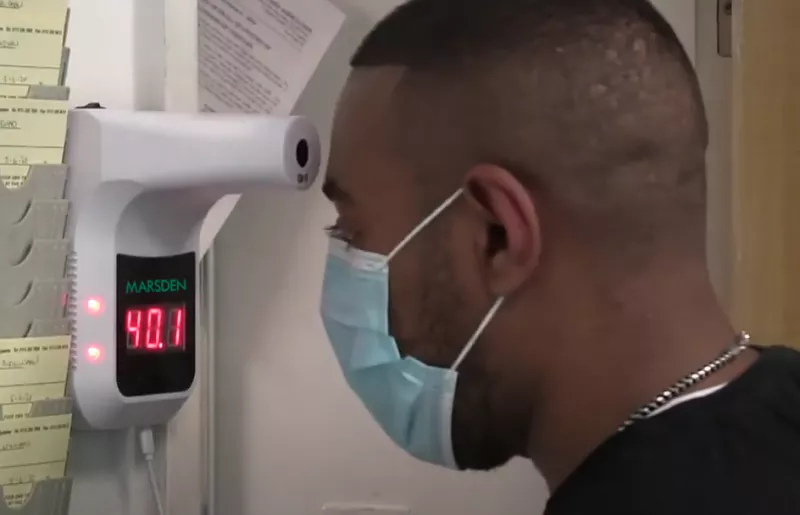
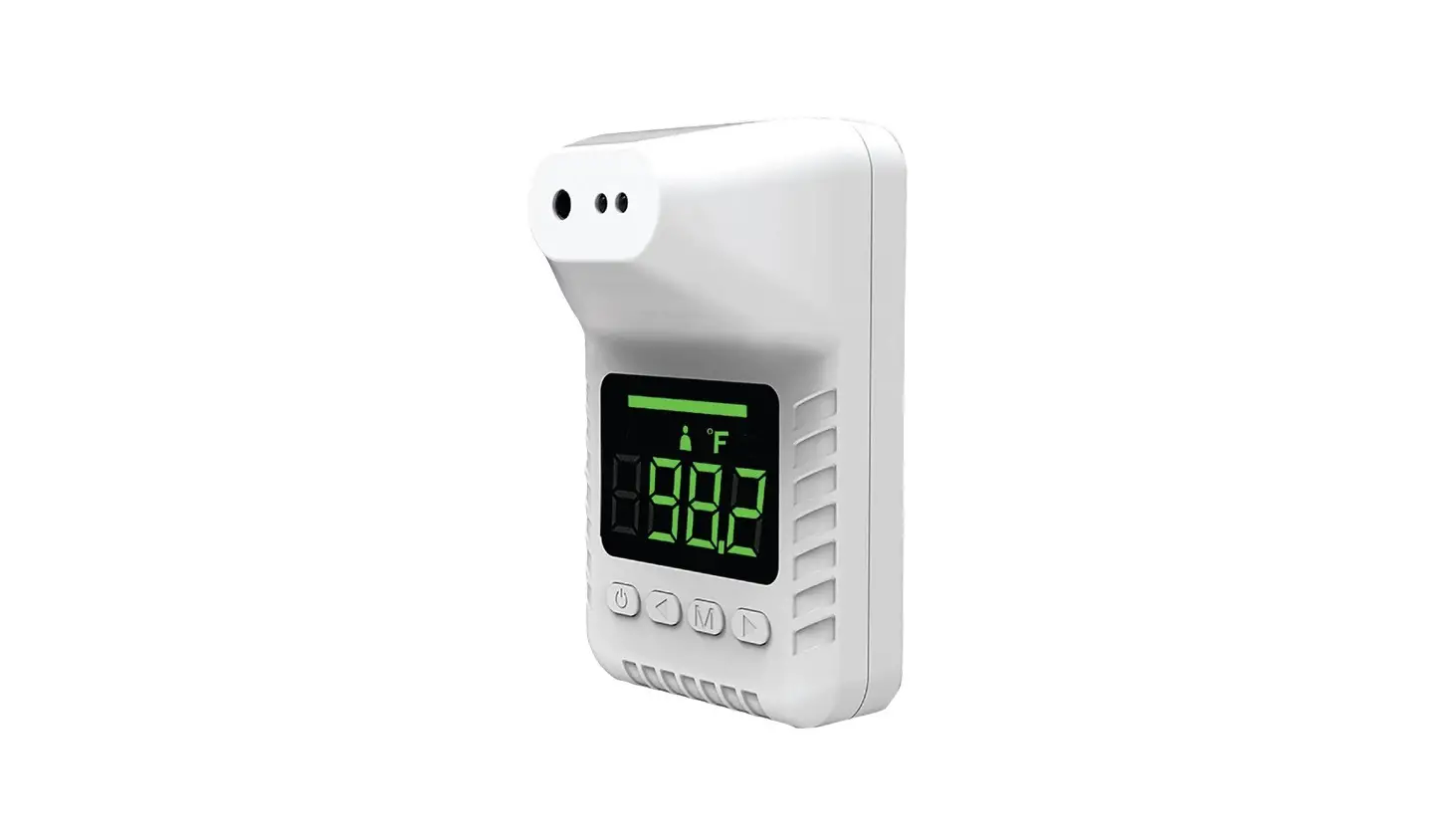
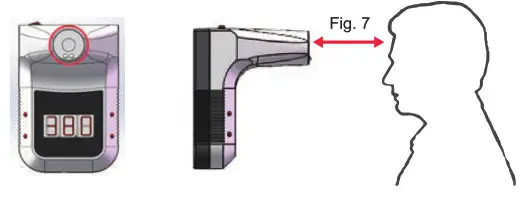
- Temperature measurement: Stand in front of the IR thermometer within a distance of 2.0 — 3.9 inch / 5cm — 10cm (Fig. 7).

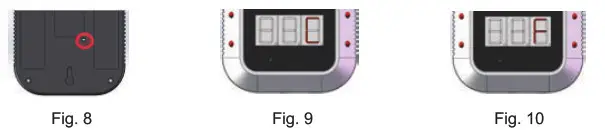
- Mode Switch: There is a small hole on the back of the device (Fig. 8). (2a) Temp Scale: Use a paper clip to insert in hole and press mode switch. to select C: Celsius or F: Fahrenheit (Fig.9, 10)

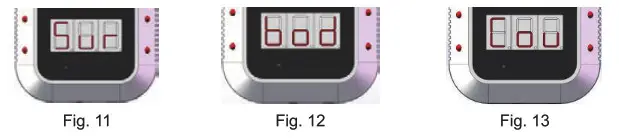
(2b) Scanning Mode: Long press of mode switch for 3 seconds to change the scanning mode to (Sur: surface mode, bod: body mode, Cou: counting mode)
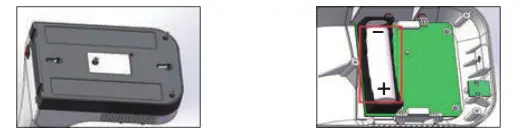
- Install and replace the battery (3a) Remove three screws (3b) Open the back base and install 18650 Li-battery

- Install method


Warnings
- It is the user’s responsibility to ensure the electromagnetic compatibility environment of the device so that the device can work normally.
- It is recommended to evaluate the electromagnetic environment before using the device.
- When changing the operating environment, the device must be left to stand for more than 30 minutes.
- Please measure the forehead to the thermometer.
- 1t is not recommended to use it outdoors or under strong light.
- Keep away from air conditioners, fans, etc.
- Please use qualified, safety-certified batteries, unqualified batteries, or non-rechargeable batteries used may cause fire or explosion.
- If it cannot work after installing the battery, please insert the charging cable to charge it and it can be used normally.