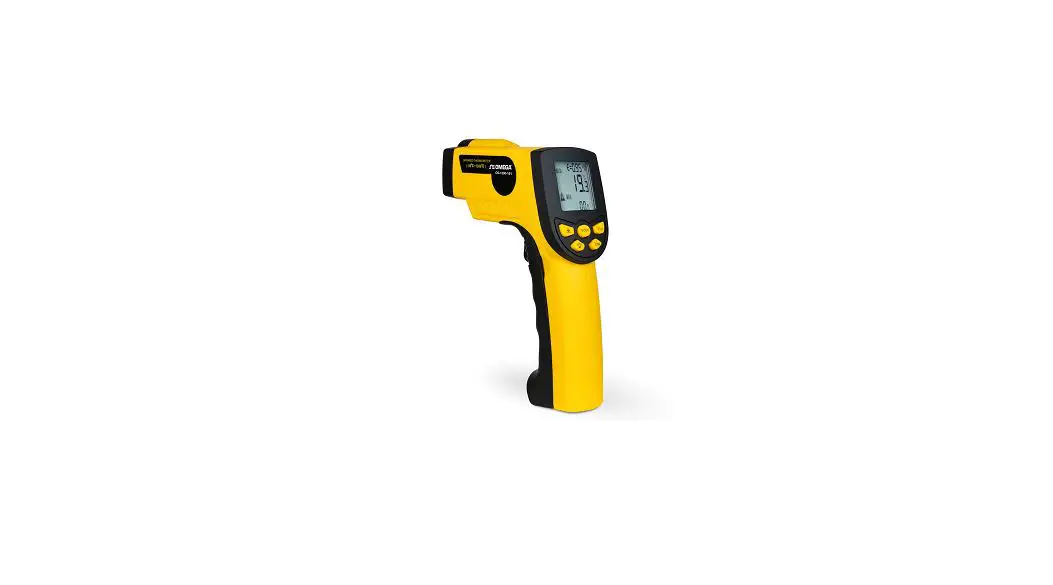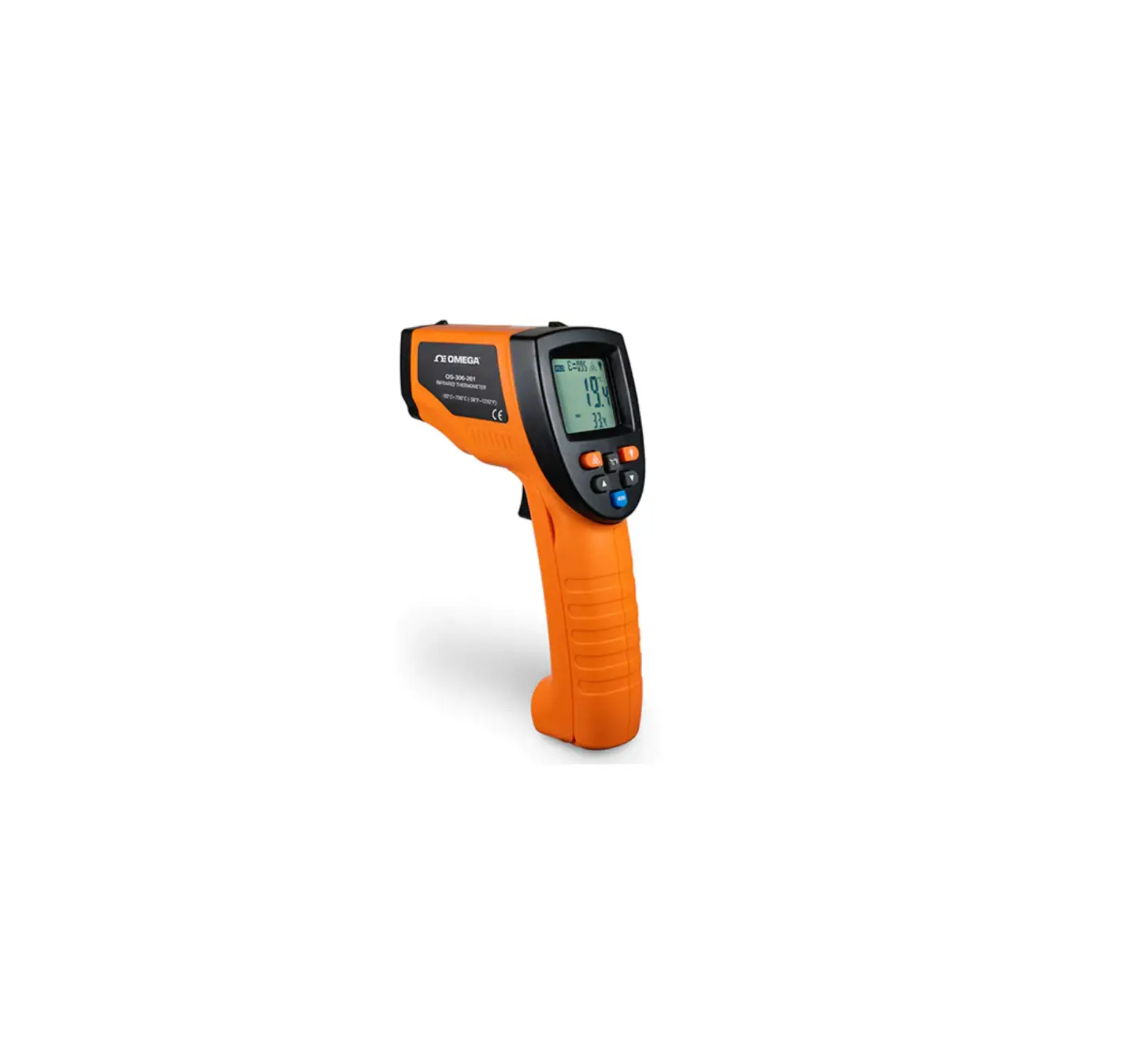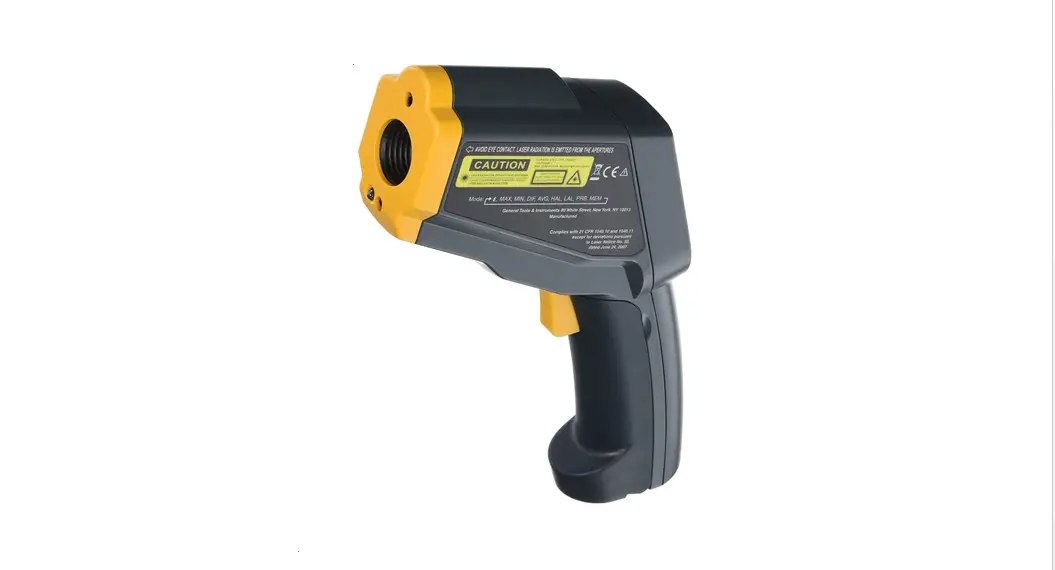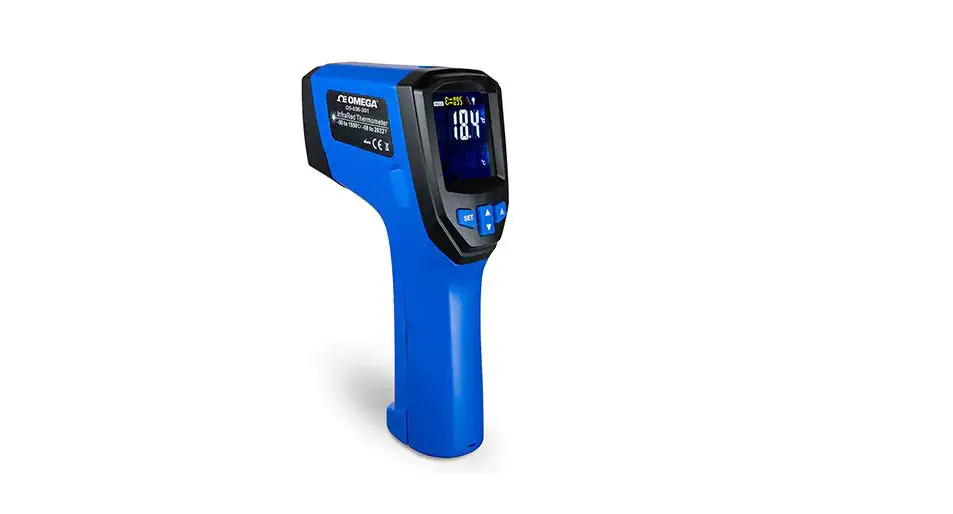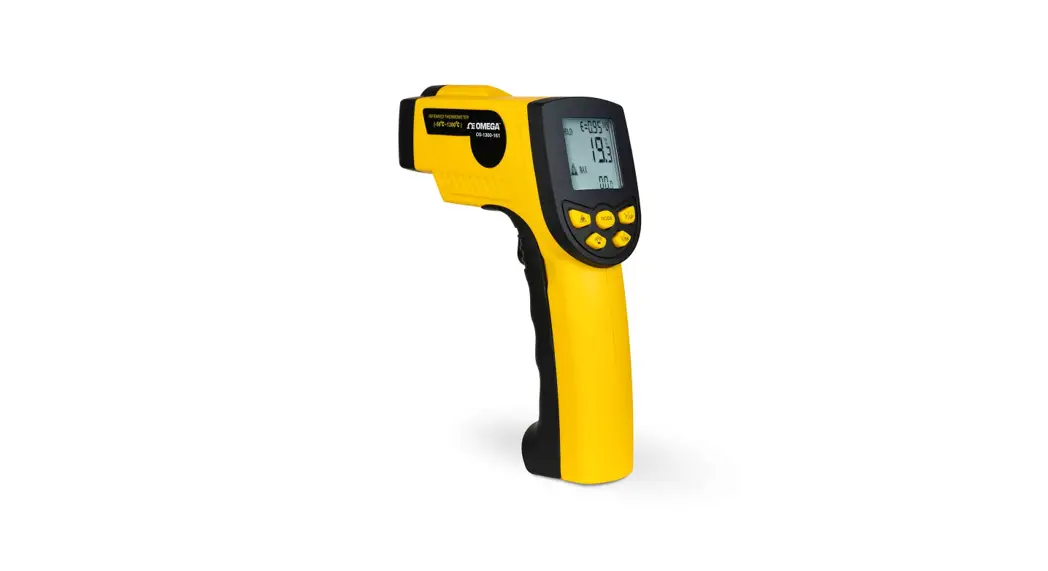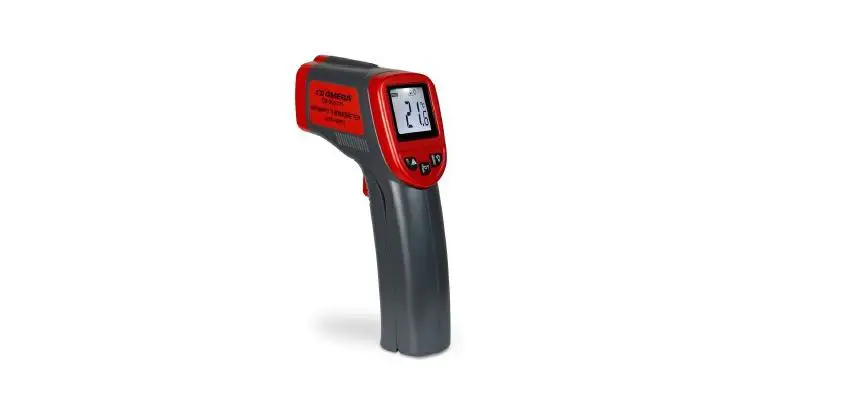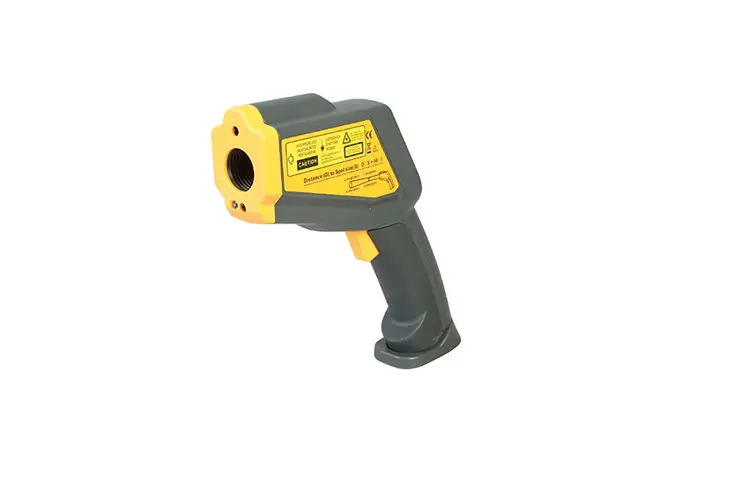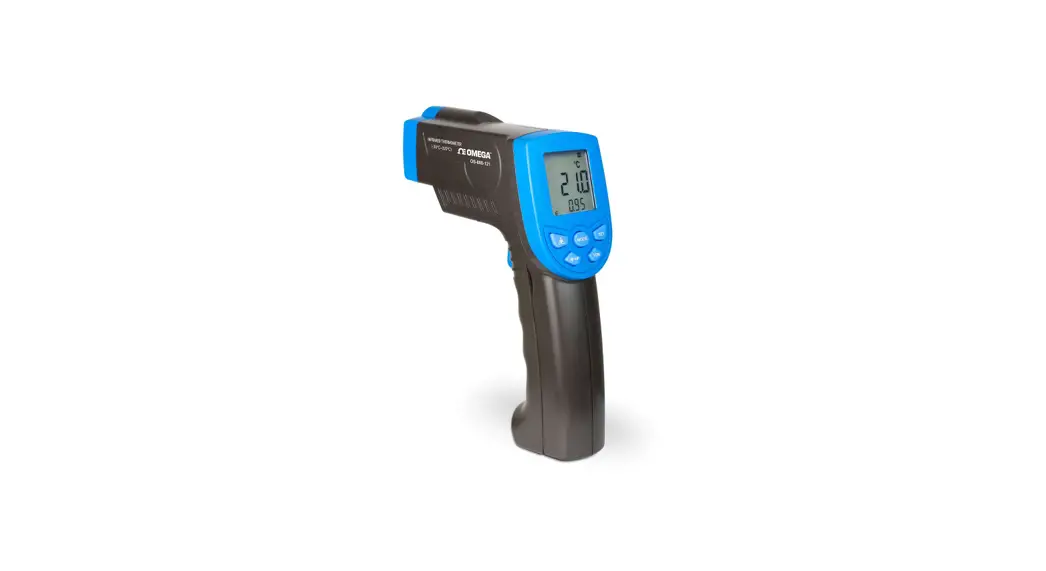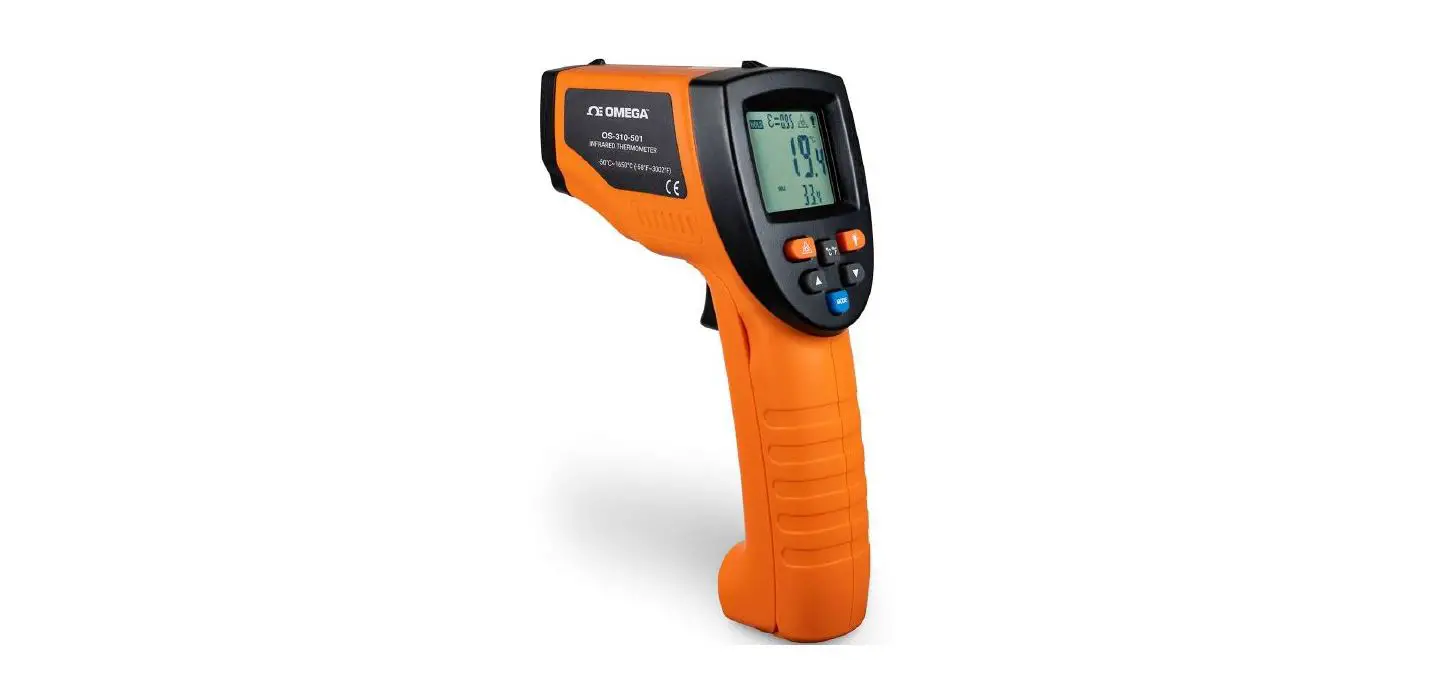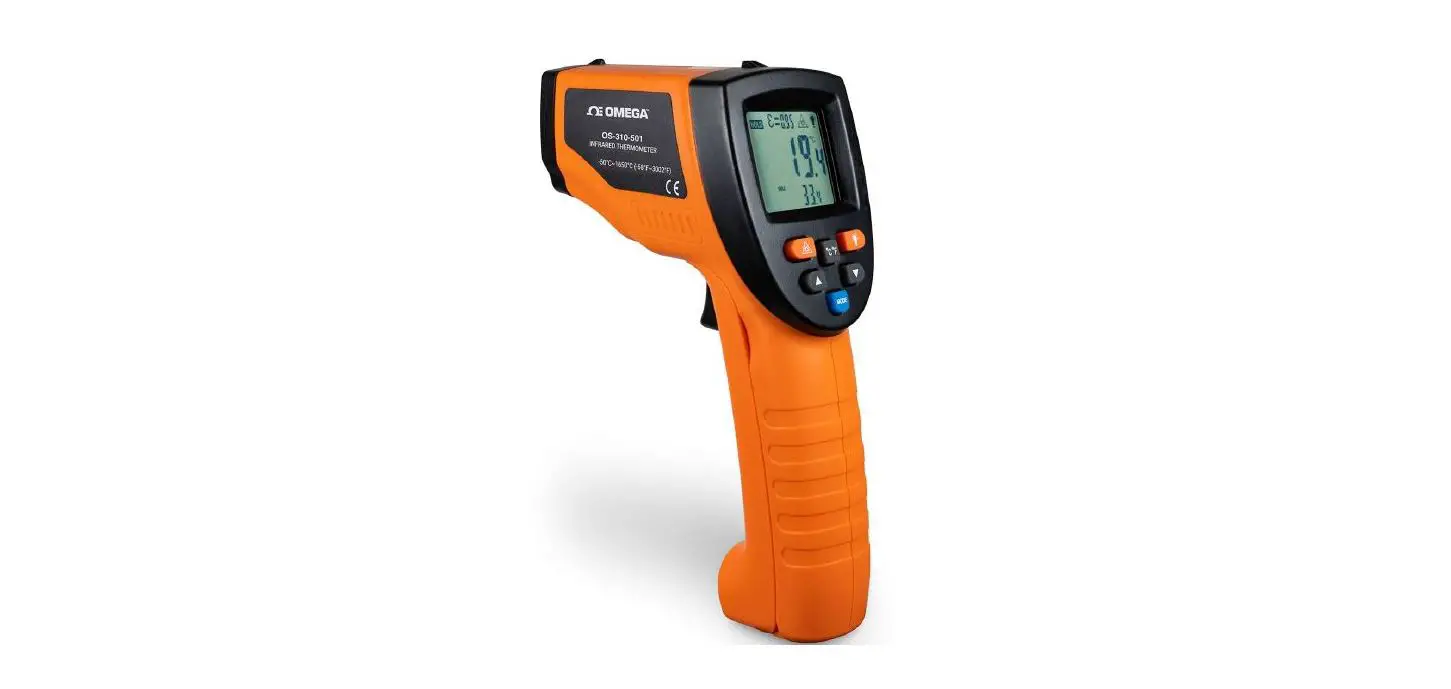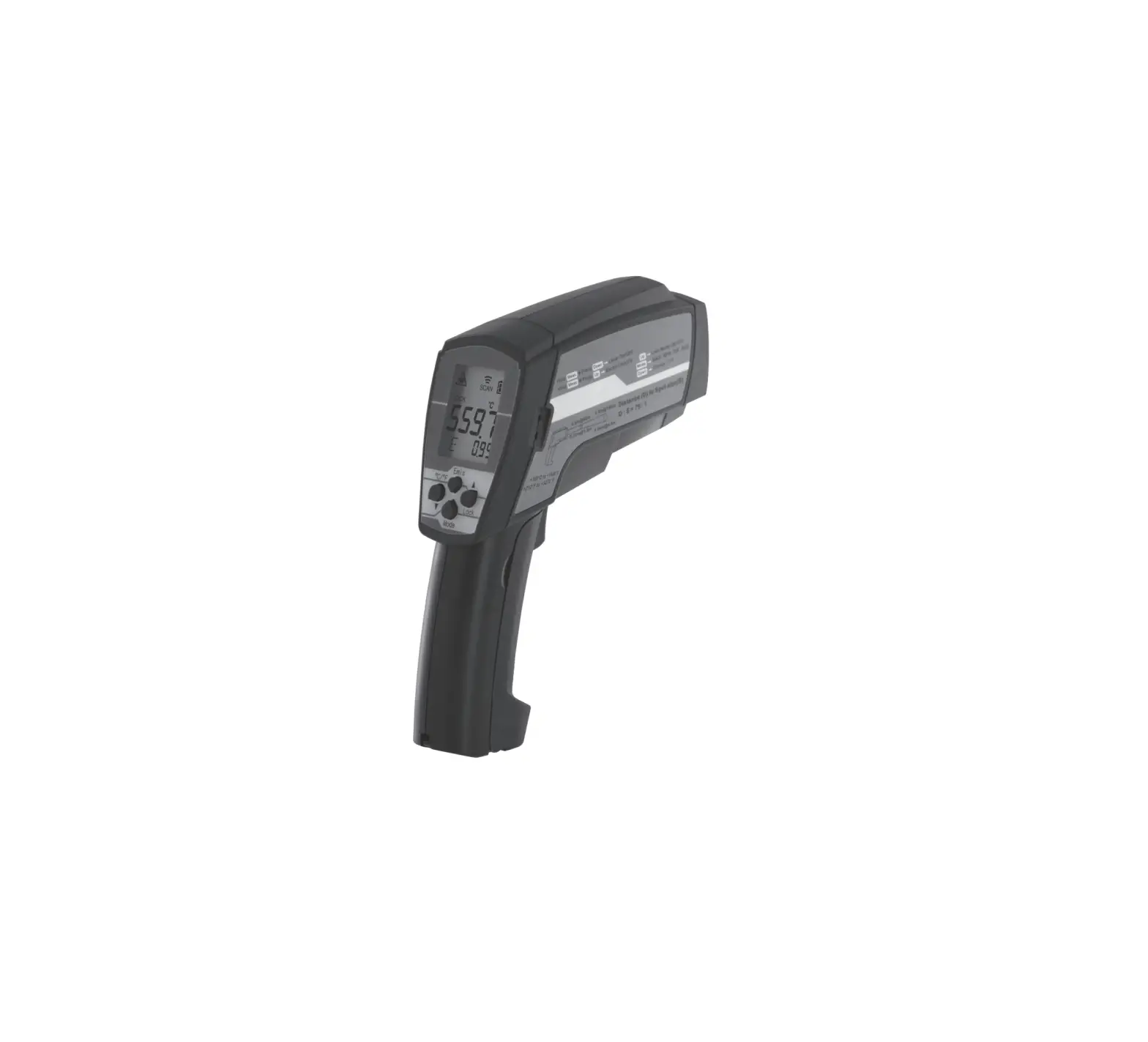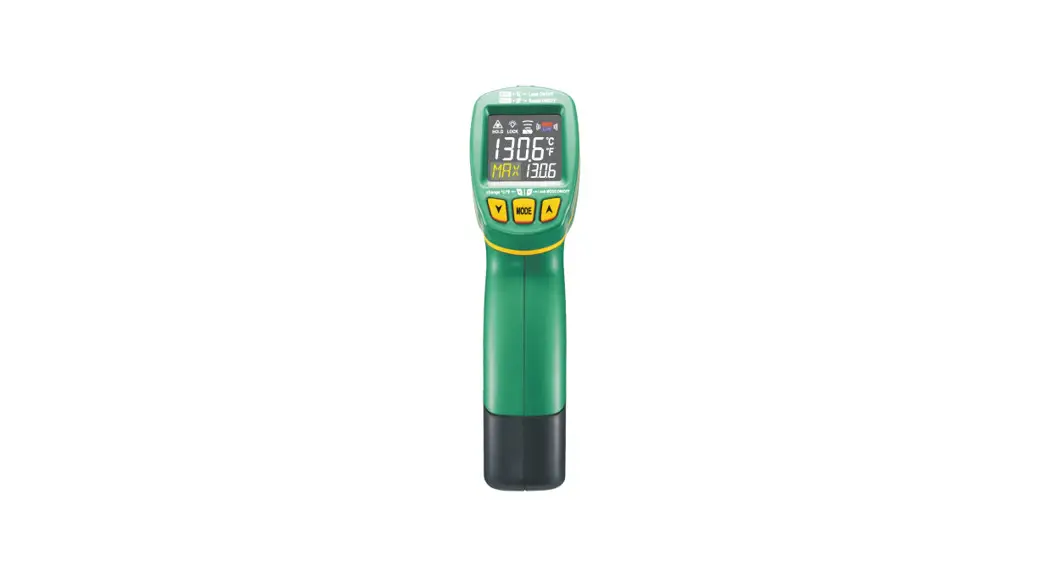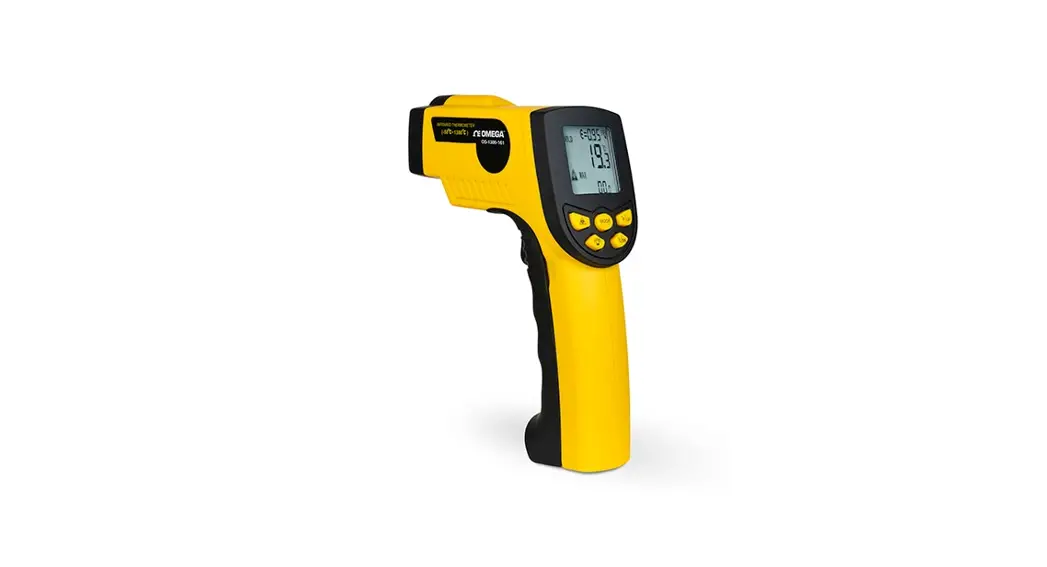
 OS1300-Series
OS-1300-161 QUICK Start Guide
Battery Installation
Open the battery compartment on the front of the device by pulling in the direction of the arrow. 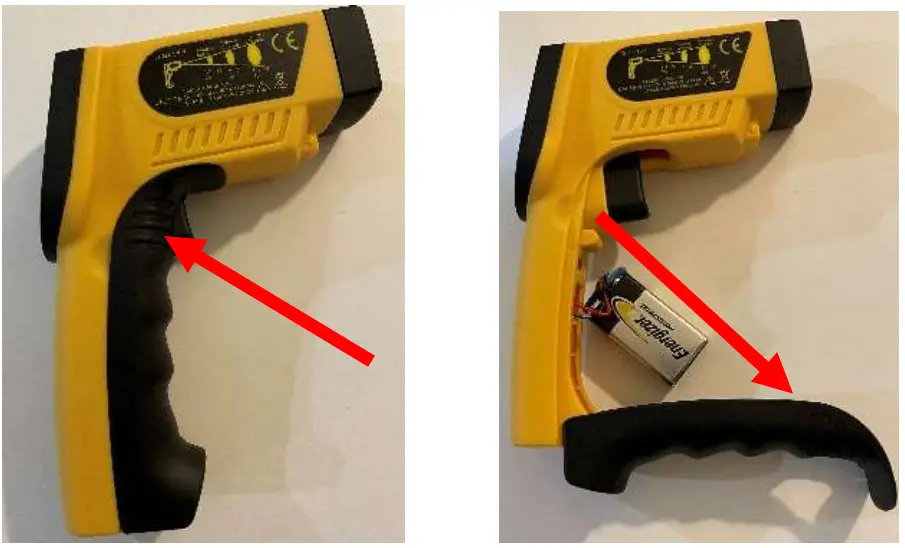
Insert the 9V battery into the battery holder.
Once battery is installed, close the lid battery compartment. Please avoid pinching battery wires.
How to turn on the unit
- Press the trigger of device to power on
- Reading will be continually display in realtime but will “hold” on last seen reading when trigger is released
Switch between Celsius and Fahrenheit
To switch from °C to °F or vice versa, please follow these steps:
- Turn unit “on” by pressing trigger
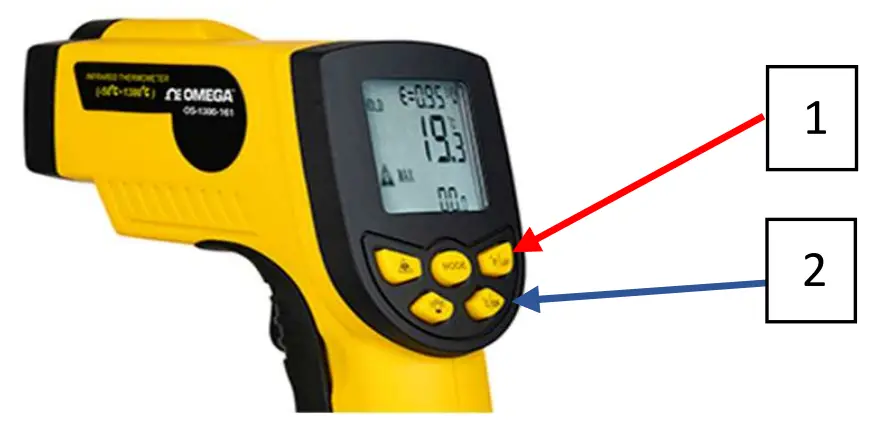
- Press the “°F/UP” button to toggle to °F (1)

- Press the “°C/DN” button to toggle to °C (2)
Field of view
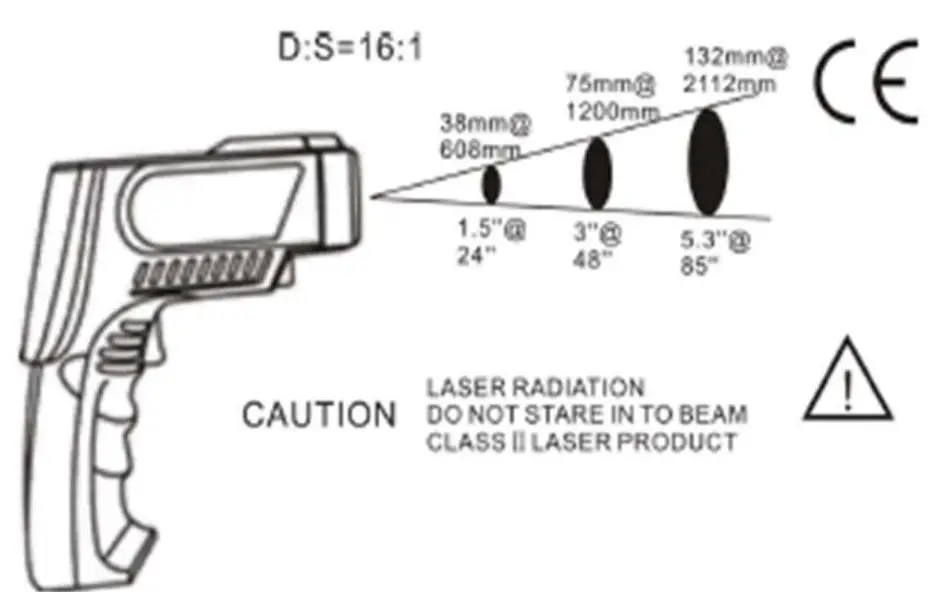
- Field of view, or distance to spot ratio, is the size of an area that can be measured from a specified distance. As the distance from the object increases, the spot size of the measuring area becomes larger. Make sure the target is larger than the unit’s spot size. Please see field of view diagram for the OS-1300-161 below.

Emissivity
- Emissivity describes how well an object can emit IR energy. The OS-1300-161 has adjustable emissivity from 0.10 to 1.00.
| Material | Emissivity | Material | Emissivity |
| Aluminum | 0.30 | Iron | 0.70 |
| Asbestos | 0.95 | Lead | 0.50 |
| Asphalt | 0.95 | Limestone | 0.98 |
| Brass | 0.50 | Paint | 0.93 |
| Brick | 0.90 | Paper | 0.95 |
| Carbon | 0.85 | Plastic | 0.95 |
| Ceramic | 0.95 | Rubber | 0.95 |
| Concrete | 0.95 | Sand | 0.90 |
| Copper | 0.95 | Skin | 0.98 |
| Dirt | 0.94 | Snow | 0.90 |
| Frozen Food | 0.90 | Steel | 0.80 |
| Hot food | 0.93 | Textiles | 0.94 |
| Glass (plate) | 0.85 | Water | 0.93 |
| Ice | 0.98 | Wood | 0.94 |
Contact Information: If you need technical
support, please call 1-888-826-6342. C
CONFIDENTIAL
omega.com
 Omega Engineering | Sensing, Monitoring and Control Solutions