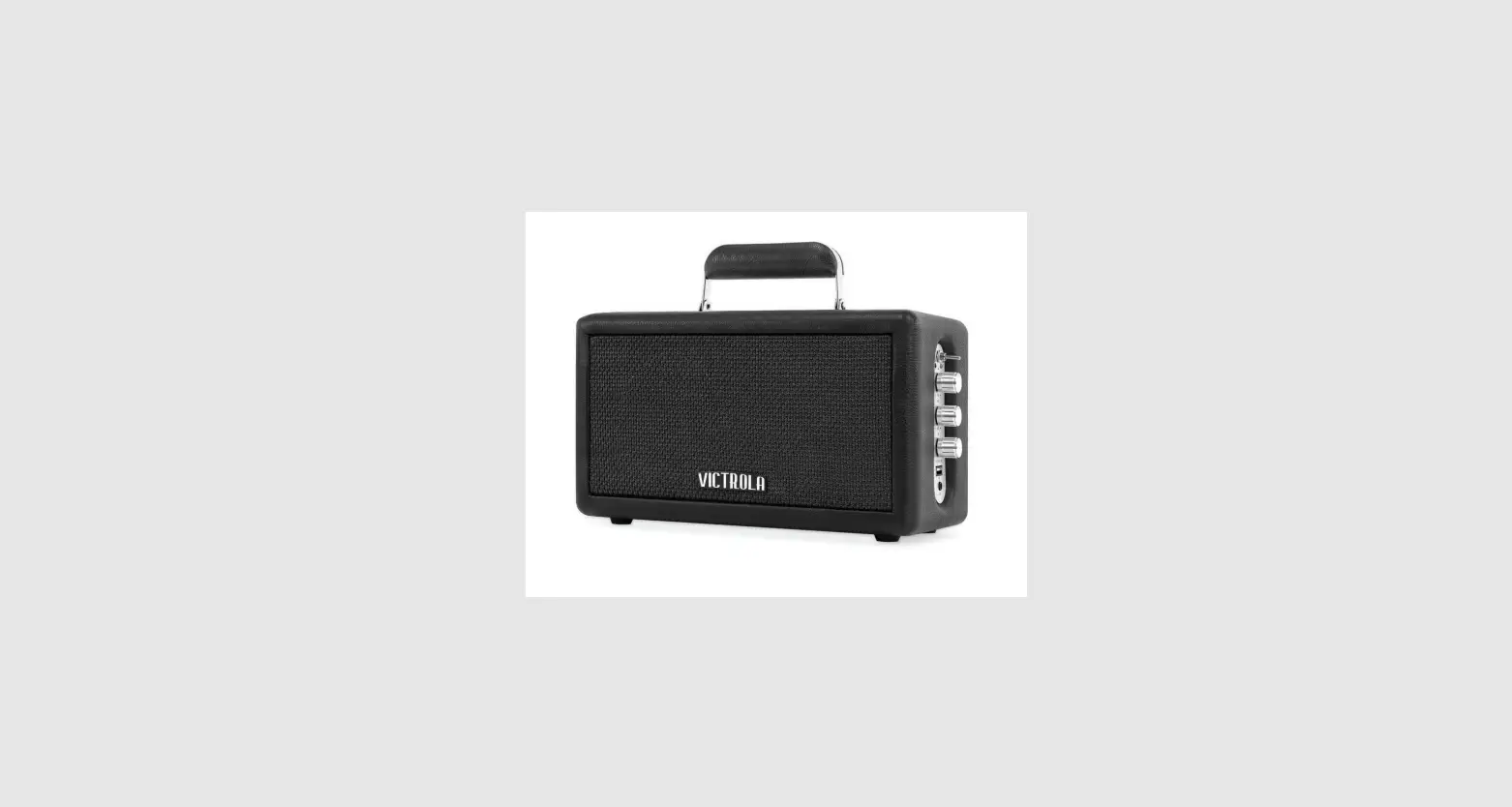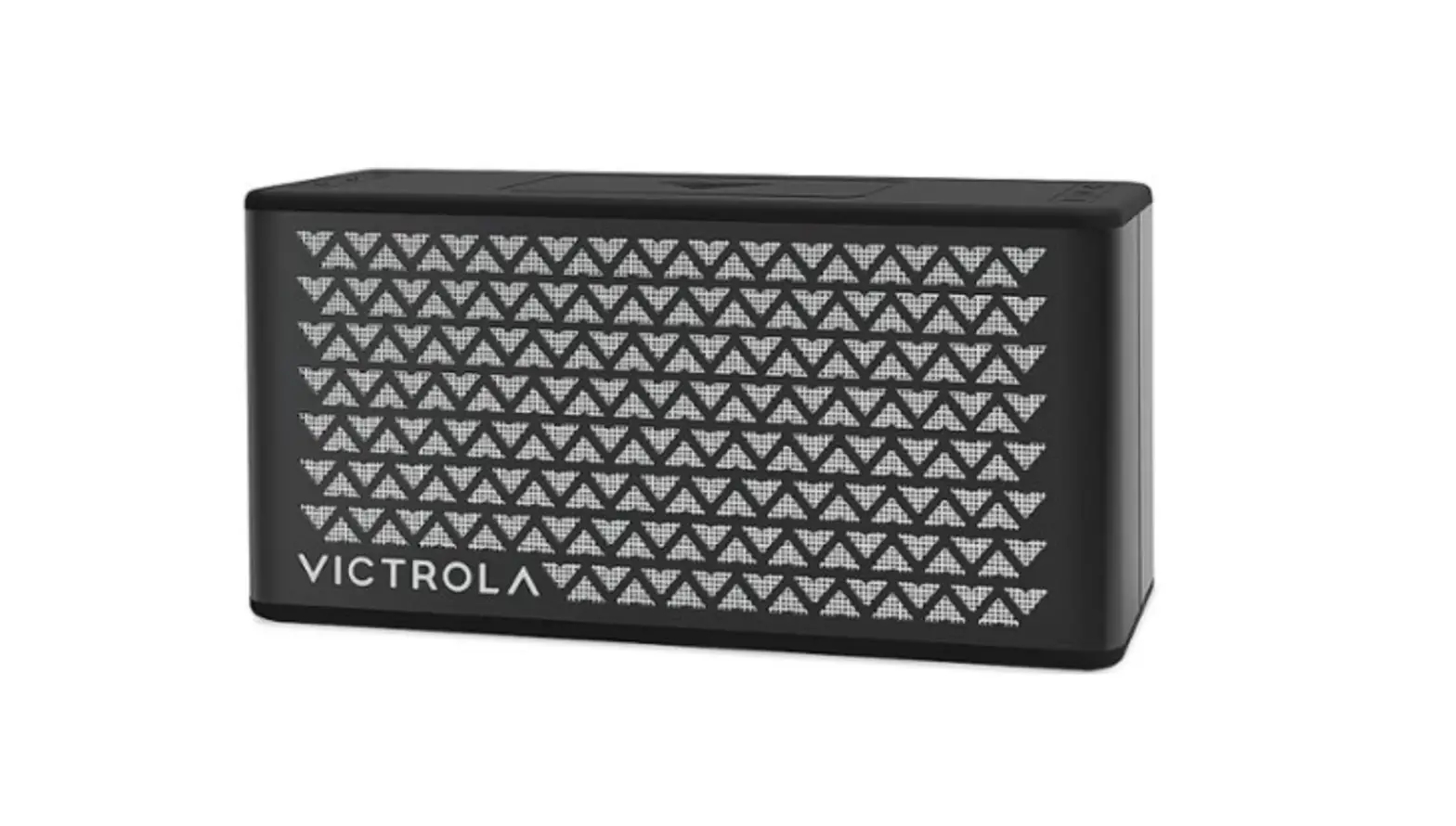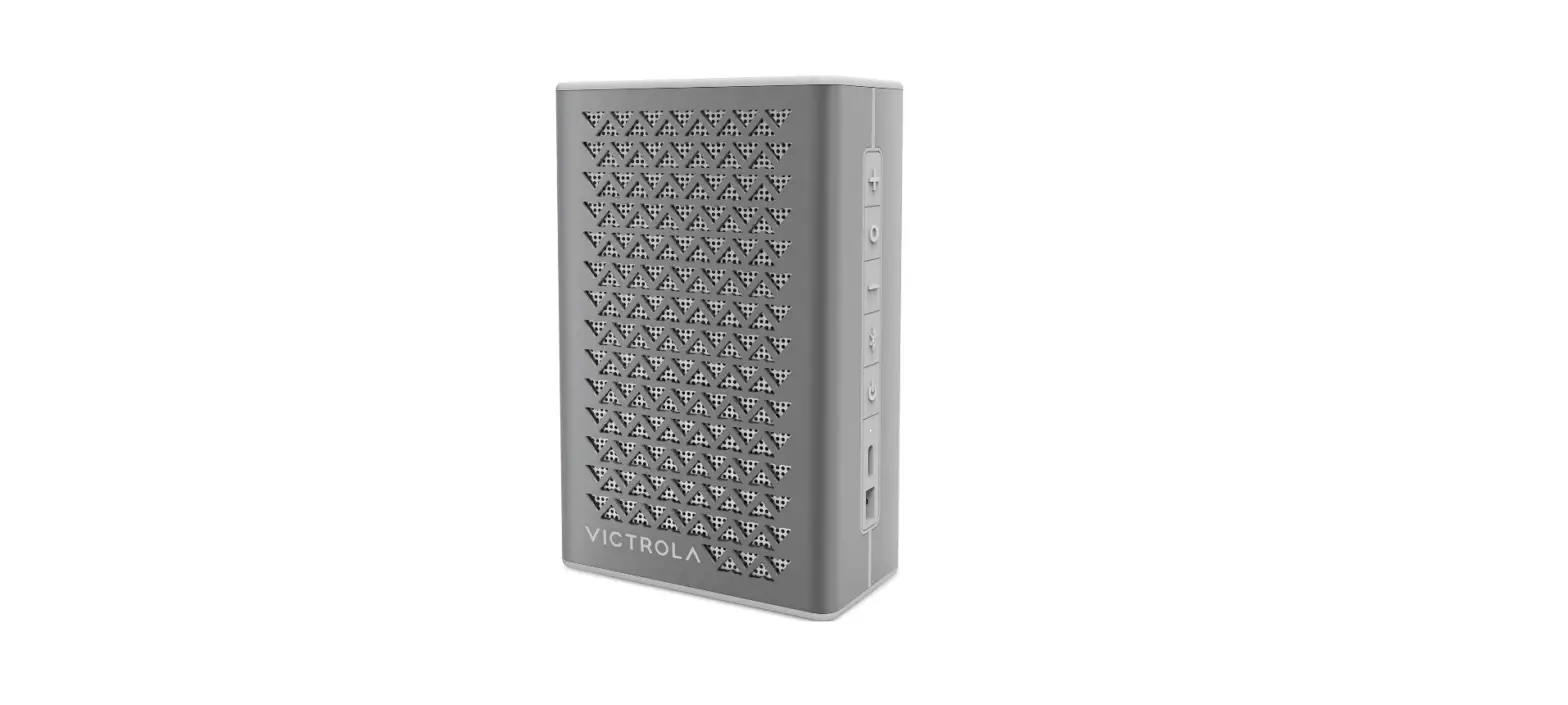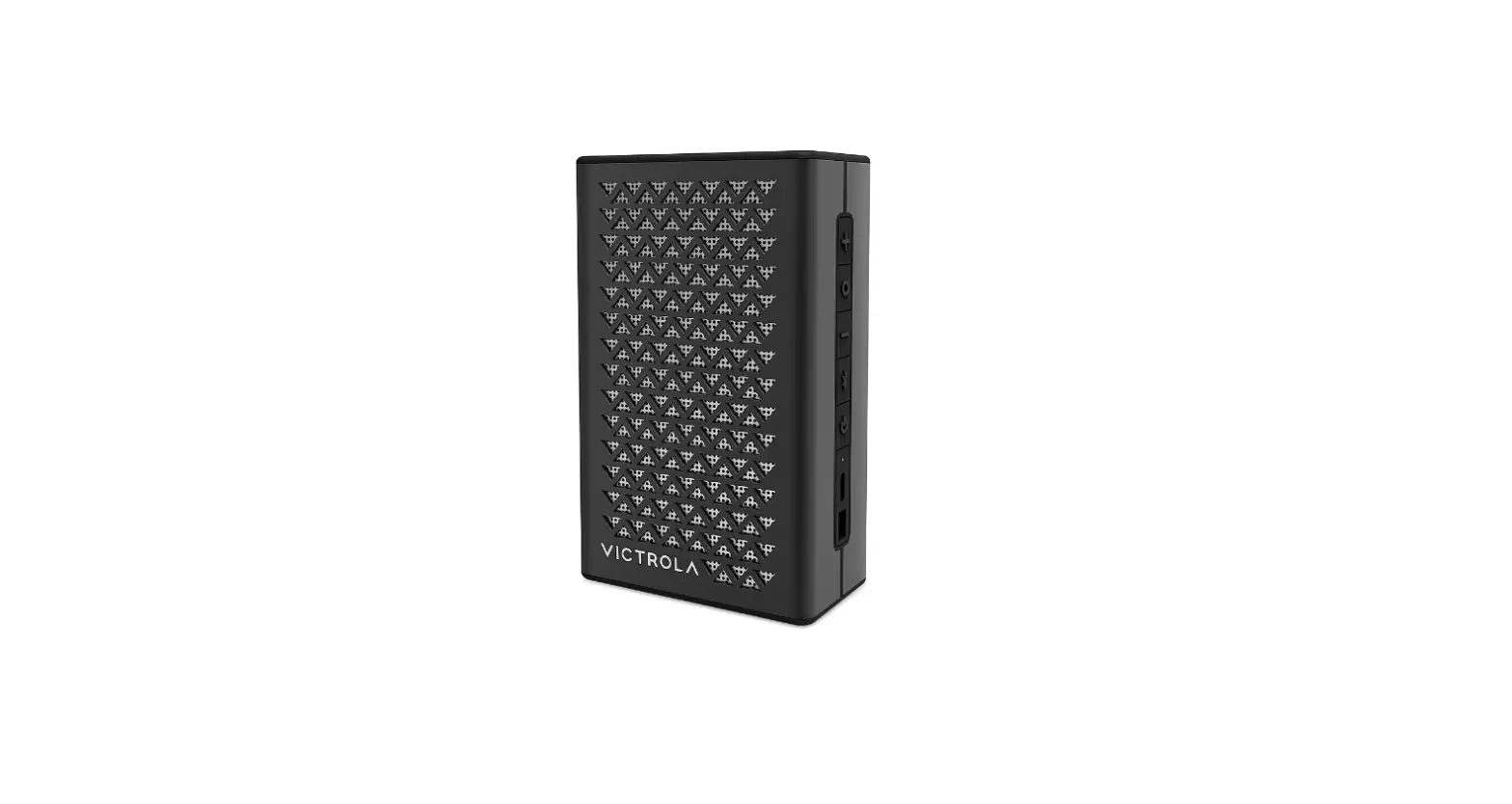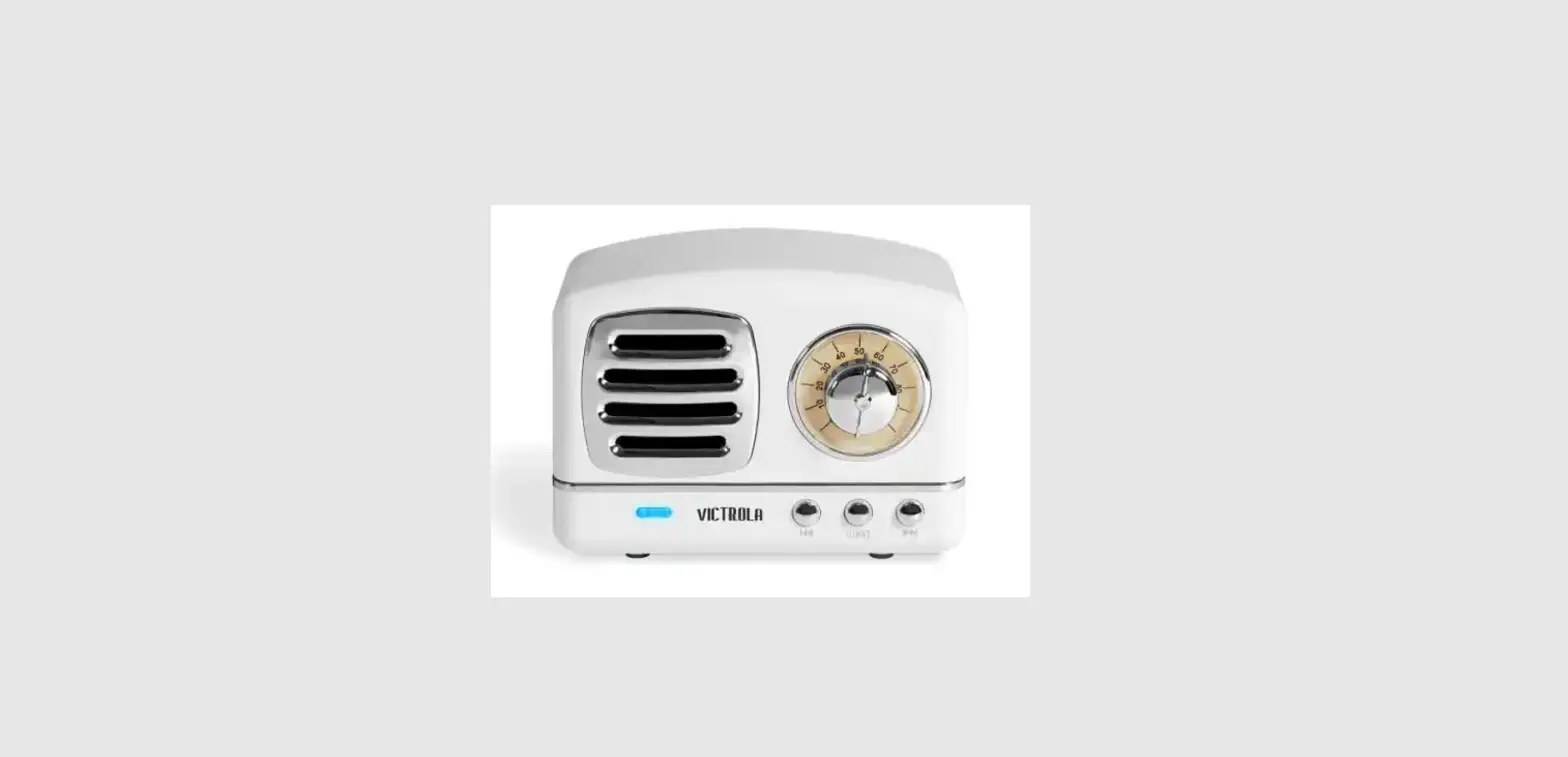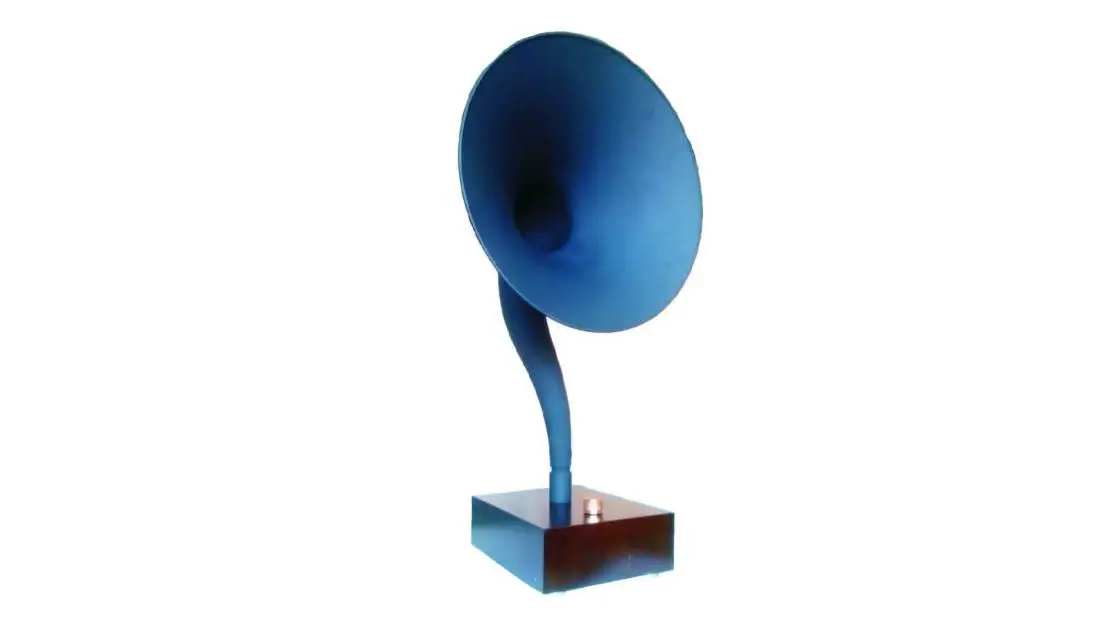

Victrola VSG-140-WAL Gramophone Bluetooth Speaker
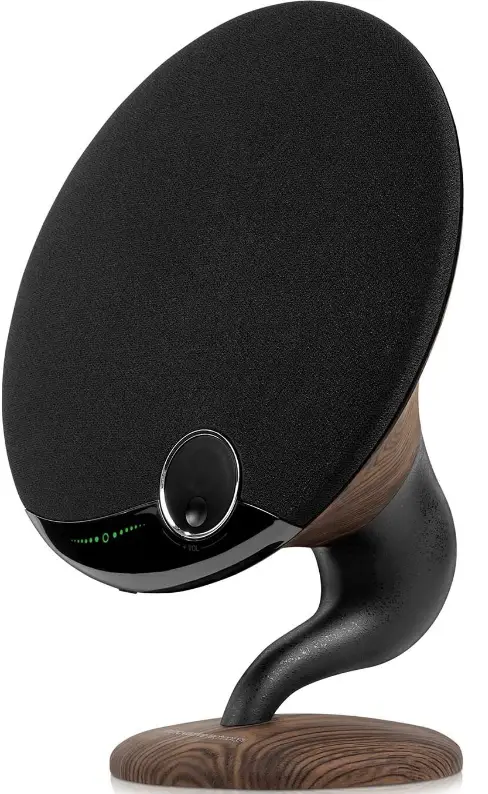
Overview
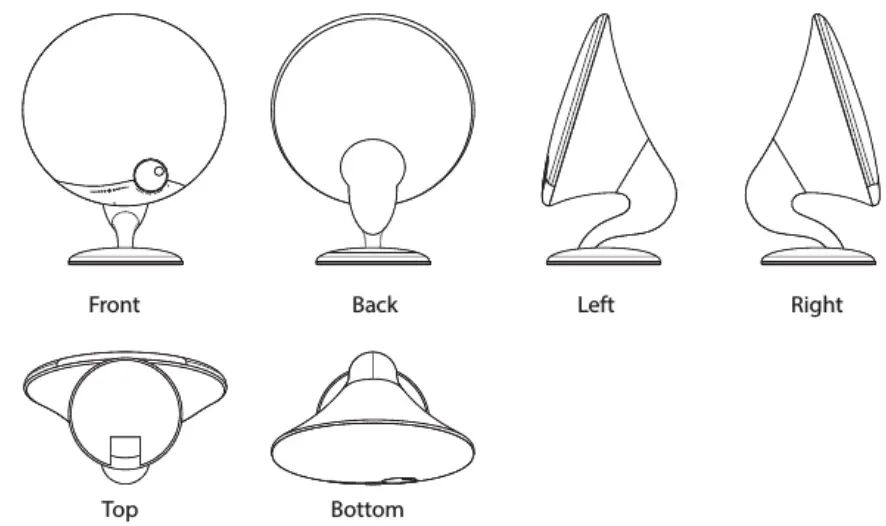
ACCESSORIES
- 1x VSG-140 Bluetooth Speaker
- 1x User Manual
- 1x DC adapter
- 1x AUX 3.5mm Audio Cable
HIGHLIGHTS
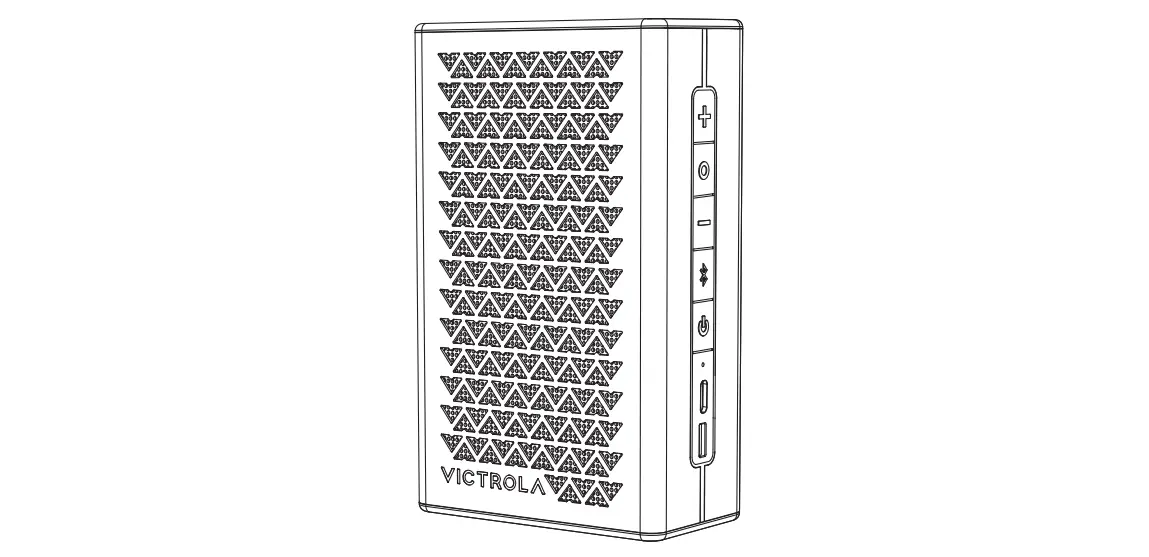
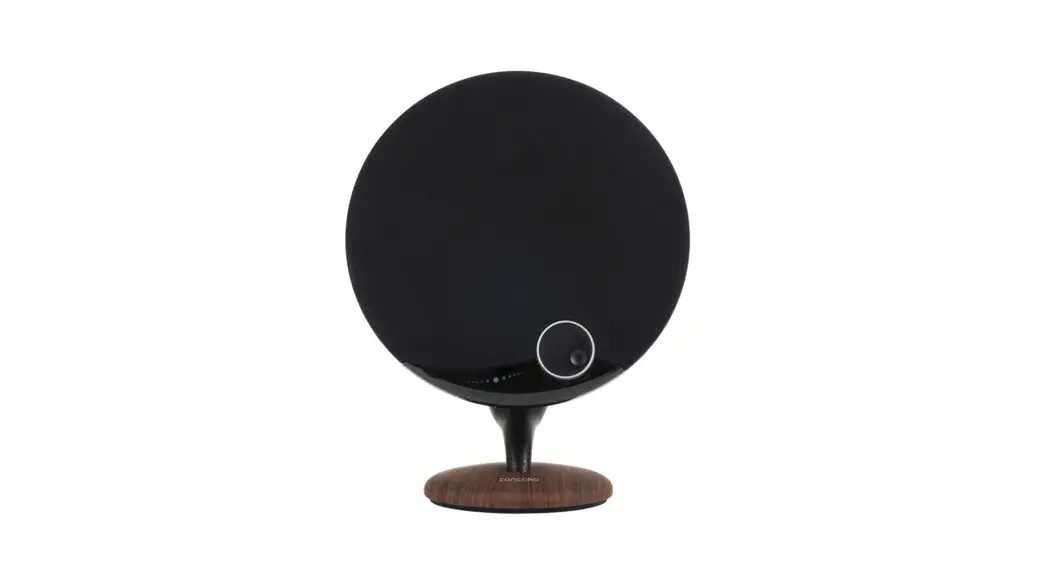
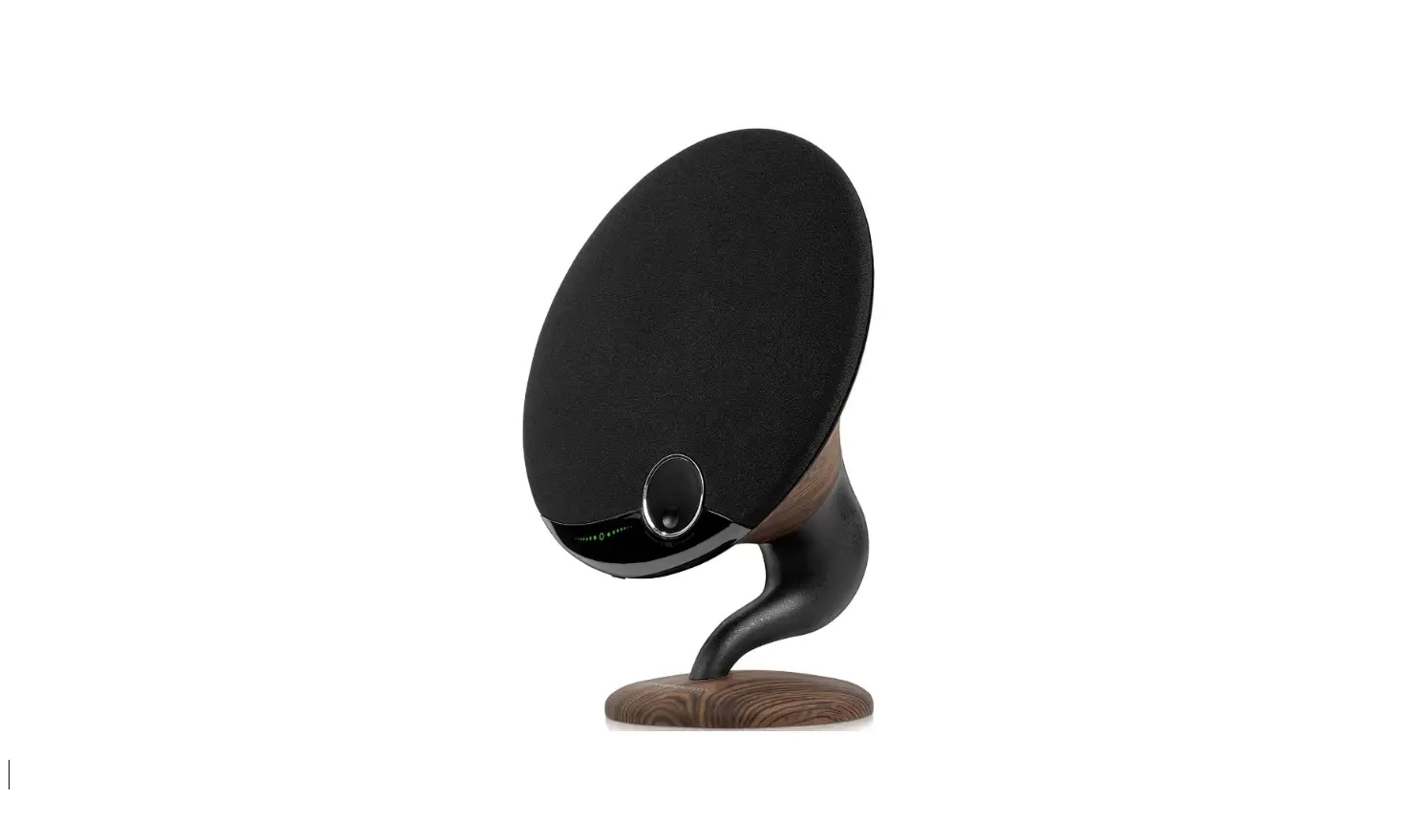
VSG-140-WAL is a compact Bluetooth speaker that can be wirelessly connected to Bluetooth devices such as smartphones, tablets, and computers to play back any music collection stored on them. Thanks to the powerful battery and passive radiator, the system delivers typical bass sound. Different from other mains supplies, it can support about 8 to 10 hours of playtime Under disconnected with an adapter and is the perfect companion for you to put at home, or in the Courtyard. Process control helps you get rid of complicated connections and wiring distance constraints. Therefore, users can enjoy high-quality music anytime and anywhere.
BLUETOOTH CONNECTION
Turn the speaker on by pressing the power for several seconds, then the green led flashes quickly. The speaker now has entered Bluetooth connecting mode.
CONNECT TO MOBILE PHONES/TABLET PCs/COMPUTERS
- Activate your phone’s Bluetooth.
- Go to your phone’s Bluetooth settings, and scan for new Bluetooth devices.
- Upon device found (VSG-140), click the device name and pair with it
- If your phone asks for connecting code, please enter “0000” and confirm it.
- After successful pairing, the speaker will make a prompt sound and the LED light turns green.
Note
Connecting time is varied with different mobile phones. It only needs connecting the first time and it will auto-connect the devices which have already been paired before
AUX AUDIO-IN CONNECTOR
The speaker also features 1x AUX audio in port, simply connect the speaker with your non-Bluetooth mobile phone/MP3 player/PC/laptop with the 3.5mm jack audio cable. The white light will be on, and then you can play music via a wired connection.
TWINS PAIRING FUNCTION
Option 1
Step 1. Press button 2S to turn on two models
Step 2. Double-click button of two models for TWINS mode
Step 3. Keep pressing the middle circle of one model 5s until the Green Light flash
Step 4. Search the Bluetooth name on your device and connect it
Step 5. Enjoy music under Twins mode
Option 2
Step 1. Press button 2S to turn on A models
Step 2. Connect with your device, and play music
Step 3. Stop the music, and double-click the button of A
Step 4. Turn on B, and double-click the button on B
Step 5. They will be paired with each other
Step 6. Enjoy music under Twins mode
CHARGING
Connect the DC adapter to the Socket, and red LED indication for charging status. LED light disappears upon charging finished. (5-6 hours for charging)
SPECIFICATIONS
- Speaker Interfaces
- Audio input connector 3.5mm
- AUX cable support aux external audio input.
- Charging interface DC adapter; Input 18V
- Brand Victrola
- Model Number VSG-140-WAL
- Speaker Maximum Output Power 25 Watts
- Connectivity Technology Bluetooth Audio Output Mode Surround
Dimensions and Basic Parameters
- Length 255mm ± 0.2mm
- Width 160mm ± 0,2mm
- Height 340mm ± 0.2mm
- Material ABS ± Fabric
- Weight 2100g ± 5g
Function Analysis
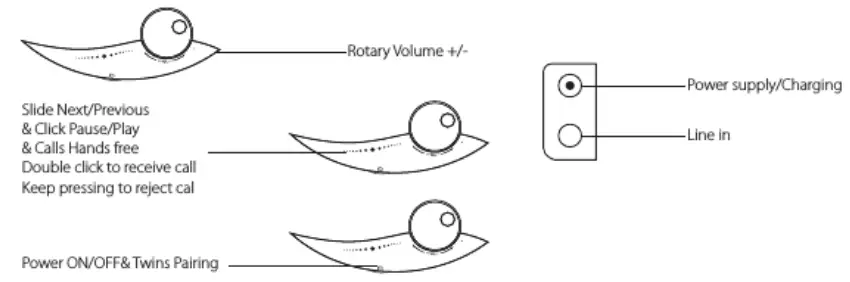
Parameters of Power
- Battery built-in lithium battery, 8000mAh
- Charging Voltage/Current 18Vt0.25V/ 1.66A
- Charging time 5-6 hours
- Playing time 8-10 hours

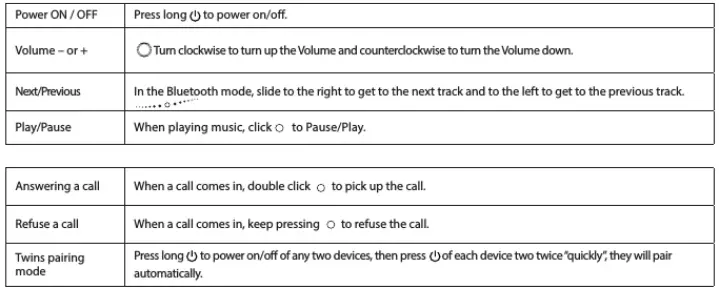
Note
- Under Bluetooth mode when the 3.5mm audio plug is inserted, the speaker will switch to line in status automatically;
- Please turn off the speaker if you don’t use it to prevent power drain.


TROUBLESHOOTING
- My mobile phone can’t find any new Bluetooth devices.
- Make sure the Bluetooth speaker has entered pairing mode;
- Ensure the speaker is within the effective working range
- Bluetooth devices can’t pair up
- Make sure your mobile phone allows a new connection, did not reach the maximum allowed connection number, please ref to your mobile’s user manual;
- Make sure you click the right Bluetooth pairing name.
- My speaker does not play music /answer calls when it is connected to a Bluetooth mobile phone.
- Make sure your Bluetooth mobile phone supports A2DPand HSF(hands-free) profile;
- Ensure your Bluetooth cell phone is within effective working range.
- When paired with my computer, windows ask for a new driver. Can you supply it?
- We can’t supply. The Bluetooth A2DP/HSF drivers may require playing stereo sound via a Bluetooth Connection. But the driver is actually needed for the Bluetooth module on your PC, instead of the speaker. Different Bluetooth modules may require different drivers. Please contact your PC or Bluetooth module manufacturer for a driver updates.
- Why can’t I remotely control the pause, play, the previous song and skip track functions with the speaker when playing music?
- When you are using 3Smm AUX audio in connection, you can’t pause, change volume or skip tracks with the buttons on the speaker;
- This feature needs the Bluetooth devices paired with the speaker to support AVRCP Audio/Video Remote Control Profile). Please make sure your cell phone or other Bluetooth device supports AvRCP.
SAFETY NOTICES
Read the following recommendations before using the Bluetooth speaker.
- Keep it dry and don’t take it to damp places to avoid the product’s internal circuit being affected.
- Keep the product away from direct sunlight or hot places. High temperatures will shorten the life of electronic devices, destroy the battery or distort certain plastic parts.
- Don’t expose the product to extremely cold areas. It may damage the internal circuit board.
- Don’t try to disassemble the product as it may get damaged if you are not professional. The internal circuit might get damaged.
FCC Statement
This device complies with Part 15 of the FCC rules. Operation is subject to the following two conditions:
- this device may not cause harmful interference, and
- this device must accept any interference received, including interference that may cause undesired operation.
Note This equipment has been tested and found to comply with the limits for a Class B digital device, pursuant to part 15 of the FCC Rules. These limits are designed to provide reasonable protection against harmful interference in a residential installation. This equipment generates uses and can radiate radio frequency energy and, if not installed and used in accordance with the instructions, may cause harmful interference to radio communications. However, there is no guarantee that interference will not occur in a particular installation. If this equipment does cause harmful interference to radio or television reception, which can be determined by turning the equipment off and on, the user is encouraged to try to correct the interference by one or more
of the following measures:
- Reorient or relocate the receiving antenna.
- Increase the separation between the equipment and receiver. –Connect the equipment into an outlet on a circuit different from that to which the receiver is connected.
- Consult the dealer or an experienced radio/TV technician for help.
- Changes or modifications not expressly approved by the party responsible for compliance could void the user’s authority to operate the equipment.
IC Statement
This device complies with Industry Canada’s license-exempt RSS. Operation is subject to the following two conditions:
- This device may not cause interference; and
- This device must accept any interference, including interference that may cause undesired operation of the device.
Radiation Exposure Statement
This device complies with RF radiation exposure limits set forth for an uncontrolled environment. This transmitter must not be co-located or operating in conjunction with any other antenna or transmitter. The distance between the user and products should be no less than 20cm.
FAQs
Due to its mobile nature and retro design, I bought it for my parents. Perfect for gatherings in the backyard or when they travel in their RV. My father thinks the sound is fantastic. They use it with Pandora and as the RV’s TV speaker.
Since the record player has its own speakers, I’ve never tried it.
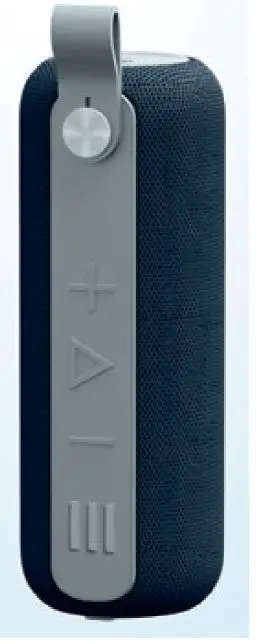
It is compatible with phones. Either a cable or Bluetooth can be used to connect. The speaker may be fully recharged and used wirelessly. On the front, it also includes touch controls for volume.
There is a 3.5mm aux port in the Gramophone speaker, but I can’t recall if it came with one or if I used my own.
The Victrola branding is visible on the base of the unit I received.
Simply plug the RCA input side of your cable into the turntable and the 3.5mm side of your cable into your Bluetooth speaker to connect your turntable to your house speakers.
Find the Bluetooth activation button on your record player and speakers by taking a look at them. If you don’t see the Bluetooth logo on this button, consult the user guide for your particular device if it isn’t the Bluetooth logo. Your devices will join the Bluetooth network after you press this button.
An alternative is to connect the device to a headphone jack. The item has a 5mm headphone connector on the front and RCA jacks for connecting external speakers on the back.
How can I connect my Bluetooth turntable? All you need is a Bluetooth transmitter and a phono preamp to send the signal from your turntable through Bluetooth. The transmitter needs to be connected to the turntable’s RCA output if it has an integrated preamp.
Verify that your amplifier and speakers are turned on. Remove the stylus protector (1) from the stylus (2) before playback if it is still there. Make sure it doesn’t come off with the stylus. Check your tonearm balance because the stylus won’t track in the record grooves without the proper tracking weight.
Look for a Flat Surface. There is a rationale for why Berliner’s creation was classified as a table. Check out the manual. Put the Record on the old-fashioned turntable. Verify that the speed is appropriate. Check to see if the disc is clean. Play the video.
Record players are naturally silent. They generate an electrical signal that needs to be amplified twice since it is so weak. This is what? It first undergoes internal or external preamplification, bringing it up to the same line level as a CD player.
That indicates that it is making an effort to pair with the Bluetooth device you are now using. And if my Bluetooth is turned on and my spouse tries to connect to it with his Bluetooth, I’ll need to turn it off on my phone because it will want to connect to that one by default and can only connect to one at a time.
Remove the turntable and disconnect the device first. The motor should then be cleaned of any dust or debris using a soft brush. After completing this, put the machine back together and try turning it on once more.
Once more, neither the stereo system nor the turntable will have an integrated phono preamp. This system has no exceptions because there is no other way for it to function.