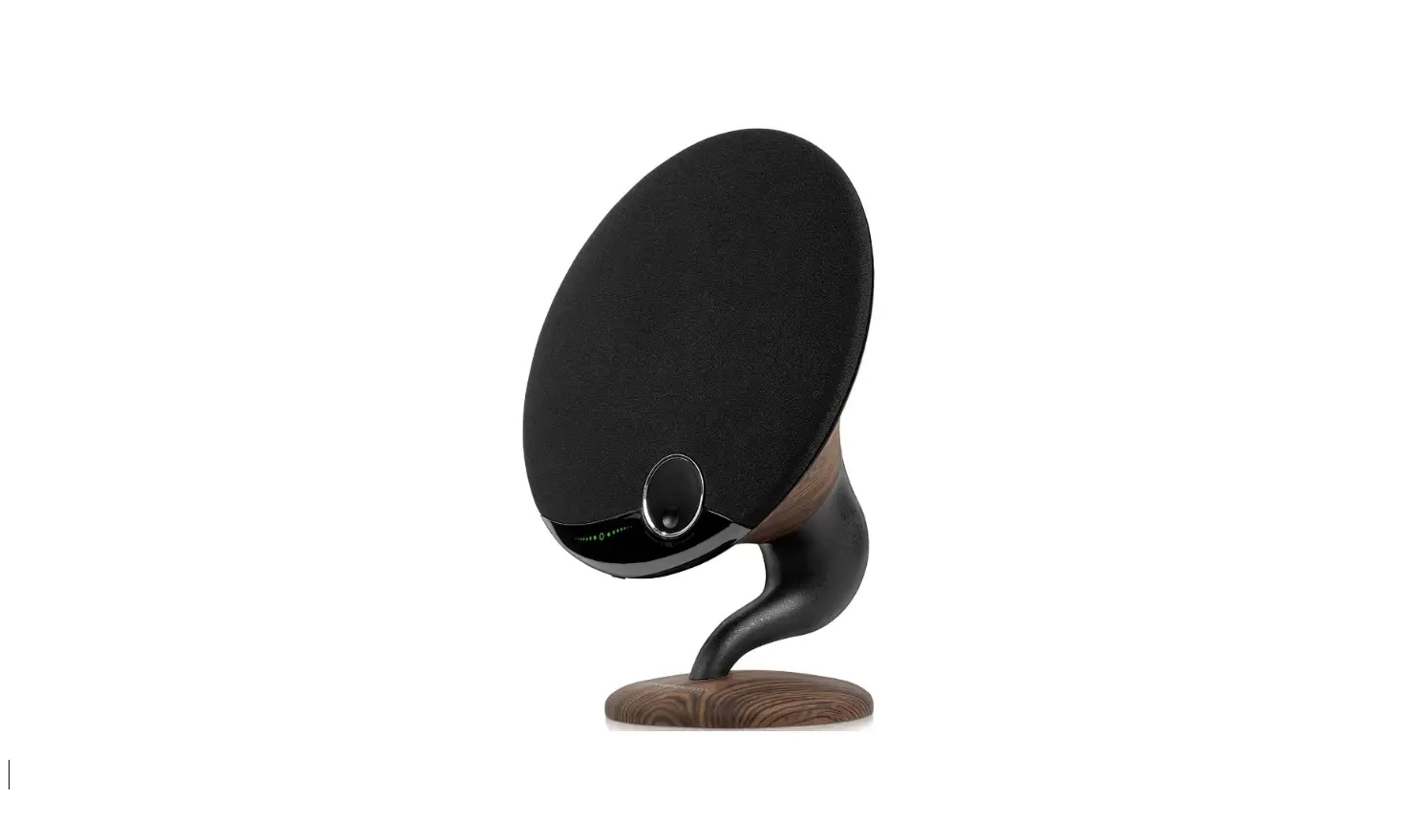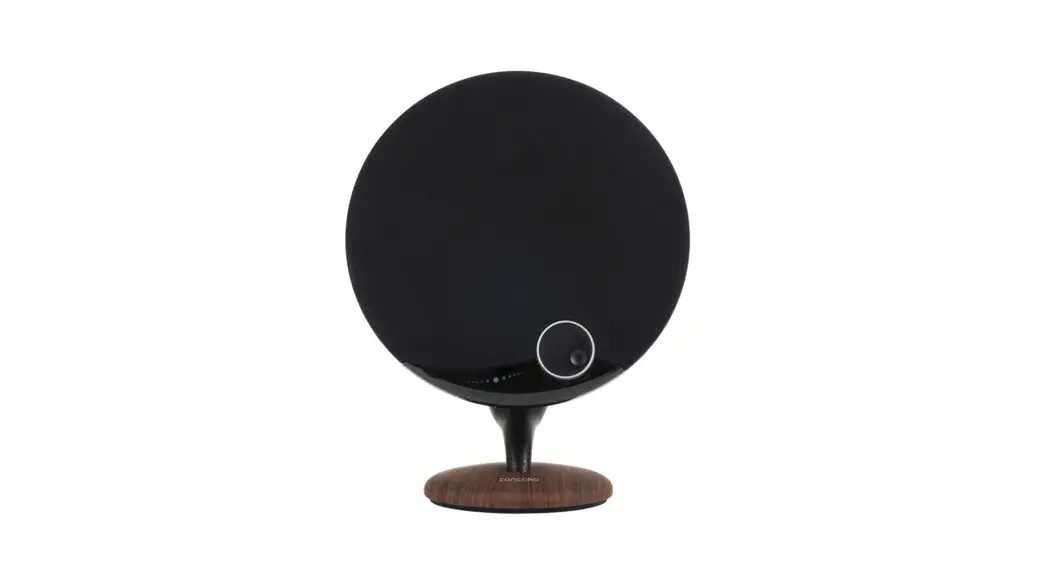

XC-5250
USER MANUAL
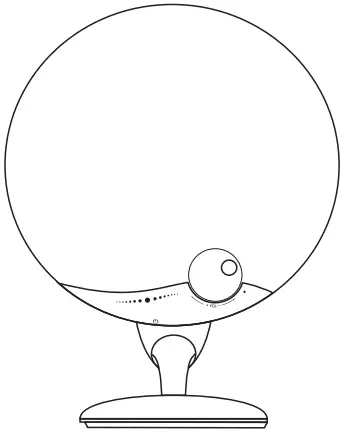
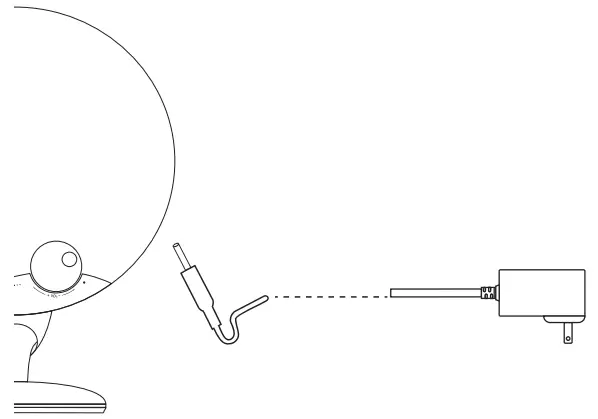
Connect to the DC Power
Bluetooth Connection

Step1 Power on
Long press  for 3 seconds The Blue LED flashes quickly. The speaker goes into Bluetooth searching mode.
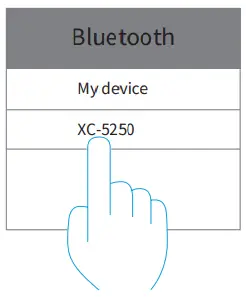
Step2 Choose the device
Turn on the Bluetooth on the phone, and then and the Bluetooth pairing name “XC-5250” to select to pair.
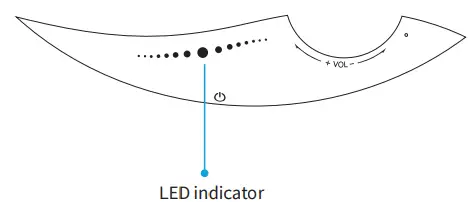
Step3 Pairing Success
The LED stays blue once the pairing is done.
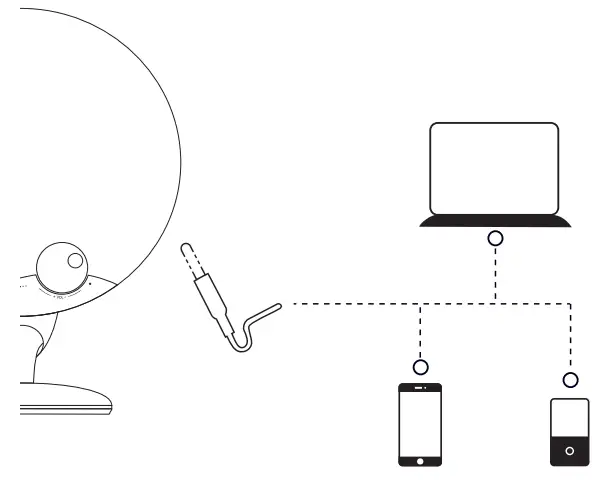
AUX Connection
Basic Operation
ON/OFF/Multifunctional Button (Power Button)
- Power ON – Long press for 3 seconds
- Quick press the button twice to disconnect the current pairing and the speaker goes into searching mode again.
Touch and Slide Key
- Short touch it to play/pause; when a call comes in or during the call, short touch it to answer the call or hang up;
- Slide to the right to reject a call once a call comes in;
- Slide from the right to the left – previous track;
- Slide from the left to the right – next track.
 Rotation Key
- Clockwise rotate it to volume up;
- Counterclockwise rotate it to volume down.
LED Instructions
| Description | LED Definition |
| Power ON | The default is Bluetooth mode – Blue LED flashes quickly (in searching status). When a 3.5mm AUX cable is inserted, it goes AUX mode automatically, the green LED stays ON. |
| Bluetooth | Blue LED stays ON in normal status. When it goes out of Bluetooth distance, it goes into searching mode and the blue LED flashes quickly. It will shut down automatically after 10 minutes without pairing. |
| Searching to pair | Blue LED flashes quickly. |
| Slide from the right to the left | The left blue LED blinks once. |
| Slide from the left to the right | The right blue LED blinks once. |
How to operate the TWS pairing function
TWS Pairing
Turn on two devices, short press respectively and hear TWS prompt sound, both of them will automatically connect. They will connect automatically if they connected before.
The blue LED indicators of the master device flash after pairing successfully , another device LED indicator to keep on with successfully connected prompt sound, the last step is searching and pairing Bluetooth and enjoy your music.
Disconnect TWS Pairing
Short press and disconnect TWS pairing mode, blue LED indicator quickly flash with prompt sound.
Under TWS pairing status: Short press any device of them, it will be disconnect TWS pairing made and entering standalone mode.
Attention, Bluetooth pairing should be connected after TWS pairing is connected successfully.
Specifications
| Bluetooth Version: | 5.0 |
| Output Power: | 29WRMS |
| Transmission Range: | Up to 10m |
| Frequency Response: | 60Hz-20kHz |
| Power: | 18VDC, 2A |
| Power Consumption: | ≤0.5W(Max) |
| Audio Sources: | Bluetooth, 3.5mm Aux |
| Dimensions: | 340x 260 x 175mm |
Frequently Asked Questions
Q: What if there is noise or discontinuous sound when playing?
A: The speaker can be normally used within 10m under a no obstruction environment. If it is over 10m or with obstruction, there might be noise or discontinuous sound.
Q: Why will the speaker shut down automatically when it is working?
A: When there is no Bluetooth pairing or AUX IN within 10 minutes, the speaker will shut down automatically.
Q: The speaker cannot connect the once-paired cellphone?
A: First, remove the “XC-5250” from the cellphone’s Bluetooth list and then short press the Bluetooth Disconnection Button to restart paring mode.
Q: What is the working sequence of the speaker?
A: The priority is AUX-IN input, the phone call in Bluetooth mode, and then playing music Bluetooth mode.
* This speaker supports mobile phones and tablet PCs etc. Here this User Manual is illustrated based on mobile phones.
Distributed by:
TechBrands by Electus Distribution Pty. Ltd.
320 Victoria Rd, Rydalmere
NSW 2116 Australia
Ph: 1300 738 555
Intl: +61 2 8832 3200
Fax:1300 738 500
www.techbrands.com
Made in China