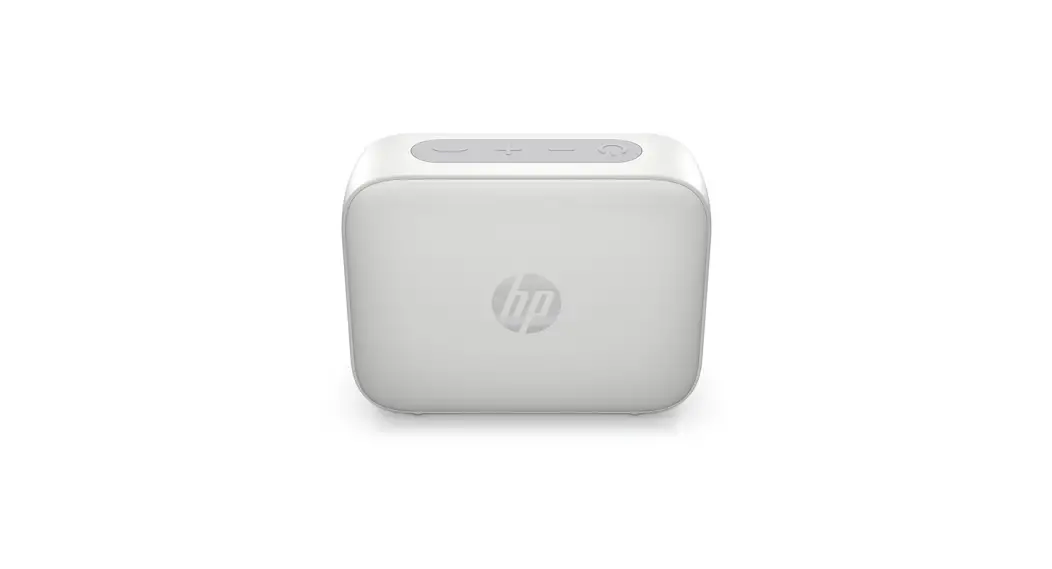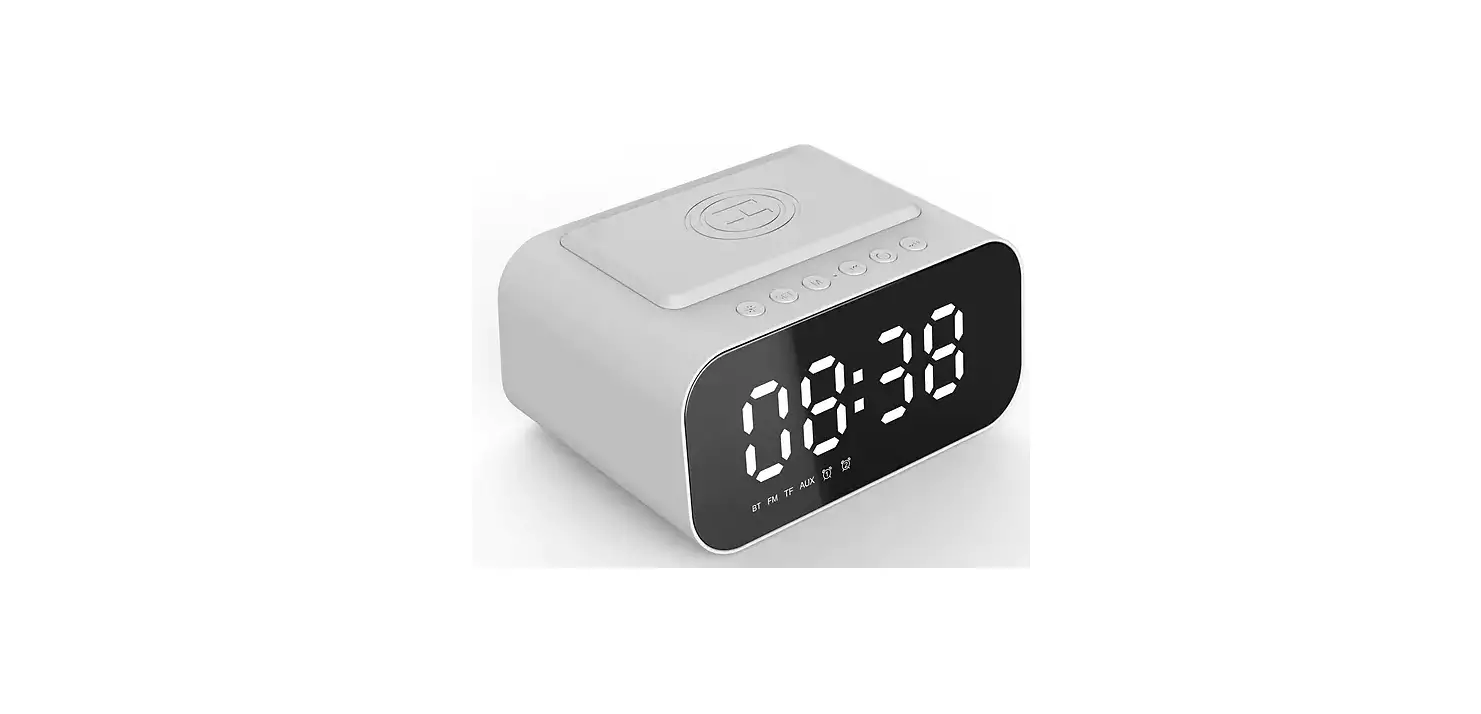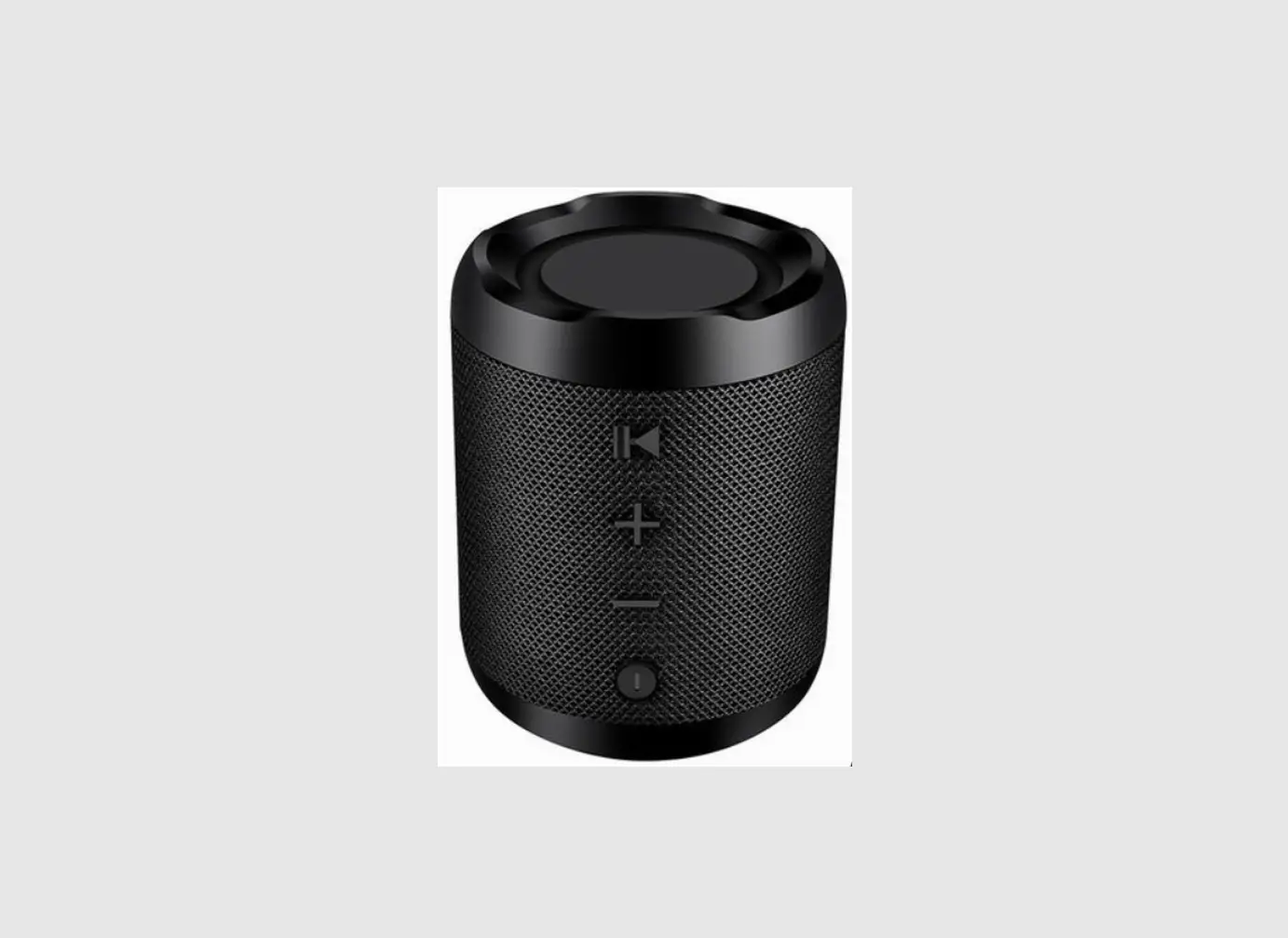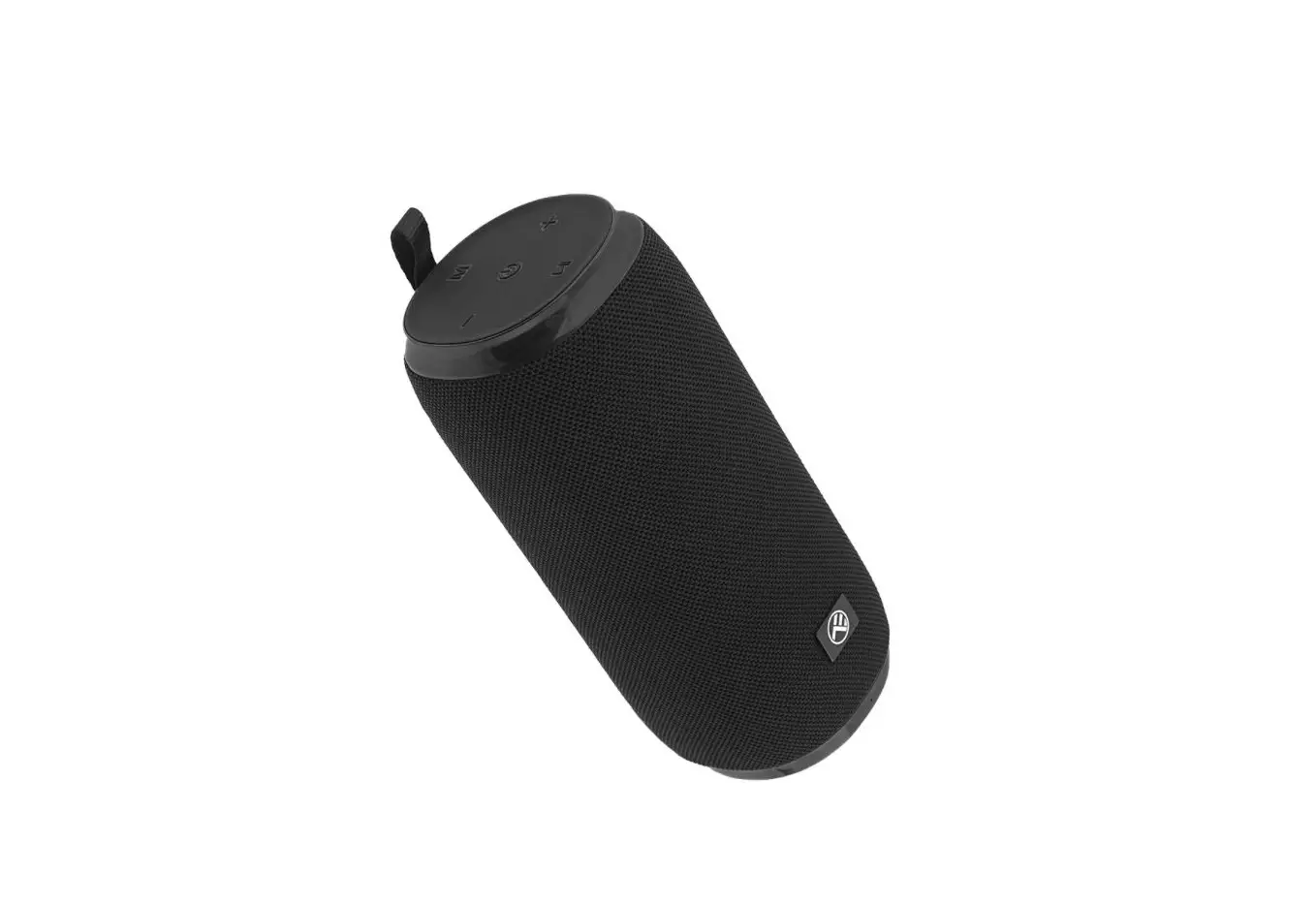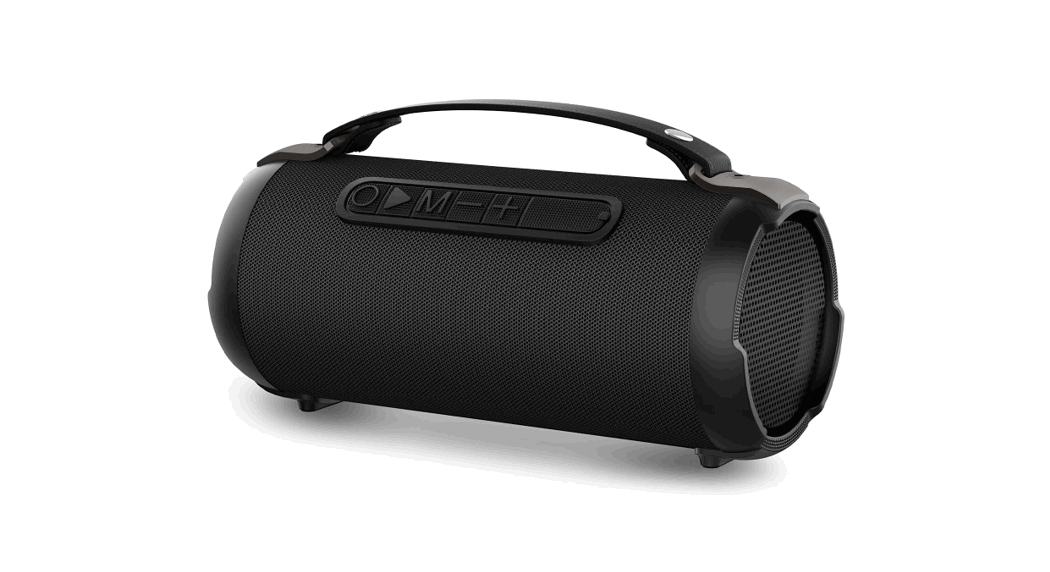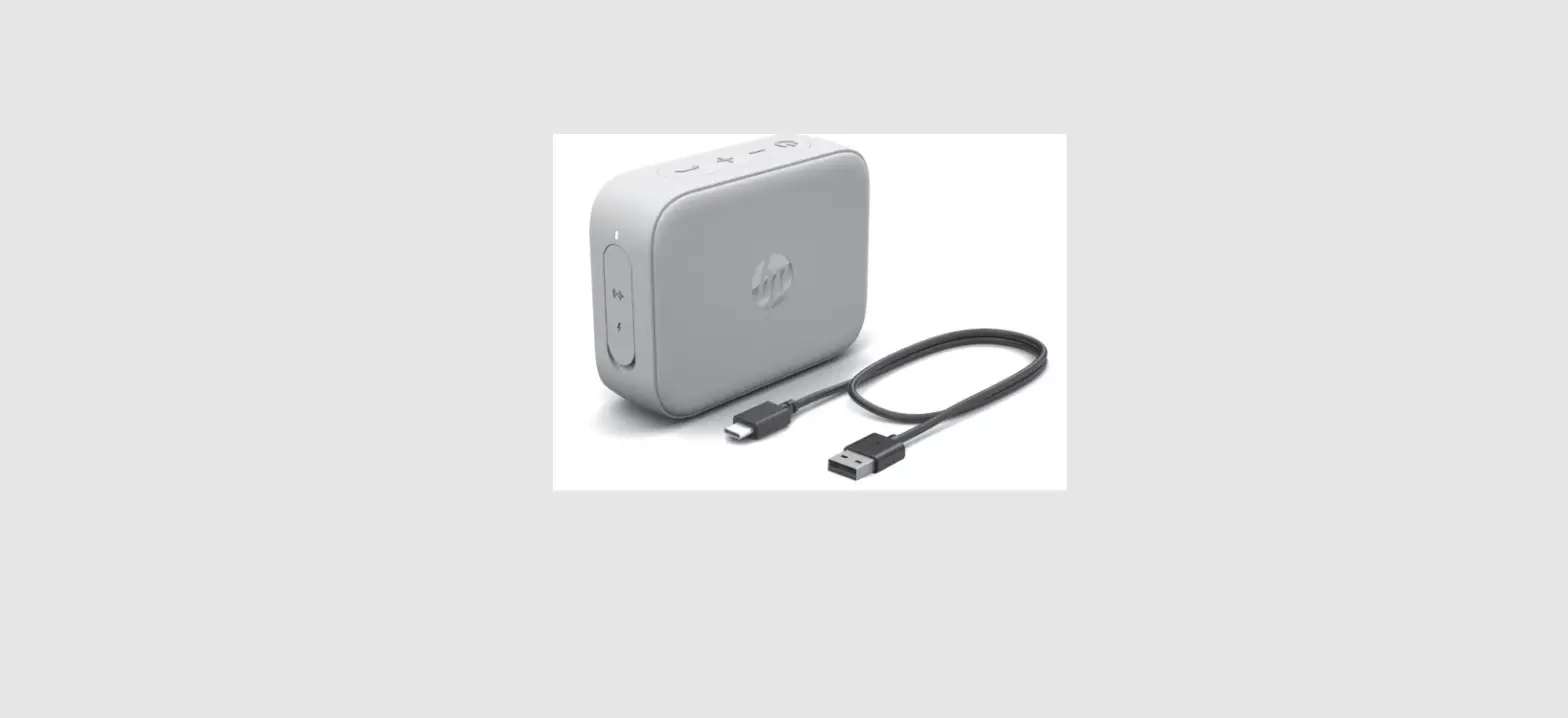

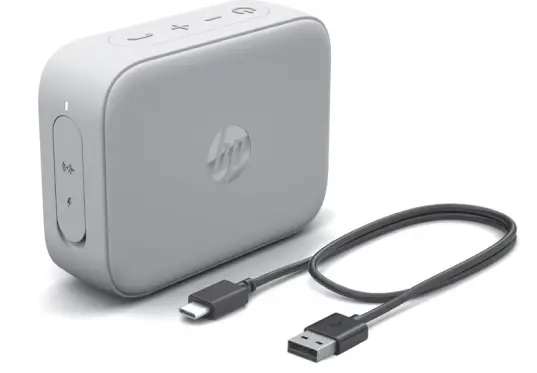
HP Bluetooth Speaker 350
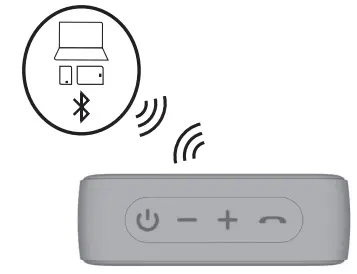
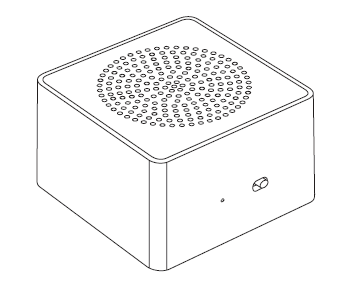
Turns the speaker on or off. The first time you turn on the speaker, it automatically enters Bluetooth pairing mode. To connect to a device through Bluetooth, see the device documentation. The speaker turns off after 5 min if you do not pair it to a device or connect it to a device through an auxiliary cable (not included). Press and hold the button for 3 s to enter pairing mode and either pair to a new device or connect to the last paired device. The speaker remembers up to 8 connected devices.
Decreases the volume. Press and hold to play the previous track. During a phone cll, press and hold to mute your microphone.
Increases the volume. Press and hold to play the next track. During a phone call, press and hold to switch between two calls.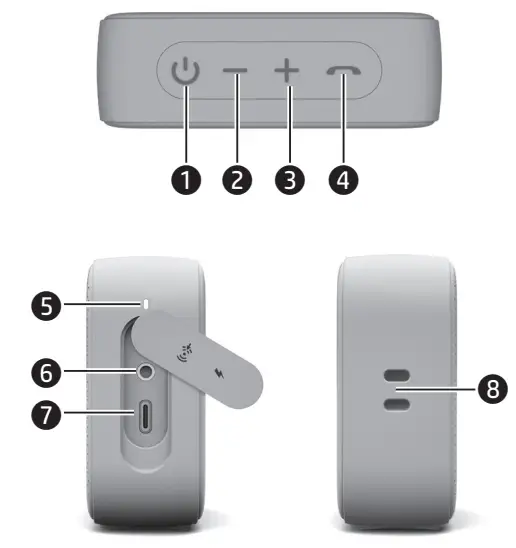
Answers a call. If connected to a device through Bluetooth, pauses your audio when pressed. Press again to answer a second cll. Press and hold to end or decline a call and return to your previous call or audio.
Power light
white: The speaker is on and connected to a device. Blinking white: The speaker is in pairing modeAmber: The speaker Is Charging Blinking amber: The battery charge level is less than 20%. A low battery tone plays with increasing frequency.
Audio-in jack
Connects the speaker to a device.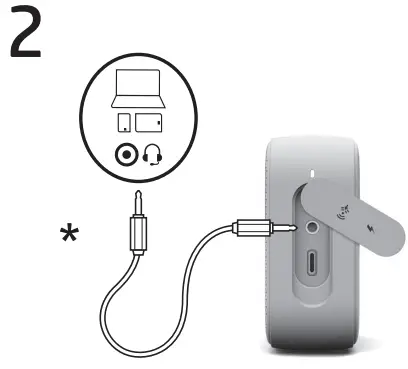
USB Type-C°port
Connects the speaker to power EFully charge the speaker before first use.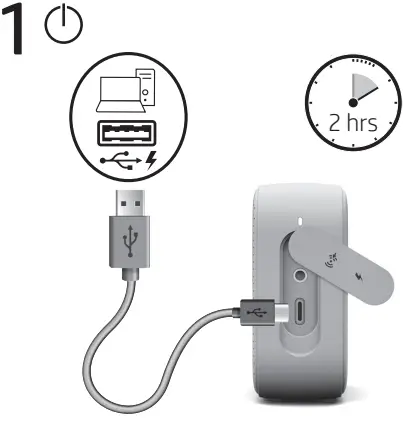
Lanyard attachment point
Attach a lanyard (not included) to the speaker. The product passed IP54 testing for protection against dust ingress and water splashes. To maintain the lP54 rating. close the l/0 door. IP ratings are not a guarantee of future performance. Cable not included.