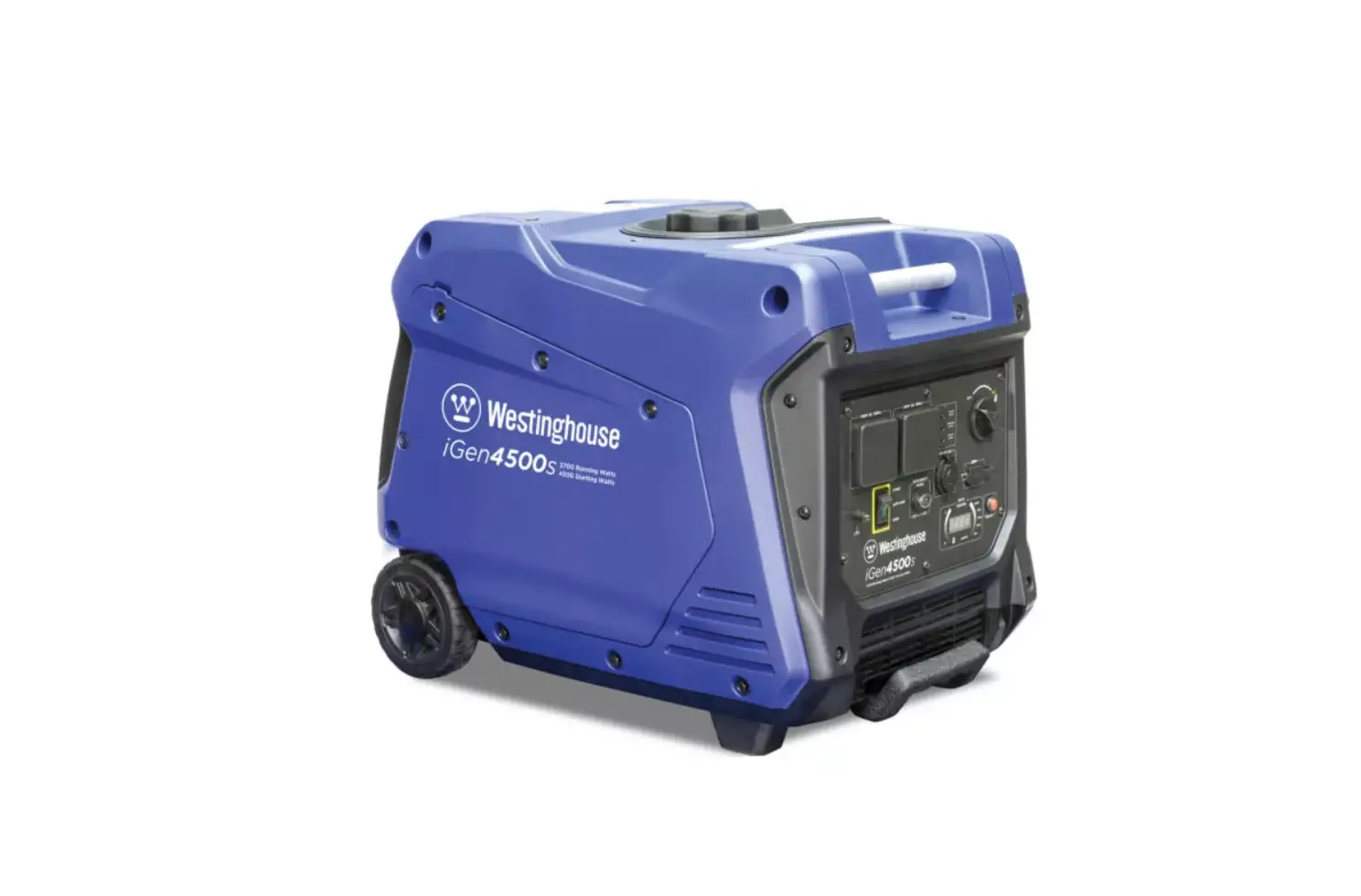
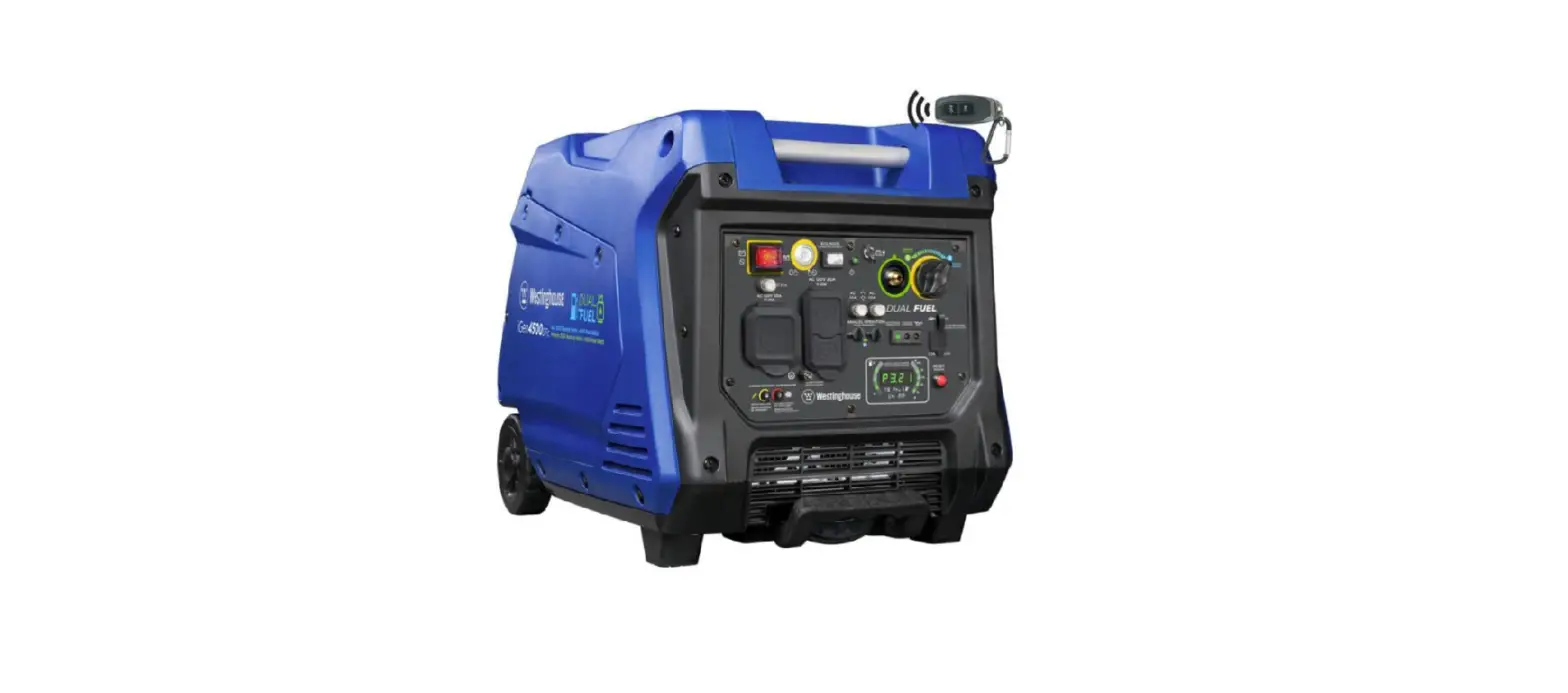
Westinghouse WP iGen4500s Electric Start Generator User Guide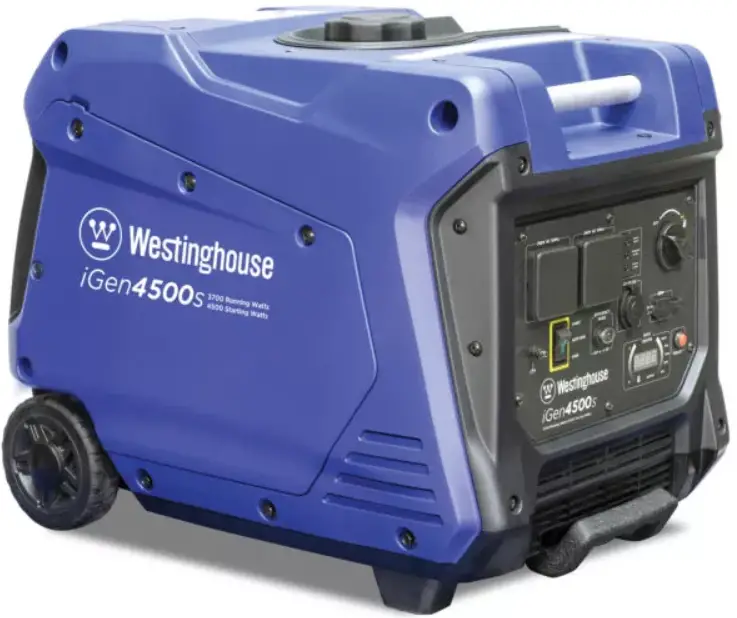
BEFORE STARTING
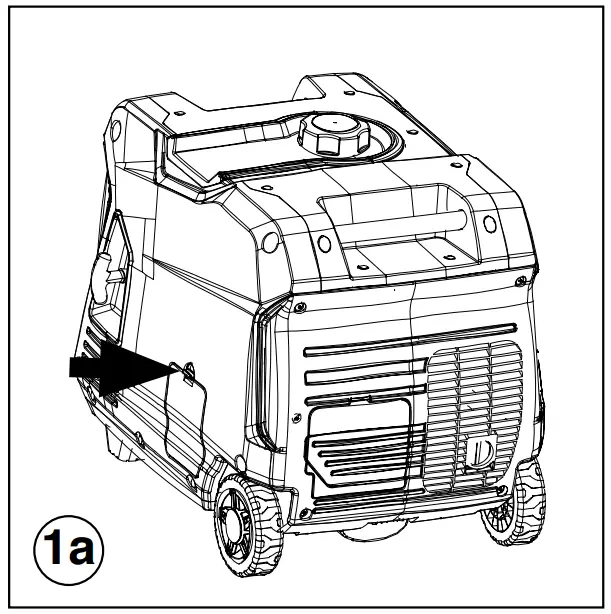
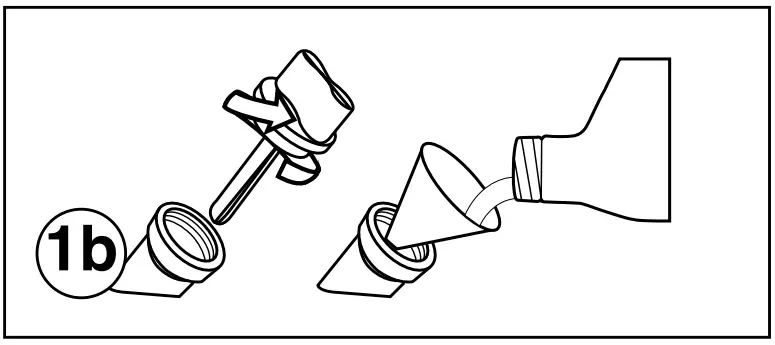
Add engine oil.
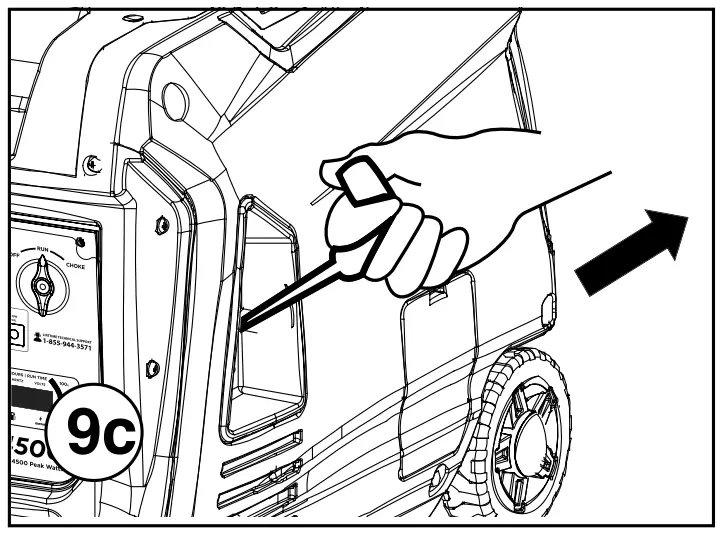
- a. Unclip and remove the oil service panel to access the oil/fill drain plug.

- b. Remove oil fill plug/dipstick

- c. Using the supplied 4-cycle engine oil and funnel, slowly add engine oil to the engine until full.
- d. Do not overfill, if oil level is too high, oil will drain out through the fill plug.
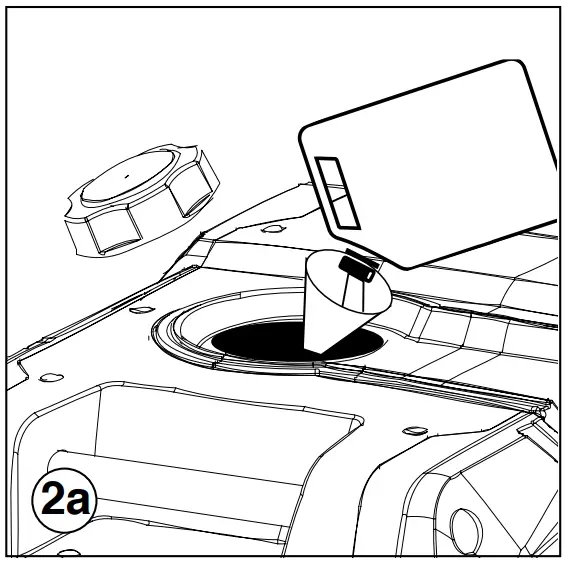
Add unleaded gasoline to gas tank
- a. Unscrew gas cap on top of tank and insert a clean funnel into the tank.

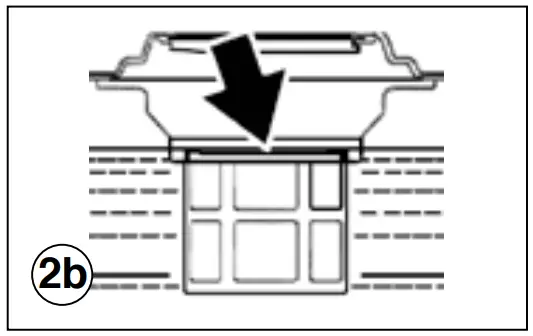
- b. Slowly add gasoline into the fuel tank.
The gasoline level should NOT be higher than the filler neck.
- c. Secure gas cap.
STARTING PROCEDURE
- Make sure the generator is OUTSIDE in a well ventilated dry area and FAR AWAY from any doors, windows, or vents.
- Check fuel and oil levels.
- Make sure nothing is plugged into power outlets.
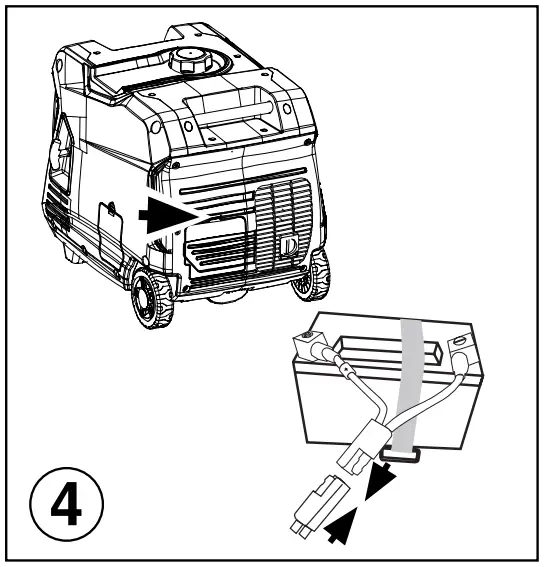
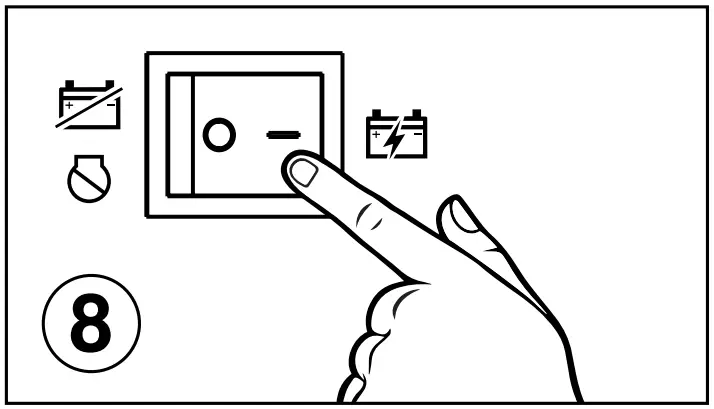
- Connect battery.

- Make sure the circuit breakers are properly set to operating.

- Turn Eco Mode OFF.

- Turn the Fuel Control Switch to the ON (I) position.

- Switch the engine switch to RUN
 .
.
- Choose starting method:
- a. Push-Button Start: Hold for 1 second and release when engine starts.

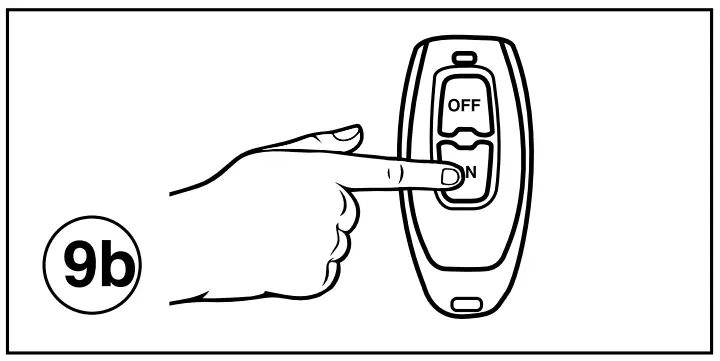
- b. Wireless Remote Start: Hold ON button on wireless remote for 1 second and release.
- c. Manual Start: Pull recoil handle slowly until you feel resistance, then apply rapid pull up and away from generator.
- a. Push-Button Start: Hold for 1 second and release when engine starts.
- Plug in electronic devices.

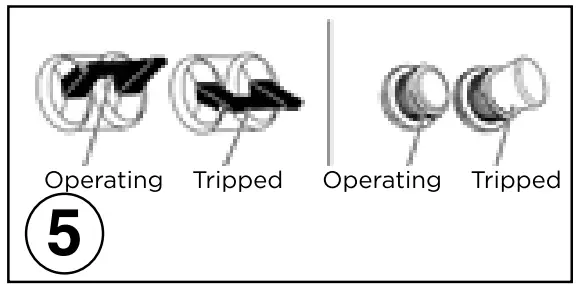
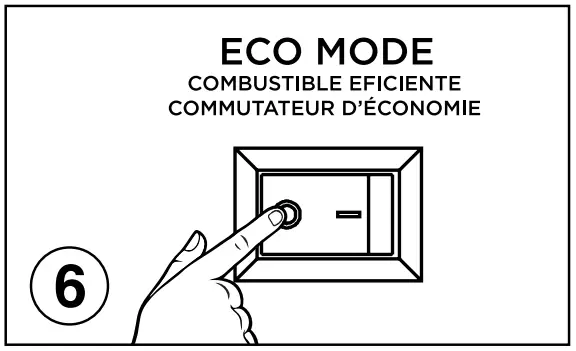
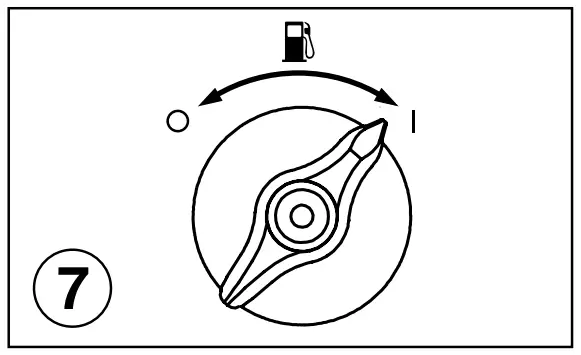
 .
.

MAINTENANCE SCHEDULE
Following the maintenance schedule is important to keep the generator in good operating condition. The following is a summary of maintenance items by periodic maintenance intervals.
Refer to the Maintenance section in the Owners Manual to find out how to properly perform maintenance.
| Maintenance Item | Before Every Use | After First 25 Hours or First Month of Use | After 50 Hours of Use or Every 6 Months | After 100 Hour of Use or Every 6 Months | After 300 Hours of Use or Every Year |
| Engine Oil | Check Level | Change1 | Change | – | – |
| Air Filter | – | – | Clean2 | – | Replace |
| Spark Plug | – | – | – | Check/Clean | Replace |
| Spark Arrestor | – | – | – | Check/Clean | – |
| Fuel Filter | – | – | – | Replace3 | – |
| Valve Clearance | – | – | – | Inspect/Adjust3 | – |
- Change oil every month when operating under heavy load or in high temperatures.
- Clean more often under dirty or dusty conditions.
- Recommended service by authorized Westinghouse dealer.
ENGINE OIL
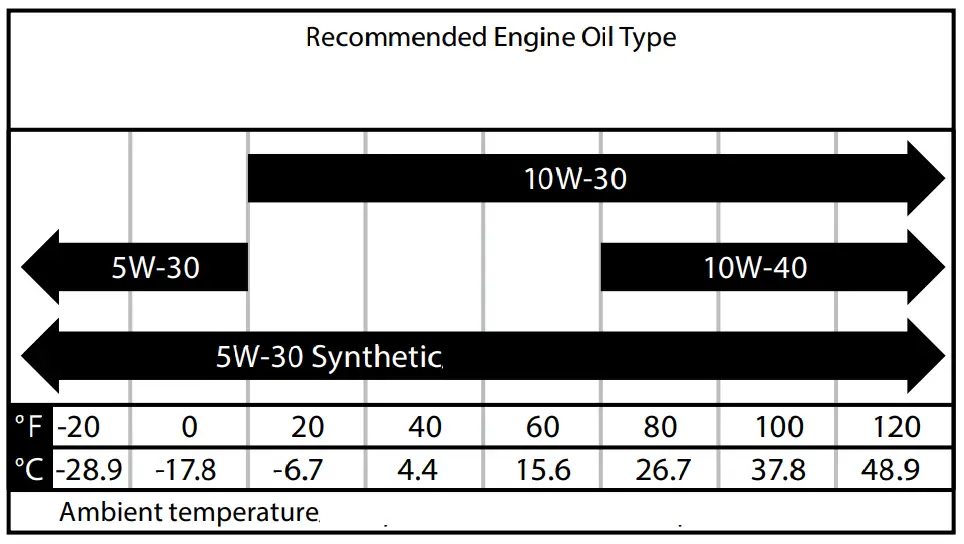
Only use 4-stroke/cycle engine oil. NEVER USE 2-STROKE/CYCLE OIL. Synthetic oil is an acceptable substitute for conventional oil.
 DANGER
Using a generator indoors
CAN KILL YOU IN MINUTES.
Generator exhaust contains carbon monoxide.
This is a poison you cannot see or smell.
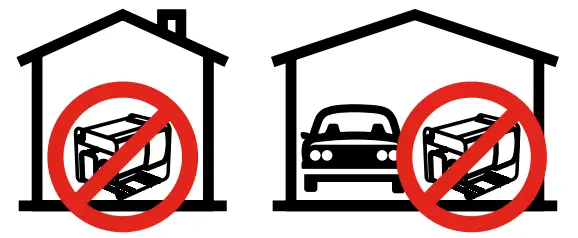
NEVER use inside a home or garage, EVEN IF doors and windows are open.
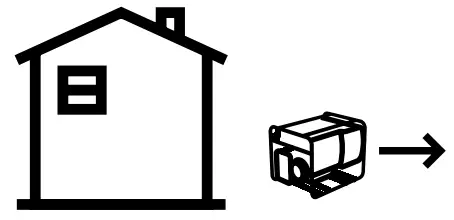
Only use OUTSIDE and far away from windows, doors, and vents.
Avoid other generator hazards.
READ MANUAL BEFORE USE.



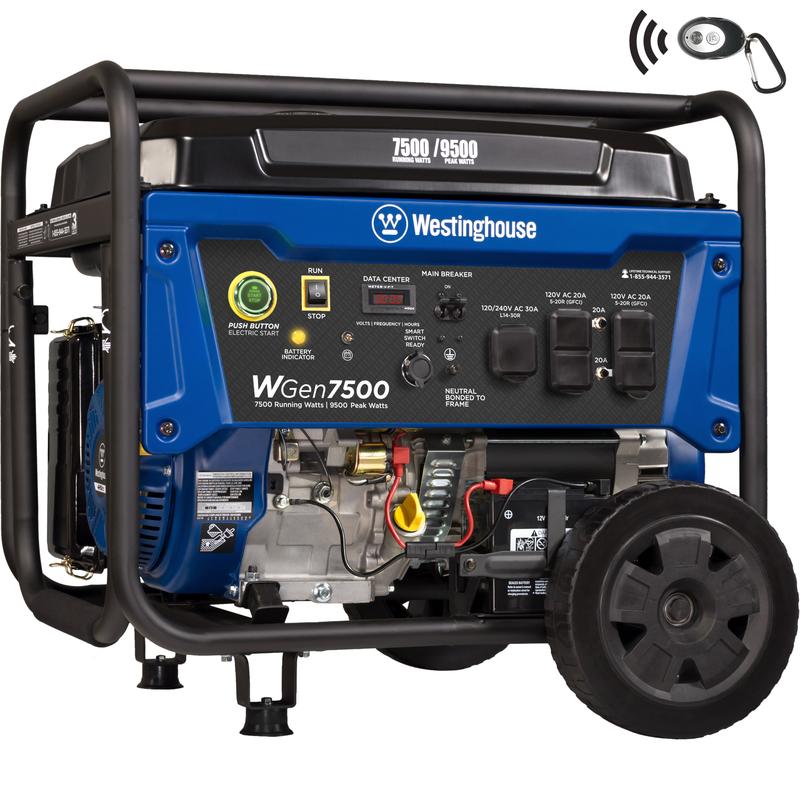
![Westinghouse Wgen5300s Portable Generator [5300 Running Watts, 6600 Peak Watts] User Manual](https://static-data1.manualsee.com/1/img/41/61758/2021/02/Westinghouse-WGen5300s-Portable-Generator-5300-Running-Watts-6600-Peak-Watts-User-Manual.jpg "Westinghouse Wgen5300s Portable Generator [5300 Running Watts, 6600 Peak Watts] User Manual")