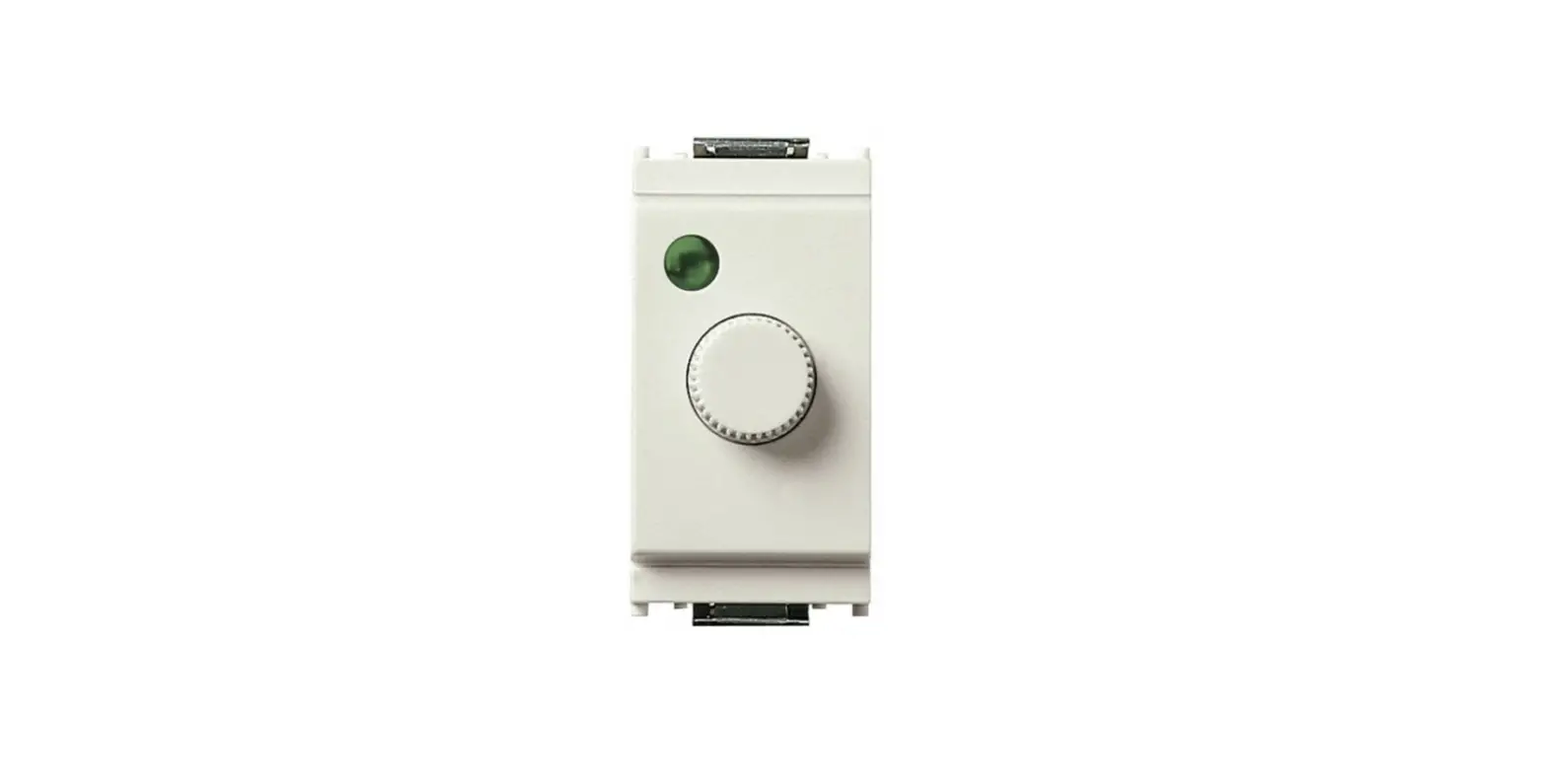
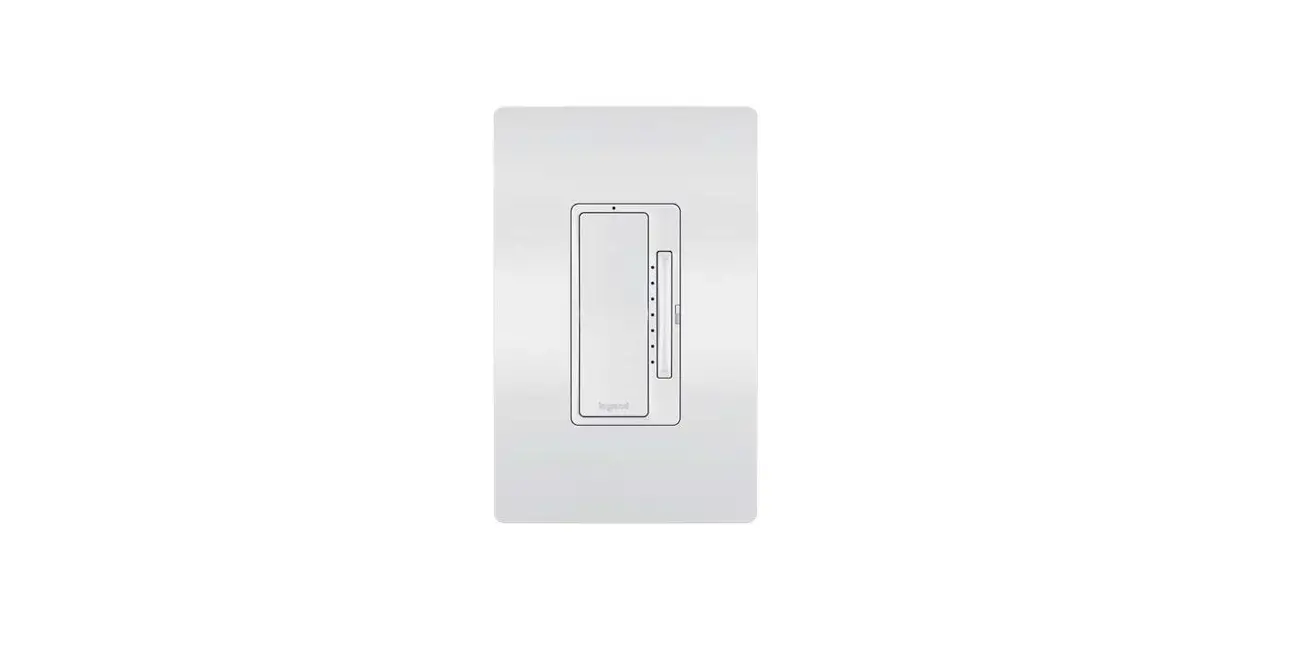
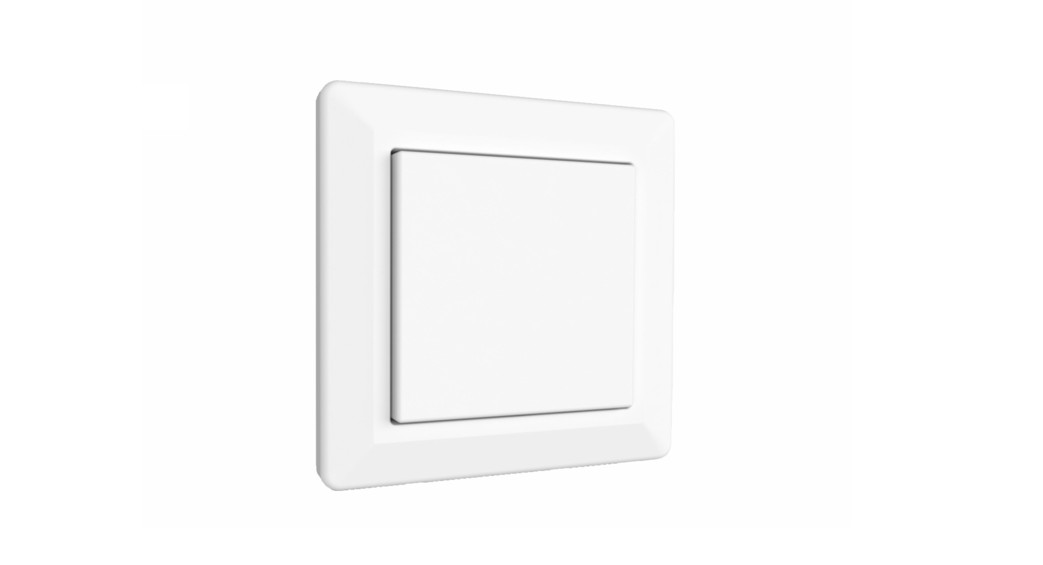
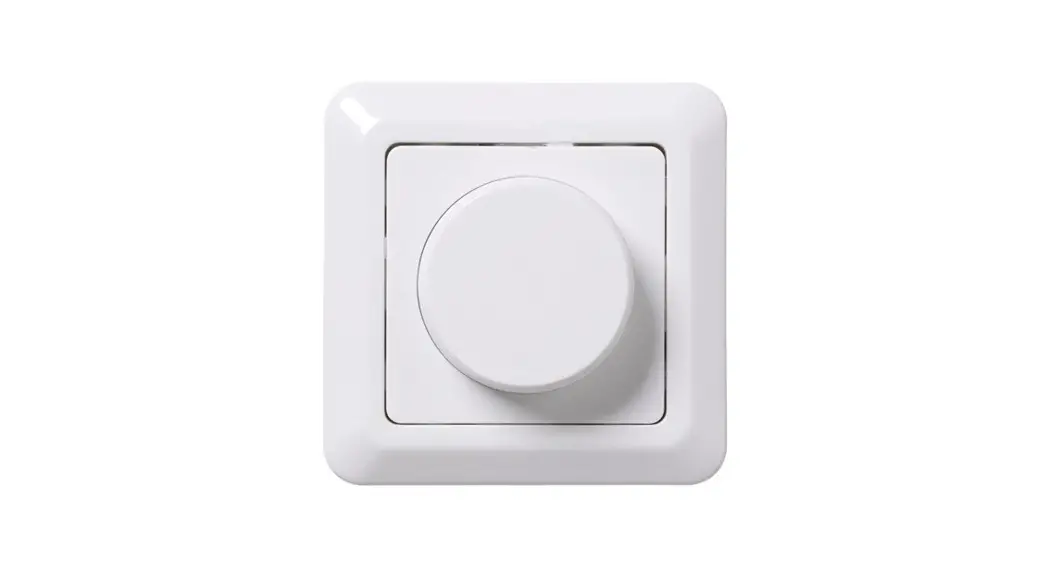
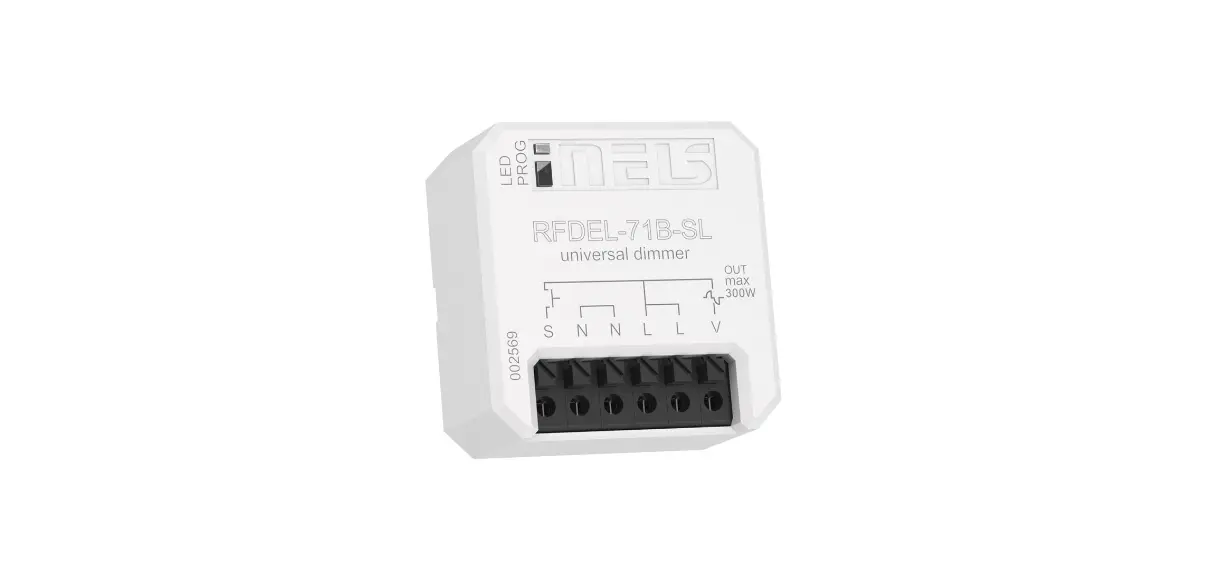
XDIM Phase Dimmer
Product Information
The Phase Dimmer, model XDIM, is an electrical device used to
control the brightness of compatible dimmable LED, CFL,
incandescent, or halogen products. It is designed to be installed
in accordance with electrical code and regulations to prevent the
risk of fire and electrical shock. The dimmer should be used
together with an air-break switch and powered off at the fuse box
before installation.
It is important to note that the Phase Dimmer should not be used
to control receptacles, motor-operated appliances, or
transformer-supplied appliances to avoid overheating and possible
damage to the equipment.
When connecting multiple products with a single dimmer, it is
recommended to use the same type of dimmable LED, CFL, or
incandescent products to enhance dimmer performance.
Product Usage Instructions
Step 1: Before installation, turn off the power at the
fuse box or circuit breaker.
Step 2: Follow the provided instructions to install the
Phase Dimmer, ensuring it is connected with an air-break
switch.
Step 3: Set the minimum brightness level of the dimmer to
make bulbs turn on immediately and maximize the dimming range.
Step 4: If you have any doubts or questions regarding the
instructions, consult a licensed electrician.
Step 5: Switch to the leading mode when using inductive
loads.
Step 6: Ensure that the product is only used with
compatible dimmable LED, CFL, incandescent, or halogen products. Do
not mix different product types when connecting multiple products
to a single dimmer.
Step 7: To enter programming mode, press and hold the
On/Up and Off/Down paddles for 3 seconds until the indicator light
flashes.
Using the Paddles:
- On/Up Paddle:
- Turn light on: When the light is off, short press the On/Up
Paddle once. - Continuously increase brightness: When the light is on, short
press the On/Up Paddle, the brightness increases until it reaches
100%. - Gradually increase brightness: When the light is on, press and
hold the On/Up Paddle, the brightness will gradually increase until
it reaches the minimum level or until the On/Up Paddle is
released. - Quickly adjust brightness: When the light is on or off, press
the On/Up Paddle twice consecutively.
- Turn light on: When the light is off, short press the On/Up
- Off/Down Paddle:
- Turn light off: When the light is on, short press the Off/Down
Paddle once. - Quickly adjust to the lowest dim level: When the light is on or
off, press the Off/Down Paddle twice consecutively. - Gradually decrease brightness: When the light is on, press and
hold the Off/Down Paddle, the brightness will gradually decrease
until it reaches the minimum level or until the Off/Down Paddle is
released.
- Turn light off: When the light is on, short press the Off/Down
Note: The Phase Dimmer complies with Part 15 of the FCC Rules
and operates without causing harmful interference. It also accepts
any interference received, including interference that may cause
undesired operation.
INSTRUCTIONS
Phase Dimmer
XDIM
IMPORTANT
TO PREVENT ELECTRICAL SHOCK, POWER SHOULD BE TURNED OFF AT THE FUSE BOX BEFORE INSTALLATION. WARNINGS and CAUTIONS: To avoid risk of fire and electrical shock, products shall be installed in accordance with electrical code and regulations.
The product shall be used together with an air-break switch.
Cut off the power at the circuit breaker or fuse before installation. After installing the dimmer, it’s recommended to set the minimum brightness level to make bulbs turn on immediately and
the dimmer with maximum dimming range. If you’re not clear about any content of the instructions, please consult the licensed electrician. Switch to the leading mode when the inductive load is used. To avoid the risk of overheating and possible damage to the equipment, do not use the product to control the receptacle,
motor-operated appliance or a transformer-supplied appliance.
Product should only be used with compatible dimmable LED, CFL, incandescent or halogen products. When connecting multiple products with a single dimmer, do not mix product types. All products shall be either dimmable
LED, CFL or incandescent products. Using the same type of products will enhance dimmer performance. This device complies with Part 15 of the FCC Rules. Operation is subject to the following two conditions: (1) This device may
not cause harmful interference, and (2) This device must accept any interference received, including interference that may cause undesired operation.
WHAT’S IN THE BOX
Jumper Wire (1 pcs)
TOOLS NEEDED
5mm Philips Screwdriver Electrical Tape Electrician Knife
Test Pencil Pliers Ruler
Dimmer (1 pcs)
Base Plate (1 pcs)
Face Plate (1 pcs)
Mounting Screws (2 pcs)
5PIN Wiring Terminal (2 pcs)
2PIN Wiring Terminal (3 pcs)
Connection Wire (5 pcs)
INSTRUCTIONS
Phase Dimmer
BASIC OPERATION
On/Up Paddle
Brightness Indicator Off/Down Paddle
Power Indicator Power Cut Off Switch
Short Press: Within 0.5 seconds
· Long Press: Over 0.5 seconds · Double Press: Within 1 second
Status Indicator Switch
Power Indicator
White light constant brightness: Power-on stage
On/Up Paddle
Turn light on: When the light is off, short press the On/Up Paddle once
Continuously increase brightness: When the light is on, short press the On/Up Paddle, the brightness increases until the brightness reaches 100%
Gradually increase brightness: When the light is on, press and hold the On/Up Paddle, the brightness will gradually increase until the brightness reaches the minimum level or until the On/Up is released
Quickly adjust brightness: When the light is on or off, press the On/Up Paddle for 2 consecutive times
Off/Down Paddle
Turn light off: When the light is on, short press the Off/Down Paddle once
Quickly adjust to the lowest dim level: When the light is on or off, press the Off/Down Paddle 2 times
Gradually decrease brightness: When the light is on, press and hold the Off/Down Paddle, the brightness will gradually decrease until the brightness reaches the minimum level or until the Off/Down Paddle is released
Programming Mode
To enter programming mode, press and hold the On/Up and Off/Down paddle for 3 seconds until the indicator light flashes.
To set the minimum brightness/low-end trim, press the On/Up Paddle to turn on the lights and adjust to the desired minimum brightness. Short press the Off/Down Paddle 3 times to set.
To exit programming mode, press and hold the On/Up and Off/Down Paddle for 3 seconds. The dimmer will automatically exit programming mode after 1 minute without operation.
Switch
F: Forward Phase Control (leading edge control mode) A: Auto detect control mode R: Reverse Phase Control (training edge control mode)
Note: after dip switch adjustment, please power off and then power on again.
Power Cut Off Switch
Push in to connect to line voltage Pull out to disconnect line voltage
Brightness Indicator
LED 11 LED 10 LED 9 LED 8 LED 7 LED 6 LED 5 LED 4 LED 3 LED 2 LED 1
Brightness Indicator Power Indicator
No. Brightness Level
1
Brightness Level 10
2
Brightness Level 9
3
Brightness Level 8
4
Brightness Level 7
5
Brightness Level 6
6
Brightness Level 5
7
Brightness Level 4
8
Brightness Level 3
9
Brightness Level 2
10
Brightness Level 1
Brightness Indicator
LED 2~LED 11 LED 2~LED 10 LED 2~LED 9 LED 2~LED 8 LED 2~LED 7 LED 2~LED 6 LED 2~LED 5 LED 2~LED 4 LED 2~LED 3
LED 2
Note: Brightness Indicator lights will stay illuminated while circuit it powered on.
INSTRUCTIONS
Phase Dimmer
MULTI-GANG INSTALLATION DERATING
Single-Gang Rating
120 Vac, 60 Hz,
500 W Tungsten
300 W CFL/LED/ Electronic
self-ballasted
500W ELV 400VA MLV
Double-Gang Rating
120 Vac, 60 Hz,
400 W Tungsten
300 W CFL/LED/ Electronic
self-ballasted
400W ELV 300VA MLV
Triple-Gang Rating
120 Vac, 60 Hz,
300 W Tungsten
300 W CFL/LED/ Electronic
self-ballasted
300W ELV 200VA MLV
INSTALLATION
1. Warning: To avoid risk of fire and electrical shock, cut off the power at the circuit breaker or fuse before wiring 2. Remove existing switch: Remove existing wall panel and switch
mounting screws. Carefully pull switch from wall box, identify and remove the wires attached to the switch, then remove the switch. Do not remove the wires from the wall at this time. (for new installations where an existing switch does not exist, skip this step.) 3. Identify the type of circuit
Note: If the wiring layout in the wall box does not resemble any of these configurations, consult an electrician.
INSTALLATION (cont’d)
3-Way Hot or Load (see note below) Neutral Ground Traveler 1 Traveler 2
IMPORTANT NOTE: For a Single-Pole application, note that one of the screw terminals from the old switch being removed usually is a different color (Black) or labeled Common. Tag the wire with electrician tape and identify as the Common (hot wire or load) in both the dimmer wall box and Single-Pole wall box.
4. Typical Wiring (see wiring section) 5. Install and fix the dimmer:
Carefully position all wires inside the wall box, leaving enough room to insert the dimmer housing. Secure the dimmer with the mounting screws provided
Single-Pole Hot Neutral Ground Load
Wall Box Dimmer Mounting Screws
v
INSTRUCTIONS
Phase Dimmer
INSTALLATION (cont’d)
6. Install the wall panel Place the base plate over the installed dimmer and secure
it using provided screws.
Dimmer
Base Plate Screws
Connect the face plate to the installed base plate and gently push it until it clicks into place.
Base Plate
Face Plate
WIRING
1. Single-Pole
Wiring Scheme 1 (neutral and hot wire)
Ground Hot
Copper P screw
Green screw LD
Brass screw
Silver screw N L Black screw Dimmer
Load
Neutral
Dimmer
Copper screw P
screw LD
Brass screw
Silver N screw
L Black screw
White
Location 1
To breaker or load (Light(s))
Tagged wire
Ground (Green or Bare Copper)
To breaker or load (Light(s))
Wiring Scheme 2 (hot wire only)
Ground
Copper P screw
Green screw LD
Brass screw
Hot Load
Silver screw N L Black screw
Dimmer
Neutral
Dimmer
Copper screw P
screw LD
Brass screw
Silver N screw
L Black screw
Location 1
To breaker or load (Light(s))
Tagged wire
Ground (Green or Bare Copper)
To breaker or load (Light(s))
INSTRUCTIONS
Phase Dimmer
WIRING (cont’d)
2. 3-Way (neutral and hot wire)
Wiring Scheme 3 (dimmer line side)
Ground Hot
Copper P screw
Green screw LD
Brass screw
Silver screw N L Black screw Dimmer
Jumper
Green
Common terminal
3-Way Switch
Ground
Load
Neutral
Dimmer
Copper screw P
Green screw LD Brass
screw
Location 1
N Silver screw
L Black screw
White
Ground (Green or Bare Copper)
Wiring Scheme 4 (dimmer load side)
Jumper
Common
Green
3-Way terminal Switch
Hot
Ground
P Copper screw
Green screw LD
Brass screw
Silver screw N L Black screw Dimmer
Load
Neutral
Location 2
3-Way Switch
Traveler 2
Traveler 1 Tagged wire
To breaker or load (Light(s))
To breaker or load (Light(s))
Screw 1
Green screw
Ground (Green or Bare Copper)
Screw 2 Common terminal
Jumper wire
3. 3-Way (hot wire only)
Wiring Scheme 5 (dimmer line side)
Ground Hot
Copper P screw
Green screw LD
Brass screw
Silver screw N L Black screw Dimmer
Jumper
Green
Common terminal
3-Way Switch
Ground
Load
Neutral
Dimmer
Copper screw P
Green screw LD Brass
screw
Location 1
N Silver screw
L Black screw
Ground (Green or Bare Copper)
Wiring Scheme 6 (dimmer load side)
Jumper
Common
Green
3-Way terminal Switch
Hot
Ground
P Copper screw
Green screw LD
Brass screw
Silver screw N L Black screw Dimmer
Load
Neutral
Location 2
3-Way Switch
Traveler 2
Traveler 1 Tagged wire
To breaker or load (Light(s))
To breaker or load (Light(s))
Screw 1
Green screw
Ground (Green or Bare Copper)
Screw 2 Common terminal
Jumper wire
Easy Answers
2023
Cranbury, New Jersey 08512 USA
DIMMER-IN-0623