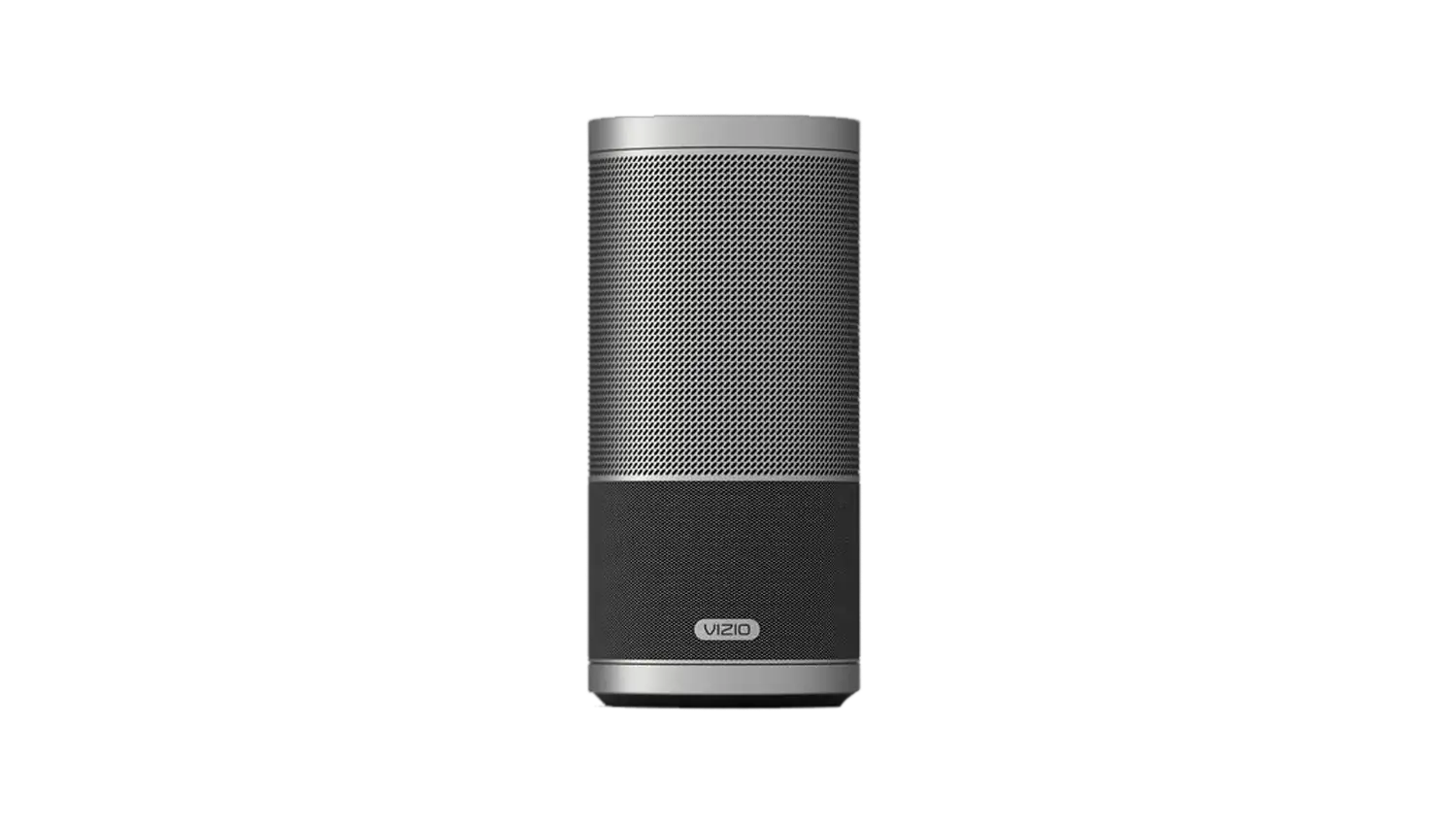
Bluetooth Setup & Troubleshooting for the SP50-D5 & SP70-D5
| Bluetooth Troubleshooting Steps |
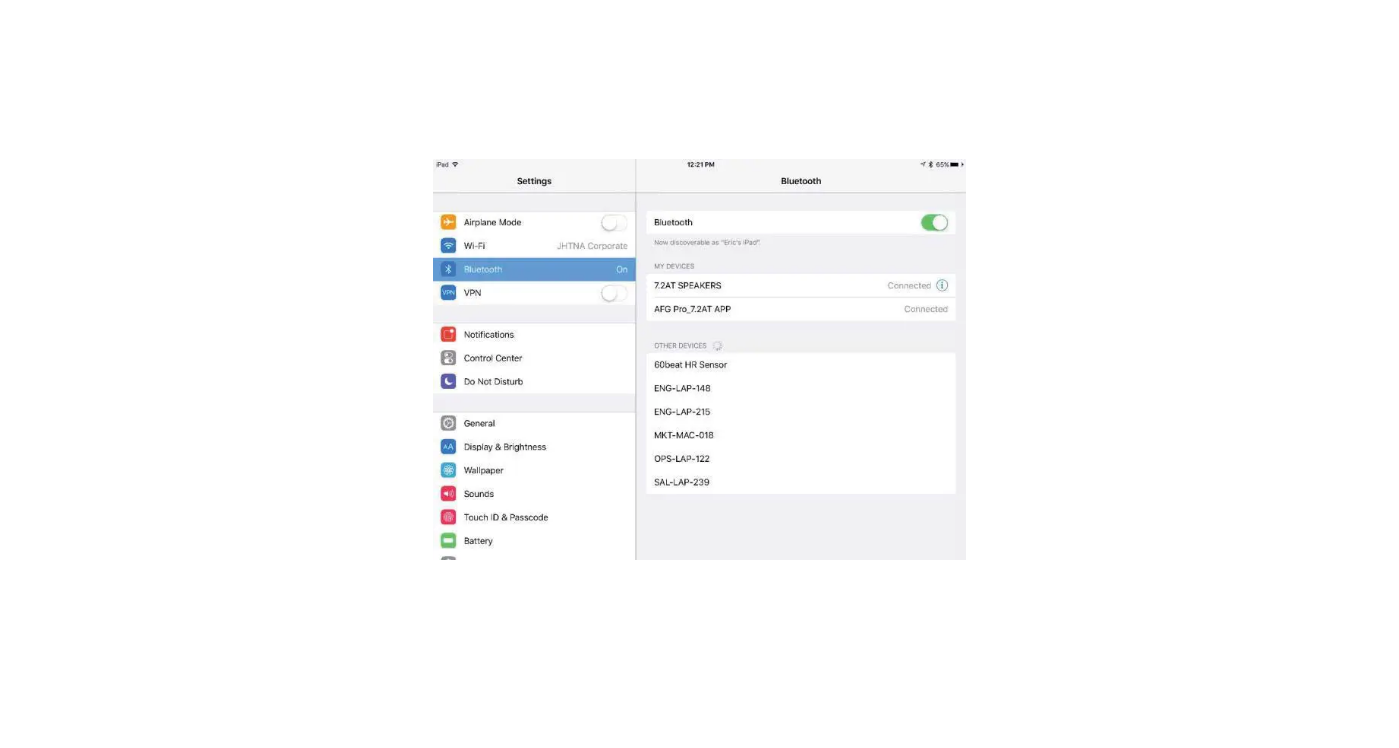
| If your Crave Speaker is having trouble using Bluetooth the following steps may resolve your issue: |
1. Make sure the Crave is powered on. (The device has a power-saving feature that powers the device off when it is not in use for an extended period of time).
|
| 2. Make sure the device is in Bluetooth Mode by holding the button on back of the Crave down until the light turns blue. |
3. If the light on the back of the Crave is pulsing blue, it means the Crave is in Bluetooth Pairing Mode but doesn’t have any device connected to it.
|
| 4. If the Crave and device aren’t pairing, power both devices off, then back on, and try again. |
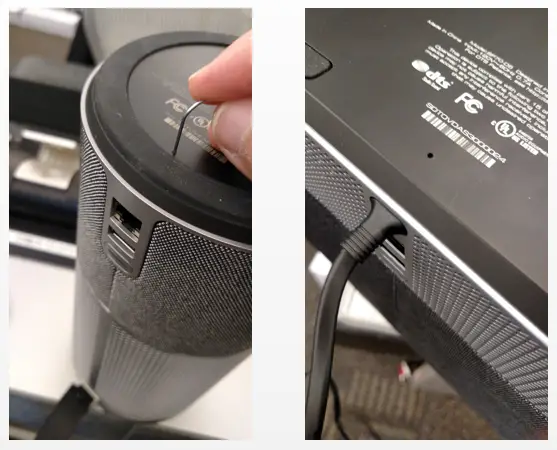
5. If the Crave is still having issues pairing, reset the Crave by pressing the reset button found on the bottom of the speaker.
|
 |
| 6. If you’re still having Bluetooth issues Click Here to speak with a VIZIO support agent. |