Pairing a Bluetooth Speaker to your VIZIO TV
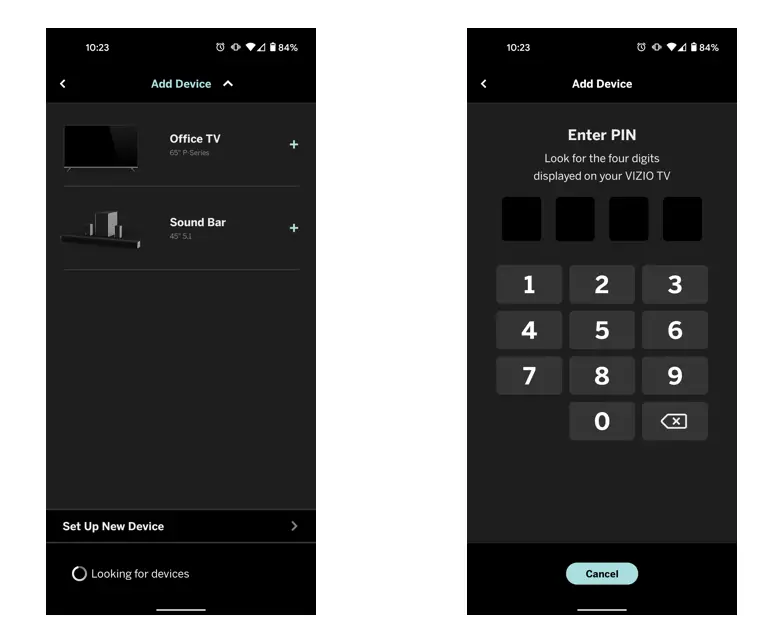
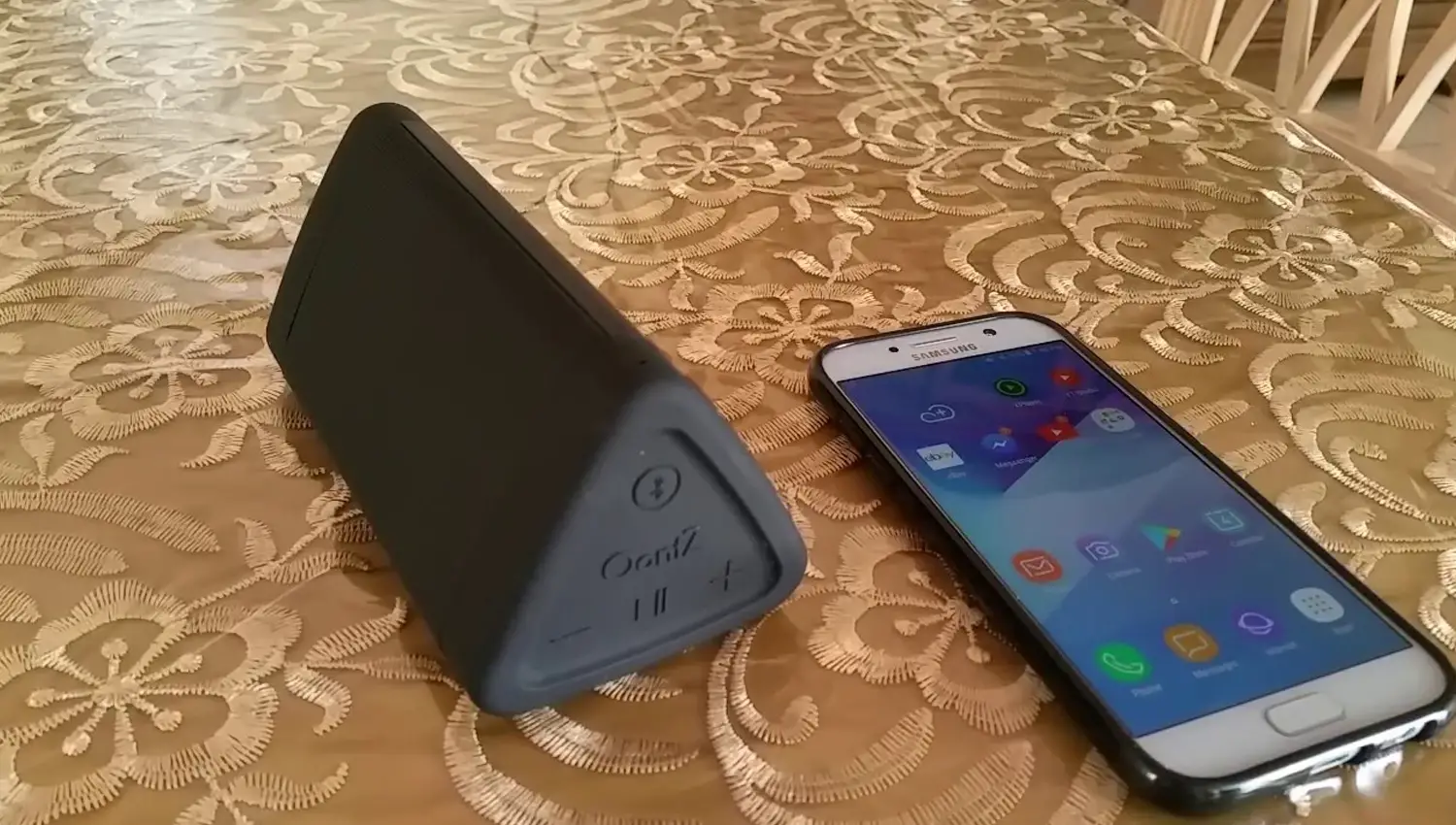
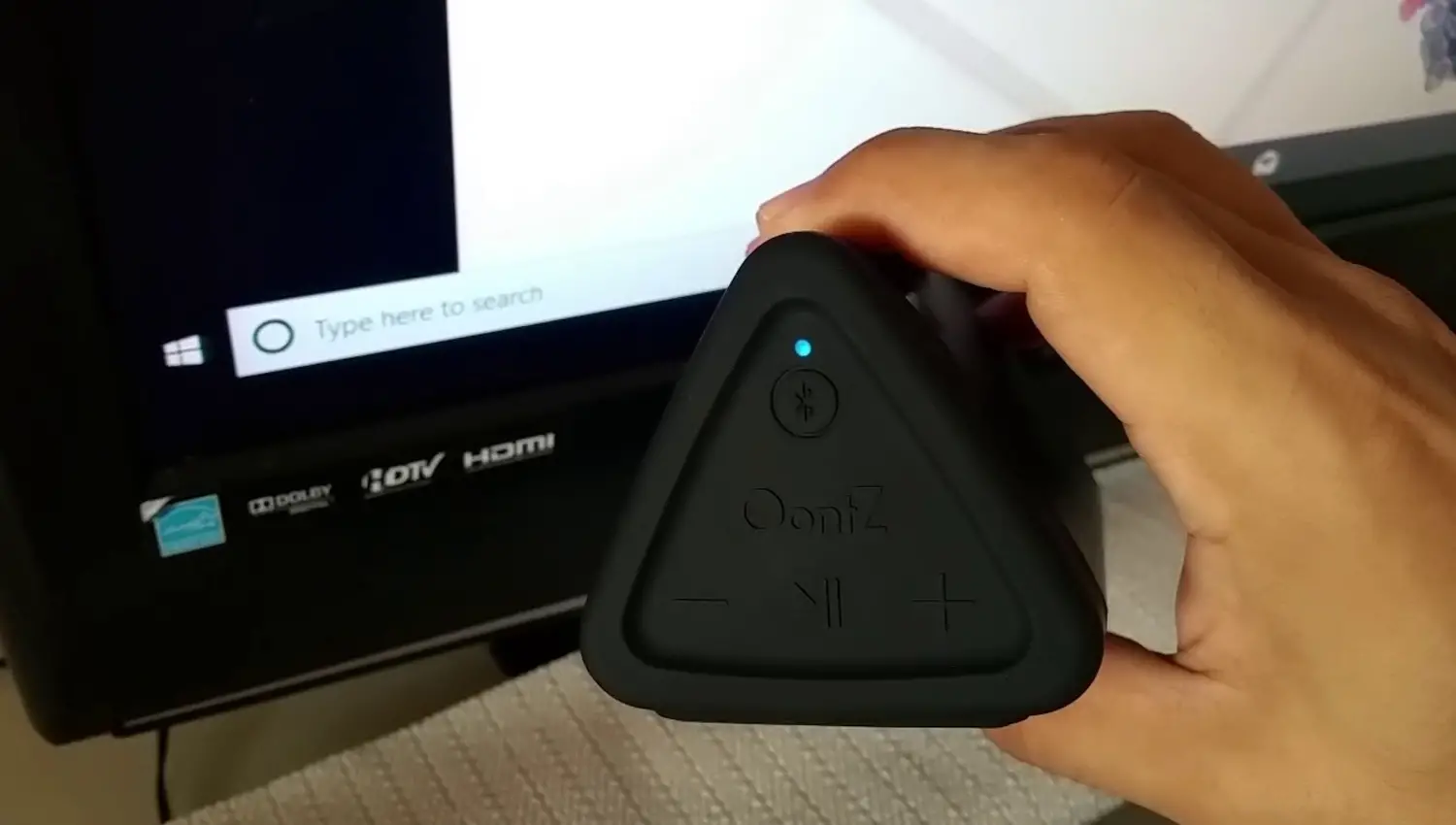
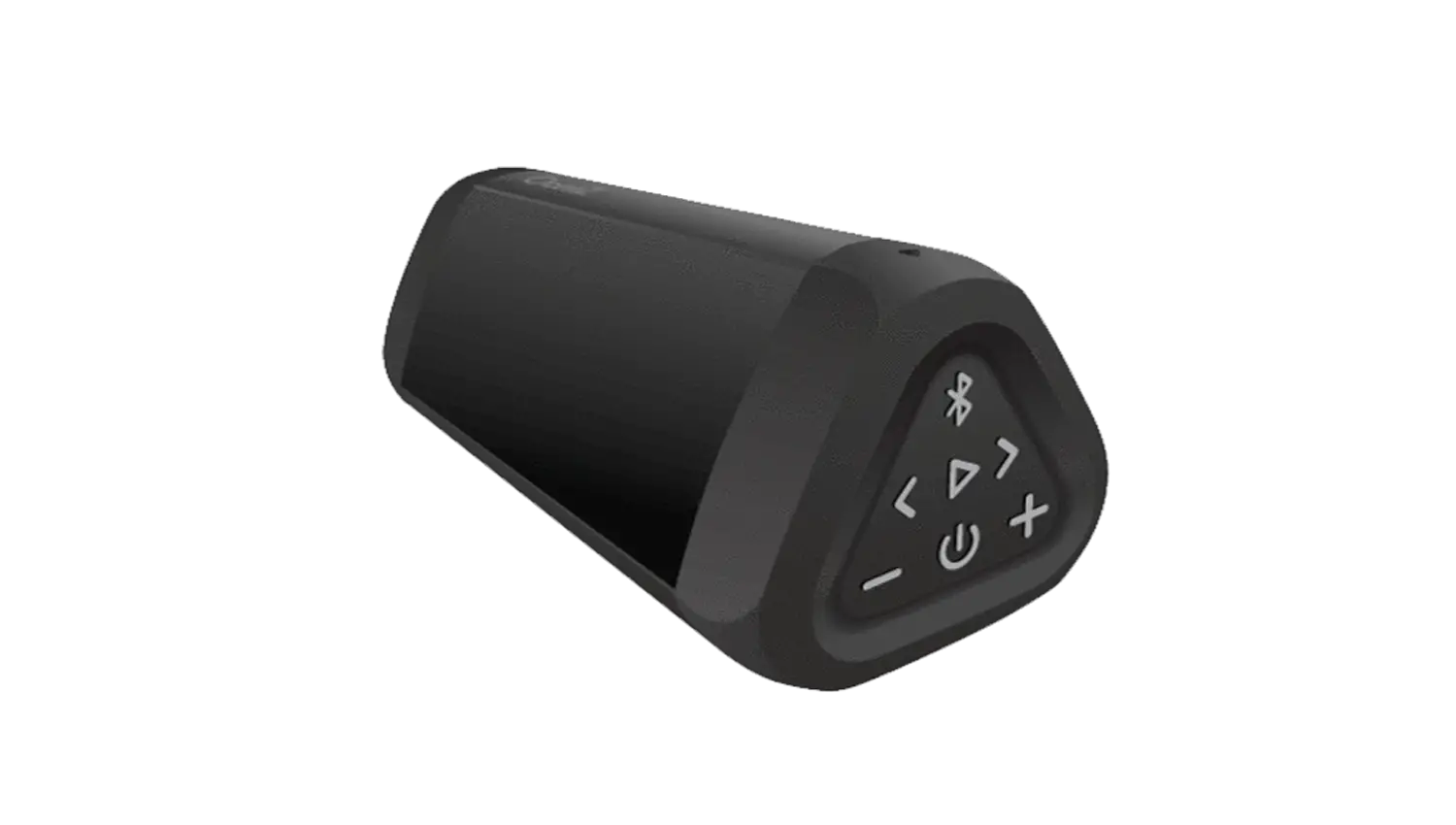
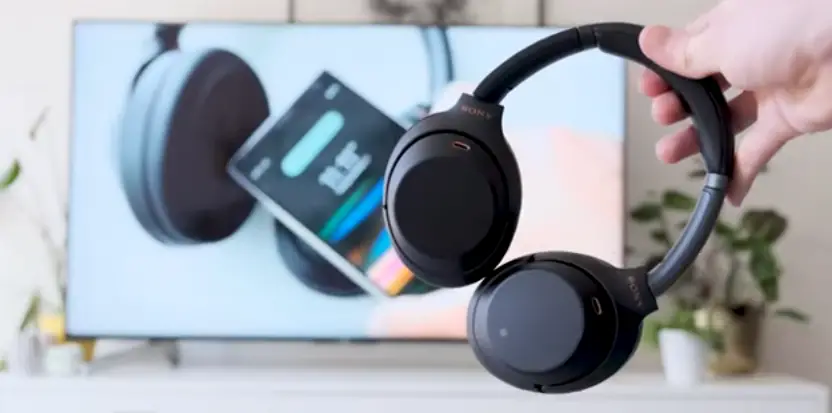
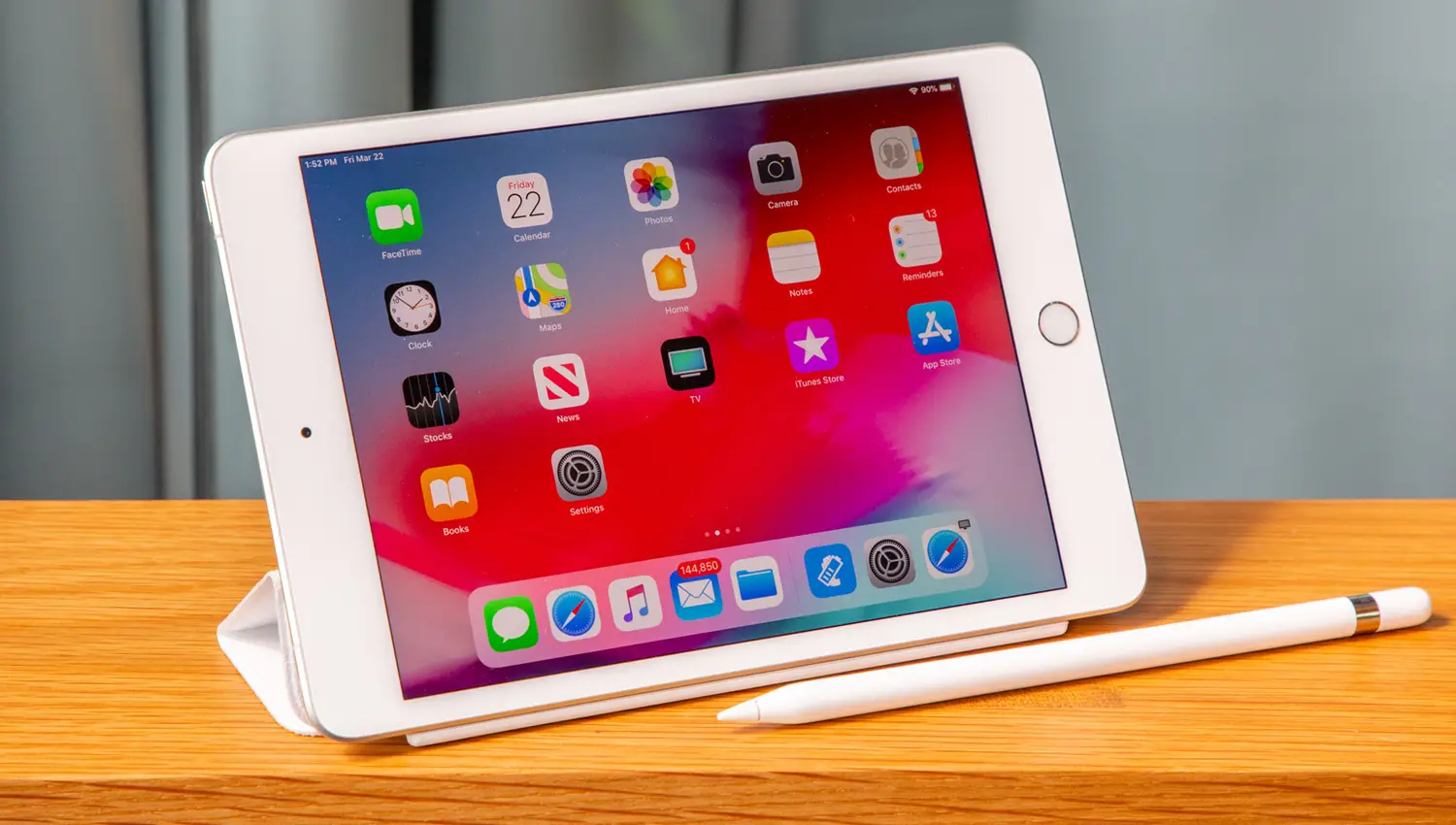
Currently, VIZIO televisions only support Bluetooth LE, which is a low energy form of bluetooth used to assist in pairing the VIZIO SmartCast Mobile application to use devices like smart phones and tablets as a remote for the TV.
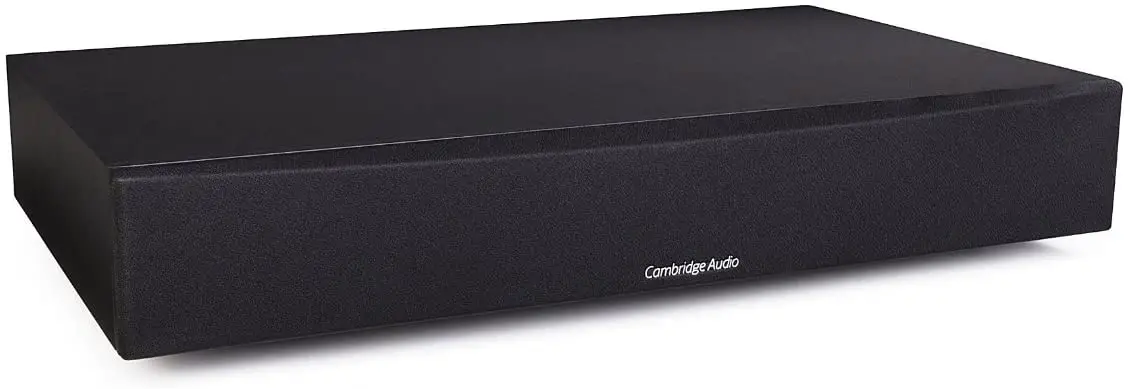
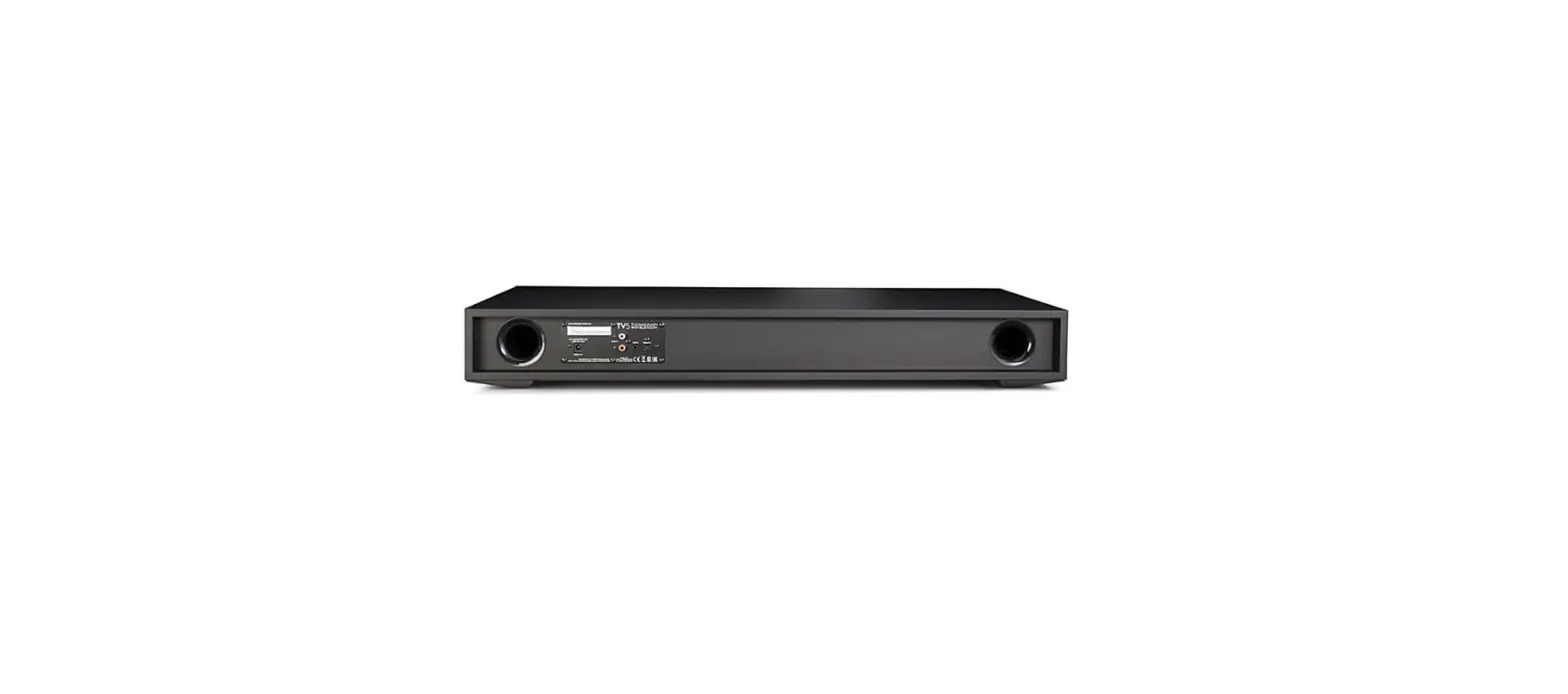
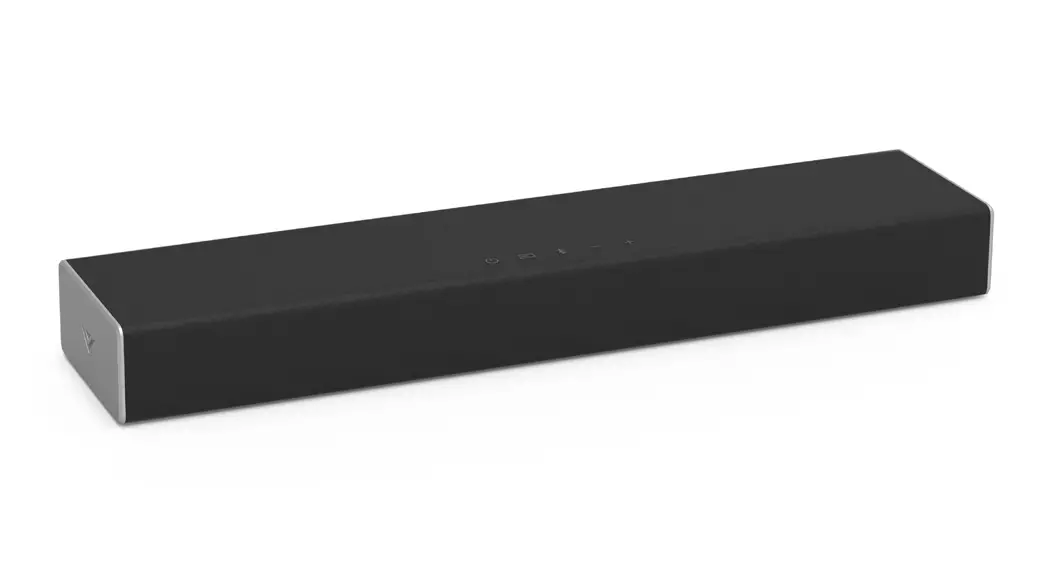
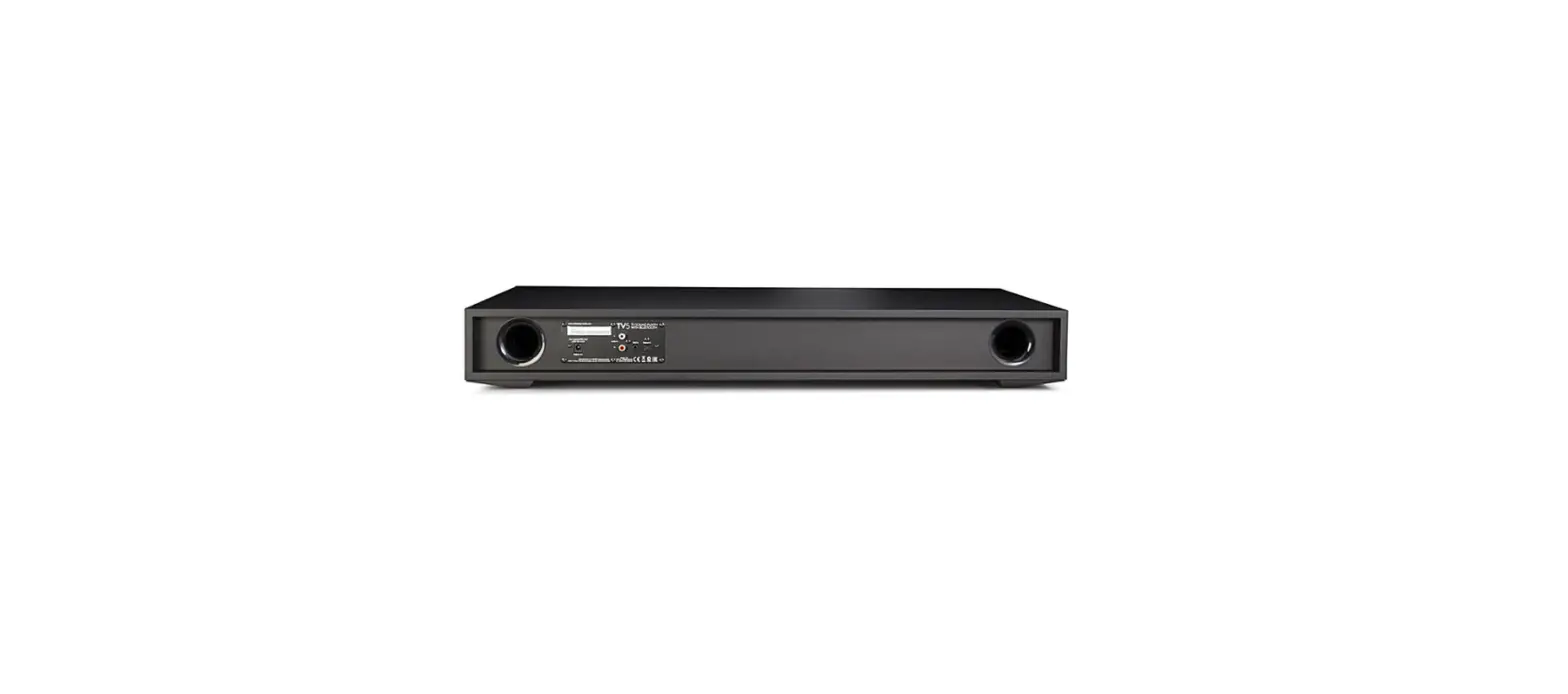
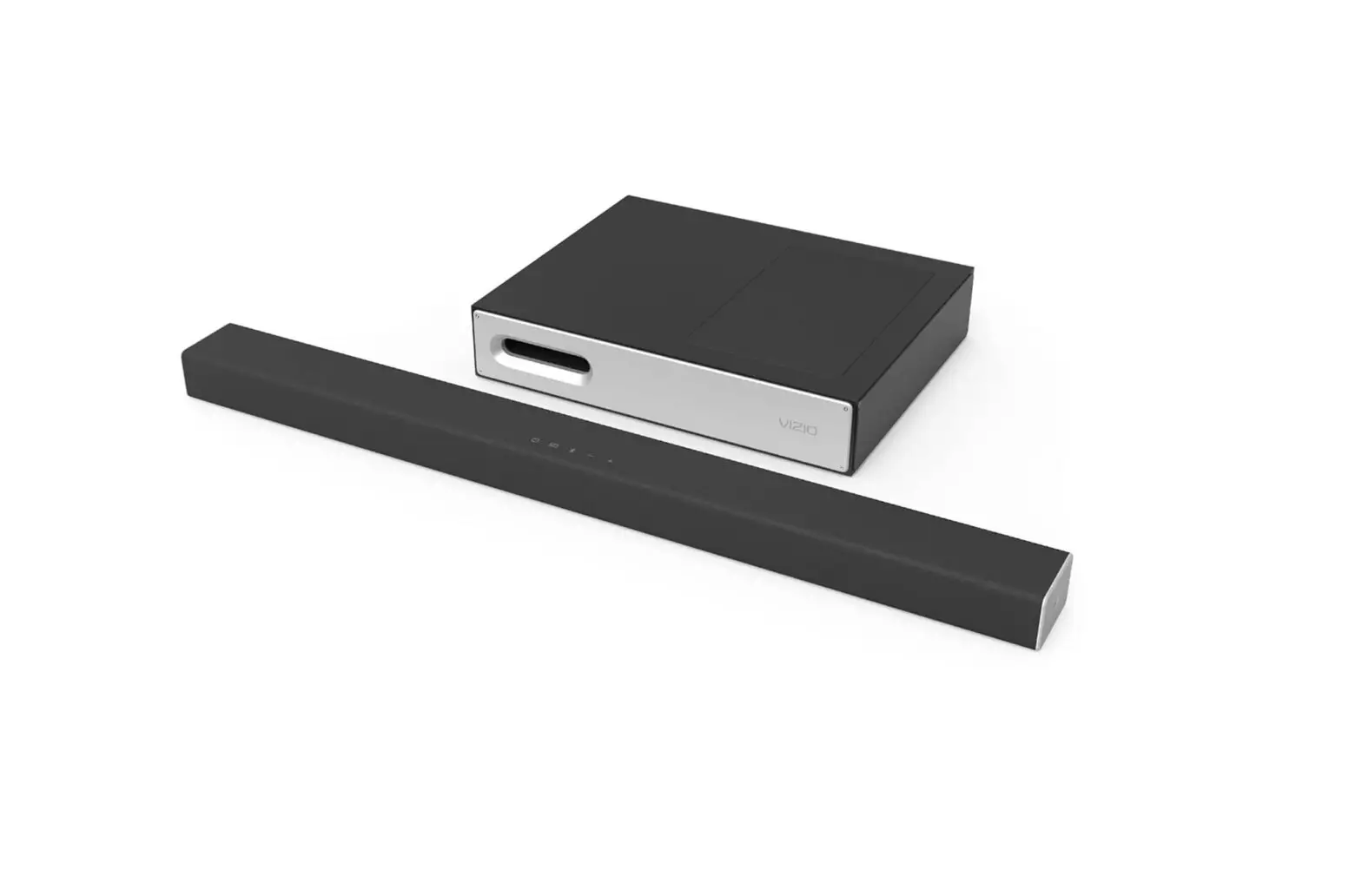
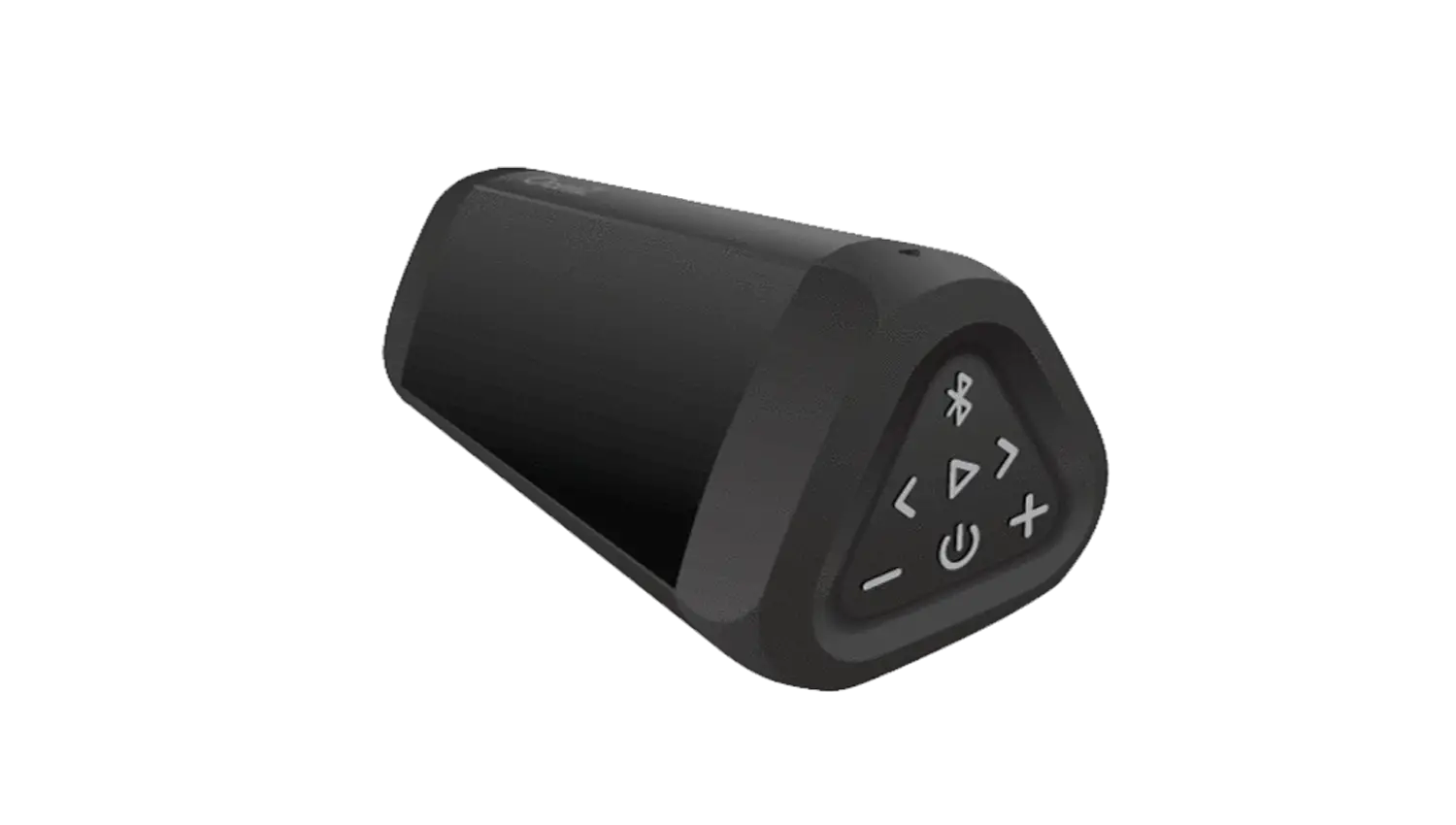
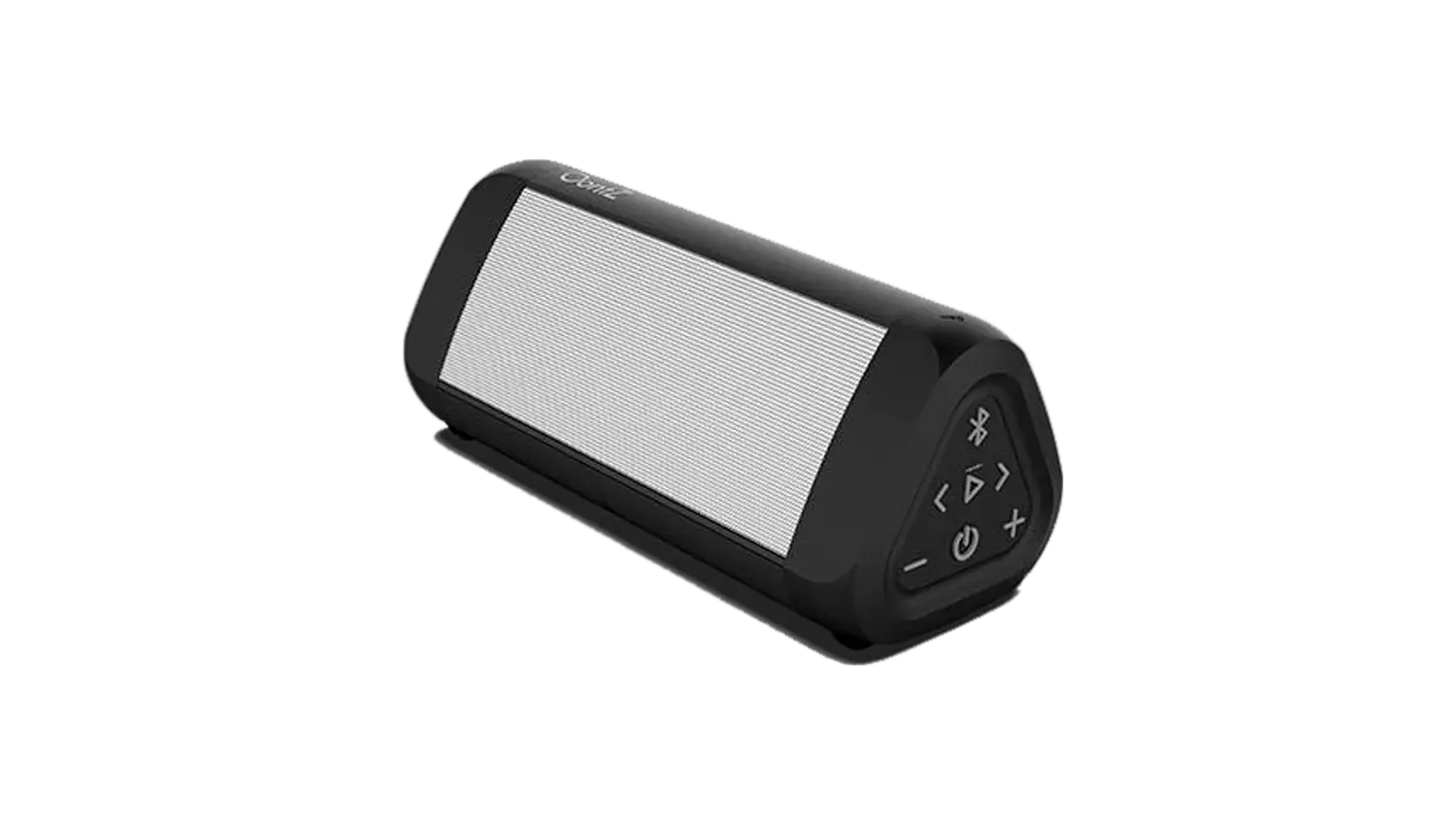
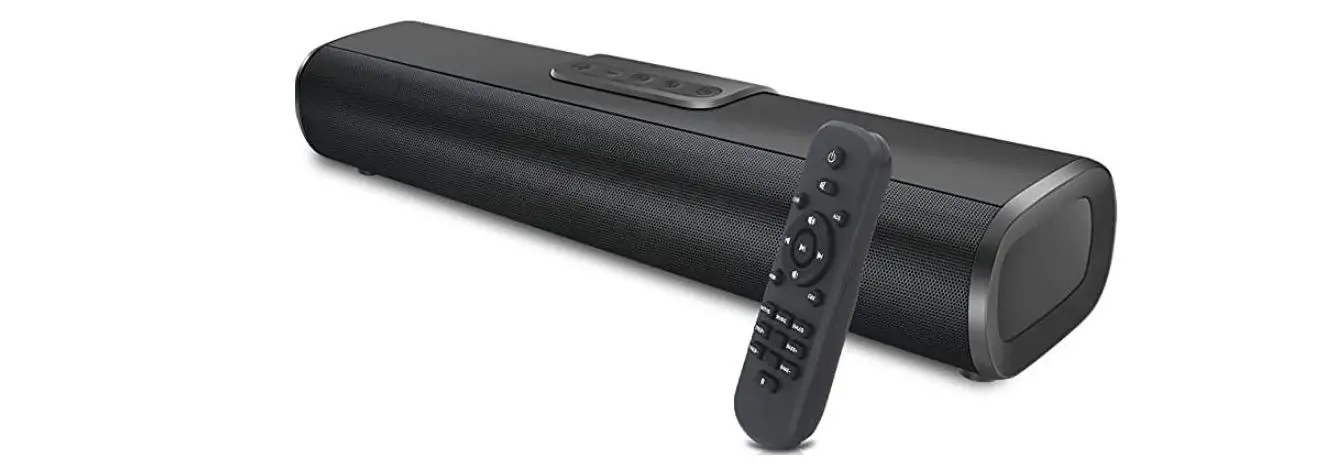
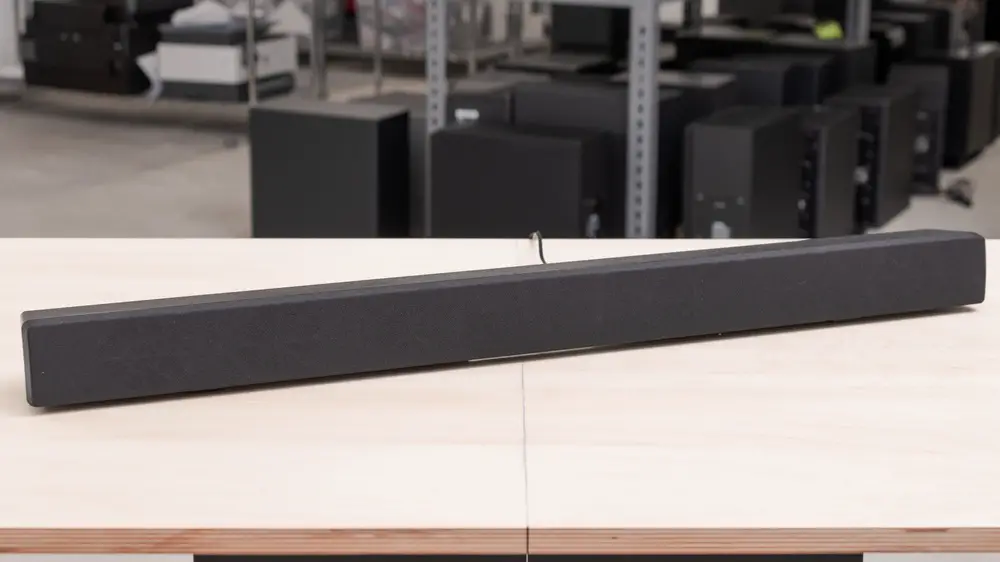
While you cannot pair a bluetooth speaker, you can connect a Speaker, Sound Bar, or Home Theater Audio system to the TV using the Audio Out Ports on your TV.
- Check your TV’s manual to find the ‘Audio Outputs’.
- Check your speaker (or audio device) to see what connections are available.
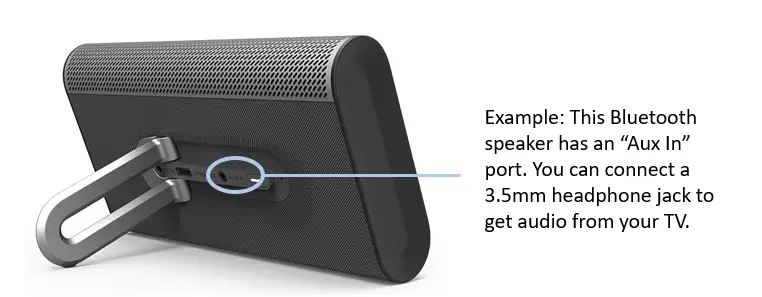
- If the TV & Speaker have the same ports, you can connect them to play audio from the TV onto the speaker.
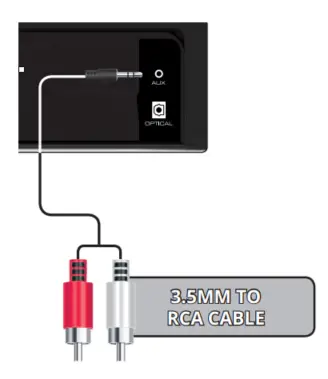
If your TV has a Red & White Analog out port, and your speaker has an Auxiliary port (headphone jack), you can connect them using a cable that has a red & white cable on one end, and an auxiliary jack on the other.