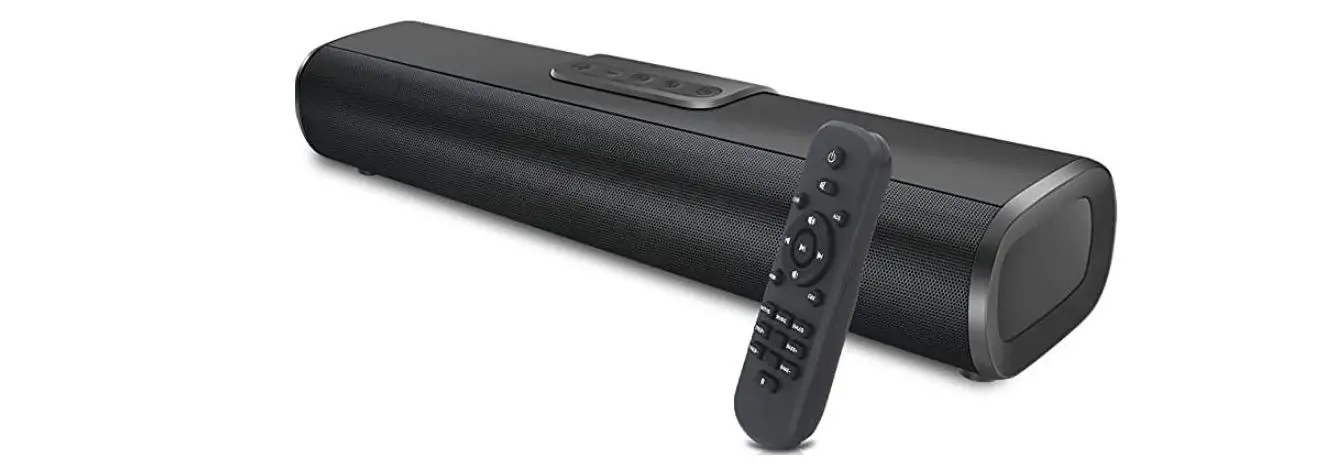

Lipeila B09g6ftkf1 Soundbar For Tv With Bluetooth Speakers Instructions

Lipeila B09g6ftkf1 Soundbar For Tv With Bluetooth Speakers Instructions

LIPEILA logo

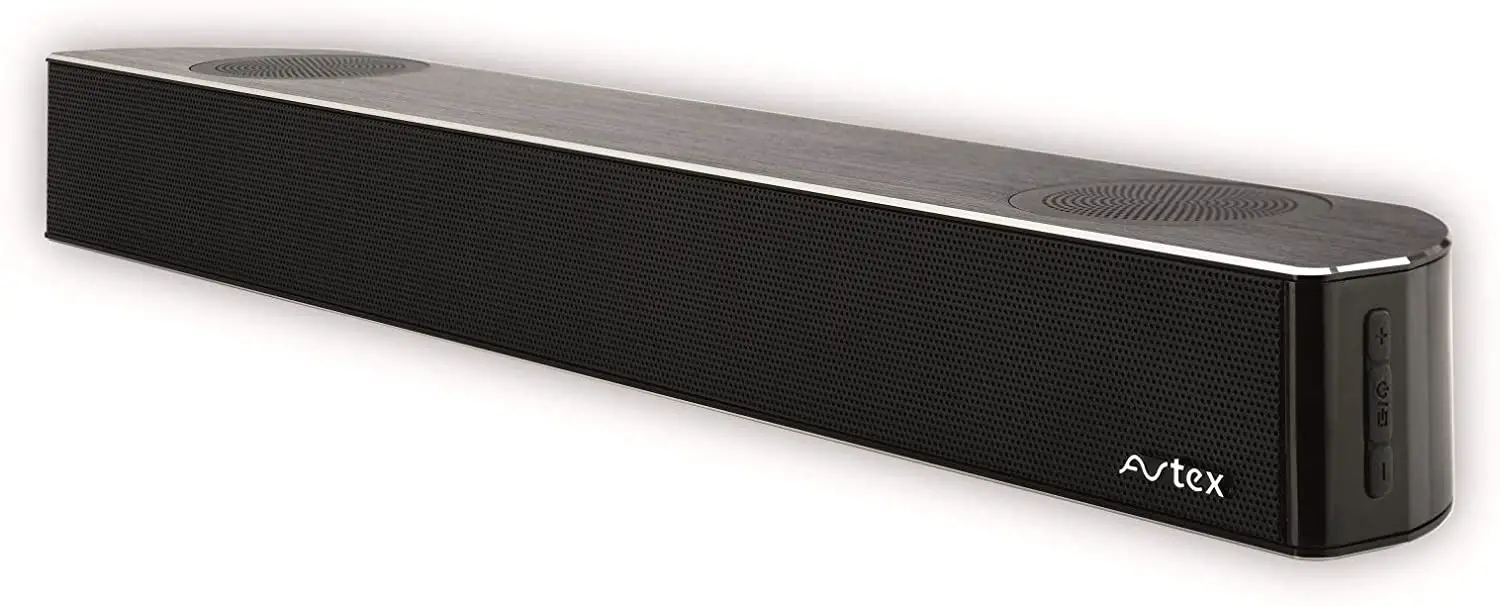
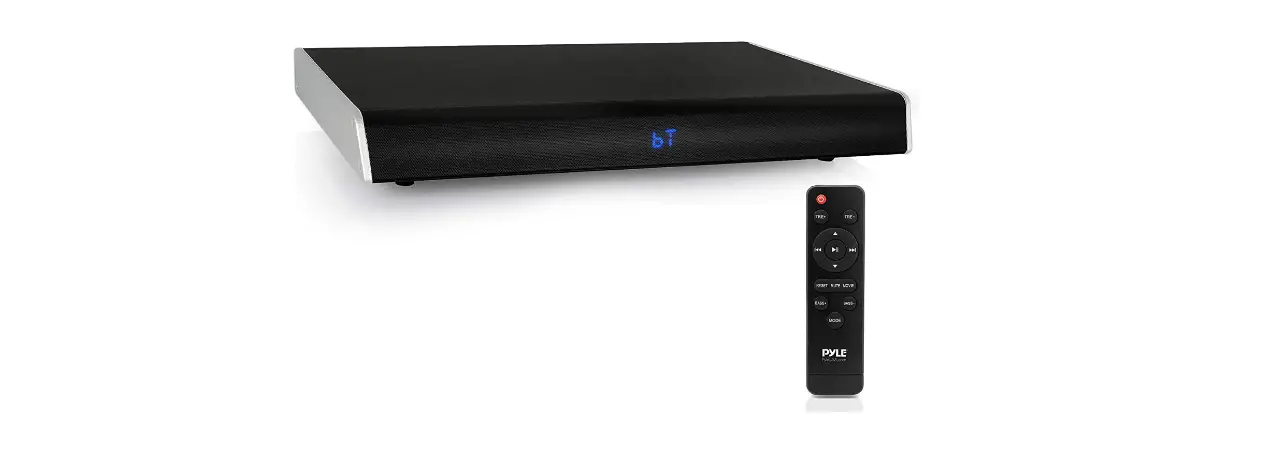
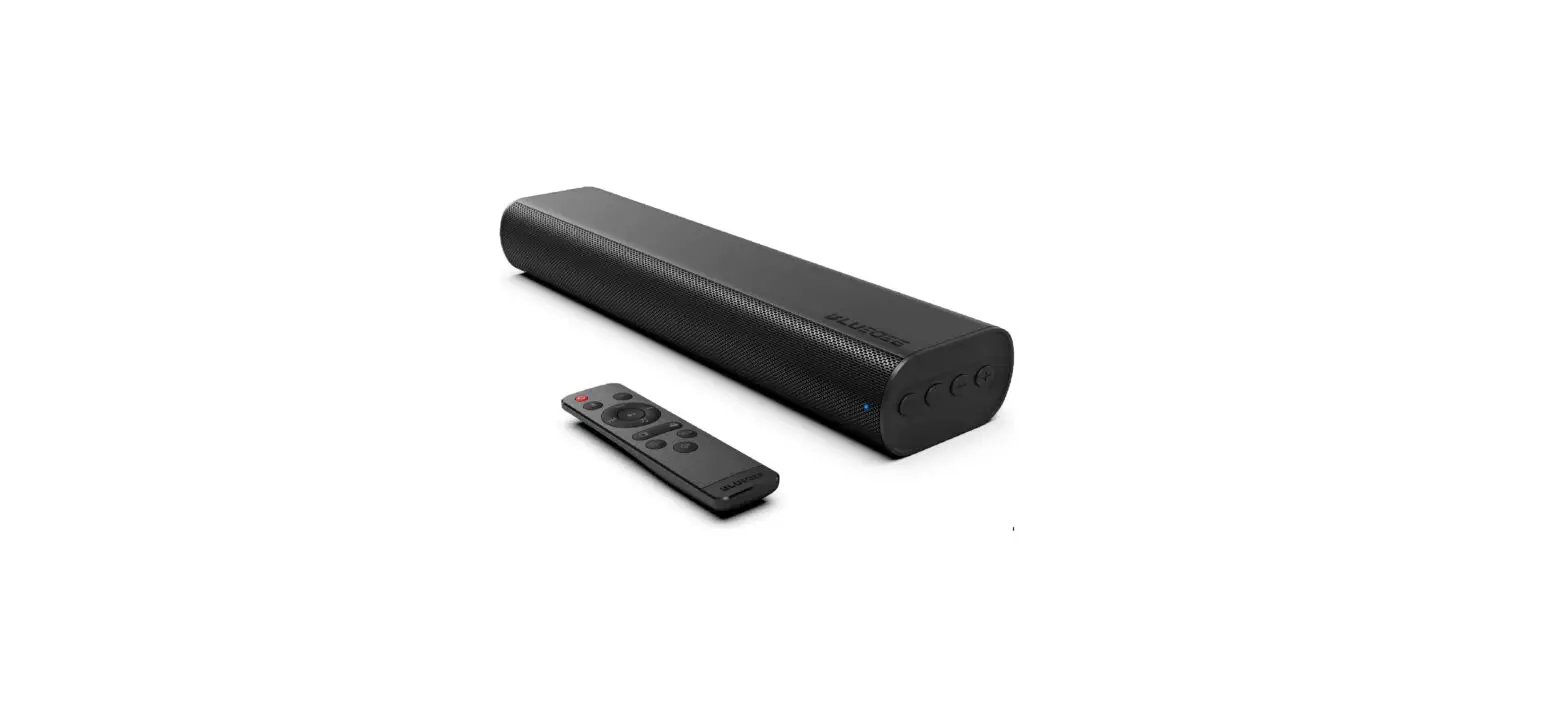
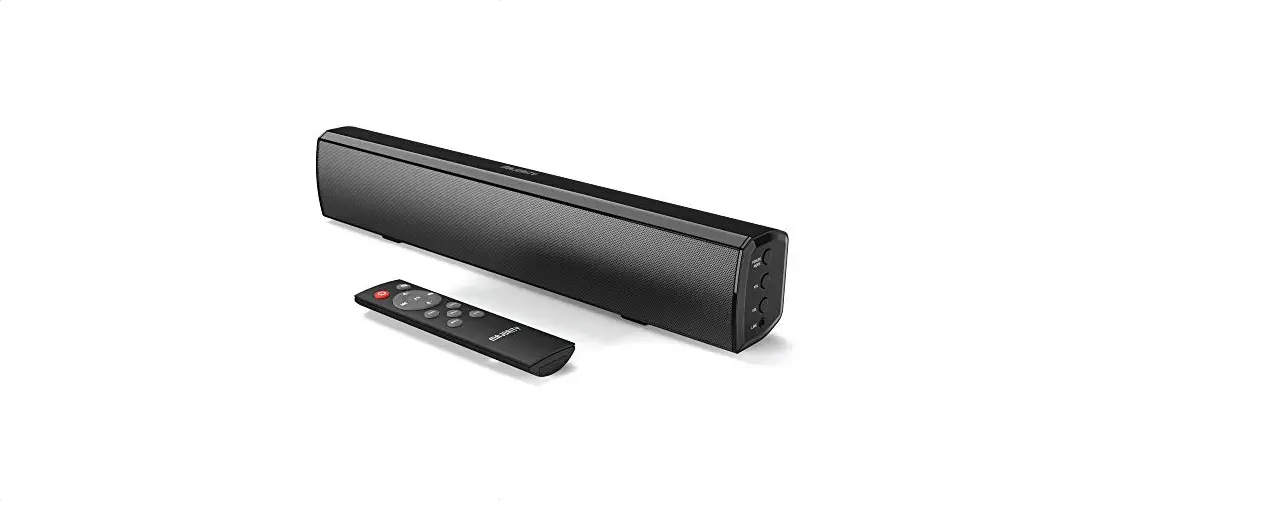
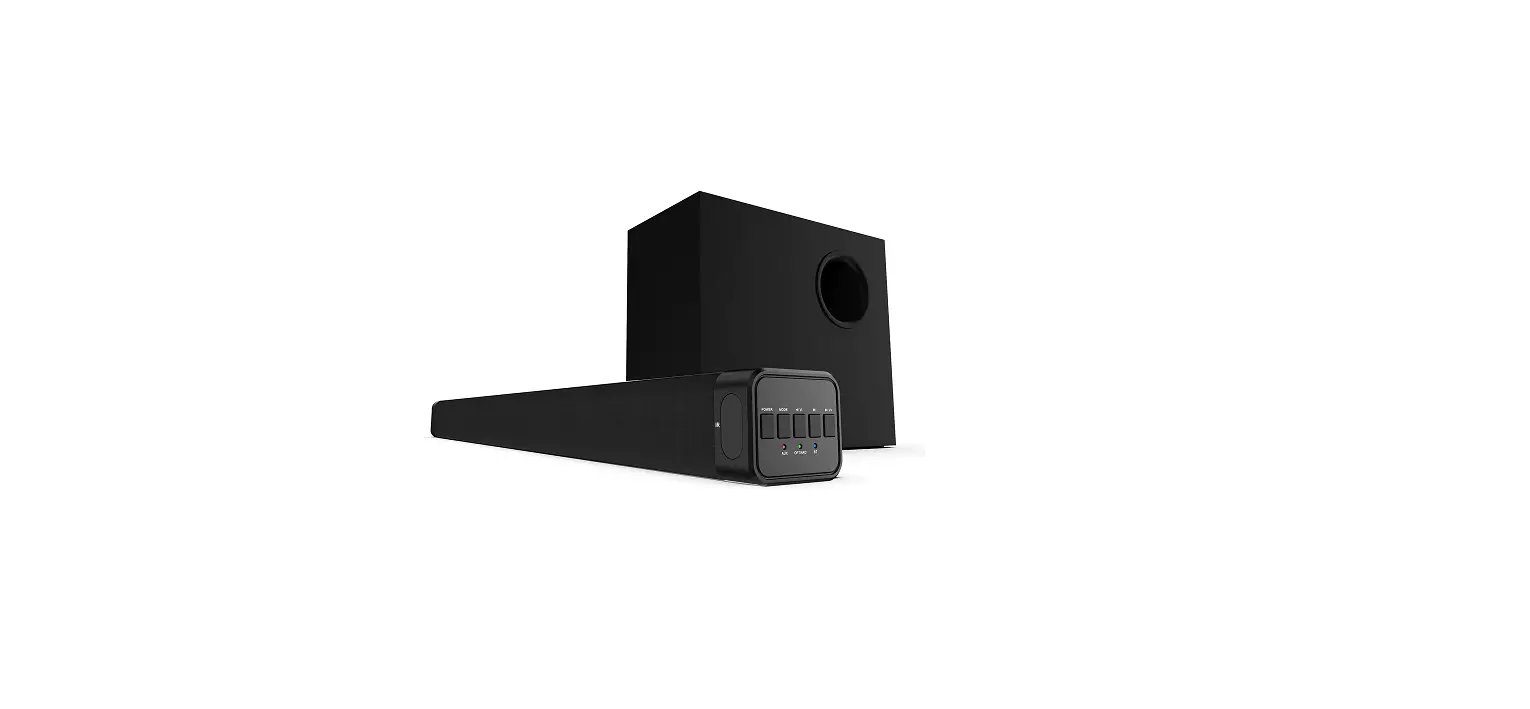
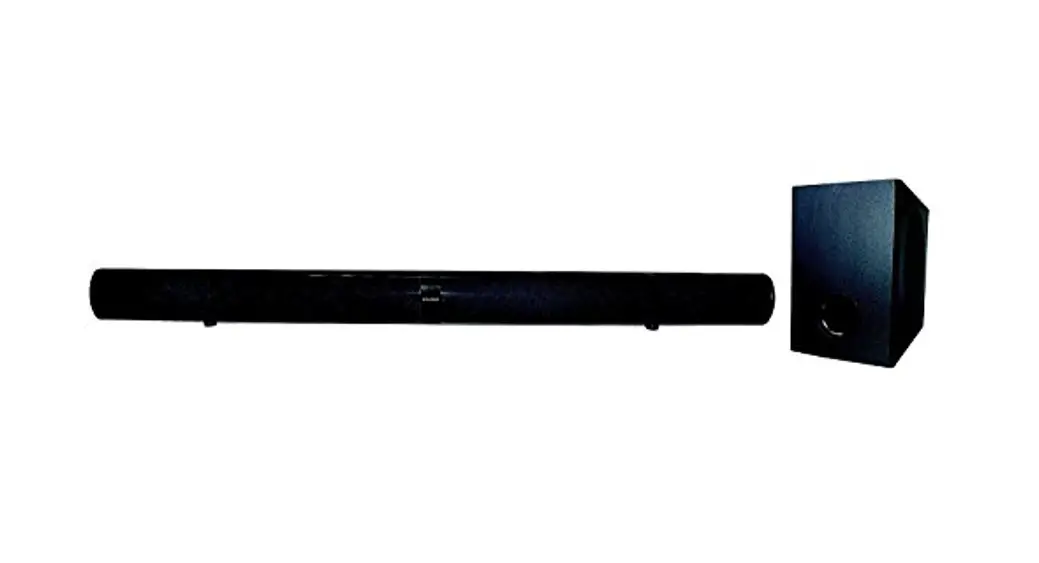
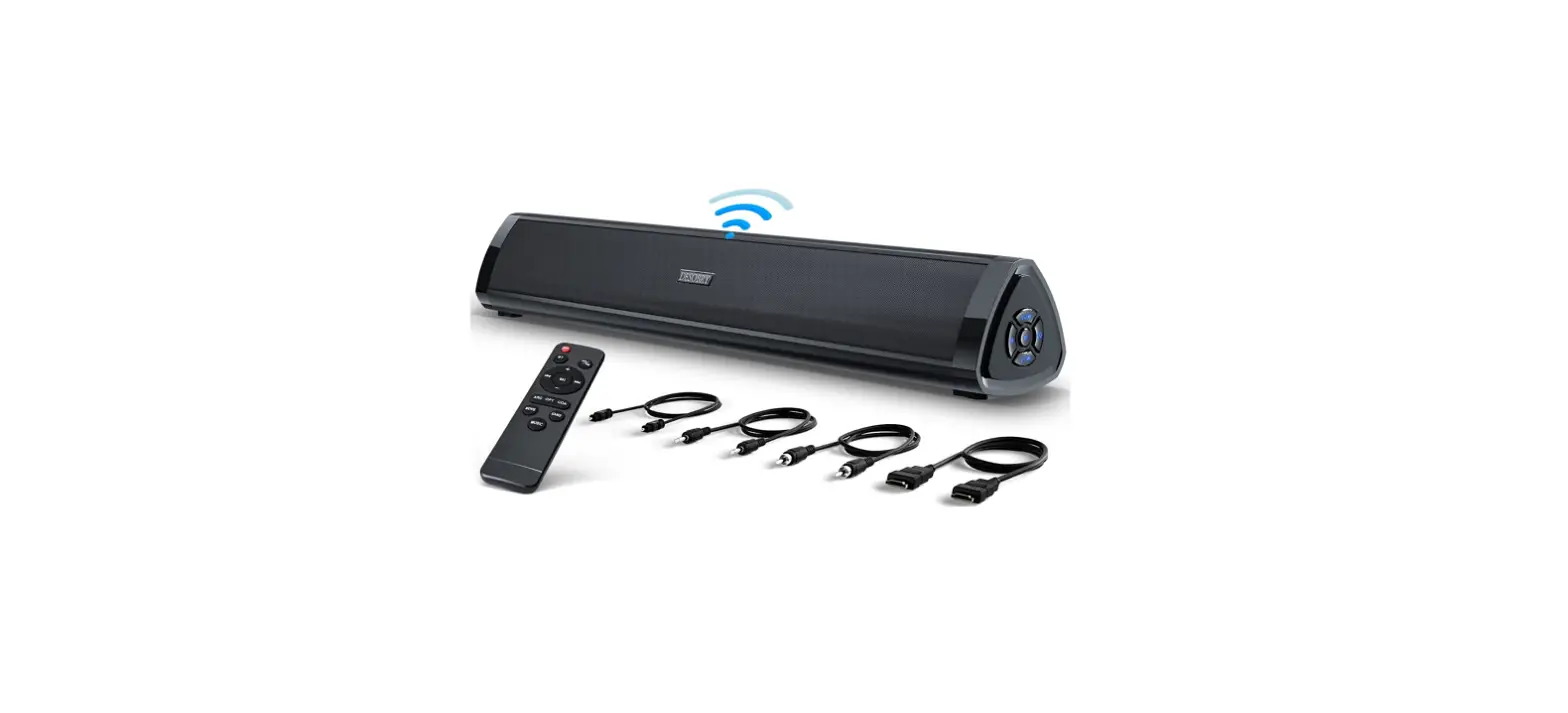
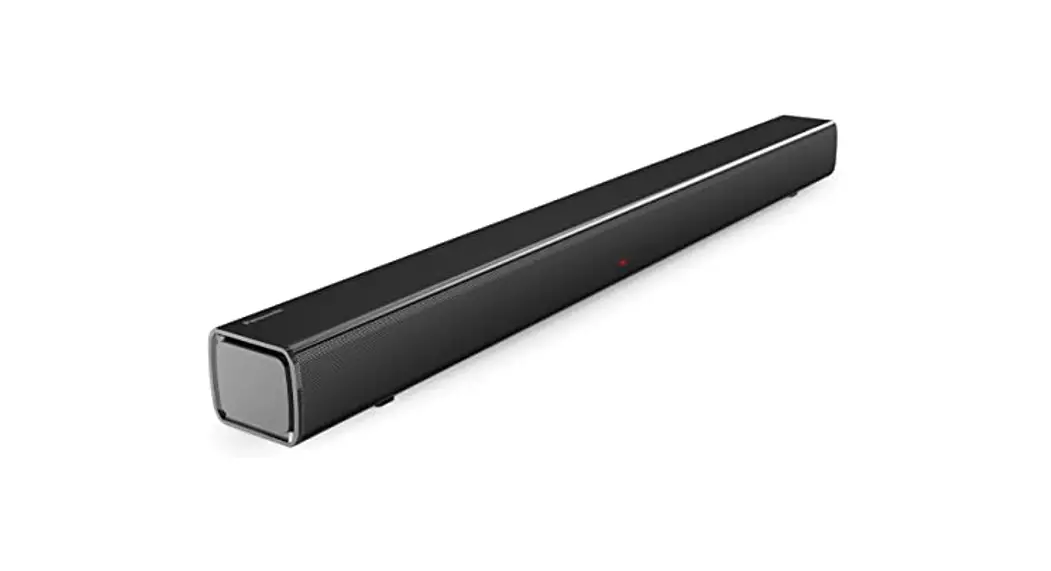
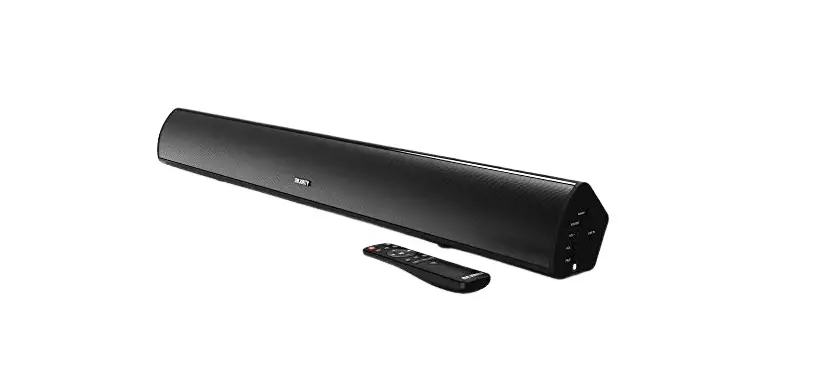
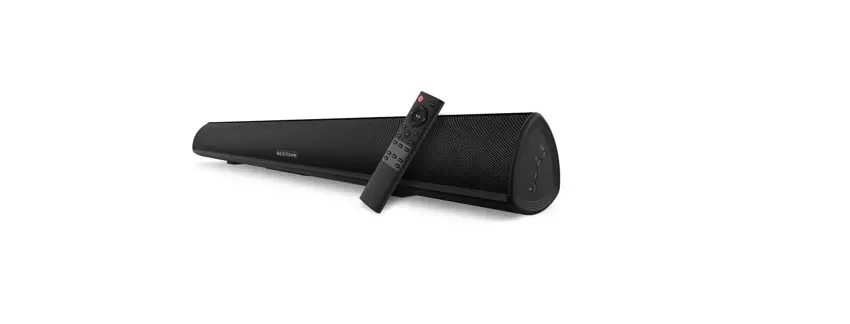
LIPEILA B09G6FTKF1 Soundbar for TV with Bluetooth
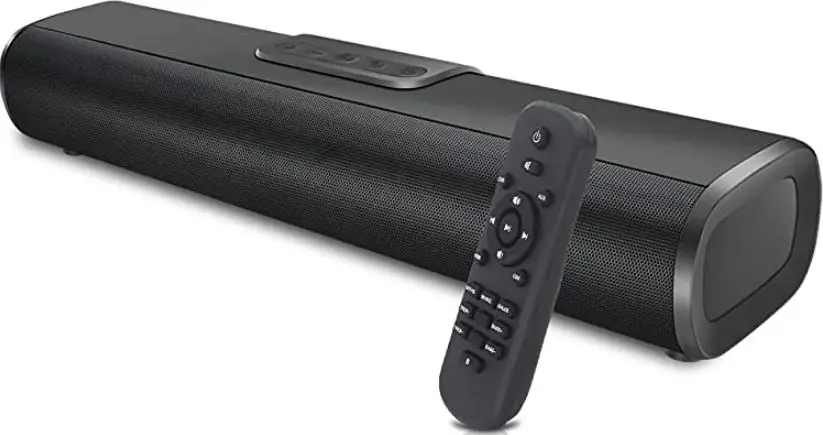
LIPEILA B09G6FTKF1 Soundbar for TV with Bluetooth Speakers product

 instructions

Warm prompt: If the TV does not have AUX and HDMI ARC/optical output ports, speakers can also be connected to your TV box or DVD.
AUX connecting method read the detailed user manual.

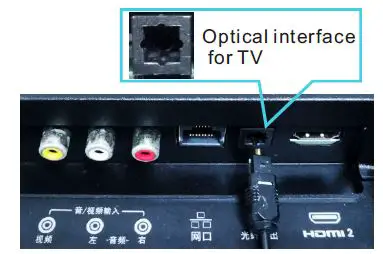
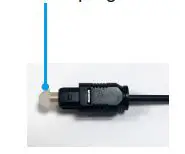
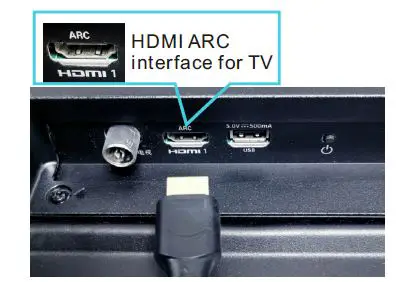
Step1: connected speakers and TV (OPT/HDMI ARC connections are selectable)LIPEILA B09G6FTKF1 Soundbar for TV with Bluetooth Speakers 1LIPEILA B09G6FTKF1 Soundbar for TV with Bluetooth Speakers 2LIPEILA B09G6FTKF1 Soundbar for TV with Bluetooth Speakers 3LIPEILA B09G6FTKF1 Soundbar for TV with Bluetooth Speakers 4
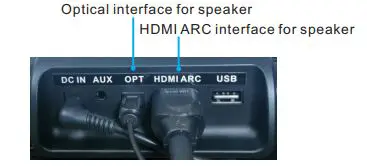
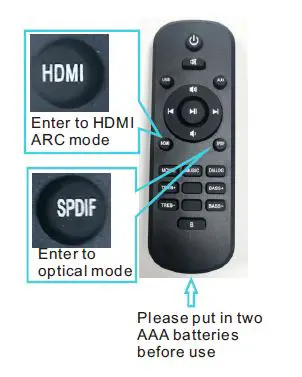
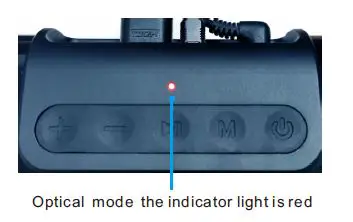
Step2: step the speaker to the OPT/HDMI ARC mode

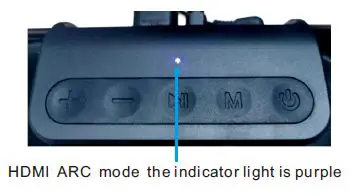
When the speaker is connected to the power supply, the speaker will automatically turn on, use the remote control or the button on speaker to switch to the optical mode or HDMI ARC mode, at the speaker changed successful you can hear the prompt voice.LIPEILA B09G6FTKF1 Soundbar for TV with Bluetooth Speakers 5LIPEILA B09G6FTKF1 Soundbar for TV with Bluetooth Speakers 6LIPEILA B09G6FTKF1 Soundbar for TV with Bluetooth Speakers 7
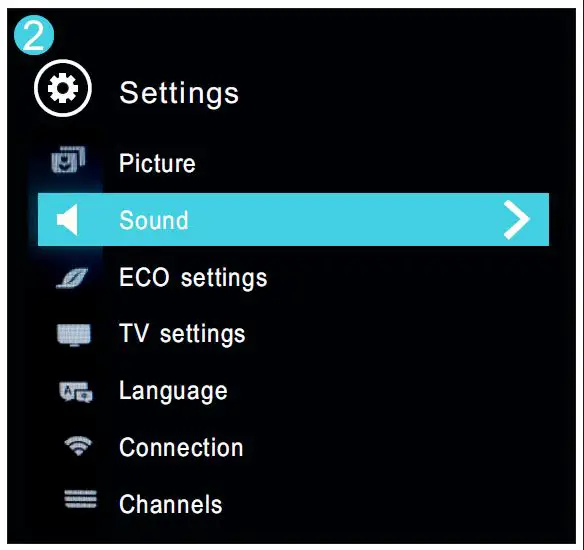
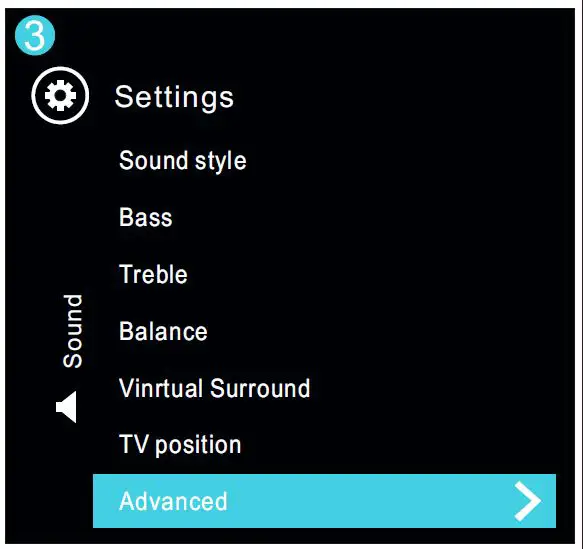
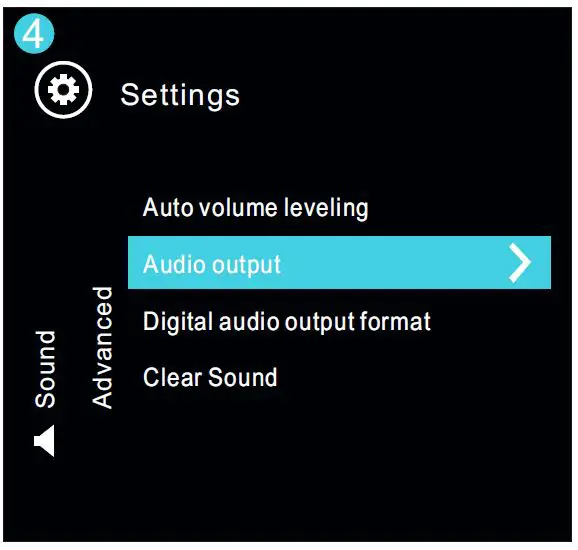
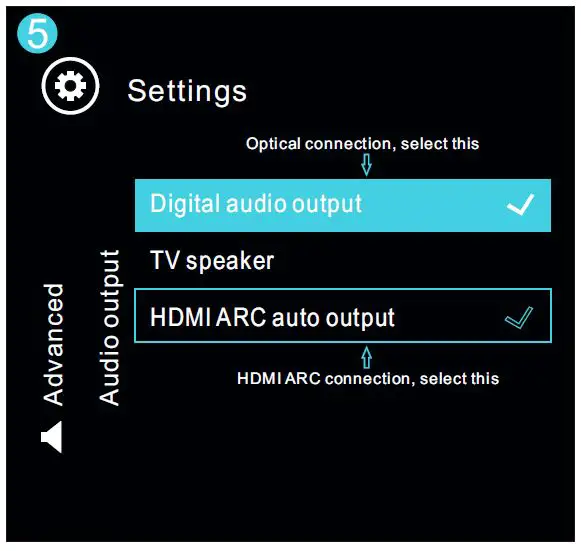
Step3: TV sound setting the sound output mode

We use the setting method produced by Philips TV, the setting method of other brand TVs may be different, but the principle is the same, just for reference, please note!LIPEILA B09G6FTKF1 Soundbar for TV with Bluetooth Speakers 8
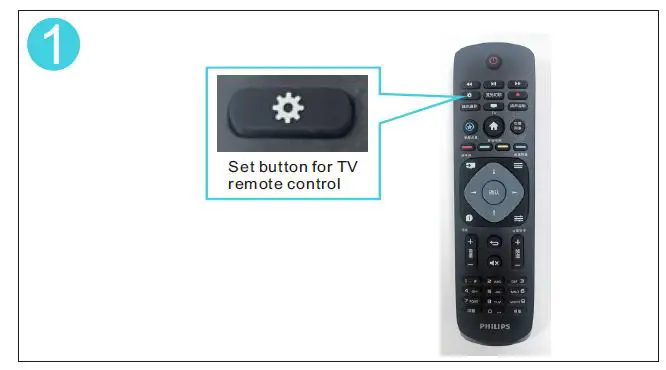
SETTINGLIPEILA B09G6FTKF1 Soundbar for TV with Bluetooth Speakers 9LIPEILA B09G6FTKF1 Soundbar for TV with Bluetooth Speakers 10LIPEILA B09G6FTKF1 Soundbar for TV with Bluetooth Speakers 11LIPEILA B09G6FTKF1 Soundbar for TV with Bluetooth Speakers 12

Documents / Resouces

Download manual
Here you can download full pdf version of manual, it may contain additional safety instructions, warranty information, FCC rules, etc.


Related Manuals