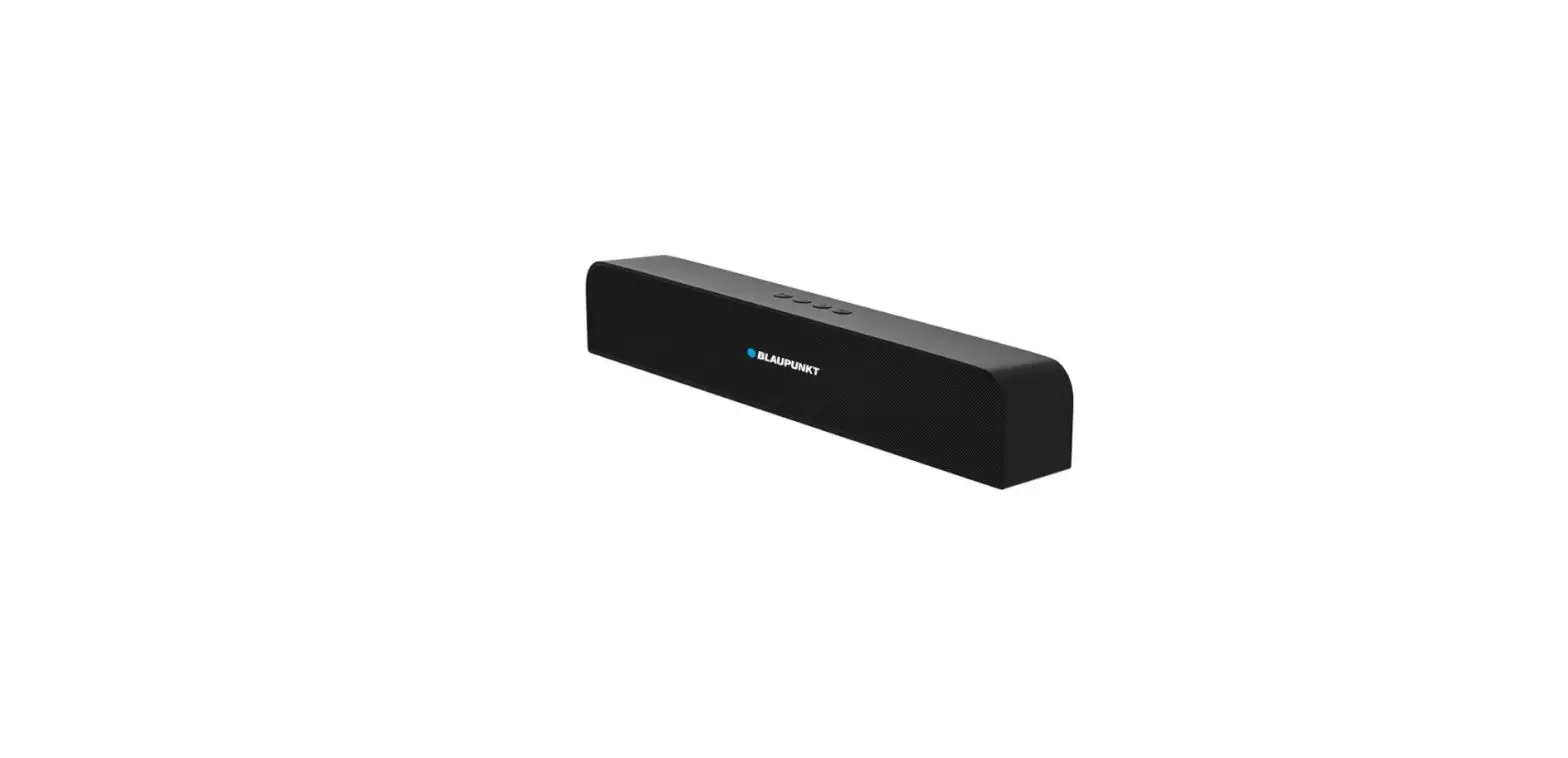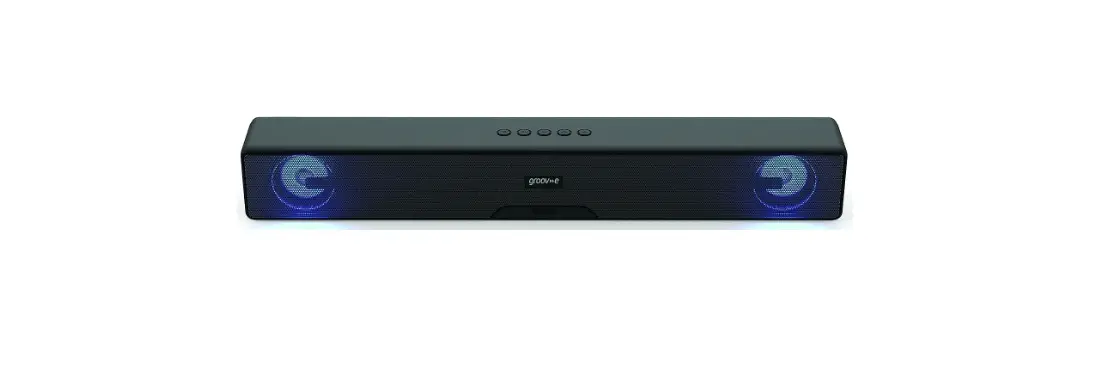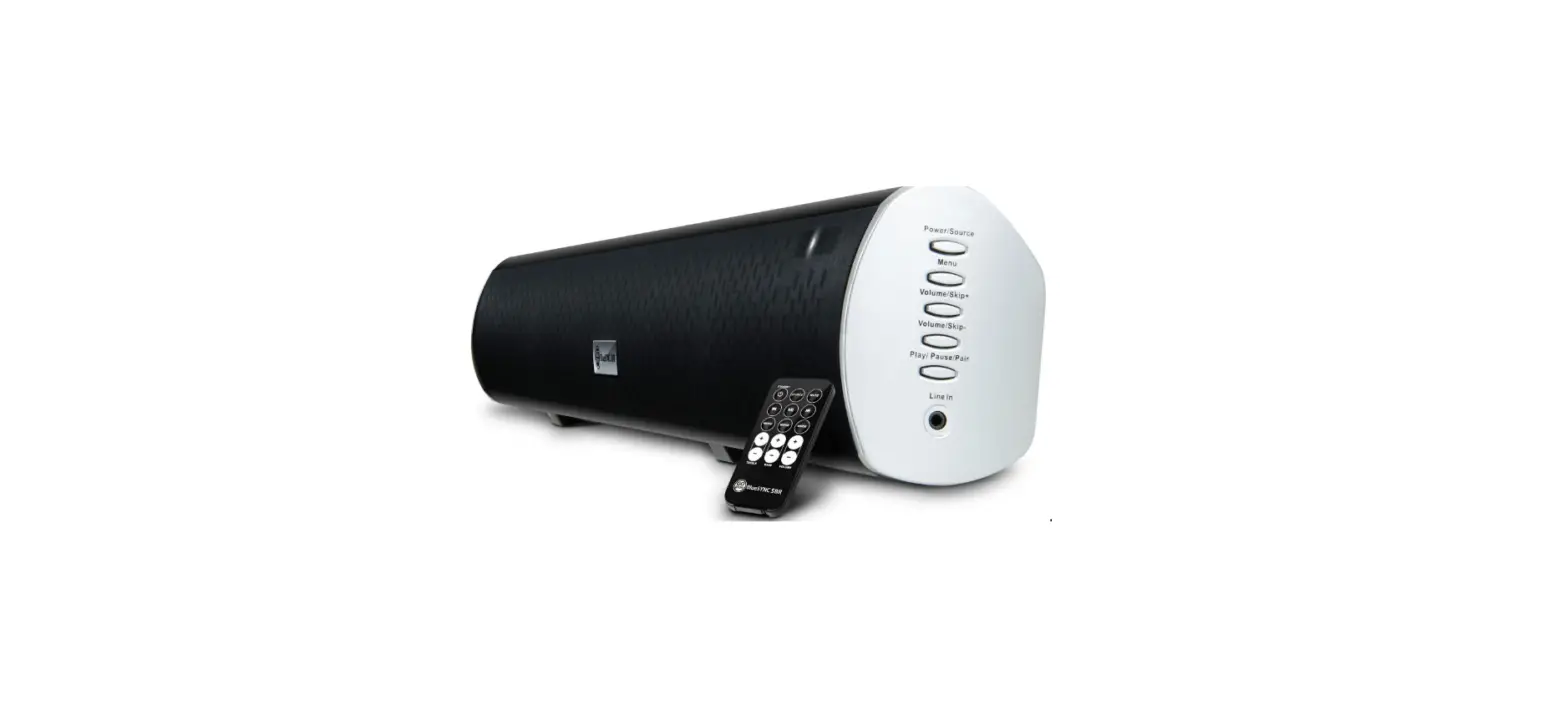

GOgroove GGBSSBR100BKUS TV Sound Bar Wireless Bluetooth Speaker
WHAT IS IN THE BOX
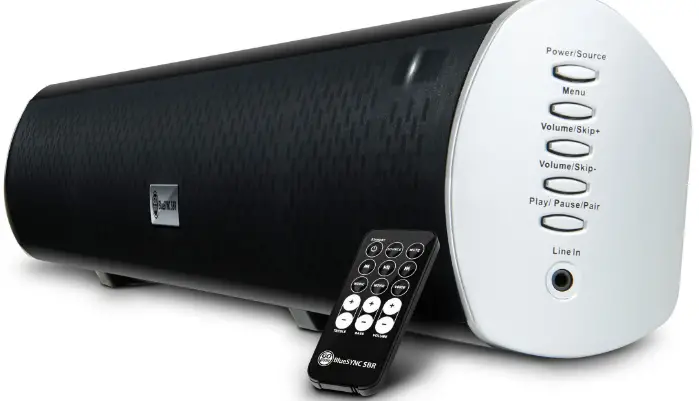
- BlueSYNC® SBR
- AC adapter
- Remote control
- Plastic anchors
- Mounting screws

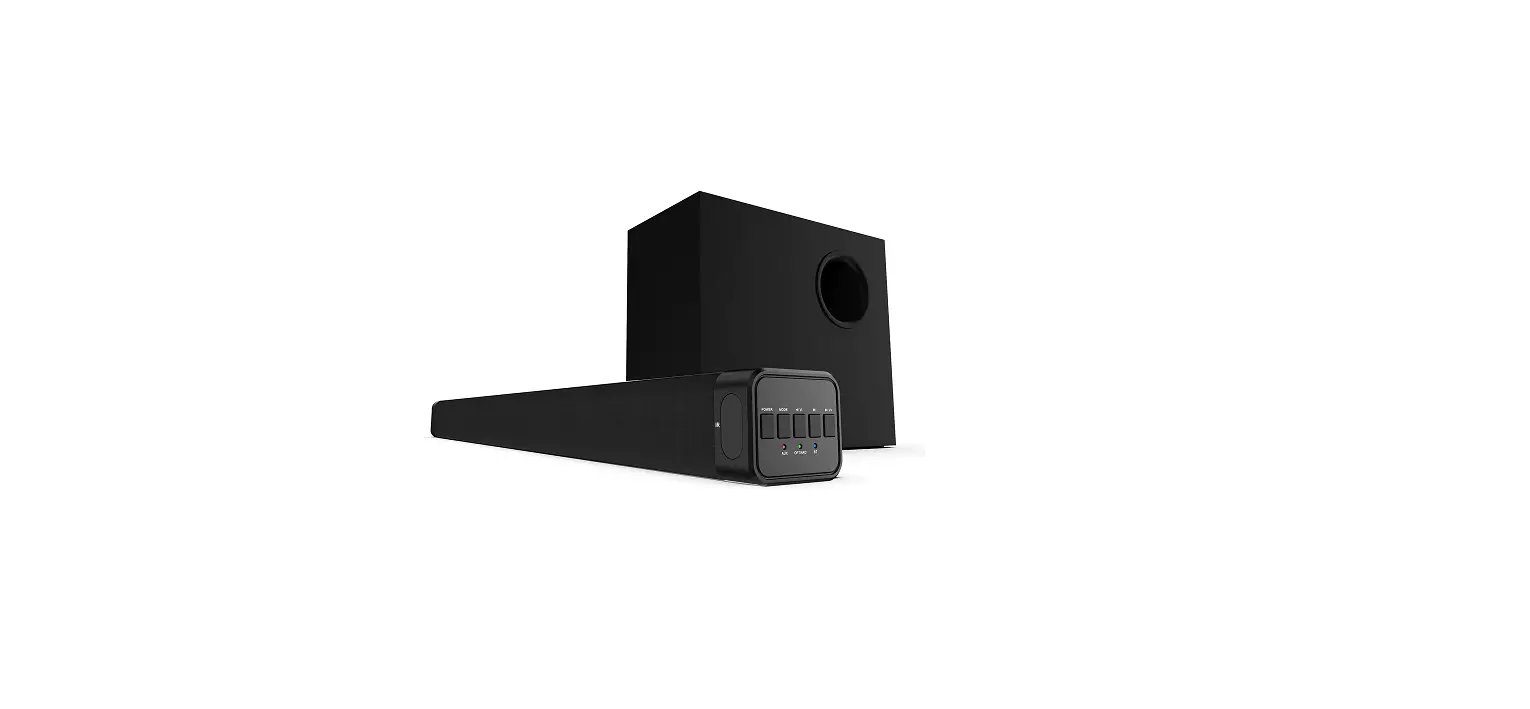
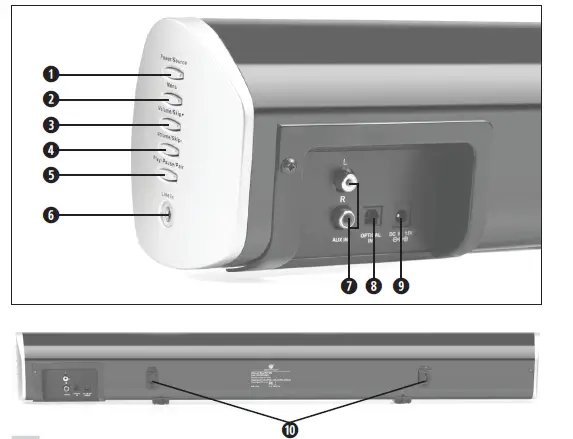
Product diagram
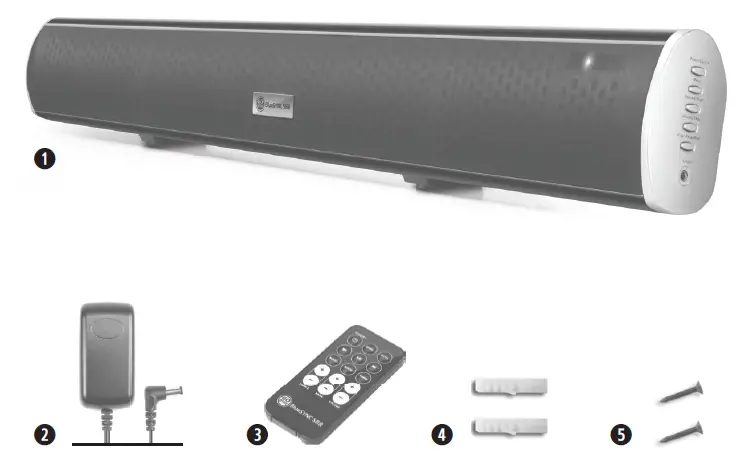
- Power/Source button
- Menu button
- Volume/Skip+
- Volume/Skip-
- Play/Pause/Pair
- 3.5mm Line In
- RCA input
- Optical input
- DC15V power port
- Mounting brackets
Operating instructions
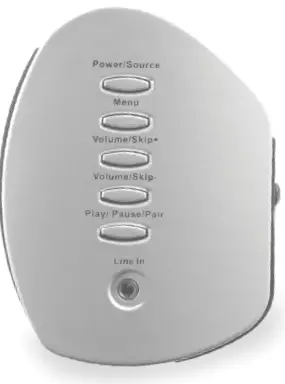
Button guide
| Function | Press sequence |
| Power ON/OFF | Press the Power/Source button |
|
Change input | Press Power/Source button White LED = 3.5mm/RCA AUX mode
Blue LED = Bluetooth mode Orange LED = Optical mode |
| Volume + | Press and hold Volume/Skip+ |
| Volume – | Press and hold Volume/Skip- |
Bluetooth® playback controls
| Function | Press sequence |
| Next track | Press Menu, then press Volume/Skip+ |
| Previous track | Press Menu, then press Volume/Skip- |
| Fast forward | Press Menu, then hold Volume/Skip+ |
| Rewind | Press Menu, then hold Volume/Skip- |
| Pause/Play | Press Pause/Play/Pair |
| Pair | Press and hold Pause/Play/Pair 3 seconds |
Power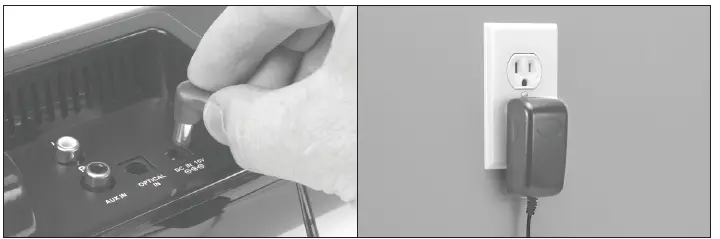
Bluetooth® audio
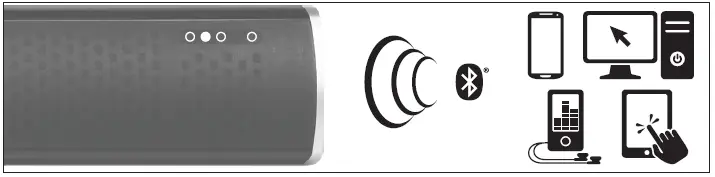
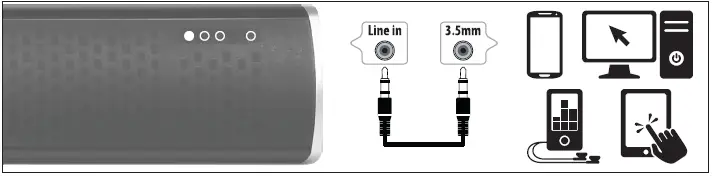
3.5mm AUX audio
RCA AUX audio
Press the Power/Source button until White LED is lit. Connect your device to the RCA inputs with an RCA cable.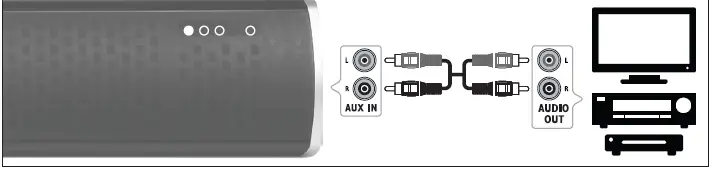
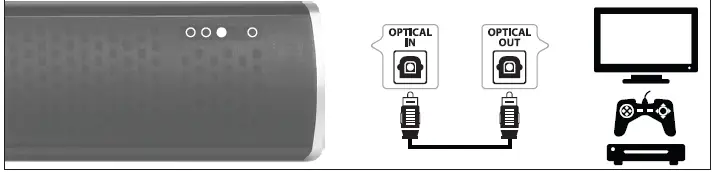
Optical audio
Press the Power/Source button until Orange LED is lit. Connect your device to the optical input with an optical cable. Your device’s output settings may need to be set to PCM or Optical audio.
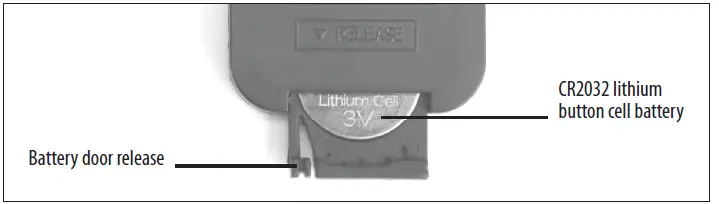
Replacing remote battery
Squeeze the battery door release and slide battery tray out of remote. Remove old battery and replace with new CR2025 or CR2032 lithium button cell battery
Wall-mounting
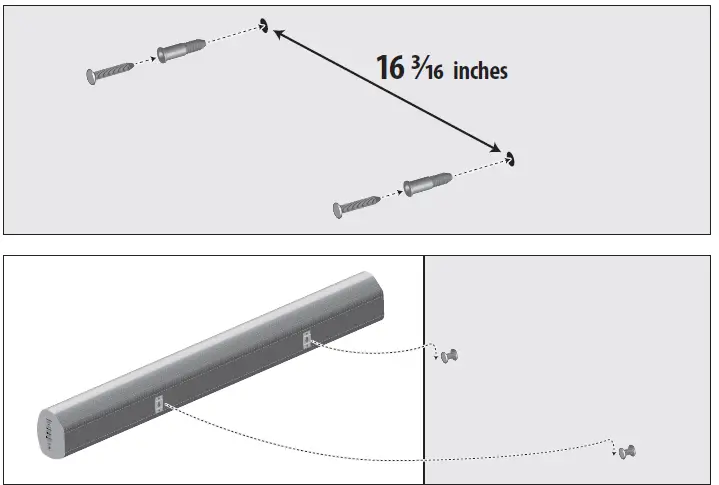
Select a location for mounting the BlueSYNC® SBR, then mark two points 16 inches apart. Drill holes at those points large enough to the included plastic anchors tightly. Then screw in the mounting screws 90%, leaving enough room for the screw head to catch the mounting brackets.
Remote guide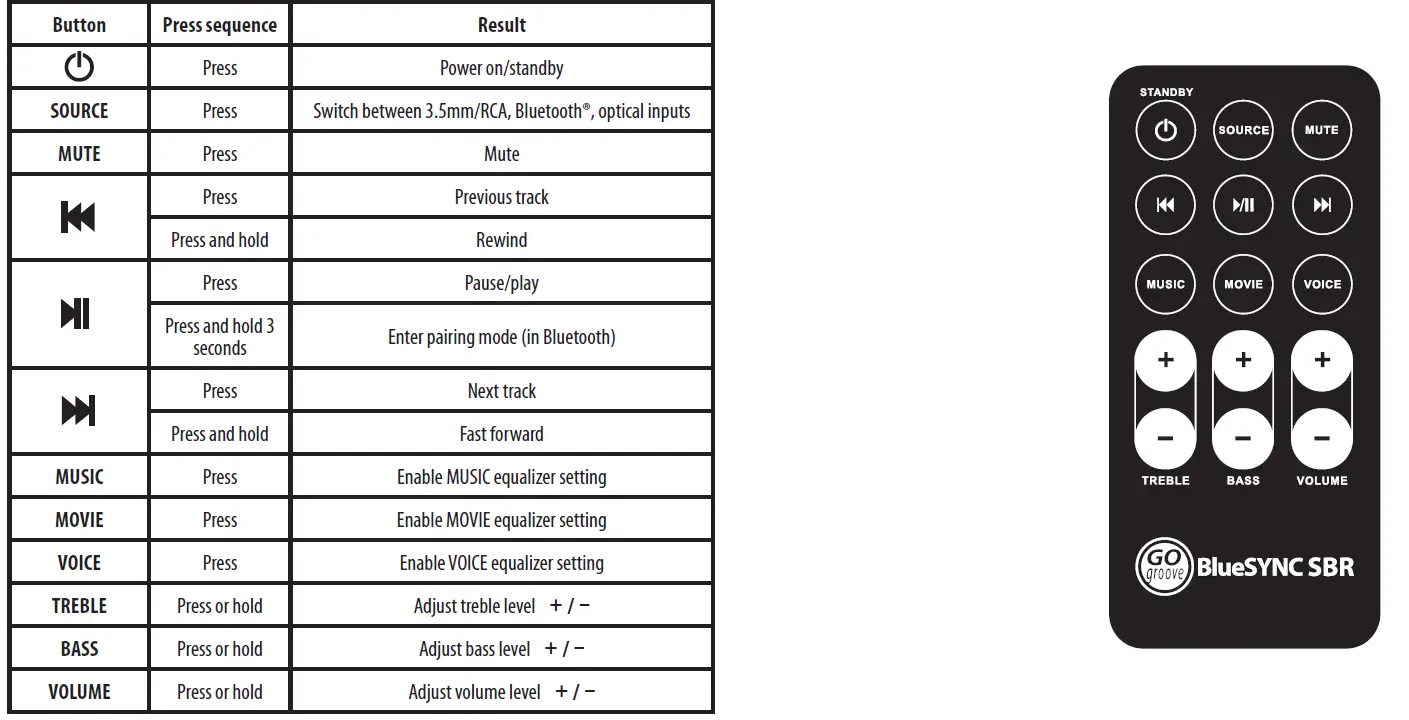
Best sound practices
Keep your audio device at 80-90% volume for best sound transmission. Allow 8 hours playtime for speaker wear-in for best sound.
Product specifications
- Bluetooth version: 3.0+EDR
- Bluetooth protocols: A2DP, AVRCP
- Bluetooth signal range: 25 feet
- Speaker power: (5W x 2) + 12W, 22W RMS, 30W peak
- Driver: 67.5mm
- Impedance: 4 ohm
- Sensitivity: 82dB
- Frequency response: 70Hz-20kHz
- Total harmonic distortion: <12%
- S/N ratio: 40dB
- Audio input: Bluetooth, 3.5mm, RCA, Optical
- Power input: 15V ⎓ 1.2A
- Dimensions: 42.52 x 5.7 x 6.1 inches
- Weight: 3.75 pounds
Bluetooth
The Bluetooth word mark and logos are registered trademarks owned by Bluetooth SIG, Inc. and any use of such marks by Accessory Power is under license. © 2015 AP Global, Inc. All rights reserved. Accessory Power, the Accessory Power logo, GOgroove, the GOgroove logo, BlueSYNC, USA GEAR, FlexARMOR, ReVIVE, AudiOHM and other Accessory Power marks and logos are either registered trademarks or trademarks of AP Global, Inc. in the United States and/or
other countries. All other trademarks are the property of their respective owners.
FCC
This device complies with Part 15 of the FCC Rules. Operation is subject to the following two conditions:
- this device may not cause harmful interference, and
- this device must accept any interference received, including interference that may cause undesired operation.
FCC Caution: Any changes or modifications not expressly approved by the party responsible for compliance could void the user’s authority to operate this equipment.
FAQS
You will have to connect it to your tv with audio cables.
Yes. There is an audio jack.
It will work on any device that has bluetooth.
(5W x 2) + 12W, 22W RMS, 30W peak.
Blue Tooth range is up to 30 feet, WIFI around 300 feet under perfect conditions
No, your tv does not have to have Bluetooth capability. If you want that capability you’ll need to purchase a Wireless Portable Bluetooth Stereo Music Transmitter or use cables.
Optical in: Yes. Bluetooth out: No. This bluetooth speaker is a receiver, can only be connected to a bluetooth sound source, can not be connected to another bluetooth receiver like bluetooth headphones.
Yes, on the actual stereo and on the remote. But the volume can also be toggled on your device paired with the stereo.
Sally It is not the product in the ad. Amazon please check the concerns and issues That this RETURNED product has.
It is not compatible with Genie
Just cables to plug the bar. For your living maybe you’d need more power.
Its a good deal. Sound is very clear and loud. I love it
Yes, you can connect it using the 3.5mm aux cable as well.
As long as your TV has a headphone jack, RCA jacks or an optical out you can use this without bluetooth