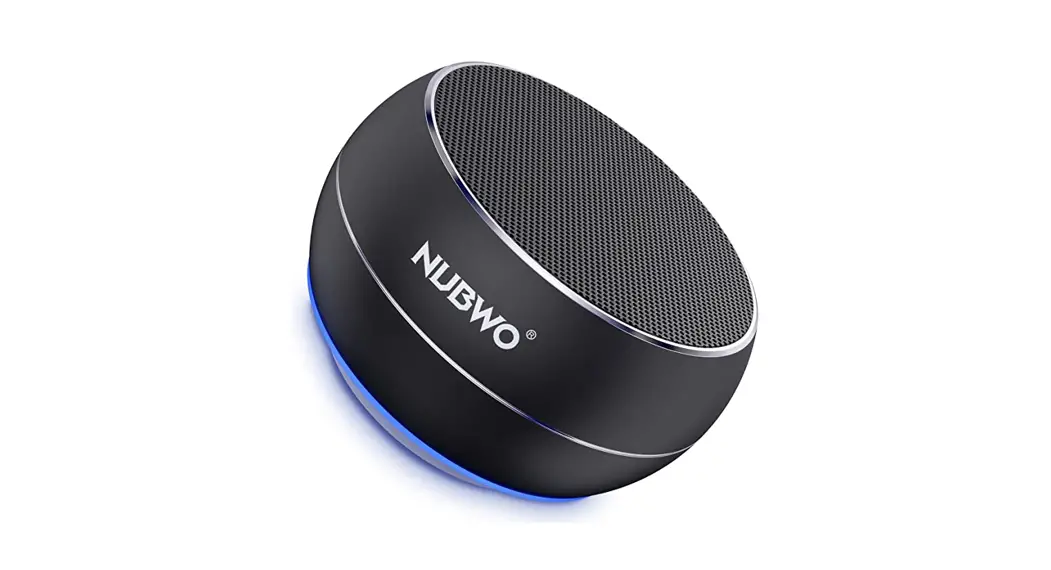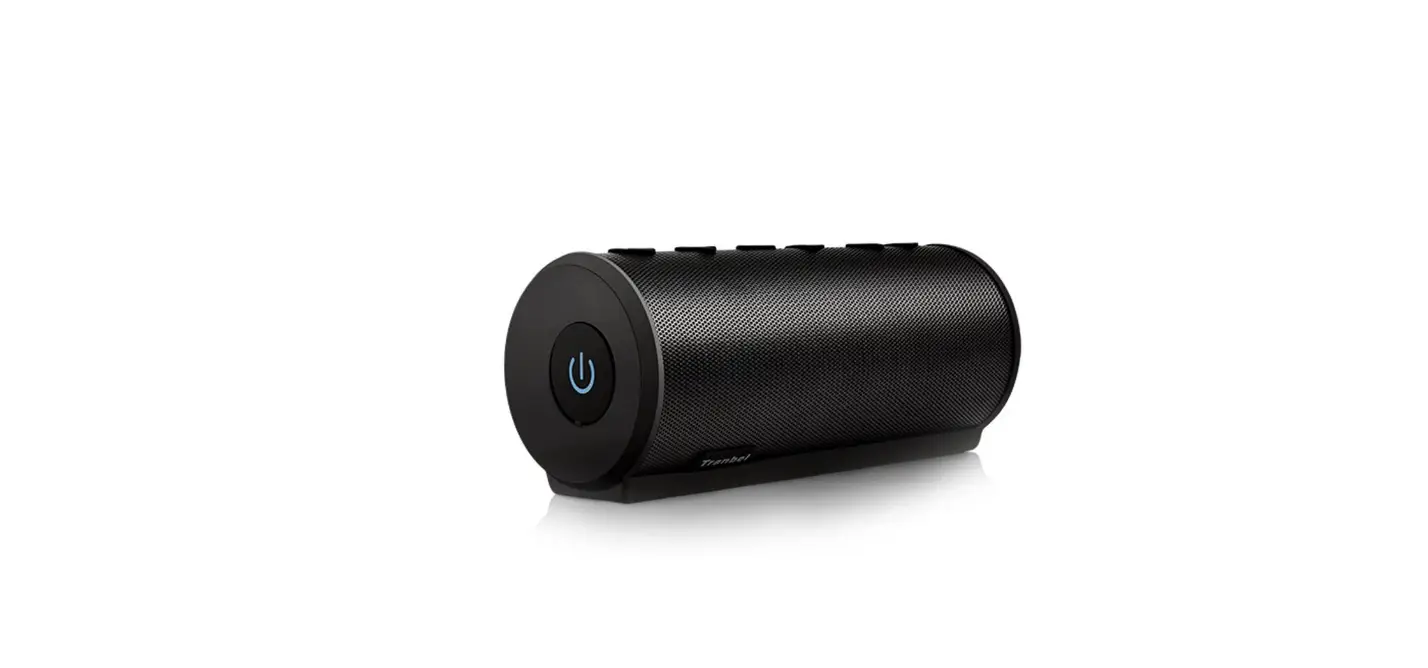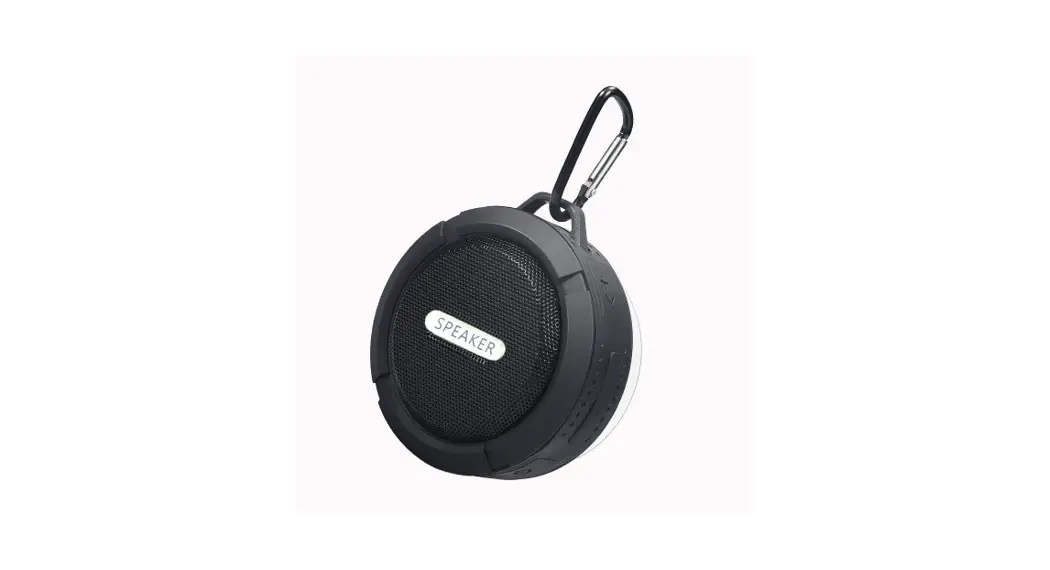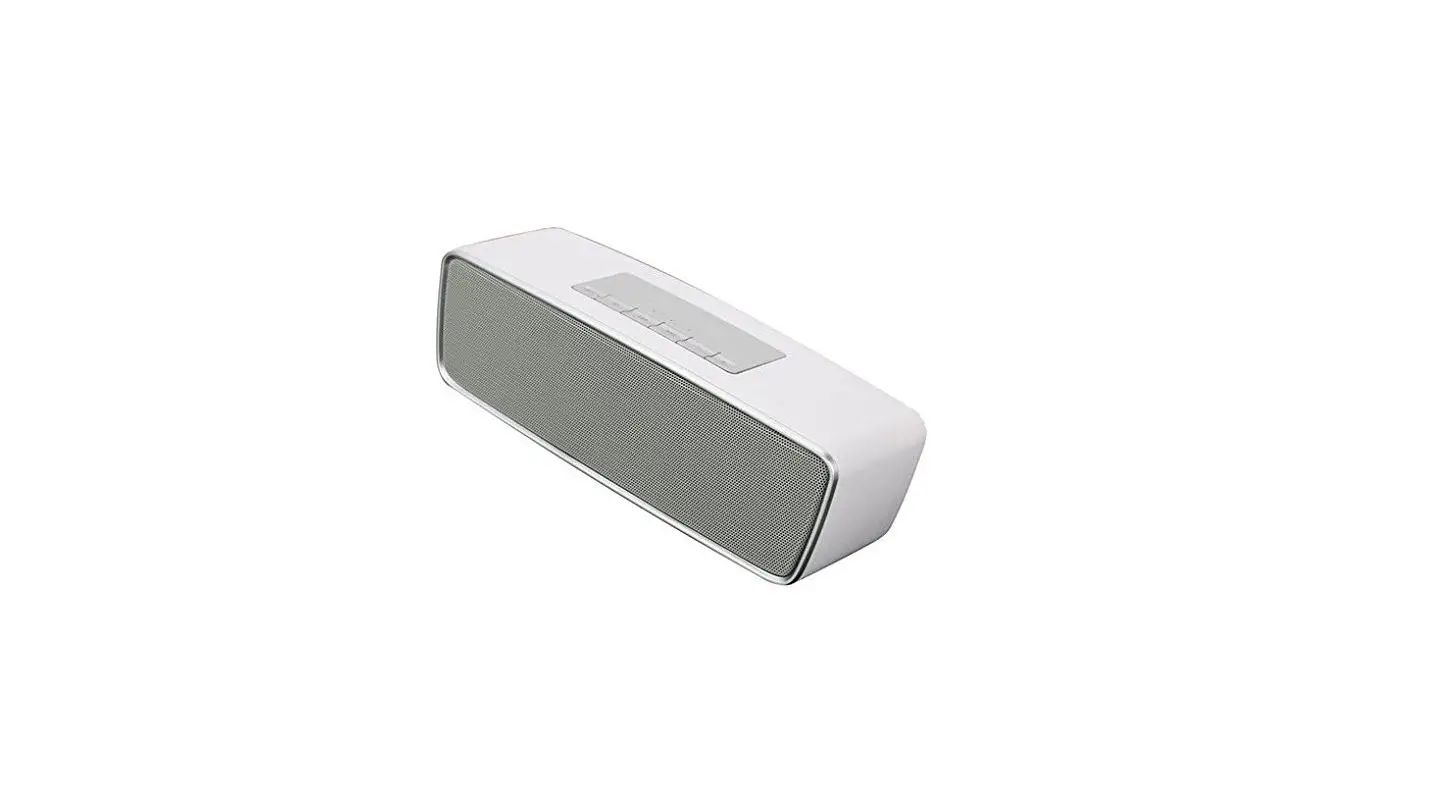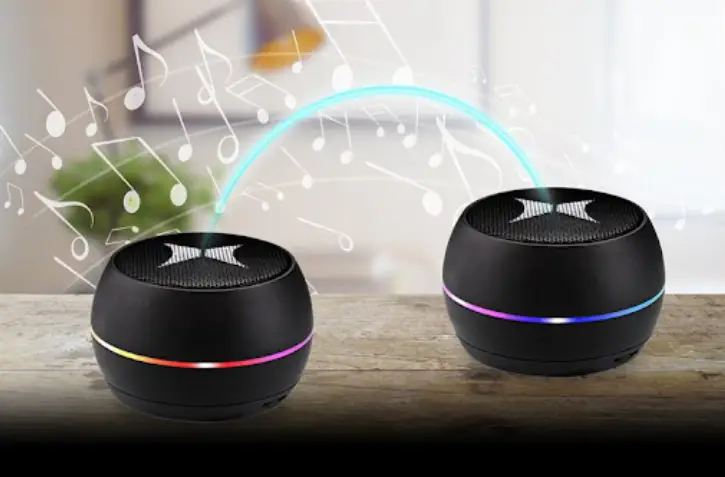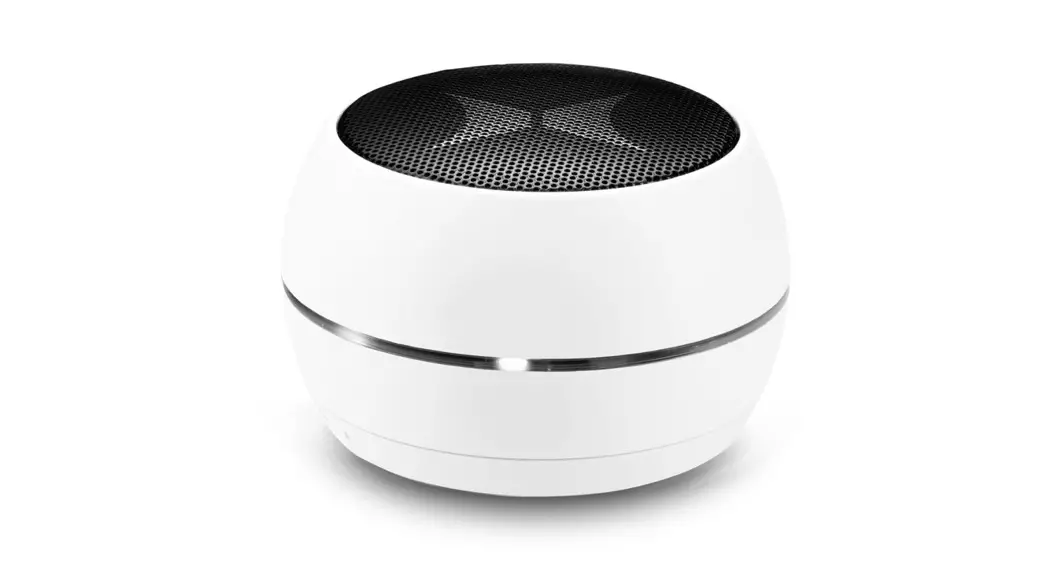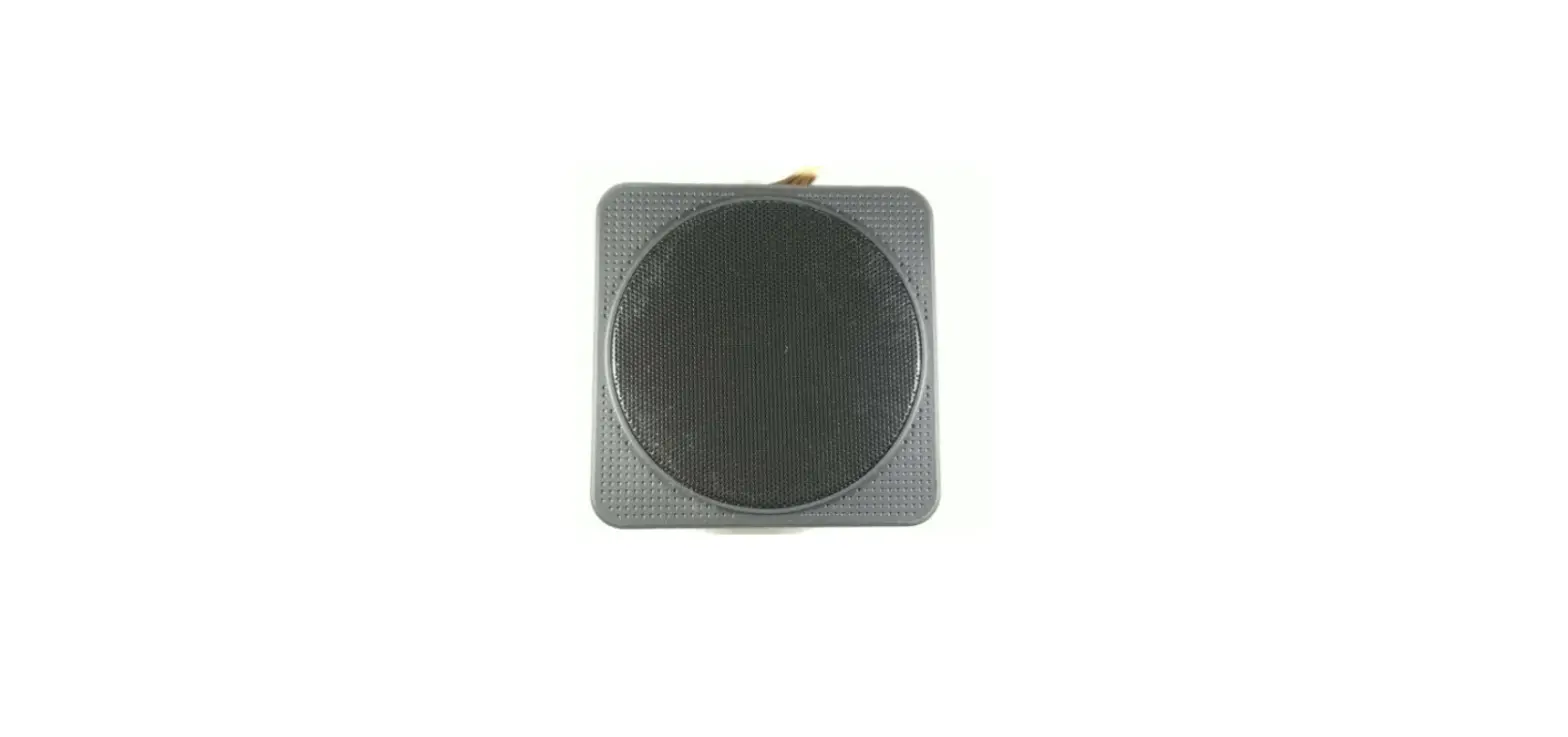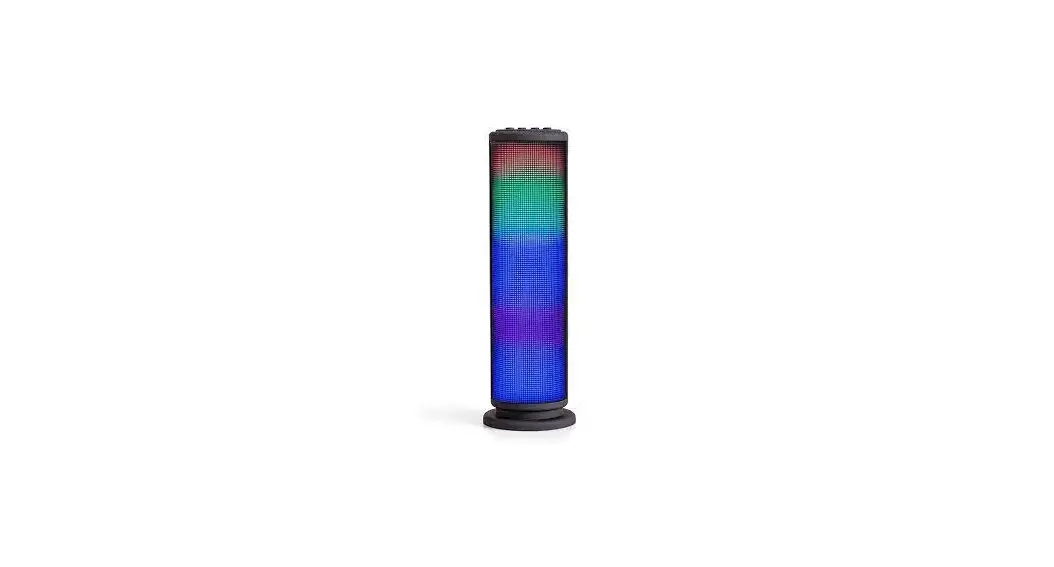

 WIRELESS SPEAKER
USER MANUAL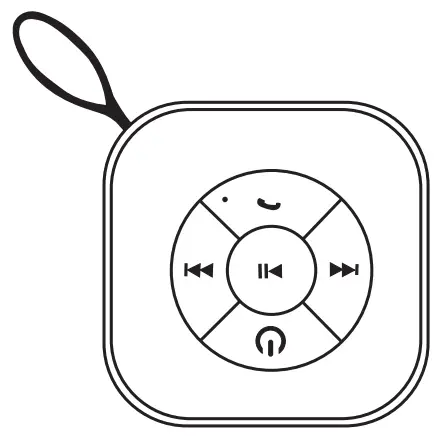
Table of contents
- Introduction
- Packaging includes / Connection Diagram
- How to use
- Pairing
- Charging
- Technical Specifications
Introduction
Congratulations, and thank you for choosing the Bluetooth Wireless Speaker.
This manual will help you operate the Bluetooth Wireless Speaker, but you should first familiarize yourself with the Bluetooth functionality of your mobile phone or other devices before using the Bluetooth Wireless Speaker.
Safety Rules
| 1/ Please follow the rules depicted in this manual closely to ensure your safety. Before using this Bluetooth speaker, we would strongly encourage you to read through this user manual. |
| 2/ Be warier of any edges, uneven surfaces, metal parts, accessories, and packaging so as to prevent any possible injuries or damages. |
| 3/ Do not modify, repair or dismantle this Bluetooth speaker. Doing so many results in fires, electric shocks, complete breakdown of this Bluetooth speaker, etc. All of which, are not covered under warranty. |
| 4/ Do not use any diluents or volatile liquid to clean the Bluetooth speaker. |
| 5/ Do not use the Bluetooth speaker in a hazardous location. |
Package includes
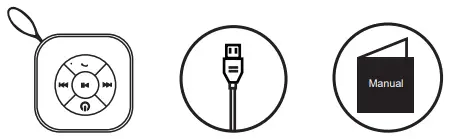
- Wireless Speaker
- Micro USB Charging Cable
- User Manual
- Manual
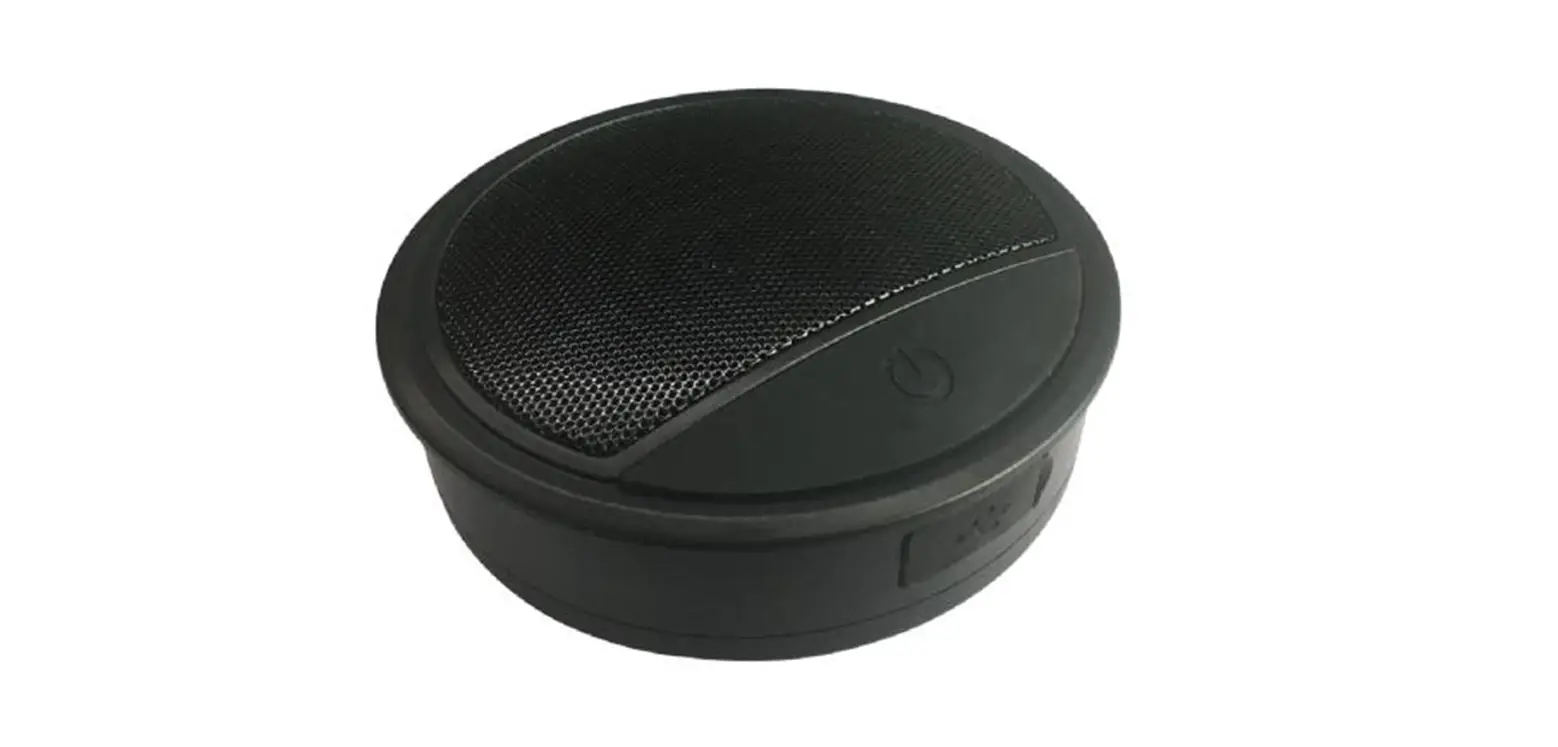
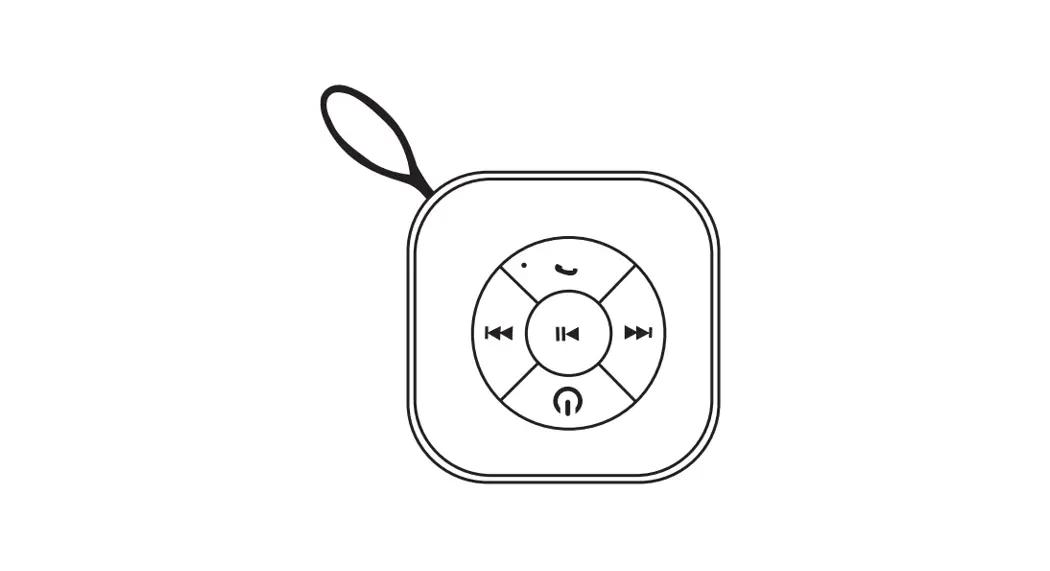
Connection Diagram
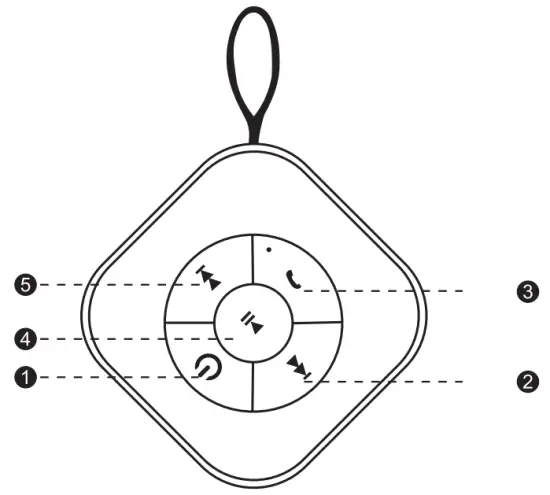
- Switch On / Off (long press)
- Last song / Lower sound when long press
- Phone call
- Pause / Play music
- Next song / Louder sound when long press
How to use
General Functions
| Desired Result | Required Action |
| Turn on & Enter the pairing mode | Switch On / Off (long press) |
| Pairing | You should use a Bluetooth function mobile phone or other Bluetooth Master Device and to perform pairing action (detail refer to the chapter about pairing) |
| Next Previous | Press is for the next music. is for the next music.Press  is for previous music. is for previous music. |
| Volume up | Long press the for volume up. |
| Volume down | Long press the for volume down. |
| Charging | Plug the charger into the micro-USB port at the back of the device.(Red LED is on’, |
| Phone Call | Press to answer calls to answer calls |
| Play / Pause | Press once to play/pause music |
Pairing to Mobile phone
To use your wireless speaker, you must first pair your speaker with a phone.
Once your Bluetooth speaker is paired to a specific mobile phone, they will remain paired and automatically recognize each other whenever they are within range.
Pairing to a phone:
Turn on your phone and ensure its Bluetooth function is activated.
Turn the speaker on and it will go into pairing mode.
Search your Bluetooth devices on your phone by following the phone’s instructions.
After a few seconds, the phone will list “Orbit1091” as a discovered device. Select it and follow your phone’s instructions to pair.
Charging your speaker
The speaker is convenient to connect to a USB charger via its Micro-USB port.
Make sure that your speaker is fully charged for at least 6 hours before initial use.
insert one terminal of your charger to the USB port of your
PC and the other terminal to the Micro-USB port. While charging, the red LED light is constantly on. When charging is completed, the LED turns off.

Warning:
- You must select a qualified charger from a reliable source
- You must charge the Bluetooth speaker if it has not been used for more than 12 months
This device complies with part 15 of the FCC Rules.
Operation is subject to the following two conditions:
(1) this device may not cause harmful interference, and
(2) this device must accept any interference received, including interference that may cause undesired operation.
Note: Changes or modications not expressly approved by the party responsible for compliance could void the user’s authority to operate this device. This equipment has been tested and found to comply with the limits for a Class B digital device, pursuant to part 15 of the FCC Rules. These limits are designed to provide reasonable protection against harmful interference in a residential installation. This equipment generates, uses, and can radiate radio frequency energy and, if not installed and used in accordance with the instructions, may cause harmful interference to radio communications. However, there is no guarantee that interference will not occur in a particular installation. If this equipment does cause harmful interference to radio or television reception, which can be determined by turning the equipment off and on, the user is encouraged to try to correct the interference by one or more of the following measures:
- Reorient or relocate the receiving antenna.
- Increase the separation between the equipment and receiver.
- Connect the equipment to an outlet on a circuit different from that to which the receiver is connected.
- Consult the dealer or an experienced radio/TV technician for help.
Technical specification
Bluetooth Version: 5.0
Charging: DC 5V
Material: ABS
Size : 70*70*40mm
Speaker Driver: 52mm
Working distance: Max 10 meter
Frequency Response: 100 Hz-18 KHz
Battery: 300mah lithium-ion Battery
Normal Volume Playing Time: 2.5HRs at 50% volume
Built-in Mic for hands-free calling
 MODEL: OR1091BS
DESCRIPTION: COMBO Wireless Bluetooth Speaker
Orbit innovations
ORBIT INNOVATIONS LLC
755 NEW YORK AVENUE
HUNTINGTON, NEW YORK, 11743
Bluetooth® wireless technology streams audio from all your device
The Bluetooth® word mark and logos are registered trademarks owned by Bluetooth SIG, Inc, and any use of such marks by Orbit Innovations is under license. Other trademarks and trade names are those of their respective owners. ORBIT INNOVATIONS LLC
755 NEW YORK AVENUE
HUNTINGTON, NEW YORK, 11743