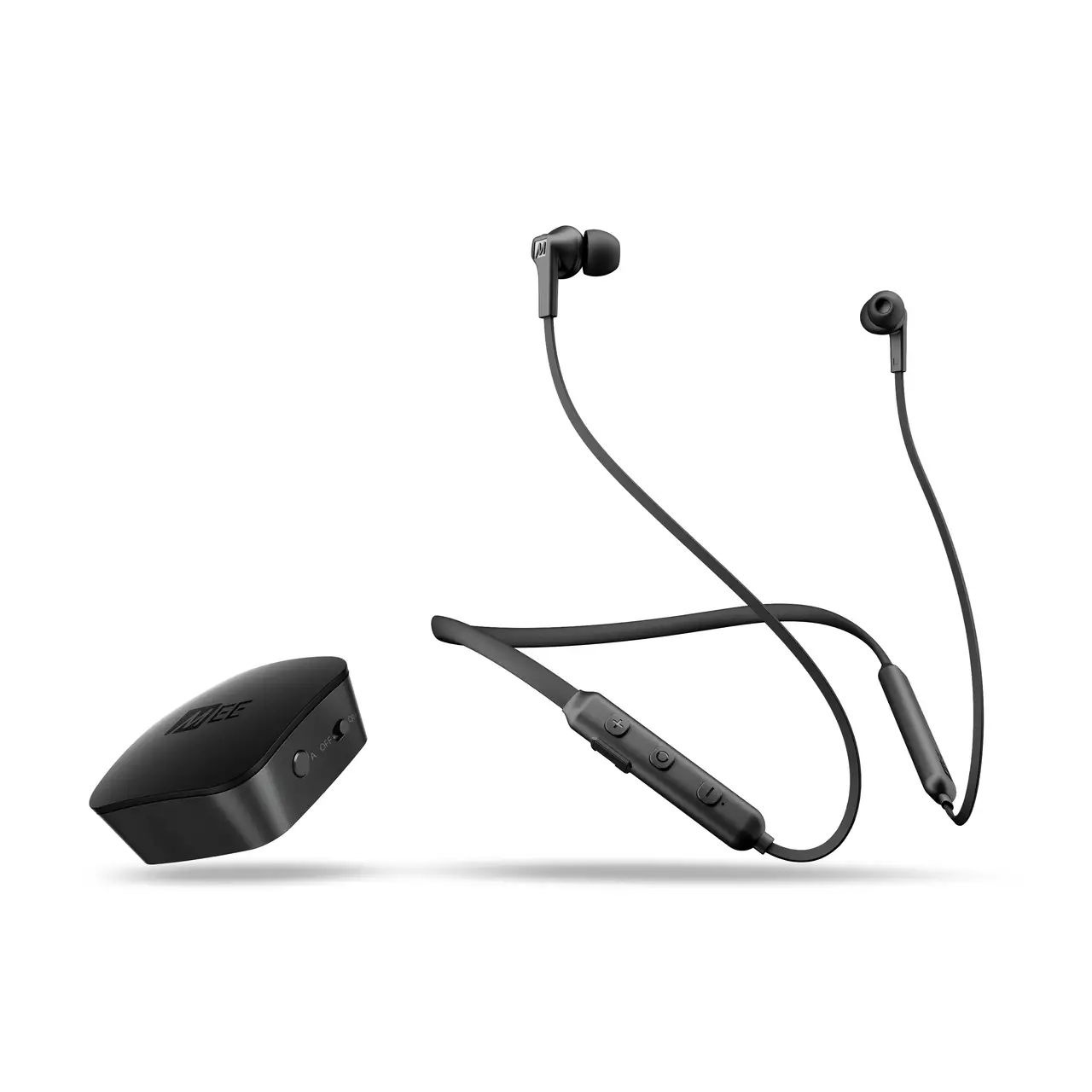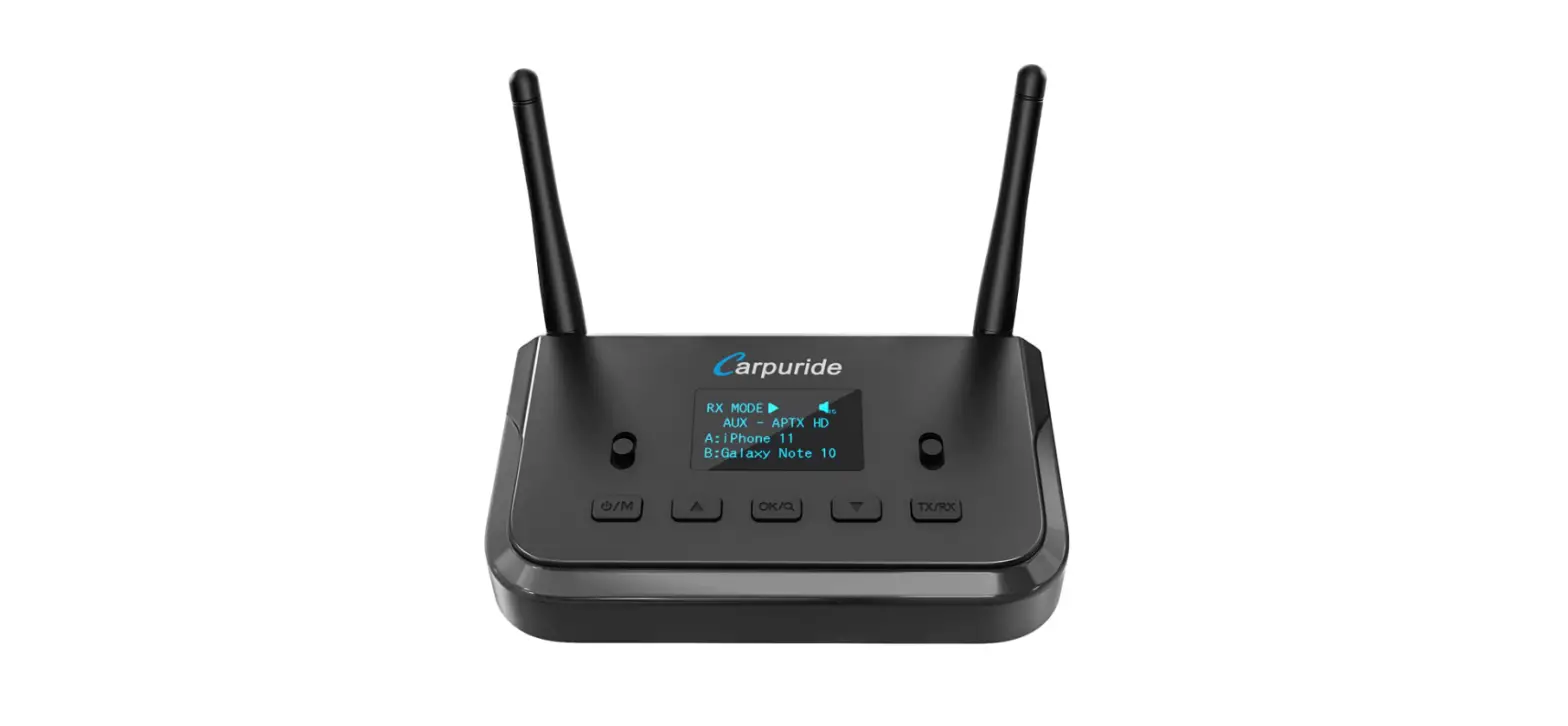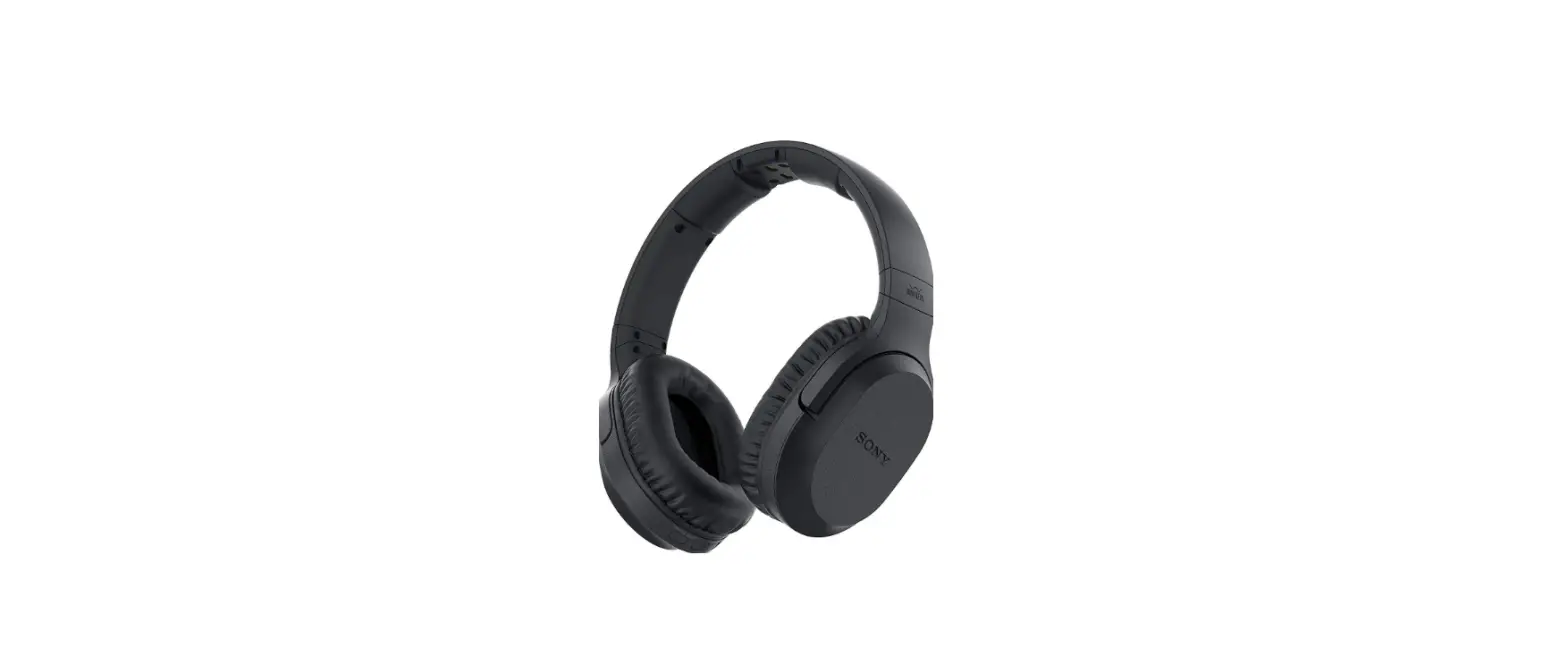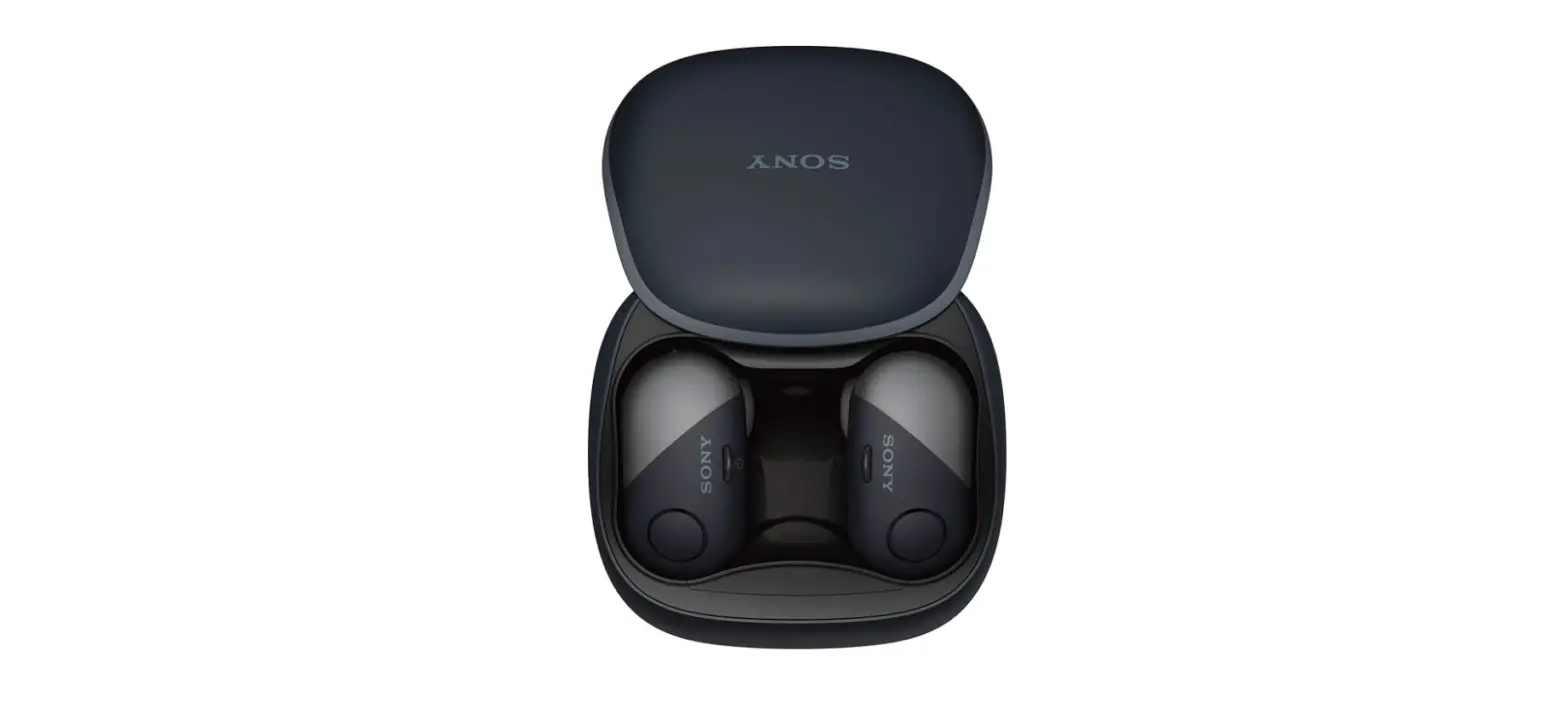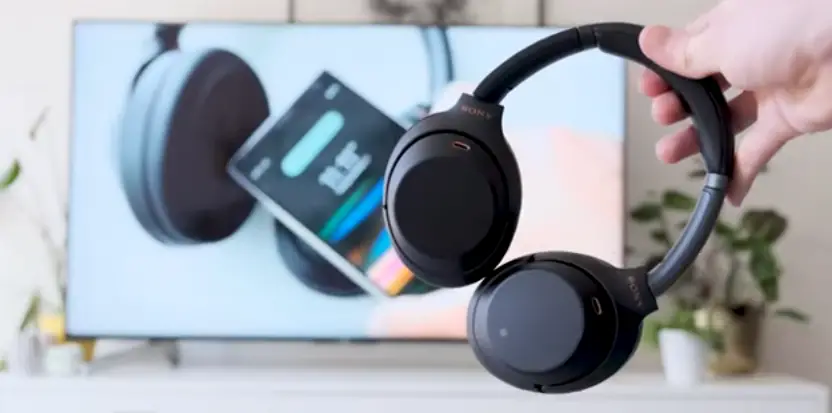
Pair Bluetooth Headphones with Sony TV
Hello and welcome to another how-to video from Sony. In this video, I will be showing you, how you can easily connect your Bluetooth headphones to your Sony Android TV.
When most people think about pairing devices through bluetooth. They probably think of their smartphone, but bluetooth is a much broader technology.
You may also want to connect your Android TV to your Bluetooth headphones. Maybe you want to keep the noise down or even just get the most out of the sound quality of your premium headphones.
STEP ONE: CHECK OUT SPECIFICATIONS
First of all the most important thing to check is whether your TV has the correct Bluetooth profile. You can find this in your product specifications on the Sony website.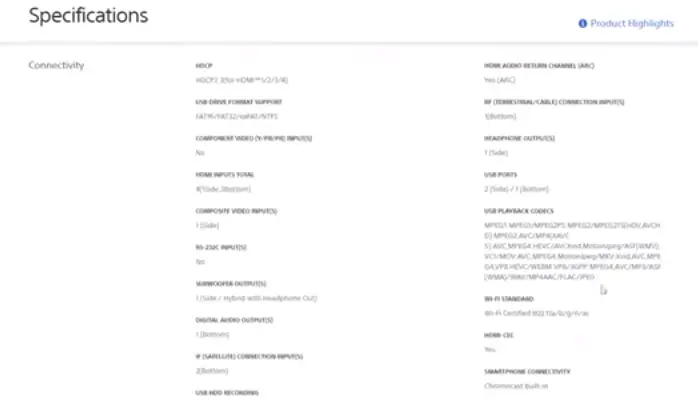
In your product specifications you’re looking for the A2DP profile. This relates to multi media or the A2DP profile is the advanced audio distribution profile.
This allows your TV to transfer high-quality audio signals over Bluetooth. Not every TV is equipped with this profile.
Check the specifications of your TV model on the Sony Support website. If your TV has this profile you’re good to go.
Check your specifications by visiting: sony.eu/support
NEXT STEP :
Let’s start with first-time Pairing.
Check that your headphones are not already connected to another device like your smart phone.
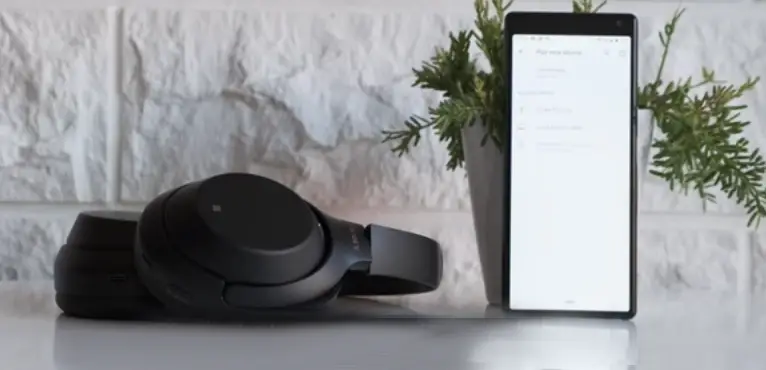
To make sure they are ready to pair, remember the seven second rules.
Long press the pairing button for at least seven seconds.
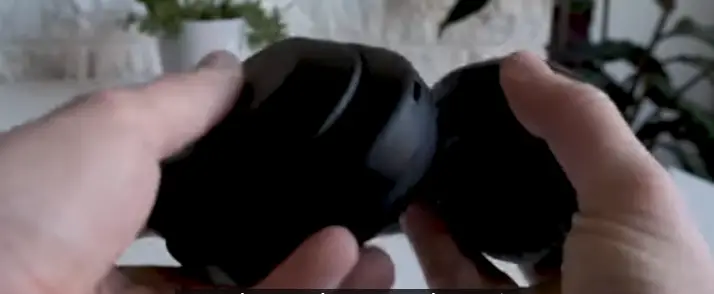
To make sure they are in pairing mode. Some headphones use the power button for this.
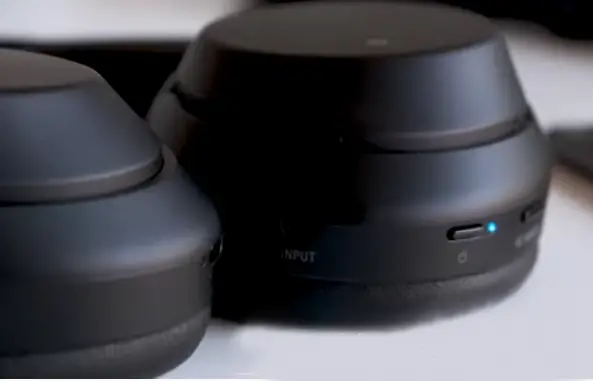
For your full pairing procedure, please refer to your manual.
Once your headphones are in pairing mode, you can then enter the settings of your TV and select the bluetooth menu.
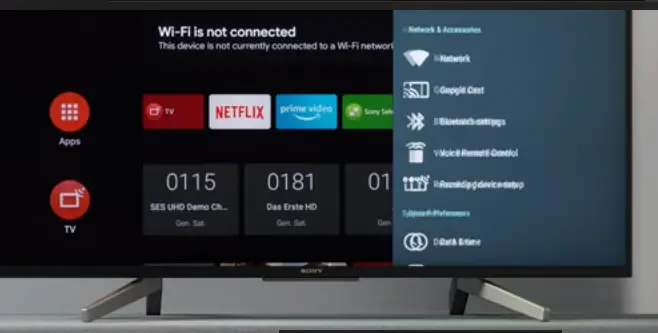
Here, you should see a list of available devices for pairing. In this case I’m trying to pair the XH-1000XM3 headphones, So I will select those from the TV menu.
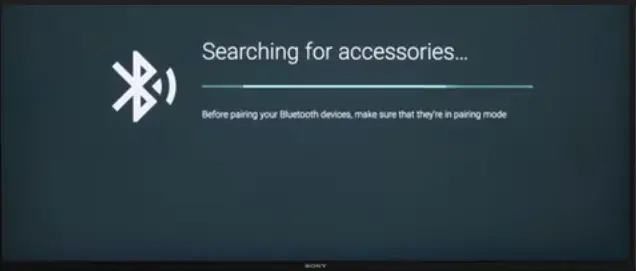
If you’re not seeing the device you want in the menu. there’s always the old classic of turning it off and on again.
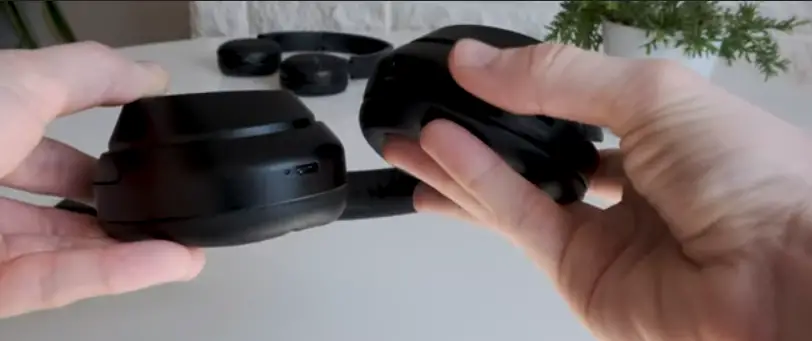
That goes for both the TV and the headphones though, in this case you can also try refreshing the Bluetooth option by disabling and re-enabling the Bluetooth connection on the TV.
It’s also worth double checking that your Headphones are not already connected to another device like your smartphone.
Something important to keep in mind when using Bluetooth headphones with your TV is the distance.
If you’re used to using bluetooth headphones with your phone then you normally don’t need to worry about this as your phone is probably in your pocket.
But your TV will most likely it be a little bit further away as a rule of thumb 10 meters is a maximum distance for connection.
So you shouldn’t need to worry about it while watching but maybe take off your headphones when you leave the room or you may interrupt the connection and have to pair the devices again.
Check out some of the links in the description for videos and articles on Bluetooth information and publish.