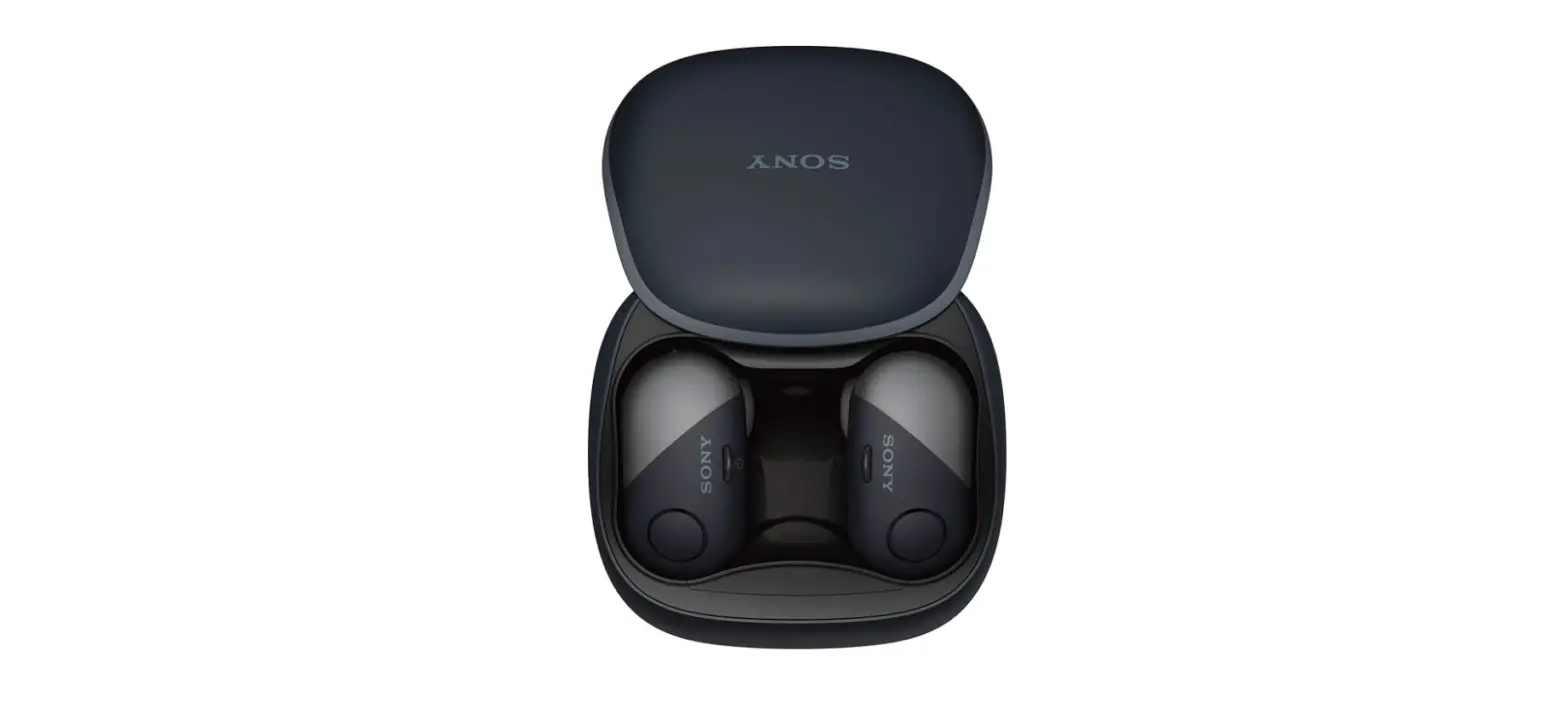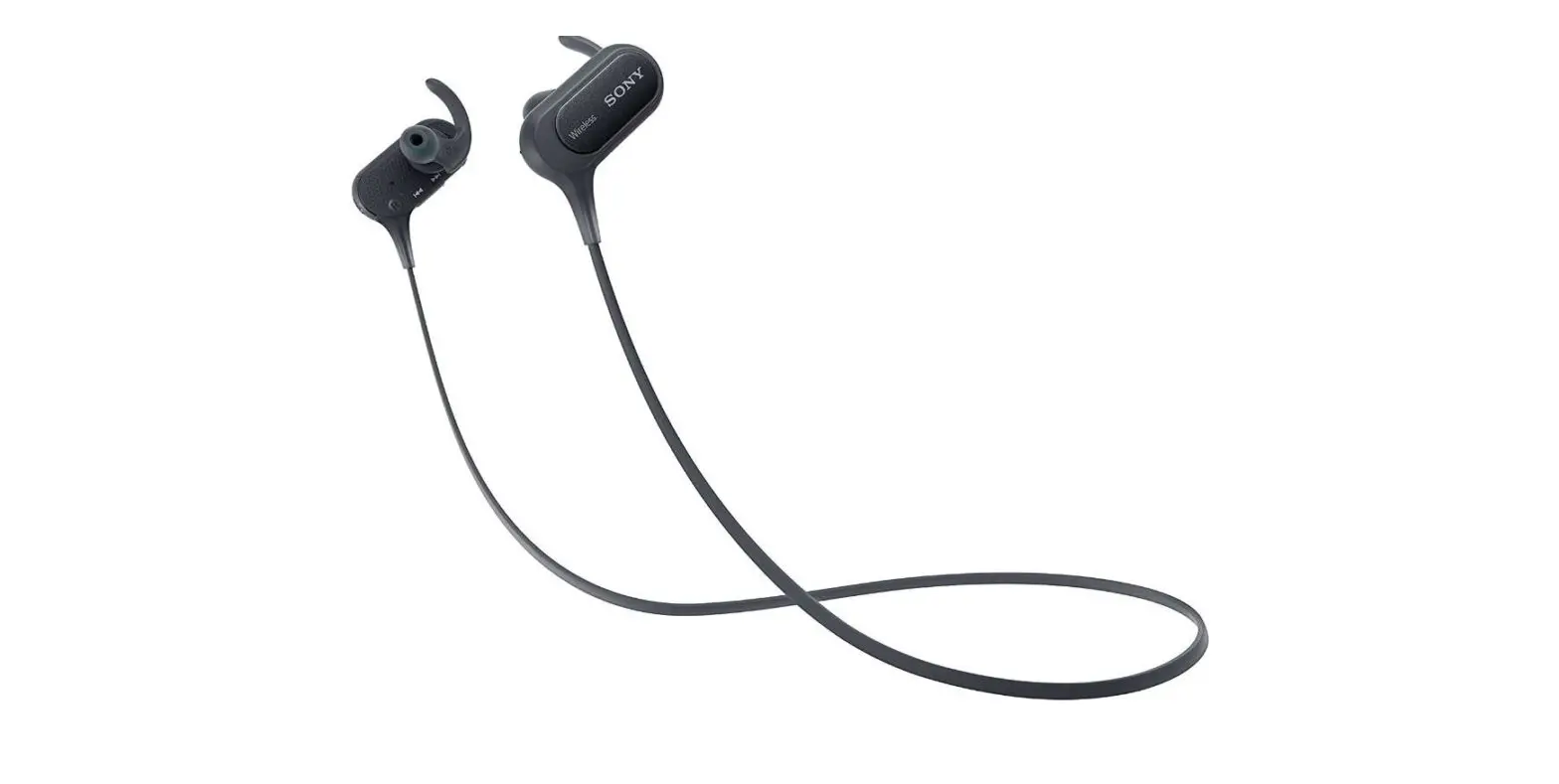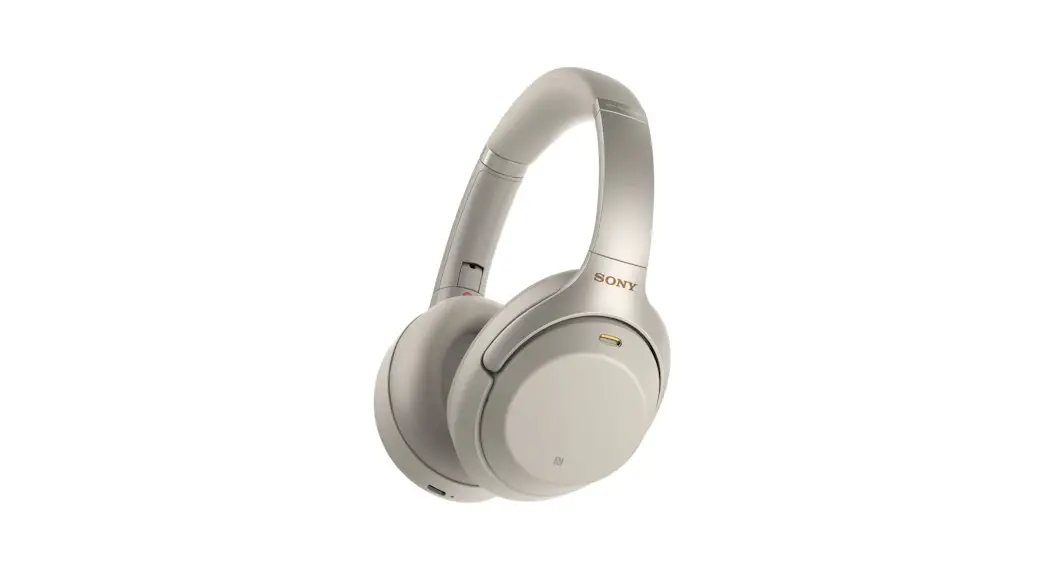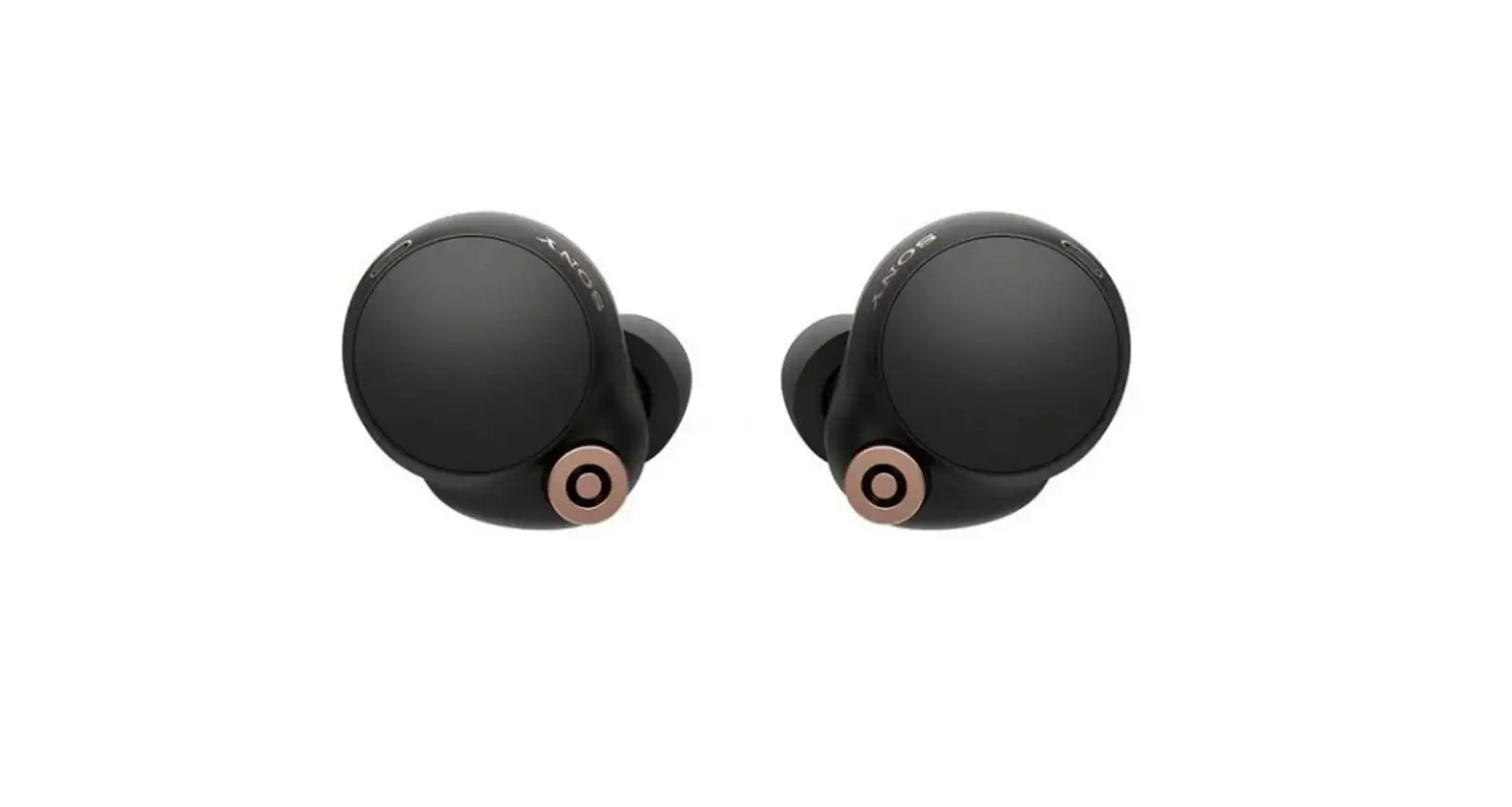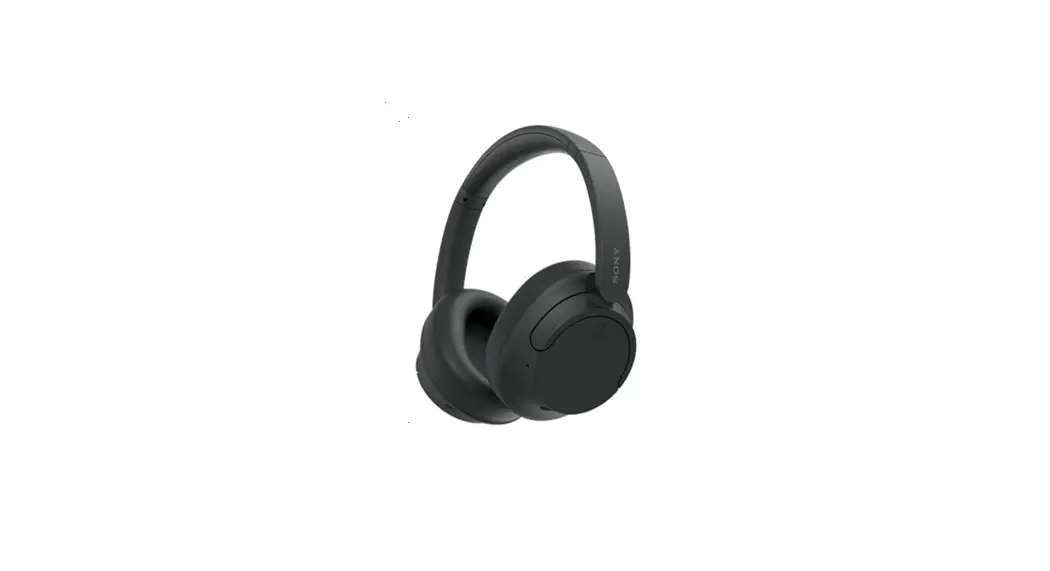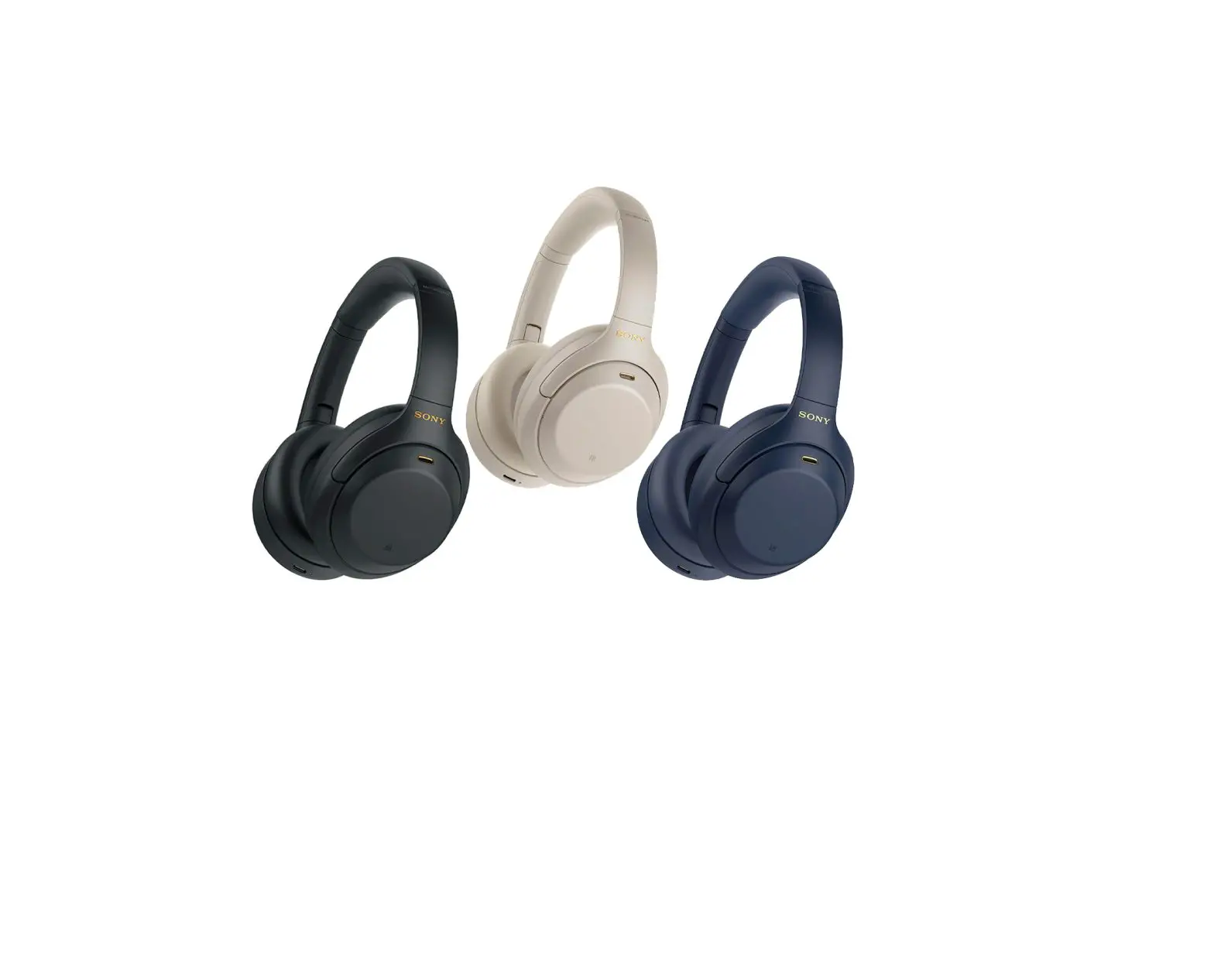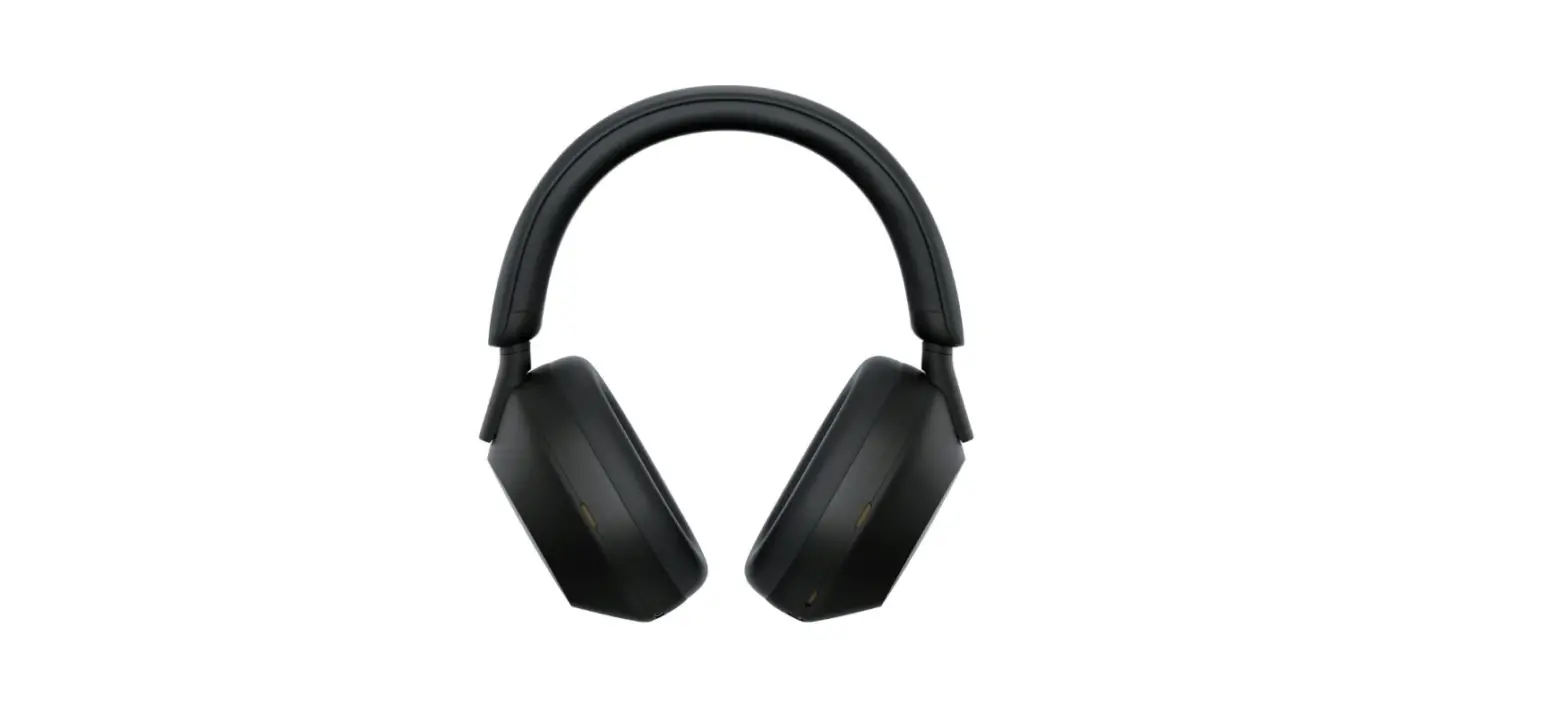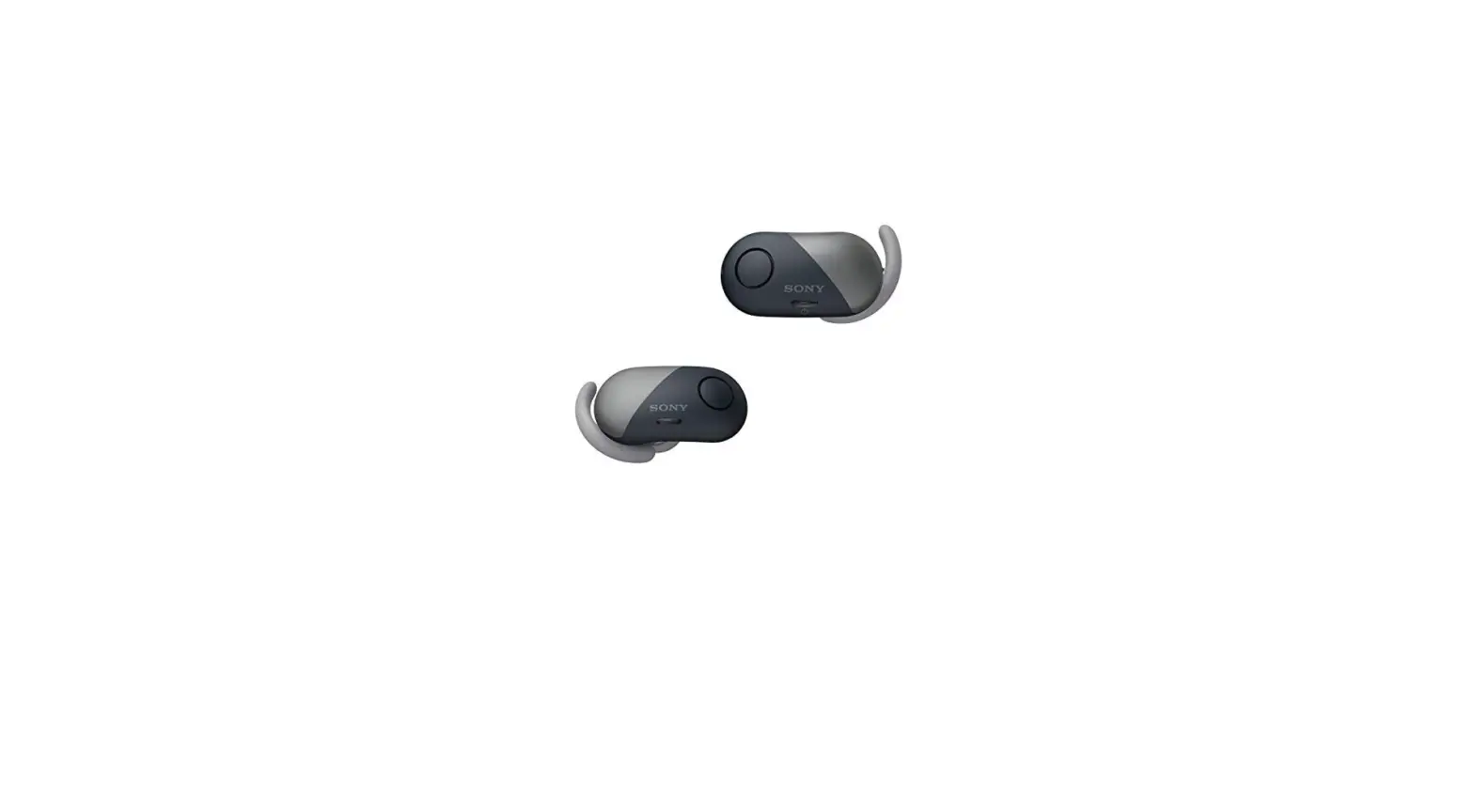

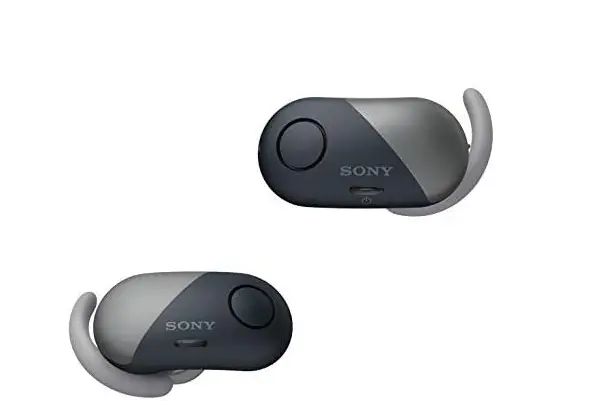
Sony True Wireless Bluetooth in-Ear Headphones: Noise Cancelling Sports
Specifications
- COMMUNICATION SYSTEM: Bluetooth Specification version 4.1
- OUTPUT: Bluetooth Specification Power Class 1
- MAXIMUM COMMUNICATION RANGE: Line of sight approx. 10 m1)
- FREQUENCY BAND: 2.4 GHz band (2.4000 GHz – 2.4835 GHz)
- OPERATING FREQUENCY: Bluetooth 2,400 MHz – 2,483.5 MHz NFC 13.56 MHz
- MAXIMUM OUTPUT POWER: Bluetooth < 10 dBm
- COMPATIBLE BLUETOOTH PROFILES2): A2DP (Advanced Audio Distribution Profile) AVRCP (Audio Video Remote Control Profile) HFP (Hands-free Profile) HSP (Headset Profile) Supported Codec3): SBC4), AAC5) Supported content protection method: SCMS-T
- TRANSMISSION RANGE (A2DP): 20 Hz – 20,000 Hz (Sampling frequency 44.1 kHz)
- Wireless noise-canceling stereo headset
- POWER SOURCE: DC 3.7 V: Built-in lithium-ion rechargeable battery DC 5 V: When charged using USB
- MASS: Approx. 7.6 g × 2 (Headset, not including the arc supporters) Approx. 45 g (Charging case)
- OPERATING TEMPERATURE: 0 °C to 40 °C
- RATED POWER CONSUMPTION: 1 W (Headset), 3 W (Charging case)
- USAGE HOURS: When connecting via the Bluetooth device
- MUSIC PLAYBACK TIME: Max. 3 hours (NC ON), Max. 3 hours (NC OFF)
- COMMUNICATION TIME: Max. 3.5 hours
- STANDBY TIME: Max. 8 hours (NC ON), Max. 35 hours (NC OFF)
Introduction
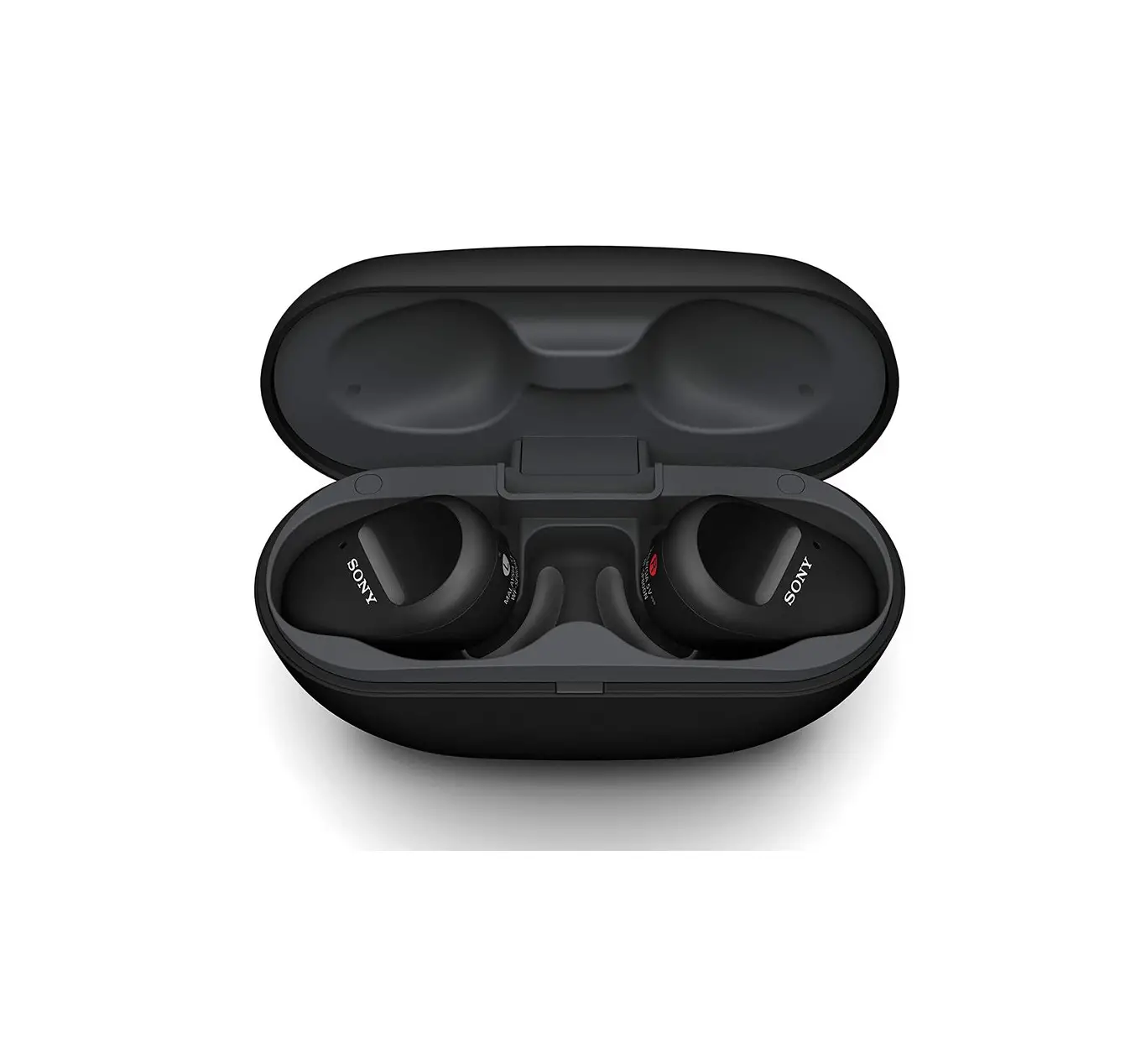
The WF-SP700N headphone set reduces noise and distractions for clear listening. It has ambient sound mode. It Combines music and ambient noises while working out outside. It is IPX4 certified to withstand splashes of sweat or rain whether working out at the gym or running outside The SP700N’s playback battery life may last up to 9 hours during exercises or sports training.
What’s in the box
- Wireless noise-canceling stereo headset (1)
- Micro-USB cable (approx. 50 cm) (1)
- Charging case (1)
- Long Hybrid silicone rubber earbuds (SS/S/M/L 2 each)
- Arc supporters (M/L 2 each)
- Reference Guide (this sheet) (1)
- Operating Instructions (1)
- Other documents (1 set)

- Do not install the appliance in a confined space, such as a bookcase or built-in cabinet.
- Do not expose the batteries (battery pack or batteries installed) to excessive heat such as sunshine, fire or the like for a long time.
- Do not dismantle, open or shred secondary cells or batteries. In the event of a cell leaking, do not allow the liquid to come in contact with the skin or eyes. If contact has been made, wash the affected area with copious amounts of water and seek medical advice.
Secondary cells and batteries need to be charged before use. Always refer to the manufacturer’s instructions or equipment manual for proper charging instructions. After extended periods of storage, it may be necessary to charge and discharge the cells or batteries several times to obtain maximum performance. Dispose of properly. The nameplate and important information concerning safety are located on the bottom exterior of the charging case.
Notice for customers: the following information is only applicable to equipment sold in countries applying EU directives
This product has been manufactured by or on behalf of Sony Corporation. EU Importer: Sony Europe Limited.
Inquiries to the EU Importer or related to product compliance in Europe should be sent to the manufacturer’s authorized representative, Sony Belgium, bijkantoor van Sony Europe Limited, Da Vincilaan 7-D1, 1935 Zaventem, Belgium. Hereby, Sony Corporation declares that this equipment is in compliance with Directive 2014/53/EU. The full text of the EU declaration of conformity is available at the following internet address: http://www.compliance.sony.de/
Disposal of waste batteries and electrical and electronic equipment (applicable in the European Union and other European countries with separate collection systems)
This symbol on the product, the battery or on the packaging indicates that the product and the battery shall not be treated as household waste. On certain batteries, this symbol might be used in combination with a chemical symbol. The chemical symbols for mercury (Hg) or lead (Pb) are added if the battery contains more than 0.0005% mercury or 0.004% lead. By ensuring these products and batteries are disposed of correctly, you will help prevent potentially negative consequences for the environment and human health which could otherwise be caused by inappropriate waste handling. The recycling of the materials will help to conserve natural resources.
In case of products that for safety, performance or data integrity reasons require a permanent connection with an incorporated battery, this battery should be replaced by qualified service staff only. To ensure that the battery and the electrical and electronic equipment will be treated properly, hand over these products at end-of-life to the applicable collection point for the recycling of electrical and electronic equipment. For all other batteries, please view the section on how to remove the battery from the product safely. Hand the battery over to the applicable collection point for the recycling of waste batteries. For more detailed information about recycling of this product or battery, please contact your local Civic Office, your household waste disposal service or the shop where you purchased the product or battery
The validity of the CE marking is restricted to only those countries where it is legally enforced, mainly in the countries EEA (European Economic Area). The Bluetooth® word mark and logos are registered trademarks owned by the Bluetooth SIG, Inc. and any use of such marks by Sony Corporation is under license.
The N-Mark is a trademark or registered trademark of NFC Forum, Inc. in the United States and in other countries. Windows is a registered trademark or trademark of Microsoft Corporation in the United States and/or other countries. Apple, iPhone, iPod, iPod touch, macOS and Mac are trademarks of Apple Inc., registered in the U.S. and other countries. Use of the Made for Apple badge means that an accessory has been designed to connect specifically to the Apple product(s) identified in the badge, and has been certified by the developer to meet Apple performance standards. Apple is not responsible for the operation of this device or its compliance with safety and regulatory standards.
Android is a trademark of Google LLC. Other trademarks and trade names are those of their respective owners.
Precautions
On BLUETOOTH® communications
- Bluetooth wireless technology operates within a range of about 10 m. Maximum communication range may vary depending on obstacles (human body, metal, wall, etc.) or electromagnetic environment.
- Bluetooth communications may be disabled, or noise or audio dropout may occur under the following conditions.
- There is a human body between the unit and the Bluetooth device.
- This situation may be improved by placing the Bluetooth device facing the aerial of the unit.
- There is an obstacle, such as metal or a wall, between the unit and the Bluetooth device.
- A Wi-Fi device or microwave oven is in use, or microwaves are emitted near the unit.
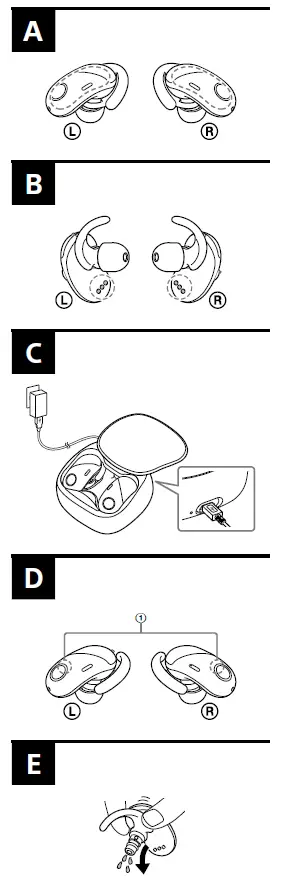
- The aerial is built into the unit as illustrated in the dotted line (Fig.a).
- The sensitivity of the Bluetooth communications will improve by removing any obstacles between the connected Bluetooth device and the aerial of this unit.
- Because Bluetooth devices and Wi-Fi (IEEE802.11b/g/n) use the same frequency (2.4 GHz), microwave interference may occur resulting in noise or audio dropout or communications being disabled if this unit is used near a Wi-Fi device. In such a case, perform the following.
- Use this unit at least 10 m away from the Wi-Fi device.
- If this unit is used within 10 m of a Wi-Fi device, turn off the Wi-Fi device.
- Install this unit and the Bluetooth device as near to each other as possible.
- Microwaves emitting from a Bluetooth device may affect the operation of electronic medical devices. Turn off this unit and other Bluetooth devices in the following locations, as it may cause an accident:
- Where inflammable gas is present, in a hospital, or a petrol station near automatic doors or a fire alarm.
- Due to the characteristic of the wireless technology, the sound played on this unit is delayed from the sound and music played on the sending device. Therefore, the image and sound may be misaligned when viewing a movie or playing a game.
- This product emits radio waves when used in wireless mode.
When used in wireless mode on an airplane, follow flight crew directions regarding the permissible use of products in wireless mode.
- This unit supports security capabilities that comply with the Bluetooth standard to provide a secure connection when the Bluetooth wireless technology is used, but security may not be enough depending on the setting. Be careful when communicating using Bluetooth wireless technology.
- We do not take any responsibility for the leakage of information during Bluetooth communications.
- Connection with all Bluetooth devices cannot be guaranteed.
- A device featuring Bluetooth function is required to conform to the Bluetooth standard specified by Bluetooth SIG, Inc. and be authenticated.
- Even if the connected device conforms to the above-mentioned Bluetooth standard, some devices may not be connected or work correctly, depending on the features or specifications of the device.
- While talking on the phone hands-free, noise may occur, depending on the device or communication environment.
- Depending on the device to be connected, it may require some time to start communications.
If sound skips frequently during playback
- The situation may be improved by setting the sound quality mode to “priority on stable connection.” For details, refer to the Help Guide.
- The situation may be improved by changing the wireless playback quality settings or fixing the wireless playback mode to SBC on the transmitting device. For details, refer to the operating instructions supplied with the transmitting device.
- If you are using a smartphone, the situation may be improved by shutting down unnecessary applications or rebooting the smartphone.
On the use of calling apps for smartphones and computers
- This unit supports normal incoming calls only. Calling apps for smartphones and computers are not supported.
On charging the unit
- This unit can be charged using USB only. A personal computer with a USB port is required for charging.
- This unit cannot be turned on, nor can the Bluetooth and noise-canceling functions be used, during charging.
- If the charging terminal is wet with water or sweat, it may cause the headset to not be able to be charged. Wipe it off immediately after use (Fig. B).
- If you do not use the unit for a long time, the rechargeable battery may not be able to keep sufficient charge. The battery will be able to keep a charge properly after repeatedly discharging and charging several times.
- If you store the unit for a long time, charge the battery once every half year to prevent over-discharge.
- If the length of time you can use the unit became extremely short, the rechargeable battery should be replaced with a new one. Please contact your nearest Sony dealer for a battery replacement.
Note on static electricity
- Static electricity accumulated in the body may cause mild tingling in your ears. To minimize the effect, wear clothes made from natural materials.
If the unit does not operate properly
- Reset the unit (Fig. c).
While charging, hold down the buttons on the L (left) and R (right) units simultaneously for more than 7 seconds. The pairing information and the other settings are retained
- If the problem persists even after the resetting operation Above, initialize the unit as follows. First, remove the unit from the charging case. Hold down the button on the L (left) side for more than 2 seconds and confirm that the units on the L (left) and R (right) sides turn off. Then hold down the buttons on the L and R sides simultaneously for more than 15 seconds. The indicator (blue) flashes 4 times, and the unit is reset to the factory settings. All pairing information is deleted.
- After the unit is initialized, it may not connect to your iPhone or computer. In this case, delete the pairing information of the unit from the iPhone or computer, and then pair them again.
What is noise-canceling?
- The noise-canceling circuit actually senses outside noise with built-in microphones and sends an equal-but opposite canceling signal to the unit.
- The noise-canceling effect may not be pronounced in a very quiet environment, or some noise may be heard.
- Depending on how you wear the unit, the noise-canceling effect may vary or a beeping sound (howling) may occur. In these cases, take off the unit and put it on again.
- The noise-canceling function works for noise in the low-frequency band primarily. Although noise is reduced, it is not canceled completely.
- When you use the unit in a train or a car, noise may occur depending on street conditions.
- Mobile phones may cause interference and noise. Should this occur, locate the unit further away from the mobile phone.
- Do not cover the microphones of the unit (1) with your hands. The noise-canceling function or the Ambient Sound Mode may not work properly, or a beeping sound (howling) may occur. In these cases, take your hands off of the microphones of the unit (Fig. D).
On wearing the unit
- After use, remove the headphones slowly.
- Because the headphones are of a high-density enclosure, forcing them against your ears may result in eardrum damage.
Pressing the headphones against your ears may produce a diaphragm click sound. This is not a malfunction.
Splash-proof of performance of this unit
- The charging case is not splashproof.
- The splashproof specifications of this unit are equivalent to IPX4 1) in IEC 60529 “Degrees of protection against ingress of water (IP Code)”, which specifies the degree of protection provided against the entry of water. However, the unit cannot be used in water. Unless the unit is used correctly, water may get into the unit and cause fire, electrocution, or malfunctions. Note the following cautions carefully and use the unit correctly. 1) IPX4 (degree of protection against splashing water):
Protected against water splashing from any direction.
Liquids that the splashproof performance specifications apply to
Applicable: Freshwater, tap water, perspiration Not applicable: Liquids other than those above (examples: soapy water, detergent water, water with bath agents, shampoo, hot spring water, pool water, seawater, etc.)
Splash-proof the performance of the unit is based on Sony measurements under the conditions described above. Note that malfunctions as a result of water immersion caused by misuse by the customer are not covered by the warranty.
To maintain splashproof performance
Note the following cautions carefully and use the unit correctly.
- Do not splash water forcibly against the cylindrical part from which sound is emitted. Doing so may deteriorate the splash-proof performance of the unit.
- Do not put the unit in water or use it in a humid place such as a bathroom.
- Do not drop the unit or expose it to mechanical shock. Doing so may deform or damage the unit, resulting in deterioration of splash-proof performance.
Wipe off with a soft dry cloth any water that gets on the unit. If water remains in the earbud holes, the sound may seem low or not be audible at all. In this case, remove the earbuds, face the sound conduit downward, and shake the sound conduit a couple of times (Fig. e).
- Do not leave the unit with water on it in cold places as the water may freeze. In order to avoid malfunctions, make sure that you wipe off water after use.
- If the unit is cracked or deformed, refrain from using the unit near water or contact your nearest Sony dealer.
Others
- Do not place this unit in a place exposed to humidity, dust, soot or steam, or in a car or place subject to direct sunlight.
- Using the Bluetooth device may not function on mobile phones, depending on radio wave conditions and location where the equipment is being used.
- High volume may affect your hearing.
- For traffic safety, do not use it while driving or cycling.
- Do not use the unit in places where it would be dangerous
if you are unable to hear ambient sounds, such as at railroad crossings, train station platforms, and construction sites.
- Keep earbuds clean. To clean the earbuds, wash them with a mild detergent solution.
- Do not subject the unit to excessive shock.
- Clean the unit with a soft dry cloth.
- Do not expose the unit to water. Remember to follow the precautions below.
Be careful not to drop the unit into a sink or other container filled with water. Do not use the unit in humid locations or bad weather, such as in the rain or snow.
- If you experience discomfort after using the unit, stop using the unit immediately.
- Install the earbuds firmly. If an earbud accidentally detaches and is left in your ear, it may cause injury.
- Since children may swallow small parts such as the unit and earbuds, store the unit in the charging case after use and keep it out of the reach of children.
- If you have any questions or problems concerning this unit that are not covered in this manual, please consult your nearest Sony dealer.
Optional replacement earbuds can be ordered from your nearest Sony dealer. Optional replacement arc supporters can be ordered from your nearest authorized Sony retailer.
Compatible iPhone/iPod models
You can use the unit with only the following models. Update your iPhone or iPod to the latest software before use.
- iPhone 7
- iPhone 7 Plus
- iPhone SE
- iPhone 6s
- iPhone 6s Plus
- iPhone 6
- iPhone 6 Plus
- iPhone 5s
- iPhone 5c
- iPhone 5
- iPod touch (6th generation)
(As of January 2018)\
Frequently Asked Questions
- What about Sony earbuds?
Sony provides a fantastic selection of in-ear headphones, whether you want wired earbuds with great quality. All of the Sony models listed here have respectable battery life, and some of them include active noise-canceling to make your surroundings quieter if you use wireless headphones. - Are Bose earbuds superior to Sony models?
Both pairs of headphones are well-made, but the Bose has a more secure in-ear fit, a more balanced sound profile by default that some users might like, and its ANC can filter out more background noise. The Sony, though, is more comfortable and has superior battery life. - Is Sony superior to Jabra?
The overall battery life is the same, but the Jabra is more comfortable, offers better controls, and has a substantially smaller casing. Additionally, they perform better in terms of noise isolation. However, some people may prefer Sony’s more neutral sound profile. - Is the Sony WF-1000XM4 a good investment?
High-quality wireless earbuds like the WF-1000XM4 are still a solid choice in 2022. Although they are pricey, after testing a number of the less costly choices available today, it is clear that you are getting what you pay for in this case. - Bose or Sony WH 1000XM4: which is superior?
For some listeners, the Sony WH-1000XM4 Wireless is superior to the Bose 700 Headphones Wireless. The Sony has a longer continuous battery life and greater noise isolation capabilities. They provide additional talk-through controls, which are perfect for users who want to be conscious of their surroundings as they listen. - Which is better, Bose or Jabra?
The Jabra is cozier and has less sound leakage. The Bose, on the other hand, is more reliable, performs better in terms of noise isolation, and has longer continuous battery life. - Which is superior, JBL or Jabra?
The Jabra headphones last longer on a single charge, offer volume control, and are better constructed and sturdier. The JBL Tune 120, on the other hand, are a little comfier and more come with an extra fee. Additionally, the Jabra has an app that enables some audio personalization. - Is Jabra a U.S. business?
Danish company Jabra is known for its audio equipment and, more recently, its videoconference solutions. It is owned by the Danish business GN Group’s division GN Audio. For consumers and corporate clients, Jabra designs, produces and sells corded, true wireless, and wireless headphones. - When was Jabra born?
Twenty years before the start of the series, a fifteen-year-old Jabra was seen learning the Rokushiki technique and participating in assassination with the other CP9 recruits on Guanhao after Gol D. Roger was killed. He was also seen with a ten-year-old Blueno and an eight-year-old Rob Lucci. - Is the Sony 1000XM4 water-resistant?
The headphone is not water-resistant. The headset might catch on fire or shock you if water or other foreign objects get inside of it. If water or other foreign objects get inside the headset, stop using it right once and contact your local Sony dealer.